Best AI Collaboration Tools in 2026: 9 Tools Compared
WLWPLegible EditorsLast verified 24 Nov 2026How we rank12 min read
★ Short answer
Notion is the best AI collaboration tool for most teams. Its Business plan costs $20 per member a month billed yearly and includes Notion Agent, AI Meeting Notes and Enterprise Search across all your docs. Pick Miro for visual collaboration at $8 a user a month, or ClickUp for an all-in-one AI workspace at $12 a user a month.
How we make this list: we compare pricing pages, product documentation and public user reviews, then re-check every price before each update. No product paid for a place. Disclosure.
Notion Business is the best all-round pick at $20 a member a month, with an agent, AI meeting notes and enterprise search.
Miro is the best visual pick at $8 a user a month, with AI clustering and unlimited boards on Starter.
ClickUp is the best all-in-one at $12 a user a month, with tasks, docs, chat and Brain in one app.
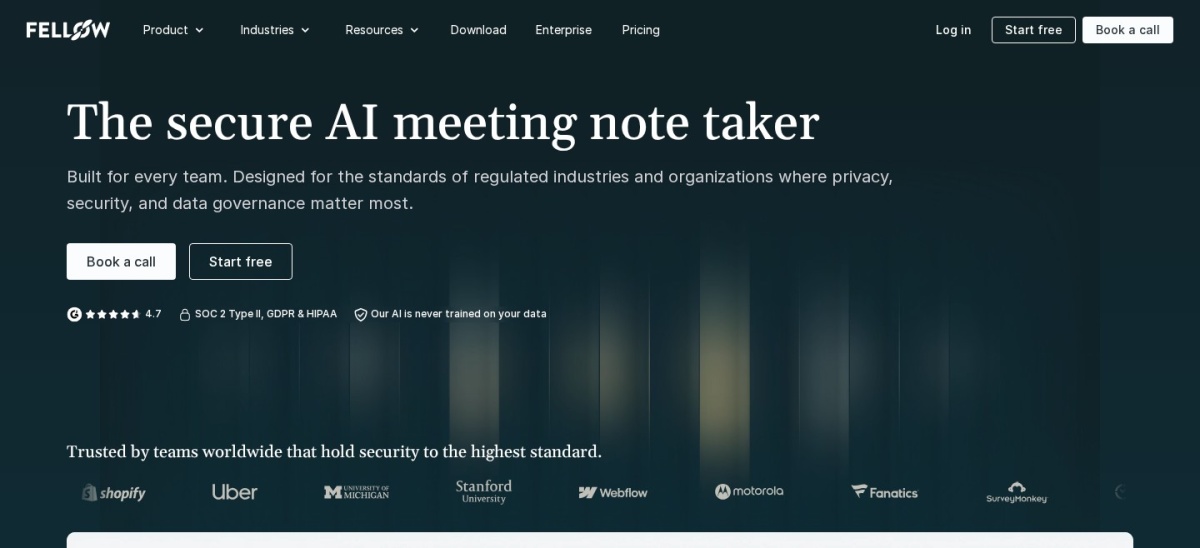
Fellow is the cheapest start at $7 a user a month, with agendas and AI notes attached to action items.
Slack AI is left out as a $15 a user add-on, not a standalone tool.
What AI collaboration tools should cover
AI collaboration tools split into three jobs: docs and knowledge such as Notion, visual boards such as Miro, and task work such as ClickUp and Asana, with meeting tools such as Fellow, Otter.ai, Fireflies and Krisp capturing what happens in the call.
The cheapest plan is not always the cheapest AI plan. Notion includes full AI only on Business at $20 a member, while Miro sells AI as credits and ClickUp includes AI credits on new plans.
Meeting notes are the fastest-growing AI feature here. Fellow attaches notes to agendas, Otter.ai transcribes live, Fireflies searches across meeting history, and Krisp removes noise before the AI writes anything.
Prices run from $7 a user a month for Fellow Team to $20 a member a month for Notion Business. Every tool offers a free plan or trial except Krisp and Motion, which offer 7-day trials only.
Notion is a single home for team knowledge, with pages, databases, wikis and project trackers in one place, so AI can search across them instead of guessing from one document. Business costs $20 per member a month billed yearly and includes Notion Agent, AI Meeting Notes and Enterprise Search.
The trade off is that full AI lives only on Business. Plus at $10 a member a month and the free plan get only a trial of the AI, a shared pool of complimentary responses, not the full suite. It suits teams that keep docs current and want an agent that completes multi-step tasks.
Miro is the visual end of team collaboration, where teams map ideas on sticky notes, cluster them with AI, build diagrams and run workshops on one board. Starter costs $8 per user a month billed yearly and covers unlimited boards, private access controls and AI credits.
The trade off is that AI credits are limited. Free gets 10 credits per team a month and Starter gets 25 per member, so heavy AI use runs out fast. It suits remote teams that think together on a shared canvas and run workshops.
ClickUp is an all-in-one workspace for tasks, docs, chat and team AI, with Brain, an assistant that runs on Claude, ChatGPT and Gemini, and Super Agents that take actions on your work. It costs $12 per user a month, with a free plan for testing and AI credits included on new plans.
The trade off is plan churn. ClickUp restructured its plans in 2026, with new Core plans from $8 and legacy Unlimited at $7, so the $12 figure is the regular price for the current all-in-one plan. It suits teams consolidating tasks, docs and chat on one seat.
Asana AI brings automation to project work through AI Studio, which lets process-heavy teams build no-code AI workflows that triage requests, draft updates and move work forward without manual steps. Starter costs $10.99 per user a month billed yearly, with a free Personal tier for individuals.
The trade off is metering. AI is included from Starter but metered with monthly limits per plan, and extra usage is billed per request. It suits teams that coordinate cross-functional work and want structured execution with AI teammates.
Fellow is a meeting-management tool that grew an AI note taker, so notes attach to a shared agenda and action items rather than sitting in a separate library. Team costs $7 per user a month billed yearly for 10 AI notes per user a month, with a free plan offering 5 AI notes and 5 recordings per user for the lifetime of the account.
The trade off is the free plan cap. Five AI notes per user for the lifetime of the account is enough to test, not to run on, and unlimited notes start on Business at $15 a user a month. It suits security-conscious teams that want structured agendas and action item tracking.
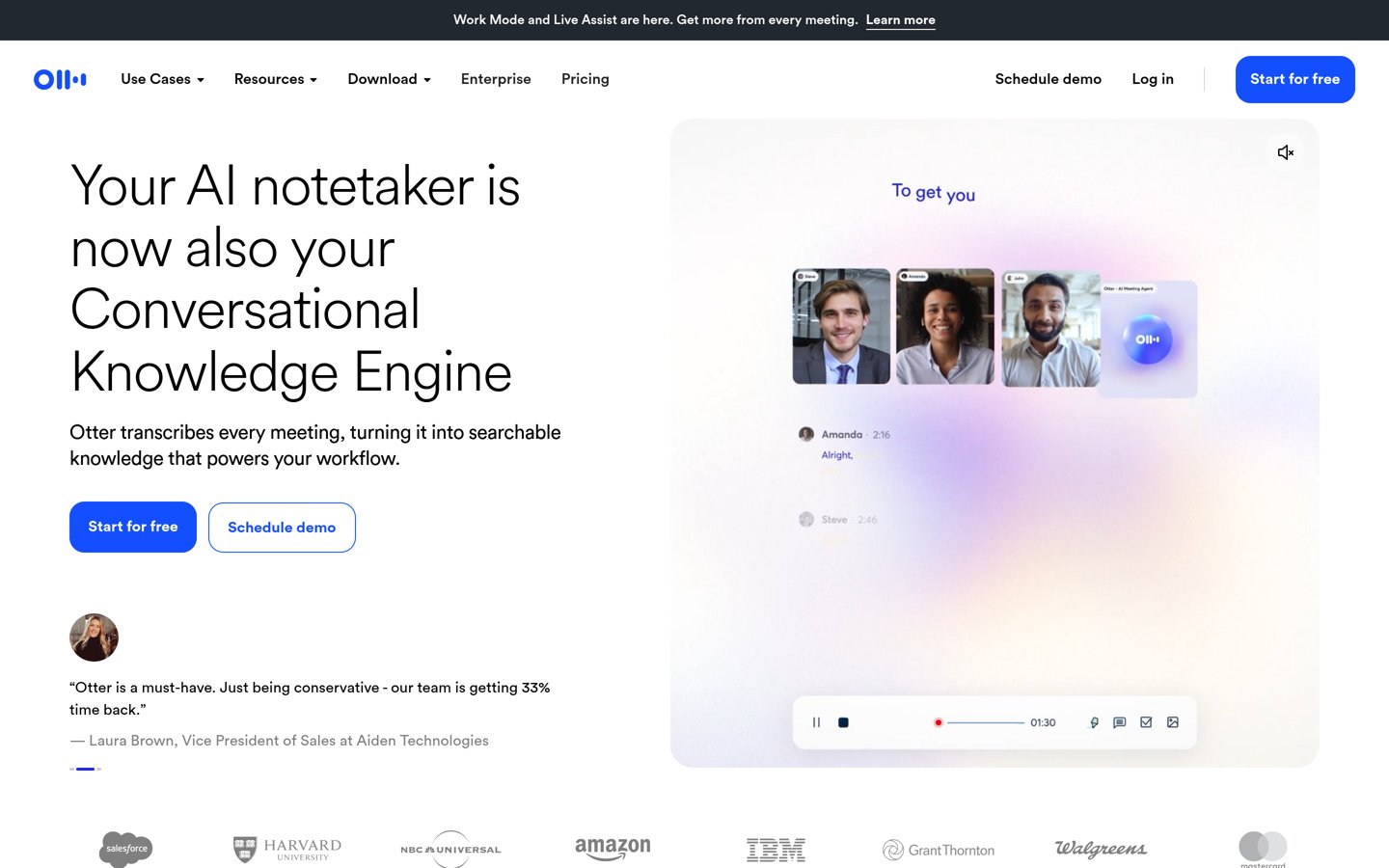
Otter.ai transcribes meetings live, producing searchable notes with speaker labels and pairing transcripts with video replay and slide capture for later review. Pro costs $8.33 per user a month billed yearly for 1,200 minutes a month, with a free plan offering 300 minutes a month.
The trade off is the free plan cap. Free allows 300 minutes a month, 30 minutes per meeting, and only the most recent meetings stored, and HIPAA compliance needs Enterprise. It suits teams that want live captions and searchable notes during English meetings.
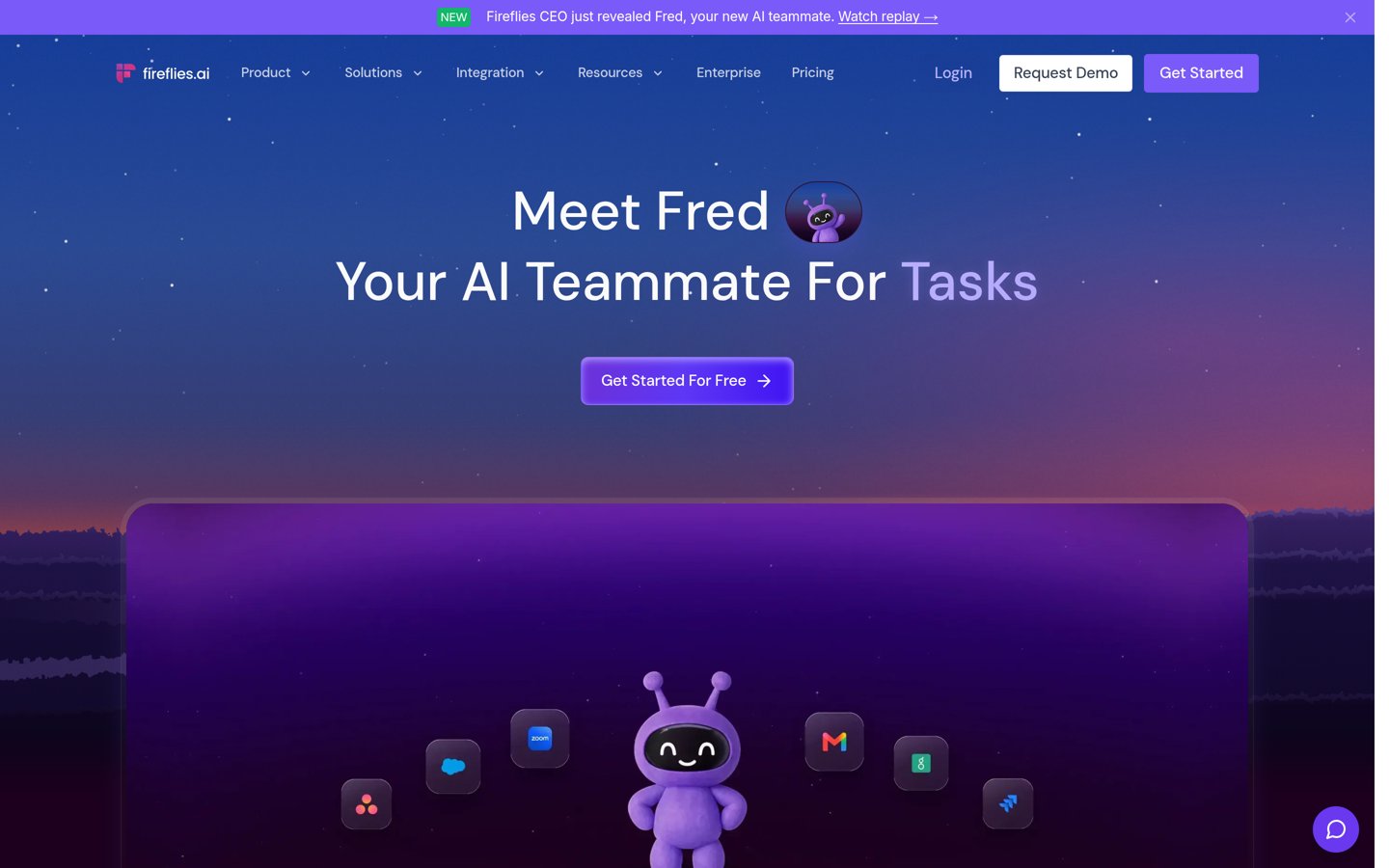
Fireflies.ai records meetings, auto-transcribes them and generates AI summaries you can search across conversations, with deep CRM and Slack integrations. Pro costs $10 per seat a month billed yearly for 8,000 minutes of storage per seat, with a free plan offering 400 minutes of storage per team.
The trade off is compliance. HIPAA compliance is Enterprise-plan only, and the free plan storage is shared across the team. It suits high-volume, collaboration-heavy teams that want call data flowing into CRM and project tools.
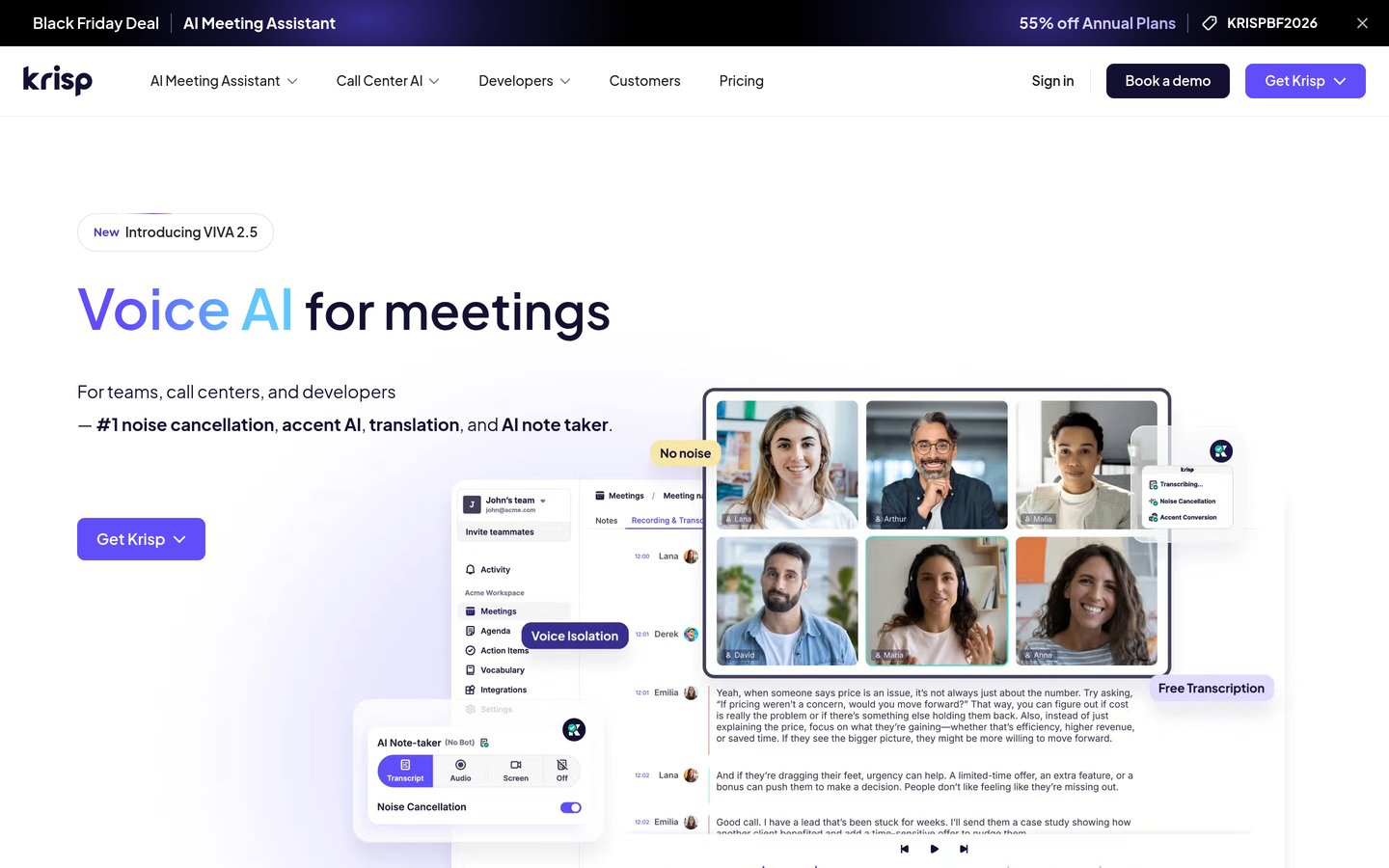
Krisp adds noise cancellation to meeting notes, removing background noise, voices and echoes in real time while its AI writes summaries and action items. Core costs $8 per user a month billed yearly for 10GB of storage and 1 hour a day of accent conversion, with a 7-day trial and no free plan.
The trade off is that there is no free plan. Krisp offers a 7-day trial only, and it works best as a companion to a full note taker rather than a replacement. It suits teams in noisy environments that want clean audio and bot-free notes.
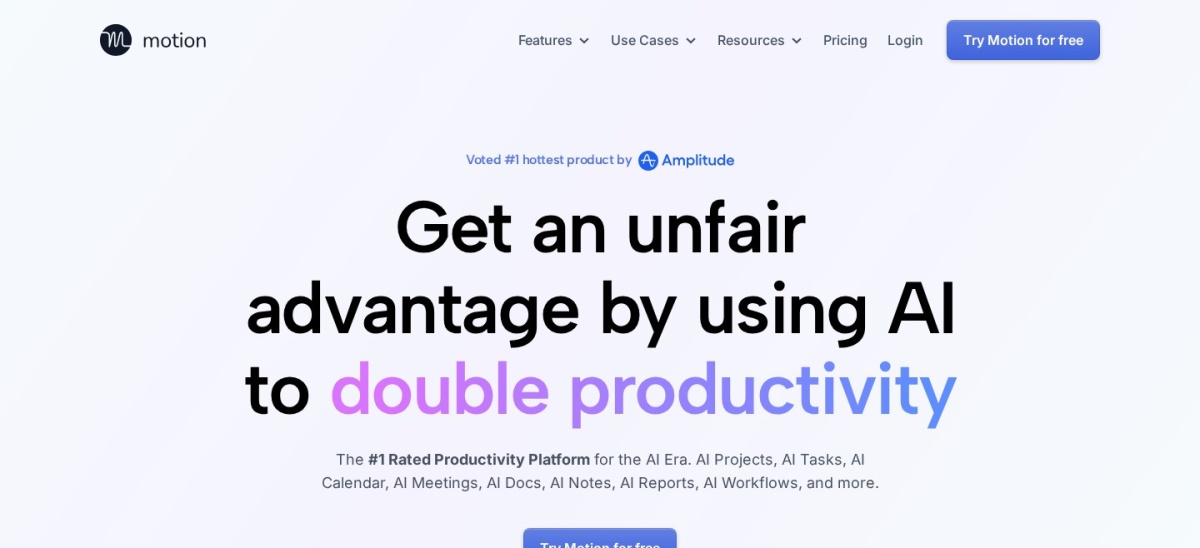
Motion is an AI-powered productivity app that auto-schedules tasks, meetings and projects into your calendar, rebuilding your day when plans change, with an AI meeting recorder that turns notes into scheduled assignments. Pro AI costs $19 per seat a month, with Business AI at $29.
The trade off is rigidity and price. Motion's auto-scheduling feels inflexible to some teams, its mobile app is weak, and $19 a seat is premium for a scheduler. It suits teams that want hands-off AI scheduling and never want to miss a deadline.
The cheapest plan is not always the cheapest AI plan
Notion Plus at $10 a member a month covers collaboration well, but full AI, including Agent, AI Meeting Notes and Enterprise Search, sits on Business at $20 a member a month. Plus and Free get only a trial of the AI.
Miro Starter at $8 a user a month includes 25 AI credits per member a month, while Business at $20 adds Sidekicks and more AI tools. ClickUp's new Core plans start at $8 with AI credits included, while the regular all-in-one price used here is $12 a user a month.
Check what the entry price actually includes before you compare totals, and trial the AI on your real docs, boards and meetings.
How we chose
We started from the best-known AI collaboration platforms with published pricing and a G2 rating, then kept nine that cover docs, boards, task work, meetings and scheduling.
Prices come from each vendor's pricing page and recent pricing checks, read on 24 November 2026. Ratings and review counts come from G2 on the same day. Where a vendor shows a sale, the list shows the regular price.
We left out Slack AI, which is a $15 a user add-on rather than a standalone tool. No vendor paid for a place, and we do not claim hands-on testing for this list.
How to choose AI collaboration tools
Start with where your team works, then check what the entry price actually includes.
Pick docs, boards or tasks first. If your team lives in docs, start with Notion. If it lives on boards, start with Miro. If it lives in tasks, start with ClickUp or Asana.
Check what the entry price includes. Notion needs Business at $20 for full AI, Miro Starter includes 25 AI credits a member, and ClickUp includes AI credits on new plans.
Add a meeting tool if you need one. Fellow attaches notes to agendas, Otter.ai transcribes live, Fireflies searches meeting history, and Krisp removes noise first.
Trial on real work. Run the trial on your live docs, boards and meetings, so you learn the true AI credit and minute cost before you commit.
FAQ
What is the best AI collaboration tool?
Notion is the best pick for most teams. Its Business plan costs $20 per member a month billed yearly and includes Notion Agent, AI Meeting Notes and Enterprise Search across all your docs.
How much do AI collaboration tools cost?
Prices in this list run from $7 a user a month for Fellow Team to $20 a member a month for Notion Business. Miro Starter costs $8 a user, ClickUp $12 a user, and Asana Starter $10.99 a user.
Is there a free AI collaboration tool?
Yes. Notion, Miro, ClickUp, Asana, Fellow, Otter.ai and Fireflies all offer free plans. Krisp and Motion offer 7-day trials only.
What is the difference between Notion AI and ClickUp Brain?
Notion AI searches across your docs, wikis and databases and completes multi-step tasks with an agent. ClickUp Brain runs on Claude, ChatGPT and Gemini and acts on tasks, docs and chat in one workspace.
Do these tools replace meeting note takers?
Notion includes AI Meeting Notes on Business, and Motion records meetings too. Dedicated note takers such as Fellow, Otter.ai, Fireflies and Krisp go deeper on transcription, search and compliance.
Why is Slack AI not listed?
Slack AI is a $15 a user add-on on Business Plus, not a standalone tool, and its G2 rating covers Slack as a whole. Teams already on Slack get the same catch-up from Otter.ai or Fireflies at a lower price.