WLWPLegible EditorsLast verified 24 Nov 2026How we rank12 min read
★ Short answer
Cursor is the best AI code editor for most developers. Its Plus plan costs $8 a month and covers Cursor models, with an agent mode that plans and executes multi-file changes across your whole codebase. Pick GitHub Copilot for the best value at $10 a month, or Claude Code for terminal-native refactors at $20 a month.
How we make this list: we compare pricing pages, product documentation and public user reviews, then re-check every price before each update. No product paid for a place. Disclosure.
Cursor is the best all-round pick at $8 a month, with the deepest AI integration in a familiar VS Code-like editor.
GitHub Copilot is the best value at $10 a month, working in every major editor with 2,000 free completions a month.
Claude Code has the highest G2 rating here at 4.7, and suits terminal-native developers at $20 a month via Claude Pro.
Continue.dev is free and open source, though its team joined Cursor and the project is now frozen.
Amazon Q Developer is closed to new signups and Zed has no verifiable rating, so neither is listed.
What AI code editors should cover
AI code editors split into two philosophies: assistants that plug into the editor you already use, such as GitHub Copilot and JetBrains AI, and AI-native environments rebuilt around the model, such as Cursor and Windsurf.
The current generation plans and executes multi-file changes, runs tests, fixes failures and explains what it did. The differentiators are model quality, context handling across large codebases, agent autonomy and where your code is allowed to go.
Pricing has settled into a familiar shape: generous free tiers, roughly $10 to $20 a month for individuals, and $39 and up for enterprise seats with privacy controls. Cursor restructured its pricing in 2026, so Plus at $8 covers Cursor models only.
Ownership changed fast in 2026: Windsurf merged into Devin, Tabnine was acquired by Tricentis, Continue.dev's team joined Cursor, and Amazon is steering Q Developer users to Kiro, so roadmaps and quotas change fast.
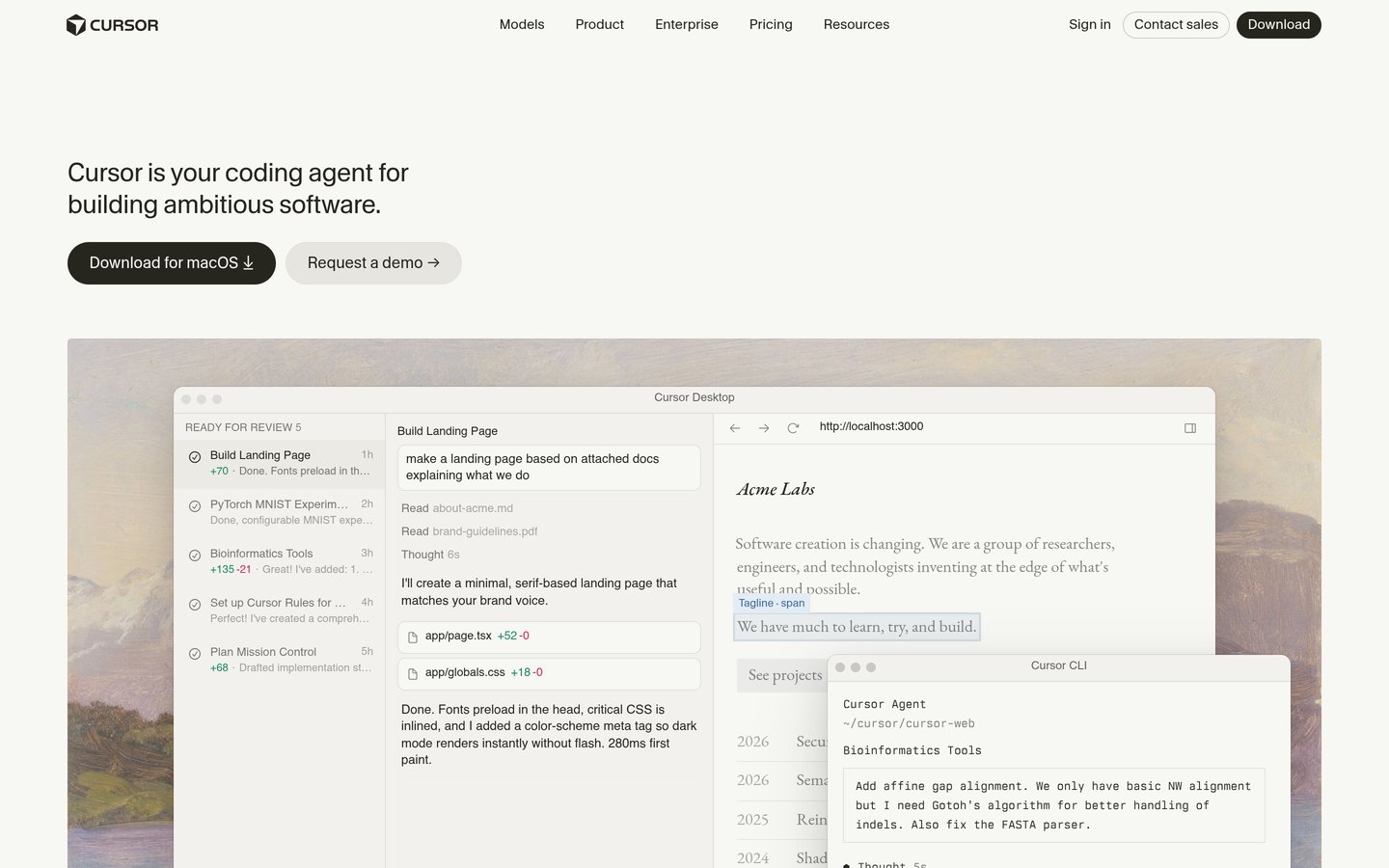
Cursor is an AI-first code editor built as a fork of VS Code, with an agent mode that plans and executes multi-file changes, inline editing and codebase-wide chat that understands repo structure. Plus costs $8 a month for Grok models only, with Premium at $30 a month for third-party models, and a free Hobby plan for light use.
The trade off is the 2026 pricing restructure. Plus at $8 covers Cursor models only, and Claude, GPT and Gemini cost extra at API list price on top of the plan, while legacy Pro at $20 stays only for existing subscribers. It suits professional developers who want the deepest AI integration in a familiar editor.
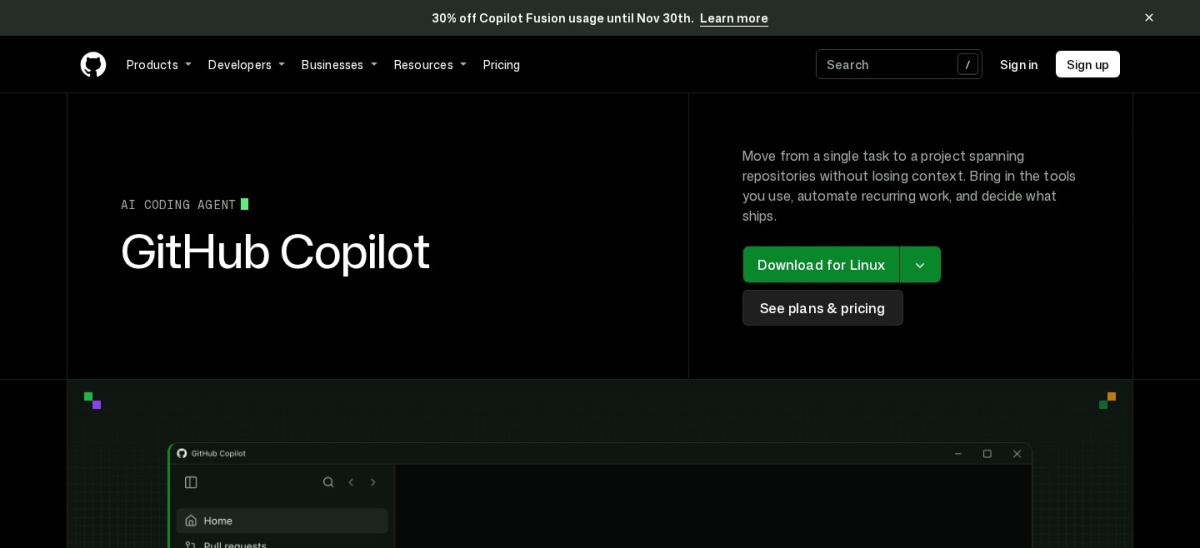
GitHub Copilot is an AI pair programmer that lives in VS Code, JetBrains, Visual Studio, Xcode and the CLI, with inline completions, chat, code review and an agent mode that can take an issue and open a pull request. Pro costs $10 a month and includes $15 of AI credits, with a free tier offering 2,000 completions a month.
The trade off is agent power. Copilot's agent mode is less powerful than Cursor or Claude Code on complex multi-file refactors, and suggestions need review on complex logic. It suits individual developers and teams that want AI inside the editor they already use at the lowest price.
Claude Code is Anthropic's agentic coding tool that works from the terminal, reading your codebase, planning multi-step changes, executing them and iterating on failures. It is included with Claude Pro at $20 a month, with no free tier, and many senior engineers consider it the strongest agent for large refactors.
The trade off is the terminal-first design. Claude Code is a feature for developers who live in tmux and git, and a barrier for everyone else, and usage costs can spike on big tasks. It suits terminal-native developers tackling large, complex refactors.
Windsurf is a VS Code-based AI editor with the Cascade agent, session memory that remembers your conventions, and solid multi-file editing. Pro costs $20 a month, with Max at $200, and the free tier includes unlimited tab completions with a light model quota.
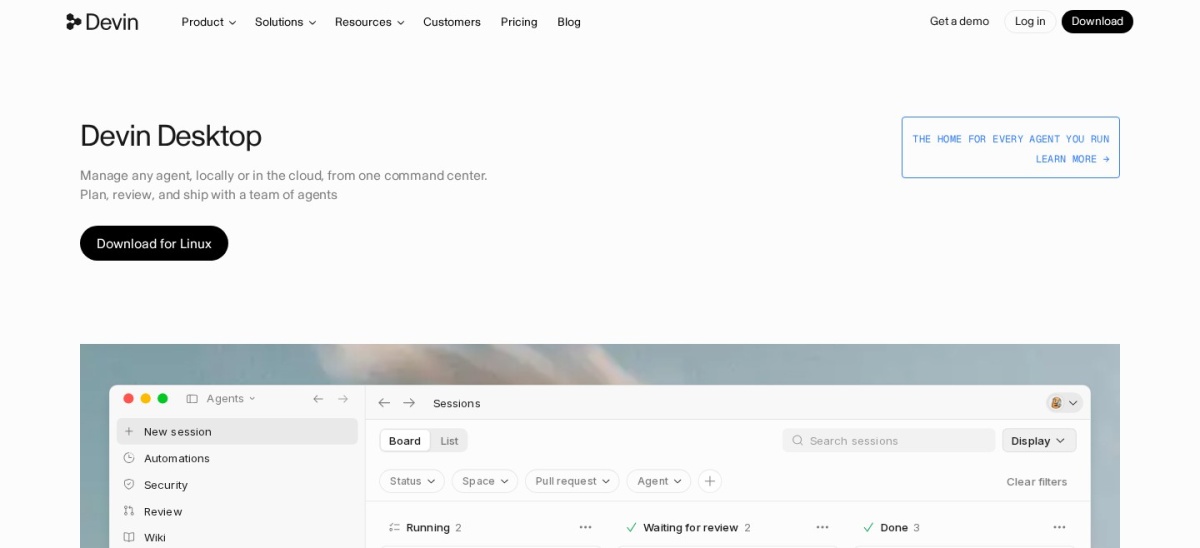
The trade off is ownership. Windsurf was acquired by Cognition, the Devin company, and now sells as Devin Desktop, with its pricing page redirecting to Devin. It suits developers who want an agentic IDE close to VS Code at a flat $20 a month.
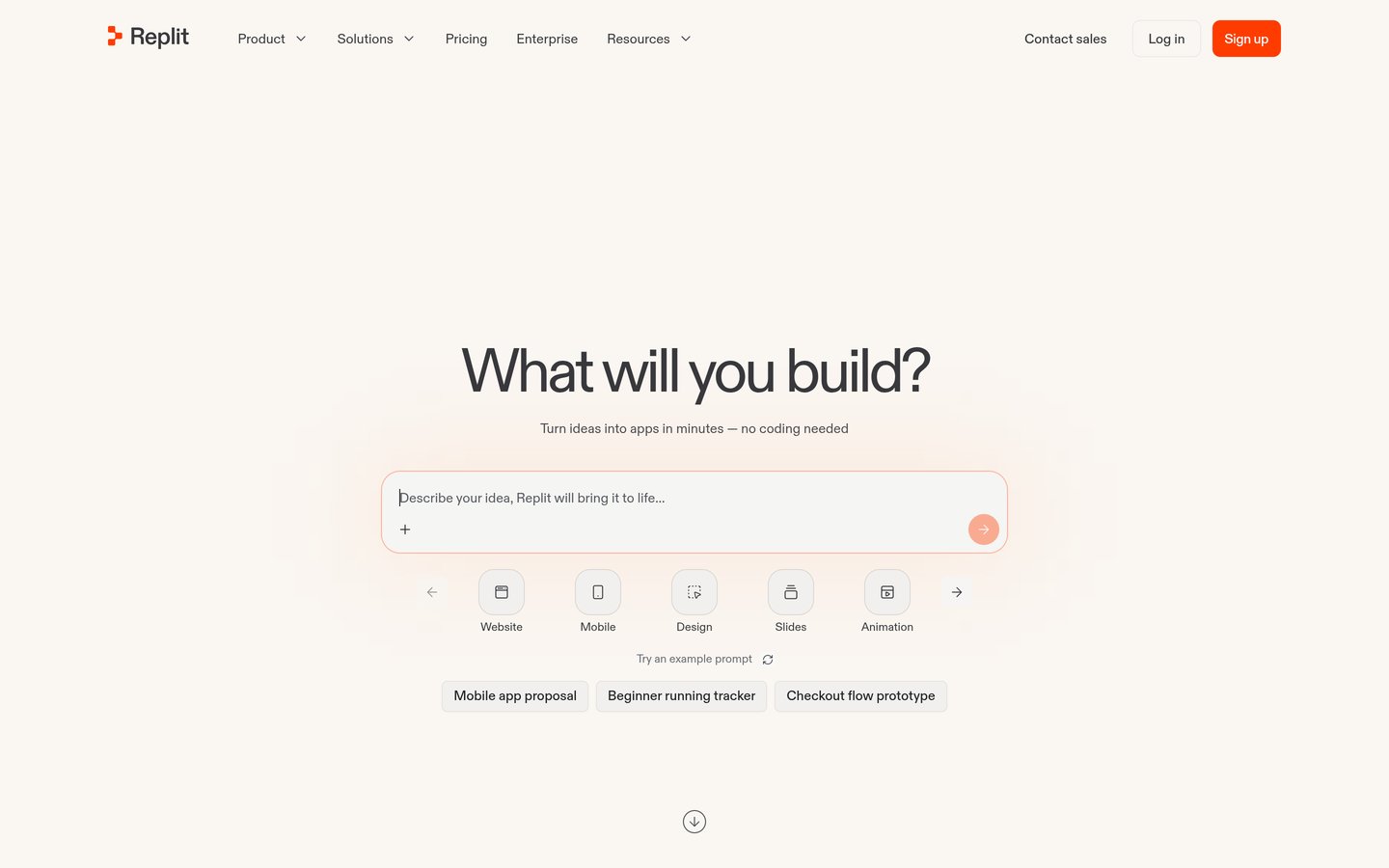
Replit is a browser IDE that collapses the distance between idea and running app, with an Agent that scaffolds full applications from natural language and one-click deployment. Core costs $20 a month, with a free Starter plan, and the loop from prompt to live URL is unmatched for prototypes.
The trade off is scale. Serious production work on large codebases still belongs in a local editor, and heavy agent use incurs usage-based costs on top of Core. It suits hackathons, prototypes, MVPs and learning, especially for non-traditional developers.
JetBrains AI is the native AI assistant inside IntelliJ IDEA, PyCharm, WebStorm, Rider and GoLand, with awareness of module structure, build configurations and IDE-specific refactoring that generic tools miss. AI Pro costs $10 a month, with a free tier offering 3 AI credits per 30 days, and the Junie agent handles coding tasks autonomously.
The trade off is scope. JetBrains AI is only valuable inside JetBrains IDEs, its agent is less mature than Cursor or Claude Code, and model choice is more limited. It suits developers already committed to the JetBrains suite who want AI without switching editors.
Tabnine is a privacy-first AI coding assistant that runs SaaS, VPC, on-premises or fully air-gapped, with self-hosted models, private deployment and strict data policies. Code Assistant costs $39 per user a month, with an agentic tier above that, and there is no free tier.
The trade off is price and power. At $39 a user a month it is the premium option here, and its raw coding power trails the frontier-model tools. It suits banks, defense contractors and healthcare teams where legal or compliance says code cannot leave the building.
Continue.dev is an open-source AI coding assistant for VS Code and JetBrains that lets developers bring their own model, including Claude, GPT and local models via Ollama. It is free and MIT-licensed, with costs only for the model API you choose, and it works with local models for full privacy.
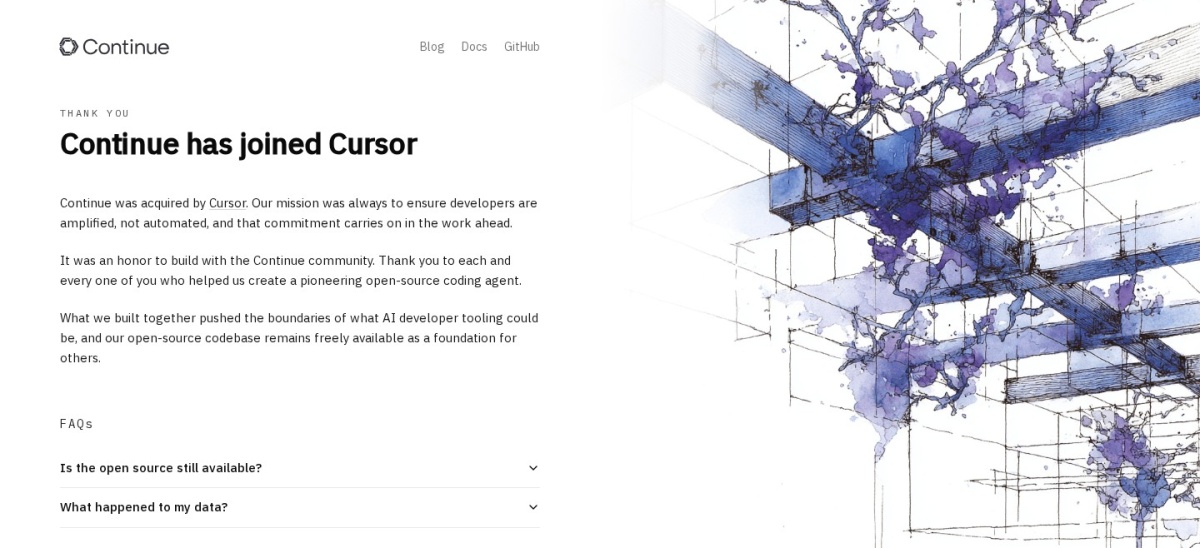
The trade off is maintenance. Continue.dev is free and open source, but its team joined Cursor and the project is now frozen, so new features have stopped. It suits developers and NDA-bound agencies that want a free, private assistant on local models and can maintain their own setup.
Sourcegraph Cody is an enterprise AI coding assistant built on Sourcegraph's code search, with deep cross-repo context, symbol accuracy and batch changes across repositories. It costs $59 per user a month on annual contracts, with the broader platform starting near $16,000 a year, and it has been enterprise-only since June 2025.
The trade off is access. Cody dropped solo developers in June 2025, so individuals cannot buy it, and the $16,000 platform minimum rules out small teams. It suits enterprises with huge codebases that need code-graph context and compliance controls.
Amazon Q Developer is rated 4.6 on G2 from 51 reviews, but it is closed to new signups, with support ending on 30 April 2027, and Amazon is steering Q Developer IDE users to Kiro. A tool new readers cannot buy does not belong in a buying list.
Zed is a fast, open-source Rust editor with a $10 a month Pro plan, but it has no established G2 or Capterra rating we could verify, so we could not score it honestly alongside tools that do. If Zed publishes a verifiable rating, it belongs here.
How we chose
We started from the best-known AI code editors and assistants with published pricing and a G2 rating, then kept nine that cover AI-native editors, assistants, terminal agents and enterprise tools.
Prices come from each vendor's pricing page and recent pricing checks, read on 24 November 2026. Ratings and review counts come from G2 on the same day. Where a vendor shows a sale, the list shows the regular price.
We left out Amazon Q Developer, which is closed to new signups, and Zed, which has no verifiable G2 or Capterra rating. No vendor paid for a place, and we do not claim hands-on testing for this list.
How to choose an AI code editor
Start with the editor you already use, then match the agent to how you work.
Pick assistant or editor first. If you want AI in your current editor, start with Copilot, JetBrains AI or Continue.dev. If you want the editor rebuilt around AI, start with Cursor or Windsurf.
Check what the entry price covers. Cursor Plus at $8 covers Cursor models only, while Copilot Pro at $10 includes $15 of AI credits and multi-model choice.
Compare the free tier limits. Copilot gives 2,000 completions a month free, JetBrains AI gives 3 credits per 30 days, and Continue.dev is free with your own model key.
Trial on a real codebase. Run the trial on your live repo with a real refactor, so you learn the true agent quality and usage cost before you commit.
FAQ
What is the best AI code editor?
Cursor is the best pick for most developers. Its Plus plan costs $8 a month and covers Cursor models, with an agent mode that plans and executes multi-file changes across your whole codebase.
How much do AI code editors cost?
Prices in this list run from free for Continue.dev to $59 a user a month for Sourcegraph Cody. Cursor Plus costs $8 a month, GitHub Copilot Pro $10 a month, and Claude Code $20 a month via Claude Pro.
Is there a free AI code editor?
Yes. Continue.dev is free and open source, and Cursor, GitHub Copilot, Windsurf, Replit and JetBrains AI all offer free tiers. Claude Code, Tabnine and Cody have no free tier.
What is the difference between an AI assistant and an AI editor?
An AI assistant plugs into the editor you already use, such as Copilot in VS Code. An AI editor such as Cursor or Windsurf is rebuilt around the model, with the agent as the foundation rather than a sidebar.
Do I need to switch editors to use AI coding?
No. GitHub Copilot, JetBrains AI and Continue.dev add AI to the editor you already use. Cursor and Windsurf ask you to adopt their editor instead.
Why are Amazon Q Developer and Zed not listed?
Amazon Q Developer is closed to new signups with support ending in April 2027, and Zed has no verifiable G2 or Capterra rating we could find.