Best Code Review Tools for Distributed Teams in 2026: 7 Tools Compared
WLWPLegible EditorsLast verified 22 Nov 2026How we rank13 min read
★ Short answer
GitHub is the best code review tool for most distributed teams, with threaded pull request discussions, required reviewers and a Team plan at $4 per user monthly. Bitbucket is a lower-cost option for Jira teams at $3.65 per user monthly, while GitLab suits teams combining reviews with CI/CD.
How we make this list: we compare pricing pages, product documentation and public user reviews, then re-check every price before each update. No product paid for a place. Disclosure.
GitHub leads for general collaboration, with a 4.7/5 G2 rating from 2,440 reviews and Team pricing at $48 per user yearly.
Bitbucket costs $3.65 per user monthly for Standard and offers a free tier for teams of up to 5 users.
GitLab Premium costs $29 per user monthly, billed annually, and includes 10,000 compute minutes per month.
CodeRabbit Essentials starts at $24 per developer monthly on annual billing, adding AI review comments and suggested fixes.
Axolo has a 4.8/5 G2 rating from 109 reviews and offers a free plan with 50 pull request channels monthly.
SonarQube Cloud Team starts at $34 monthly, while DeepSource Team costs $24 per user monthly on annual billing.
What distributed teams need from code review software
Distributed development teams cannot always review changes together. A useful code review platform should let developers inspect changes, leave comments and approve work without coordinating live meetings.
Asynchronous pull request reviews are the foundation. Look for threaded discussions, reviewer assignments, change tracking and notifications that show what still needs attention.
Automation helps when reviews move across time zones. Required checks, code ownership rules and CI/CD integration can prevent changes from being merged before the appropriate checks and approvals.
AI review assistants can identify potential defects and summarize changes, but their suggestions still need human judgment. Evaluate how well each tool fits your repository provider and existing workflow.
Pricing also matters. Some products charge for each developer, others charge by repository usage or analyzed code volume. Compare the actual team cost rather than only the advertised entry price.
The 7 best code review tools for distributed teams
01
GitHub
4.7/5on G2 (2,440 reviews, checked Nov 2026)
Paid from$4/mo
Best overall for distributed code reviews
Free repositoriesUnlimited public and private
Review workflowPull requests and inline comments
Team controlsCode owners and required reviewers
Paid planTeam, $4/user/mo
github.com
GitHub homepage, captured Nov 2026.
GitHub is a Git hosting and collaboration platform with pull requests, inline discussions and review notifications. Its free plan includes unlimited public and private repositories and 2,000 CI/CD minutes monthly. Team adds CODEOWNERS, required reviewers, repository rules and 3,000 CI/CD minutes monthly.
The trade off is that advanced organizational controls and certain security capabilities require higher-priced plans or add-ons, while Team costs $4 per user monthly. It suits distributed engineering teams that want code hosting, review discussions and automated checks in one familiar platform.
What we like
Inline comments and threaded pull request discussions
Required reviewers and code ownership rules
Free repositories for individual and team projects
Large ecosystem of integrations and automation
Watch out for
Advanced security products can add cost
Review queues can become difficult to manage in busy repositories
Enterprise governance requires a higher tier
Team adds required reviewers, code ownership and repository rulesVisit github.com
02
Bitbucket
4.4/5on G2 (1,017 reviews, checked Nov 2026)
Paid from$3.65/mo
Best for teams already using Jira
Free usersUp to 5
RepositoriesUnlimited public and private
CI/CDBitbucket Pipelines
Paid planStandard, $3.65/user/mo
atlassian.com
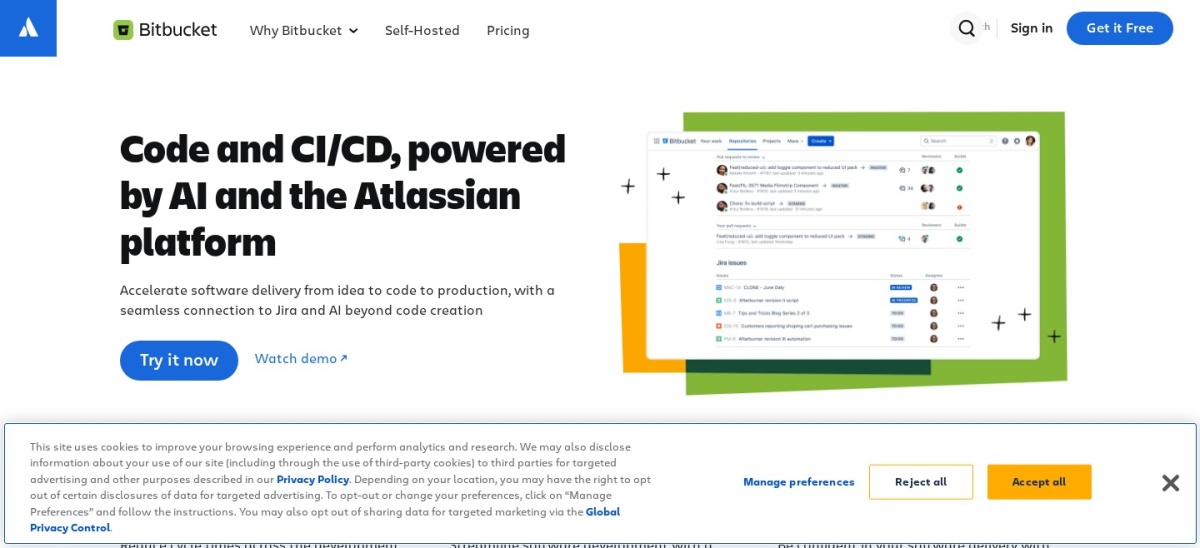
Bitbucket homepage, captured Nov 2026.
Bitbucket is a Git repository platform built around source control, pull requests and Jira integration. Its free plan supports up to 5 users, unlimited public and private repositories, 50 build minutes monthly and 1 GB of shared Git LFS storage. Reviewers can discuss changes while keeping related development work connected.
The trade off is that enforced merge checks, additional administration controls and advanced security options require Premium, while Standard costs $3.65 per user monthly. It suits distributed teams already managing development tickets in Jira and deployments through Atlassian tools.
What we like
Direct connection between Jira issues and code changes
Free repositories for small development teams
Integrated CI/CD through Bitbucket Pipelines
Lower entry price than GitHub Team
Watch out for
Free plan has a user limit
Advanced merge controls require Premium
Less attractive for teams outside the Atlassian ecosystem
Standard supports growing teams; Premium adds enforced merge checksVisit atlassian.com
03
GitLab
4.5/5on G2 (905 reviews, checked Nov 2026)
Paid from$29/mo
Best for integrated DevOps workflows
Free users5 per top-level group
Free compute400 minutes/mo
Review workflowMerge requests and discussions
Paid planPremium, $29/user/mo annually
gitlab.com
GitLab homepage, captured Nov 2026.
GitLab is a DevSecOps platform combining Git repositories, merge request reviews, CI/CD and security tooling. Its free hosted plan includes source code management, 400 compute minutes monthly and up to 5 users per top-level group. Teams can connect review discussions with pipeline results and project activity.
The trade off is a higher entry price and a broader interface than dedicated review tools, with Premium costing $29 per user monthly on annual billing. It suits distributed teams that want review, deployment automation and project management under one subscription.
What we like
Code reviews and CI/CD share one platform
Merge request discussions support asynchronous feedback
Hosted and self-managed deployment options
Premium includes advanced CI/CD and project management
Watch out for
Premium is relatively expensive per developer
Broad feature set requires onboarding
AI code review capabilities may require additional credits
Premium adds advanced CI/CD, team management and priority supportVisit gitlab.com
04
CodeRabbit
4.4/5on G2 (140 reviews, checked Nov 2026)
Paid from$24/mo
Best for AI-assisted pull request feedback
Review typeAI-assisted pull requests
Review interfacesPR, CLI and IDE
Suggested fixesOne-click fixes
Paid planEssentials, $24/user/mo annually
coderabbit.ai
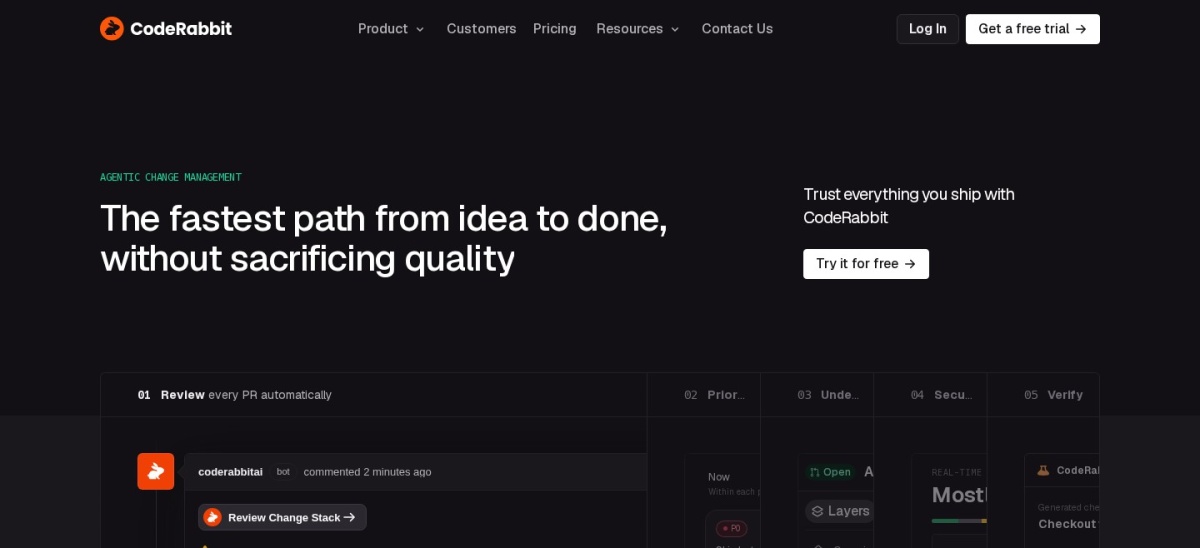
CodeRabbit homepage, captured Nov 2026.
CodeRabbit is an AI code review assistant that comments on pull requests and helps explain proposed changes. Essentials includes review feedback across pull requests, the CLI and IDE, along with pre-merge checks, suggested fixes and learning from developer feedback. The service also provides a free option for eligible open-source work.
The trade off is that AI suggestions can be inaccurate and usage limits still apply, while Essentials costs $24 per developer monthly when billed annually. It suits distributed teams that want automated feedback before human reviewers begin their work.
What we like
Automated pull request analysis
Explains changes and suggests fixes
Can learn from developer feedback
Supports review activity outside the browser
Watch out for
AI recommendations still need human verification
Hourly allowances and usage-based charges can apply
Advanced triage and automation require higher plans
Essentials adds AI reviews, pre-merge checks and one-click fixesVisit coderabbit.ai
05
Axolo
4.8/5on G2 (109 reviews, checked Nov 2026)
Paid from$8.30/mo
Best for coordinating reviews through chat
Free allowance50 PR channels/mo
NotificationsDaily PR reminders
Team coordinationDedicated PR channels
Paid planStandard, $8.30/seat/mo
axolo.co
Axolo homepage, captured Nov 2026.
Axolo is a collaboration service that creates dedicated chat channels for pull requests and keeps review conversations visible. Its free plan includes up to 50 pull request channels monthly, daily reminders and deployment notifications. Developers can follow review activity without repeatedly checking their repository dashboard.
The trade off is that Axolo coordinates reviews rather than replacing the repository platform's review interface, while Standard costs $8.30 per seat monthly at the displayed rate. It suits distributed teams that already communicate through team chat and need a clearer review notification workflow.
What we like
Dedicated discussion space for each pull request
Automatic reminders for pending reviews
Free plan for smaller review workloads
Review time slots support asynchronous coordination
Watch out for
Requires an existing repository and chat workflow
Free plan limits monthly pull request channels
More advanced workflow controls require higher tiers
Standard adds unlimited PR channels and code review time slotsVisit axolo.co
06
DeepSource
4.6/5on G2 (22 reviews, checked Nov 2026)
Paid from$24/mo
Best for automated code quality checks
Open-source tier1,000 PR reviews/mo
Paid repositoriesUnlimited
AutomationAI Review and Autofix
Paid planTeam, $24/user/mo annually
deepsource.com
DeepSource homepage, captured Nov 2026.
DeepSource is a code quality and security platform that analyzes changes and reports issues during pull request review. Its open-source tier supports 1,000 pull request reviews monthly, while Team offers unlimited repositories, unlimited pull request reviews, automated formatting and AI-assisted fixes. Team also includes annual AI Review credits.
The trade off is that AI Review and dependency scanning can create additional usage charges beyond the base subscription, which starts at $24 per user monthly on annual billing. It suits distributed engineering teams that want automated quality and security findings before approving changes.
What we like
Automated analysis runs with pull requests
AI Review and Autofix options
Unlimited repositories on Team
Combines code quality and security reporting
Watch out for
AI Review usage may incur extra charges
Team plan requires paid seats
Not a replacement for human architectural reviews
Team adds unlimited PR reviews, automated formatting and AI creditsVisit deepsource.com
07
SonarQube
4.4/5on G2 (167 reviews, checked Nov 2026)
Paid from$34/mo
Best for code quality and security gates
Free optionSonarQube Cloud Free
Review focusQuality and security analysis
IDE extensionSonarQube for IDE
Paid planCloud Team, from $34/mo
sonarsource.com
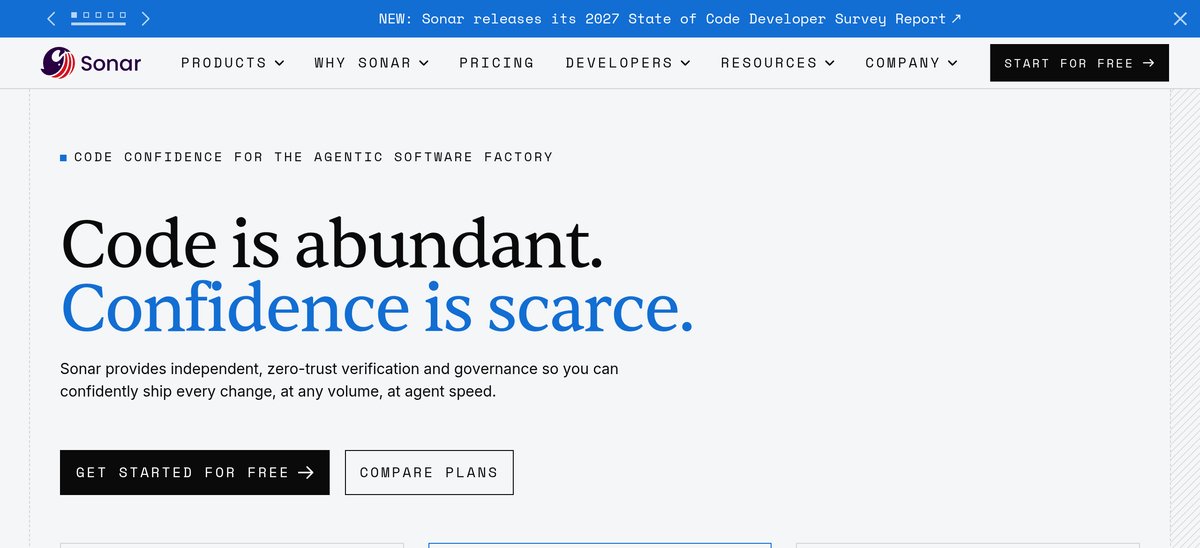
SonarQube homepage, captured Nov 2026.
SonarQube is a code quality and security analysis platform that helps teams find bugs, vulnerabilities and maintainability problems. SonarQube Cloud offers a free tier with basic automated review capabilities, and SonarQube for IDE provides free editor feedback. Teams can incorporate analysis results into their pull request and CI workflows.
The trade off is that SonarQube focuses on automated findings rather than organizing human review conversations, while Cloud Team starts at $34 monthly. It suits distributed teams that need consistent quality checks before code reaches production and already have a collaborative repository platform.
What we like
Automated quality and security analysis
Free cloud tier and IDE extension
Can be included in CI/CD quality gates
Helps enforce shared coding standards
Watch out for
Does not replace collaborative pull request discussions
Start with small pull requests and descriptions that explain the purpose of each change. Include relevant issue references, testing notes and screenshots when they help reviewers understand the result.
Assign a reviewer or code owner when the request is created. Use repository rules to prevent merging until required checks and approvals are complete.
Agree on review response expectations and avoid treating every notification as urgent. Tools such as Axolo can surface outstanding reviews, while AI assistants can provide preliminary feedback before colleagues become available.
Keep important decisions in the pull request discussion rather than private chat. This gives developers working in different time zones a record of why a change was accepted.
When AI review tools help and when people still matter
AI assistants can summarize changes, highlight suspicious logic and suggest fixes before a human reviewer opens the pull request. This can reduce repetitive review comments.
Static analysis products such as SonarQube and DeepSource identify issues through configured rules and automated analysis. They are useful for consistency, but their findings still need interpretation.
Human reviewers remain important for architecture, business requirements, maintainability and trade-offs that depend on project context. A practical workflow combines automated checks with accountable human approval.
How we chose
We selected established repository platforms, AI review assistants and automated quality tools that support collaborative software development. The shortlist emphasizes asynchronous discussions, review visibility, integrations, code quality checks and public user feedback.
Published prices and ratings were reviewed against vendor pricing pages and G2 listings during the November 2026 verification cycle, with the article's comparison date set to 22 Nov 2026. Annual estimates convert published monthly rates into twelve-month equivalents, generally per user or seat except where the vendor charges at the organization level.
We excluded discontinued products, tools without an accessible regular entry-level price, and options without enough public review evidence to support a useful comparison. No vendor paid for a place, and we do not claim testing for this list.
How to choose code review software for a distributed team
Start by mapping your current repository, communication habits and approval requirements before comparing subscriptions.
Choose a repository-first workflow. If your team already works in GitHub, Bitbucket or GitLab, evaluate its native review features before paying for another service. Native pull requests and merge requests may cover the essential collaboration requirements.
Define the review process. Decide who approves changes, how ownership is assigned and which automated checks must pass. Prioritize tools with clear discussion histories, reviewer notifications and merge restrictions.
Add automation where it helps. Use CodeRabbit for AI-generated suggestions, DeepSource or SonarQube for automated findings, and Axolo for review coordination. Select additions that address a specific bottleneck rather than introducing overlapping notifications.
Calculate the full subscription cost. Compare per-user charges, minimum commitments, included usage and optional add-ons. Include your expected developer count and review volume, then verify whether annual billing changes the effective monthly price.
FAQ
What is the best code review tool for distributed teams?
GitHub is the best general choice for teams that want repository hosting, pull requests, inline discussions and configurable review rules together. GitHub Team costs $4 per user monthly. Teams already invested in Jira may prefer Bitbucket, while GitLab offers a broader development and deployment platform.
Are there free code review tools for remote developers?
Yes. GitHub provides a free repository and collaboration plan, Bitbucket supports up to 5 users on its free tier, and GitLab offers a free hosted option. Other products provide limited free features or open-source allowances. Check repository access, review limits and automation restrictions before choosing.
What is the difference between GitHub and GitLab for code reviews?
GitHub centers collaboration on pull requests, review comments and repository policies. GitLab uses merge requests within a broader DevSecOps platform that includes CI/CD and project management. GitHub Team starts at $4 per user monthly, while GitLab Premium costs $29 per user monthly with annual billing.
Can AI automatically review pull requests?
Yes. Tools such as CodeRabbit and DeepSource can analyze pull requests, produce comments and suggest changes. However, automated suggestions may miss context or identify issues incorrectly. Human approval remains important for architecture, product requirements, security decisions and changes that affect critical systems.
Which code review tool works best with Jira?
Bitbucket is a natural choice for teams using Jira because its repository and pull request workflows connect directly with Atlassian development tracking. Its Standard plan starts at $3.65 per user monthly. Teams using another Git provider can also investigate Jira integrations without migrating their repositories.
How can teams review code across different time zones?
Use small pull requests, clear descriptions, assigned reviewers and written feedback. Set expectations for review response times rather than relying on immediate replies. Automated checks and review reminders help identify stalled changes, while discussions retained alongside the code preserve important decisions for colleagues working later.
Is SonarQube a replacement for human code review?
No. SonarQube performs automated analysis to identify code quality and security concerns, while human reviewers evaluate design decisions, project requirements and the intent behind changes. It is most useful when connected to an existing repository and pull request workflow as an additional quality control layer.
How much do code review tools cost?
Entry prices vary by product and billing model. GitHub Team costs $4 per user monthly, Bitbucket Standard costs $3.65 per user monthly, and CodeRabbit Essentials costs $24 per developer monthly on annual billing. SonarQube Cloud Team starts at $34 monthly. Additional usage or security features may increase costs.