Best AI Tools for Software Developers in 2026: 9 Tools Compared
WLWPLegible EditorsLast verified 22 Nov 2026How we rank8 min read
★ Short answer
Cursor is the best AI tool for software developers, with an agent editor that edits across files at $8 a month. GitHub Copilot is the best value pick at $8.33 a month billed yearly, while Claude Code is the best terminal agent at $17 a month.
How we make this list: we compare pricing pages, product documentation and public user reviews, then re-check every price before each update. No product paid for a place. Disclosure.
Cursor leads for agent coding at $8 a month, with Premium at $30 a month adding more model usage.
GitHub Copilot is the best value pick at $8.33 a month billed yearly, with unlimited completions and 1,500 AI credits a month.
Claude Code is the best terminal agent at $17 a month billed yearly, with subagents that work in parallel.
CodeRabbit is the best code review pick at $24 a developer a month billed yearly, rated 4.8 out of 5 on G2.
Tabnine is the only private-code pick here, but its pricing is now quote-only after the Tricentis acquisition.
What developers need from an AI tool
AI coding tools split into editors, assistants, agents and reviewers. Each one fits a different part of the workflow.
Cursor and JetBrains AI are editors with AI built in. GitHub Copilot and Claude Code are assistants and agents that work inside the tools developers already use.
CodeRabbit reviews pull requests, while Replit, v0 and Bolt.new generate full apps from prompts in the browser.
Model access decides the real cost. Cursor Plus at $8 a month runs Grok only, and third-party models are billed on top of Premium.
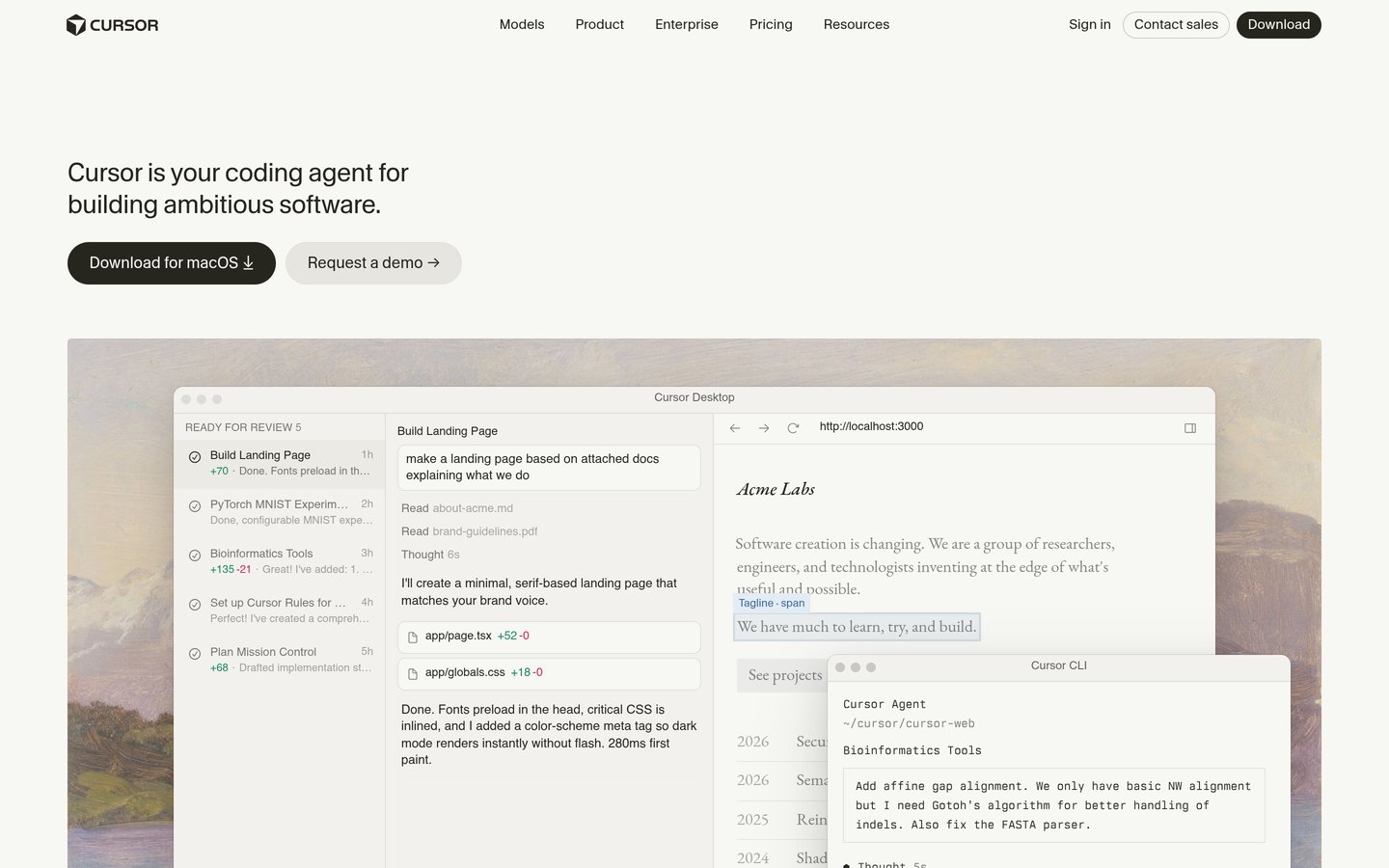
Cursor is an AI-native code editor, a VS Code fork, with agent mode that edits across multiple files. Plus at $8 a month includes Cursor alongside Grok and X Premium, while Premium at $30 a month adds more model usage.
The trade off is the $8 plan includes less model usage than Premium, and third-party model use is billed at API list price. It suits developers who want strong agent capabilities and model choice in one editor.
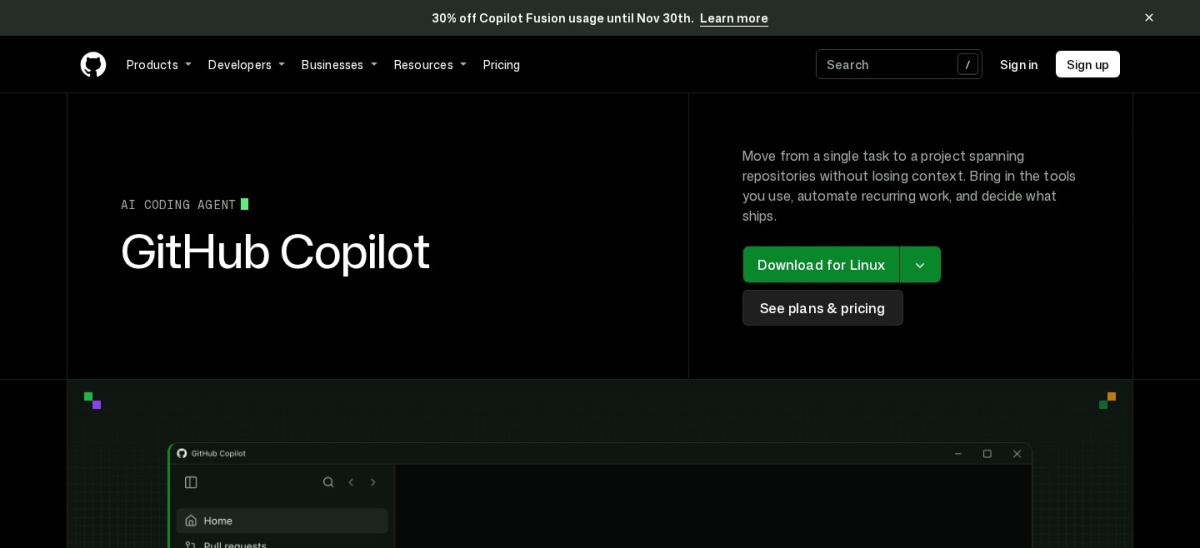
GitHub Copilot is an AI coding assistant inside the IDE, terminal and GitHub.com, for completions, chat, agent mode and code review. Pro at $8.33 a month billed yearly adds unlimited completions, a cloud agent that opens pull requests and 1,500 AI credits a month.
The trade off is usage beyond the included AI credits is billed at $0.01 per credit, and premium models need Pro+ at $39 a month. It suits developers who want the deepest GitHub and VS Code integration at the lowest entry price.
Claude Code is a terminal-based agentic coding tool from Anthropic that reads a repo, edits files, runs commands and tests. Claude Pro at $17 a month billed yearly includes Claude Code, with subagents that work on parts of a task in parallel and a large context window.
The trade off is there is no free tier, and heavy daily use pushes users to Max at $100 a month or Ultra at $200 a month. It suits developers who want sustained multi-step autonomous sessions on long codebases.
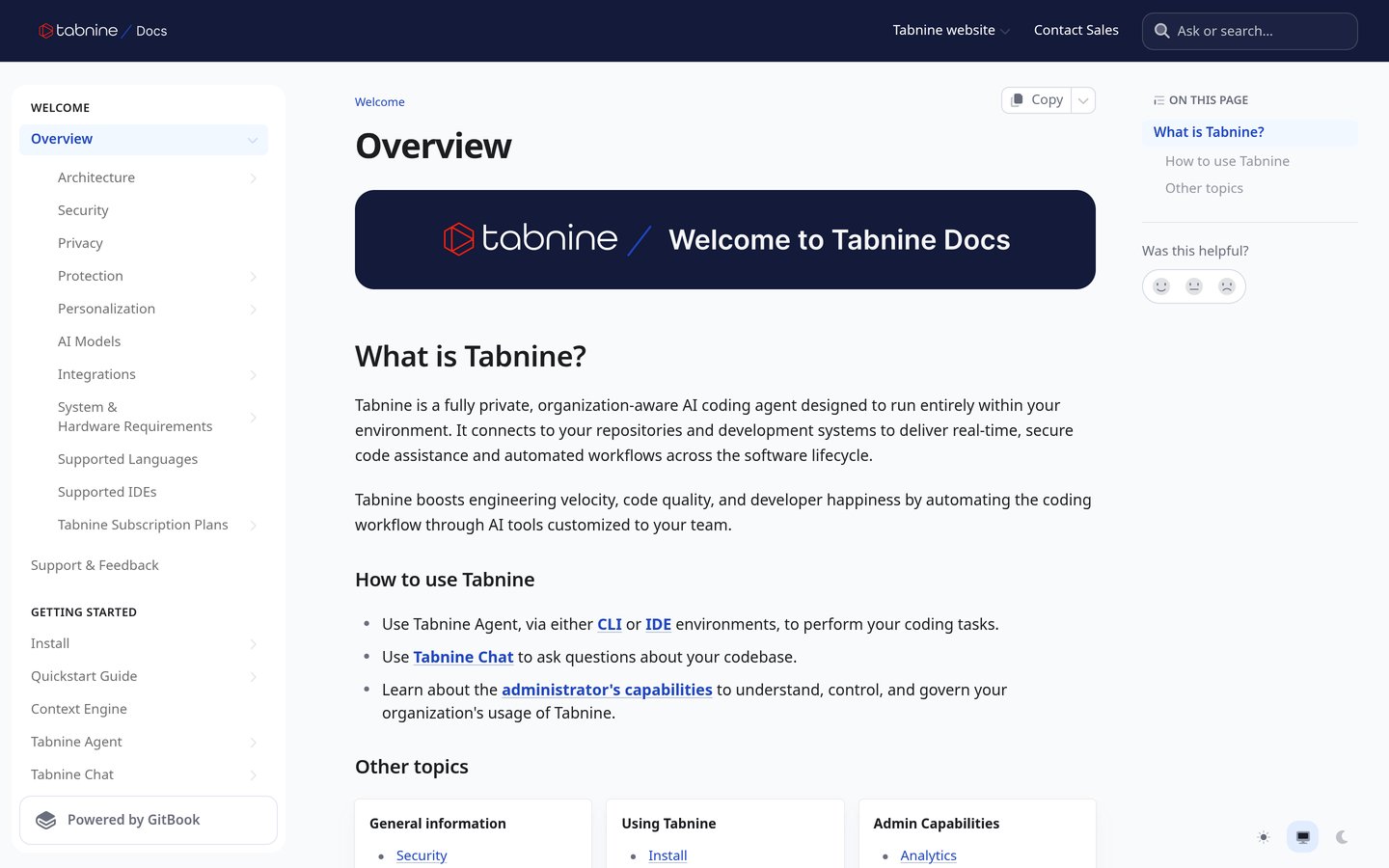
Tabnine is an AI code assistant for VS Code, JetBrains, Eclipse and Visual Studio, with on-premises and air-gapped deployment. Code Assistant was last published at $39 per user a month, with private deployment, zero data retention options and SOC 2 Type II.
The trade off is Tabnine was acquired by Tricentis, and its pricing page now redirects to contact sales, so current pricing is quote-only. It suits teams whose code cannot leave their network.
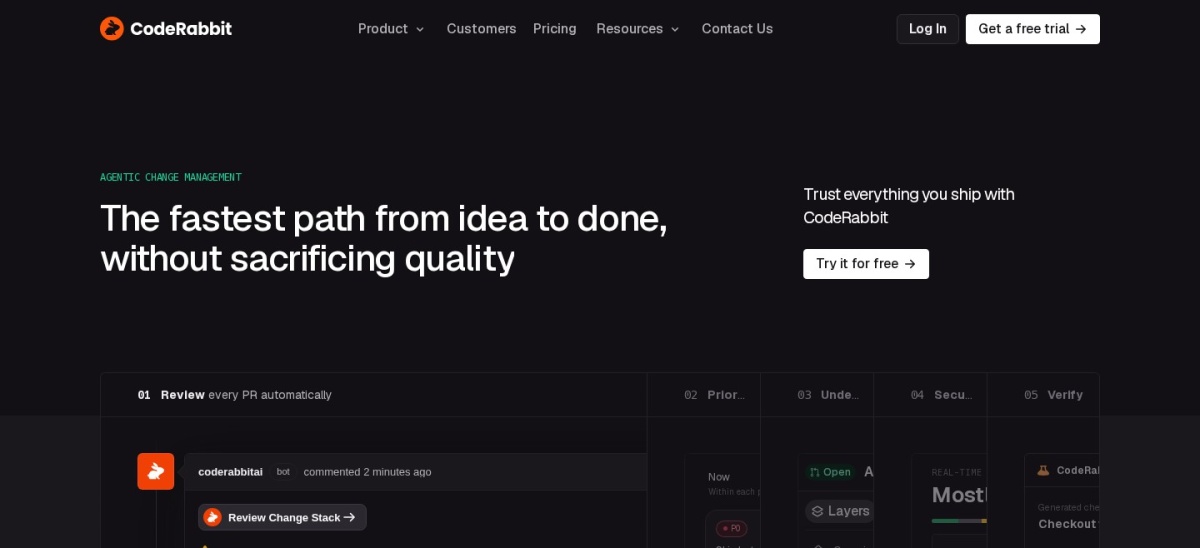
CodeRabbit is an AI code review tool for pull requests, in the IDE and CLI. Essentials at $24 per developer a month billed yearly adds line-by-line PR feedback with linked-repo analysis, linters and SAST checks.
The trade off is only developers who open PRs are billed, but review-only members add workflow setup, and overage is $0.25 per file above tier limits. It suits teams that want AI review on every pull request.
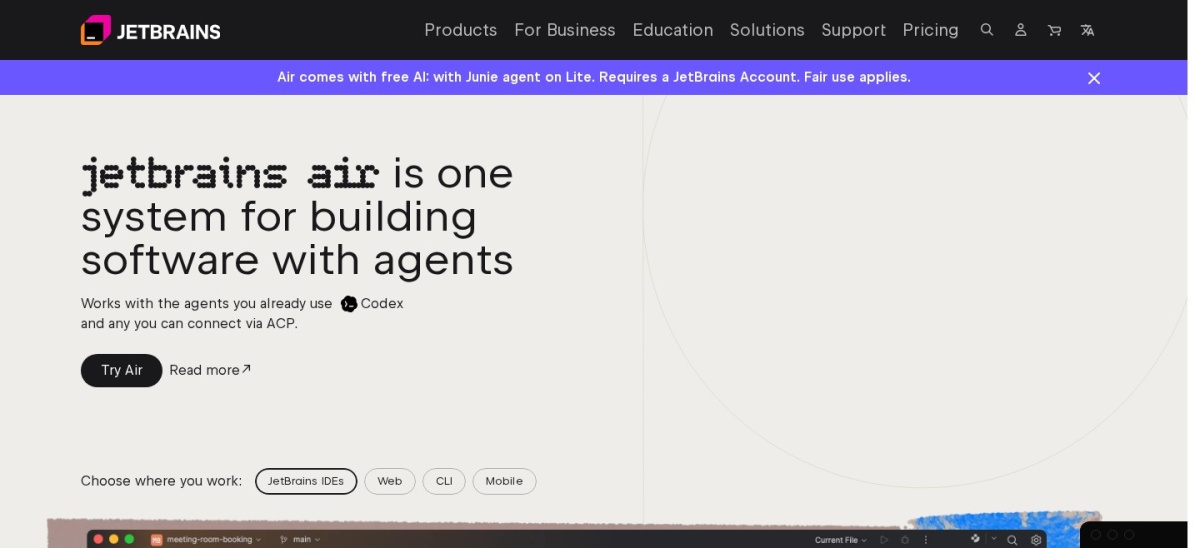
JetBrains AI is a built-in AI assistant with chat, completion and the Junie agent inside JetBrains IDEs such as IntelliJ IDEA, PyCharm and WebStorm. AI Pro at $8.33 a month billed yearly adds multi-model chat and completion inside the IDE, the Junie coding agent and local models.
The trade off is it is less useful outside JetBrains IDEs, and credit pricing can frustrate heavy users.
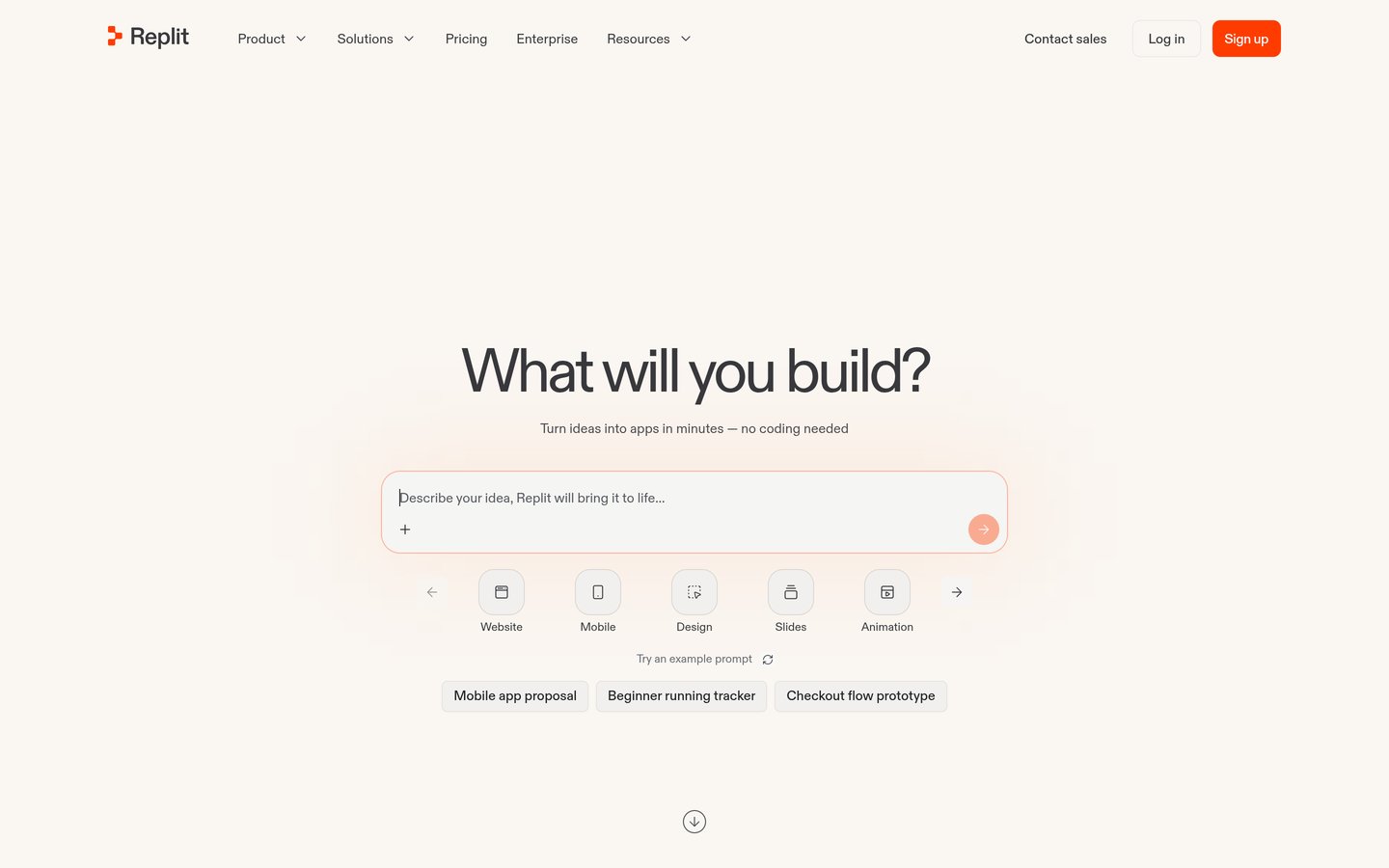
Replit is a browser-based cloud IDE with an Agent that builds, tests and publishes full apps from plain-language prompts. Core at $17 a month billed yearly adds Agent 3 with Economy, Power and Turbo modes, deployments and 50+ languages in the browser.
The trade off is effort-based pricing on top of the subscription can add cost, and it is less suited to large existing codebases. It suits developers who want to build and deploy in one place with nothing to install.
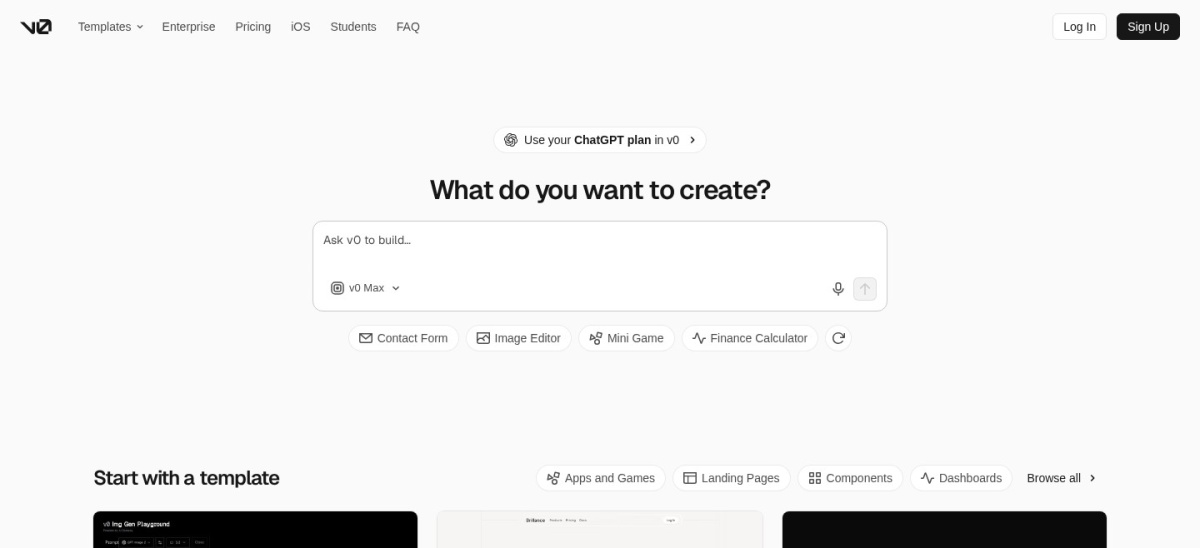
v0 is an AI generator by Vercel that builds React and Next.js interfaces and full-stack apps from prompts. Plus at $30 per user a month adds full-stack generation with database connectivity and Git integration, Figma import and Design Mode, and deploys to Vercel.
The trade off is it is credit-metered, so heavy use costs more than the base plan suggests.
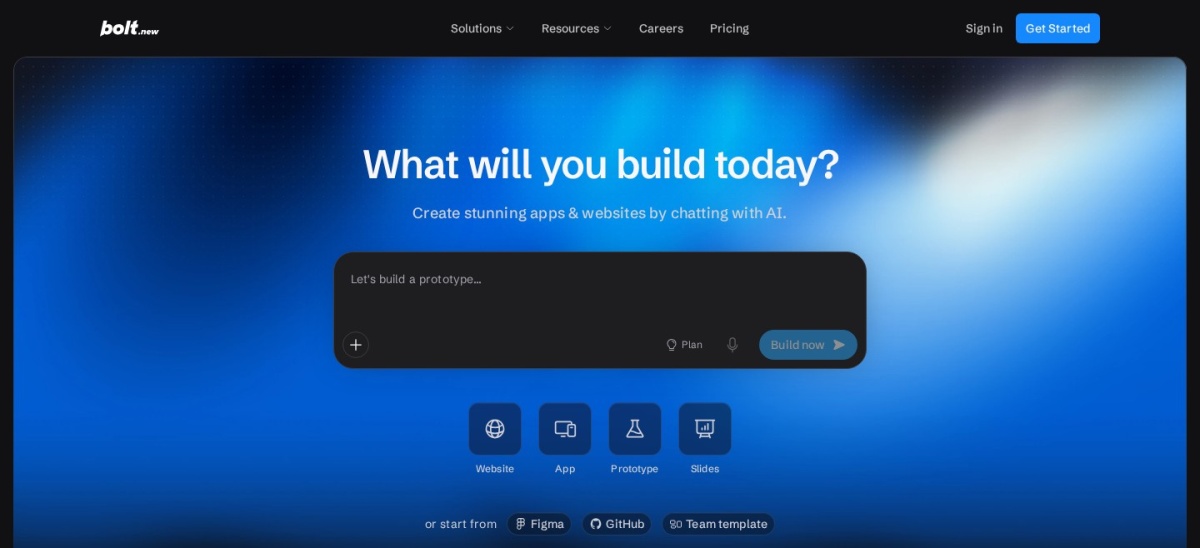
Bolt.new is a browser-based AI builder that generates full-stack apps and landing pages from prompts, running in WebContainers. Pro at $25 a month adds in-browser full-stack apps with hosting, databases and GitHub sync, and token rollover on paid plans.
The trade off is token-based billing is harder to budget than fixed monthly pricing.
Editors such as Cursor put the AI inside the code editor, with completions and multi-file edits.
Agents such as Claude Code work in the terminal, reading a repo and running commands and tests on their own.
Reviewers such as CodeRabbit check pull requests after the code is written.
Most developers use one of each: an editor for daily coding, and an agent or reviewer for bigger jobs.
How we chose
We started from AI-coding roundups and vendor sites, then kept tools with a real developer use case: code editing, completions, agentic coding, code review, or app generation.
Prices come from each vendor pricing page, checked on 22 November 2026. Ratings come from G2, Capterra or Trustpilot on the same day, where a rating was published. Where a vendor shows a sale, the list shows the regular price.
We left out tools with no published price or no public review record where a priced alternative existed. No vendor paid for a place, and this list is based on pricing, docs and reviews, not on using the tools ourselves.
How to choose an AI coding tool
Start with the editor you already use, then check whether the AI works inside it.
Start with your editor. Cursor, JetBrains AI and Copilot work inside editors developers already use. Pick the one that fits yours.
Check the model access. Cursor Plus at $8 runs Grok only, and premium models cost extra. Check which models the plan includes.
Check the credit math. Copilot, Replit, v0 and Bolt.new meter credits or tokens. Divide the allowance by your daily use before you buy.
Trial it on real code. Use it on one real feature or pull request, then compare the output against work you already trust.
FAQ
What is the best AI tool for software developers?
Cursor is the best AI tool for software developers, with an agent editor that edits across files at $8 a month. GitHub Copilot is the best value pick at $8.33 a month billed yearly, and Claude Code is the best terminal agent at $17 a month.
Is Cursor better than GitHub Copilot?
Cursor is better for agent coding across multiple files, with model choice in one editor. GitHub Copilot is better for value and integration, at $8.33 a month billed yearly with unlimited completions. Many developers use both.
What is the cheapest AI coding tool?
Cursor Plus is $8 a month, but it runs Grok models only. GitHub Copilot Pro is $8.33 a month billed yearly with unlimited completions, and JetBrains AI Pro is also $8.33 a month billed yearly.
Can AI write a full app?
Yes, for prototypes. Replit, v0 and Bolt.new generate full-stack apps from prompts in the browser. They suit prototypes and demos, but output needs review before it is production-ready.
Do I need an AI code review tool?
It helps on teams. CodeRabbit reviews pull requests line by line, at $24 a developer a month billed yearly, and it learns from team feedback. Solo developers can skip it.
Is my code private with AI tools?
It depends on the tool. Tabnine offers private deployment with zero data retention, for teams whose code cannot leave their network. Check the data policy of any tool before connecting a private repo.