BackWPup Alternatives in 2026: 7 Best Tools Compared
WLWPLegible EditorsLast verified 22 Nov 2026How we rank8 min read
★ Short answer
UpdraftPlus is the top BackWPup alternative for most WordPress sites, with 4M+ active installs and scheduled backups to Google Drive, Dropbox, and Amazon S3 in its free plugin. For hands-off cloud backups, pick BlogVault, while Duplicator fits site migrations and cloning.
How we make this list: we compare pricing pages, product documentation and public user reviews, then re-check every price before each update. No product paid for a place. Disclosure.
UpdraftPlus leads on reach with 4M+ active installs and a 4.8 rating across 8,739 reviews on WordPress.org.
All 7 plugins offer a free version on WordPress.org, while regular entry-level paid plans range from $30/yr to $119.40/yr.
BlogVault and Jetpack VaultPress Backup store backups off-site on vendor cloud infrastructure rather than relying on your web host.
Duplicator and WP STAGING pair backup and restore with site cloning, staging environments, and host-to-host migrations.
Always verify a restore on a clean test or staging environment before relying on any backup schedule.
What to look for when replacing BackWPup
People looking for BackWPup alternatives usually want easier dashboard restores, better cloud storage flexibility, or fewer server timeouts on larger WordPress sites. Some backup tools run archives on your own hosting account, while others offload work and storage to external cloud servers.
Off-site storage matters most when a web host suffers hardware failure or an account lockout. Plugins that only save ZIP or TAR files inside your web directory leave your backups exposed if the server itself goes down.
Migration and staging needs also separate these tools. A simple scheduled backup is enough for a steady blog, but WooCommerce stores, agencies, and developers often benefit from incremental backups, staging copies, or one-click rollbacks before updates.
Check regular renewal prices rather than introductory or seasonal sale tags. Several vendors run promotions that discount the first year, then renew at standard annual rates.
List prices in each vendor's currency, checked Nov 2026
WPvividFREE$49
All-in-OneFREE$69
UpdraftPlusFREE$70
DuplicatorFREE$79
WP STAGINGFREE€96
BlogVault$99
Jetpack Backup$119
The 7 best BackWPup alternatives
01
UpdraftPlus
4.8/5on WordPress.org (8,739 reviews, checked Nov 2026)
Paid from$70/yr
Best for most WordPress sites
Active installs4M+
Free destinationsGoogle Drive, Dropbox, S3
Entry paid plan$70/yr (up to 2 sites)
Refund window14 days
updraftplus.com
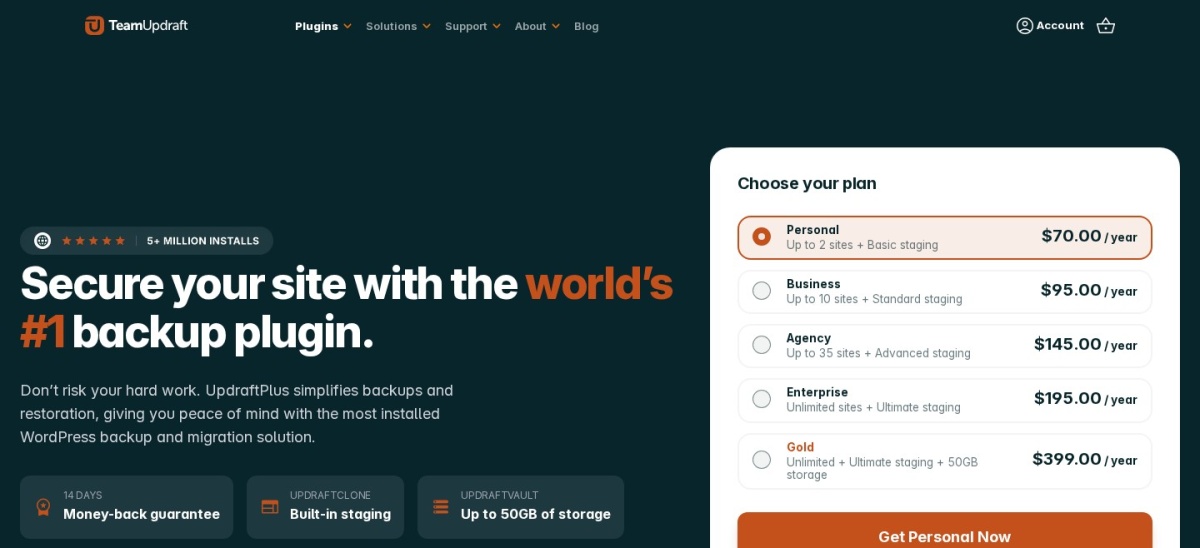
UpdraftPlus homepage, captured Nov 2026.
UpdraftPlus is a backup, restore, and migration plugin with 4M+ active installs and a 4.8 out of 5 rating from 8,739 reviews on WordPress.org. Its free version supports manual and scheduled backups, dashboard restores, and remote storage to Google Drive, Dropbox, and Amazon S3.
The trade off is that incremental backups, automatic pre-update backups, and extra cloud targets require UpdraftPlus Premium starting at $70/yr for up to 2 sites. It suits site owners who want a widely used plugin with capable free scheduling.
What we like
4M+ active installs and 8,739 reviews on WordPress.org
Free version includes scheduled backups and major cloud destinations
Restores can be run directly from the WordPress dashboard
Supports database search-and-replace during site migrations
Watch out for
Incremental backups and pre-update backups sit behind paid plans
Shared hosts with tight execution limits may need split archive settings
UpdraftPlus Premium starts at $70/yr for 2 sites with incremental backups, automatic backups before updates, and basic staging.Visit updraftplus.com
02
Duplicator
4.9/5on WordPress.org (4,941 reviews, checked Nov 2026)
Paid from$79/yr
Best for migrations and cloning
Active installs1M+
Rating4.9/5 (4,941 reviews)
Regular entry price$79/yr (Basic)
Refund window14 days
duplicator.com
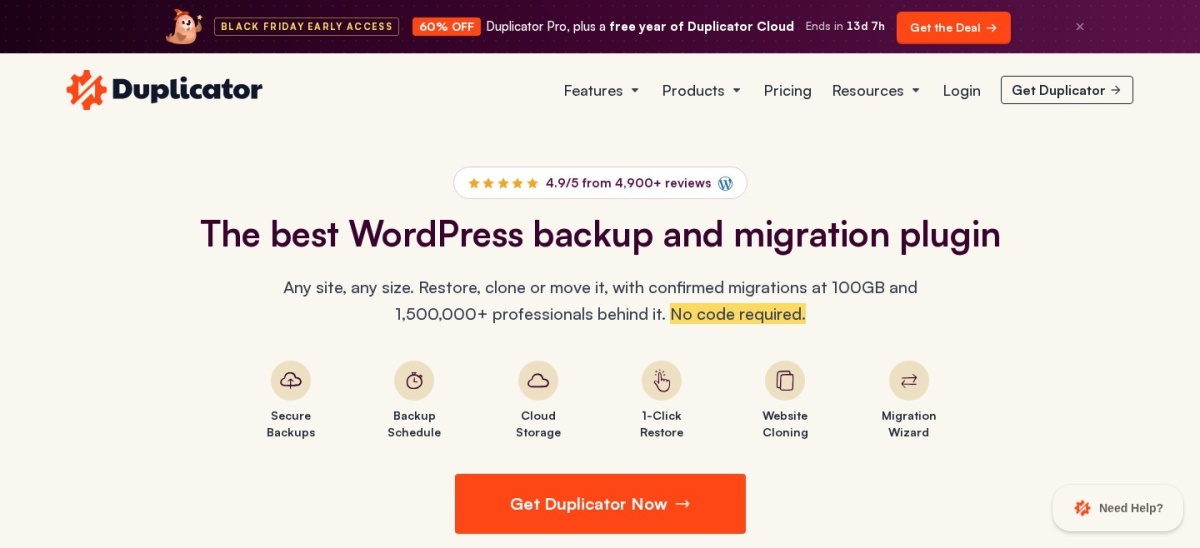
Duplicator homepage, captured Nov 2026.
Duplicator is a backup and site migration plugin with 1M+ active installs and a 4.9 out of 5 rating across 4,941 reviews on WordPress.org. The free version packages site files and databases into a single archive with a guided installer for moving sites between hosts or domains.
The trade off is that scheduled backups, third-party cloud storage integrations, and multisite support require Duplicator Pro, whose regular Basic price is $79/yr after introductory or seasonal discounts. It suits developers and site builders who clone and migrate WordPress installs often.
What we like
4.9 out of 5 rating across 4,941 reviews on WordPress.org
Guided migration workflow works across hosts and domains
Chunked backup engine helps handle larger sites on constrained servers
Watch out for
Scheduled backups and external cloud integrations require a paid plan
Promotional pricing differs from regular renewal rates
Duplicator Pro adds scheduled backups, staging sites, multisite support, and external cloud storage integrations.Visit duplicator.com
03
WPvivid Backup & Migration
4.9/5on WordPress.org (1,574 reviews, checked Nov 2026)
Paid from$49/yr
Best budget option
Active installs900K+
Rating4.9/5 (1,574 reviews)
Entry paid plan$49/yr (2 domains)
Refund window30 days
wpvivid.com
WPvivid Backup & Migration homepage, captured Nov 2026.
WPvivid Backup & Migration is a backup, migration, and staging plugin with 900K+ active installs and a 4.9 out of 5 rating across 1,574 reviews on WordPress.org. The free plugin includes scheduled backups, one-click restore, basic subdirectory staging, and cloud storage connections such as Google Drive, Dropbox, and Amazon S3.
The trade off is that incremental backups, multisite support, and pushing staging changes live require Pro, starting at $49/yr for 2 domains. It suits budget-conscious site owners who want staging and backups in one plugin.
What we like
4.9 out of 5 rating across 1,574 reviews on WordPress.org
Free version includes scheduled backups, migration, and subdirectory staging
Entry annual Pro plan starts at $49/yr with a 30-day refund policy
Watch out for
Incremental backups and multisite features require the Pro upgrade
Some users note a learning curve when tuning settings for tricky restores
WPvivid Pro starts at $49/yr for 2 domains and adds incremental backups, multisite support, and staging-to-live pushes.Visit wpvivid.com
04
WP STAGING
4.8/5on WordPress.org (2,471 reviews, checked Nov 2026)
Paid from€89/yr
Best for staging and rollback workflows
Active installs100K+
Rating4.8/5 (2,471 reviews)
Entry paid plan€89/yr (1 site)
Refund window14 days
wp-staging.com
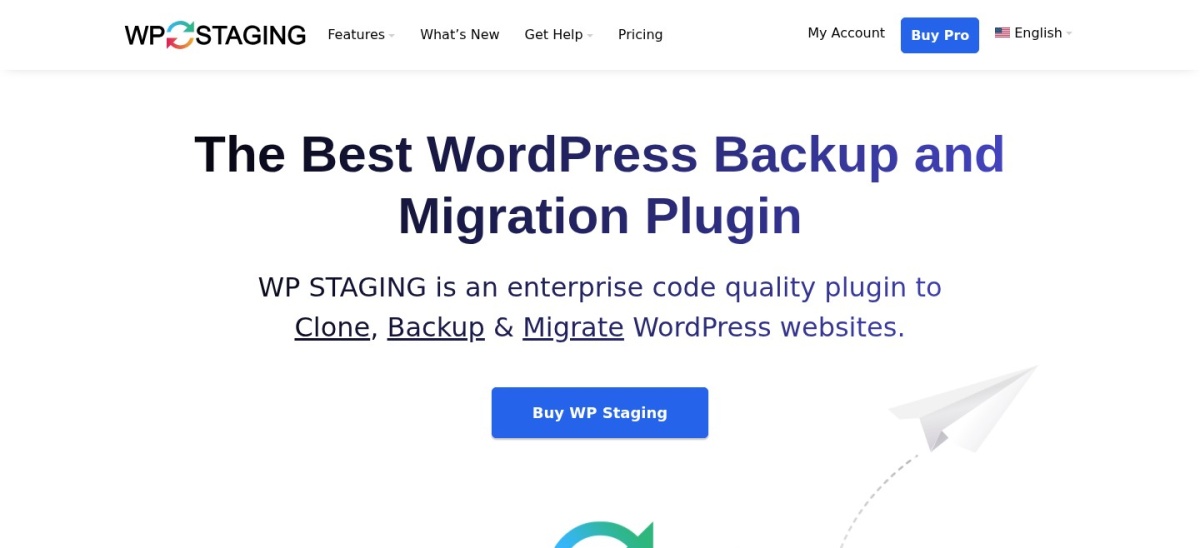
WP STAGING homepage, captured Nov 2026.
WP STAGING is a backup, restore, cloning, and staging plugin with 100K+ active installs and a 4.8 out of 5 rating across 2,471 reviews on WordPress.org. Its free version lets you clone a site into a subdirectory, run full or partial backups, and keep backup data on your own server.
The trade off is that moving a site to another domain or host, cloud storage destinations, and pushing staging changes live require Pro starting at €89/yr for 1 site. It suits developers and site owners who test updates on staging copies before deploying.
What we like
Combines WordPress staging clones with backup and restore in one plugin
Free version supports full or partial backups and subdirectory staging
Keeps processing and site data on your server without external accounts
Watch out for
Site migrations and cloud backup destinations require a Pro license
Entry Pro plan covers 1 site at €89/yr
WP STAGING Pro starts at €89/yr for 1 site and adds site migrations, cloud backups, and staging-to-live pushes.Visit wp-staging.com
05
All-in-One WP Migration and Backup
4.5/5on WordPress.org (6,388 reviews, checked Nov 2026)
Paid from$69/yr
Best for simple single-file exports
Active installs5M+
Five-star count6,388 on WordPress.org
Entry extensionFrom $69 (Unlimited)
Data format.wpress archive
servmask.com
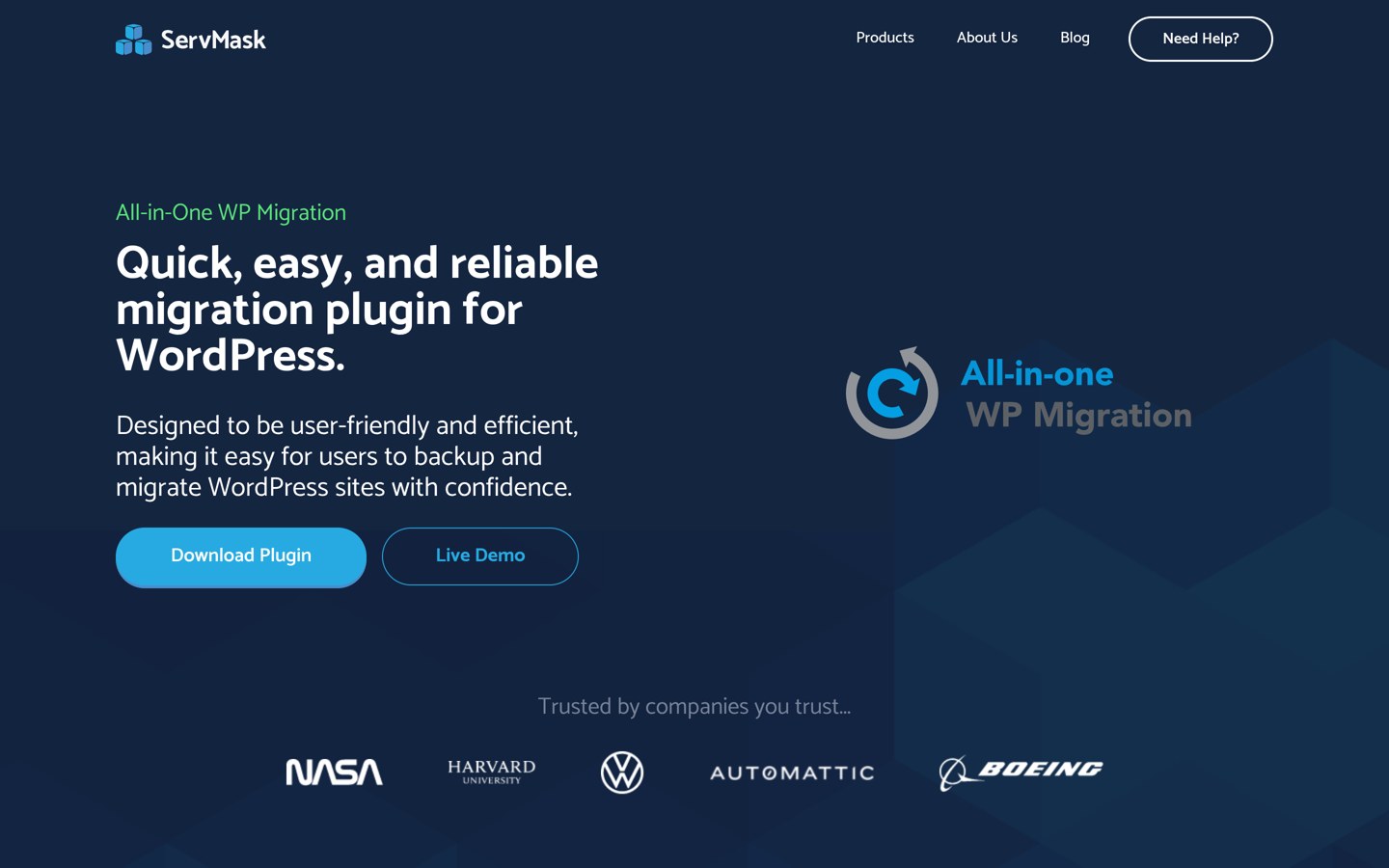
All-in-One WP Migration and Backup homepage, captured Nov 2026.
All-in-One WP Migration and Backup is a migration and backup plugin with 5M+ active installs and 6,388 five-star reviews on WordPress.org. The free plugin exports and imports sites into a single .wpress archive while automatically handling URL replacement.
The trade off is that free imports depend on your host's upload size limits and lack one-click dashboard restore or cloud storage add-ons without paid extensions starting at $69. It suits users who want a simple export-and-import workflow for moving sites.
What we like
5M+ active installs and widely familiar export-import workflow
Handles serialized data and URL replacement automatically during imports
Unlimited Extension starts at $69 and bypasses host upload caps
Watch out for
Free restores rely on browser upload limits set by your web host
Cloud storage, multisite, and scheduled backups cost extra via extensions
Paid extensions start with the Unlimited Extension at $69 for larger imports, one-click restore, and WP-CLI support.Visit servmask.com
06
BlogVault
4.9/5on WordPress.org (1,589 reviews, checked Nov 2026)
Starts at$99/yr
Best for off-site cloud backups
Regular entry plan$99/yr per site
Backup storageOff-site included
Retention (Personal)30 days
Refund window14 days
blogvault.net
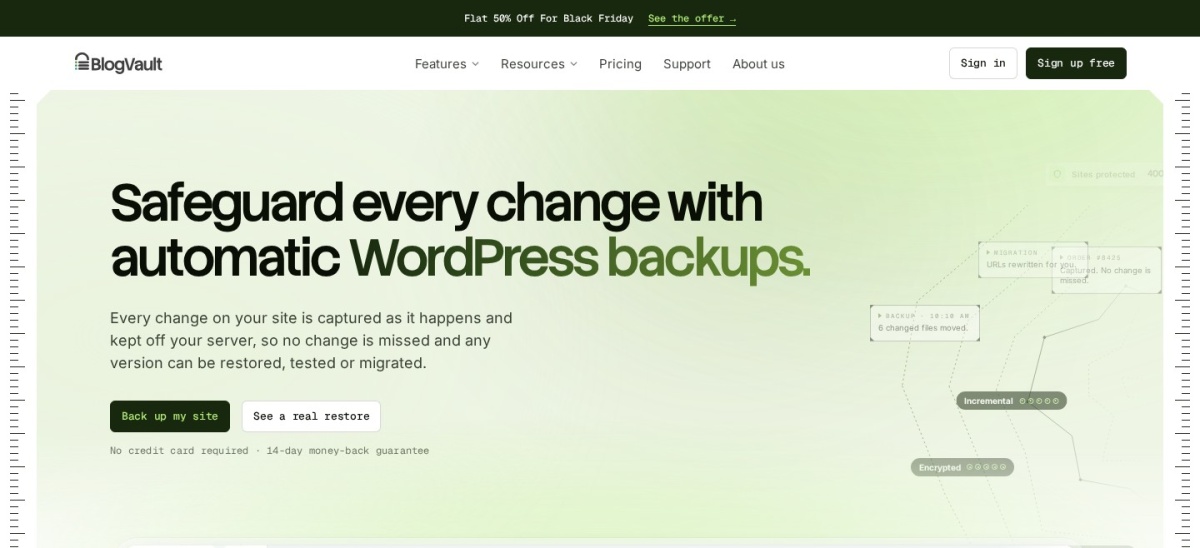
BlogVault homepage, captured Nov 2026.
BlogVault is a managed backup, staging, and migration service from the team behind Migrate Guru, which holds 200K+ active installs and a 4.9 rating across 1,589 reviews on WordPress.org. It runs backups off your web server and stores encrypted copies on its own cloud infrastructure without extra storage fees.
The trade off is that its regular Personal plan starts at $99/yr per site and backs up daily rather than in real time, which sits on higher tiers. It suits business and WooCommerce sites that want off-server backups and one-click restores.
What we like
Runs backups off-site so weak shared hosting limits get less strain
Includes encrypted off-site cloud storage and one-click restores
Built-in staging and site migration tools included across plans
Watch out for
Regular Personal pricing starts at $99/yr per site before discounts
Real-time backups require higher-tier plans rather than daily Personal backups
BlogVault plans start at $99/yr regular price for daily backups, 30-day retention, 1-click restore, and staging.Visit blogvault.net
07
Jetpack VaultPress Backup
4.5/5on WordPress.org (35 reviews, checked Nov 2026)
Starts at$119.40/yr
Best for real-time cloud restores
Active installs20K+
Rating4.5/5 (35 reviews)
Regular price$9.95/mo billed yearly
Storage includedStarts at 10GB
jetpack.com
Jetpack VaultPress Backup homepage, captured Nov 2026.
Jetpack VaultPress Backup is a cloud backup plugin from Automattic with 20K+ active installs and a 4.5 out of 5 rating across 35 reviews on WordPress.org. It records site changes in real time with an activity log and stores redundant copies in Jetpack Cloud.
The trade off is that it requires a paid plan—regularly $9.95/mo billed yearly ($119.40/yr) after first-year promotions—and does not back up directly to Google Drive or Dropbox. It suits busy blogs and WooCommerce stores that want point-in-time cloud restores.
What we like
Real-time cloud backups paired with an activity log for point-in-time restores
Restores work even if your site or host dashboard is offline
Preserves WooCommerce customer and order data during store restores
Watch out for
Requires a paid subscription with a $9.95/mo regular annual rate
Does not save backups directly to Google Drive or Dropbox
Does not support WordPress multisite installations
VaultPress Backup starts at $9.95/mo regular annual billing with 10GB cloud storage, 30-day archive, and 1-click restores.Visit jetpack.com
Server-run backups vs. vendor cloud backups
Plugins like UpdraftPlus, Duplicator, and WPvivid run backup tasks within your WordPress environment and send archives to your chosen storage, such as Google Drive, Dropbox, or S3. That keeps costs low, but tight PHP memory or timeout limits on shared hosting can interrupt large archives.
Cloud services like BlogVault and Jetpack VaultPress Backup shift backup storage off your host and onto managed cloud servers. You pay more each year, but you get off-site redundancy and restores that remain accessible even when your web host has trouble.
How we chose
This shortlist comes from established WordPress backup, migration, and staging plugins compared against common reasons site owners move away from BackWPup, such as simpler restores, off-site storage, or migration workflows.
All active install counts, ratings, review figures, and pricing details were checked on 22 Nov 2026 from WordPress.org plugin pages and official vendor pricing pages, noting regular annual prices alongside promotional offers where present.
We excluded unmaintained or closed plugins and focused on active tools with clear documentation and transparent pricing. No vendor paid for a place, and we do not claim testing for this list.
How to pick the right backup plugin in 4 steps
Follow these four steps to match a backup tool to your hosting setup and recovery needs.
Check where your backup files live. Store copies off your main web server so a server crash or account issue does not wipe out both your live site and your backup.
Match backup frequency to how often your site changes. Daily backups often fit static or low-change sites, while active stores and content teams benefit from real-time or incremental backups.
Decide if you need staging or site migrations. Pick a tool with cloning or migration features if you move hosts often or test updates before pushing changes live.
Compare regular renewal prices for your site count. Check how many sites a plan covers and what the standard annual price is after any first-year discount ends.
FAQ
Why do people look for BackWPup alternatives?
Many site owners look for alternatives when they want a simpler dashboard restore flow, built-in staging or cloning, incremental backups, or managed off-site backup storage rather than configuring server jobs and storage targets manually.
Can I keep backups for free without paying for a backup plugin?
Yes. Free plugins like UpdraftPlus, Duplicator, WPvivid, and WP STAGING let you create backups at no license cost, though features like incremental backups, extra cloud destinations, or host migrations often sit on paid tiers.
Is a host backup enough on its own?
Host backups are helpful, but keeping a separate off-site backup gives you an independent copy if your hosting account is suspended, hacked, or experiencing server trouble.
What is the difference between scheduled backups and real-time backups?
Scheduled backups run at set intervals such as daily or weekly, while real-time backups record changes continuously as content, files, or orders update.
Which plugin is best if I mainly migrate WordPress sites?
Duplicator and All-in-One WP Migration and Backup focus heavily on packaging and moving WordPress sites between hosts or domains, while WPvivid and WP STAGING also bundle cloning and staging workflows.
Should I watch out for first-year discount pricing?
Yes. Vendors such as Duplicator, BlogVault, and Jetpack display discounted first-year or promotional rates, so check the standard annual price to budget for renewals.