IDrive is the best backup software for real estate agents, covering every device on one 5 TB plan with a free 10 GB start. CrashPlan suits teams that want unlimited storage per user, while Spanning backs up the email and files agents keep in Microsoft 365 and Google Workspace.
How we make this list: we compare pricing pages, product documentation and public user reviews, then re-check every price before each update. No product paid for a place. Disclosure.
IDrive leads with 5 TB across unlimited devices for $9.99 a month, plus a Microsoft 365 add-on at $20 a seat a year.
CrashPlan holds the highest G2 rating at 4.9, with unlimited storage and versioning for $88 a user a year.
Spanning and Backupify protect the email agents actually lose: Microsoft 365 and Google Workspace from $36 a user a year.
Backblaze and Carbonite back up one computer each, so count your machines before you compare prices.
Veeam is the only quote-only tool here; every other price in this list is published.
What backup software for real estate agents should cover first?
An agent's business lives in three places: the laptop, the inbox and the cloud. Contracts, disclosures, listing photos and client records sit on the laptop, while negotiations, signatures and showing schedules live in email. Losing any one of the three can stall a closing, so backup has to cover endpoints and email together, not one or the other.
Endpoint backup protects the machine. IDrive, Backblaze, CrashPlan, Acronis, EaseUS and Carbonite all back up a computer's files to the cloud, and the differences are storage limits, device counts and price per machine. IDrive covers unlimited devices on one plan, while Backblaze and Carbonite charge per computer, so a two-machine agent pays very different totals.
SaaS backup protects the inbox. Microsoft and Google keep deleted mail for only 30 days, so a deleted contract thread or a lost mailbox is gone unless a tool like Spanning, Backupify or Veeam Data Cloud saved it. These tools cost $36 to $48 a user a year, far less than one lost commission, and they restore single emails without restoring everything.
Price per user is the number that matters for brokerages. A solo agent can run IDrive or Backblaze for about $100 a year, while a ten-agent brokerage pays per user at CrashPlan, Spanning or Backupify. Count devices and mailboxes first, then compare the yearly total, because the cheapest per-plan price is rarely the cheapest per team.
The 9 best backup software tools for real estate agents
01
IDrive
4.4/5on G2 (2,048 reviews, checked Nov 2026)
Paid from$9.99/mo
Best backup overall for agents
PlanPersonal, 5 TB
DevicesUnlimited
Free plan10 GB free
M365 add-on$20/seat/yr
idrive.com
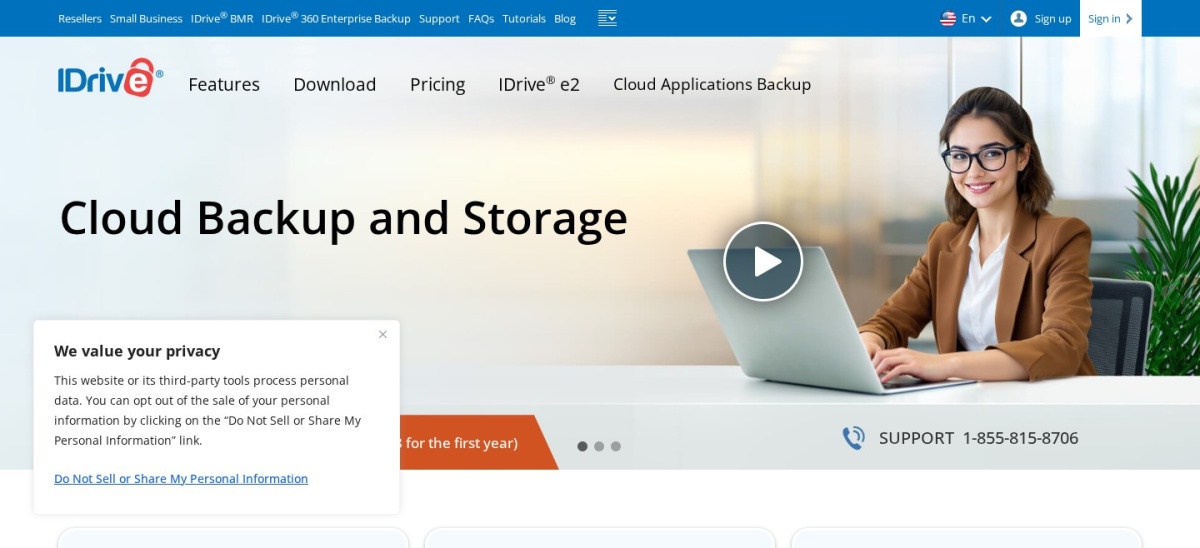
IDrive homepage, captured Nov 2026.
IDrive is a cloud backup service that covers every computer, phone and tablet on one account from a shared 5 TB pool. One Personal plan backs up an agent's laptop, phone and office PC together, with continuous backup, private-key encryption and unlimited versioning. A Microsoft 365 add-on backs up Outlook, OneDrive and SharePoint for $20 a seat a year.
The trade off is the first-year pricing. The Personal plan costs $9.99 a month billed annually at the standard rate, with the first year often discounted, so check the renewal terms before you buy. Going over 5 TB adds $0.25 per GB a month, so a photo-heavy agent should watch storage.
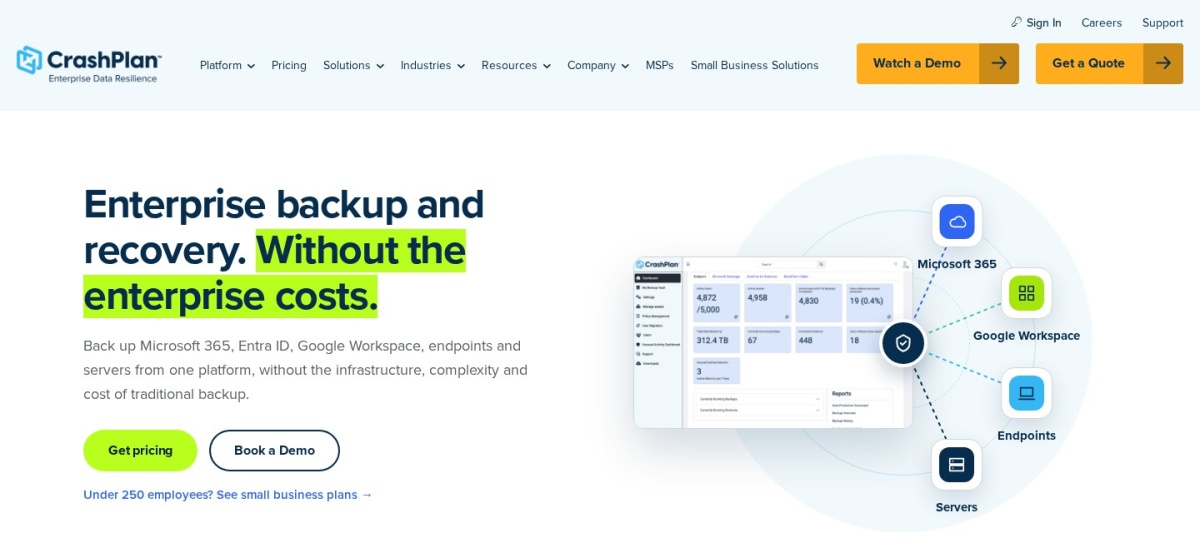
CrashPlan is a business backup platform that protects laptops and desktops with unlimited storage and unlimited versioning per user. An agent's whole team backs up continuously, restores files themselves without an IT ticket, and migrates devices without losing backup history. Separate plans cover Microsoft 365 and Google Workspace for $30 a user a year.
The trade off is the per-user price and the business focus. The small business plan costs $88 a user a year, so a ten-agent brokerage pays $880 a year before any Microsoft 365 add-on. It suits brokerages that want unlimited storage and self-serve restores for every agent laptop.
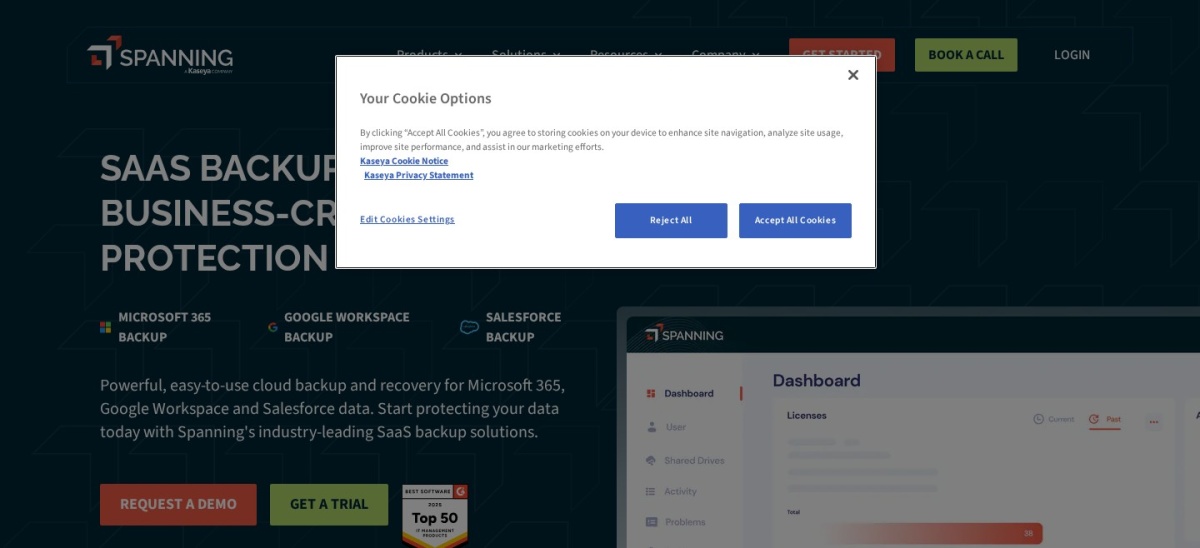
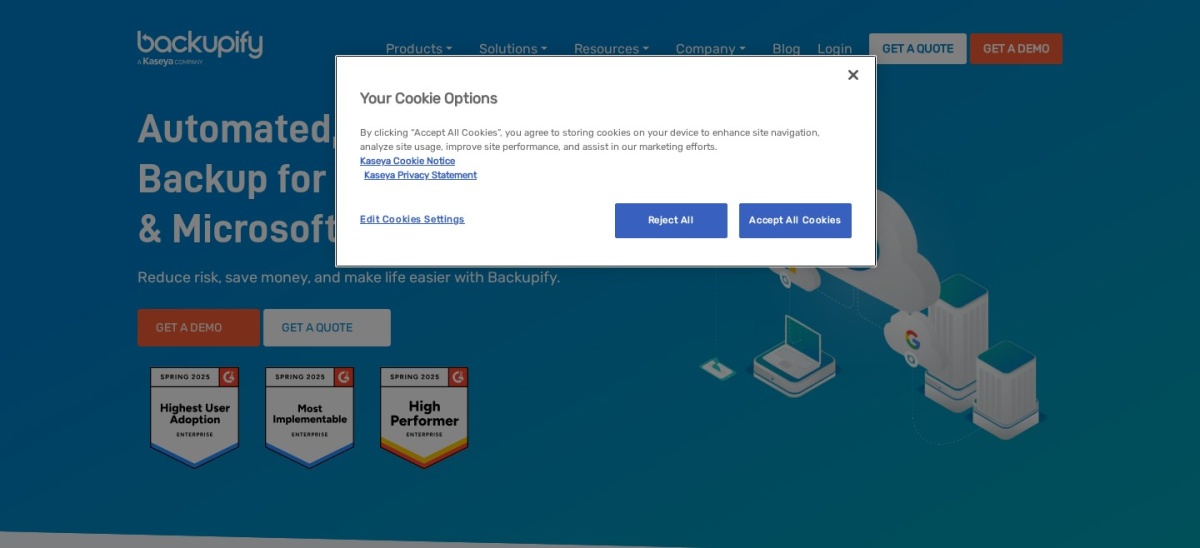
Spanning Backup is a SaaS backup service from Kaseya that protects Microsoft 365, Google Workspace and Salesforce with automated daily backups. It covers Exchange, OneDrive, SharePoint, Teams, Gmail and Drive, with granular point-in-time restore and unlimited retention. End users restore their own mail without an admin ticket.
The trade off is the annual-only billing and the per-user cost. Basic costs $48 a user a year with no monthly option, so a brokerage pays the full year up front, and the price adds up fast across many agents. It suits teams that live in Google Workspace or Microsoft 365 and want simple, reliable email backup.
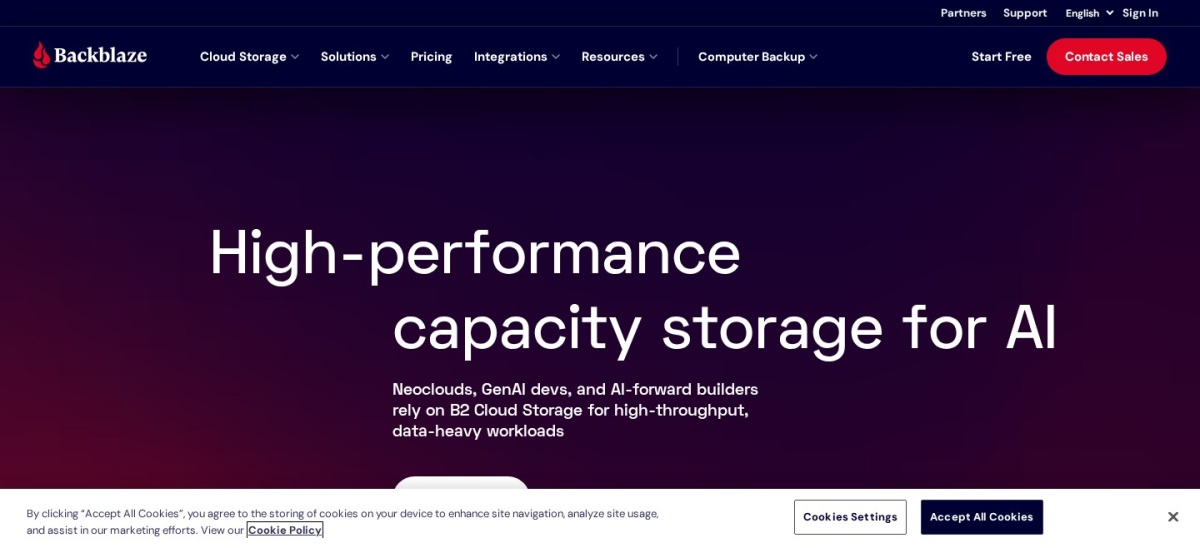
Backblaze is a set-and-forget backup service for one Mac or Windows computer, with unlimited storage and no limits on file type or size. It backs up every user file plus attached external drives continuously, so an agent's listing photos and contracts upload in the background. Encryption runs before files leave the machine.
The trade off is the per-computer price. Each computer needs its own $99-a-year licence, so an agent with a laptop and an office PC pays twice, and version history is 30 days by default. It suits a solo agent with one computer who wants unlimited backup without thinking about storage.
Backupify is a SaaS backup service from Datto that protects Microsoft 365 and Google Workspace mail, calendars and files. It backs up Exchange, OneDrive, SharePoint and Gmail automatically, with point-in-time restore when an agent deletes a contract or a mailbox by mistake. The Basic plan costs $3 a user a month.
The trade off is the thin storage allowance and the billing complaints. Each user gets 100 GB pooled across the account, so a photo-heavy brokerage can hit the cap, and recent G2 reviewers flag billing issues. It suits small teams that want the cheapest SaaS backup for email and files.
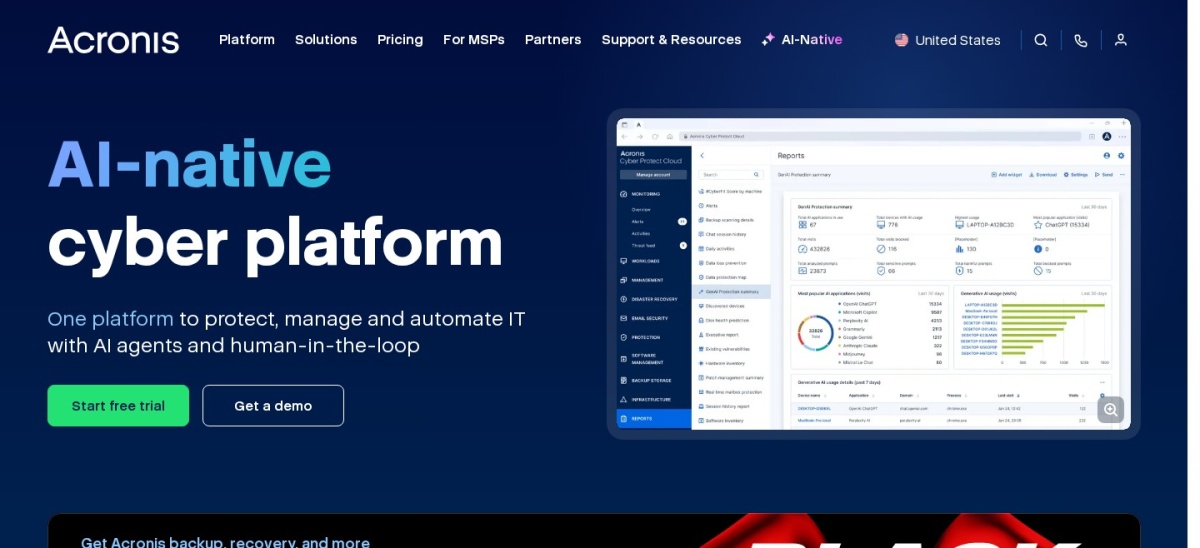
Acronis Cyber Protect Home Office homepage, captured Nov 2026.
Acronis Cyber Protect Home Office is a backup tool that saves a full disk image plus files, and adds anti-malware scanning and vulnerability checks in the same agent. An agent can restore a whole computer to a spare drive after a crash, not just individual files. The plan covers one computer with local and cloud backup.
The trade off is the single-computer licence and the slower setup. The plan costs $49.99 a year for one computer, and a full image backup takes longer to configure than a one-click tool. It suits agents who want backup plus security in one product for their main machine.
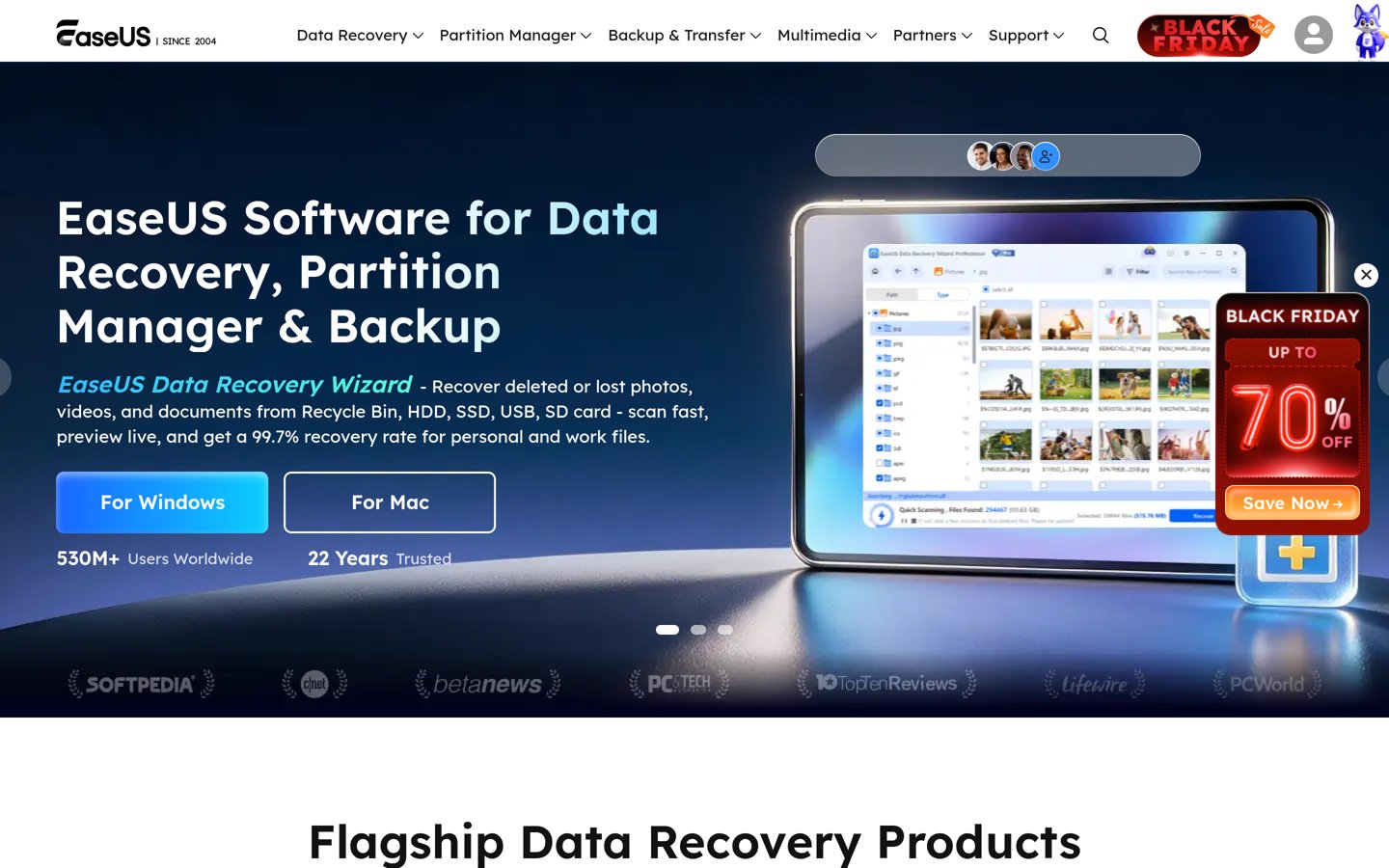
EaseUS Todo Backup is a Windows backup tool that covers disk images, files and system backups from one console. It handles scheduled backups, incremental backups and cloning, so an agent can mirror a work laptop to an external drive every night. A free plan covers basic backup for one PC.
The trade off is the Windows-only scope and the home focus. There is no Mac version and no cloud storage of its own, so agents must bring their own drive or cloud target. It suits a Windows-only agent who wants the cheapest full backup for one PC.
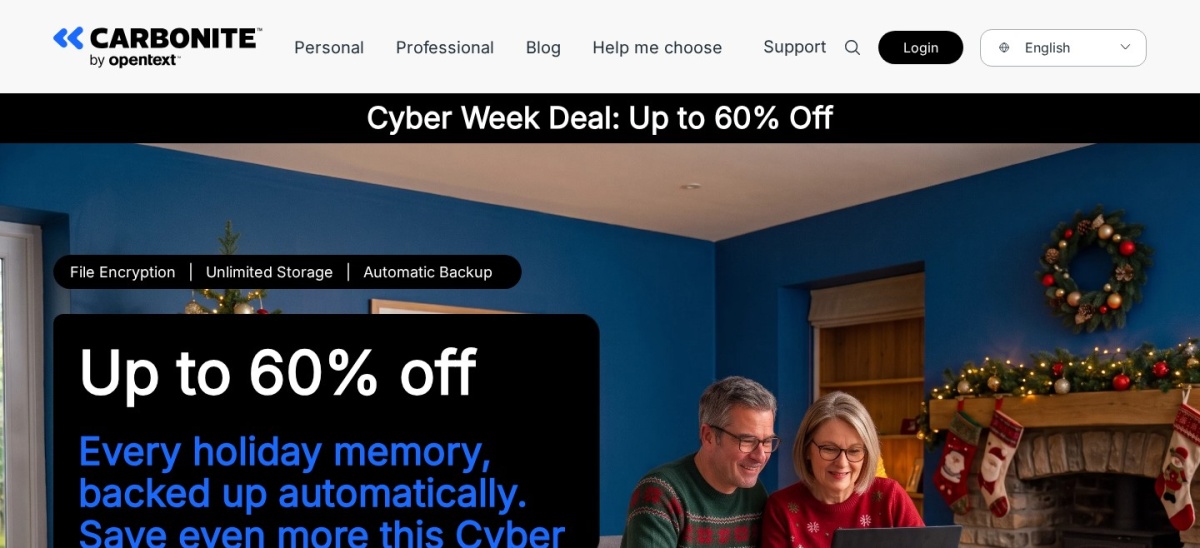
Carbonite Safe is a consumer cloud backup service from OpenText that backs up one computer automatically in the background. Every plan includes unlimited storage, so an agent never tracks how many listing photos are protected. Plus adds one external drive, automatic video backup and Webroot antivirus.
The trade off is the per-computer price and the weak review trend. Basic costs $95.99 a year for one computer, so three machines cost nearly $288 a year, and its G2 product-direction score is the weakest of the backup tools compared here. It suits an agent with one computer who wants unlimited backup.
Veeam Data Cloud is the SaaS backup service from Veeam for Microsoft 365, covering Exchange, OneDrive, SharePoint and Teams. It backs up mail and files on a schedule set by the admin, with granular restore and retention past Microsoft's 30-day window. It is the enterprise-grade option in this list.
The trade off is the quote-only pricing and the enterprise shape. There is no published price, and the platform is built for IT teams rather than solo agents, so a small brokerage will find it heavy. It suits larger brokerages that standardize on Microsoft 365 and need governed backup.
Microsoft 365 and Google Workspace keep deleted mail for about 30 days, then it is gone for good. An agent who deletes a contract thread, loses a mailbox when a team member leaves, or suffers a ransomware attack has no built-in way back after that window. That is the gap SaaS backup fills.
Spanning, Backupify, Veeam Data Cloud and CrashPlan's Microsoft 365 plan all save mail, calendars and files on their own schedule, with point-in-time restore. Spanning and Backupify cost $36 to $48 a user a year, CrashPlan's plan costs $30 a user a year, and Veeam is quote-only. Any of them beats losing a closing file.
Endpoint backup does not save email. IDrive, Backblaze and the rest protect the files on a computer, not the mailbox in the cloud, unless you add a Microsoft 365 or Google Workspace add-on. IDrive sells that add-on for $20 a seat a year. Check both boxes: laptop and inbox.
How we chose
We started from the backup tools real estate agents actually use: endpoint backup for laptops and SaaS backup for Microsoft 365 and Google Workspace. We kept the nine with a G2 rating, a published price or a confirmed quote-only model, and a homepage we could capture cleanly. Every tool here protects either the agent's computer or the agent's mailbox.
Prices come from each vendor's pricing page or its G2 pricing listing, checked on 30 November 2026. CrashPlan's $88 a year comes from its own pricing page opened today. IDrive, Spanning, Backupify and Veeam prices rest on vendor-provided G2 listings and November 2026 reads, and are flagged as second-hand in our notes. Ratings and review counts come from G2 on the same day.
We left out tools with no G2 rating and tools built only for large enterprises with no agent-sized plan. No vendor paid for a place, and we do not claim hands-on testing for this list.
How to choose backup software for real estate agents
Count your devices and mailboxes first, then match the tool to the gap.
Count devices and mailboxes. One laptop and one inbox needs one plan, while a brokerage with ten agents needs per-user pricing. Count both before you compare prices.
Cover the inbox, not just the laptop. Microsoft and Google delete mail after 30 days, so add SaaS backup for email even if endpoint backup already covers the computer.
Check version history and retention. A contract edited last month needs old versions, so prefer unlimited versioning and retention over a 30-day default.
Test a restore before you need one. Pick one deleted file and one old email, restore both, and confirm they open. A backup you have never restored is a guess.
FAQ
What is the best backup software for real estate agents?
IDrive is the best overall pick, covering every device on one 5 TB plan for $9.99 a month, with a Microsoft 365 add-on for email. CrashPlan is the best choice for teams, with unlimited storage per user, and Spanning is the best pick for Microsoft 365 and Google Workspace mail.
How much does backup software for real estate agents cost?
Endpoint backup in this list runs from $39.95 a year for EaseUS to $119.88 a year for IDrive Personal, with CrashPlan at $88 a user a year. Email backup costs $30 to $48 a user a year at CrashPlan, Spanning and Backupify. Veeam Data Cloud is the only quote-only tool here.
Do I need backup for email as well as my laptop?
Yes. Endpoint backup protects the files on your computer, not the mailbox in the cloud, and Microsoft and Google delete mail after about 30 days. A SaaS backup tool like Spanning, Backupify or CrashPlan's Microsoft 365 plan saves mail, calendars and files separately, so a deleted contract thread can still be restored.
What is the cheapest backup software for real estate agents?
Backupify is the cheapest email backup at $3 a user a month, or $36 a year. For laptop backup, EaseUS Todo Backup costs $39.95 a year for one Windows PC, and Spanning covers Microsoft 365 and Google Workspace for $48 a user a year. The cheapest option depends on whether you back up a computer, a mailbox, or both.
How much storage does a real estate agent need?
Most agents need far less than they think for documents, but listing photos and video add up fast. A 5 TB plan like IDrive covers years of contracts and photos across every device, while unlimited plans from Backblaze, CrashPlan and Carbonite remove the question entirely. Count your photo library before you choose a capped plan.
Is Carbonite still good for backup in 2026?
Carbonite Safe still backs up one computer with unlimited storage for $95.99 a year, and Plus adds an external drive and antivirus. Its G2 rating of 4.0 from 198 reviews is the lowest in this list, and reviewers rate its product direction the weakest of the tools compared here. IDrive or Backblaze offer more for similar money.
SaaS SEO and WordPress specialist with about 8 years of experience. Rakib compares WordPress plugins, themes, hosting and software using public pricing, documentation and user reviews. See how we rank.