FlutterFlow is the best AI app development software for mobile, turning plain-language prompts into real native apps with full code export from thirty-nine dollars a month. Appy Pie is the cheapest route to the stores, while Bubble handles the most complex no-code apps.
How we make this list: we compare pricing pages, product documentation and public user reviews, then re-check every price before each update. No product paid for a place. Disclosure.
FlutterFlow is the only builder here that exports real Flutter code, from its $39-a-month Basic plan.
AppSheet is the cheapest rated option at $5 per user a month, and its Core plan is included in most paid Google Workspace plans.
Glide is the fastest start, but its apps are web apps, not native App Store apps.
BuildFire is the priciest entry at $165 a month and has no free plan, only a trial.
Store publishing starts at $16 a month per app with Appy Pie, but only for Android; iOS needs the $60 Platinum plan.
What should AI app development software for mobile do?
AI app builders fall into two camps. No-code builders such as Adalo, Glide and Appy Pie let you assemble an app from screens and templates, while low-code tools such as FlutterFlow and Bubble give you more control over logic and data.
Code export decides your exit. FlutterFlow and Draftbit let you download the source code on a paid plan, while Adalo and Bubble keep you on their platform, so check the export terms before you build.
Store publishing is a separate cost. A web plan does not publish to the App Store, so Bubble needs a Mobile plan from $49 a month, and Appy Pie needs Platinum at $60 for iOS. Our best software to develop mobile apps compares the same tools without the AI angle.
AI credits are a meter to watch. Most builders include a small monthly allowance, then charge for more, so a heavy prompting month can cost more than the plan itself.
Best AI app development software for mobile overall
Cheapest planBasic, $39/mo
Billed yearly$29/mo, $351/yr
AI requests50/mo on Basic
Free projects2
flutterflow.io
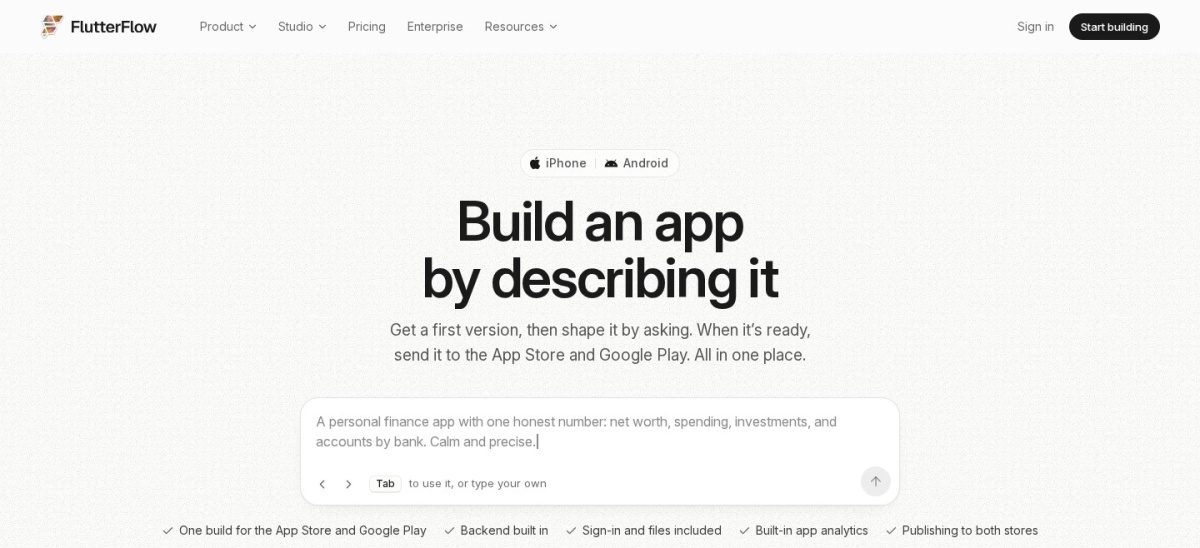
FlutterFlow homepage, captured Nov 2026.
FlutterFlow is a visual builder that turns drag-and-drop screens into real Flutter code for iOS, Android and web. The free plan covers two projects and testing on your own device, while Basic at $39 a month unlocks code export, APK downloads and publishing to the App Store and Google Play.
The trade off is complexity. Real apps still need some Dart for complex logic, and Basic costs $39 a month, or $29 a month billed yearly. It suits developers and startups that want greater control over their app.
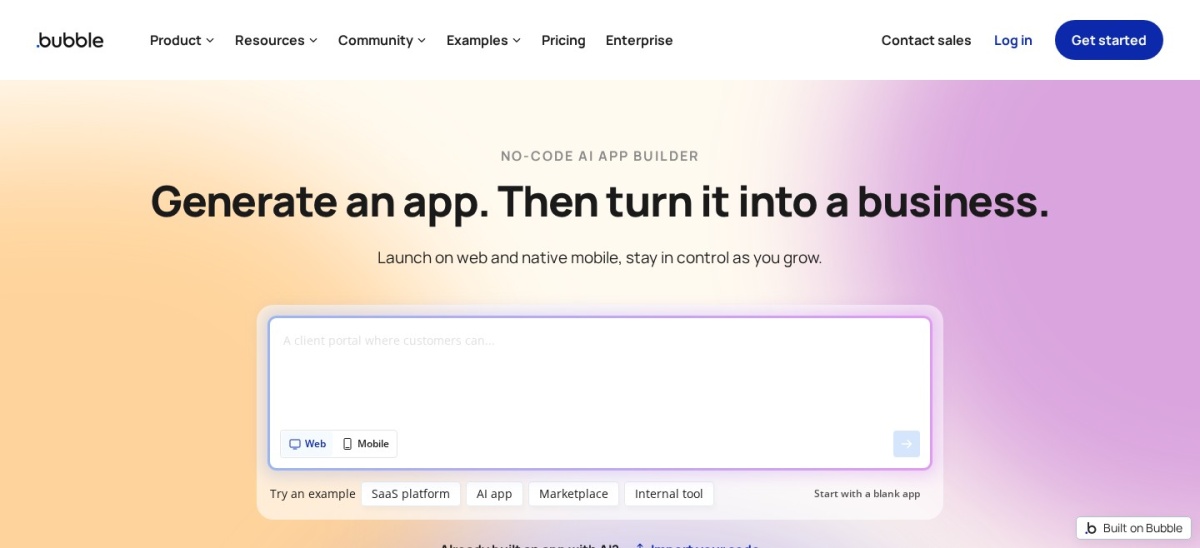
Bubble is a full-stack visual builder with its own database, workflows and hosting, plus an AI agent that generates apps from prompts. The free plan covers building, and Starter Mobile at $49 a month adds a live native app with store publishing.
The trade off is lock-in. Bubble has no code export, so you stay on Bubble, and workload-unit billing is hard to predict. It suits teams building complex apps without writing code.
What we like
Most capable no-code platform here
AI agent plus visual editing
Web and native apps share one backend
Direct store publishing from the editor
Watch out for
No code export, so you stay on Bubble
Workload-unit billing is hard to predict
Steep learning curve for first-time builders
Starter Mobile adds a live native app and custom domainVisit bubble.io
03
Appy Pie
4.7/5on G2 (1,392 reviews, checked Nov 2026)
Paid from$16/mo
Best value for a cheap store app
Cheapest planBasic, $16/mo
Billed yearly$13/mo
AI credits500/mo on Basic
iOS publishingPlatinum, $60/mo
appypie.com
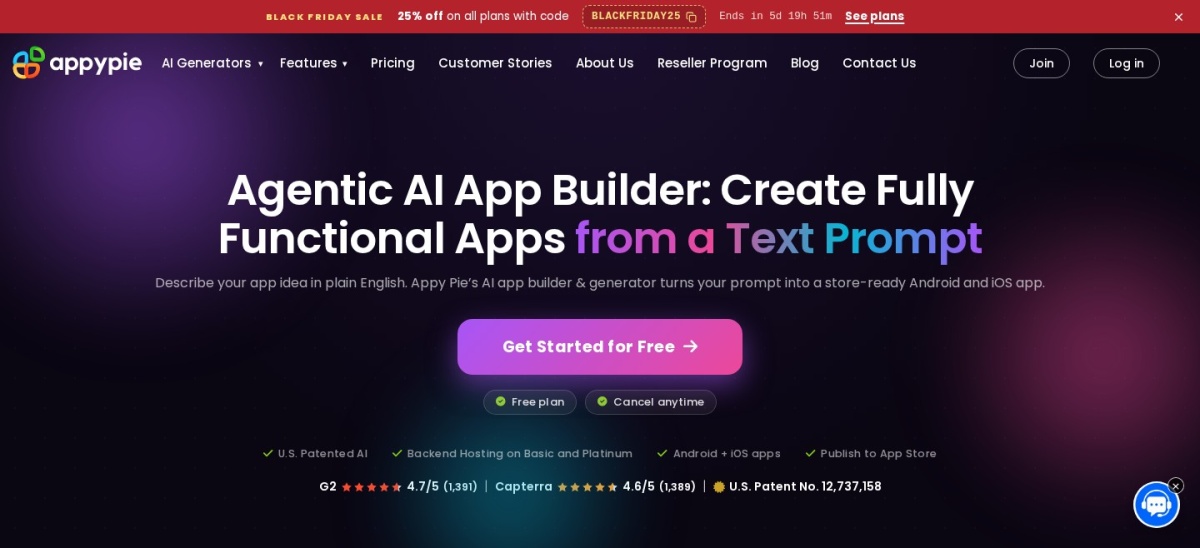
Appy Pie homepage, captured Nov 2026.
Appy Pie is a no-code application builder that combines AI-generated layouts with visual editing. Its Basic subscription costs $16 a month and includes Google Play publishing, a database and 500 monthly AI credits.
The trade off is iOS. Basic publishes to Google Play only, and the App Store needs Platinum at $60 a month, which adds 2,000 AI credits and call support. It suits first-time builders who want the cheapest Android app.
What we like
Cheapest route to Google Play
AI-generated layouts included
500 AI credits a month on Basic
Largest G2 review base here at 1,392
Watch out for
iOS needs the $60 Platinum plan
Smaller AI credit allowance than rivals
Templates look plain next to FlutterFlow
Platinum adds iOS, App Store distribution and call supportVisit appypie.com
04
Glide
4.7/5on G2 (820 reviews, checked Nov 2026)
Paid from$25/mo
Best for turning a spreadsheet into an app
Cheapest planBasic, $25/mo
AI credits100 on Basic
AppsUnlimited on Basic
Native appsNo, web apps only
glideapps.com
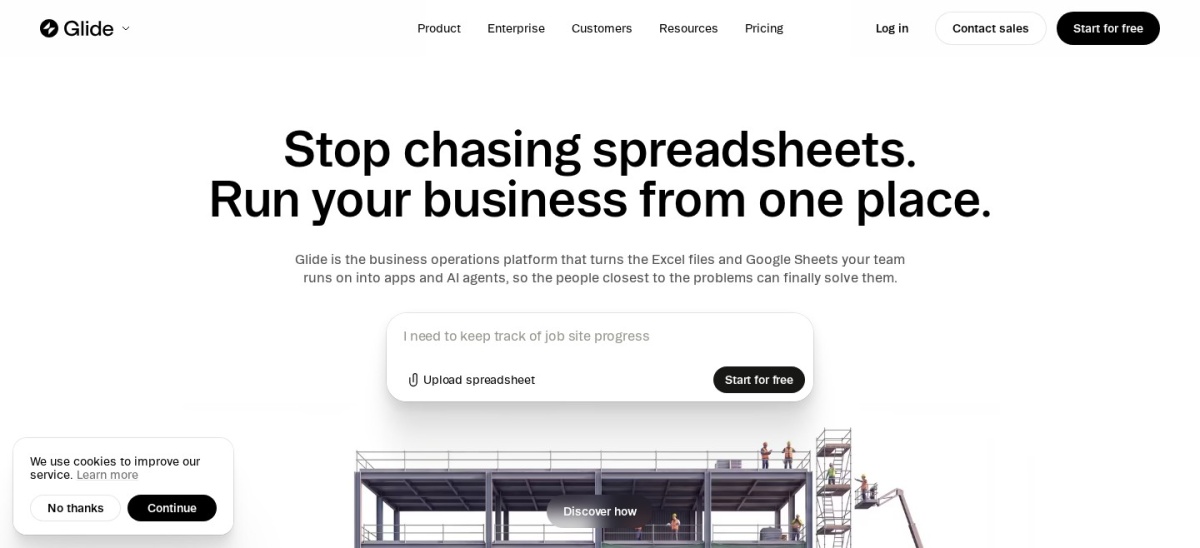
Glide homepage, captured Nov 2026.
Glide is a no-code builder that turns spreadsheets and databases into apps with AI-generated layouts. The free plan covers personal apps, and Basic at $25 a month adds unlimited apps, a built-in database and more AI credits.
The trade off is the store. Glide builds web apps, not native App Store apps, and free credits never renew and cannot publish. It suits internal business apps built from data fast.
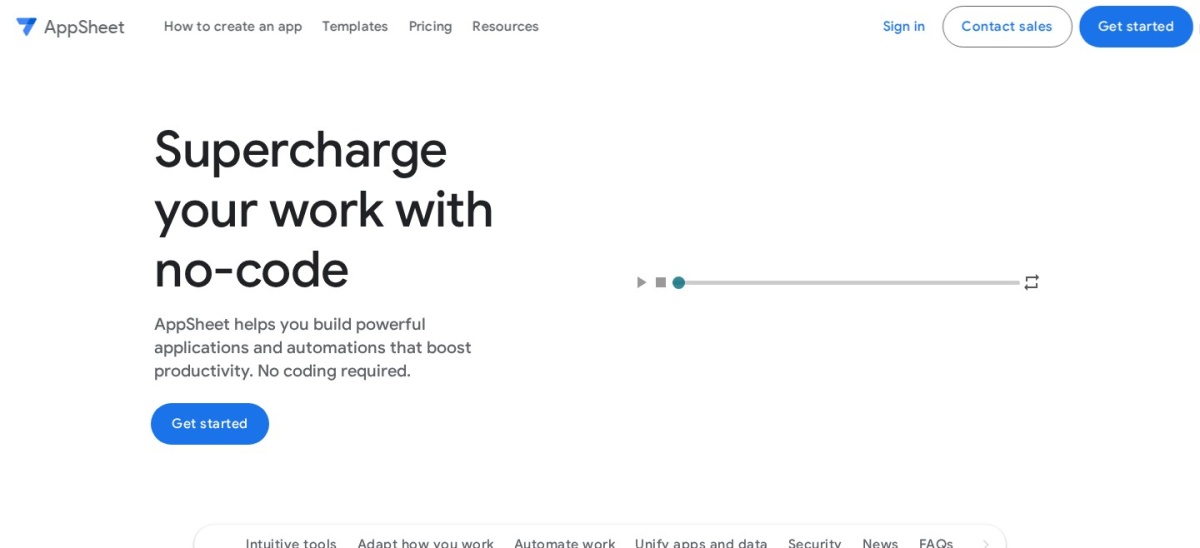
AppSheet is a no-code builder from Google that turns spreadsheets into business apps with AI-assisted development. Starter costs $5 a user a month with basic app and automation features, and Core at $10 a user a month adds barcode scanning and stronger security.
The trade off is the store. AppSheet apps run inside the AppSheet app, not as standalone store listings, and per-user pricing climbs as the team grows. It suits Google Workspace teams building internal apps.
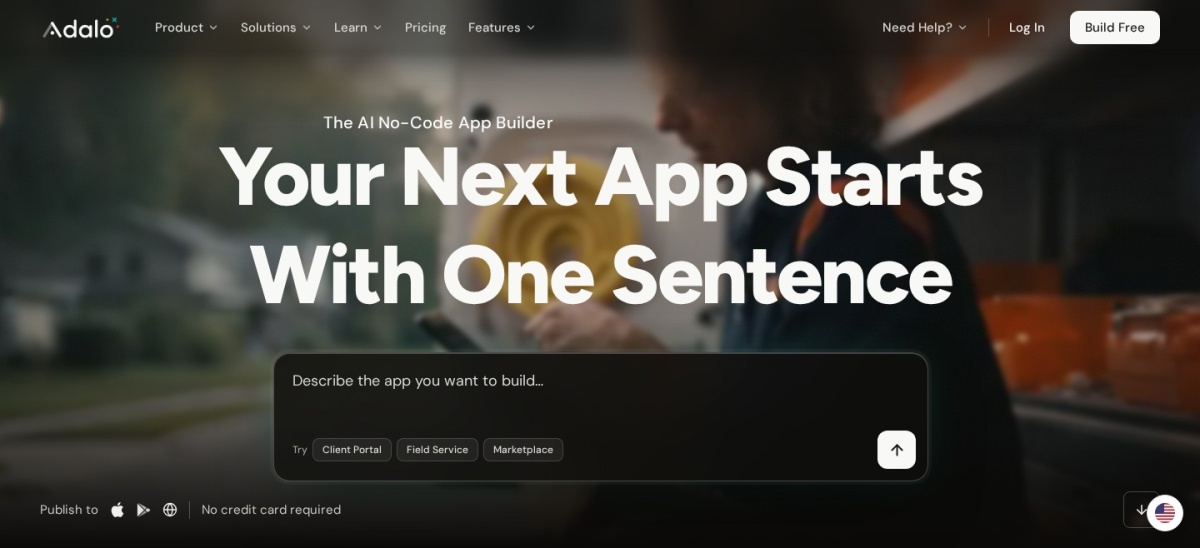
Adalo is a no-code builder for native iOS and Android apps assembled from visual screens and a built-in database. The free plan covers one app build, and Builder at $65 a month adds store publishing, two published apps and five editors.
The trade off is price and lock-in. Builder is pricey for one small app, code export is a separate paid service, and its G2 base is only seven reviews. It suits first-time builders who want the simplest native app.
What we like
Simplest path to a native app
Visual database built in
Store publishing included on Builder
First month $30, then $65
Watch out for
No code export, so scaling means staying put
Builder plan is pricey for one small app
Only 7 G2 reviews, a very small sample
Builder adds store publishing, 2 apps and 5 editorsVisit adalo.com
07
Draftbit
4.4/5on G2 (33 reviews, checked Nov 2026)
Paid from$12/mo
Best cheap route to React Native code
Cheapest planStandard, $12/mo billed yearly
Code exportYes, to GitHub
AI costsYour own AI account
ProjectsUnlimited on Standard
draftbit.com
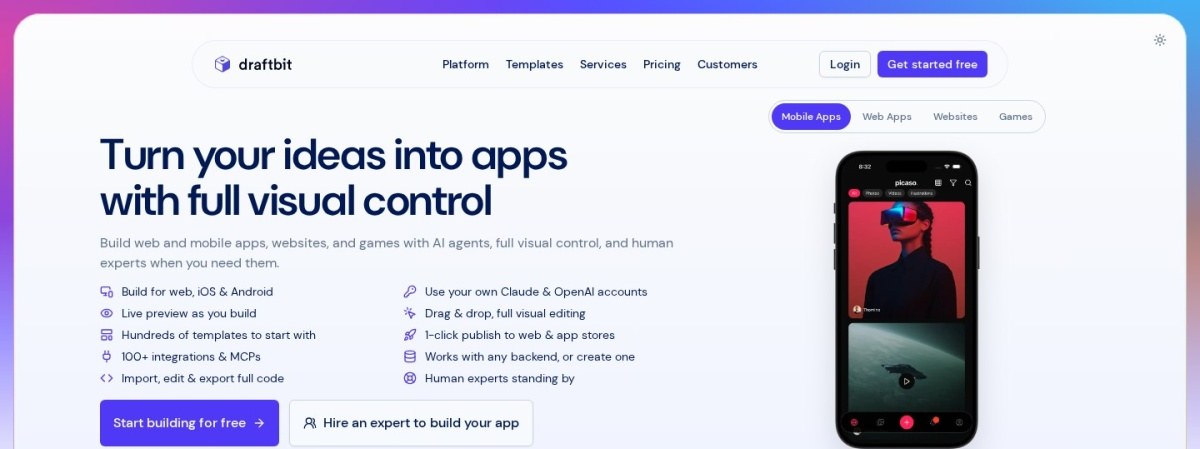
Draftbit homepage, captured Nov 2026.
Draftbit is a visual builder for React Native apps with AI-assisted creation and GitHub export. Standard costs $12 a month billed yearly and adds unlimited projects, full code editing, export to GitHub and one-click publishing for iOS, Android and web.
The trade off is credits. AI generation runs on your own Claude or ChatGPT account, and the credit system is hard to predict, say reviewers. It suits builders who want cheap React Native code they own.
What we like
Cheapest code export here at $12
React Native code on GitHub
One-click publishing for iOS and Android
Unlimited projects on Standard
Watch out for
AI costs sit on your own Claude or ChatGPT account
Softr is a no-code builder for portals, directories and internal tools on Airtable or Google Sheets, with AI-assisted page building. The free plan covers a first app, and Basic at $19 a month adds no branding limits on apps, granular permissions and custom code on higher tiers.
The trade off is the store. Softr builds web apps, not native apps, and three separate usage meters are hard to track. It suits teams that need a portal on their data fast.
What we like
Fast portals from Airtable or Sheets
Strong permissions for client portals
AI page building included
Large G2 base of 757 reviews
Watch out for
No native app or store publishing
Three separate usage meters are hard to track
Branding removal needs the $99 Pro plan
Pro adds no branding, granular permissions and custom codeVisit softr.io
09
BuildFire
4.7/5on G2 (197 reviews, checked Nov 2026)
Starts at$165/mo
Best for a managed business app
Cheapest planStandard, $165/mo
Push notifications100,000/mo
Free planNo, trial only
SupportManaged, with the team
buildfire.com
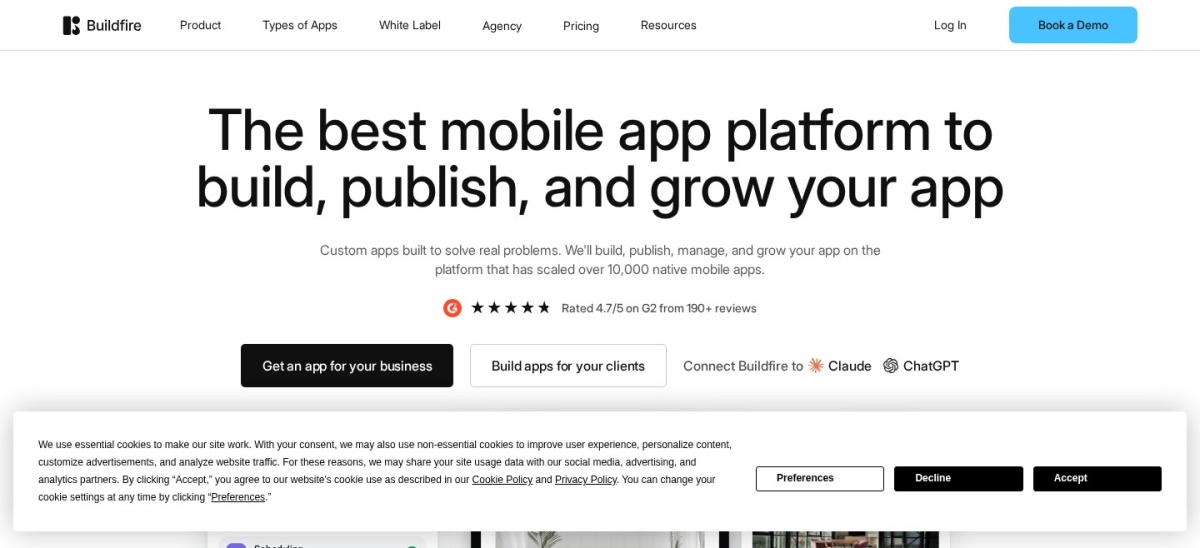
BuildFire homepage, captured Nov 2026.
BuildFire is a no-code builder for native iOS and Android apps assembled from plugins, with managed setup and support. Standard costs $165 a month and includes 100,000 monthly push notifications, app publishing and support from the BuildFire team.
The trade off is price. At $165 a month it is the priciest entry here, with no free plan, only a trial. It suits businesses that want a managed launch rather than building alone.
Native apps publish to the App Store and Google Play. FlutterFlow, Bubble, Appy Pie, Adalo, Draftbit and BuildFire all ship native apps, while Glide and Softr build web apps that run in a browser.
Web apps are faster to start but cannot use every phone feature. Glide turns a spreadsheet into an app in minutes, yet it cannot list in the stores.
Check the plan before you buy. Appy Pie Basic at $16 a month publishes to Google Play only, and iOS needs the $60 Platinum plan, so the cheapest plan is not always the one that ships.
How we chose
We started from the mobile app builders with G2 ratings and an AI builder, then kept those that publish native iOS and Android apps or build real mobile web apps.
Prices come from each vendor's pricing page, checked on 30 November 2026. Ratings and review counts come from G2 on the same day. Where a vendor shows a sale, the list shows the regular price.
We left out tools with no AI builder and no published price. No vendor paid for a place, and we do not claim hands-on testing for this list.
How to choose AI app development software for mobile
Decide where the app must ship, then check the plan that ships it.
Decide native or web first. Native apps list in the stores and use phone features, while web apps are faster to start, so pick the output before the tool.
Check code export before you build. FlutterFlow and Draftbit let you download the code, while Bubble and Adalo do not, so an export matters if you may outgrow the builder.
Count the AI credits. Free allowances run out fast on a real project, so check the monthly credit limit and the price of more before committing.
Publish a test build early. Ship a simple version to TestFlight or internal testing first, because store review and signing take longer than the build itself.
FAQ
What is the best AI app development software for mobile in 2026?
FlutterFlow is the best AI app development software for mobile for most builders. It turns a plain-language description into a working app for iOS and Android, exports full Flutter code, and publishes to both stores from its $39 a month Basic plan.
How much does AI app development software for mobile cost?
Paid plans run from $5 per user a month for AppSheet to $165 a month for BuildFire. FlutterFlow Basic is $39, Bubble Starter Mobile is $49, Appy Pie Basic is $16, and most builders here have a free plan.
Can AI build a real mobile app for the App Store?
Yes. FlutterFlow, Bubble, Appy Pie, Adalo, Draftbit and BuildFire all publish native iOS and Android apps to the stores from paid plans. Glide and Softr build web apps instead, which do not list in the stores.
Which AI app builder lets you export the code?
FlutterFlow exports full Flutter source code on any paid plan, and Draftbit exports React Native code to GitHub on its $12 a month Standard plan. Bubble and Adalo do not offer code export, so leaving means rebuilding.
Is there free AI app development software for mobile?
Yes. FlutterFlow, Appy Pie, Glide, Bubble, Adalo, Draftbit and Softr all have free plans. Free plans usually block code export and store publishing, so shipping an app needs a paid plan.
What is the cheapest AI app builder for a first mobile app?
Appy Pie is the cheapest route to a store at $16 a month for Android publishing, with 500 AI credits a month. Draftbit Standard at $12 a month is cheaper still, but it needs your own AI account for generation.
SaaS SEO and WordPress specialist with about 8 years of experience. Rakib compares WordPress plugins, themes, hosting and software using public pricing, documentation and user reviews. See how we rank.