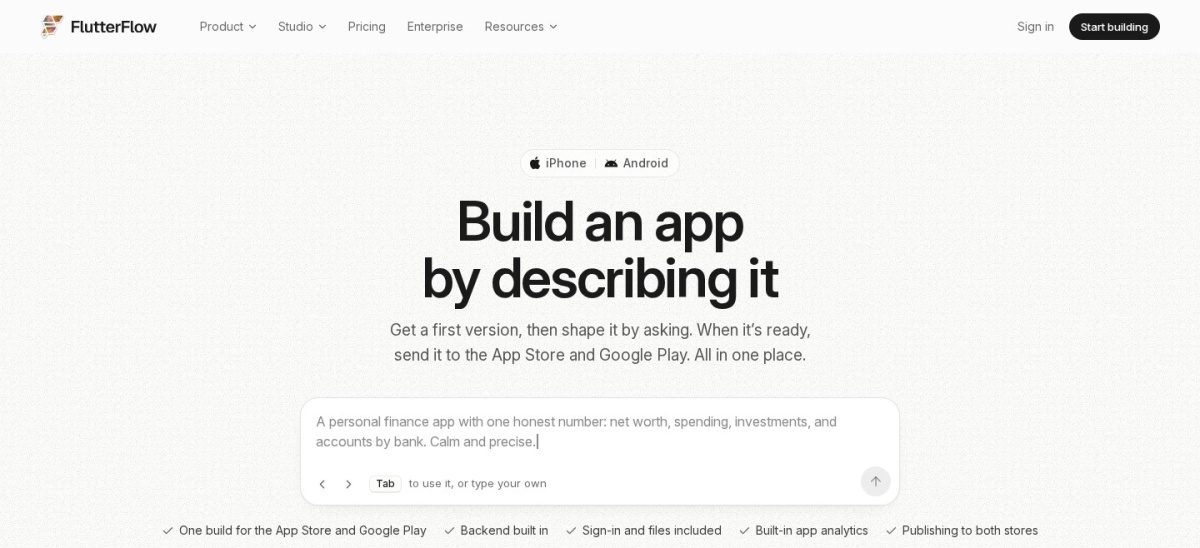
FlutterFlow is the best mobile app builder software for most development projects, offering unlimited projects on its $39 monthly Basic plan. Choose Appy Pie for affordable Android app creation or Thunkable for visual programming without traditional coding.
How we make this list: we compare pricing pages, product documentation and public user reviews, then re-check every price before each update. No product paid for a place. Disclosure.
FlutterFlow Basic costs $39 per month and supports unlimited projects.
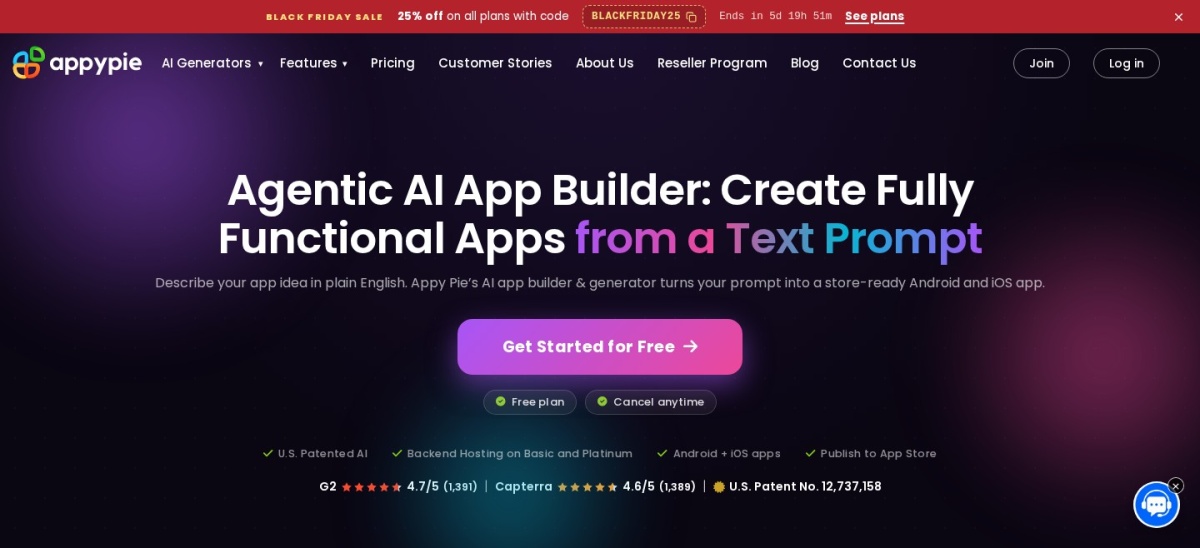
Appy Pie starts at $16 per month with 500 monthly push notifications.
Thunkable offers a free plan with 3 public projects and 5 screens per project.
Bubble offers native mobile publishing from $42 per month with annual billing.
Adalo Builder regularly costs $65 per month and supports 2 published apps.
BuildFire Standard includes 100,000 monthly push notifications for $165 per month.
What to look for in mobile app builder software
Mobile app builders let individuals and businesses create applications through visual editors, templates and AI-assisted development. Some generate native mobile applications, while others produce mobile-friendly web apps.
Check whether the platform supports native iOS and Android publishing. A progressive web app can work well for internal business tools, but consumer applications may require distribution through mobile app stores.
Database integration, authentication and workflow automation are important for applications that manage customer accounts, bookings or business records. More advanced projects may also require custom code and external API connections.
Compare the cost of publishing and maintaining an application rather than just building it. Entry plans may restrict downloads, published applications, storage, notifications or backend processing.
FlutterFlow is a visual development platform for creating mobile and web applications using Flutter. Its free plan supports 2 projects, while Basic provides unlimited projects and expanded AI-assisted development capabilities.
The trade off is that complex application logic requires more technical understanding than template-based builders, and Basic costs $39 per month. It suits developers and startups that want greater control over application design and functionality.
Appy Pie is a no-code application builder that combines AI-generated layouts with visual editing. Its Basic subscription includes Google Play publishing, a database and 500 monthly AI credits.
The trade off is that Basic costs $16 per month but restricts downloads and excludes Apple App Store publishing, which requires the $60 monthly Platinum plan. A temporary 25% Black Friday discount is advertised. It suits small businesses creating straightforward customer-facing applications.
What we like
Affordable entry subscription
AI-assisted application creation
Integrated database and backend
Free building and previewing
Watch out for
Apple publishing requires Platinum
Entry plan restricts downloads
Basic enables Google Play publishing and monthly usage allowances.Visit appypie.com
03
Thunkable
4.4/5on G2 (38 reviews, checked Nov 2026)
Paid from$19/mo
Best for visual programming beginners
Entry planAccelerator
Free public projects3
Accelerator private projects1
Accelerator screens per project10
thunkable.com
Thunkable homepage, captured Nov 2026.
Thunkable is a visual app development platform that uses block-based programming and AI-assisted creation. Its free plan includes 3 public projects, while Accelerator adds private project development and higher screen limits.
The trade off is that the $19 monthly Accelerator plan does not include live app publishing, which requires Builder at $59 per month. It suits beginners, students and entrepreneurs learning to create interactive mobile applications.
What we like
Accessible block-based programming
Cross-platform mobile development
Free application prototyping
Private projects on paid plans
Watch out for
Publishing requires a higher subscription
Advanced customization can be restrictive
Accelerator adds private development and expanded AI allowances.Visit thunkable.com
04
Bubble
4.6/5on Capterra (334 reviews, checked Nov 2026)
Paid from$42/mo
Best for database-driven applications
Mobile planStarter Mobile
Free workload allowance50,000 units/mo
Free AI credits500/mo
Mobile frameworkReact Native
bubble.io
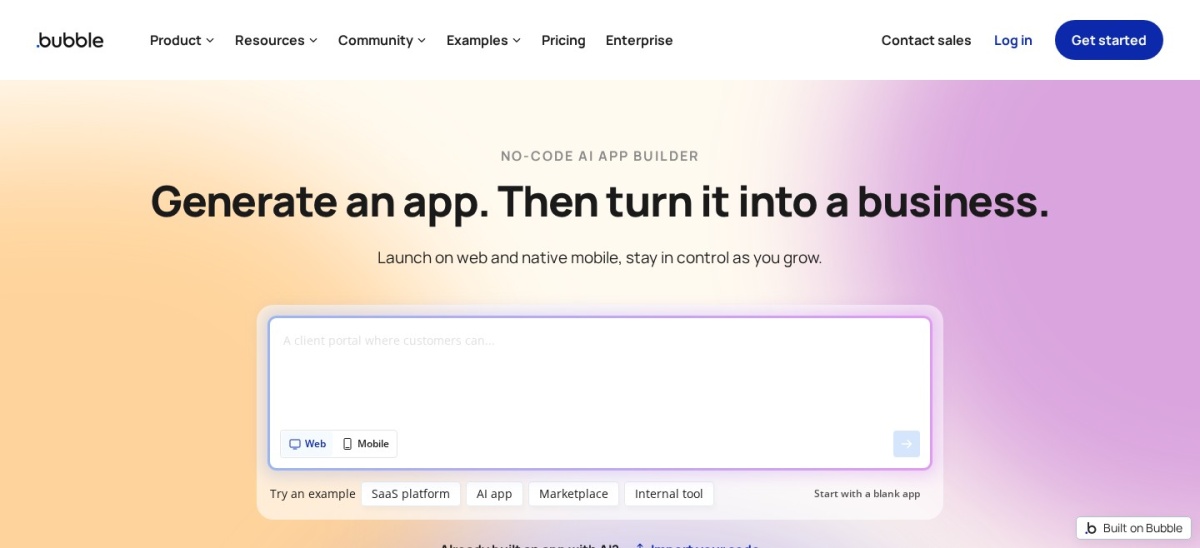
Bubble homepage, captured Nov 2026.
Bubble is a no-code development platform for creating web and native mobile applications with integrated databases and workflows. Its free plan includes 50,000 monthly workload units and mobile application testing.
The trade off is usage-based billing and a more involved learning process, with Starter Mobile costing $42 per month when billed annually. It suits founders building marketplaces, customer portals and applications with complex business logic.
What we like
Integrated database management
Custom visual workflows
Native mobile application development
Free development and testing
Watch out for
Usage charges can increase costs
Complex workflows take time to learn
Starter Mobile enables native mobile application publishing.Visit bubble.io
05
Glide Classic
4.7/5on G2 (810 reviews, checked Nov 2026)
Paid from$25/mo
Best for spreadsheet-based business apps
Entry planExplorer
Published apps1
Personal users100
Monthly updates250
glideapps.com
Glide Classic homepage, captured Nov 2026.
Glide Classic is a no-code platform for creating mobile-friendly business applications from structured data. Its documented Explorer subscription supports 1 published app, 100 personal users and 250 monthly updates.
The trade off is that Glide Classic focuses on browser-based applications rather than native app store publishing, and Explorer is listed at $25 per month in its pricing documentation. It suits teams building inventory systems, internal dashboards and operational tools.
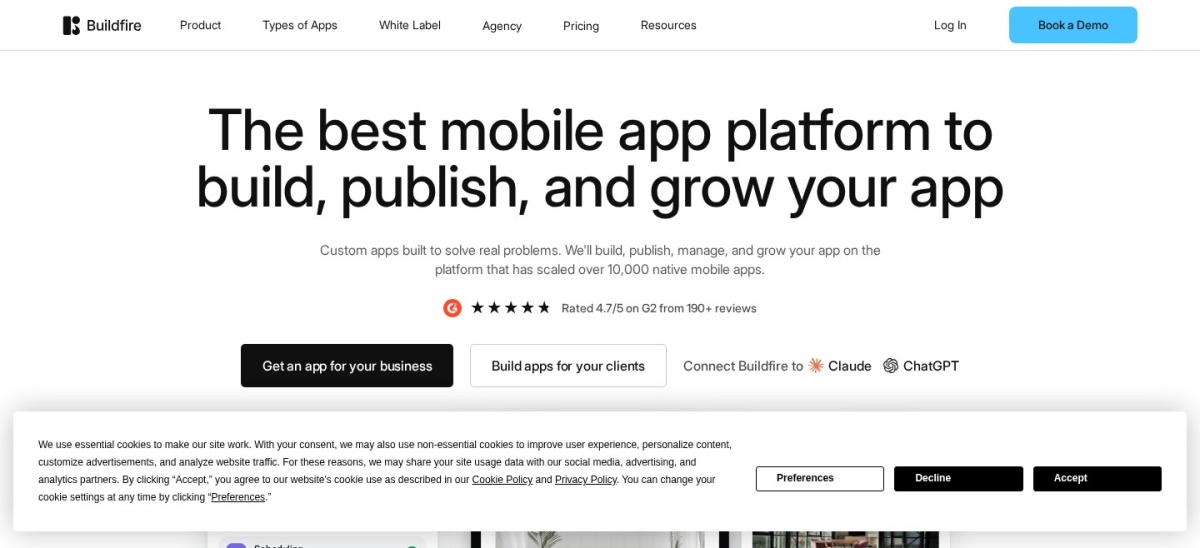
BuildFire is a mobile application platform that combines customizable designs, plugin-based functionality and publishing assistance. Its Standard subscription includes 100,000 monthly push notifications and 5GB of storage.
The trade off is its $165 monthly starting price, which is considerably higher than most self-service builders in this comparison. It suits established businesses that want native mobile applications and assistance with the publishing process.
What we like
Native mobile publishing support
Extensive plugin-based functionality
High notification allowance
Customer support included
Watch out for
High starting subscription cost
Advanced monetization requires an upgrade
Standard includes publishing assistance, plugins and push notifications.Visit buildfire.com
07
Adalo
3.5/5on Capterra (25 reviews, checked Nov 2026)
Paid from$65/mo
Best for visual database app prototyping
Entry planBuilder
Free records per app500
Published apps2
Builder app editors5
adalo.com
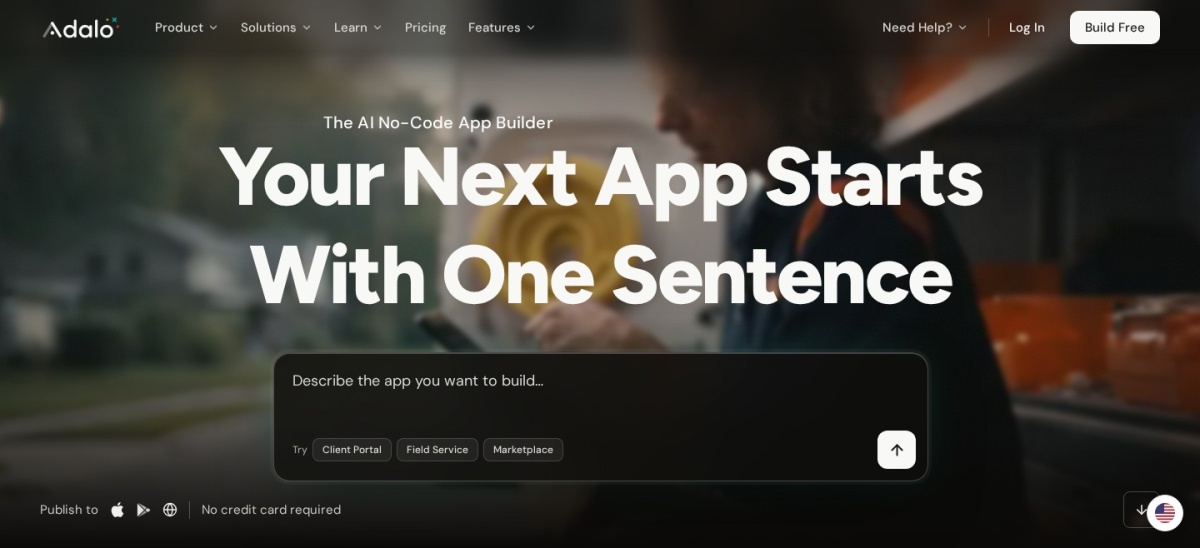
Adalo homepage, captured Nov 2026.
Adalo is a visual application builder with integrated databases, AI-assisted development and native mobile publishing. Its free plan supports unlimited test applications with up to 500 records per app.
The trade off is that Builder regularly costs $65 per month, with an introductory discount available and mixed customer reviews regarding development limitations. It suits entrepreneurs who want to prototype database-driven applications before investing in more complex development.
What we like
Integrated visual database
Native mobile and web publishing
Free application prototyping
Predictable subscription structure
Watch out for
Mixed public customer ratings
Advanced integrations require higher-tier features
Builder adds published apps, custom domains and additional editors.Visit adalo.com
Should you build a native mobile app or a web app?
Native mobile applications are installed through app stores and can access supported device features. They are useful for consumer-facing products that depend on mobile distribution, notifications and device-specific functionality.
Mobile-friendly web applications run through a browser and are often easier to distribute and maintain. They can be a practical choice for internal business applications, customer dashboards and data collection tools.
How we chose
We compared established mobile application builders using official subscription pages, product documentation and public G2 or Capterra ratings. Selection focused on development flexibility, publishing capabilities, pricing and suitability for different business requirements.
The editorial check date is 22 Nov 2026. Prices and ratings were retrieved from the listed sources, but historical values for that exact date could not be independently confirmed. Glide Classic pricing comes from its documented subscription schedule, and Bubble pricing uses its mobile-specific annual subscription.
We excluded products without confirmed subscription prices and sufficient public reviews. AppMySite was excluded because its opened pricing page did not display subscription amounts. Temporary promotions are excluded from annual cost calculations. No vendor paid for a place, and we do not claim testing for this list.
How to choose the best mobile app builder software
Identify your application's publishing requirements, technical complexity and operating budget before selecting a development platform.
Determine your publishing requirements. Decide whether your application needs native iOS and Android distribution or can operate as a mobile-friendly web application.
Evaluate your application logic. Check whether the platform supports your required databases, user authentication, payment processing, API integrations and automated workflows.
Compare development and publishing costs. Review entry subscriptions separately from publishing plans, additional usage charges, developer account fees and premium integrations.
Review scalability and portability. Confirm whether you can export source code or application data, increase backend capacity and maintain the application as your business grows.
FAQ
What is the best mobile app builder software?
FlutterFlow is our top pick because it combines visual development, native mobile application support and customization capabilities. Its Basic subscription supports unlimited projects and is suitable for startups and developers.
Can I build a mobile app without coding?
Yes. Platforms such as Appy Pie, Thunkable and Adalo allow users to create mobile applications through visual editors, templates and configurable workflows. Complex functionality may still require technical knowledge or custom integrations.
What is the best free mobile app builder?
FlutterFlow and Thunkable offer free plans for developing and testing mobile applications. Adalo also provides free prototyping with an integrated database, although publishing completed applications generally requires a paid subscription.
How much does mobile app builder software cost?
Entry subscriptions in this comparison start at $16 per month for Appy Pie. More advanced platforms charge higher monthly fees, and native publishing, additional users or backend usage may increase costs.
Can no-code applications be published to app stores?
Yes. FlutterFlow, Thunkable, Bubble, Adalo and other mobile development platforms support app store publishing through eligible subscriptions. Developers must also meet store approval requirements and maintain the necessary developer accounts.
Do mobile app builders include databases?
Many platforms include integrated databases or connections to external data services. Bubble and Adalo provide database-driven development, while Glide Classic focuses on structured business data. Available storage and processing limits depend on the selected subscription.
SaaS SEO and WordPress specialist with about 8 years of experience. Rakib compares WordPress plugins, themes, hosting and software using public pricing, documentation and user reviews. See how we rank.