FlutterFlow is the best software to develop mobile apps for most people. Its $39-a-month Basic plan exports real Flutter code and publishes native iOS and Android apps, while AppSheet is the cheapest rated option at $5 per user a month for data-driven business apps.
How we make this list: we compare pricing pages, product documentation and public user reviews, then re-check every price before each update. No product paid for a place. Disclosure.
FlutterFlow is the only builder here that exports real Flutter code, from its $39-a-month Basic plan.
AppSheet is the cheapest rated option at $5 per user a month, and its Core plan is included in most paid Google Workspace plans.
Glide is the fastest start, but its apps are web apps, not native App Store apps.
BuildFire is the priciest entry at $165 a month and has no free plan, only a trial.
Store publishing starts at $16 a month per app with Appy Pie, but only for Android; iOS needs the $60 Platinum plan.
Adalo has the thinnest rating in the list, 4.4 out of 5 from only 7 G2 reviews.
What to look for in mobile app software
Mobile app builders fall into two camps. No-code builders such as Adalo, Glide and Appy Pie let you assemble an app from screens and templates, while low-code tools such as FlutterFlow and Bubble give you more control over logic and data.
The first question is where the app will live. Native apps ship through the App Store and Google Play and can use phone features such as push notifications and offline mode. Web apps open from a link and skip the store review, which suits internal tools.
Our mobile vs desktop traffic statistics show how much of the web now runs through phones, so most audiences will meet your app on a small screen first.
Pricing is the second trap. Some tools charge per app, some per user and some per seat, so a $5 plan can cost more than a $65 plan once your team grows.
Finally, check what leaving costs. Builders that export code, such as FlutterFlow, let you take the app with you. Builders without export, such as Adalo, mean rebuilding from scratch if you outgrow them.
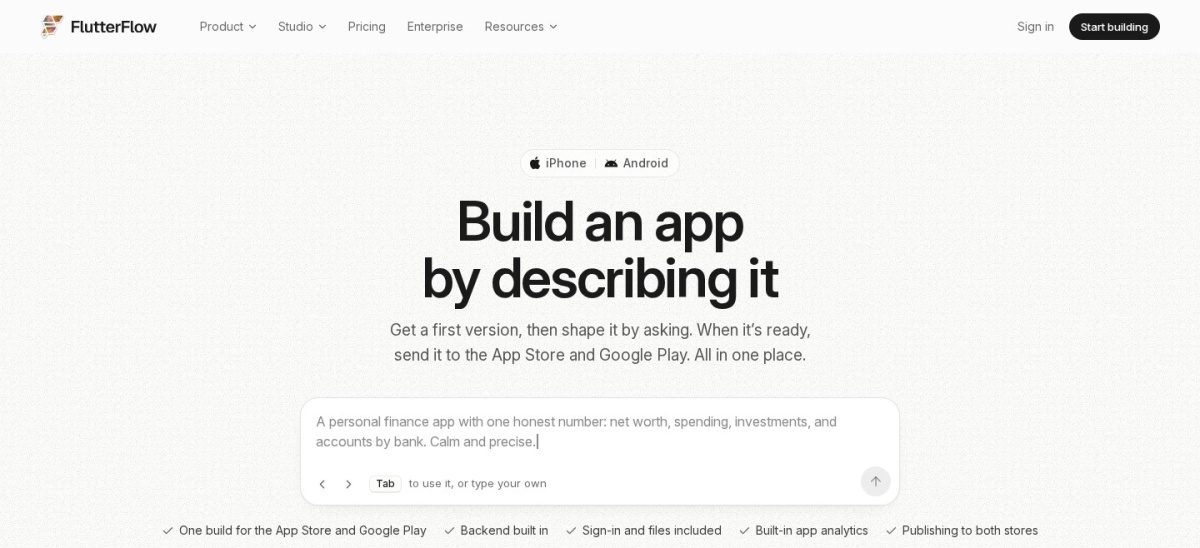
FlutterFlow is a visual builder that turns drag-and-drop screens into real Flutter code for iOS, Android and web. The free plan covers 2 projects, 5 AI requests in total and testing on your own device, while Basic at $39 a month unlocks code export, APK downloads and publishing to the App Store and Google Play.
The trade off is the learning curve. Flutter concepts such as widgets, state and custom actions still matter once an app grows past a simple prototype, and team features start on Growth at $80 a month for the first seat. It suits founders and small teams who want a native app they can keep building on.
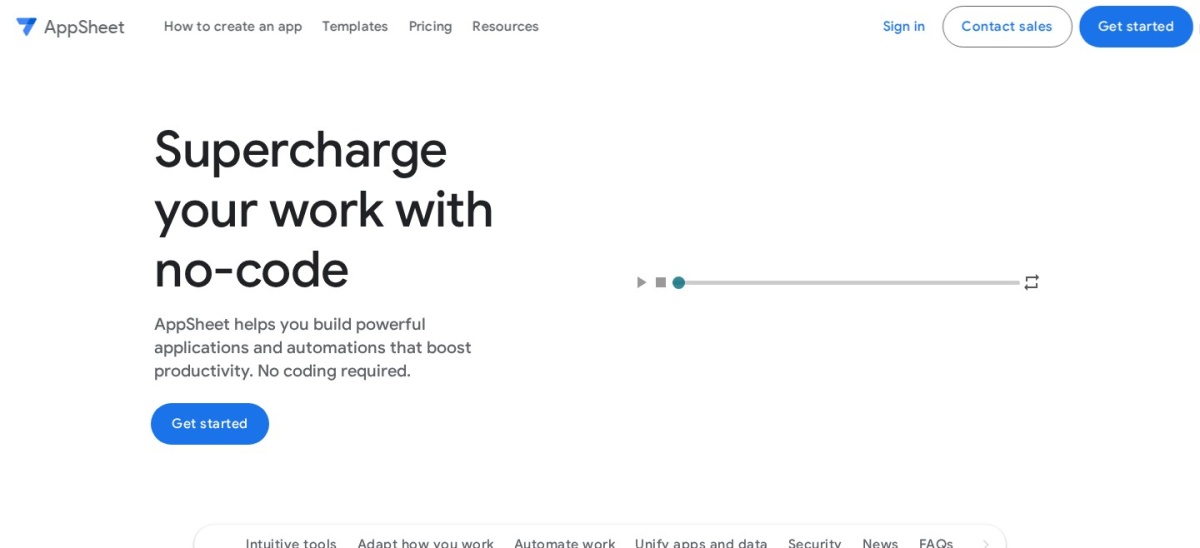
AppSheet is Google's no-code platform for turning a spreadsheet or database table into a working mobile and web app. You build from your data, add views such as forms, maps and dashboards, and the free plan lets you test with up to 10 users before paying anything.
The trade off is design freedom. AppSheet apps look plain next to a custom-built app, and Google said in May 2026 that the platform is now in a stability-first mode with fewer new features. It suits teams who already live in Google Sheets and need field tools, inspections or inventory apps fast.
What we like
Cheapest paid plan in this list
Core is included in most paid Google Workspace plans
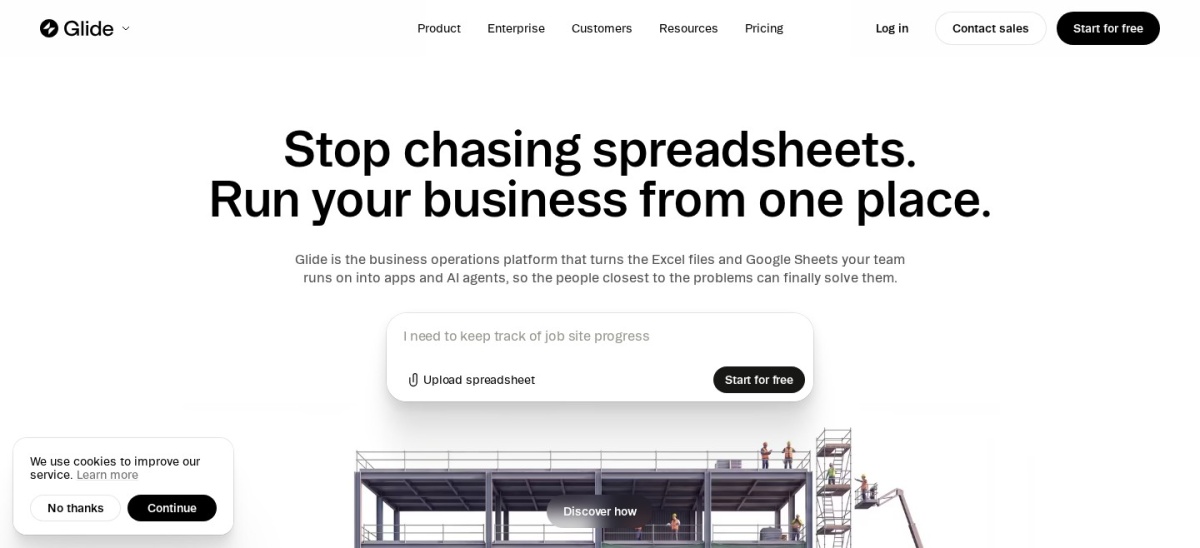
Glide is the quickest route from a spreadsheet to a working mobile app. You connect Google Sheets or a Glide Table, pick a layout, and the app updates as the data changes. The free plan allows unlimited draft apps with up to 25,000 rows, and Explorer at $25 a month publishes one app.
The trade off is that Glide apps are web apps, not native App Store apps. They run in the browser and install to a home screen, and business email sign-ins need the Business plan at $199 a month billed annually. It suits internal tools, directories and community apps where a link beats a store listing.
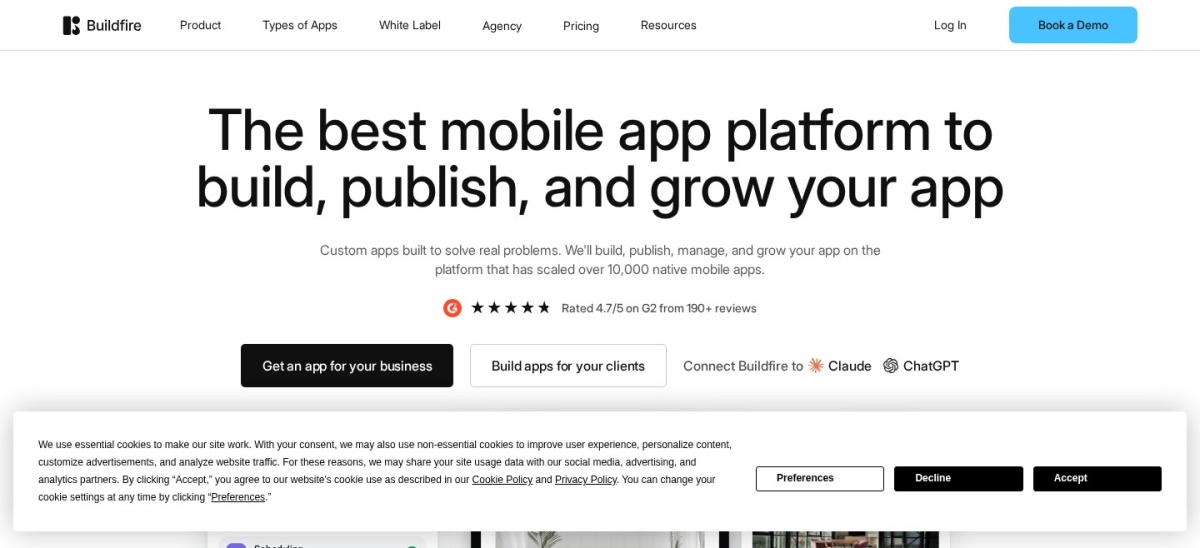
BuildFire is a no-code builder for native iOS and Android apps assembled from more than 150 plugins. You pick features such as loyalty cards, food ordering or push notifications instead of building them, and Standard at $165 a month, billed annually, includes publishing support, 5GB of storage and 100,000 push notifications a month.
The trade off is price. BuildFire has no free plan and Standard is the most expensive entry point in this list, while in-app purchases need the Growth plan at $315 a month. It suits restaurants, churches, gyms and retailers who want a native app without hiring a developer.
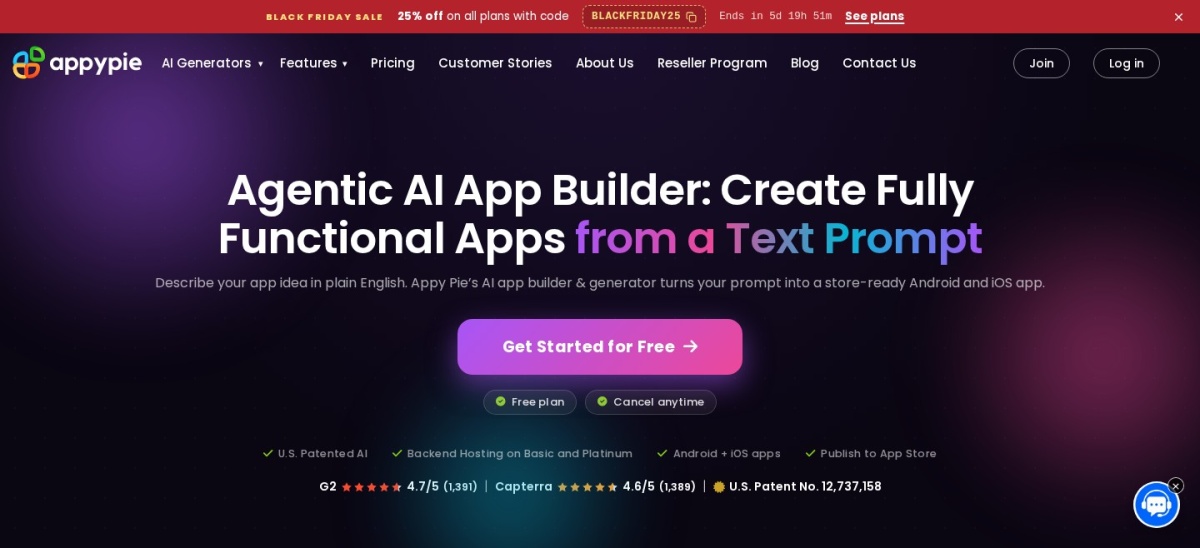
Appy Pie is an AI app builder that drafts an app from a short description, then lets you edit it with drag-and-drop tools. The free plan covers building and previewing, and Basic at $16 a month per app publishes to Google Play with 500 AI credits and 500 push notifications a month.
The trade off is that pricing is per app, not per account, so a second app means a second subscription. Basic is Android only, iOS publishing needs Platinum at $60 a month, and removing Appy Pie branding costs extra. It suits a single simple app, such as a restaurant menu or a small shop app.
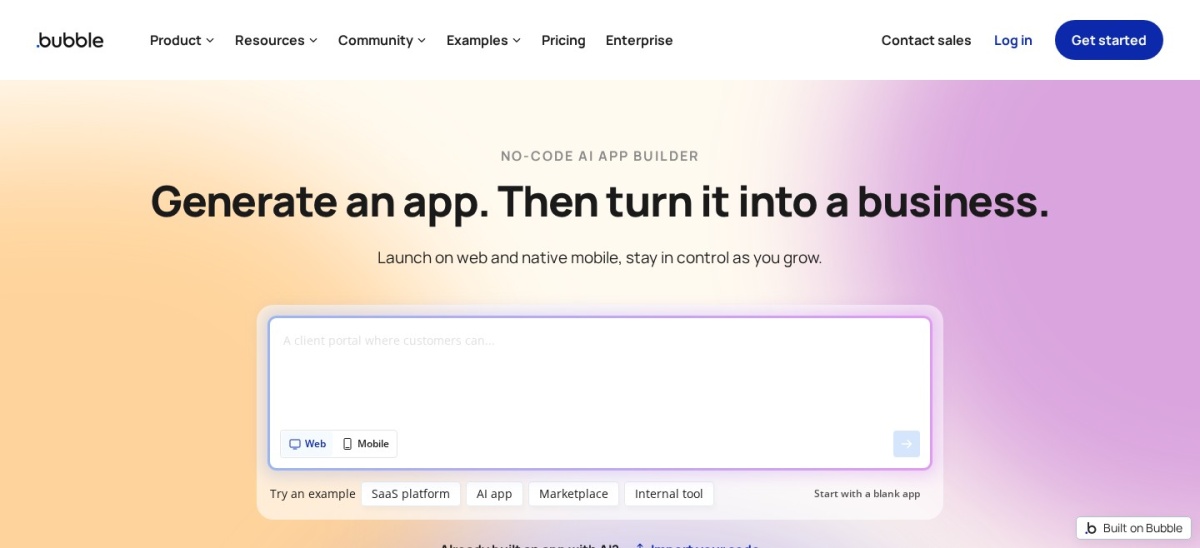
Bubble is the most powerful visual builder in this list, with a workflow engine, a built-in database and a large template and plugin library. The free plan covers building and testing, and the mobile-only Starter plan at $49 a month adds a custom domain, 175,000 workload units a month and 5 mobile builds a month.
The trade off is that Bubble's mobile builder was still in beta in November 2026, and its workload-unit billing can surprise you as usage grows. The learning curve is also steep for a first app. It suits founders who want one platform for a web app and a mobile app together.
Thunkable is a block-based app builder in the MIT App Inventor tradition, so you snap logic blocks together instead of writing code. The free plan covers 10 projects with live testing on your phone, and the Accelerator plan at $19 a month removes the tightest building limits.
The trade off is the publishing cliff. Accelerator cannot publish to the stores, so a live app needs Builder at $59 a month, or $37 a month billed annually, and that covers only one live app. It suits students, teachers and first-time builders who want to learn by making.
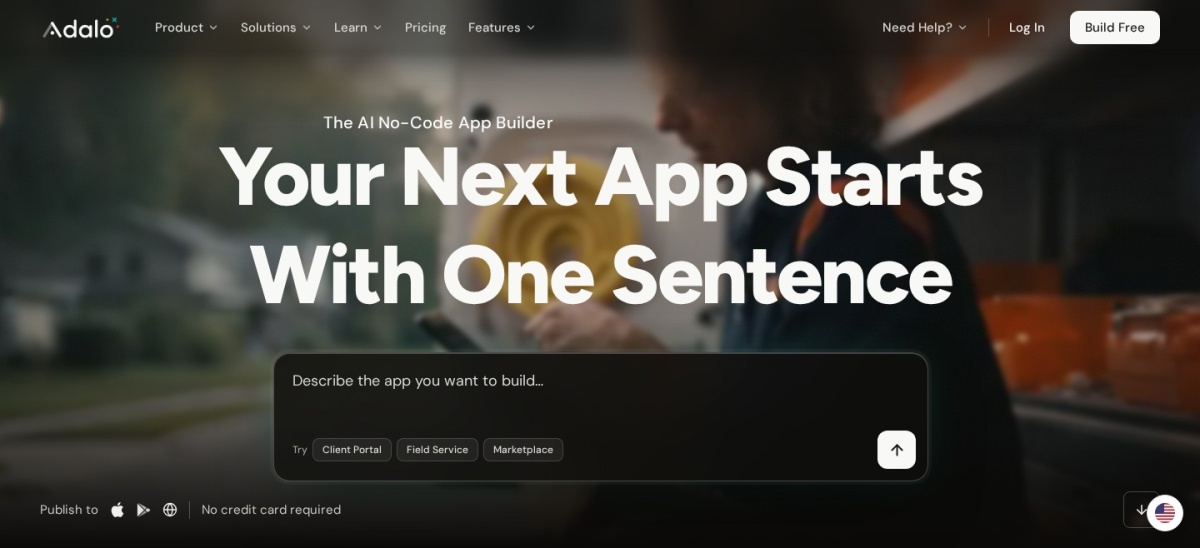
Adalo is the easiest builder in this list to pick up, with a drag-and-drop editor, a built-in database and one-click publishing to the App Store and Google Play. The free plan lets you build and test with up to 500 records per app, and Builder at $65 a month publishes 2 apps with 5 editors.
The trade off is scale. A G2 reviewer warns that apps slow down past about 5,000 users, and there is no way to export your source code, so leaving Adalo means rebuilding. It suits a simple MVP or a first app where speed matters more than long-term growth.
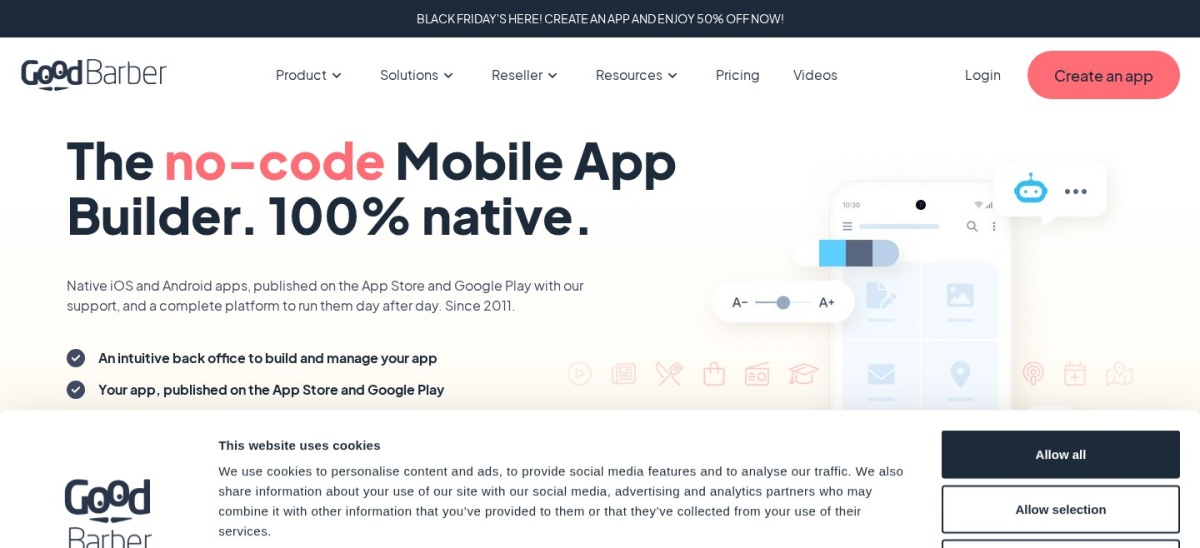
GoodBarber is a template-based builder for content apps and shopping apps, aimed at publishers, churches, restaurants and small retailers. Content Standard at $36 a month builds a web app with 5 free extensions, and the apps are compiled in Swift and Kotlin for a native feel.
The trade off is that Standard is web only. Native iOS and Android publishing starts on Content Premium at $70 a month, and extras such as sign-in cost $12 a month more. It suits a magazine, radio station or shop that wants a good-looking app without custom design work.
A native app is installed from the App Store or Google Play and runs as its own program. It can send push notifications, work offline and feel faster, but every update goes through store review.
A web app opens from a link in the browser and can be saved to a home screen. Glide and the lower tiers of GoodBarber and Thunkable build web apps, which ship instantly but cannot use every phone feature.
If you need push notifications, offline use or in-app purchases, pick a native builder. If the app is for staff or a small community, a web app is often enough and much cheaper.
How we chose
We started from the best-known no-code and low-code mobile app builders, then kept the nine that actually build mobile apps, with public pricing and a public rating.
Prices come from each vendor's pricing page, checked on 26 November 2026. Ratings and review counts come from G2 on the same day, except GoodBarber, which uses Capterra because its G2 figures disagree across sources. Where a vendor shows a sale, the list shows the regular price.
We left out developer frameworks such as Flutter and React Native, which need code, and quote-only enterprise platforms. No vendor paid for a place, and we do not claim to have used these tools ourselves.
How to choose software to develop mobile apps
Decide where the app will live and who will use it before you compare prices.
Pick native or web first. If you need the App Store, push notifications or offline use, shortlist only native builders such as FlutterFlow, BuildFire and Adalo. A web app is fine for staff tools and small communities.
Count the real monthly cost. Per-user and per-app pricing changes the bill fast. Multiply AppSheet's $5 by every user, and remember Appy Pie charges per app, not per account.
Check the exit route. Ask whether you can export code or data before you build. FlutterFlow exports Flutter code, while Adalo has no code export at all.
Test the free plan properly. Build one real screen with your own data, not the demo content. If the editor feels slow with your data, it will feel slower with real users.
FAQ
What is the best software to develop mobile apps?
FlutterFlow is the best pick for most builders. Its $39-a-month Basic plan exports real Flutter code and publishes native iOS and Android apps from one project, and it is rated 4.5 out of 5 on G2.
Can I build a mobile app for free?
Yes, for building and testing. FlutterFlow, AppSheet, Glide, Bubble, Thunkable, Adalo and Appy Pie all have free plans, but publishing to the App Store or Google Play needs a paid plan on every one of them.
Which app builder is cheapest?
AppSheet is the cheapest rated option at $5 per user a month on Starter, and its Core plan is included in most paid Google Workspace plans. Appy Pie is the cheapest route to Google Play at $16 a month per app.
Do I need to know how to code?
No. Every tool in this list builds apps visually, with drag-and-drop screens and ready-made components. FlutterFlow and Bubble still reward some technical knowledge once an app grows, while Adalo, Glide and Thunkable stay friendly for complete beginners.
What is the difference between native apps and web apps?
Native apps install from the App Store or Google Play and can use push notifications, offline mode and phone hardware. Web apps open from a link, ship instantly and cost less, but cannot use every phone feature.
Can I move my app to another platform later?
It depends on the builder. FlutterFlow exports Flutter code you can keep building on elsewhere. Adalo, Glide and Appy Pie have no code export, so moving away means rebuilding the app from scratch.
SaaS SEO and WordPress specialist with about 8 years of experience. Rakib compares WordPress plugins, themes, hosting and software using public pricing, documentation and user reviews. See how we rank.