Best AI Tools for Business in 2026: 9 Tools Compared
WLWPLegible EditorsLast verified 24 Nov 2026How we rank12 min read
★ Short answer
Perplexity Pro is the best AI tool for business for most teams at $20 a month, because every answer comes with clickable sources your team can check. Pick Claude Pro for long documents and careful writing, and Microsoft 365 Copilot if your team lives in Word, Excel, Outlook and Teams.
How we make this list: we compare pricing pages, product documentation and public user reviews, then re-check every price before each update. No product paid for a place. Disclosure.
Perplexity Pro is the best research assistant for business at $20 a month, with cited answers and access to GPT, Claude and Gemini models under one bill.
Claude Pro is best for long documents and careful writing, at $20 a month or $17 on annual billing.
Google AI Pro costs $19.99 a month and adds Gemini inside Gmail, Docs and Sheets, plus 5 TB of storage.
Microsoft 365 Copilot costs $30 a user on top of a Microsoft 365 license, so the real per-seat cost is higher.
Fireflies syncs meeting notes to HubSpot and Salesforce, while Otter keeps the searchable record cheapest at $8.33 a user.
What a business AI stack should cover
A business AI stack is small: one general assistant, one meeting tool, one docs workspace and one automation tool cover most teams. Adding a fifth tool usually adds cost without adding value.
The three $20 assistants differ in fit, not price. Perplexity Pro and Claude Pro cost $20 a month, and Google AI Pro costs $19.99, so the choice is about where your work already lives.
Ecosystem tools cost more than they look. Microsoft 365 Copilot is a $30 per user add-on on top of a Microsoft 365 license, and full Notion AI needs the Business plan at $20 per user.
Start with one bottleneck. Pick the single biggest time drain, such as meeting notes or manual data entry, run a four-week pilot with one team, and expand only when the result is clear.
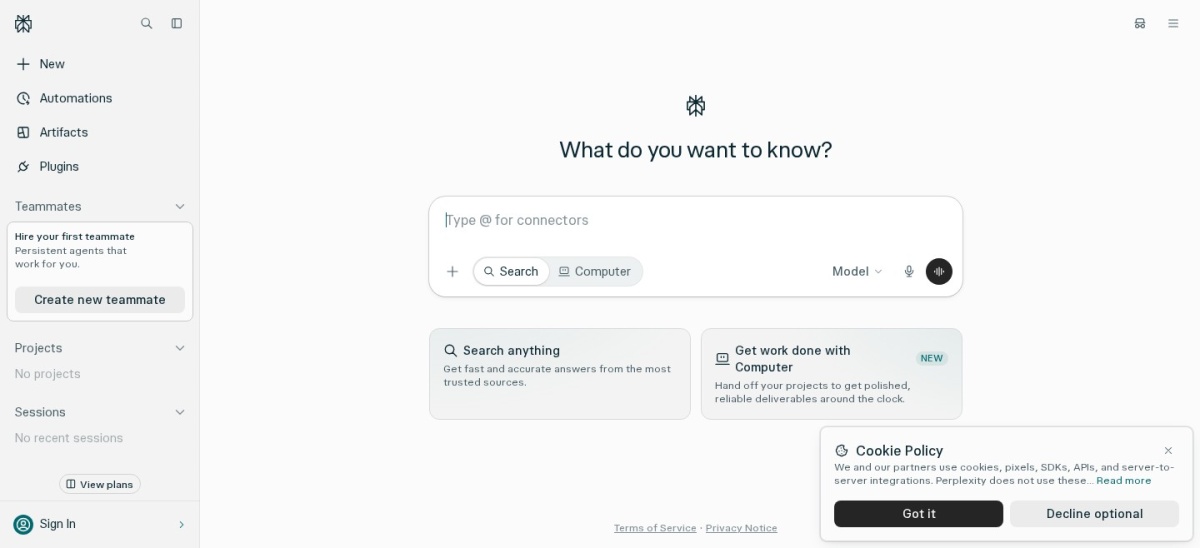
Perplexity is an AI research engine that searches the live web for every query and answers with inline citations your team can check. Pro adds unlimited Pro searches, model switching across GPT, Claude and Gemini, and Deep Research for long reports, all under one $20 subscription.
The trade off is scope. Perplexity is a research tool first, not a general assistant: it does not draft long documents or manage projects the way Claude or Notion do, and its Trustpilot score is poor. It suits teams whose work starts with facts that must be sourced.
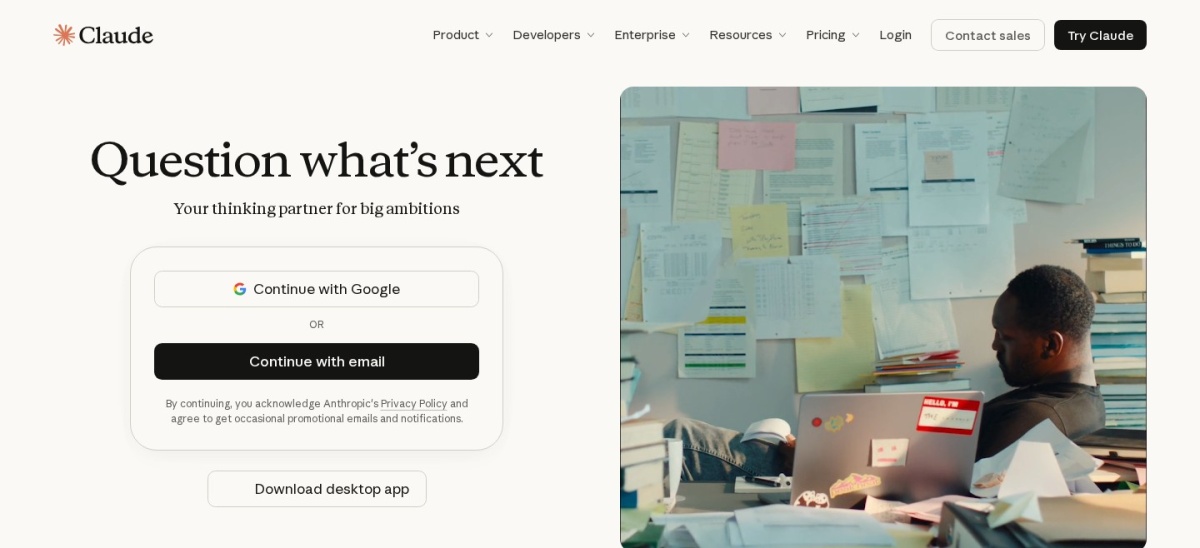
Claude is the best AI assistant for long documents and analysis. Its 1 million token context window handles whole reports, contracts and research files in one conversation, and its prose reads more naturally than most rivals without heavy editing.
The trade off is the free tier. It limits heavy daily use, and Pro's usage limits are tight enough that one complex session can burn through half the allowance. It suits analysts, consultants and operations teams whose bottleneck is reading and reasoning through long material.
Gemini is the AI assistant for Google-first teams. It runs inside Gmail, Docs, Sheets and Drive, summarizing threads, drafting replies and answering questions from your own documents, with multimodal strengths across images, audio and video.
The trade off is the plan. Google AI Pro costs $19.99 a month and adds the top models, higher limits and Deep Research, plus 5 TB of storage. It suits teams whose work already lives in Google apps and who want AI help without adding a new workspace.
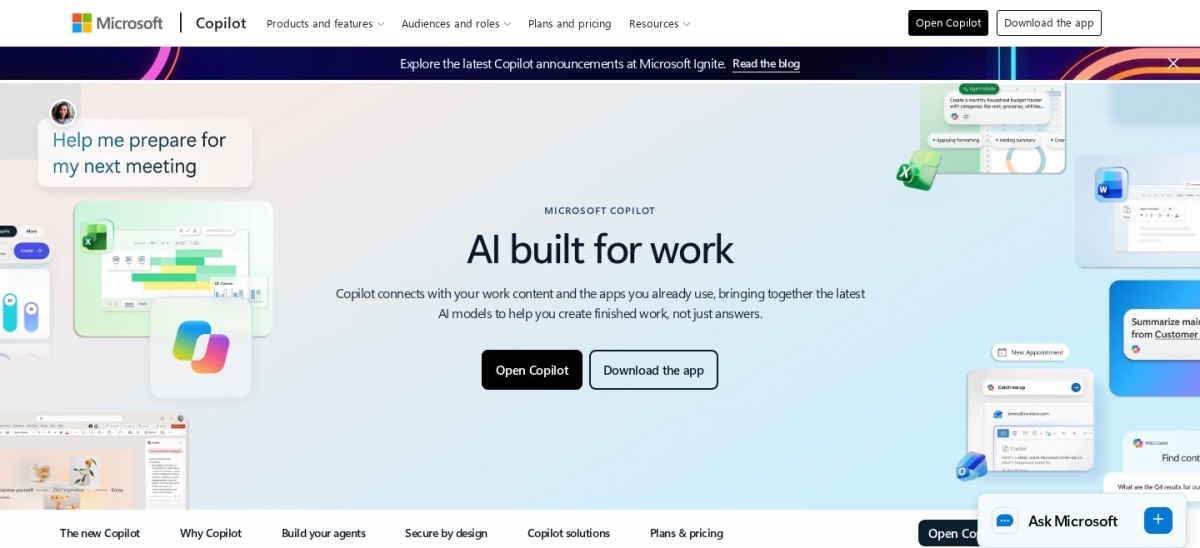
Microsoft 365 Copilot homepage, captured Nov 2026.
Microsoft 365 Copilot is the AI assistant for Office-heavy teams. It reads your Outlook mail, Teams chats and SharePoint files, drafts inside Word, Excel and PowerPoint, and summarizes meetings without leaving the Microsoft apps where work already happens.
The trade off is cost. Copilot is a $30 per user add-on on top of a Microsoft 365 base plan, so the total per seat runs $42.50 to $66 a month. It suits teams that live in Office and want AI grounded in their own files and mail.
What we like
Works inside Word, Excel, Outlook and Teams
Grounds answers in your own files
Enterprise controls included
Watch out for
Requires a Microsoft 365 base plan
Total per-seat cost is the highest here
Business Standard with Copilot costs $23.50 a user billed annuallyVisit microsoft.com
05
Notion AI
4.6/5on G2 (13,834 reviews, checked Nov 2026)
Paid from$10/user/mo
Best for team knowledge and docs
Entry planPlus, $10/user/mo
Full AIBusiness, $20/user/mo
Free tierLimited AI trial
IntegrationsGmail, Slack, Drive
notion.com
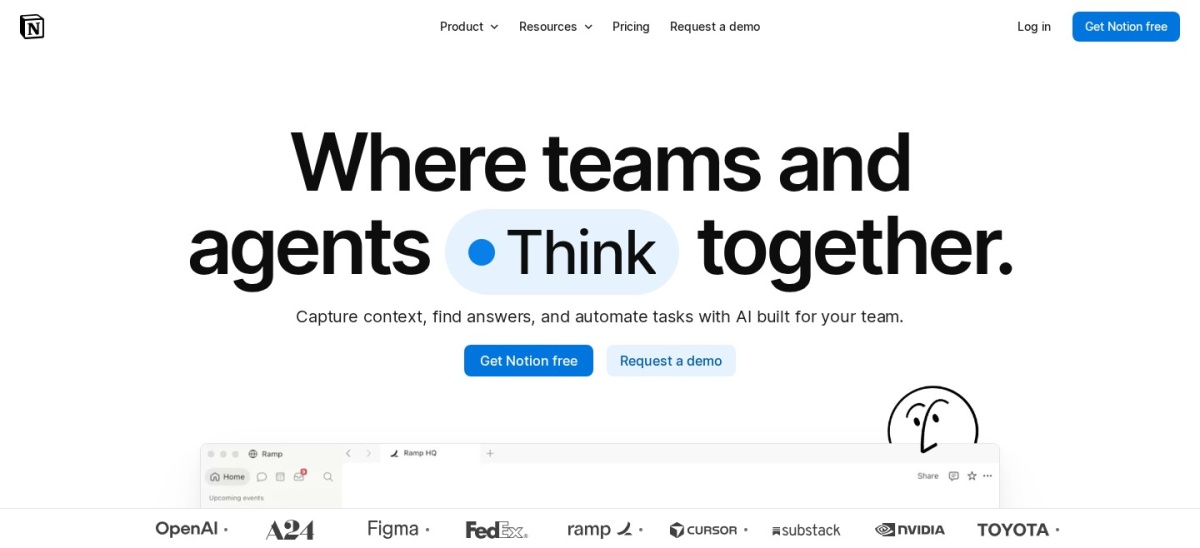
Notion AI homepage, captured Nov 2026.
Notion AI is an AI layer inside the docs and wiki where a team's knowledge already lives. It summarizes long pages, drafts from existing notes, answers questions across the workspace, and on Business plans runs agents that act across pages and databases.
The trade off is the tier. Free and Plus plans only include a limited AI trial, so full AI needs the Business plan at $20 per user a month. It suits teams whose processes, meeting notes and project plans already live in Notion.
Grammarly is a writing assistant that follows your staff into Gmail, Outlook, Slack, Google Docs, CRMs and web forms. It checks grammar, clarity and tone as people type, and team plans add style guides, brand terms and snippets for common replies.
The trade off is seat math. Pro costs $12 a month on annual billing, or $20 billed monthly, and every writer needs a license to get full value. It suits customer-facing teams where consistent tone and clarity protect quality without a review bottleneck.
Zapier is a workflow automation tool that removes repetitive handoffs between apps. A new form response can create a task, a CRM entry can trigger a Slack message, and a meeting summary can be routed to the right channel, all without manual copying, with AI steps that summarize, classify or draft messages inside those workflows.
The trade off is volume. Professional costs $19.99 a month on annual billing, or $29.99 monthly, and costs rise with task volume, so a workflow that runs thousands of times a month needs a higher tier. It suits operations, marketing and sales teams with clear, repeatable processes.
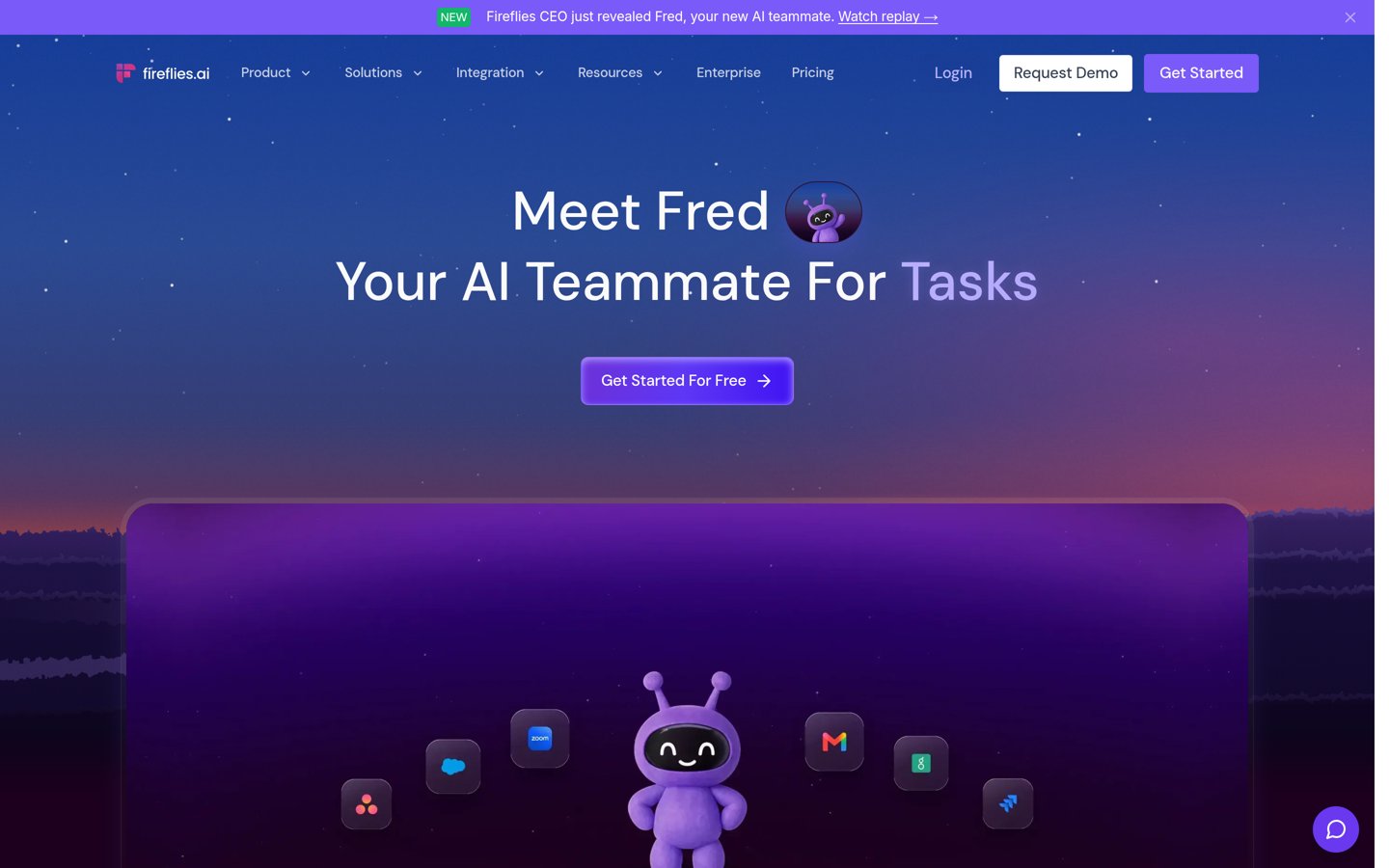
Fireflies.ai is a meeting intelligence tool for sales, support and client-facing teams. It records, transcribes and summarizes calls, then syncs notes and action items to CRMs such as HubSpot and Salesforce, so follow-up stays visible.
The trade off is audio. Like every transcription tool, Fireflies needs decent audio and a human check for key commitments, dates and figures, and the free tier limits storage and features. It suits teams where meeting outcomes must reach a customer record, not just a shared doc.
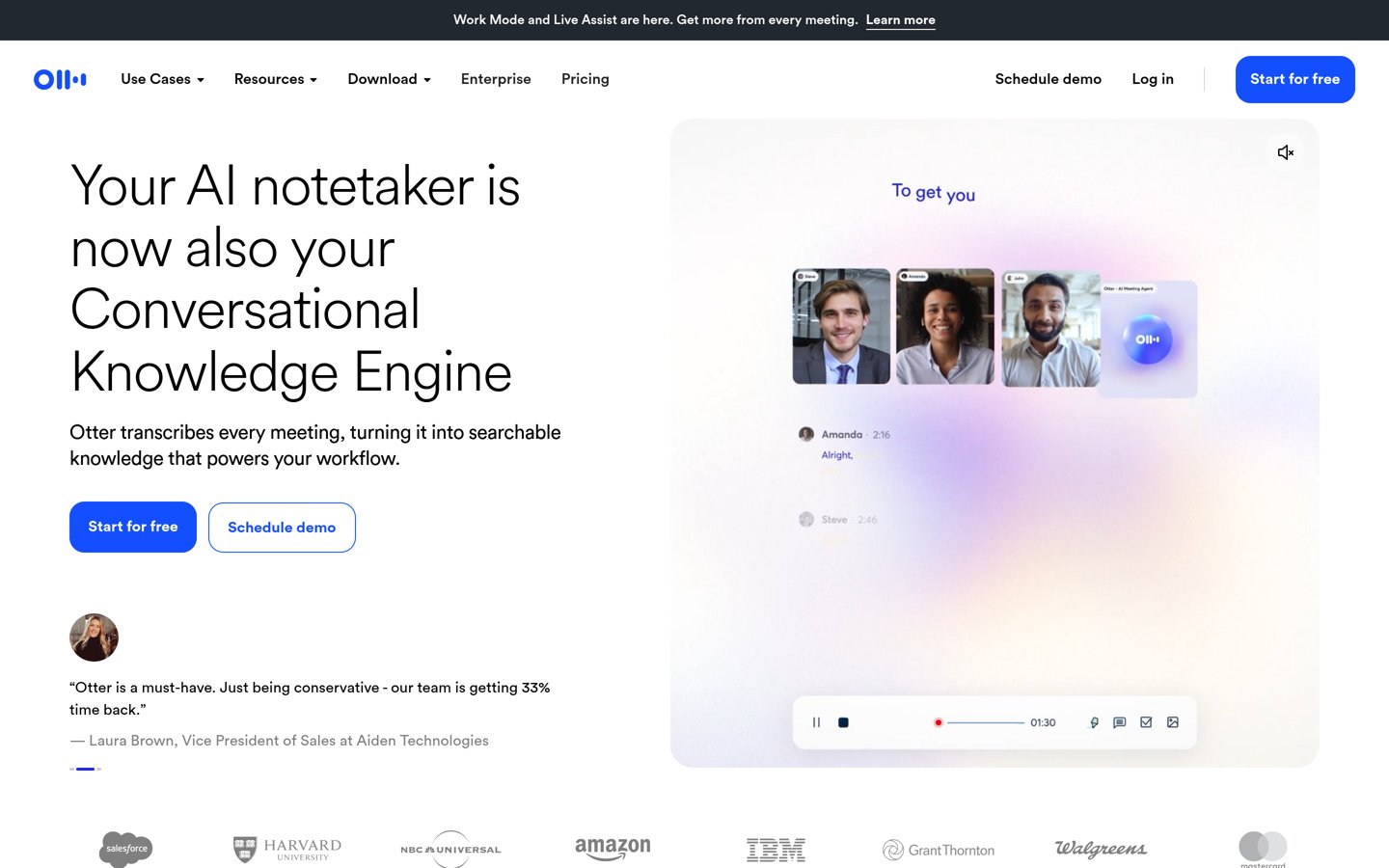
Otter.ai is a meeting transcription tool that turns meetings into searchable transcripts and summaries, so staff who miss a call can catch up without asking for notes. It joins Zoom, Google Meet and Microsoft Teams calls, highlights action items, and lets teams search past discussions by keyword.
The trade off is accuracy. Transcription quality drops with accents, crosstalk and poor audio, so summaries need a quick human check before they become tasks. It suits teams with many meetings and a need for a shared record.
Most of these tools charge per user, so a 10-seat team pays 10 times the headline price. Perplexity Pro at $20 a month costs $200 a month for 10 seats, and Microsoft 365 Copilot at $30 a user costs $300 before the base license.
Zapier charges per workflow, not per seat, so its cost rises with task volume instead. Fireflies and Otter charge per user, so count the people who actually attend meetings.
How we chose
We started from the AI business tools in active sale in November 2026, then kept those with a business plan and published pricing.
Prices are the annual-billed monthly rates from each vendor's pricing page and November 2026 comparisons, checked on 24 November 2026. Monthly-billed rates are higher and noted in each tool's foot. Ratings and review counts come from G2 as reported in October and November 2026.
We left out tools with no business plan and no trial path. No vendor paid for a place, and we do not claim hands-on testing for this list.
How to choose AI tools for business
Start with the bottleneck, then check the seat math.
Find the bottleneck. Meeting notes, email drafting and manual data entry are the three drains most teams feel first.
P i
Add one specialist at a time. A meeting tool, a docs workspace or an automation tool comes next, never all three at once.
Count the seats. Multiply the per-user price by the people who will actually use it, and include the base license for Copilot.
FAQ
What is the best AI tool for business?
Perplexity Pro is the best pick for most teams, at $20 a month, because every answer comes with clickable sources your team can check. Claude Pro is best for long documents, and Microsoft 365 Copilot for Office teams.
How much do AI tools for business cost?
The three general assistants cost about $20 a month each. Specialists run from $8.33 a month for Otter Pro to $30 a user for Microsoft 365 Copilot, and per-seat pricing multiplies the bill across a team.
Is Perplexity or Claude better for business?
Perplexity is better for research with sources you can check, with model switching across GPT, Claude and Gemini. Claude is better for long documents and careful writing, with a 1 million token context window.
Do I need Microsoft 365 Copilot if I have Perplexity?
Not necessarily. Copilot wins only inside Word, Excel, Outlook and Teams, where it grounds answers in your own files and mail. Outside Office, Perplexity covers research for less.
Which AI meeting tool is best for business?
Fireflies is best when meeting outcomes must reach a CRM, with summaries synced to HubSpot and Salesforce. Otter is best for a searchable record of every meeting.
Can AI tools replace employees?
No. They remove repetitive steps and first drafts, but drafts, figures and cited claims still need human checking before they reach clients.