FlutterFlow is the best AI tool for building mobile apps for most people, turning a description into a working app with full Flutter code export from $39 a month and a 4.5/5 G2 rating. Pick Bubble for the most capable no-code logic and Appy Pie for the cheapest path to both app stores.
How we make this list: we compare pricing pages, product documentation and public user reviews, then re-check every price before each update. No product paid for a place. Disclosure.
FlutterFlow is the only pick here that exports full source code on its $39 a month Basic plan.
Bubble is the most capable no-code platform, rated 4.4/5 on G2 from 166 reviews, but its mobile plan starts at $49 a month.
Appy Pie is the cheapest route to both stores at $16 a month for Android, though iOS needs the $60 Platinum plan.
Glide and Softr build polished web apps, not native store apps, so skip them if you need an App Store listing.
AppSheet is the highest rated tool here at 4.8/5 on G2, but its apps run inside the AppSheet app, not as standalone store apps.
Paid plans across the 9 tools run from $5 a month per user to $165 a month, and 7 of the 9 have a free plan.
What an AI app builder should do
An AI app builder should turn a short description into a working first draft, then let you fix it by talking to the AI or dragging blocks around. The best ones also handle the boring parts: a database, user sign-in and publishing to the stores.
Check where the finished app lives before you pay. Some tools publish native iOS and Android apps to the App Store and Google Play, while others only make a web app that opens in a browser.
Code export matters if you ever want to leave. Only FlutterFlow and Draftbit in this list let you download the full source code on a paid plan, so the rest lock you into their platform.
Watch for metered pricing. Bubble charges by workload units and several tools charge by AI credits or by user, so a busy app can cost far more than the plan price. Our guide on converting a WordPress website into an app covers the same store-publishing steps from the WordPress side.
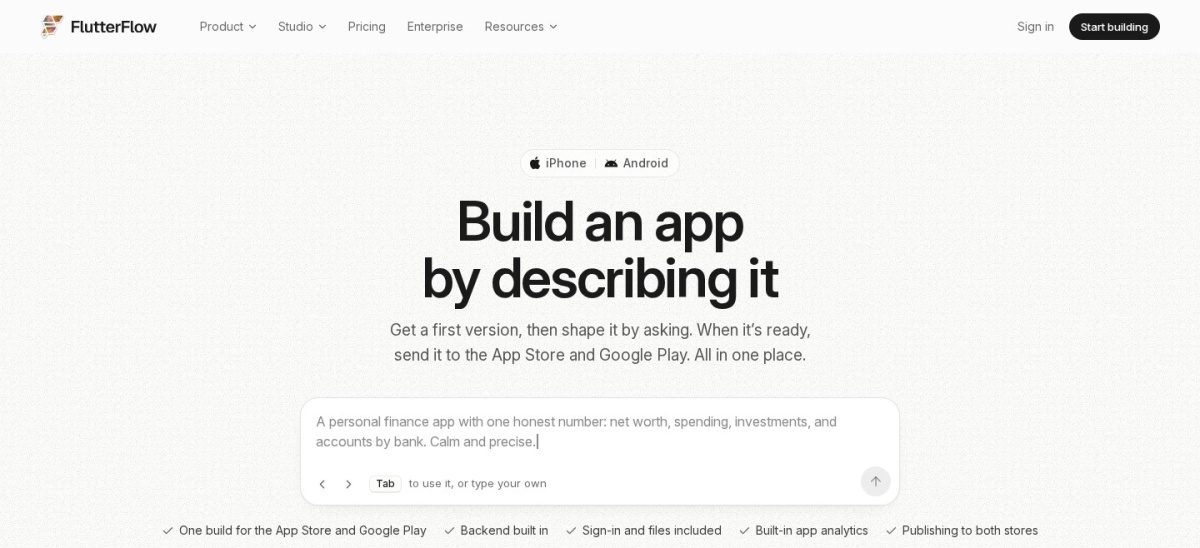
FlutterFlow is a visual builder on top of Flutter that turns a plain-language description into a working app for iOS, Android, web and desktop from one project. The free plan includes the full visual builder, 1,000+ templates and Firebase and Supabase connections, with 2 projects and a small free AI allowance.
The trade off is that the free plan cannot export code or publish to the stores, so shipping needs Basic at $39 a month, or $29 a month billed yearly. It suits builders who want a real app they can hand to a developer later, since the exported Flutter code is yours to keep.
What we like
Exports full Flutter source code on paid plans
One project builds for iOS, Android, web and desktop
1,000+ templates and Firebase and Supabase built in
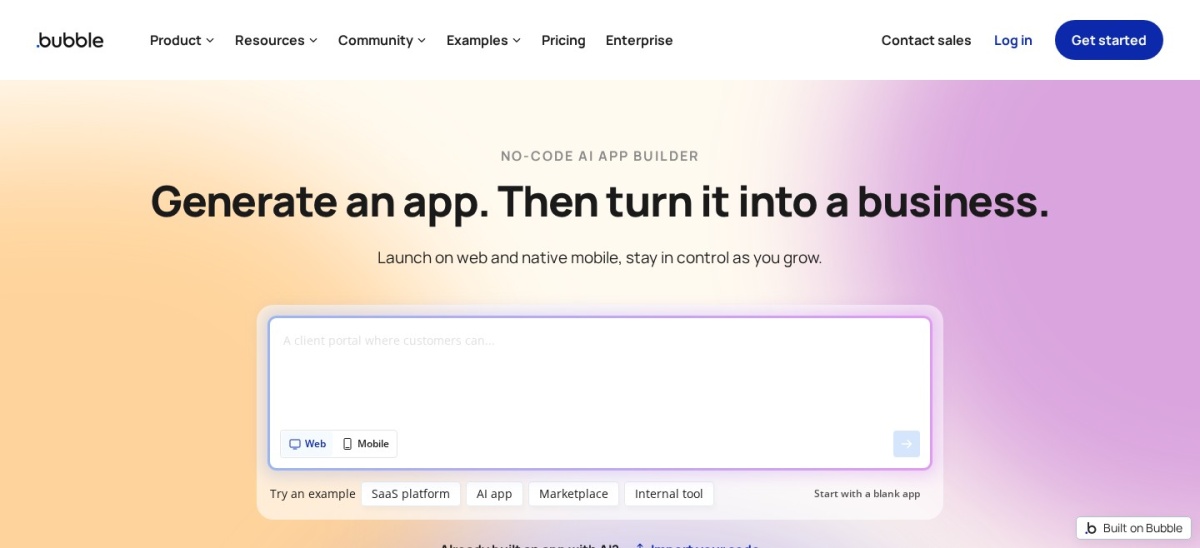
Bubble is a visual programming platform with a real database, backend workflows and a large plugin library, and its AI agent can generate an app from a prompt. The free plan is for building and learning only, with 50,000 workload units a month and no live app or custom domain.
The trade off is price and metering. The mobile Starter plan is $49 a month, or $42 a month billed yearly, and usage is metered in workload units with overage at $0.30 per 1,000 units. It suits founders building a complex product such as a marketplace or SaaS who can invest time learning the platform.
What we like
Highest capability ceiling of any no-code tool here
Real database, backend workflows and plugin library
Plugin library covers payments, maps and more
Watch out for
No code export, so you stay on Bubble
Workload-unit billing is hard to predict
Steep learning curve for first-time builders
Starter Mobile adds a live native app and custom domainVisit bubble.io
03
Appy Pie
4.7/5on G2 (1,392 reviews, checked Nov 2026)
Paid from$16/mo
Best value for a cheap store app
AI builderChat to build from a description
Code exportNo
Store publishingAndroid on Basic, iOS on Platinum
Paid planBasic, $16/mo
appypie.com
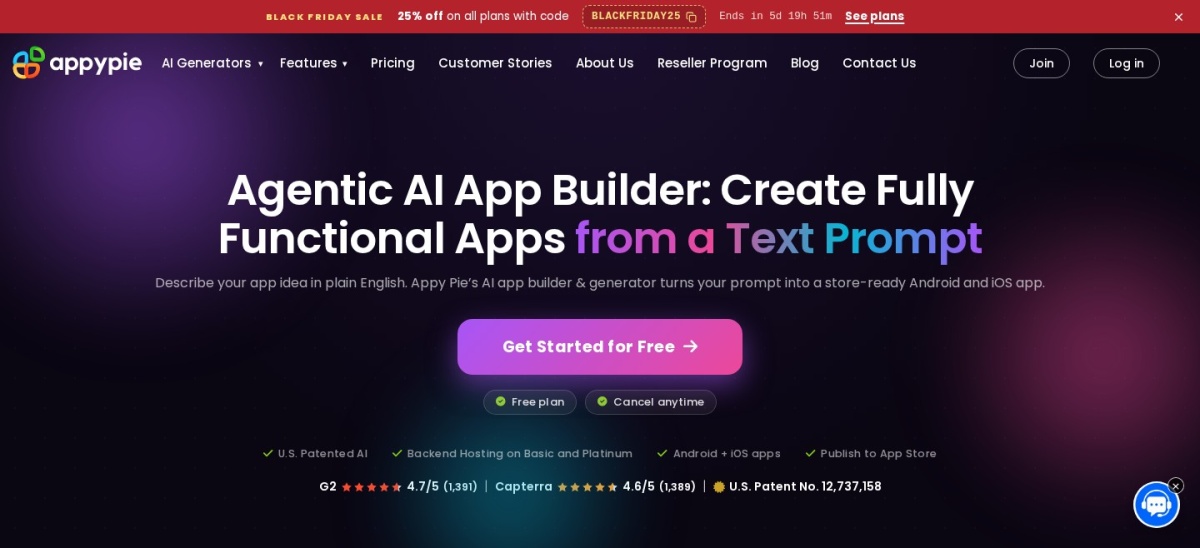
Appy Pie homepage, captured Nov 2026.
Appy Pie is a no-code AI app builder that turns a plain-language description into an Android or iOS app, with backend hosting and store submission help included. Building and previewing are free, and the Basic plan at $16 a month per app covers Google Play publishing with 500 push notifications a month.
The trade off is that Basic is Android only. iOS needs the Platinum plan at $60 a month, and reviewers report frequent upsells and extra fees for resubmissions. It suits small businesses that want a simple app, such as a restaurant or store app, at the lowest monthly cost in this list.
What we like
Lowest entry price in this list at $16 a month
Largest review count here, 4.7/5 from 1,392 G2 reviews
Store submission help included on paid plans
Watch out for
iOS publishing needs the $60 a month Platinum plan
Apps lean on web views rather than native code
Reviewers report upsells and extra fees
Platinum adds iOS, App Store distribution and call supportVisit appypie.com
04
Glide
4.7/5on G2 (820 reviews, checked Nov 2026)
Paid from$25/mo
Best for turning a spreadsheet into an app
AI builderUpload a sheet, AI proposes the app
Code exportNo
Store publishingNo, web apps only
Paid planSolo, $25/mo
glideapps.com
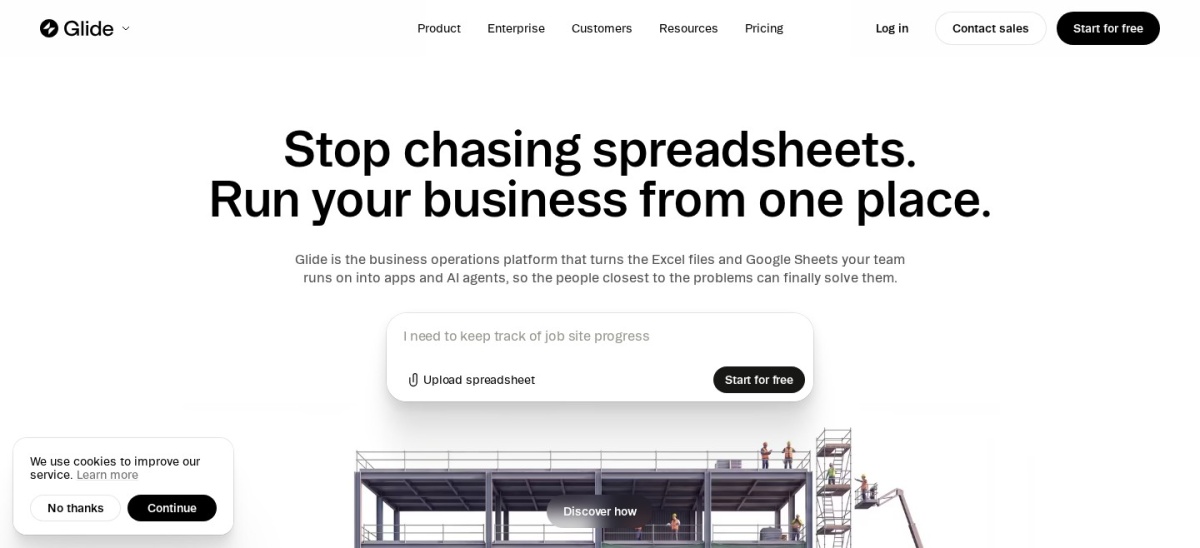
Glide homepage, captured Nov 2026.
Glide is a no-code platform that turns a spreadsheet or file into a working business app, with its AI agent proposing screens and workflows from your data. The free plan covers 1 project and 1 app with limited credits, and Solo at $25 a month adds 5 projects, unlimited apps and a database.
The trade off is distribution. Glide builds progressive web apps that open in a browser, not native apps, so you cannot list them in the App Store or Google Play. It suits internal tools, portals and dashboards for a team that already lives in spreadsheets.
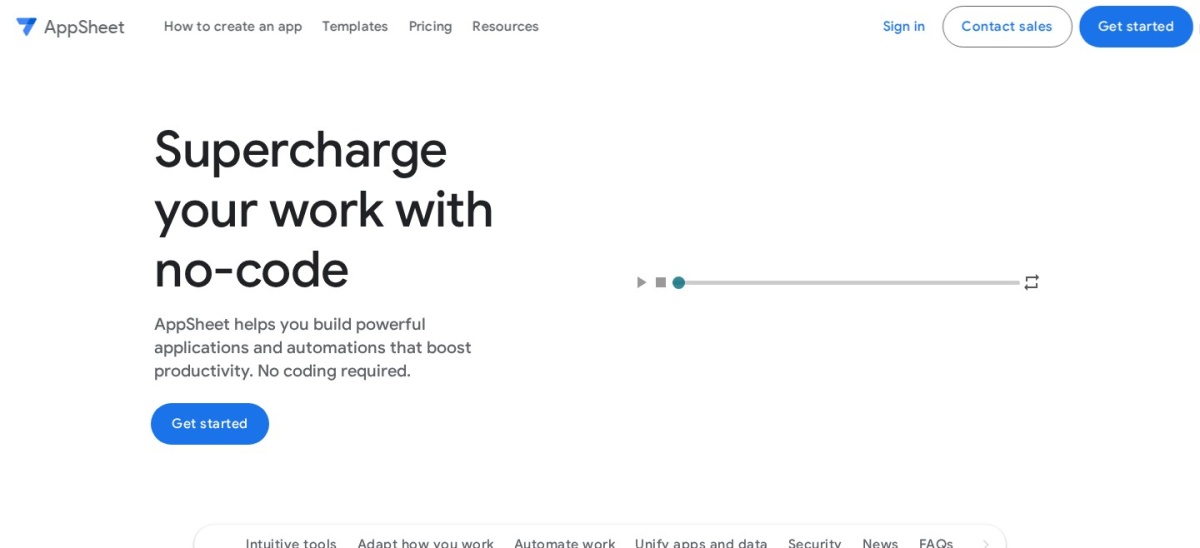
AppSheet is Google's no-code platform for building mobile and web apps from Google Sheets, Excel or its own database, with automation and offline mode. You can prototype for free, and the Starter plan at $5 per user per month adds custom branding, offline access and Google Workspace integrations.
The trade off is where the app runs. Users open your app inside the AppSheet app, so it never appears as a standalone listing in the App Store or Google Play. It suits field teams and small businesses already on Google Workspace that need an internal tool fast.
What we like
Highest rating in this list, 4.8/5 from 405 G2 reviews
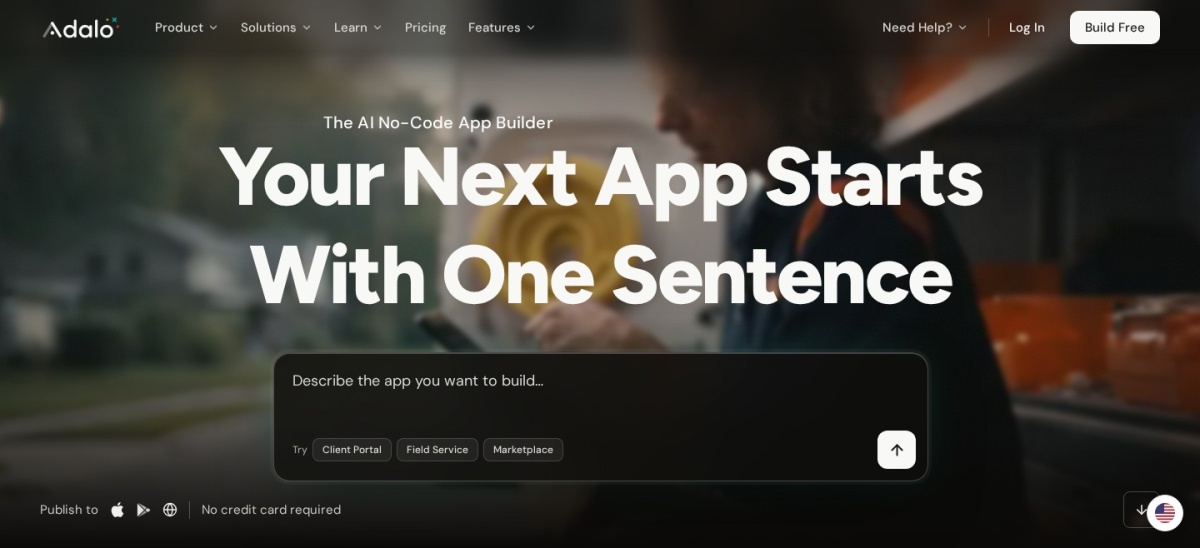
Adalo is a drag-and-drop no-code builder for database-driven apps, with its Ada AI assistant building screens from a sentence and a canvas that shows every screen at once. The free plan is free forever for building and testing, with 500 records per app, unlimited test apps and 5 Ada prompts a month.
The trade off is price and lock-in. Store publishing needs the Builder plan at $65 a month, or $52 a month billed yearly, and Adalo does not export code. It suits founders who want the simplest route from an idea to a native app in the stores.
What we like
Easiest builder to pick up in this list
True native builds, not web wrappers
Flat pricing with no per-action metering
Watch out for
No code export, so scaling means staying put
Builder plan is pricey for one small app
Only 7 G2 reviews, a very small sample
Builder adds store publishing, 2 apps and 5 editorsVisit adalo.com
07
Draftbit
4.4/5on G2 (33 reviews, checked Nov 2026)
Paid from$12/mo
Best cheap route to React Native code
AI builderAI agents build in real code
Code exportYes, full React Native code
Store publishingiOS, Android and web
Paid planStandard, $12/mo
draftbit.com
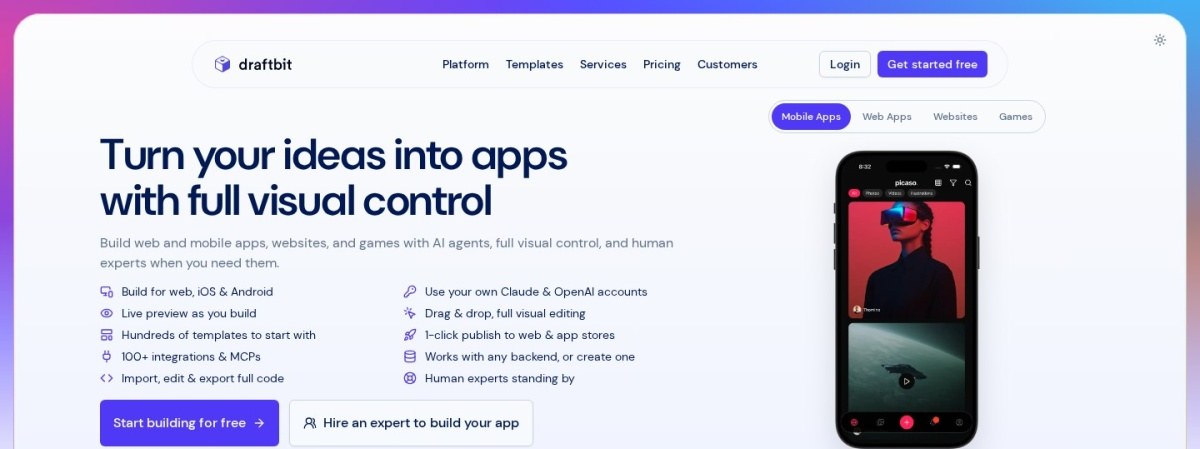
Draftbit homepage, captured Nov 2026.
Draftbit is a visual builder for React Native apps where AI agents build in the app's real code, with a live preview beside the chat and 100+ integrations. The free plan covers learning with 2 apps, and Standard at $12 a month adds unlimited projects, full code editing and export, and one-click publishing to iOS, Android and web.
The trade off is that the AI runs on your own Claude or ChatGPT subscription or API key, which is a separate cost. It suits solo founders who want exportable React Native code at the lowest paid price in this list after AppSheet.
What we like
Exports full React Native code on Standard
Cheapest full-featured paid plan here at $12 a month
Live preview on 30+ device sizes
Watch out for
AI costs sit on your own Claude or ChatGPT account
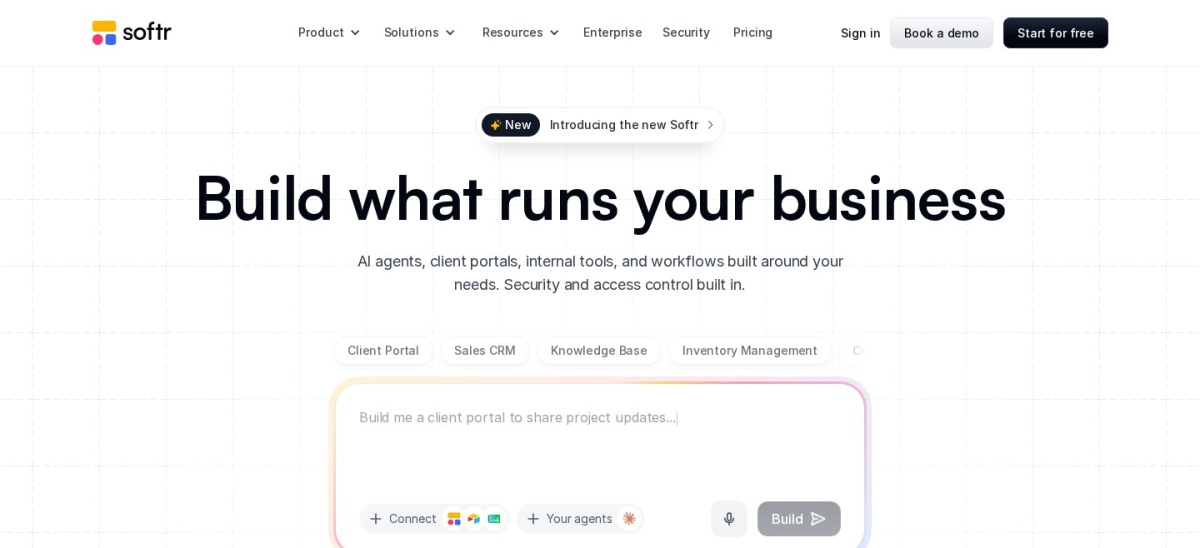
Softr is a no-code platform for building client portals, dashboards and internal tools on top of Airtable, Google Sheets or its own database, with an AI app builder added in 2026. The free plan covers unlimited apps with 10 app users, and Basic at $19 a month billed yearly, or $25 month to month, adds a custom domain and more workflow options.
The trade off is output and metering. Softr makes web apps and progressive web apps, not native store apps, and pricing is metered on records, workflow actions and seats at once. It suits teams that need a portal on data they already keep, not a consumer app for the stores.
What we like
Strongest fit for portals on existing data
Rated 4.7/5 on G2 from 757 reviews
Generous free tier with unlimited apps
Watch out for
No native app or store publishing
Three separate usage meters are hard to track
Branding removal needs the $99 Pro plan
Pro adds no branding, granular permissions and custom codeVisit softr.io
09
BuildFire
4.7/5on G2 (197 reviews, checked Nov 2026)
Starts at$165/mo
Best for a managed business app
AI builderDescribe a plugin, AI generates it
Code exportNo
Store publishingiOS, Android and PWA, guided
Paid planStandard, $165/mo
buildfire.com
BuildFire homepage, captured Nov 2026.
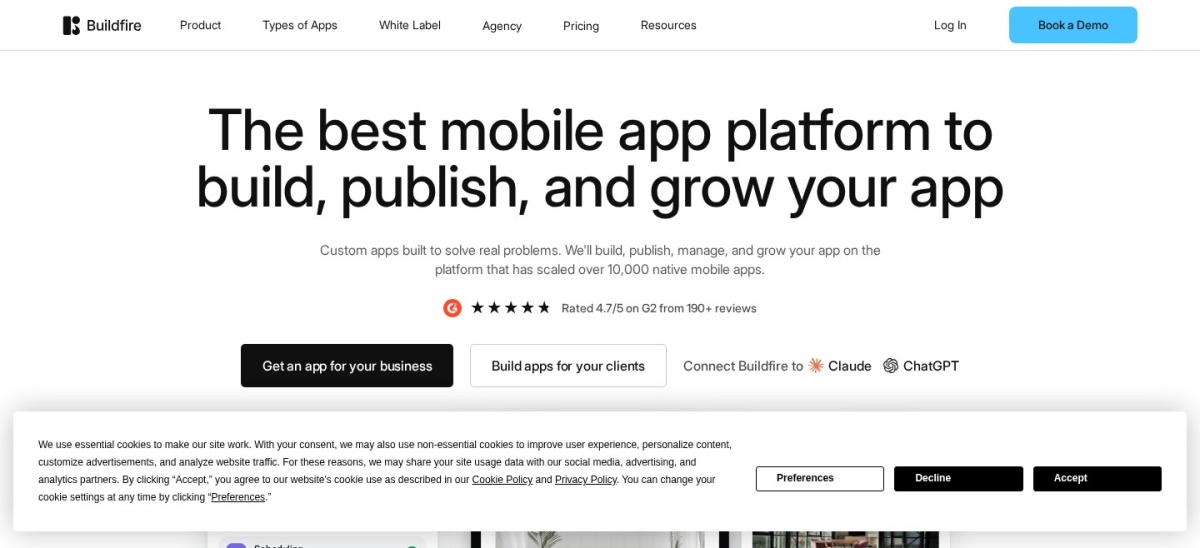
BuildFire is a no-code platform for building native iOS and Android apps from a library of 150+ plugins, with its team handling App Store and Google Play submissions. Standard starts at $165 a month billed yearly, or $209 month to month, with 25,000 downloads a month, 5GB of storage and 100,000 push notifications a month.
The trade off is cost and access. There is no free plan or trial, plan buttons lead to a demo booking, and in-app purchases only start on Growth at $315 a month. It suits businesses that want a managed app with publishing handled for them and can pay for it.
A native app is a separate download from the App Store or Google Play, with its own icon on the home screen and access to push notifications and device features. A web app opens in a browser, or installs as a progressive web app, and never goes through store review.
For a consumer product, a store listing is usually worth it: people search the stores, and a native app feels faster on a phone. For an internal tool or a client portal, a web app is often enough and ships in days instead of weeks.
Six of the 9 tools here publish native apps: FlutterFlow, Bubble, Appy Pie, Adalo, Draftbit and BuildFire. Glide, Softr and AppSheet build web or in-app experiences instead, which is fine for teams but a deal breaker for a public consumer app.
How we chose
We started from the best-known AI and no-code app builders, then kept 9 with a public price, a public rating and a real path to a working mobile app.
Prices come from each vendor's pricing page or its G2 pricing listing, checked on 25 November 2026. Ratings and review counts come from G2 on the same day. Where a vendor shows a sale, the list shows the regular price.
We left out tools with no public rating and tools whose prices are listed in a currency other than US dollars. No vendor paid for a place, and we do not claim to have used these tools ourselves.
How to choose an AI tool for building mobile apps
Start with where your app needs to live, then match the tool to that answer.
Decide native or web first. If the app must appear in the App Store or Google Play, pick from FlutterFlow, Bubble, Appy Pie, Adalo, Draftbit or BuildFire.
Check whether you need the code. Only FlutterFlow and Draftbit let you download the full source code, so the others mean staying on their platform.
Add up the real monthly cost. Look past the plan price at workload units, AI credits, seats and per-user charges, since those decide the actual bill.
Build a small version before paying. Use the free plan to build one real screen with your own data, then pay only when it works the way you need.
FAQ
What is the best AI tool for building mobile apps?
FlutterFlow is the best pick for most builders. It turns a description into a working app, exports full Flutter code, and publishes to iOS and Android from one project, starting at $39 a month with a 4.5/5 G2 rating.
Can AI build a mobile app with no coding at all?
Yes, for simple apps. Tools such as Adalo, Appy Pie and Glide can take you from a description to a working app without code. Complex logic, payments or unusual designs still need manual setup or a developer.
Which AI app builder is cheapest?
AppSheet is cheapest at $5 per user a month, but its apps run inside the AppSheet app. For a standalone store app, Draftbit at $12 a month and Appy Pie at $16 a month are the cheapest options in this list.
Do these tools publish to the App Store?
Six of the 9 do: FlutterFlow, Bubble, Appy Pie, Adalo, Draftbit and BuildFire. Glide, Softr and AppSheet build web apps or in-app experiences instead, so they never appear as a standalone App Store listing.
Can I export the code from an AI app builder?
Only two tools here allow it. FlutterFlow exports full Flutter code and Draftbit exports full React Native code, both on paid plans. The other seven keep your app on their platform.
Do I still need Apple and Google developer accounts?
Yes. Publishing to the App Store needs an Apple Developer account at $99 a year, and Google Play needs a one-time $25 account, whatever builder you use. Those fees are charged by Apple and Google, not by the builder.
SaaS SEO and WordPress specialist with about 8 years of experience. Rakib compares WordPress plugins, themes, hosting and software using public pricing, documentation and user reviews. See how we rank.