Setup & site building · Guide
How to Convert a WordPress Website Into an App (Step by Step)
Short answer
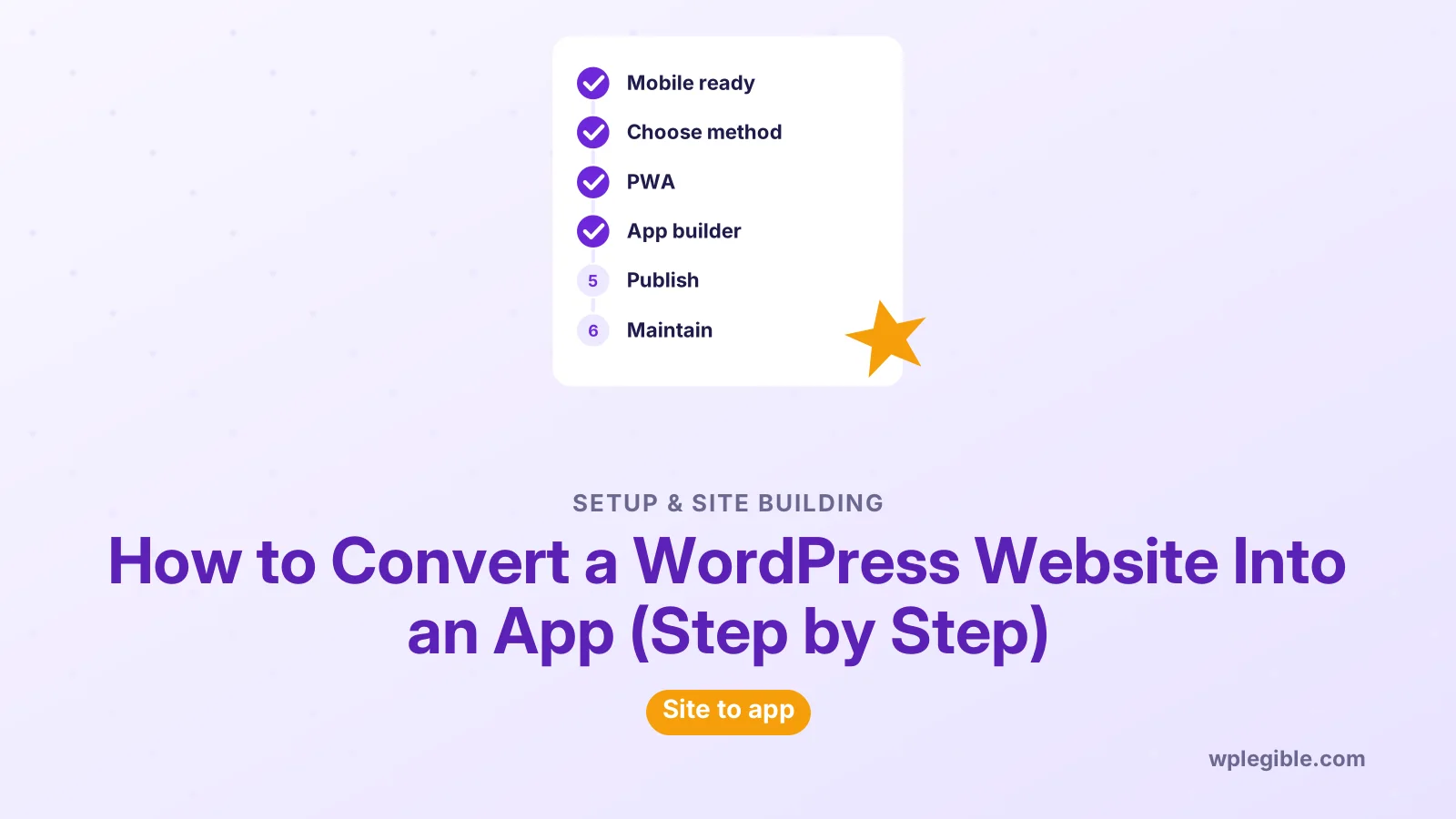
You can convert a WordPress website into an app in three ways: make it a progressive web app with a plugin, wrap it with an app builder that publishes to the App Store and Google Play, or build a native app that reads content through the REST API.
Key takeaways
- A progressive web app is the cheapest route but has no store listing.
- App builders publish to the App Store and Google Play for a fee.
- Native apps using the REST API give full control at the highest cost.
- Apple may reject apps that only repackage a website.
- Your mobile site must work well before any conversion.
Can you convert a WordPress website into an app?
Yes, you can turn a WordPress site into an app as a progressive web app, a wrapped app from an app builder, or a native app built on the REST API.
Each route gives a different result. A progressive web app installs from the browser.
A wrapped app goes into the App Store and Google Play. A fully native app gives the best experience but costs the most.
Before you choose, decide what the app must do that your mobile site cannot. Push notifications, offline reading, a home screen icon and app store presence are the common reasons.
This guide compares the three routes, then walks through each one step by step.
| Method | App store listing | Cost and effort | Best for |
|---|---|---|---|
| Progressive web app (PWA) | No, installs from browser | Low | Blogs, news, simple stores |
| App builder or WebView wrapper | Yes | Medium, often a monthly fee | Stores and content sites wanting store presence |
| Native app using the REST API | Yes | High, needs developers | Large brands, complex features |
Is your mobile site ready to become an app?
Your site must work well on phones first, because every conversion method shows your existing mobile pages in some way.
Open your site on a real phone and check menus, forms, checkout and page speed. If anything feels awkward on mobile, it will feel worse inside an app.
Our guide on fixing WordPress mobile view covers layout problems.
For speed, read how to optimize WordPress for mobile speed.
Also serve the site over HTTPS. Progressive web apps need it, and app stores expect secure connections too.
Which method should you choose?
Choose a PWA for the cheapest and fastest result, an app builder if you need App Store and Google Play listings, and a native build only if you need custom features your site cannot offer.
Ask yourself these questions:
- Do customers expect to find you in an app store?
- Do you need push notifications on iPhones and Android phones?
- Should content work offline?
- What is your monthly budget for tools and upkeep?
- Do you have developers who can maintain a native codebase?
If your answers are mostly no, a PWA is enough. If store presence matters but budget is limited, an app builder is the middle ground.
How do you turn WordPress into a progressive web app?
Install a PWA plugin, add an app name, icons and theme color, then test that browsers show an install prompt for your site.
A progressive web app is a website that browsers can install like an app. It uses a web app manifest for the name and icons, and a service worker for offline caching.
- Search the plugin directory for a PWA plugin. The PWA feature plugin adds core service worker and manifest support, and other plugins offer easier settings screens.
- Set the app name, short name and start URL.
- Upload square icons, usually at 192 and 512 pixels.
- Choose a theme color and background color for the splash screen.
- Decide which pages should work offline, such as the home page and recent posts.
- Save the settings and clear your site cache.
The MDN guide to the web app manifest explains every manifest field if you want to check what the plugin produces.
How do you test your progressive web app?
Open the site in Chrome on Android or desktop and look for the install option, then use browser developer tools to check the manifest and service worker.
In Chrome DevTools, the Application panel shows whether the manifest loaded, which icons were found and whether the service worker is active.
On iPhones, visitors add the site with Add to Home Screen from the Safari share menu. iOS supports web push for installed web apps in recent versions, but support is more limited than on Android.
Test offline mode by turning on airplane mode and reopening the app. Pages you chose to cache should still load.
If something breaks, check that your cache plugin is not caching the service worker file itself. Our guide on clearing cache in WordPress helps when you need to reset everything.
How do you convert WordPress with an app builder?
Sign up for an app builder service, connect your WordPress site with its plugin or your site URL, design the app screens, then build and submit the app to the stores.
App builders fall into two groups. WebView wrappers load your mobile site inside a native shell. Native-style builders pull posts, pages and products through the REST API and show them with native screens.
- Pick a builder that supports your setup, such as WooCommerce if you sell products.
- Install its companion plugin from your dashboard, if it has one.
- Connect the plugin with an API key or application password.
- Set the app name, icon, splash screen and colors.
- Arrange the menu, tabs and home screen.
- Turn on push notifications if the plan includes them.
- Preview the app on your phone with the builder's test app.
Many builders list their plugins in the WordPress plugin directory, so you can check reviews and update history before you sign up. Pricing and features change often, so compare current plans directly on each vendor's site.
If a builder asks you for login details, use a separate account or an application password. Our guide on using application passwords shows how.
How do you publish the app to the App Store and Google Play?
You need your own developer accounts with Apple and Google, then you upload the build, fill in the store listing and wait for review.
Apple charges an annual fee for the Apple Developer Program, and Google charges a one-time registration fee for a Play Console account. Check both sites for current prices in your region.
Prepare the store listing before you submit:
- App name and short description
- Full description of what the app does
- Screenshots for phones and tablets
- A privacy policy URL
- Support contact details
- Age rating and data safety answers
Some builders submit the app for you, while others give you the files to upload yourself.
Will Apple accept a wrapped WordPress site?
Apple may reject an app that only shows a website without adding app-like value, so plan features such as native navigation, push notifications or offline content.
The App Store Review Guidelines include a minimum functionality rule. Apps that are simply a repackaged website are a common reason for rejection.
Google Play is usually less strict, but it still reviews content, privacy and data use.
To improve your chances, use native tab bars, add push notifications, support offline reading and remove website-only elements such as cookie banners and footers inside the app.
When should you build a native app with the REST API?
Build a native app when you need complex features, full design control or deep device integration that app builders cannot provide.
The WordPress REST API lets a mobile app read posts, pages, users and custom content as JSON. Developers then build the app in a framework such as React Native, Flutter or Swift.
This is the same idea as headless WordPress, where WordPress manages content and a separate front end displays it.
Native apps cost far more to build and maintain. Every new OS release, plugin change or API update can need developer time.
Our guide on using the WordPress REST API explains the basics if you want to explore this route.
How do you keep the app working after launch?
Keep WordPress, plugins and the app builder up to date, test the app after major site changes, and watch store reviews for problems users report.
Content changes on your site appear in most apps automatically, because the app reads from WordPress. Design changes may need an app update and a new store review.
Watch out for plugins that change URLs, block the REST API or add login walls. These can break the app without affecting the website.
Track installs and engagement in the store dashboards. If few people use the app, a PWA may be a cheaper way to give them the same features.
Is the official WordPress app the same thing?
No, the official WordPress mobile app is for managing and writing on your site, not for turning your site into an app for visitors.
It lets you publish posts, reply to comments and check stats from your phone. Our article on what the WordPress app is explains its features.
Store owners have a similar tool for managing orders. See our guide on using the WooCommerce mobile app for details.
To give visitors an app, you still need one of the three methods in this guide.
Frequently asked questions
Can I turn my WordPress site into an app for free?
A progressive web app can be free using a plugin, since it installs from the browser without app stores. Store apps cost money because Apple and Google charge developer account fees, and most app builders charge monthly or yearly plans.
Will my app update when I publish new posts?
Yes, for most methods. Progressive web apps, WebView wrappers and REST API apps all read content from your site, so new posts appear automatically. Design or feature changes may need a new app build and store review.
Does a WordPress app work offline?
It can, if you set it up. Progressive web apps use a service worker to cache chosen pages, and many app builders offer offline reading. Pages that need live data, such as a checkout, still need a connection.
Can WooCommerce stores become apps?
Yes. Many app builders support WooCommerce products, carts and checkout. Test the payment flow carefully inside the app, since some payment gateways and redirects behave differently in an app shell than in a browser.
Do I need coding skills to make a WordPress app?
Not for a progressive web app or an app builder, which use plugins and visual settings. A fully native app built on the REST API needs developers who know frameworks such as React Native, Flutter or Swift.
Sources
- Progressive Web Apps web.dev
- Web app manifest MDN Web Docs
- PWA plugin WordPress.org Plugins
- REST API Handbook WordPress Developer Resources
- App Store Review Guidelines Apple Developer
Is your product missing, or something out of date?
Tell us what to add or correct. We read every note and reply when we need a source. A message does not buy a ranking.
Thanks — we review requests within 3 business days.
Related guides



About the editors
Researched from the primary sources listed above and checked against our editorial rules before publishing.