EventCreate is the best access management software for event planners, with a top Capterra rating from 789 reviews and check-in from five dollars a month. Ticket Tailor suits ticketed events with its free check-in app, while Whova fits conferences that also need an attendee app and badge printing.
How we make this list: we compare pricing pages, product documentation and public user reviews, then re-check every price before each update. No product paid for a place. Disclosure.
EventCreate leads at 4.9 on Capterra from 789 reviews, with check-in and kiosks from 5 dollars a month.
Ticket Tailor includes a free check-in app on every tier and charges a flat 0.85 dollars per ticket.
Whova pairs check-in with kiosks and on-demand badge printing for conferences.
RSVPify check-in needs the Plus plan at 89 dollars a month billed yearly.
zkipster is the pick for VIP galas, with offline check-in and guest photos at 2,950 dollars a year.
What should event planners look for in access management software?
Access management at an event is about the door, not the database. A planner needs to know who is allowed in, which sessions they can enter, and who actually showed up, and the software has to answer those questions in seconds while a queue forms.
Offline check-in is the feature that saves events. Basements, convention halls and outdoor venues all have dead Wi-Fi zones, so tools that cache the guest list on the device and sync later keep the door moving when the network drops.
Badges and session access are where cheap tools stop. Free check-in apps scan tickets fine, but on-demand badge printing and session-level access control usually sit on higher tiers, so planners should price the door they actually need, not the cheapest plan.
The fee model decides the total cost. Per-ticket fees look small until a sold-out conference multiplies them, while a subscription looks steep until the tenth event of the year, so work the fee out on a real guest count before choosing.
The 9 best access management software for event planners
01
EventCreate
4.9/5on Capterra (789 reviews, checked Nov 2026)
Paid from$5/mo
Best budget check-in with kiosks
Starting price$5 per month
Free plan1 event, 50 attendees
Check-inRapid app + kiosks
Ticketing fee2% on Personal
eventcreate.com
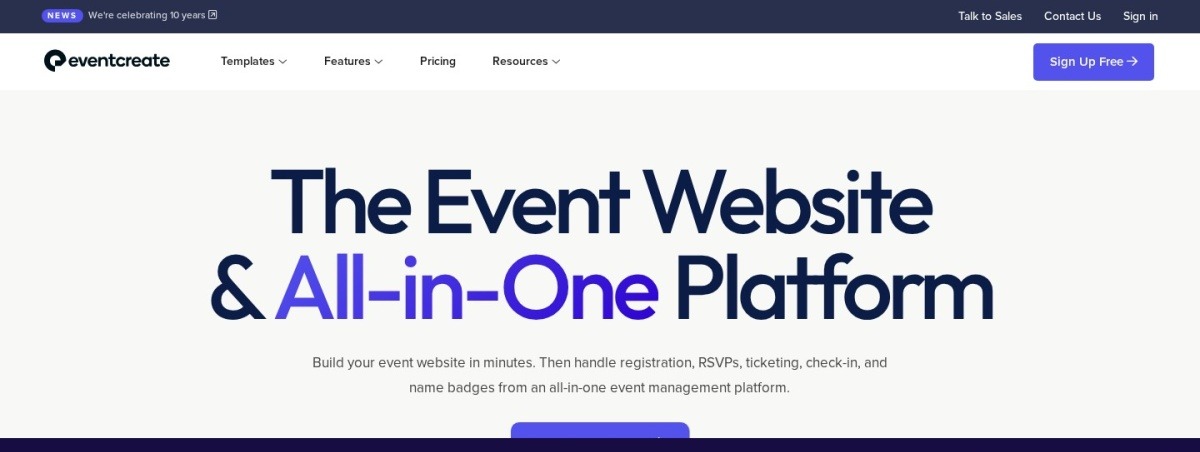
EventCreate homepage, captured Nov 2026.
EventCreate is an event website builder with registration and a rapid check-in app that also supports self-serve kiosks. Its Personal plan costs 5 dollars a month billed yearly for unlimited events, and the free plan covers one active event for up to 50 attendees.
The trade off is the attendee caps: Personal allows 50 attendees per event and Pro allows 200, so bigger events need a higher tier. It suits small businesses and community organizers who run frequent, compact gatherings and want check-in without a per-ticket fee.
What we like
Lowest subscription in this list at 5 dollars a month
Rapid check-in app plus self-serve kiosks included
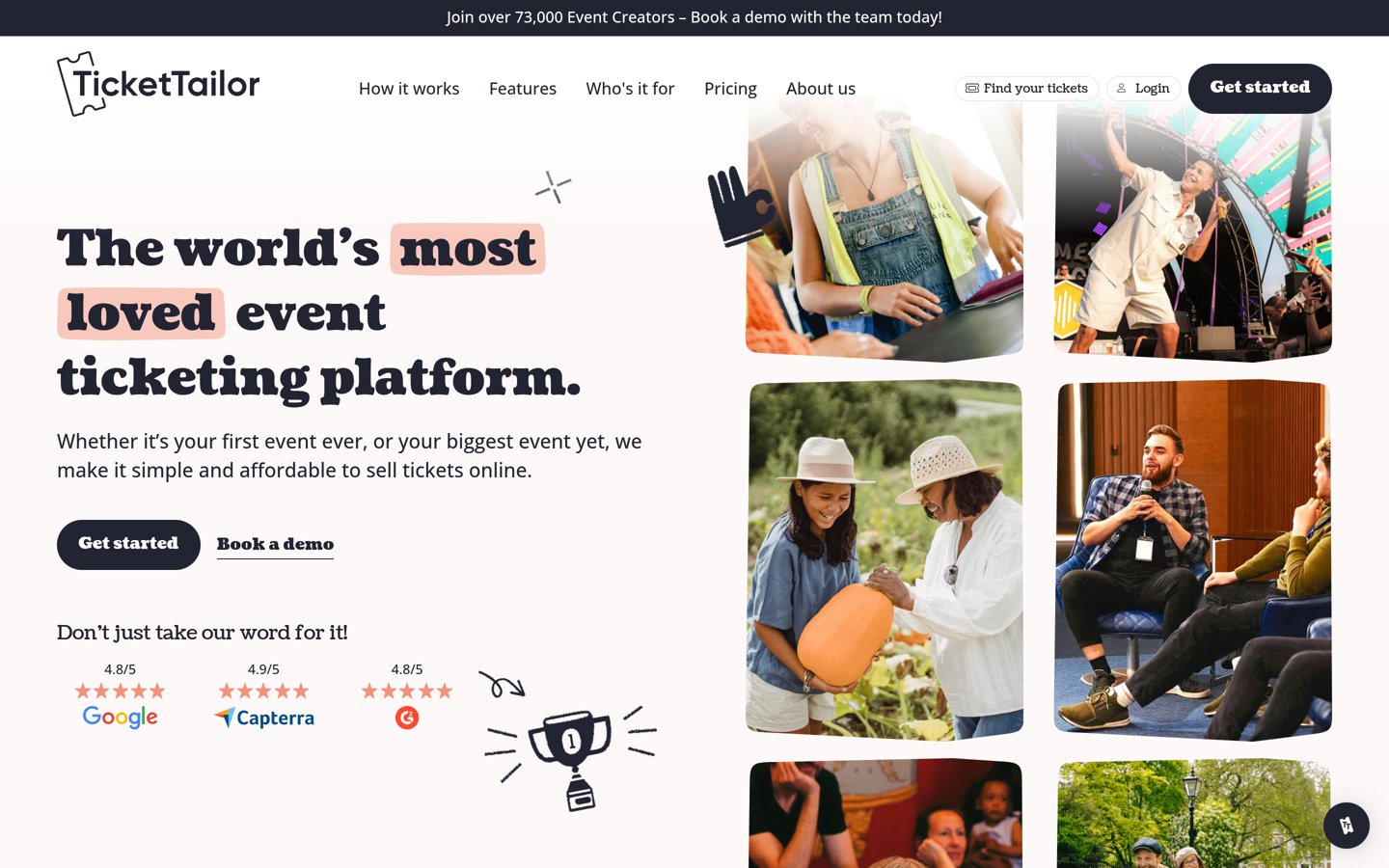
Ticket Tailor is an independent box-office platform that bundles a free mobile check-in app for scanning tickets at the door. Organizers can issue up to 5,000 free tickets a year at no cost, sell the first five paid tickets free, and pay a flat 0.85 dollars per ticket with no subscription.
The trade off is that you bring your own payment processor, so Stripe, PayPal or Square fees sit on top, and there is no marketplace to bring buyers. It suits venues, festivals and nonprofits that sell their own tickets and want predictable flat fees.
What we like
Free check-in app on every tier
Flat 0.85 dollars per ticket, or 0.30 with prepaid credits
No monthly subscription or contracts
50 percent fee discount for registered charities
Watch out for
Payment processing fees are extra
No marketplace discovery like Eventbrite
Only checks in tickets issued through Ticket Tailor
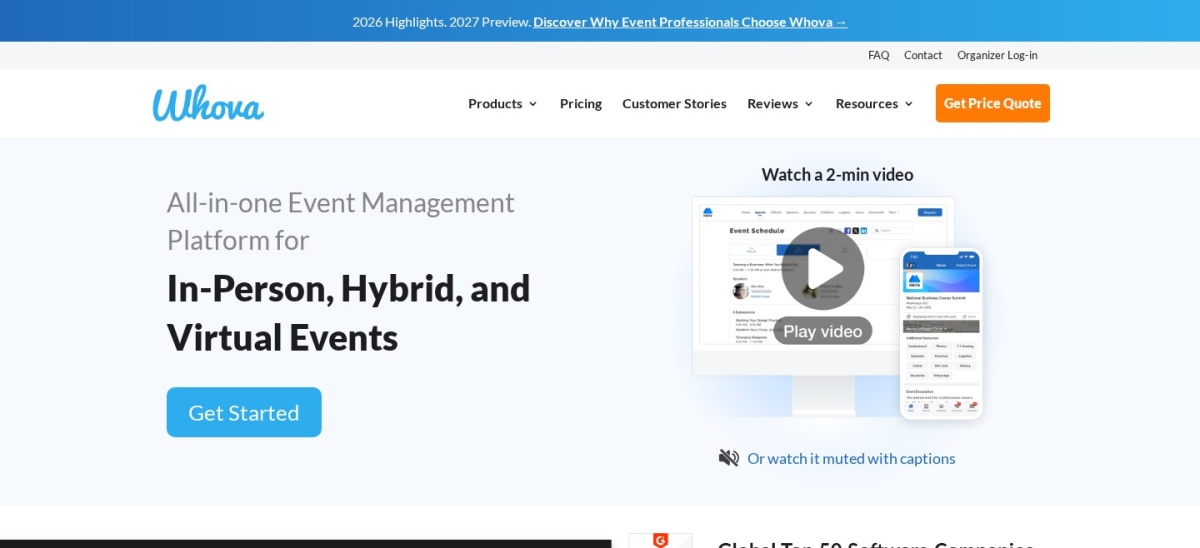
Whova is a conference platform that pairs registration with an attendee app for agendas, networking and on-site engagement. It has served more than 50,000 events across 170 countries with over 15 million users, and check-in runs through QR scans, self-service kiosks and on-demand badge printing.
The trade off is pricing: Whova publishes no prices and quotes per event, so small organizers cannot compare costs without a sales conversation. It suits multi-day conferences where the attendee experience matters as much as getting people through the door.
What we like
Rated 4.8 on G2 from 1,970 reviews
Self-service kiosks with on-demand badge printing
Strong attendee app with networking built in
Handles agendas, sponsors and hybrid events
Watch out for
No published pricing; quotes only
More than small events need
Badge printing hardware costs extra
Whova quotes per event, with no published starting priceVisit whova.com
04
RSVPify
4.8/5on Capterra (432 reviews, checked Nov 2026)
Paid from$24/mo
Best for invite-only guest lists
Starting price$24 per month billed yearly
Free plan100 registrations a month
Check-inPlus plan, $89 a month
SeatingYes, on Starter
rsvpify.com
RSVPify homepage, captured Nov 2026.
RSVPify is an invitation, registration and guest-management platform built for structured private events, fundraisers and corporate dinners. Its free tier supports up to 100 monthly registrations, while paid plans start at 24 dollars a month billed yearly with custom questions and seating charts.
The trade off is that event check-in and printable guest QR codes sit on the Plus tier at 89 dollars a month billed yearly, so door control costs extra. It suits teams running curated guest lists with plus-ones and table assignments.
What we like
Granular RSVP controls for invited groups and plus-ones
Seating charts built in from the Starter plan
Rated 4.8 on Capterra from 432 reviews
Branded invitations and event websites
Watch out for
QR check-in requires the 89 dollar Plus plan
Monthly subscription is expensive for single annual events
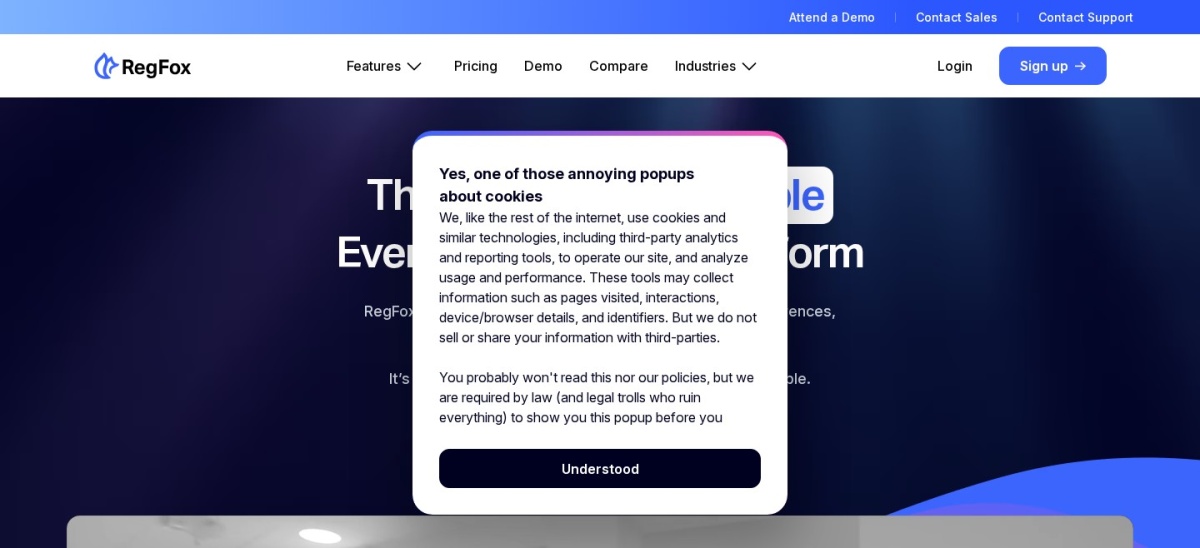
RegFox is a pay-as-you-go registration platform built around detailed, customizable forms. The Standard plan charges 0.99 dollars plus 1 percent per paid registrant, capped at 4.99 dollars, with conditional logic, group registration, payment plans and deposits, and no monthly fee.
The trade off is that even free events cost 0.99 dollars per registrant, so a large free event is not free, and on-site check-in needs the Premium plan. It suits conferences, camps and classes where the registration form itself is complex.
What we like
Lowest per-registrant fee in this list
Fees capped, unlike uncapped per-ticket pricing
Conditional logic, deposits and payment plans included
Weekly payouts instead of after the event
Watch out for
No free tier: free events still cost 0.99 dollars per registrant
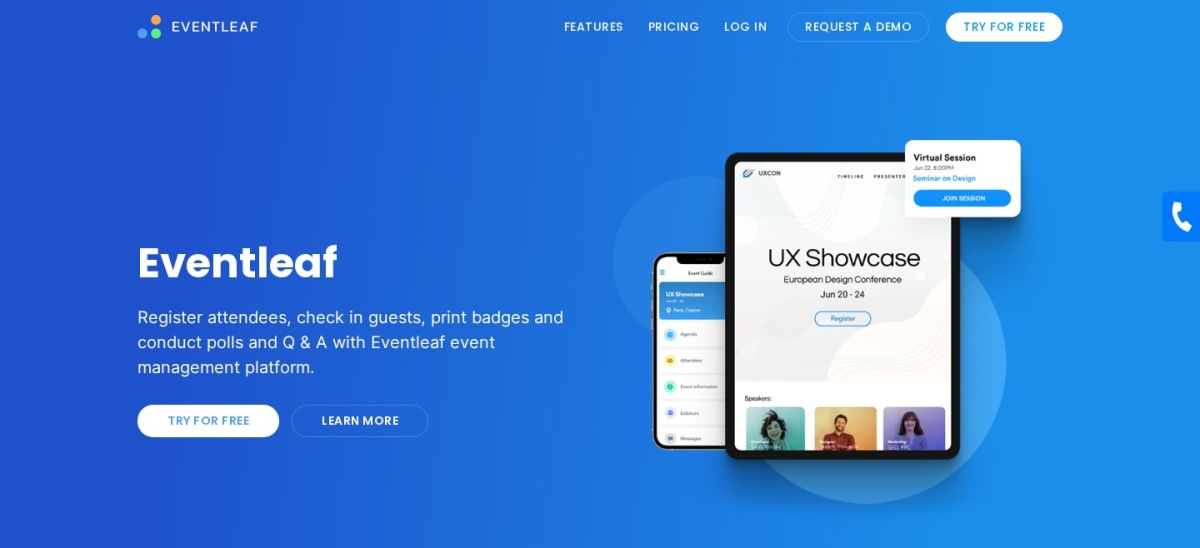
Eventleaf is a registration, check-in and badge-printing suite with a free Starter plan covering up to 100 attendees a year across unlimited events. Its Basic plan starts at 500 dollars a year for 500 attendees with custom badge templates, QR scanning and session check-in.
The trade off is that the dedicated mobile check-in app, offline mode and on-demand badge printing need the Professional plan at 2,000 dollars a year. It suits conferences that need reliable door control in venues with poor Wi-Fi.
What we like
Free tier for up to 100 attendees a year
Offline check-in on the Professional plan
On-demand badge printing with custom templates
Session check-in with capacity control
Watch out for
Check-in app needs the 2,000 dollar Professional plan
Smaller review base than the leaders here
Per-attendee fees above 500 on Basic
Professional at $2,000/yr adds the mobile app and offline modeVisit eventleaf.com
07
Sched
4.7/5on Capterra (97 reviews, checked Nov 2026)
Paid from$600/yr
Best for multi-track session check-in
Starting price$600 per year
Free planSmall events
Check-inBoost plan, $1,500 a year
BillingAnnual only
sched.com
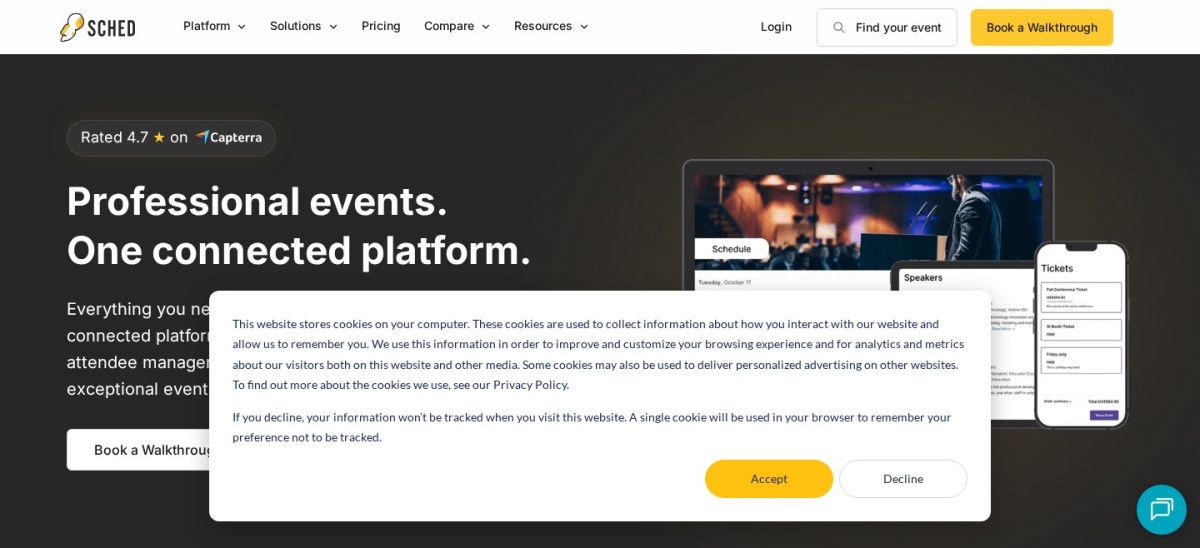
Sched homepage, captured Nov 2026.
Sched is a conference scheduling and registration platform built for multi-track agendas, speaker management and session-level attendance tracking. Paid annual plans start at 600 dollars a year on Launch for unlimited events and up to 250 attendees, alongside a limited free version.
The trade off is that dedicated attendance tracking and check-in tools sit on the Boost tier at 1,500 dollars a year, and billing is annual only. It suits universities, associations and multi-session conferences that need to track who attended each session.
What we like
Built for complex multi-track schedules and session check-ins
Unlimited events included on paid annual tiers
Call-for-papers and speaker management included
Rated 4.7 on Capterra
Watch out for
Attendance tracking needs the 1,500 dollar Boost plan
No monthly billing option
No badge printing features
Boost at $1,500/yr unlocks attendance tracking and check-inVisit sched.com
08
Eventbrite
4.6/5on Capterra (5,824 reviews, checked Nov 2026)
Paid from3.7% + $1.79/ticket
Best for public ticketed events
Paid ticket fee3.7% + $1.79
Processing2.9% per order
Free eventsUnlimited, no fee
Check-inOrganizer app, QR scan
eventbrite.com
Eventbrite homepage, captured Nov 2026.
Eventbrite is a ticketing platform whose Organizer mobile app handles QR code scanning, manual name lookup and at-the-door ticket sales. Free events cost nothing to publish and check in, with real-time attendance syncing across multiple staff devices, and the marketplace reaches 89 million monthly users.
The trade off is high per-ticket fees on paid admissions, with no fee cap, and it only checks in tickets issued through Eventbrite. It suits public events and workshops that benefit from built-in discovery and a free door for free events.
What we like
Zero platform or check-in fees for free events
Offline check-in syncs across iOS and Android devices
Supports at-the-door cash and card ticket sales
Built-in marketplace with 89 million monthly users
Watch out for
Uncapped per-ticket fees get expensive on high-priced tickets
zkipster is guest-list and door-management software built for VIP events, PR launches and galas. Its Events Essentials plan starts at 2,950 dollars a year for up to 60 events a year, five users and offline check-in, with guest photos and VIP flags so door staff can greet people by name.
The trade off is steep annual pricing with no permanent free tier, and Wallet passes, seating floor plans and badge printing need the Professional plan at 4,900 dollars a year. It suits hospitality teams and agencies managing high-profile guest lists.
What we like
Guest photo sourcing and VIP flags help door staff spot VIPs
Reliable offline mode on iOS and Android up to 10,000 guests
Apple Wallet and Google Wallet QR passes on Professional
Rated 4.6 on Capterra
Watch out for
High starting cost rules out small or occasional organizers
Seating charts and badge printing need the 4,900 dollar tier
Only 78 Capterra reviews, the smallest base here
Professional at $4,900/yr adds badges, seating and Wallet passesVisit zkipster.com
What to test at the door before event day
Run a full check-in rehearsal with the real guest list. Scan tickets, look guests up by name and test a plus-one, because the failure modes only show up with real data.
Test offline mode by turning Wi-Fi off. The app should keep scanning from a cached list and sync the logs when the connection returns, with no double entries.
Print a badge on the hardware you will use on the day. Badge templates, printer drivers and paper stock cause more morning delays than the software itself, so prove the whole chain works before doors open.
How we chose
We started from the event check-in and registration tools that appear most often in 2026 comparison guides and on G2 and Capterra, then kept the nine with a published price, a G2 or Capterra rating, and a real check-in app for the door.
Ratings and review counts come from G2 and Capterra, checked on 30 November 2026, picking the source with the most reviews for each tool. Prices come from each vendor's own pricing page, checked in November 2026 by our own published guides, with the regular price shown where a sale applies.
We left out form builders with no check-in app and enterprise registration platforms that sell access only as an add-on. No vendor paid for a place, and we do not claim hands-on testing for this list.
How to choose access management software for event planners
Start with the door you need to run, then match the tool to the event type.
Name the event type first. Public ticketed events need a marketplace and fast checkout, invite-only galas need guest lists and seating, and conferences need agendas, badges and session check-in.
Work out the fee on a real guest count. Multiply the per-ticket or per-registrant fee by expected sales. A 0.85 dollar fee beats a 3.7 percent fee on a 100 dollar ticket, but not on a 10 dollar one.
Check what check-in looks like on the day. Look for a mobile check-in app with QR scanning and offline mode, and badge printing if you run conferences. A slow door undoes a smooth registration.
Test the door before doors open. Run a rehearsal with the real guest list, test offline scanning, and print a badge on the hardware you will use, because the failure modes only show up with real data.
FAQ
What is the best access management software for event planners?
EventCreate is the best access management software for event planners. It is rated 4.9 out of 5 on Capterra from 789 reviews, its Personal plan costs 5 dollars a month billed yearly, and it includes a rapid check-in app plus self-serve kiosks and name badge templates.
Which tool is cheapest for checking in guests?
Ticket Tailor is the cheapest way to check in guests because its mobile check-in app is free on every tier and paid tickets cost a flat 0.85 dollars each. EventCreate costs 5 dollars a month, and Eventbrite charges nothing at all for free events.
Which tools print badges on site?
Whova, Eventleaf and zkipster print badges on site. Whova pairs kiosks with on-demand badge printing, Eventleaf adds it on the Professional plan at 2,000 dollars a year, and zkipster needs the Professional plan at 4,900 dollars a year.
Does RSVPify include check-in?
RSVPify does not include check-in on its Starter plan. QR code check-in and printable guest codes sit on the Plus plan at 89 dollars a month billed yearly, which also lifts the cap to 500 monthly registrations.
Can guests check in offline?
Yes, on the right plan. Eventbrite syncs offline check-in across devices, Eventleaf offers offline mode on its Professional plan, and zkipster works offline on iOS and Android for up to 10,000 guests per event.
What is the difference between Eventbrite and Ticket Tailor for access?
Eventbrite brings a marketplace with 89 million monthly users and free events at no cost, but paid tickets carry 3.7 percent plus 1.79 dollars each. Ticket Tailor charges a flat 0.85 dollars per ticket with a free check-in app, but brings no buyers of its own.
How much does event access software cost?
Prices in this list run from free to 2,950 dollars a year. Subscriptions start at 5 dollars a month, per-ticket fees run from 0.85 dollars to 3.7 percent plus 1.79 dollars, and enterprise tools like Whova quote per event.
SaaS SEO and WordPress specialist with about 8 years of experience. Rakib compares WordPress plugins, themes, hosting and software using public pricing, documentation and user reviews. See how we rank.