Eventbrite is the best event check-in app for most organizers, pairing free QR code scanning and offline sync with zero fees on free events. Choose Ticket Tailor for low flat-rate ticket fees, RSVPify for invitation-only guest lists, or Eventleaf for on-site badge printing.
How we make this list: we compare pricing pages, product documentation and public user reviews, then re-check every price before each update. No product paid for a place. Disclosure.
Eventbrite charges $0 for free events and 3.7% + $1.79 per paid ticket plus 2.9% processing, with real-time multi-device check-in.
Ticket Tailor includes its mobile check-in app on every tier, charging $0 for up to 5,000 free tickets per year or $0.30 to $0.85 per paid ticket.
RSVPify starts at $39/mo ($288/yr billed annually), though QR code check-in requires the Plus plan at $125/mo ($1,068/yr).
EventCreate includes rapid check-in and self-serve kiosks from its Personal plan at $5/mo ($60/yr billed annually).
Eventleaf offers a free tier for up to 100 attendees per year, while its Professional plan ($2,000/yr) unlocks session check-in and on-site badge printing.
What to look for in an event check-in app
A slow door creates bottlenecks before an event even starts. Modern check-in apps replace paper clipboards with mobile QR code scanning, instant name lookup, and multi-device syncing so several staff members can admit guests simultaneously without double-scanning tickets.
Offline capability is critical for basements, convention halls, and outdoor venues with spotty Wi-Fi. Look for apps that cache your attendee roster locally on iOS or Android devices and sync scan logs automatically once connectivity returns.
Pricing models vary sharply across event software. Ticketing-first platforms like Eventbrite and Ticket Tailor include their scanner apps for free and monetize paid ticket sales, whereas guest-list and conference platforms charge monthly subscriptions, annual licenses, or per-attendee fees.
For VIP galas, luxury launches, and red-carpet doors
$2,950/yr
No free plan
4.6/5
Price ladder: cheapest paid plan per year
List prices, USD, checked Nov 2026
EventbriteFree
Ticket TailorFree
EventCreateFREE$60
RSVPifyFREE$288
Nunify$288
EventleafFREE$500
SchedFREE$600
zkipster$2,950
The 7 best event check-in apps
01
Eventbrite
4.6/5on Capterra (5,824 reviews, checked Nov 2026)
PriceFree
Best for ticketed public events and free gatherings
Check-in methodsQR code scan, name or email search
Offline modeYes, local list sync
Free tierUnlimited free events
Paid ticket fee3.7% + $1.79 + 2.9% processing
eventbrite.com
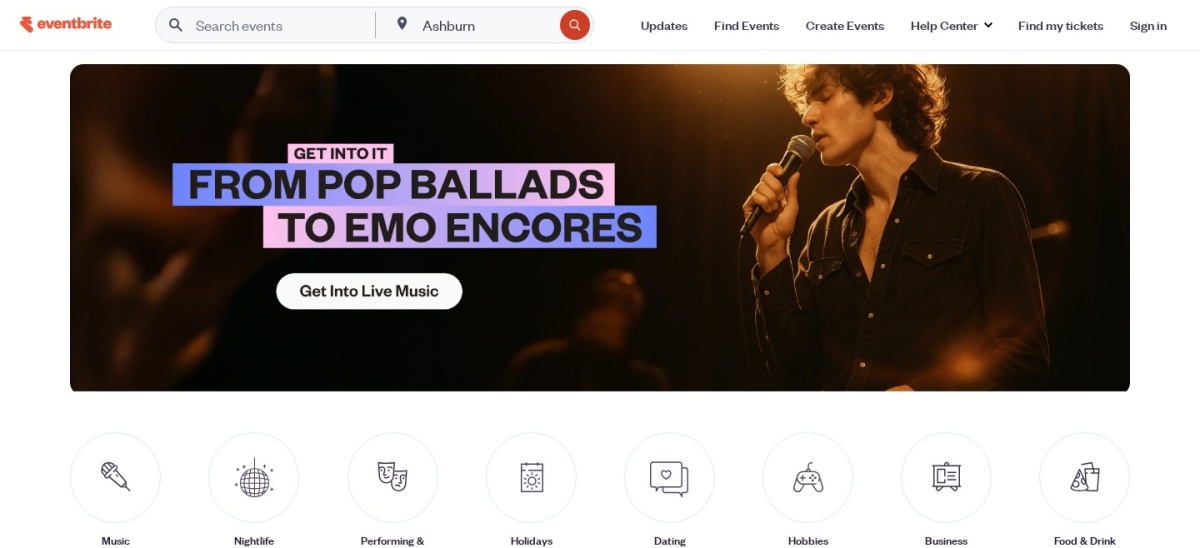
Eventbrite homepage, captured Nov 2026.
Eventbrite is a ticketing platform whose Eventbrite Organizer mobile app handles QR code scanning, manual name lookup, and at-the-door ticket sales on iOS and Android. Free events cost $0 to publish and check in, with real-time attendance syncing across multiple staff devices.
The trade off is high per-ticket fees on paid admissions—3.7% + $1.79 per ticket plus 2.9% order processing with no fee cap—and human support requires a paid Pro plan. It suits public events and workshops that benefit from Eventbrite's built-in discovery marketplace.
What we like
Zero platform or check-in fees for free events
Offline check-in syncs across iOS and Android devices
Uncapped per-ticket fees become expensive on higher-priced tickets
Only checks in tickets issued through Eventbrite
Limited native badge printing options
Paid tickets incur per-ticket service and processing fees; Pro plans add email marketing and human support.Visit eventbrite.com
02
Ticket Tailor
4.9/5on Capterra (597 reviews, checked Nov 2026)
PriceFree
Best for independent organizers wanting low flat fees
Check-in methodsMobile QR scan and name search
Free tierUp to 5,000 free tickets/yr
Upfront creditsFrom $0.30 per ticket
Pay as you go$0.85 per paid ticket
tickettailor.com
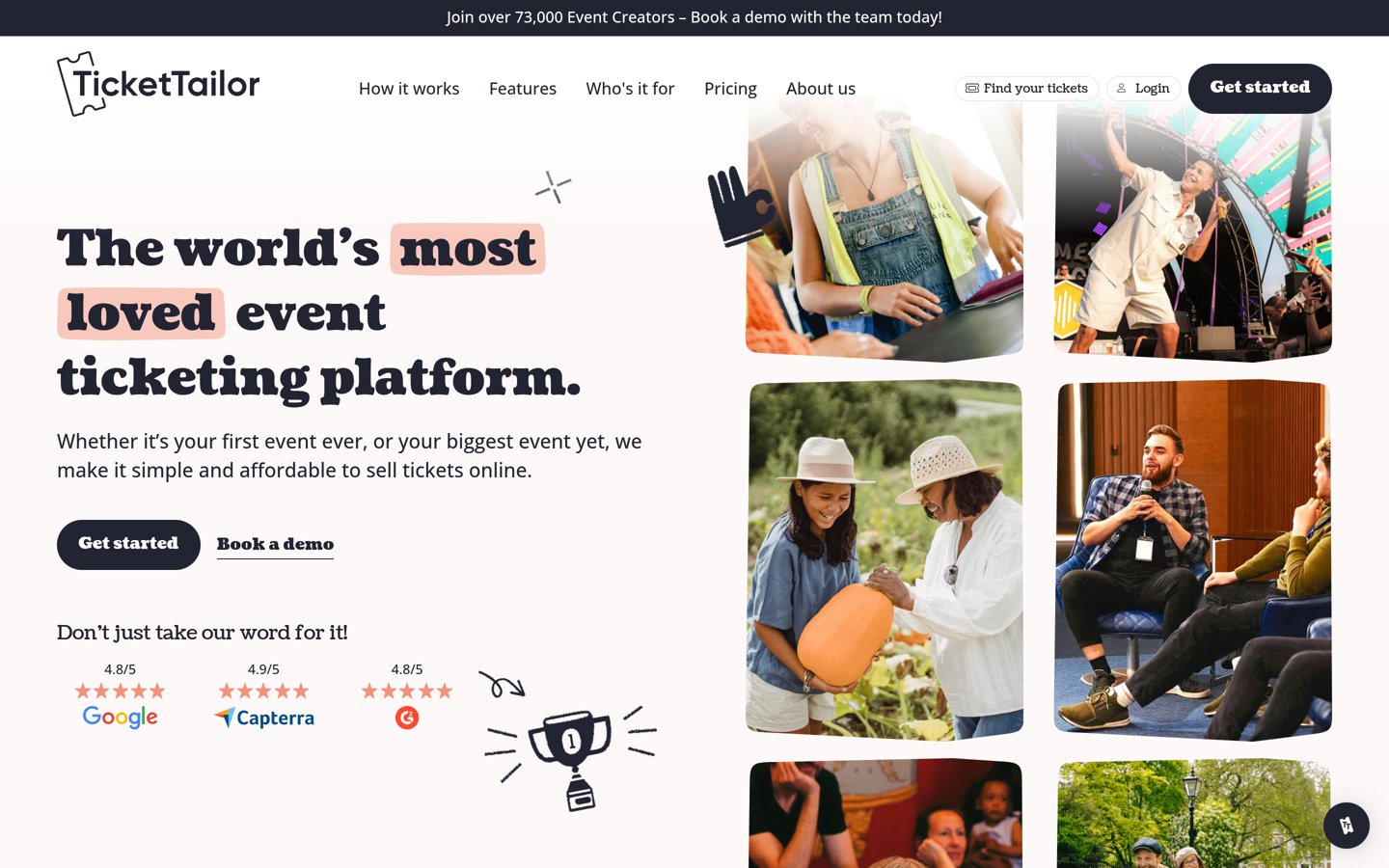
Ticket Tailor homepage, captured Nov 2026.
Ticket Tailor is an independent box-office platform that bundles a free mobile check-in app for scanning tickets at the door. Organizers can issue up to 5,000 free tickets per year at $0, sell their first 5 paid tickets free, and pass fees on to buyers.
The trade off is that it lacks an attendee marketplace and requires connecting your own Stripe, PayPal, or Square account for card processing. It suits recurring venues, festivals, and nonprofits looking for predictable flat fees starting at $0.30 per upfront credit.
What we like
Up to 5,000 free tickets per year with no subscription
50% fee discount for registered charities and PTAs
Direct payouts through Stripe, Square, or PayPal
Watch out for
No built-in public discovery marketplace like Eventbrite
Restricted to tickets sold or issued via Ticket Tailor
Prepaid ticket credits start at $0.30 each (or $0.85 pay-as-you-go) plus standard payment processor rates.Visit tickettailor.com
03
RSVPify
4.8/5on Capterra (432 reviews, checked Nov 2026)
Paid from$39/mo
Best for invitation-only corporate events and galas
Check-in methodsPrintable QR codes and guest lookup
Free tier1 event, 100 registrations/mo
Starter plan$39/mo ($288/yr billed annually)
Check-in tierPlus at $125/mo ($1,068/yr)
rsvpify.com
RSVPify homepage, captured Nov 2026.
RSVPify is an invitation, registration, and guest-management platform built for structured private events, fundraisers, and corporate dinners. Its free tier supports up to 100 monthly registrations, while paid plans start at $39/mo ($288/yr billed annually) with custom questions and seating charts.
The trade off is that event check-in and printable guest QR codes sit on the Plus tier at $125/mo ($1,068/yr billed annually), making it costly for one-off events. It suits teams running curated guest lists with plus-ones and table assignments.
What we like
Granular RSVP controls for invited groups, plus-ones, and seating charts
High user satisfaction (4.8/5 across 432 Capterra reviews)
Ticketed events plan offers 1.95% + $0.90 per ticket with Professional features
Watch out for
QR check-in requires upgrading to the $125/mo Plus plan
Monthly subscription model is expensive for single annual events
Plus ($125/mo, or $1,068/yr billed annually) unlocks event check-in, printable QR codes, and 500 monthly registrations.Visit rsvpify.com
04
EventCreate
4.9/5on Capterra (789 reviews, checked Nov 2026)
Paid from$5/mo
Best budget subscription with check-in and kiosks
Check-in methodsRapid check-in app and kiosks
Free tier1 active event, 50 attendees
Entry paid planPersonal at $5/mo ($60/yr)
Ticketing fee2% on Personal down to 0%
eventcreate.com
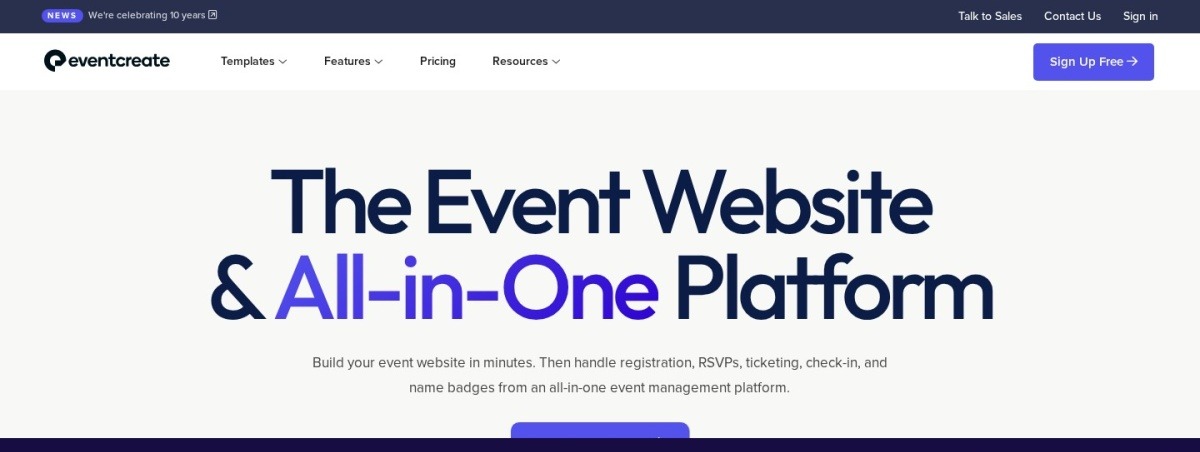
EventCreate homepage, captured Nov 2026.
EventCreate combines an event website builder, online registration, and a rapid check-in app with self-serve kiosk support. Its free-forever plan covers 1 active event for up to 50 attendees, while the Personal plan starts at $5/mo ($60/yr billed annually) for unlimited events.
The trade off is strict per-event attendee caps on lower tiers—50 attendees on Personal and 200 on Pro ($240/yr)—plus a 2% ticketing fee on the entry plan. It suits small businesses and community organizers hosting frequent, compact gatherings.
What we like
Very low entry subscription at $60/yr billed annually
Includes rapid check-in app, self-serve kiosks, and name badge templates
Rated 4.9/5 across 789 Capterra reviews
Watch out for
Lower tiers cap events at 50 to 200 attendees
Ticketing fees only drop to 0% on the $500/mo Enterprise tier
Personal ($60/yr) unlocks unlimited events, 250 monthly emails, and lowers the ticketing fee from 5% to 2%.Visit eventcreate.com
05
Nunify
4.7/5on G2 (68 reviews, checked Nov 2026)
Starts at$24/mo
Best for conferences needing check-in plus an attendee app
Check-in methodsSelf/kiosk app and badge printing
Free trial15-day trial on Engage
Entry paid planEssential at $24/mo ($288/yr)
Check-in tierElevate at $49/mo ($588/yr)
nunify.com
Nunify homepage, captured Nov 2026.
Nunify is an all-in-one event management platform offering registration, self-service kiosk check-in, on-site badge printing, and a native mobile attendee app. Paid subscriptions start at $24/mo billed annually on Essential for unlimited events and RSVPs, backed by a 15-day free trial.
The trade off is that there is no permanent free plan, and guest check-in with on-site badge printing requires the Elevate plan at $49/mo ($588/yr) for up to 150 check-ins. It suits corporate conferences and trade shows wanting check-in connected to attendee engagement.
What we like
Unlimited events and registrations across every subscription tier
Includes kiosk check-in and on-site badge printing on Elevate
24/7 global support with 2-hour first response on Elevate and Engage
Watch out for
No permanent free tier available
Check-in tools are excluded from the $24/mo Essential plan
Elevate ($49/mo billed annually) adds the event check-in app, guest list builder, and on-site badge printing.Visit nunify.com
06
Sched
4.7/5on Capterra (97 reviews, checked Nov 2026)
Paid from$600/yr
Best for multi-track schedules and session attendance
Check-in methodsEvent and session attendance tracking
Free tierFree plan for small events
Entry paid planLaunch at $600/yr (250 attendees)
Check-in tierBoost at $1,500/yr
sched.com
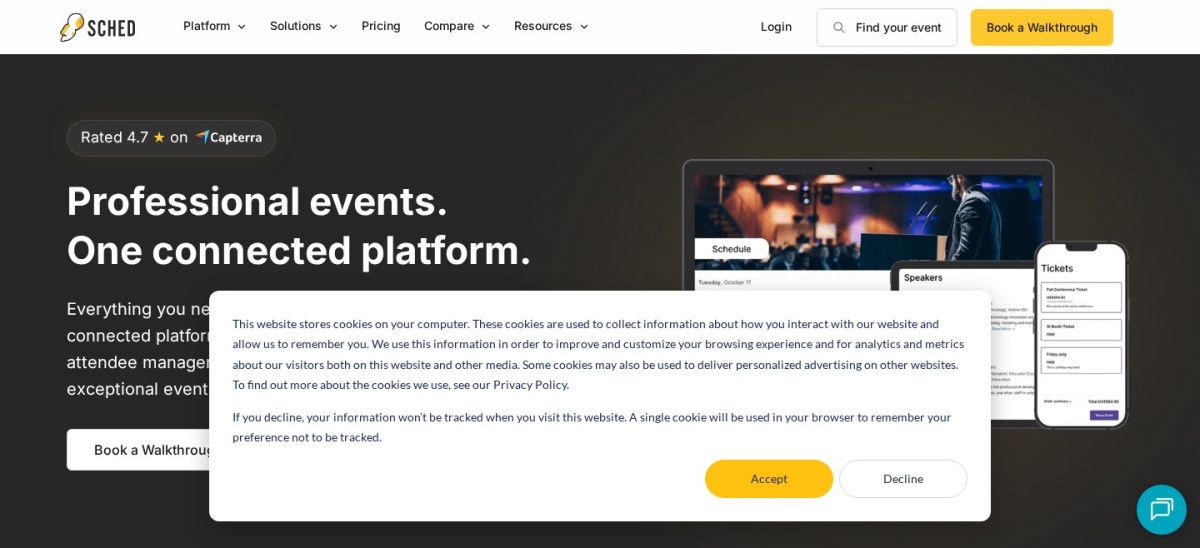
Sched homepage, captured Nov 2026.
Sched is a conference scheduling and registration platform built for multi-track agendas, speaker management, and session-level attendance tracking. Paid annual plans start at $600/yr on Launch for unlimited events and up to 250 attendees, alongside a limited free version.
The trade off is that dedicated attendance tracking and check-in tools sit on the Boost tier at $1,500/yr, and billing is annual-only with no monthly option. It suits universities, associations, and multi-session conferences.
What we like
Built specifically for complex multi-track schedules and session check-ins
Unlimited events included on paid annual tiers
Includes call-for-papers and speaker management tools
Watch out for
Attendance tracking and check-in require the $1,500/yr Boost plan
No monthly subscription billing option
Boost ($1,500/yr) unlocks attendance tracking and check-in, attendee networking, and sponsor lead retrieval.Visit sched.com
07
Eventleaf
4.7/5on Capterra (130 reviews, checked Nov 2026)
Paid from$500/yr
Best for conferences needing offline check-in and badge printing
Check-in methodsQR scan, session check-in, digital signature
Offline modeYes, on Professional and Ultimate
Free tierUp to 100 attendees/yr
Paid plansBasic $500/yr; Professional $2,000/yr
eventleaf.com
Eventleaf homepage, captured Nov 2026.
Eventleaf is a registration, check-in, and badge-printing suite with a free Starter plan covering up to 100 attendees per year across unlimited events. Its Basic plan starts at $500/yr for 500 attendees ($1 per additional attendee) with custom badge templates.
The trade off is that the dedicated mobile check-in app, offline mode, and on-demand on-site badge printing require the Professional plan at $2,000/yr for 1,000 attendees. It suits seminars, trade shows, and continuing-education events tracking session credits.
What we like
Generous free Starter tier for up to 100 attendees per year
Check-in app supports offline mode, session tracking, and digital signatures
No long-term contracts and unlimited admin users
Watch out for
Mobile check-in app and offline mode require the $2,000/yr Professional plan
4% fee if using Eventleaf's built-in processor instead of your own gateway
Professional ($2,000/yr for 1,000 attendees) adds the offline check-in app, session tracking, and on-site badge printing.Visit eventleaf.com
08
zkipster
4.6/5on Capterra (78 reviews, checked Nov 2026)
Starts at$2,950/yr
Best for VIP galas, luxury launches, and red-carpet doors
Entry paid planEssentials at $2,950/yr (60 events)
CapacityUp to 10,000 guests per event
zkipster.com
zkipster homepage, captured Nov 2026.
zkipster is guest-list and door-management software built for VIP events, PR launches, and galas. Its Events Essentials plan starts at $2,950/yr (or $500/mo billed monthly) for up to 60 events a year, 5 users, offline iOS/Android check-in, and Tap to Pay.
The trade off is steep annual pricing with no permanent free tier, and Apple/Google Wallet passes, seating floor plans, and badge printing require Events Professional at $4,900/yr. It suits hospitality teams and agencies managing high-profile guest lists.
What we like
Guest photo sourcing and relationship grouping help door staff spot VIPs
Reliable offline mode on both iOS and Android up to 10,000 guests
Supports Apple Wallet and Google Wallet QR passes on Professional
Watch out for
High starting cost ($2,950/yr) rules out small or occasional organizers
Seating charts and name badge printing require the $4,900/yr tier
Events Professional ($4,900/yr) adds floor plans, name badge printing, SMS/WhatsApp invites, and Wallet passes.Visit zkipster.com
Per-ticket fees vs. annual subscriptions
Choosing between per-ticket apps and subscription software comes down to whether you charge admission. If you sell tickets, Eventbrite and Ticket Tailor require zero upfront software spend—you either pass their per-ticket fee to buyers or absorb it from ticket revenue.
If you host free corporate events, private galas, or multi-session conferences where tickets are not sold, per-ticket platforms lose their advantage. Subscription tools like EventCreate ($60/yr) or RSVPify ($288/yr) give you predictable annual costs regardless of how many free RSVPs you collect.
How we chose
We evaluated established event check-in and registration apps with dedicated mobile scanning tools, verified public user reviews on Capterra or G2, and transparent pricing.
All prices, review ratings, review counts, and plan limits were checked on 22 Nov 2026 against vendor pricing pages and third-party review directories.
We excluded enterprise suites that hide all pricing behind sales quotes (such as Cvent OnArrival, Whova, and Bizzabo) as well as niche tools with fewer than 20 public reviews. No vendor paid for a place, and we do not claim testing for this list.
How to choose an event check-in app
Match your venue connectivity, ticketing setup, and door staffing to the right check-in workflow:
Confirm offline sync before booking a venue. Basements, ballrooms, and outdoor fields frequently drop cellular signals. Verify that your chosen app downloads the guest list locally and syncs scans automatically once Wi-Fi returns.
Check which tier actually unlocks check-in. Several event platforms advertise low entry prices for RSVP forms while locking QR scanning, kiosk mode, or badge printing behind higher tiers—such as RSVPify Plus ($1,068/yr) or Eventleaf Professional ($2,000/yr).
Calculate total fees on paid tickets. Compare percentage fees against flat per-ticket credits. On a $50 ticket, Eventbrite's uncapped 3.7% + $1.79 + 2.9% structure takes significantly more than Ticket Tailor's flat $0.30 to $0.85 fee plus Stripe processing.
Plan for multi-device door staffing. Make sure your plan includes enough staff logins or volunteer check-in keys so multiple entrances can scan QR codes simultaneously without sharing administrator credentials.
FAQ
What is the best free event check-in app?
Eventbrite is the best free option for public gatherings because free events cost $0 with unlimited tickets and multi-device QR scanning. Ticket Tailor also offers a free tier covering up to 5,000 free tickets per year.
Which event check-in apps work offline?
Eventbrite Organizer, Eventleaf (Professional and Ultimate plans), and zkipster all support offline check-in. They store attendee lists locally on iOS or Android devices and sync check-in timestamps automatically when internet access resumes.
Can I print name badges from an event check-in app?
Yes, several platforms support on-site or template badge printing, including Eventleaf (Professional at $2,000/yr), Nunify (Elevate at $588/yr), EventCreate (from $60/yr), and zkipster (Professional at $4,900/yr).
Do guests need to download an app to check in?
No. In all the tools compared here, guests present a QR code from their confirmation email, PDF ticket, or Apple/Google Wallet pass, while door staff scan it using the organizer app.
What is the cheapest paid event check-in app?
For paid ticketing, Ticket Tailor starts at $0.30 per upfront ticket credit with no monthly subscription. For subscription-based event management with rapid check-in, EventCreate starts at $5/mo ($60/yr billed annually).
SaaS SEO and WordPress specialist with about 8 years of experience. Rakib compares WordPress plugins, themes, hosting and software using public pricing, documentation and user reviews. See how we rank.