Okta is the best access management software for law firms, with a Starter suite from six dollars a user a month and more than 8,000 pre-built integrations. Microsoft Entra ID suits firms already on Microsoft 365, while Rippling fits firms that want HR and access in one system.
How we make this list: we compare pricing pages, product documentation and public user reviews, then re-check every price before each update. No product paid for a place. Disclosure.
Okta leads with 8,000+ integrations and a Starter suite from $6 a user a month, but it needs a $1,500 annual contract.
Microsoft Entra ID P1 costs $7 a user a month after a July 2026 rise, and Microsoft's pricing page returned a 404 when checked.
Cisco Duo is the cheapest MFA at $3 a user a month, with a free plan for up to 10 users.
PingOne Essential is $3 a user a month but needs a 5,000-user minimum, so small firms cannot buy it.
ADManager Plus is the only flat yearly price here at $595 a year, for firms that still run Active Directory.
How should a law firm choose access management software?
Client confidentiality makes access management a professional duty, not just an IT choice. A law firm holds privileged information, so every login needs strong authentication and every departure needs instant revocation.
Single sign-on is the starting point. One login for every application means fewer passwords to steal and one place to switch access off when a lawyer leaves, which is the single most important control for a firm.
Multi-factor authentication is now expected by clients and insurers. Cyber insurance questionnaires and client outside-counsel guidelines both ask for MFA, so a tool without it is a liability. Our guide to the best identity and access management tools compares the same tools for general business use.
The per-user price hides the minimum. PingOne's $3 rate needs 5,000 users, Okta's $6 suite needs a $1,500 contract, and Rippling adds a monthly base fee, so the quote matters more than the headline rate.
The 9 best access management software for law firms
01
Okta
4.5/5on G2 (1,370 reviews, checked Nov 2026)
Starts at$6/user/mo
Best overall for law firms
Free planNo free plan, 30-day trial
Paid planStarter, $6/user/mo
Integrations8,000+ pre-built integrations
MFAAdaptive MFA included
okta.com
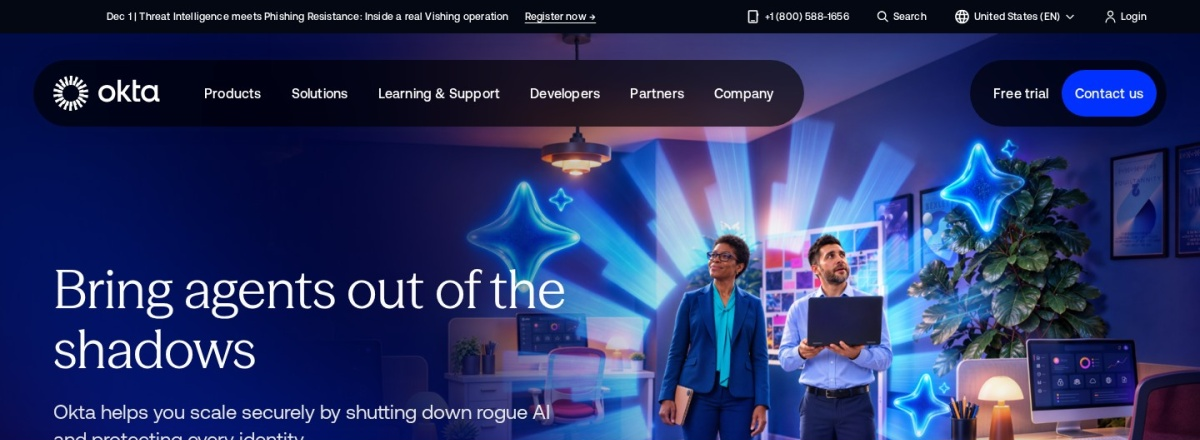
Okta homepage, captured Nov 2026.
Okta is the leading workforce identity platform, built to give every lawyer and staff member one secure login to every application. The Starter suite at $6 a user a month billed annually covers single sign-on and multi-factor authentication, with more than 8,000 pre-built integrations to legal and business apps.
The trade off is the contract floor. Starter needs a $1,500 annual contract minimum, and the standalone single sign-on product at $2 a user a month is a different, thinner plan. It suits firms that want the most mature identity platform without building it themselves.
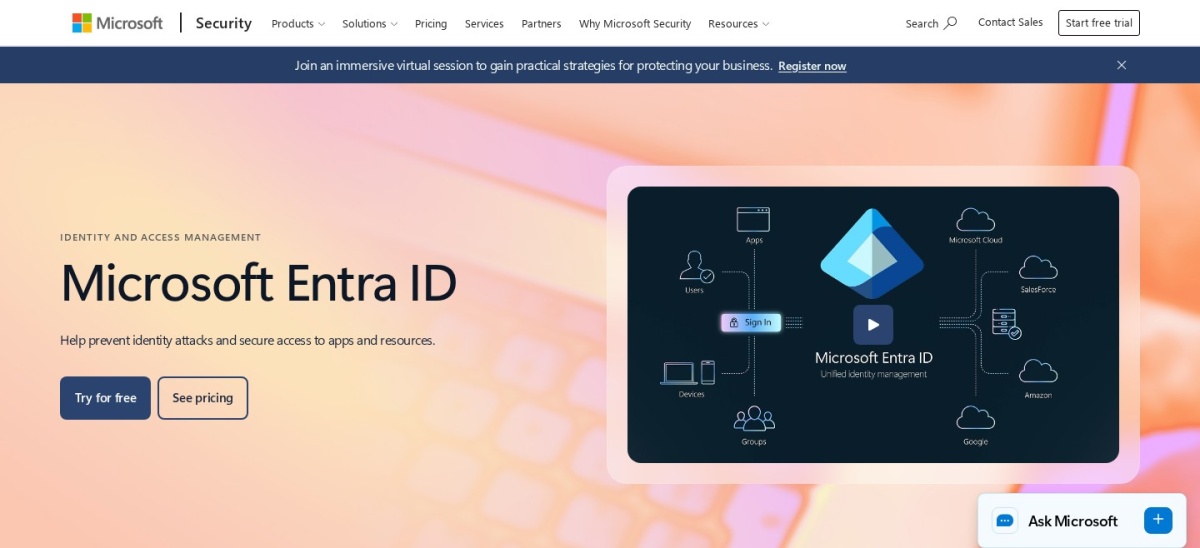
Microsoft Entra ID is Microsoft's identity platform, built into Microsoft 365 and Azure. The free tier covers basic single sign-on, while P1 at $7 a user a month billed annually adds conditional access, hybrid identity and the identity protection that matters for client confidentiality.
The trade off is the price rise and the vendor page. P1 rose from $6 to $7 on 1 July 2026, and Microsoft's own pricing page returned a 404 when we checked it on 30 November. It suits firms already running Microsoft 365 who want identity inside the same stack.
Rippling is an all-in-one platform for HR, IT and finance that ties access to employment. When a lawyer joins, Rippling creates their accounts, assigns apps and ships a laptop; when they leave, it revokes everything in one click, from $8 a user a month plus a monthly base fee.
The trade off is the base fee and the bundle. The $8 rate needs a monthly base fee on top, and firms that only need access will pay for HR features they never use. It suits growing firms that want hiring, payroll and access in one system.
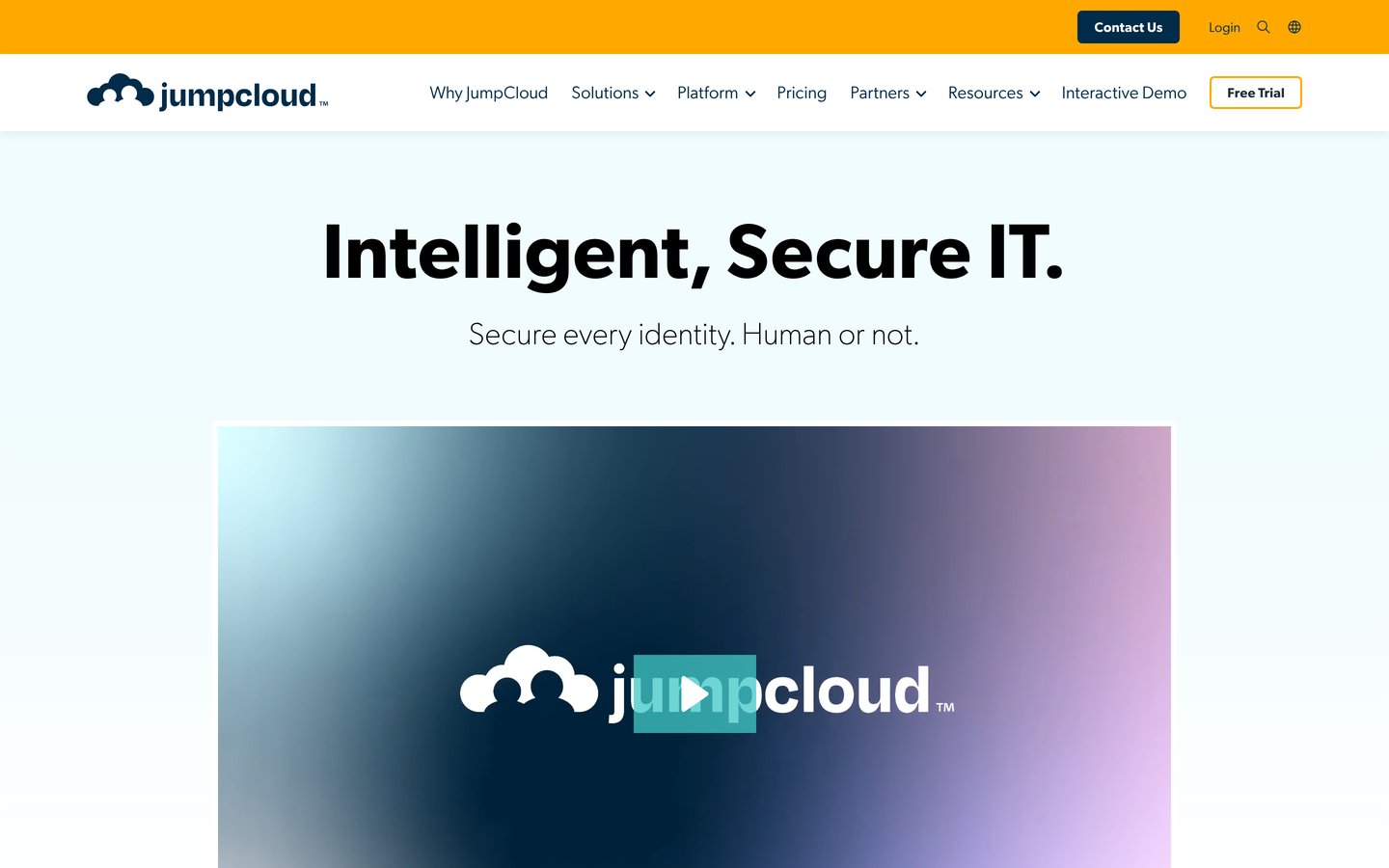
JumpCloud is a cloud directory platform for firms that want to manage identities without running Active Directory. The SSO plan at $11 a user a month covers single sign-on and multi-factor authentication, with device management and a free plan for up to 10 users.
The trade off is the price. JumpCloud's SSO plan costs nearly twice Okta's Starter suite, and its strength is directory replacement rather than pure access management. It suits small firms that want to skip on-premises servers entirely.
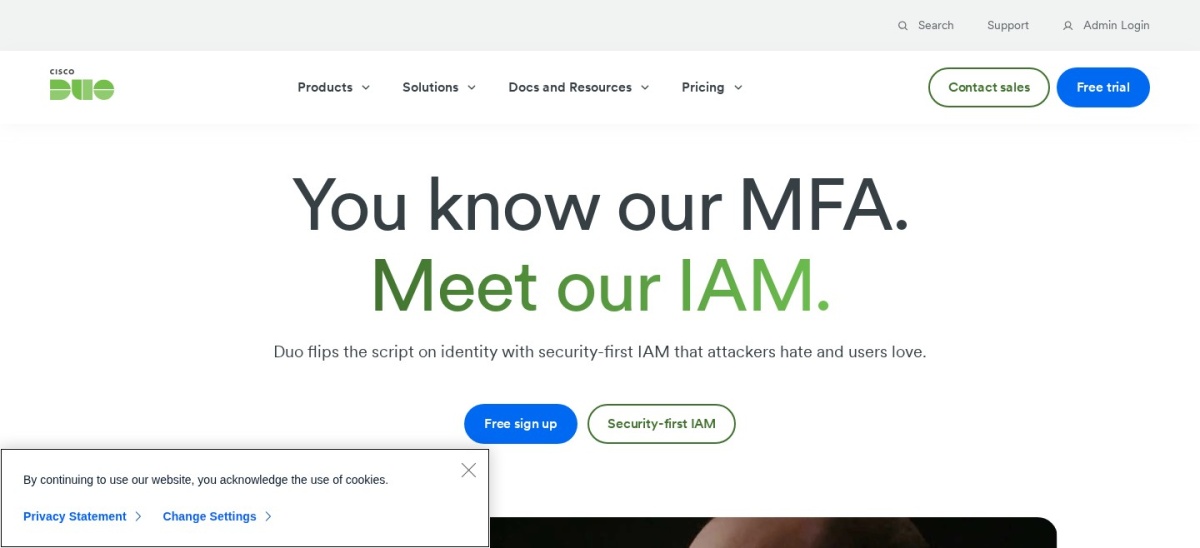
Cisco Duo is a multi-factor authentication and access tool built for small teams that need strong login security fast. Essentials at $3 a user a month covers push authentication, passkeys and single sign-on, with a free plan for up to 10 users.
The trade off is scope. Duo is an access and MFA layer, not a full identity platform, so firms still need a directory behind it. It suits small firms that want the cheapest path to phishing-resistant logins.
CyberArk Workforce Identity homepage, captured Nov 2026.
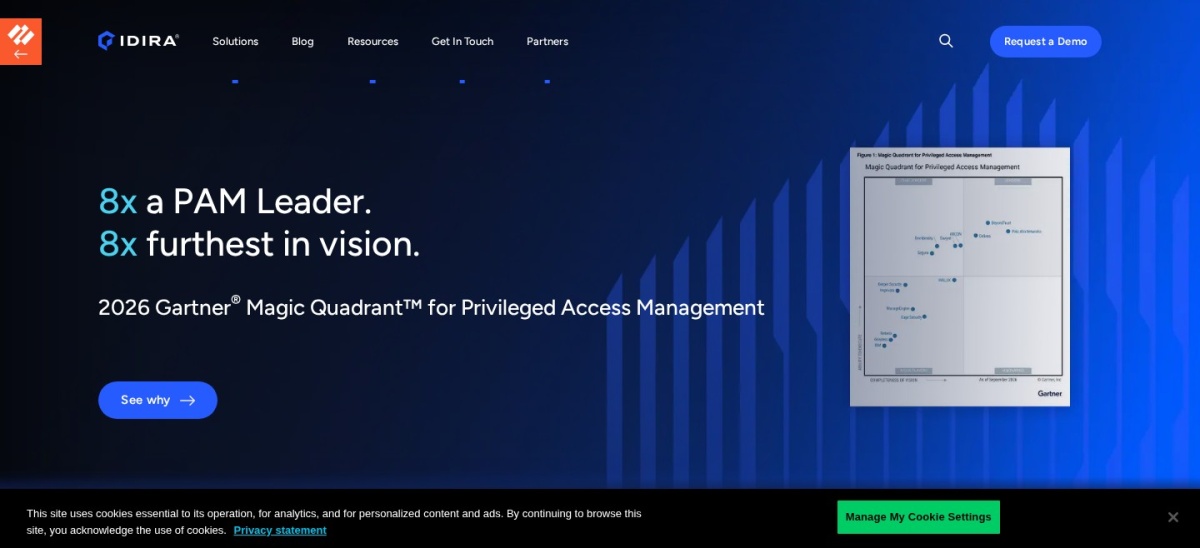
CyberArk Workforce Identity is the identity arm of CyberArk, the privileged access specialist. The SSO plan at $2 a user a month covers single sign-on and adaptive multi-factor authentication, with the company's deeper privileged access tools above it for admin accounts.
The trade off is change. CyberArk is moving its broader identity platform to the Idira brand under Palo Alto Networks, which bought CyberArk in early 2026, and the review base is thin at 130 G2 reviews. It suits firms that want privileged access controls alongside everyday logins.
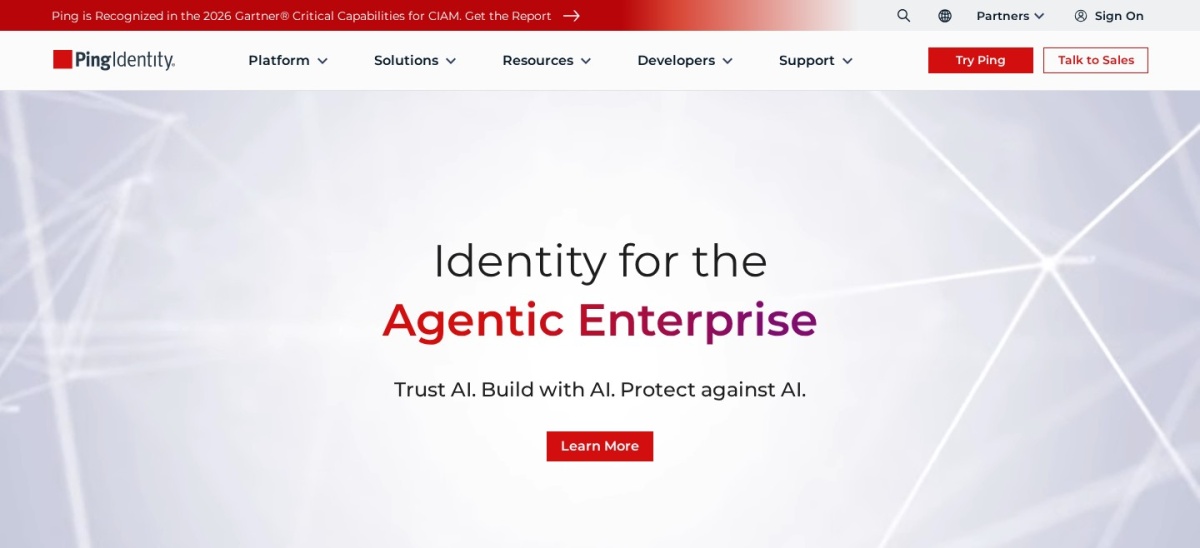
Ping Identity (PingOne) homepage, captured Nov 2026.
Ping Identity (PingOne) is a cloud identity platform, built for large organisations that need single sign-on, multi-factor authentication and directory services at scale. The Essential plan is listed at $3 a user a month, with strong standards support and a long enterprise track record.
The trade off is the minimum. PingOne Essential needs a 5,000-user minimum, so a small or mid-size law firm cannot buy at the $3 rate at all. It suits large firms and legal networks that can meet the minimum and want enterprise identity.
OneLogin is a cloud identity platform for mid-size firms that want single sign-on, multi-factor authentication and user provisioning without enterprise complexity. It covers the core access stack in one system, with a clean admin console and a strong record in professional services.
The trade off is pricing. OneLogin publishes no prices, so every deal is a quote, and its review base is smaller than Okta's or Rippling's. It suits mid-size firms that want a simpler alternative to Okta and will negotiate the price.
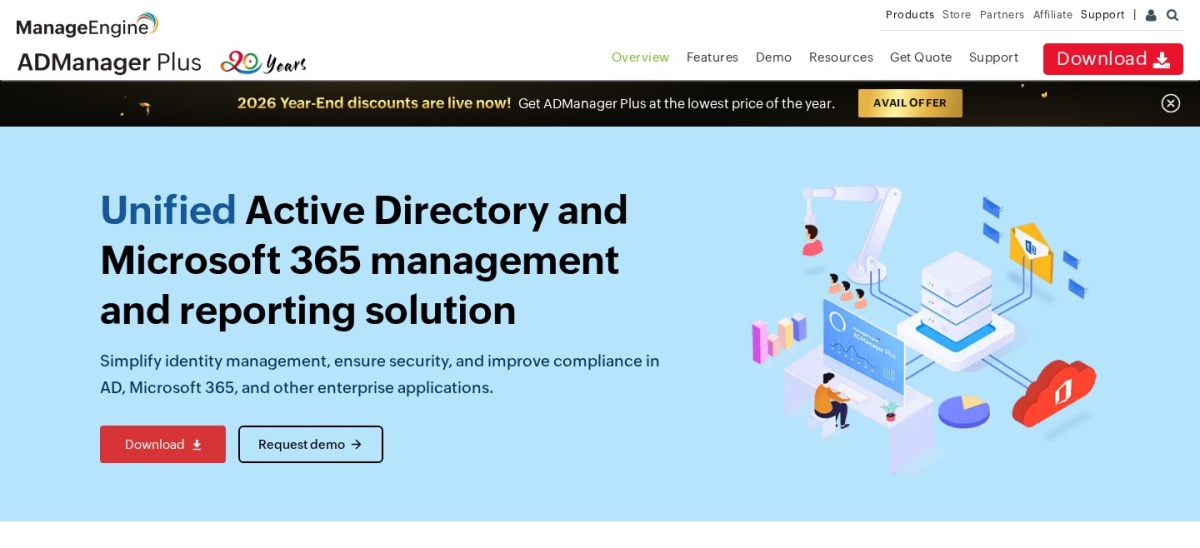
ManageEngine ADManager Plus homepage, captured Nov 2026.
ManageEngine ADManager Plus is an Active Directory management tool for firms that still run on-premises servers. It covers user provisioning, password management, group policy and compliance reporting, with a free edition for up to 100 domain objects and Standard at $595 a year.
The trade off is the focus. ADManager Plus manages Active Directory rather than cloud single sign-on, so cloud-first firms will find it narrow. It suits firms with on-premises AD that need provisioning and reporting without a full identity platform.
Cyber insurers now ask for multi-factor authentication on every remote login and for privileged access controls on admin accounts. A firm that cannot show both will pay more for cover or lose it entirely.
Client outside-counsel guidelines ask the same questions. Large clients audit their firms' access controls, and single sign-on with MFA is the minimum they expect before sending work.
Keep the evidence. Every tool in this list logs sign-ins and access changes, and those logs are what you show an insurer or a client when they ask how access is controlled.
How we chose
We started from the identity tools with the largest G2 review bases, then kept the nine with a clear access management use for professional services firms.
Prices come from each vendor's pricing page, checked on 30 November 2026, or, where the vendor publishes no price, from pricing guides that read the vendor page. Ratings and review counts come from G2 on the same day.
We left out tools with no reliable public rating. No vendor paid for a place, and we do not claim hands-on testing for this list.
How to choose access management software for a law firm
Start with your directory and your insurers, then check the minimums.
Check what your clients and insurer require. Outside-counsel guidelines and cyber insurance both ask for MFA and single sign-on. If your tool cannot prove both, it will cost you clients before it saves you money.
Start from your directory. Firms on Microsoft 365 should start with Entra ID, firms on Active Directory with ADManager Plus or JumpCloud, and firms with no directory with Okta or Rippling.
Ask for the real minimum, not the rate. PingOne needs 5,000 users, Okta needs a $1,500 contract and Rippling adds a base fee. Get the quote for your headcount before shortlisting.
Test offboarding, not just login. Create a user, give them access, then revoke it and check every app closes. Offboarding speed is the control that matters most when someone leaves.
FAQ
What is the best access management software for law firms?
Okta is the best overall pick, with a Starter suite from $6 a user a month and more than 8,000 integrations. Microsoft Entra ID is the better choice for firms already on Microsoft 365, and Rippling fits firms that want HR and access in one system.
How much does access management software cost for a law firm?
Paid plans start at $2 a user a month with CyberArk SSO and $3 with Cisco Duo and PingOne. Okta starts at $6 a user a month with a $1,500 annual contract, and Entra ID P1 at $7. OneLogin sells by quote only.
Do law firms need multi-factor authentication?
Yes. MFA is now expected by clients, insurers and regulators for any firm holding privileged information. Every tool in this list includes MFA, and Duo's free plan covers it for up to 10 users.
Is Microsoft Entra ID enough for a law firm?
For firms already on Microsoft 365, Entra ID P1 covers single sign-on, conditional access and MFA for $7 a user a month. Firms that need lifecycle management or non-Microsoft apps may still want Okta or Rippling alongside it.
What is the cheapest access management software for a small law firm?
Cisco Duo Essentials at $3 a user a month is the cheapest paid plan with a free tier up to 10 users. CyberArk SSO at $2 a user a month is cheaper still but has no free plan, and JumpCloud is free up to 10 users.
Can a small firm buy PingOne at $3 a user?
No. PingOne Essential is listed at $3 a user a month but needs a 5,000-user minimum, so small and mid-size firms cannot buy at that rate. Okta Starter at $6 or Duo at $3 are the realistic options for small firms.
SaaS SEO and WordPress specialist with about 8 years of experience. Rakib compares WordPress plugins, themes, hosting and software using public pricing, documentation and user reviews. See how we rank.