Best Active Directory Management Software in 2026: 8 Tools Compared
WLWPLegible EditorsLast verified 22 Nov 2026How we rank13 min read
★ Short answer
ADManager Plus is the best Active Directory management tool for most IT teams, at $595 a year with a free edition for up to 100 objects and a 4.5 out of 5 G2 rating. Pick Adaxes for deep automation, ADAudit Plus for change auditing, and Entra ID P1 if your users live in Microsoft 365.
How we make this list: we compare pricing pages, product documentation and public user reviews, then re-check every price before each update. No product paid for a place. Disclosure.
ADManager Plus is the cheapest published starting price in this list at $595 a year, with a free edition for up to 100 domain objects.
Adaxes is the only perpetual licence here: $1,600 once for up to 100 users, plus $480 a year for maintenance.
Three of the eight tools publish no price at all: SolarWinds ARM, Netwrix Auditor and Lepide are quote-only.
Entra ID P1 at $6 per user per month is the cheapest route for Microsoft 365 shops, and it is often already included in E3 or Business Premium.
JumpCloud has the largest review base here: 4.5 out of 5 from 4,064 G2 reviews.
What Active Directory management software should cover
Active Directory still runs the identity of most Windows shops, and the built-in consoles were never built for bulk work. Creating 50 starters by hand, resetting passwords one by one and proving who changed a group is slow and error-prone.
A management tool earns its place by doing three jobs: provisioning users and groups in bulk, delegating safe tasks to the help desk, and showing who changed what. The tools in this list split across those jobs, so the right pick depends on which job hurts most.
Lockouts and weak passwords cause most AD help desk tickets. Our guide on limiting login attempts in WordPress explains why brute-force protection matters even for small sites, and the same idea applies to domain accounts.
Price is the hardest part of this market to compare. Three tools in this list publish no price at all, and two charge per user per month, so the ladder below shows the cheapest paid plan we could verify, with quote-only tools marked as such.
The 8 best Active Directory management software tools
01
ADManager Plus
4.5/5on G2 (106 reviews, checked Nov 2026)
Paid from$595/yr
Best AD management tool overall
Free editionUp to 100 domain objects
Bulk adminCSV import and templates
Delegation2 help desk technicians
Paid planStandard, $595/yr
manageengine.com
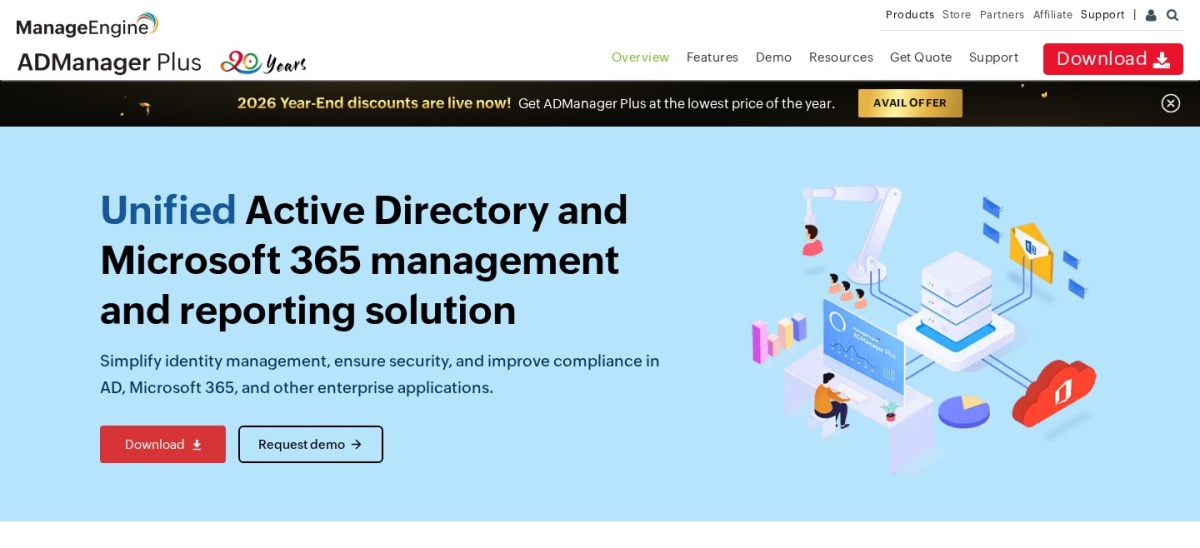
ADManager Plus homepage, captured Nov 2026.
ADManager Plus is a web-based tool for managing Active Directory, Microsoft 365 and Google Workspace from one console. It covers bulk user creation and changes from CSV files, templates for new starters, automated offboarding, delegation of password resets to help desk staff, and more than 200 prebuilt reports. A free edition covers up to 100 domain objects.
The trade off is that it is Windows-only and self-hosted, so your team runs the server and owns patching and backups. Standard costs $595 a year for one domain and two help desk technicians, while Professional costs $795 a year and adds workflow automation. It suits small and mid-size IT teams that want one console for day-to-day AD work.
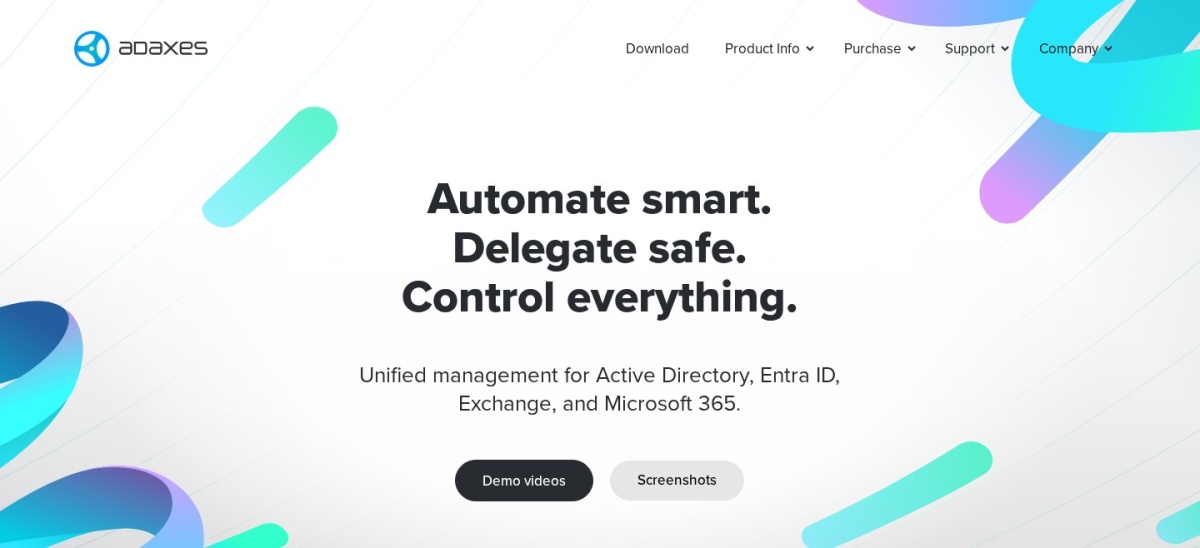
Adaxes is a management and automation platform for Active Directory, Microsoft Entra ID, Exchange and Microsoft 365. Business rules run actions when something happens in the directory, such as creating a mailbox and home folder when a user is added, and role-based delegation lets help desk staff change only what they are allowed to. A web portal gives users self-service password resets.
The trade off is the licence model. Adaxes sells perpetual licences priced by enabled user accounts, starting at $1,600 for up to 100 users, plus $480 a year for maintenance and support, and larger estates need a quote. It suits teams that want deep automation and prefer to own the licence rather than rent it.
What we like
Deep rule-based automation and approvals
Perpetual licence with no yearly subscription
Covers AD, Entra ID, Exchange and Microsoft 365
Self-service portal for password resets
Watch out for
No free edition, only a 30-day trial
Priced by user count, so growth costs more
Maintenance and support cost $480 a year at 100 usersVisit adaxes.com
03
ADAudit Plus
4.5/5on Capterra (101 reviews, checked Nov 2026)
Starts at$595/yr
Best for AD change auditing
AuditingAD, logons, GPOs, files
Real-time alertsYes, threshold-based
Compliance reportsPrebuilt and scheduled
Paid planStandard, $595/yr
manageengine.com
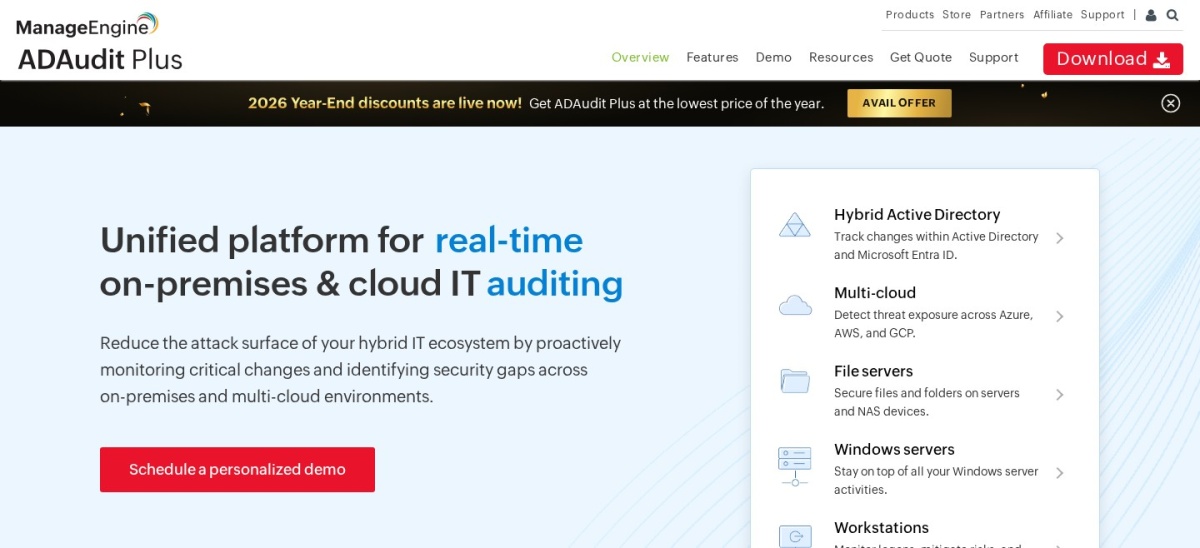
ADAudit Plus homepage, captured Nov 2026.
ADAudit Plus is a real-time change auditing tool for Active Directory, Azure AD, member servers, file servers and workstations. It records who changed what, when and from where, with logon activity monitoring, account lockout analysis and prebuilt reports for compliance frameworks. Alerts fire when activity crosses a threshold you set.
The trade off is scope. ADAudit Plus audits and reports, but it does not provision users or manage group membership, so most teams pair it with ADManager Plus. Standard costs $595 a year for two domain controllers, and file server auditing is an add-on. It suits teams that need an audit trail for compliance or incident review.
Permissions analysisEffective rights, nested groups
CoverageAD, file servers, Exchange
Free trialYes, 30 days
solarwinds.com
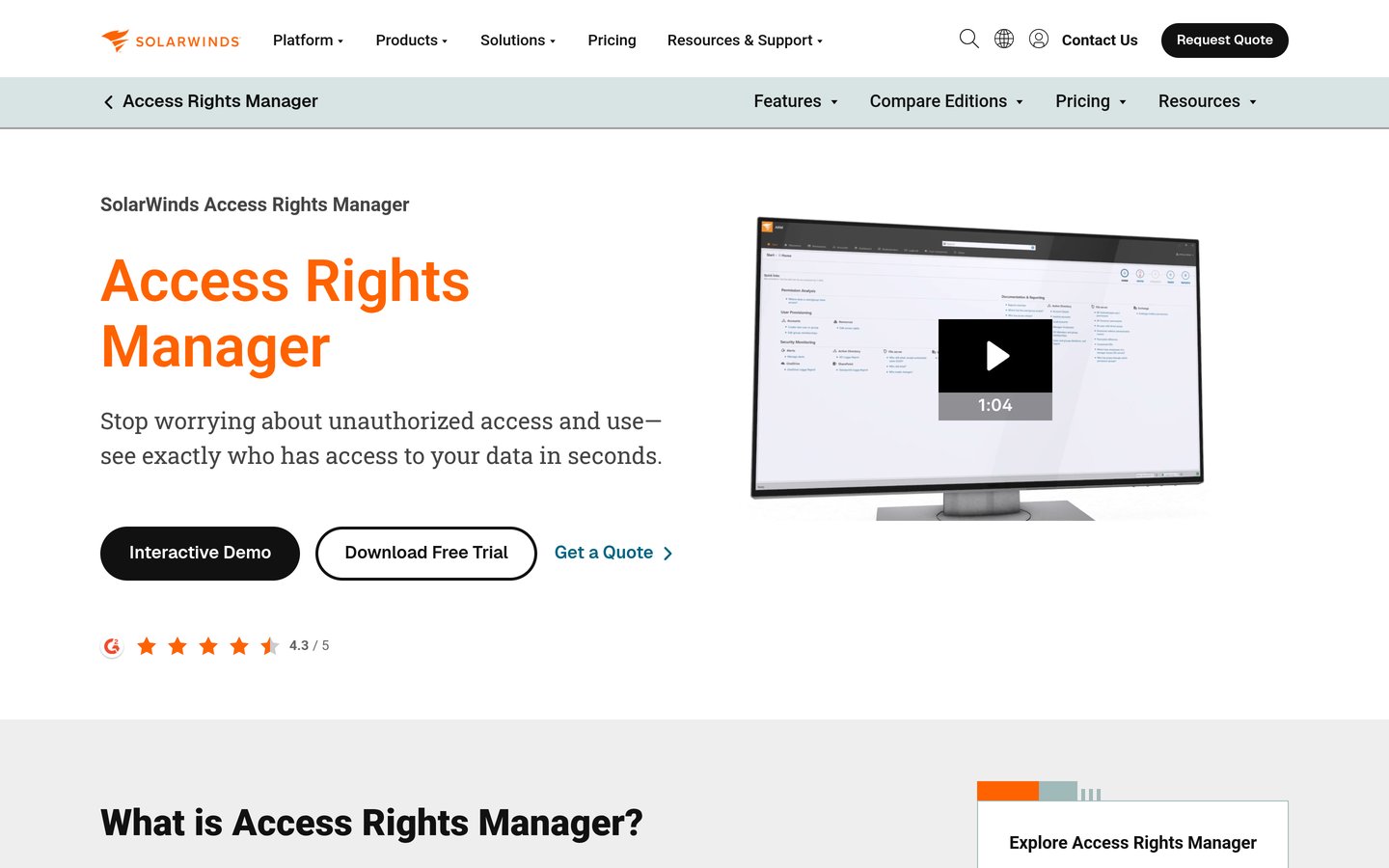
SolarWinds ARM homepage, captured Nov 2026.
SolarWinds ARM is an access rights manager that shows who has access to what across Active Directory, file servers and Exchange. It maps effective permissions through nested groups, produces reports an auditor can read, and lets managers approve or remove access from a self-service portal. Automated reports run on a schedule.
The trade off is price and platform. SolarWinds publishes no price on its own site, so buyers need a quote, and ARM is an on-premises Windows product your team must install and maintain. It suits compliance-heavy teams that need regular access reviews and clear permission reports.
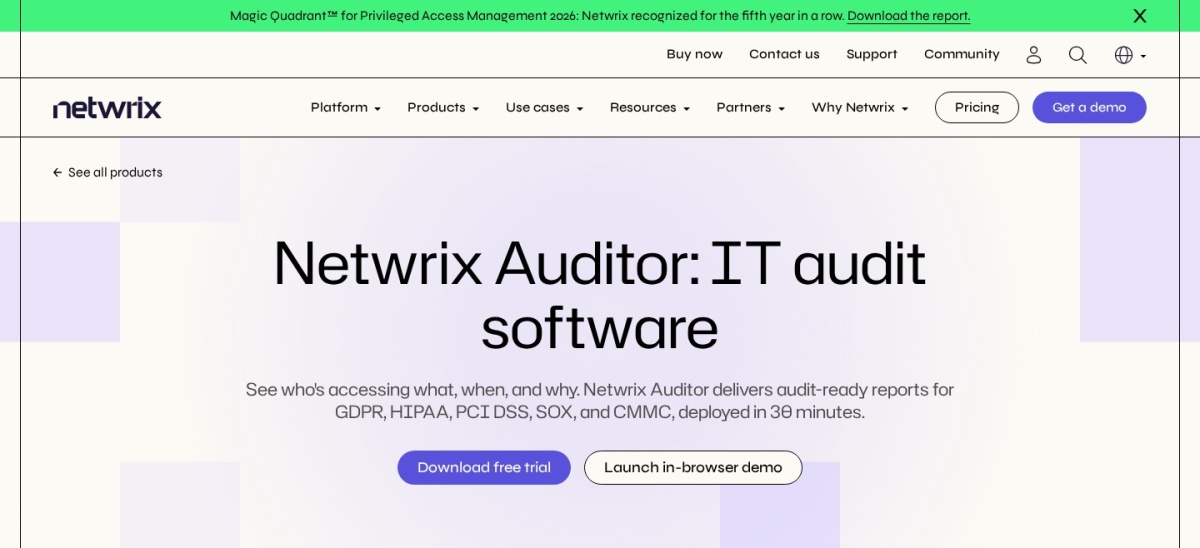
Netwrix Auditor is a change auditing platform that tracks activity across Active Directory, file servers, Microsoft 365 and other systems from one console. It records who changed what, sends real-time alerts on risky activity, and ships prebuilt reports for compliance frameworks. Reviewers praise its detailed audit trails and search.
The trade off is price and setup. Netwrix publishes no price, so buyers need a quote, and reviewers warn that the first setup has a learning curve, even though support is rated well. It suits mid-size and larger teams that need one audit trail across AD, files and cloud apps.
What we like
One audit trail across AD, files and Microsoft 365
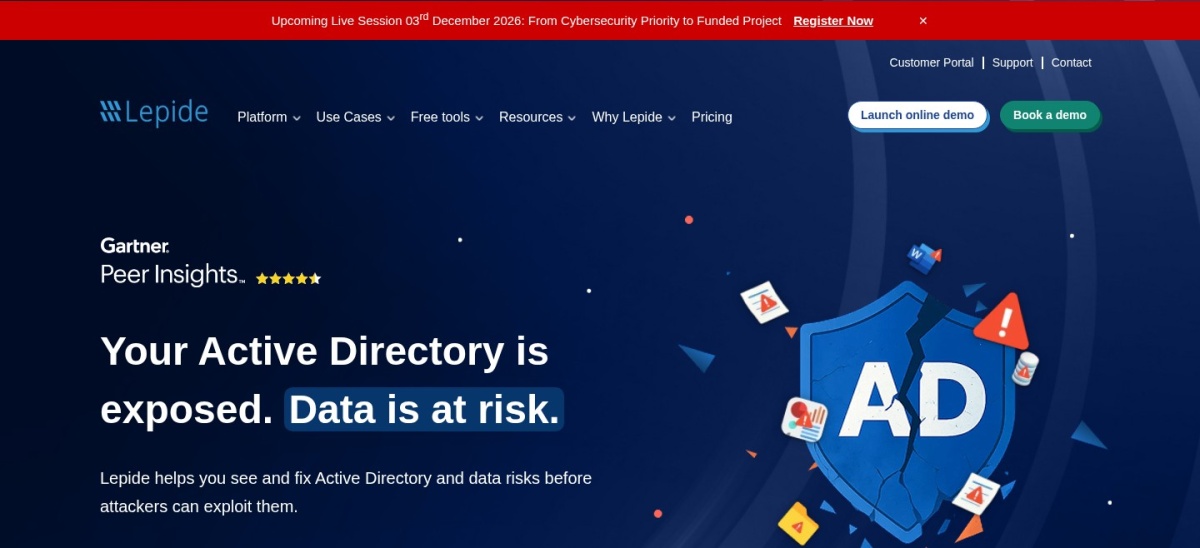
Lepide is a data security platform focused on auditing Active Directory, file servers and Microsoft 365. It combines change reports, permissions analysis and real-time threat alerts in one console, and the vendor says it is trusted by more than 1,000 companies worldwide. Setup is quick for a tool in this class.
The trade off is price and proof. Lepide publishes no price, so buyers need a quote, and its G2 rating rests on only 4 reviews, the smallest base in this list. Reviewers also note a steep learning curve for the dashboard. It suits smaller teams that want AD auditing without enterprise pricing.
What we like
Change reports, permissions analysis and alerts in one place
Microsoft Entra ID is Microsoft's cloud identity platform, formerly Azure Active Directory, and the identity layer for Microsoft 365 and Azure. The free tier comes with any Azure or Microsoft 365 subscription, while P1 at $6 per user per month adds Conditional Access, self-service password reset, dynamic groups and hybrid identity sync. P1 is also included in Microsoft 365 E3 and Business Premium.
The trade off is that it is not an on-premises AD manager. Entra ID extends AD to the cloud rather than replacing the local consoles, and per-user pricing adds up fast at scale, with P2 at $9 per user per month for identity protection. It suits Microsoft 365 shops that want cloud identity and Conditional Access.
What we like
Free tier with any Microsoft 365 subscription
P1 often already included in E3 or Business Premium
Strongest review base among the cloud options here
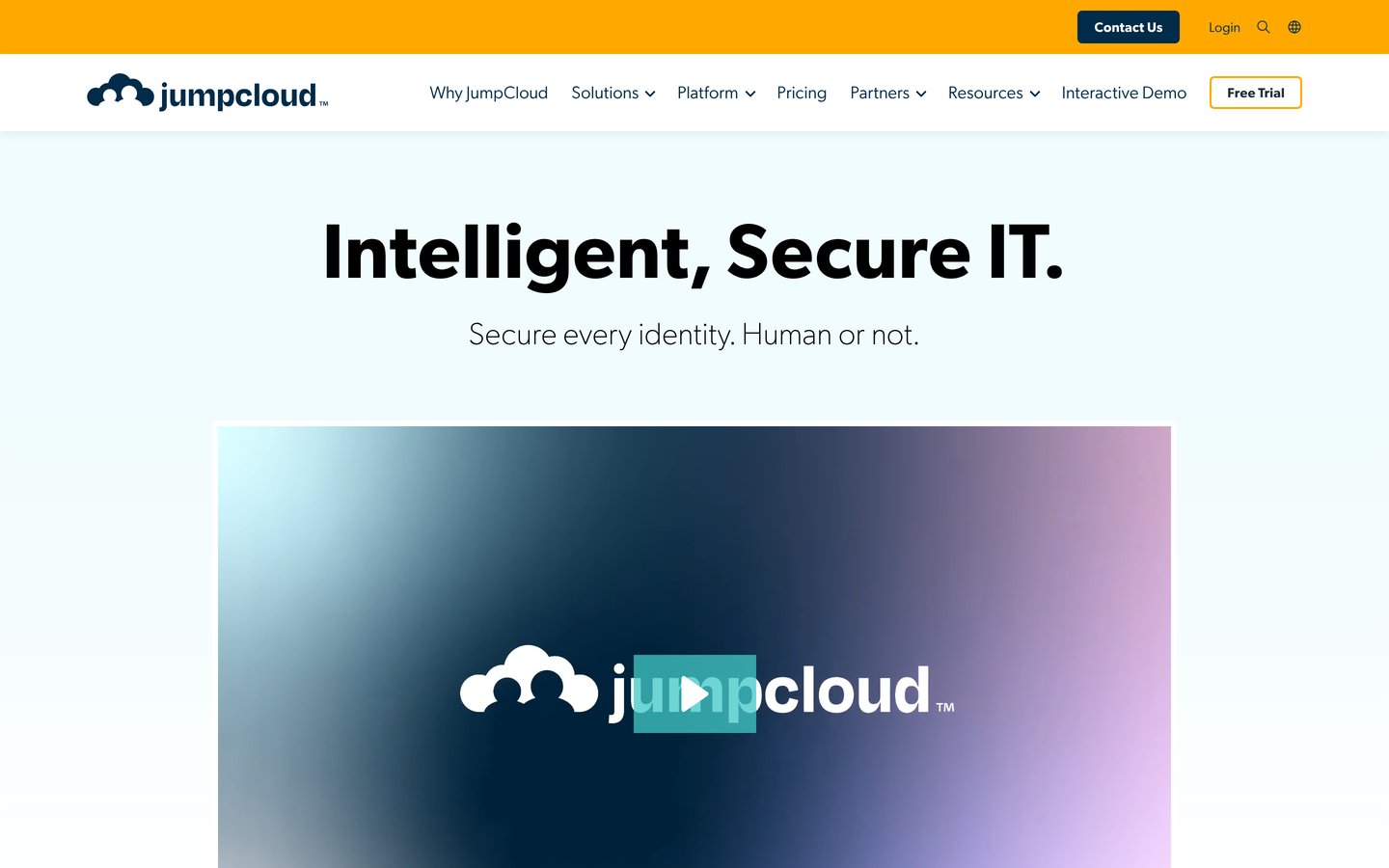
JumpCloud is a cloud directory platform that unifies identity, access and device management for Windows, Mac and Linux from one console. It covers directory services, single sign-on, multi-factor authentication, patching and device policies, and it can sync with an existing Active Directory. It holds a 4.5 out of 5 G2 rating from 4,064 reviews.
The trade off is cost as features stack up. Device Management costs $11 per user per month, or $9 billed annually, and SSO is $13, or $11 billed annually, so a full setup costs more than the entry plan. It suits cloud-first teams with mixed devices that want one directory instead of several tools.
What we like
One console for identity and devices
Works across Windows, Mac and Linux
Largest review base in this list
Watch out for
Per-user costs rise as features are added
No free plan; 30-day trial only
Annual billing cuts Device Management to $9 per user per monthVisit jumpcloud.com
Free vs paid: what you give up
Free editions cover the basics well. ADManager Plus is free for up to 100 domain objects, Entra ID has a free tier with any Microsoft 365 subscription, and every other tool here offers a free trial of 30 days.
Paid plans mostly add scale and depth. You get more domains, more technicians, workflow automation and faster rule updates, while auditing tools add file servers and more compliance reports.
Quote-only tools hide the real cost until a sales call. Get the quote in writing before a trial ends, and ask whether the price is per user, per domain controller or per domain.
For a small team, the cheapest route is often ADManager Plus at $595 a year, or Entra ID P1 if the licences are already in a Microsoft 365 bundle.
Common mistakes when picking AD software
Buying an auditing tool when you need provisioning is the most common mistake. ADAudit Plus, Netwrix Auditor and Lepide watch changes; they do not create users, so pair one with a management tool.
Ignoring per-user pricing is the second. Entra ID P1 and JumpCloud look cheap at $6 and $11 a user a month, but the bill grows with every hire, and SSO costs extra at JumpCloud.
Forgetting the platform is the third. Most tools here are Windows-only and self-hosted, so check who patches the server before you buy, or pick a cloud option instead.
How we chose
We started from the AD management and auditing tools with the most reviews on G2 and Capterra, then kept those with a published price or a clear trial and a current product.
Prices come from each vendor's pricing or store page, checked on 22 November 2026. Ratings come from G2 or Capterra on the same day. Where a vendor publishes no price, the list says so and gives no figure.
We left out tools with no verifiable rating on G2, Capterra or Trustpilot. No vendor paid for a place, and we do not claim hands-on testing for this list.
How to choose Active Directory management software
Start with the job you need done, then check whether the tool manages, audits, or both.
Name the job first. Provisioning, delegation, auditing and access reviews are different jobs. Pick the tool that does your worst job well, not the one with the longest feature list.
Check the deployment. Most AD tools here are Windows-only and self-hosted, so confirm who installs and patches the server, or choose a cloud directory such as Entra ID or JumpCloud.
Price it for your real size. Per-domain prices suit small estates and per-user prices suit cloud teams, so multiply the headline price by your user count before you compare.
Trial it on your own domain. Every tool here offers a free edition or a 30-day trial. Test bulk creation, a password reset and one audit report before you pay.
FAQ
What is the best Active Directory management software?
ADManager Plus is the best pick for most IT teams. It costs $595 a year, has a free edition for up to 100 domain objects, and holds a 4.5 out of 5 G2 rating from 106 reviews. It covers bulk provisioning, delegation and more than 200 reports in one console.
How much does Active Directory management software cost?
Published starting prices run from $595 a year for ADManager Plus and ADAudit Plus to $1,600 once for Adaxes, while Entra ID P1 and JumpCloud charge $6 and $11 per user per month. SolarWinds ARM, Netwrix Auditor and Lepide publish no price and sell by quote.
Is there a free Active Directory management tool?
ADManager Plus has a free edition for up to 100 domain objects, and Entra ID has a free tier with any Azure or Microsoft 365 subscription. Every other tool in this list offers a 30-day free trial, so you can test it on your own domain before paying.
What is the difference between AD management and AD auditing?
Management tools create, change and remove users and groups, and delegate those tasks to the help desk. Auditing tools record who changed what and when, and report on it for compliance. Many teams need one of each, which is why this list covers both kinds.
Do I still need AD management software if I use Microsoft Entra ID?
Usually yes, if you still run on-premises Active Directory. Entra ID manages cloud identity and adds Conditional Access, but it does not replace the local consoles for bulk provisioning or delegation, so most hybrid shops pair it with a tool such as ADManager Plus.
Which Active Directory tool is best for a small business?
ADManager Plus is the best fit for most small businesses, at $595 a year with a free edition for up to 100 objects. If the team already uses Microsoft 365, Entra ID P1 at $6 per user per month is often the cheaper route, since it may already be included.