Blender is the best ZBrush alternative for most artists because it is free and covers sculpting, modeling, animation and rendering in one download. 3DCoat is the strongest paid pick for dedicated sculpting, while Cinema 4D suits motion designers who want sculpting inside a larger pipeline.
How we make this list: we compare pricing pages, product documentation and public user reviews, then re-check every price before each update. No product paid for a place. Disclosure.
Blender is the best ZBrush alternative for most artists: free, open source, and rated 4.6 out of 5 on G2.
3DCoat is the strongest paid sculptor here, with voxel sculpting plus retopology and texturing for 379 euros once.
Cinema 4D costs $839 a year and suits motion designers who sculpt inside a larger pipeline.
Mudbox, Forger, Sculptris and Meshmixer are all discontinued or withdrawn, so none of them is in this list.
Nomad Sculpt and Substance 3D Modeler have no G2, Capterra or Trustpilot rating, so they are not ranked here.
Which ZBrush alternatives are worth your time in 2026?
ZBrush is still the industry standard for high-detail character sculpting, but its subscription now costs $399 a year, and many artists want a cheaper route or a tool that does more than sculpt.
A good alternative depends on what you sculpt. Character artists need brush depth, motion designers need a full pipeline, and indie game artists need retopology and texturing in the same app.
Price is the biggest split here. Blender costs nothing, 3DCoat costs 379 euros once, and the studio programs run from $839 to $2,010 a year.
List prices in each vendor's currency, checked Nov 2026
BlenderFree
3DCoat€379
HoudiniFREE$299
Cinema 4D$839
Rhino$995
Maya$2,010
3ds Max$2,010
The 7 best ZBrush alternatives
01
Blender
4.6/5on G2 (319 reviews, checked Nov 2026)
PriceFree
Best ZBrush alternative overall
SculptingDyntopo, multires, voxel remesh
PriceFree, open source
PlatformsWindows, macOS, Linux
Also doesModeling, animation, rendering
blender.org
Blender homepage, captured Nov 2026.
Blender is a free and open-source 3D suite, and its Sculpt Mode has grown into a serious ZBrush rival. It covers dynamic topology, multiresolution sculpting, voxel remeshing and texture painting, plus modeling, rigging, animation and rendering in the same download.
The trade off is sculpting depth at the extreme end. ZBrush still handles denser meshes and a larger brush library, and Blender's interface takes time to learn. It suits artists who want one free tool for the whole pipeline instead of a single-purpose sculptor.
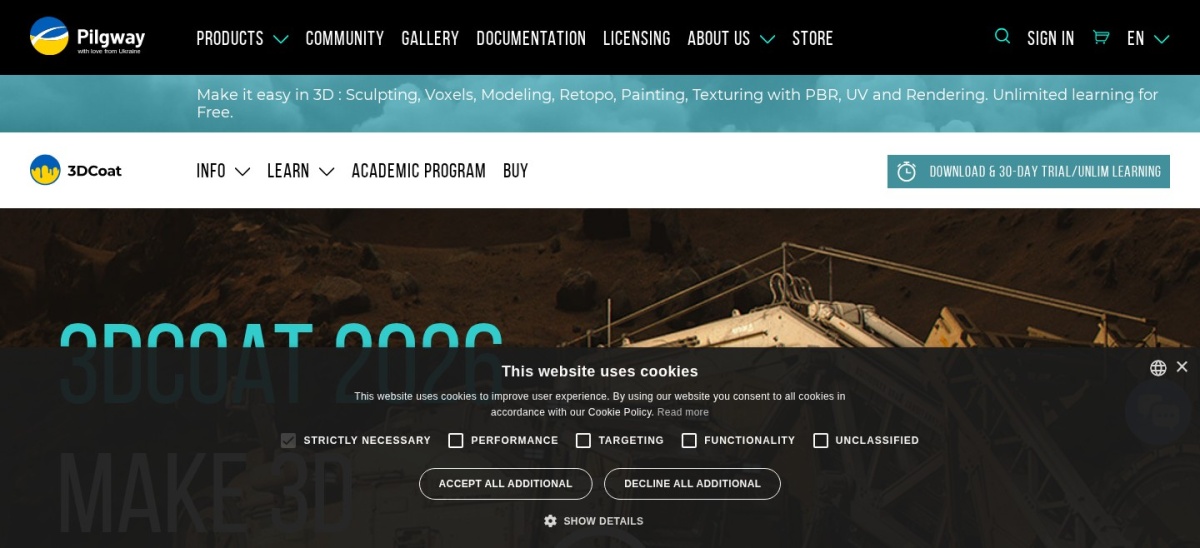
3DCoat is a dedicated sculpting and texturing app from Pilgway, and the closest paid rival to ZBrush for pure sculpting. You block out forms in voxels without worrying about topology, then retopologize, unwrap UVs and paint PBR textures up to 16K in the same app.
The trade off is the price and the small review base. A permanent licence costs 379 euros once, with 12 months of updates, and only 21 G2 reviews back the 4.3 rating. It suits indie game artists who want one app from blockout to game-ready asset.
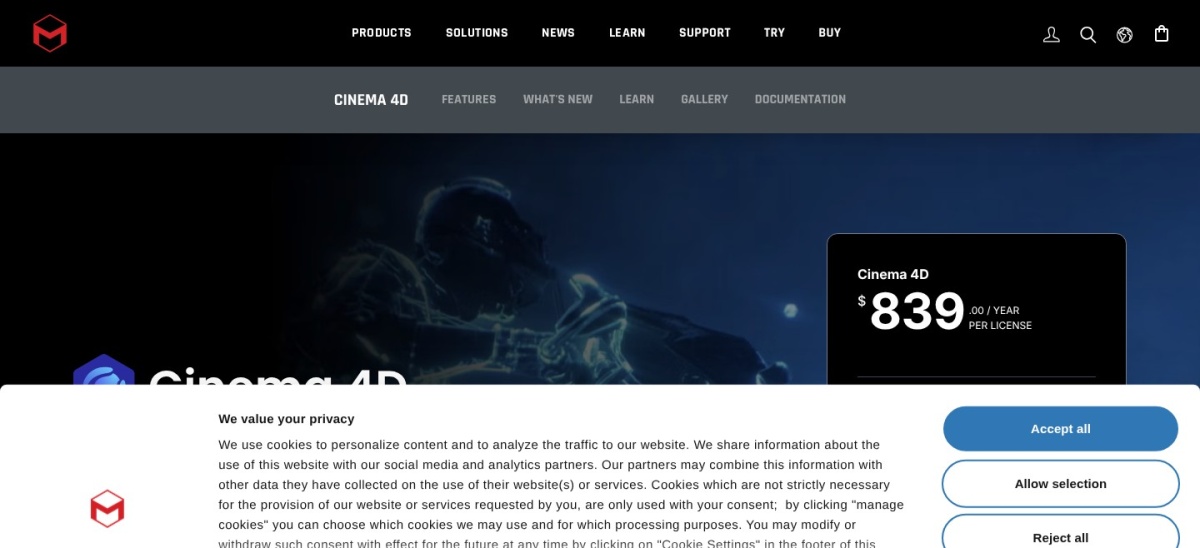
Cinema 4D is Maxon's 3D app for motion graphics, with sculpting tools inside a full animation and rendering pipeline. It is the easiest professional program in this list to learn, and the subscription includes the Redshift renderer and five Team Render nodes.
The trade off is price for sculpting alone. At $839 a year it costs more than a dedicated sculptor, and its brushes are lighter than ZBrush for character detail. It suits motion designers who sculpt as one step in a larger animation job.
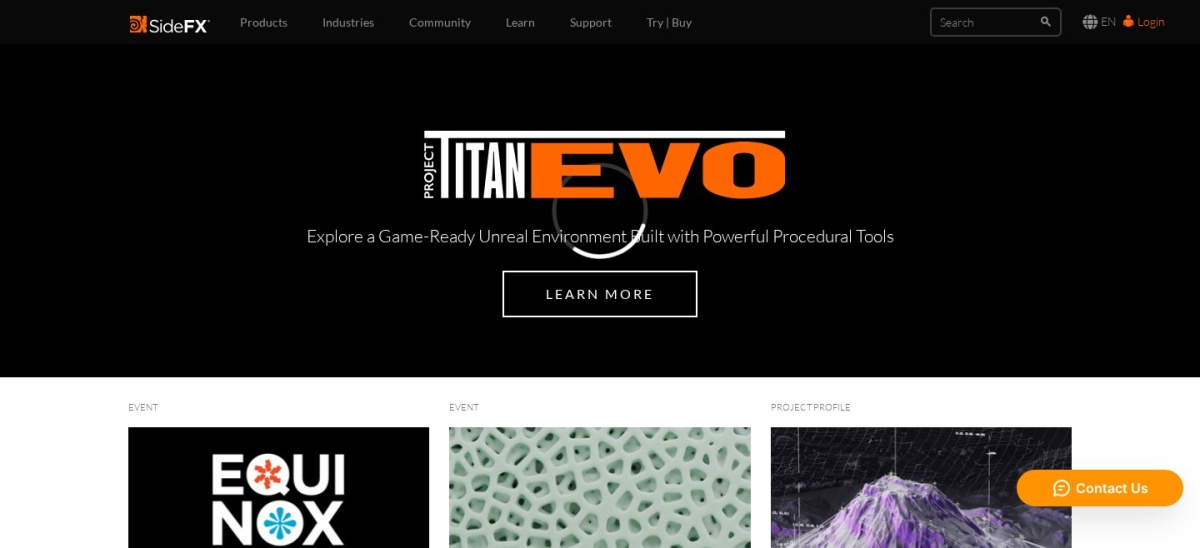
Houdini is SideFX's node-based 3D platform, and the standard for fire, smoke, water, crowds and destruction in film. Its procedural workflow builds effects that update when the inputs change, and Apprentice is free for non-commercial learning.
The trade off is the steepest learning curve in this list. Node graphs and technical terms take time to learn, and the full commercial tiers cost far more than Indie. Indie costs $299 a year for studios under a $100,000 revenue cap.
Autodesk Maya is the 3D animation program from Autodesk and the standard for character animation, rigging and visual effects in film and games. A subscription includes modeling, animation, simulation and rendering tools, plus the Arnold renderer, and works with the plugins studios use.
The trade off is price. A standard subscription costs $2,010 a year, or $255 a month, and the interface takes time to learn. An Indie plan costs $330 a year for eligible independent artists under a revenue cap.
Autodesk 3ds Max is Autodesk's Windows-based 3D package, favoured for architectural visualisation, hard-surface modeling and game environments. Its non-destructive modifier stack lets artists stack, reorder and tweak procedural edits alongside the bundled Arnold renderer.
The trade off is Windows-only availability and the same $2,010 a year price as Maya. A $330 a year Indie plan exists for eligible freelancers under a revenue cap. It suits artists whose work has drifted from characters to environments and arch-viz.
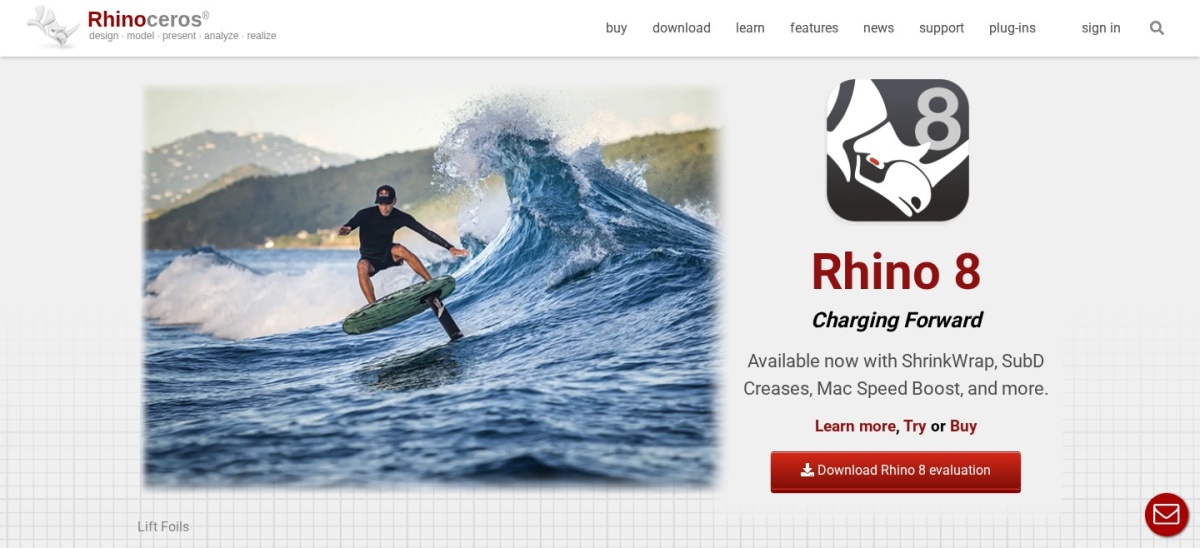
Rhino 3D is McNeel's precision NURBS modeler for product design, jewellery, architecture and marine work, with SubD tools for organic forms. A commercial licence costs $995 once, covers Windows and Mac, and includes Grasshopper for parametric design.
The trade off is that it is a modeler first and a sculptor second. Its SubD tools shape smooth organic forms, but it lacks the brush depth of ZBrush or 3DCoat, and major version upgrades cost extra. It suits designers who need precise curved forms more than character detail.
What happened to Mudbox and the other missing tools
Mudbox ended new subscription sales in November 2026, so it is no longer an option for new buyers.
Forger left the App Store in September 2025, and Sculptris and Meshmixer are discontinued, so all four are missing from this list on purpose.
Nomad Sculpt and Substance 3D Modeler are still sold, but neither has a G2, Capterra or Trustpilot rating, so we do not rank them here.
How we chose
We started from every tool that appears in ZBrush alternative roundups, then kept only the ones with a verifiable rating on G2, Capterra or Trustpilot. That left seven tools, from a free suite to $2,010 a year studio programs.
Prices come from each vendor's pricing page, checked on 30 November 2026. Blender is free, 3DCoat lists 379 euros for a permanent licence, and Cinema 4D is $839 a year. Ratings and review counts come from G2 on the same day.
We left out tools that can no longer be bought, including Mudbox, Forger, Sculptris and Meshmixer, and tools with no aggregator rating, including Nomad Sculpt and Substance 3D Modeler. No vendor paid for a place, and we do not claim hands-on testing for this list.
How to choose a ZBrush alternative
Start with what you sculpt, then match the tool to your budget.
Decide what you sculpt most. Character artists need brush depth, so start with Blender or 3DCoat. Motion designers and arch-viz artists need a full pipeline, so look at Cinema 4D or 3ds Max.
Set your budget first. Blender costs nothing, 3DCoat costs 379 euros once, and the studio programs run $839 to $2,010 a year. A one-time licence beats a subscription after the first year.
Try the free route before paying. Blender is free forever, Houdini Apprentice is free for learning, and 3DCoat offers a 30-day trial. Sculpt one finished piece in the trial before you buy.
Check the exit cost. Subscription tools stop working when you stop paying, while Blender, 3DCoat and Rhino keep working. Make sure you can export your meshes in a standard format.
FAQ
What is the best ZBrush alternative in 2026?
Blender is the best ZBrush alternative for most artists. It is free and open source, rated 4.6 out of 5 on G2 from 319 reviews, and covers sculpting, modeling, animation and rendering in one download.
What is the best free ZBrush alternative?
Blender is the best free ZBrush alternative, full stop. It costs nothing for any purpose, including commercial work, and its Sculpt Mode covers dynamic topology, multiresolution sculpting and voxel remeshing.
Is 3DCoat better than ZBrush?
3DCoat is better than ZBrush for artists who want a one-time licence and an all-in-one workflow. Its voxel sculpting, retopology and PBR texturing sit in one app for 379 euros once, but ZBrush still leads on brush depth and very dense meshes.
Can Blender replace ZBrush for character sculpting?
Blender can replace ZBrush for most character work, from blockout to final detail, and many indie artists now sculpt only in Blender. ZBrush still wins for the densest production meshes and the largest brush library, so film studios keep it.
Why is Mudbox not in this list?
Mudbox ended new subscription sales in November 2026, so new buyers can no longer purchase it. Existing licence holders can keep using it, but anyone shopping for a ZBrush alternative today should look at Blender or 3DCoat instead.
How much does Cinema 4D cost?
Cinema 4D costs $109 a month on a rolling plan, or $839 a year paid up front, with the Redshift renderer included. There is no perpetual licence, and the Maxon One bundle that adds ZBrush and Red Giant costs $1,265 a year.
SaaS SEO and WordPress specialist with about 8 years of experience. Rakib compares WordPress plugins, themes, hosting and software using public pricing, documentation and user reviews. See how we rank.