WLWPLegible EditorsLast verified 24 Nov 2026How we rank13 min read
★ Short answer
Blender is the best CGI software for most people: it is free, covers modeling, animation and rendering in one program, and is rated 4.6 out of 5 on G2 from 321 reviews. Pick Maya for studio animation pipelines and Cinema 4D for motion graphics.
How we make this list: we compare pricing pages, product documentation and public user reviews, then re-check every price before each update. No product paid for a place. Disclosure.
Blender is free and rated 4.6/5 on G2 from 321 reviews, the only full CGI pipeline here with no paid tier.
Maya and 3ds Max each cost $2,010 a year on a standard subscription, with Indie plans at $330 a year for eligible independents.
Cinema 4D costs $839 a year and includes the Redshift renderer, and it is the easiest professional program to learn here.
Houdini Indie costs $299 a year and gives small studios the full FX toolset under a $100,000 revenue cap.
ZBrush is the highest rated tool here at 4.7/5 on G2, but it sculpts only and needs a second program for animation.
What CGI software should cover
CGI software builds computer-generated images for film, games, advertising and product shots. A full program covers modeling, animation, lighting and rendering, while specialist tools cover one stage such as sculpting, texturing or rendering.
Start from the work you do most. Character animation points to Maya, motion graphics to Cinema 4D, effects and simulation to Houdini, and product shots to KeyShot or V-Ray.
Free tools can carry a whole pipeline. Blender does modeling, animation and rendering with no paid tier, and our guide on animations in WordPress shows how 3D work can reach a site once it is rendered.
Price is the biggest split in this list. Two tools are free, one starts at $299 a year, and the Autodesk programs cost $2,010 a year on a standard subscription.
Blender is a free, open-source 3D creation suite that covers modeling, sculpting, animation, simulation and rendering in one program. It includes the Cycles and Eevee render engines, a video editor and compositing tools, with no paid tier and no locked features.
The trade off is the learning curve. The interface packs a large toolset into dense menus, so new users need time and tutorials before work feels fast. It suits artists, small studios and anyone who wants a full CGI pipeline without a subscription.
What we like
Full CGI pipeline with no cost at all
Rated 4.6 out of 5 from 321 G2 reviews
Large community, so answers and add-ons are easy to find
Autodesk Maya is Autodesk's 3D animation program and the standard for character animation, rigging and visual effects in film and games. A subscription includes modeling, animation, simulation and rendering tools, plus the Arnold renderer, and works with the plugins studios use.
The trade off is price. A standard subscription costs $2,010 a year, or $255 a month, and the interface takes time to learn. An Indie plan costs $330 a year for eligible independent artists under a revenue cap. It suits animators aiming at studio pipelines.
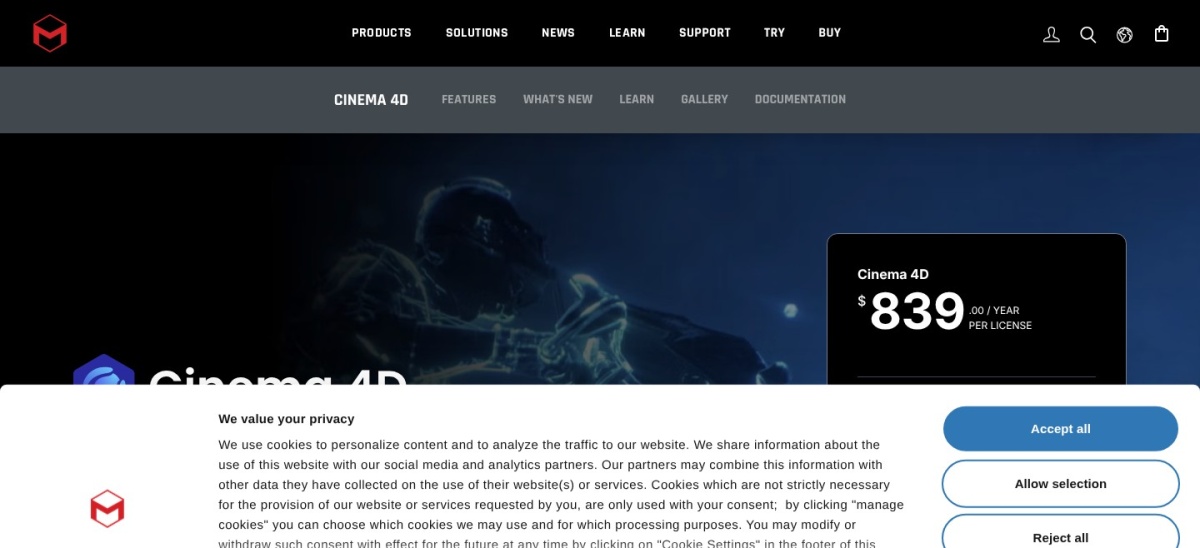
Cinema 4D is Maxon's 3D program for motion graphics, broadcast design and brand animation. It includes MoGraph tools for cloning and procedural motion, and every subscription includes the Redshift GPU renderer and five Team Render nodes.
The trade off is that it is subscription only, with no perpetual license, and it is less strong than Maya for character animation. A subscription costs $839 a year, or $109 a month. It suits motion designers who want fast, clean 3D.
Houdini is SideFX's procedural 3D and visual effects program, and the standard for fire, smoke, water, crowds and destruction in film. Its node-based workflow builds effects that update when the inputs change, and Apprentice is free for non-commercial learning.
The trade off is the steepest learning curve in this list. Node graphs and technical terms take time to learn, and the full commercial tiers cost far more than Indie. Indie costs $299 a year for studios under a $100,000 revenue cap. It suits effects artists and technical directors.
What we like
Best procedural and simulation toolset in 3D
Full FX features on the Indie tier
Apprentice is free for learning
Watch out for
Steepest learning curve in this list
Indie tier has a revenue cap and a three-license limit
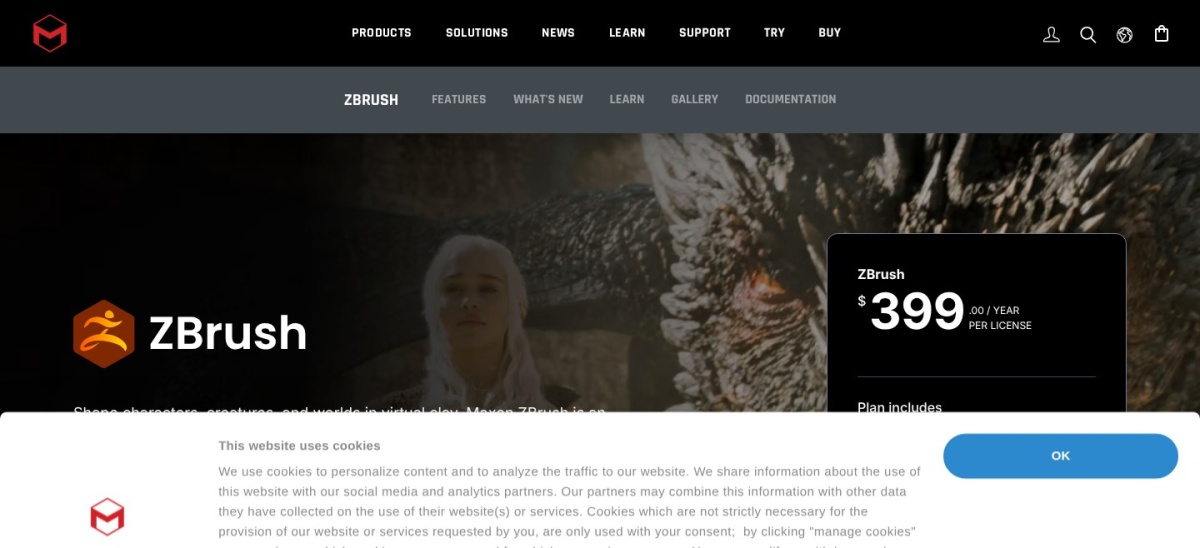
ZBrush is Maxon's digital sculpting program and the standard for character and creature work in film and games. It sculpts with tens of millions of polygons in real time, with more than 200 brushes plus ZRemesher, Dynamesh and Sculptris Pro for organic detail.
The trade off is scope. ZBrush sculpts and paints detail, but it does not animate or render full scenes on its own, so most artists pair it with Blender or Maya. A subscription costs $399 a year and covers desktop and iPad. It suits character and creature artists.
What we like
Highest G2 rating in this list at 4.7 out of 5
Handles tens of millions of polygons in real time
Standard in film and game character pipelines
Watch out for
Subscription only, no perpetual license
Sculpting tool only, not a full 3D package
One subscription covers desktop ZBrush and ZBrush for iPadVisit maxon.net
06
Autodesk 3ds Max
4.3/5on G2 (323 reviews, checked Nov 2026)
Starts at$2,010/yr
Best for archviz and game assets
Cheapest paid plan$2,010/yr standard
PlatformsWindows only
RenderersArnold, V-Ray, Corona
Free trial30 days
autodesk.com
Autodesk 3ds Max homepage, captured Nov 2026.
Autodesk 3ds Max is Autodesk's 3D modeling program and the standard for architectural visualization and game asset production. It has strong polygon modeling and procedural tools, exports cleanly to Unreal Engine and Unity, and works with V-Ray, Corona and Arnold.
The trade off is platform and price. 3ds Max runs on Windows only, with no Mac or Linux version, and a standard subscription costs $2,010 a year. A 3ds Max Indie plan costs $330 a year for eligible independents. It suits archviz artists and game asset modelers.
Adobe Substance 3D is Adobe's suite for texturing, materials and scene rendering. It includes Painter for painting textures directly onto models, Designer for procedural materials, Sampler, Stager and Modeler, plus a library of 3D assets.
The trade off is price and scope. The Collection costs $59.99 a month and covers the full suite, which is a lot for texturing alone, and it is not a full modeling or animation program. It suits game and product artists who need realistic materials fast.
What we like
Game industry standard for PBR texturing
Smart materials and masks speed up texturing
Largest material library in the category
Watch out for
Full suite costs $59.99 a month
Not a modeling or animation program on its own
Collection for teams costs $119.99 a month per licenseVisit adobe.com
08
V-Ray
4.5/5on G2 (222 reviews, checked Nov 2026)
Starts at$45/mo
Best for photorealistic rendering
Cheapest paid planSolo, $45/mo billed annually
Host programsMax, Maya, C4D and more
AssetsUp to 15,000 Cosmos assets
Free trialTry for free
chaos.com
V-Ray homepage, captured Nov 2026.
V-Ray is Chaos's rendering engine for photorealistic stills and animation, and it plugs into 3ds Max, Maya, Cinema 4D, SketchUp, Rhino and Blender. Solo includes the rendering engine, up to 15,000 Cosmos assets and materials, and 100 Chaos AI credits a month.
The trade off is that V-Ray renders only, so it needs a host program for modeling and animation. Solo costs $45 a month billed annually, or $540 a year, and Chaos was running a Black Friday sale at $36 a month when we checked. It suits archviz and product artists who need controlled, photoreal renders.
What we like
Photorealistic rendering with full light control
Works inside the main 3D programs
Large Cosmos asset and material library
Watch out for
Renders only, needs a host program
Steep learning curve for lighting and materials
Premium adds a floating team license at $64.90 a month billed annuallyVisit chaos.com
09
KeyShot
4.5/5on G2 (182 reviews, checked Nov 2026)
Starts at$1,299/yr
Best for fast product shots
Cheapest paid planStudio, $1,299/yr
CAD importsSolidWorks, Rhino, Creo
PlatformsWindows, Mac
Free trial14 days
keyshot.com
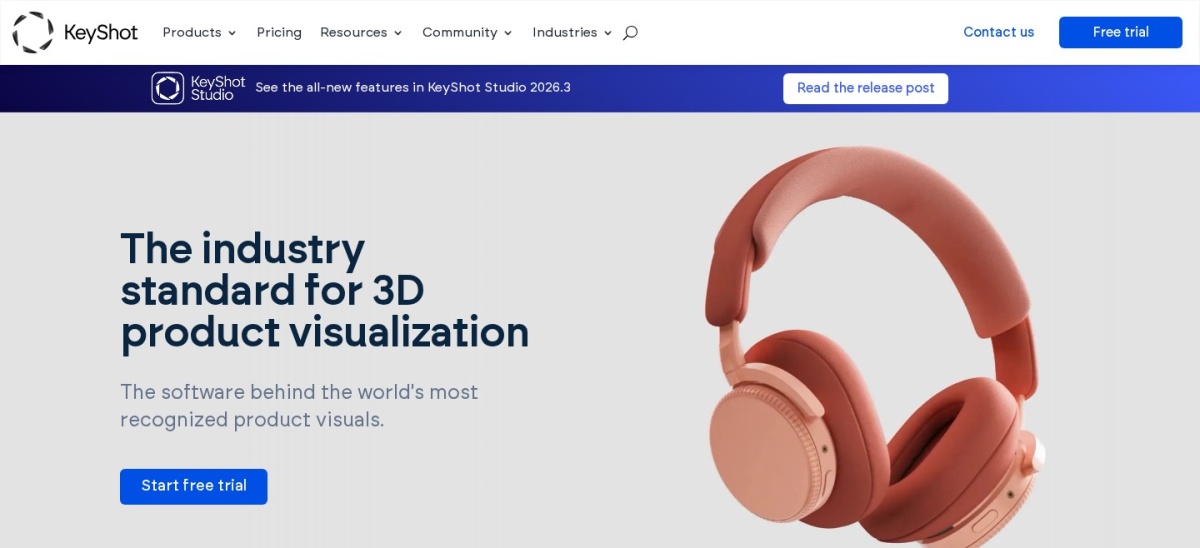
KeyShot homepage, captured Nov 2026.
KeyShot is the rendering program product designers reach for when the model comes from SolidWorks, Rhino or Creo and the deadline is near. You import the CAD file, drag a material onto a part, set up an environment, and the preview updates in real time.
The trade off is cost and focus. KeyShot Studio costs $1,299 a year, and network rendering needs the higher Business plan. It is built for product shots, not character animation or full scenes. It suits design and engineering teams that render daily.
Free CGI tools cover a full pipeline. Blender does modeling, animation and rendering with no paid tier, and Houdini Apprentice is free for learning, with watermarked renders capped at 1920 by 1080.
Paid programs mostly add pipeline access and support. Maya, 3ds Max and Houdini are the tools large studios hire for, so the subscription buys entry to those workflows as much as features.
If you render video for a site, check the export format before you buy. Our guide on how to embed a video in WordPress covers the formats WordPress accepts.
For a single artist, Blender plus one specialist tool such as ZBrush often costs less than one Autodesk subscription and covers more kinds of work.
How we chose
We started from the CGI programs most cited in film, game and archviz pipelines, then kept nine with a live product, a published price and a public rating on G2.
Prices come from each vendor's pricing page or homepage, checked on 24 November 2026, with Maya, 3ds Max, Cinema 4D, Houdini and ZBrush prices also checked against a price roundup dated 16 November 2026. Ratings come from G2 on the same day. Where a vendor shows a sale, the list shows the regular price.
We left out tools with no published price and tools that only do one narrow job, such as a single render pass. No vendor paid for a place, and we do not claim to have used these tools ourselves.
How to choose CGI software
Start with the work you will do most, then check the price and the pipeline it has to fit into.
Match the tool to the job. Animation points to Maya, motion graphics to Cinema 4D, effects to Houdini, sculpting to ZBrush and product shots to KeyShot or V-Ray.
Check the free tier first. Blender is free for everything, and Houdini Apprentice is free for learning. Use them before paying for a program you may not need.
Count the yearly cost, not the monthly price. Monthly prices hide the annual total. Maya and 3ds Max each cost $2,010 a year on a standard subscription, while Houdini Indie costs $299 a year.
Check the pipeline it has to fit. Studios hire for Maya, 3ds Max and Houdini experience, and their pipelines expect those file formats. If you work alone, Blender plus a specialist tool may be the better spend.
FAQ
What is the best CGI software?
Blender is the best CGI software for most people. It is free, covers modeling, sculpting, animation, simulation and rendering in one program, and is rated 4.6 out of 5 on G2 from 321 reviews.
Is Blender really free for commercial work?
Yes. Blender is free and open source, with no paid tier and no locked features. You can use it for paid client work, film and games without paying a license fee.
How much does Maya cost?
A standard Maya subscription costs $2,010 a year, shown as $168 a month billed annually, or $255 a month. An Indie plan costs $330 a year for eligible independent artists under a revenue cap.
What is the best CGI software for beginners?
Blender is the best place to start because it is free and covers the whole pipeline. Cinema 4D is the easiest paid program to learn, with a clean interface and strong motion graphics tools.
Do I need more than one CGI program?
Often, yes. ZBrush sculpts but does not animate full scenes, V-Ray renders but needs a host program, and Substance 3D textures but does not model. Most artists pair a main program with one specialist tool.
What is the cheapest paid CGI software here?
Houdini Indie is the cheapest paid plan here at $299 a year, with the full FX toolset for studios under a $100,000 revenue cap. Blender is free, and ZBrush costs $399 a year.