Best 3D Creation Software in 2026: 7 Tools Compared
WLWPLegible EditorsLast verified 22 Nov 2026How we rank8 min read
★ Short answer
Blender is the best 3D creation software for most artists, offering modeling, sculpting, animation, and Cycles rendering completely free with no watermarks or commercial limits. Choose SketchUp from $129/yr for fast architectural modeling, or Houdini Indie at $299/yr for procedural visual effects.
How we make this list: we compare pricing pages, product documentation and public user reviews, then re-check every price before each update. No product paid for a place. Disclosure.
Blender is $0 forever under the GPL license, including Cycles and EEVEE renderers for commercial projects.
SketchUp starts at $129/yr for Go (iPad and web) and $399/yr regular price for Pro desktop.
Houdini Indie costs $299/yr for creators and studios earning under $100,000 annually.
Shapr3D offers a free 2-project Basic tier, with Pro costing $299/yr per seat for unlimited projects.
Autodesk Maya and 3ds Max both cost $2,010/yr at standard commercial rates, with $330/yr Indie tiers.
Rhino 9 remains a one-time perpetual purchase at $995 for a single commercial user.
What to look for in 3D creation software
3D creation spans several distinct workflows: polygon modeling and sculpting for games and film, NURBS surface modeling for product design, procedural simulations for visual effects, and architectural spatial planning. No single paid application dominates every discipline, which is why matching the tool to your primary output matters more than buying the most expensive suite.
Licensing models vary sharply across the industry. Open-source software like Blender removes cost barriers entirely, while McNeel still sells Rhino 9 as a $995 perpetual license. Most other studio tools rely on annual subscriptions, though Autodesk and SideFX offer discounted Indie licenses for solo artists and small studios below specific revenue thresholds.
Check bundled rendering engines and platform support before committing. Applications like Maya, 3ds Max, and Blender include production renderers out of the box, whereas CAD-focused tools often require external renderers or export steps. Platform availability also differs—3ds Max runs only on Windows, while Blender, Maya, and Houdini support Windows, macOS, and Linux.
For architectural visualization and hard-surface assets
$2,010/yr
No free plan
4.5/5
Price ladder: cheapest paid plan per year
List prices, USD, checked Nov 2026
BlenderFree
SketchUpFREE$129
HoudiniFREE$299
Shapr3DFREE$299
Rhino 9$995
Maya$2,010
3ds Max$2,010
The 7 best 3D creation software
01
Blender
4.6/5on G2 (319 reviews, checked Nov 2026)
PriceFree
Best for all-in-one 3D creation on any budget
LicenseFree, open source (GPL)
Bundled renderersCycles and EEVEE
Current LTSBlender 5.2 LTS
PlatformsWindows, macOS, Linux
blender.org
Blender homepage, captured Nov 2026.
Blender is a free, open-source 3D creation suite covering polygon modeling, digital sculpting, rigging, animation, simulation, and video editing. Every feature—including the path-tracing Cycles renderer, real-time EEVEE engine, and Geometry Nodes—is unlocked with no watermarks, resolution caps, or commercial restrictions.
The trade off is a dense interface and steeper initial setup compared to specialized sketchers, though there is no subscription cost at $0/yr. It suits indie game developers, animators, product visualizers, and studios wanting a complete 3D pipeline without licensing overhead.
What we like
Completely free for personal and commercial work
Full pipeline from sculpting and rigging to Cycles rendering
Cross-platform support on Windows, macOS, and Linux
Active release cycle with Blender 5.2 LTS supported through 2028
Watch out for
Dense hotkey-driven interface takes practice to learn
Fewer native studio pipeline integrations than Autodesk Maya
Heavy scene memory management requires careful optimization
Everything is free; optional Blender Development Fund memberships start at $6/mo.Visit blender.org
02
SketchUp
4.5/5on G2 (1,328 reviews, checked Nov 2026)
Paid from$129/yr
Best for architecture, interiors, and woodworking
Free planSketchUp Free (web)
Entry paid planGo at $129/yr
Desktop planPro at $399/yr regular
Asset library3D Warehouse included
sketchup.com
SketchUp homepage, captured Nov 2026.
SketchUp is a conceptual and architectural 3D modeler built around intuitive push-pull geometry editing. Its free web tier handles basic browser modeling, while SketchUp Go ($129/yr) unlocks iPad modeling, unlimited cloud storage, and 250 daily downloads from 3D Warehouse.
The trade off is that desktop modeling, LayOut 2D documentation, and 1,000+ extensions require SketchUp Pro at its $399/yr regular price (occasionally discounted during seasonal sales). It suits architects, interior designers, and woodworkers who prioritize speed over organic character sculpting.
What we like
Fastest learning curve for architectural and interior layouts
Huge 3D Warehouse library of furniture and building components
Includes 2D construction documentation via LayOut on Pro
Available on web, iPad, Windows, and macOS
Watch out for
Go plan ($129/yr) is restricted to web and iPad only
Photorealistic rendering requires higher tiers or third-party plugins
Not built for organic character modeling or animation
Go ($129/yr) adds iPad modeling; Pro ($399/yr) unlocks the desktop app and extensions.Visit sketchup.com
03
Houdini
4.5/5on G2 (35 reviews, checked Nov 2026)
Paid from$299/yr
Best for procedural visual effects and simulations
Free tierHoudini Apprentice
Indie plan$299/yr (under $100K revenue)
Commercial rentalFrom $1,475/yr (Core)
PlatformsWindows, macOS, Linux
sidefx.com
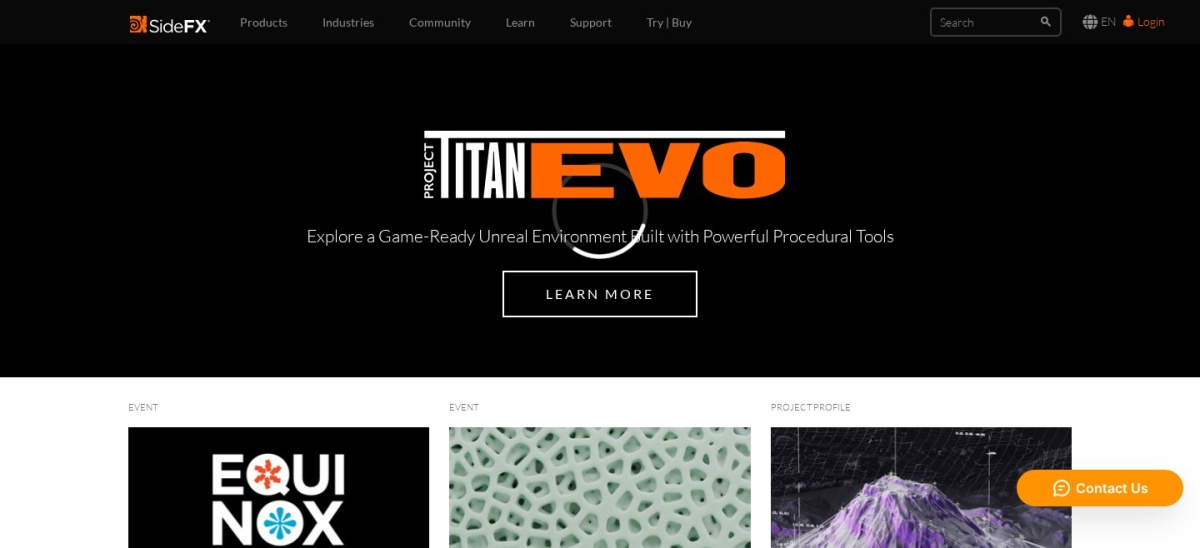
Houdini homepage, captured Nov 2026.
Houdini is SideFX's node-based 3D creation platform renowned for procedural modeling, destruction, fluids, smoke, and crowd simulations. Artists can learn for free with Houdini Apprentice (watermarked renders, non-commercial), while Houdini Indie ($299/yr) unlocks full commercial production for creators earning under $100,000 annually.
The trade off is a steep technical learning curve and a sharp price jump to $1,475/yr for Houdini Core or $3,505/yr for Houdini FX once you exceed Indie eligibility. It suits technical artists, VFX specialists, and game developers building procedural assets.
What we like
Unmatched non-destructive node workflow for VFX and simulations
Generous free Apprentice edition for learning the full toolset
Affordable $299/yr Indie tier includes Karma rendering and Houdini Engine
Runs natively on Windows, macOS, and Linux
Watch out for
Steepest learning curve among mainstream 3D tools
Studio FX rentals jump to $3,505/yr above the $100K revenue cap
Direct polygonal modeling feels slower than traditional mesh tools
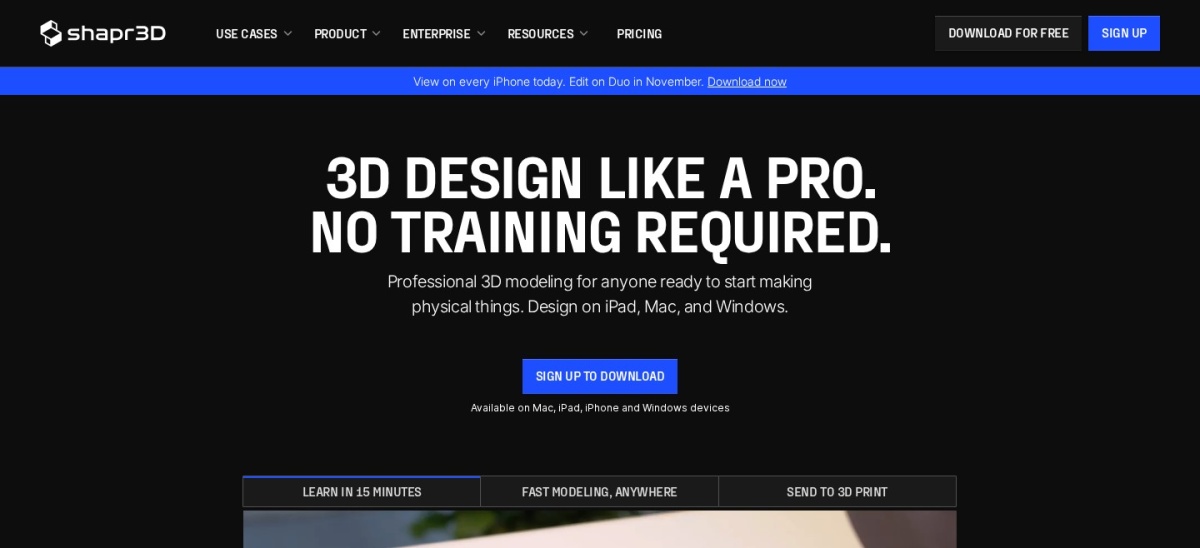
Shapr3D is a Parasolid-powered 3D CAD application designed for fast industrial design and mechanical prototyping across iPad, Mac, Windows, and visionOS. Its free Basic plan provides full access to sketching and 3D modeling tools for up to 2 projects with basic-resolution STL and 3MF exports.
The trade off is that exporting manufacturing formats like STEP, IGES, and X_T—along with unlimited projects, technical drawings, and real-time visualization—requires Pro at $299/yr per seat. It suits product designers and engineers who sketch with Apple Pencil or want rapid desktop CAD.
What we like
Native Apple Pencil workflow alongside full desktop Mac and Windows apps
Combines direct modeling speed with parametric design history
Free Basic tier lets you test the full modeling engine indefinitely
Supports major CAD exchange formats including STEP, IGES, and SLDPRT
Watch out for
Free tier restricts you to 2 projects and low-resolution mesh exports
No character animation, rigging, or VFX simulation tools
Single paid tier at $299/yr is pricey for casual hobbyists
Pro ($299/yr) unlocks unlimited projects, STEP/IGES CAD exports, and 2D drawings.Visit shapr3d.com
05
Rhinoceros 9
4.4/5on G2 (192 reviews, checked Nov 2026)
Starts at$995 one-time
Best for NURBS surfaces and perpetual licensing
License typePerpetual ($995 one-time)
Parametric toolGrasshopper built in
Free trial90 days full-featured
PlatformsWindows and macOS
rhino3d.com
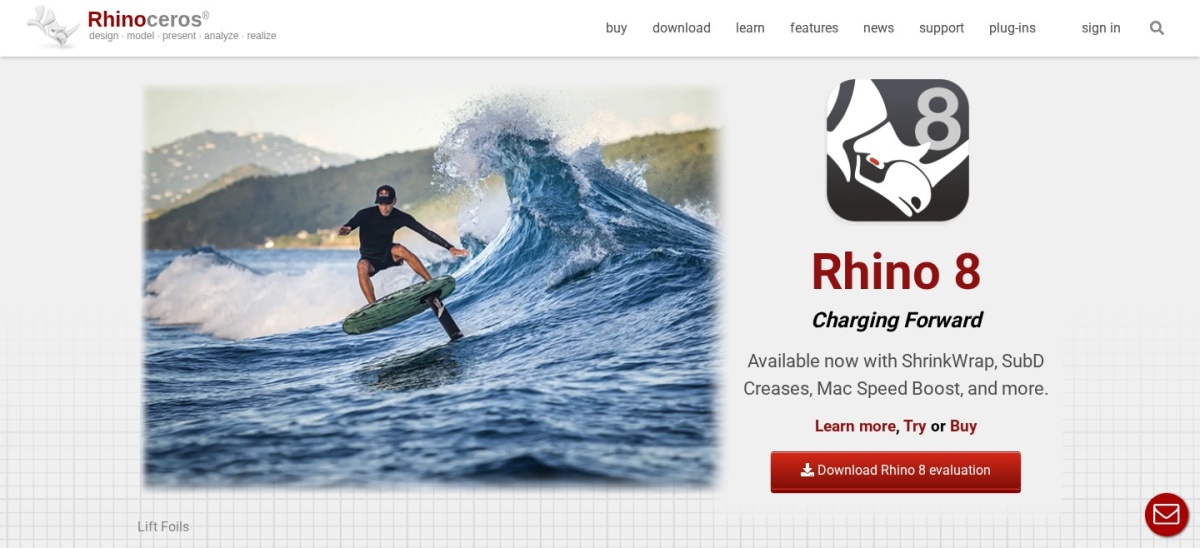
Rhinoceros 9 homepage, captured Nov 2026.
Rhinoceros 9 (Rhino 9) is a precision NURBS and SubD 3D modeler widely used in industrial design, jewelry, marine engineering, and computational architecture. It includes the Grasshopper visual programming environment out of the box and offers a full-featured 90-day evaluation before requiring a license.
The trade off is a $995 upfront purchase with no ongoing free tier, plus limited native character animation and rendering compared to full DCC suites. It suits product designers, jewelers, and architects who want mathematical surface accuracy without recurring subscriptions.
What we like
One-time $995 perpetual license with no mandatory subscription
Industry-standard NURBS surface precision and SubD modeling
Includes Grasshopper algorithmic design tools at no extra charge
Generous 90-day full evaluation period
Watch out for
No permanent free tier after the 90-day trial expires
Weak native character animation and rigging capabilities
Command-line and dense toolbar UI takes time to master
One-time $995 commercial license covers both Windows and macOS permanently.Visit rhino3d.com
06
Autodesk Maya
4.3/5on G2 (266 reviews, checked Nov 2026)
Starts at$2,010/yr
Best for studio character animation and film pipelines
Standard plan$2,010/yr ($255/mo)
Indie eligibility$330/yr (under $100K revenue)
Bundled rendererArnold included
PlatformsWindows, macOS, Linux
autodesk.com
Autodesk Maya homepage, captured Nov 2026.
Autodesk Maya is the film, television, and AAA game studio standard for character rigging, keyframe animation, and OpenUSD asset pipelines. Every subscription includes the Arnold ray-tracing renderer, Bifrost procedural effects, and extensive Python and C++ customization APIs.
The trade off is a steep $2,010/yr commercial subscription (or $255/mo), though qualifying solo artists earning under $100,000 can apply for Maya Indie at $330/yr. It suits character animators, technical directors, and artists targeting studio production pipelines.
What we like
Gold-standard rigging, Graph Editor, and character animation tools
Includes Arnold renderer and Bifrost procedural simulation
Deep OpenUSD support and pipeline scripting for large studios
Cross-platform support on Windows, macOS, and Linux
Watch out for
$2,010/yr commercial price is steep for small teams
Maya Indie ($330/yr) has strict revenue and project-value caps
Legacy interface and complex menus challenge newcomers
Full commercial access costs $2,010/yr; eligible solo creators pay $330/yr via Maya Indie.Visit autodesk.com
07
Autodesk 3ds Max
4.5/5on G2 (552 reviews, checked Nov 2026)
Starts at$2,010/yr
Best for architectural visualization and hard-surface assets
Standard plan$2,010/yr ($255/mo)
Indie eligibility$330/yr (under $100K revenue)
Bundled rendererArnold included
PlatformsWindows only
autodesk.com
Autodesk 3ds Max homepage, captured Nov 2026.
Autodesk 3ds Max is a Windows-based 3D modeling, animation, and rendering package favored in architectural visualization and game environment production. Its non-destructive modifier stack lets artists stack, reorder, and tweak procedural edits alongside the bundled Arnold renderer.
The trade off is Windows-only availability and a $2,010/yr regular subscription price ($255/mo), with a $330/yr Indie option restricted to freelancers earning under $100,000 annually. It suits arch-viz specialists and hard-surface modelers working on Windows.
What we like
Non-destructive modifier stack speeds up hard-surface modeling
Huge ecosystem of arch-viz plugins like V-Ray and Corona
Includes Arnold renderer and OpenUSD scene workflows
Eligible solo artists can access full features via $330/yr Indie plan
Watch out for
Windows only—no native macOS or Linux versions
Full commercial subscription costs $2,010/yr
Character rigging tools lag behind Autodesk Maya
Standard commercial license is $2,010/yr; eligible freelancers pay $330/yr for 3ds Max Indie.Visit autodesk.com
Watch out for Indie revenue caps on studio tools
Several high-end 3D suites advertise sub-$350/yr pricing that only applies to qualifying independent creators. SideFX offers Houdini Indie at $299/yr, and Autodesk offers Maya Indie and 3ds Max Indie at $330/yr—all capped at $100,000 in annual gross creative revenue.
If your studio crosses that threshold or you are billed hourly by a larger company, you must upgrade to standard commercial licenses ($1,475/yr for Houdini Core or $2,010/yr for Maya and 3ds Max). Blender and Rhino 9 impose no revenue tiers regardless of business size.
How we chose
We built this comparison by reviewing major 3D modeling, animation, CAD, and visual effects applications actively maintained in late 2026, covering general DCC suites, architectural modelers, procedural FX platforms, and NURBS CAD tools.
All prices, license terms, and G2 user ratings were checked directly on vendor pricing pages and G2 review profiles on 22 Nov 2026. Where vendors run seasonal promotions, we list the regular non-sale annual price.
We excluded discontinued applications such as Modo and tools without transparent public pricing pages, including Cinema 4D and ZBrush where live individual USD checkout rates were gated behind regional selectors. No vendor paid for a place, and we do not claim testing for this list.
How to choose the right 3D creation software
Match your primary 3D output, hardware platform, and budget before committing to a license.
Define your primary 3D discipline first. Pick Blender or Maya for character animation and games, Houdini for procedural simulations, SketchUp for architecture, and Rhino 9 or Shapr3D for precision product CAD.
Check operating system compatibility. Verify that your workstation supports the software natively—3ds Max runs only on Windows, while Blender, Maya, and Houdini run across Windows, macOS, and Linux.
Calculate total cost including renderers and plugins. Blender, Maya, and 3ds Max bundle production renderers, whereas SketchUp and Rhino users often factor in separate visualization plugins.
Start with a free tier or full evaluation trial. Use Blender's unrestricted release, Houdini Apprentice, or Rhino's 90-day trial to build a real test asset before paying for an annual seat.
FAQ
What is the best free 3D creation software?
Blender is the best free 3D creation software. It is open source under the GPL license and includes modeling, sculpting, rigging, animation, simulation, and the Cycles and EEVEE renderers with no watermarks or commercial restrictions.
Which 3D software is easiest for beginners to learn?
SketchUp is the easiest tool for architectural and interior 3D modeling thanks to its push-pull geometry tools. For product parts on an iPad or computer, Shapr3D offers a fast, guided CAD workflow with built-in tutorials.
Can I buy 3D creation software without a subscription?
Yes. Blender is permanently free, and Rhino 9 sells a one-time perpetual commercial license for $995 that covers both Windows and macOS without recurring annual fees.
How much do Autodesk Maya and 3ds Max cost in 2026?
Both Autodesk Maya and 3ds Max cost $2,010/yr or $255/mo for standard commercial subscriptions. Qualifying solo artists and studios earning under $100,000 per year can subscribe to Maya Indie or 3ds Max Indie for $330/yr.
Is Blender good enough for professional studio work?
Yes. Blender 5.2 LTS is widely used by indie game studios, motion designers, and visual effects artists for modeling, look development, and rendering, though large film pipelines still rely heavily on Maya and Houdini.