WP Staging Alternatives in 2026: 7 Best Tools Compared
WLWPLegible EditorsLast verified 22 Nov 2026How we rank13 min read
★ Short answer
WPvivid is the best WP Staging alternative for most WordPress sites, with 900,000+ active installations, free subdirectory staging and a $49/year Pro plan that adds staging-to-live deployment. BlogVault is better for cloud-managed staging and backups, while InstaWP offers temporary cloud sandboxes starting at $2/month.
How we make this list: we compare pricing pages, product documentation and public user reviews, then re-check every price before each update. No product paid for a place. Disclosure.
WPvivid has 900,000+ active installs and a 4.9/5 WordPress.org rating from 1,574 reviews; Pro starts at $49/year for two domains.
BlogVault has 80,000+ active installs and offers off-site backups with cloud-managed staging from a regular $99/year.
InstaWP Connect has 40,000+ active installs and creates cloud staging copies, with sandboxes costing $2/month per site.
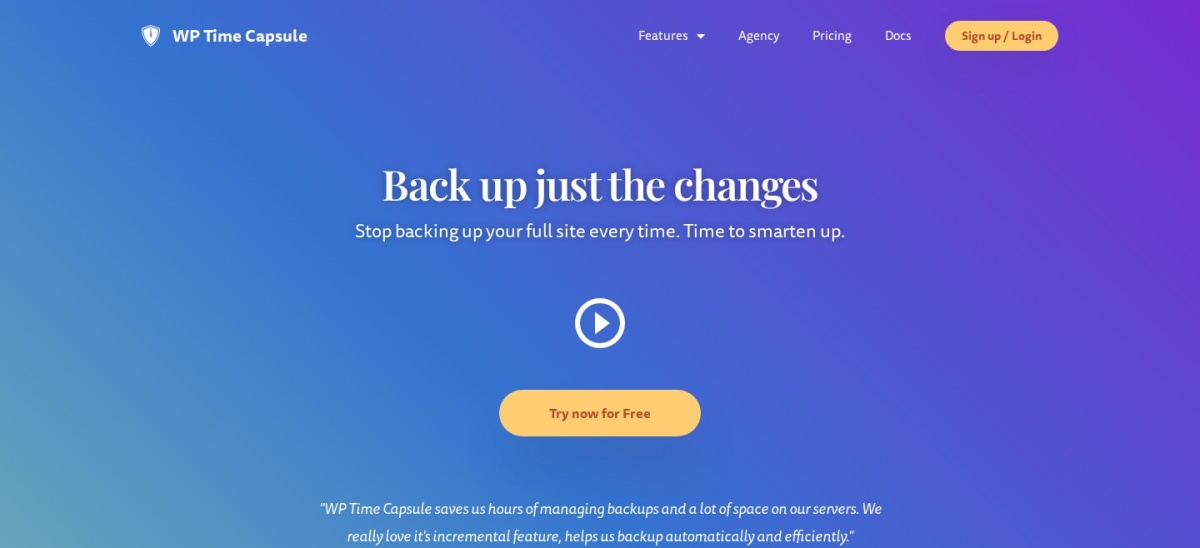
WP Time Capsule starts at $49/year for two websites and includes incremental backups, staging and a 30-day restore window.
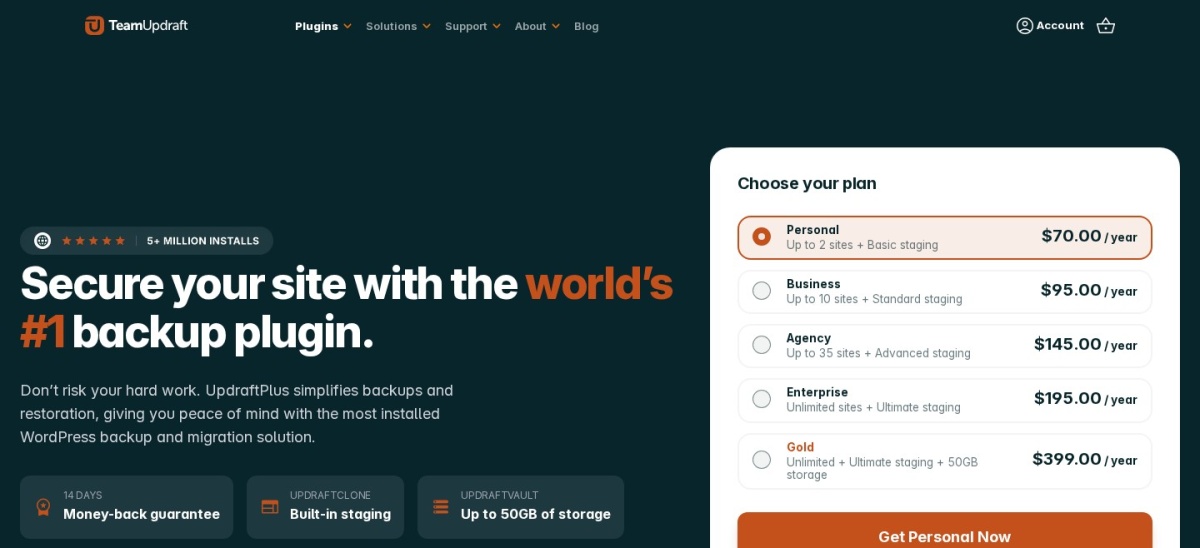
UpdraftPlus has 4 million+ active installs, with Premium starting at $70/year for two sites and basic staging.
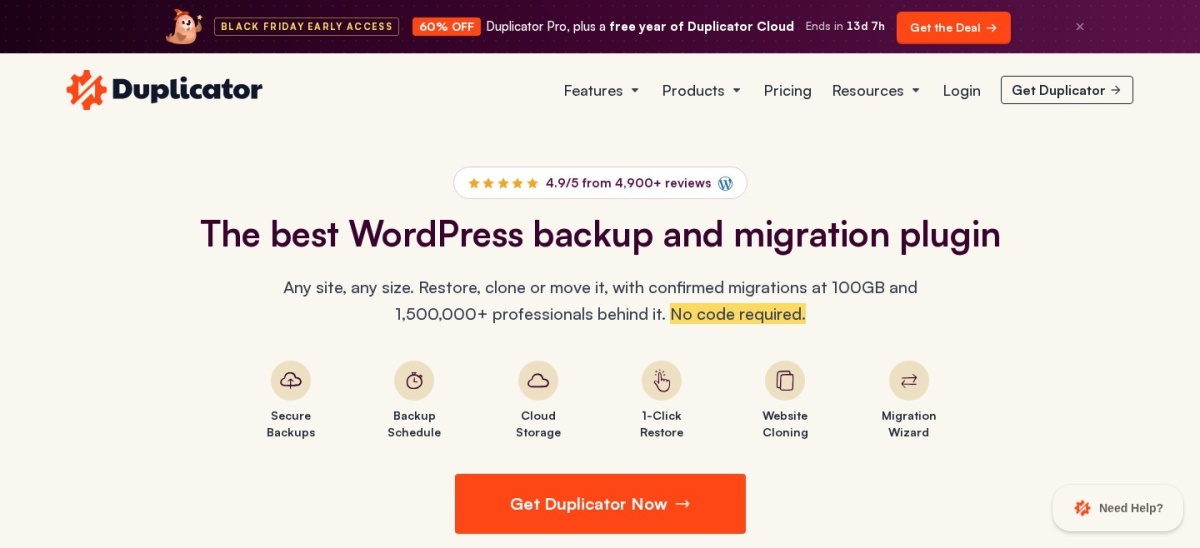
Duplicator's cheapest paid plan is $79/year, but its built-in staging-site feature requires the $399/year Pro tier.
What to look for in a WP Staging alternative
WP Staging creates copies of WordPress websites so you can test updates, themes, plugins and design changes without immediately modifying your live site. Its alternatives differ in where staging copies are hosted and how changes return to production.
The first decision is local versus cloud staging. Local staging usually creates a copy on your existing hosting account, which avoids separate staging hosting fees but consumes server storage. Cloud staging keeps the test environment on separate infrastructure.
Next, check the difference between creating a staging site and pushing changes to live. Some free plugins create working copies but charge for deployment. Others focus on restoring complete backups rather than selectively merging changed files and database tables.
Finally, consider backups, privacy and live-site activity. A staging tool should help prevent accidental changes to customer orders, user accounts and production data. Independent backups and careful deployment procedures remain important even when a plugin advertises automated staging.
4.9/5on WordPress.org (1,574 reviews, checked Nov 2026)
Paid from$49/yr
Best WP Staging alternative overall
Free stagingSubdirectory
Free backupsManual and scheduled
Push to livePro
Paid planBlogger, 2 domains
wpvivid.com
WPvivid homepage, captured Nov 2026.
WPvivid is a WordPress backup, migration and staging plugin with 900,000+ active installs and a 4.9/5 rating from 1,574 reviews. Its free version creates staging sites in subdirectories and includes website backups, scheduled backups, remote storage and migration tools.
The trade off is that staging-to-live deployment, incremental backups and advanced staging controls require Pro, starting at $49/year for two domains. The staging copy also consumes resources on your hosting account. It suits site owners who want free staging alongside everyday backup and migration tools.
Pro adds staging deployment, incremental backups, selective controls and advanced storage options.Visit wpvivid.com
02
BlogVault
4.6/5on WordPress.org (333 reviews, checked Nov 2026)
Starts at$99/yr
Best for cloud-managed staging and backups
Staging locationCloud-managed
Backup frequencyDaily, Personal
Backup retention30 days, Personal
Paid planPersonal, 1 site
blogvault.net
BlogVault homepage, captured Nov 2026.
BlogVault is a WordPress backup and staging service with 80,000+ active plugin installations and a 4.6/5 rating from 333 reviews. Its Personal plan includes daily off-site backups, 30 days of backup retention, one-click restores, migrations and a one-day staging environment.
The trade off is that ongoing use requires a subscription, with Personal regularly priced at $99/year rather than its temporary $49.50 offer. The entry plan's staging duration also limits extended development workflows. It suits business websites that want backup and staging operations managed outside their regular hosting environment.
What we like
Cloud-managed staging environment
Off-site backups reduce reliance on hosting
One-click restores and migrations
Dashboard for managing website operations
Backup and staging features in one subscription
Watch out for
No permanently free staging service
Entry plan has limited staging duration
Regular renewal is higher than the current discount
Requires a separate service account
Personal includes managed backups, one-click recovery, migration and temporary staging.Visit blogvault.net
03
InstaWP
4.5/5on WordPress.org (12 reviews, checked Nov 2026)
Paid from$2/mo
Best for temporary WordPress sandboxes
EnvironmentCloud sandbox
Sandbox storage5 GB
Sandbox CPU1 CPU
Paid entry$2/mo per sandbox
instawp.com
InstaWP homepage, captured Nov 2026.
InstaWP is a cloud WordPress development and staging platform whose Connect plugin has 40,000+ active installations and a 4.5/5 WordPress.org rating from 12 reviews. Its connector can create quick, custom or full staging copies, while paid sandboxes include 5 GB of disk storage and one CPU.
The trade off is that hosted staging creates ongoing usage charges, with sandbox environments starting at $2/month per site, billed according to running days. Quick staging can omit the media folder, so cloning options matter. It suits developers and agencies creating temporary test environments without using production-server storage.
What we like
Staging runs on separate cloud infrastructure
Quick, custom and full cloning options
Useful for plugin and theme development
Low monthly sandbox entry cost
Managed sandbox environments
Watch out for
Hosted sandboxes incur usage charges
Requires an InstaWP account
Quick staging does not copy the media folder
Small WordPress.org review sample
Paid sandboxes provide managed hosting resources for longer-running development environments.Visit instawp.com
04
WP Time Capsule
4/5on WordPress.org (128 reviews, checked Nov 2026)
Starts at$49/yr
Best for incremental backups and staged updates
Backup methodIncremental
StagingOne-click
Restore window30 days
Paid planBusiness, 2 sites
wptimecapsule.com
WP Time Capsule homepage, captured Nov 2026.
WP Time Capsule is a WordPress backup and staging plugin with 10,000+ active installations and a 4.0/5 rating from 128 reviews. Its Business plan supports two websites, real-time incremental backups, a 30-day restore window, staging environments and the ability to move tested changes to the live website.
The trade off is that the service has no permanent free plan, although a 30-day trial is available. Business costs $49/year, and the system relies on connected cloud storage services for backup data. It suits sites that frequently update plugins and want staging combined with incremental recovery.
What we like
Incremental backups avoid repeated full copies
One-click staging environment
Staging-to-live workflow
Two sites included in the entry plan
Cloud backup storage integrations
Watch out for
No permanent free plan
Requires external cloud storage configuration
Lower average user rating
Smaller active installation base
Business includes incremental backups, staged updates, recovery and deployment for two websites.Visit wptimecapsule.com
05
UpdraftPlus
4.8/5on WordPress.org (8,739 reviews, checked Nov 2026)
Paid from$70/yr
Best for backup-first staging workflows
Free backupsScheduled
Remote storageSupported
Personal stagingBasic
Paid planPersonal, 2 sites
teamupdraft.com
UpdraftPlus homepage, captured Nov 2026.
UpdraftPlus is a WordPress backup and migration plugin with more than four million active installations and a 4.8/5 rating from 8,739 reviews. Its free edition provides scheduled backups, restores and remote storage integrations, while the Personal premium plan includes basic staging, incremental backups and additional migration features.
The trade off is that staging is not the main function of the free plugin, and higher plans provide more extensive staging options. Personal costs $70/year for two websites, while separate cloud cloning workflows can involve additional charges. It suits existing UpdraftPlus users who want backup protection alongside occasional staging.
What we like
Large established WordPress user base
Free scheduled backups and restores
Multiple remote storage integrations
Premium includes incremental backups
Basic staging included in Personal
Watch out for
Free edition is primarily a backup tool
More extensive staging requires higher plans
Cloud cloning may involve separate charges
Personal adds basic staging, incremental backups, enhanced migration and premium support.Visit teamupdraft.com
06
Duplicator
4.9/5on WordPress.org (4,941 reviews, checked Nov 2026)
Paid from$79/yr
Best for developers using site packages
Free cloningBackup packages
Basic license2 sites
Built-in stagingPro tier
Staging-tier price$399/yr
duplicator.com
Duplicator homepage, captured Nov 2026.
Duplicator is a WordPress backup, cloning and migration plugin with more than one million active installations and a 4.9/5 rating from 4,941 reviews. Its free version packages WordPress files and databases for migration to another installation, while Basic adds scheduled backups, restore points and additional storage integrations.
The trade off is that creating a staging site through its dedicated staging feature requires the $399/year Pro tier, not the $79/year Basic plan. Manual package-based staging also requires a destination installation. It suits developers who already use Duplicator for site transfers and want staging within the same workflow.
4.5/5on WordPress.org (7,678 reviews, checked Nov 2026)
Paid from$69/yr
Best for manual staging copies
Free exportFull website
Staging approachManual clone
Unlimited Extension50 sites/year
Paid planUnlimited Extension
servmask.com
All-in-One WP Migration homepage, captured Nov 2026.
All-in-One WP Migration is a WordPress backup and migration plugin with more than five million active installations and a 4.5/5 rating from 7,678 reviews. Its free version exports complete WordPress sites, including files and databases, so owners can import a copy into a separate development or staging installation.
The trade off is that it does not provide a dedicated one-click staging dashboard or selective push-to-live deployment. The Unlimited Extension costs $69/year for up to 50 sites and removes hosting-related import restrictions. It suits users who only need occasional manual copies and already have somewhere to host them.
Local staging creates a website copy on the same hosting infrastructure as production. WPvivid supports this approach through free subdirectory staging, making it useful when your hosting account has enough storage and processing capacity.
Cloud staging places the test environment on separate infrastructure. BlogVault and InstaWP provide cloud-based options, reducing competition for resources on your production server. However, these environments still need access controls and protection for copied user data.
Neither approach automatically guarantees safe deployment. Always review whether production content, orders and customer accounts can change while the staging copy is being edited.
The most important distinction is whether your tool can selectively push changes to live. A complete database overwrite may be acceptable for a static website but risky for an active store or membership platform.
What to check before pushing staging changes live
Create a fresh backup immediately before deployment. A working staging copy does not replace an independent production backup, particularly when database tables or uploaded media will be replaced.
Check the deployment scope. Determine whether you are moving theme files, plugins, uploaded media, database tables or the complete website. Avoid overwriting unrelated production changes.
For WooCommerce and membership websites, pay attention to orders, user accounts, subscriptions and payments. These records can change while development work is happening, so restoring an older staging database may remove legitimate activity.
After deployment, verify key pages, forms, logins, checkout and administrative functions. Clear outdated caches where necessary, check for broken links and retain a usable restore point.
How we chose
We compared established WordPress staging, backup and migration products that offer meaningful alternatives to WP Staging. We prioritized staging creation, cloning methods, production deployment, backup protection, cloud support, maintenance history and public user feedback.
Prices, ratings, review counts and active installations were checked on 22 Nov 2026 using official pricing pages and WordPress.org listings. We used regular paid prices rather than limited-time discounts and distinguished dedicated staging features from manual backup-and-restore workflows.
We excluded closed or outdated WordPress.org plugins and services without confirmable public pricing. Manual cloning tools were retained only where their limitations were clearly explained, and products without permanent free plans were identified accordingly. No vendor paid for a place, and we do not claim testing for this list.
How to choose a WP Staging alternative
Decide where your staging environment should run, then compare deployment controls, backup protection and the regular cost of maintaining the workflow.
Choose between local and cloud staging. Use local staging when your existing hosting has enough storage and you want direct control. Choose cloud staging when you need isolated development environments or want to reduce the resource demands on your production server.
Check how changes return to production. Confirm whether the plugin supports one-click deployment, selective file copying, database merging or only complete site migration. For active stores, avoid tools that require overwriting all production data.
Make sure backups are independent. Choose a workflow that preserves recoverable backups before and after deployment. Look for remote storage, scheduled backups, restoration controls and enough retention to recover from a problem discovered after launch.
Compare the actual paid requirements. Do not assume the entry plan includes staging-to-live deployment. Duplicator requires Pro for dedicated staging, while WPvivid requires Pro for pushing changes to production. Compare renewal prices, site limits and additional hosting charges.
FAQ
What is the best alternative to WP Staging?
WPvivid is our top alternative for most WordPress sites. Its free plugin includes subdirectory staging, backups and migration tools, while the $49/year Pro plan adds staging-to-live deployment. BlogVault is better suited to cloud-managed backups, and InstaWP is useful for temporary development environments.
Is there a free alternative to WP Staging?
Yes. WPvivid offers free subdirectory staging, while Duplicator and All-in-One WP Migration can create staging copies through manual migration workflows. InstaWP Connect is free to install, but maintaining cloud staging environments may involve separate hosting charges.
Can WPvivid push a staging site to live?
Yes, but staging-to-live deployment requires WPvivid Pro. The free version can create a staging copy and provide backup and migration functions. Before deploying, check which files and database tables will be replaced, especially on stores or websites that frequently receive new content.
Which WP Staging alternative is best for WooCommerce?
BlogVault is worth considering for WooCommerce websites because it combines off-site backups with staging and offers more advanced backup options in higher plans. WPvivid is another possibility when selective deployment is configured carefully. Always protect orders, customers and payments from staging database overwrites.
Can I create a staging site without installing another plugin?
Some WordPress hosting services provide built-in staging, and developers can also clone websites manually using server tools. A separate plugin is useful when your host lacks staging or when you need additional backup, migration and deployment controls.
What is the difference between staging and a WordPress backup?
A backup preserves website data so it can be restored after a problem. A staging site is a working copy where you can test updates, designs and plugins before making changes to production. A dependable workflow uses both because staging alone does not guarantee recoverable data.
Is InstaWP better than WP Staging?
InstaWP can be preferable when you want cloud-hosted sandboxes, temporary WordPress installations and development environments separate from production hosting. WP Staging is more focused on copying and working with an existing website. The better choice depends on your hosting resources and deployment needs.
Does Duplicator include one-click staging?
Duplicator's dedicated staging-site functionality is included in its Pro tier, regularly priced at $399/year. The free version can package and clone websites manually, and Basic adds backup and migration features. Those methods require more setup than a dedicated staging workflow.
How much does a WordPress staging plugin cost?
Free staging is available through WPvivid, while its Pro plan starts at $49/year. WP Time Capsule also starts at $49/year, and InstaWP sandboxes cost $2/month per site. Prices vary depending on cloud hosting, automated deployment, backups and the number of supported websites.