Jetpack Backup Alternatives in 2026: 7 Best Tools Compared
WLWPLegible EditorsLast verified 22 Nov 2026How we rank12 min read
★ Short answer
UpdraftPlus is the best Jetpack Backup alternative for most WordPress sites, with 4M+ active installs and free scheduled backups to external storage. WPvivid is better for free migration and staging, while BlogVault offers managed off-site backups and recovery when WordPress is inaccessible.
How we make this list: we compare pricing pages, product documentation and public user reviews, then re-check every price before each update. No product paid for a place. Disclosure.
UpdraftPlus leads for everyday backups, with a 4.8/5 WordPress.org rating, 4M+ installs and Premium starting at $70/year.
WPvivid includes backup, migration and staging in its free plugin, with a 4.9/5 rating and Pro starting at $49/year.
BlogVault includes 30-day backup retention and 1-click recovery in its $99/year Personal plan; a 50% promotion was displayed when checked.
Duplicator has 1M+ active installs and a 4.9/5 rating, with scheduled backups and restore points available in its $79/year Basic plan.
BackWPup has 400,000+ active installs and a $49/year regular Starter price, although a $29 promotional price was displayed.
WP Time Capsule offers a $49/year Business plan covering 2 sites, with incremental backups and a 30-day restore window.
What to look for when replacing Jetpack Backup
Jetpack Backup focuses on managed cloud backups and convenient recovery. Switching to another plugin means deciding whether you prefer a managed service or more control over your own backup files.
Start with off-site storage. Backups saved only on the WordPress server may disappear during a hosting failure or security incident. Check whether a plugin supports external destinations or stores copies independently.
Next, compare backup frequency and retention. A daily schedule may suit a publishing site, while stores and membership websites need closer attention to changes between recovery points.
Finally, examine the restore process. Some tools restore through the WordPress dashboard, while managed services may recover a site when the dashboard is unavailable. Migration, staging and selective restoration can also affect the choice.
4.8/5on WordPress.org (8,739 reviews, checked Nov 2026)
Paid from$70/yr
Best Jetpack Backup alternative overall
Free backupsManual and scheduled
Remote storageAvailable in free version
Free restoreYes
Paid planPersonal, 2 sites
teamupdraft.com
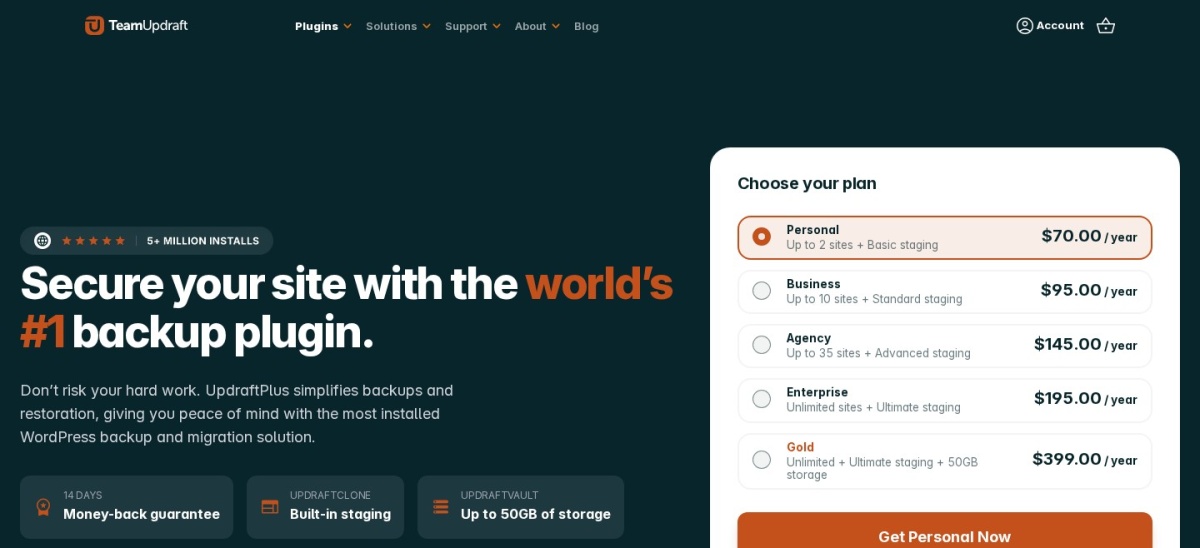
UpdraftPlus homepage, captured Nov 2026.
UpdraftPlus is a WordPress backup and migration plugin with more than 4 million active installations and a 4.8/5 rating. Its free version supports scheduled file and database backups, remote storage destinations and restoration from the WordPress dashboard.
The trade off is that incremental backups, automatic pre-update protection and additional migration features require Premium at $70 per year for 2 sites. It suits blogs, portfolios and business websites that want reliable scheduling with control over backup destinations.
What we like
Free scheduled backups and external storage
Restore backups directly from WordPress
Large installation base and extensive documentation
Premium includes incremental backups
Personal license covers 2 websites
Watch out for
Some advanced storage destinations require Premium
Free version lacks incremental backups
Restore workflow generally depends on WordPress access
4.9/5on WordPress.org (1,574 reviews, checked Nov 2026)
Paid from$49/yr
Best free backup, migration and staging bundle
Free backupsManual and scheduled
Free migrationYes
Free stagingSubdirectory staging
Paid planBlogger, 2 domains
wpvivid.com
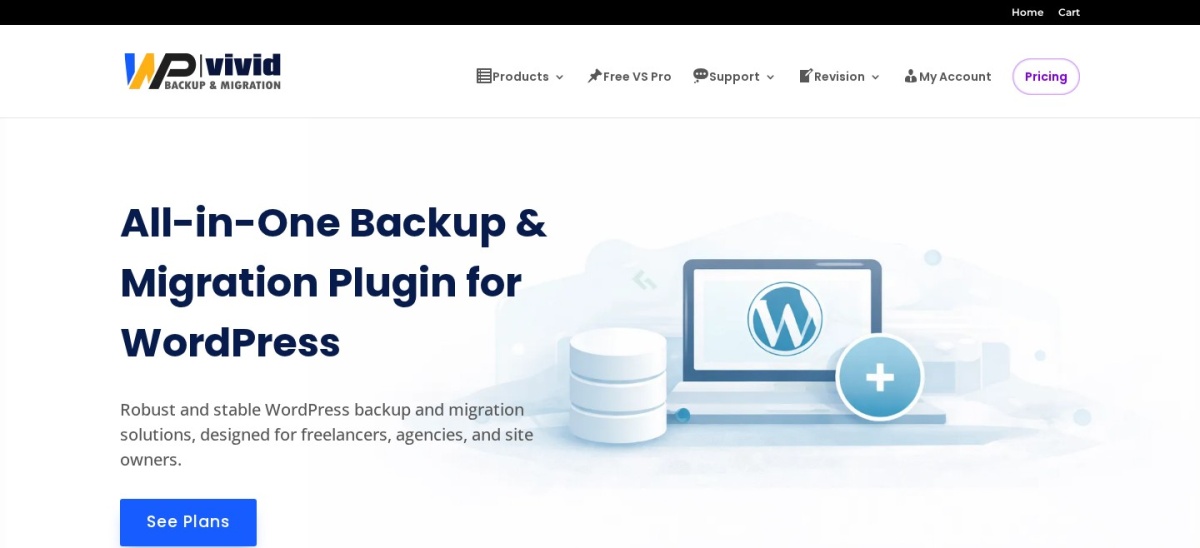
WPvivid homepage, captured Nov 2026.
WPvivid is a WordPress backup, migration and staging plugin with 900,000+ active installations and a 4.9/5 rating. Its free version includes scheduled backups, remote storage integration, site migration and local staging in a subdirectory.
The trade off is that incremental backups, advanced staging features and broader management controls require the Blogger plan at $49 per year for 2 domains. It suits site owners who frequently move websites, prepare updates or need staging without buying a separate plugin.
What we like
Free backup, migration and staging features
Supports scheduled remote backups
Highly rated on WordPress.org
Affordable annual Premium entry plan
Paid options for managing multiple websites
Watch out for
Advanced staging requires a paid upgrade
Incremental backups require Pro
More settings to learn than a managed backup service
Pro adds incremental backups, advanced staging, multisite features and expanded management tools.Visit wpvivid.com
03
BlogVault
4.6/5on WordPress.org (333 reviews, checked Nov 2026)
Starts at$99/yr
Best for managed off-site backup and recovery
Backup frequencyDaily on Personal
Backup retention30 days
Cloud storageIncluded
Paid planPersonal, 1 site
blogvault.net
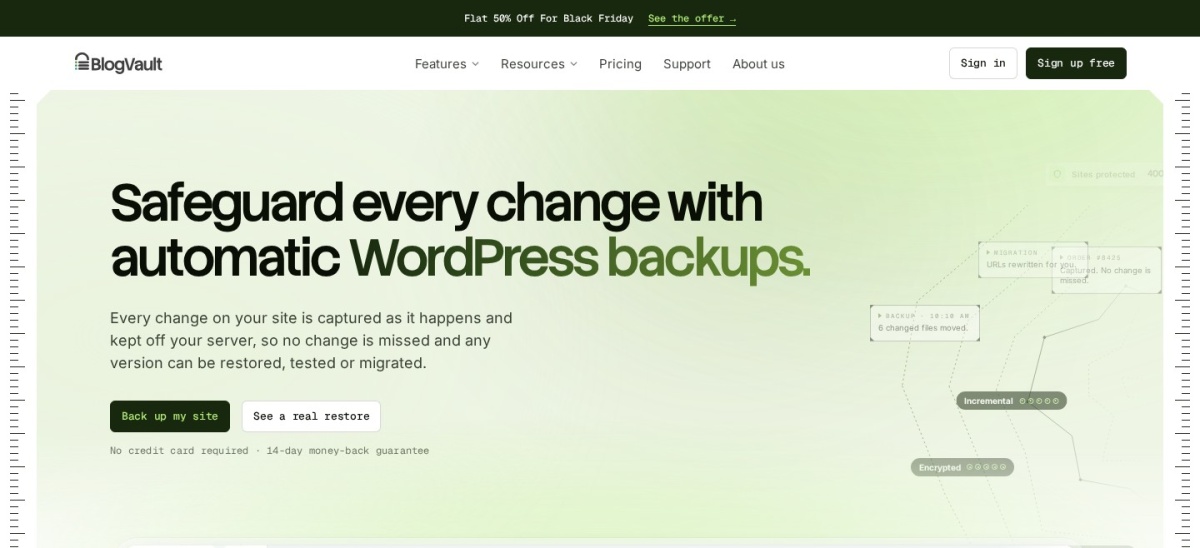
BlogVault homepage, captured Nov 2026.
BlogVault is a managed WordPress backup service that stores encrypted copies on its own cloud infrastructure. Its Personal plan includes daily incremental backups, 30-day retention, cloud storage, one-click restoration, migration and a staging environment for a single website.
The trade off is that BlogVault has no permanent free plan and costs $99 per year at the regular rate, although its pricing page displayed a 50% promotion. Real-time backups require a higher tier. It suits businesses prioritizing recovery when WordPress or the hosting environment is unavailable.
What we like
Backups stored independently from website hosting
Recovery available when WordPress is inaccessible
Cloud storage included in the subscription
Incremental backups reduce repeated processing
Built-in migration and staging
Watch out for
No permanent free backup plan
Costs more than basic self-managed alternatives
Real-time backups require a higher-priced tier
Higher tiers add longer retention, more frequent backups and real-time WooCommerce protection.Visit blogvault.net
04
Duplicator
4.9/5on WordPress.org (4,941 reviews, checked Nov 2026)
Paid from$79/yr
Best for backups combined with site migration
Free backupManual site packages
Free migrationArchive and installer
Scheduled backupsBasic plan
Paid planBasic, 2 sites
duplicator.com
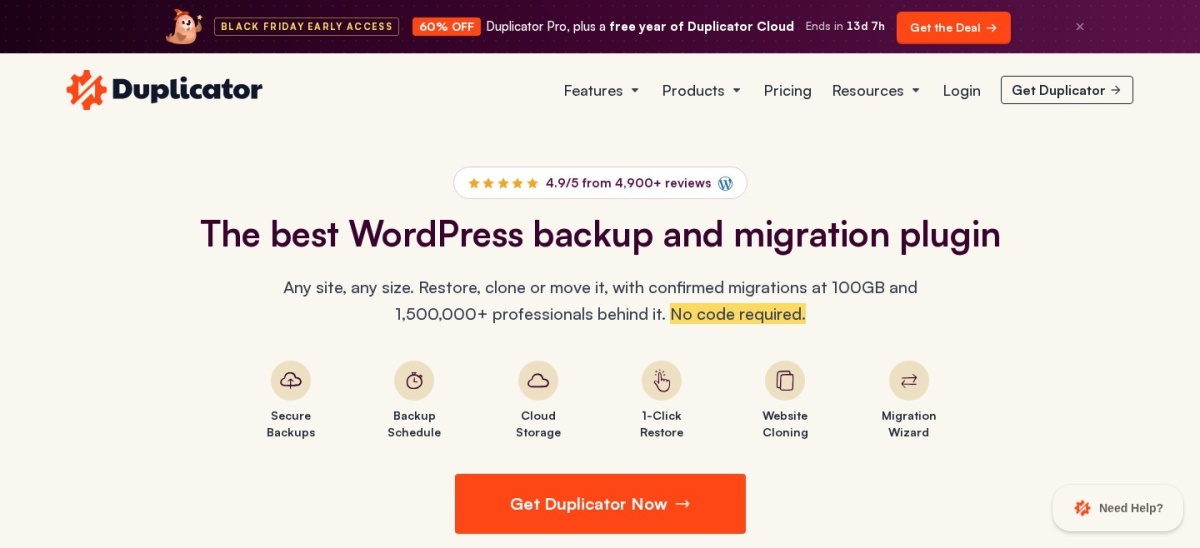
Duplicator homepage, captured Nov 2026.
Duplicator is a WordPress backup and migration plugin with more than 1 million active installations and a 4.9/5 rating. Its free version creates portable website packages containing files and database content, making it useful for manual backups, site transfers and rebuilding WordPress installations.
The trade off is that scheduled backups, cloud integrations and one-click restore points require Basic at the regular $79 annual price for 2 sites, with a promotional discount displayed. It suits developers and website owners who want their backups to double as migration packages.
What we like
Portable backups for moving websites
Archive and installer migration workflow
High WordPress.org user rating
Paid scheduling and cloud integrations
Basic plan supports 2 websites
Watch out for
Free version is centered on manual backups
Scheduled cloud backups require Pro
Large migration packages can require additional server resources
4/5on WordPress.org (1,323 reviews, checked Nov 2026)
Paid from$49/yr
Best for traditional scheduled backup jobs
Free schedulingYes
Backup contentFiles and database
Backup destinationsLocal and remote options
Paid planStarter, 2 domains
backwpup.com
BackWPup homepage, captured Nov 2026.
BackWPup is a WordPress backup and restore plugin with 400,000+ active installations and a 4/5 rating. Its free version supports scheduled backup jobs for WordPress files and databases, with options for storing backup archives away from the website.
The trade off is that premium storage features, encryption, migration and advanced restoration tools require Starter at the regular $49 yearly price for 2 domains; a $29 sale was displayed. It suits administrators who prefer configurable backup jobs rather than relying entirely on a managed cloud dashboard.
What we like
Scheduled backup jobs in the free version
File and database backup support
Established WordPress plugin
Affordable regular paid entry price
Premium includes a restore application
Watch out for
Lower WordPress.org rating than leading alternatives
Premium storage and encryption need an upgrade
Job configuration requires some familiarity
Starter adds premium storage, encryption, migration, the restore app and support.Visit backwpup.com
06
All-in-One WP Migration
4.5/5on WordPress.org (7,678 reviews, checked Nov 2026)
Paid from$69/yr
Best for exporting and importing complete sites
Free exportFull website package
Free importSubject to hosting limits
Paid extensionUnlimited Extension
License coverageUp to 50 sites
servmask.com
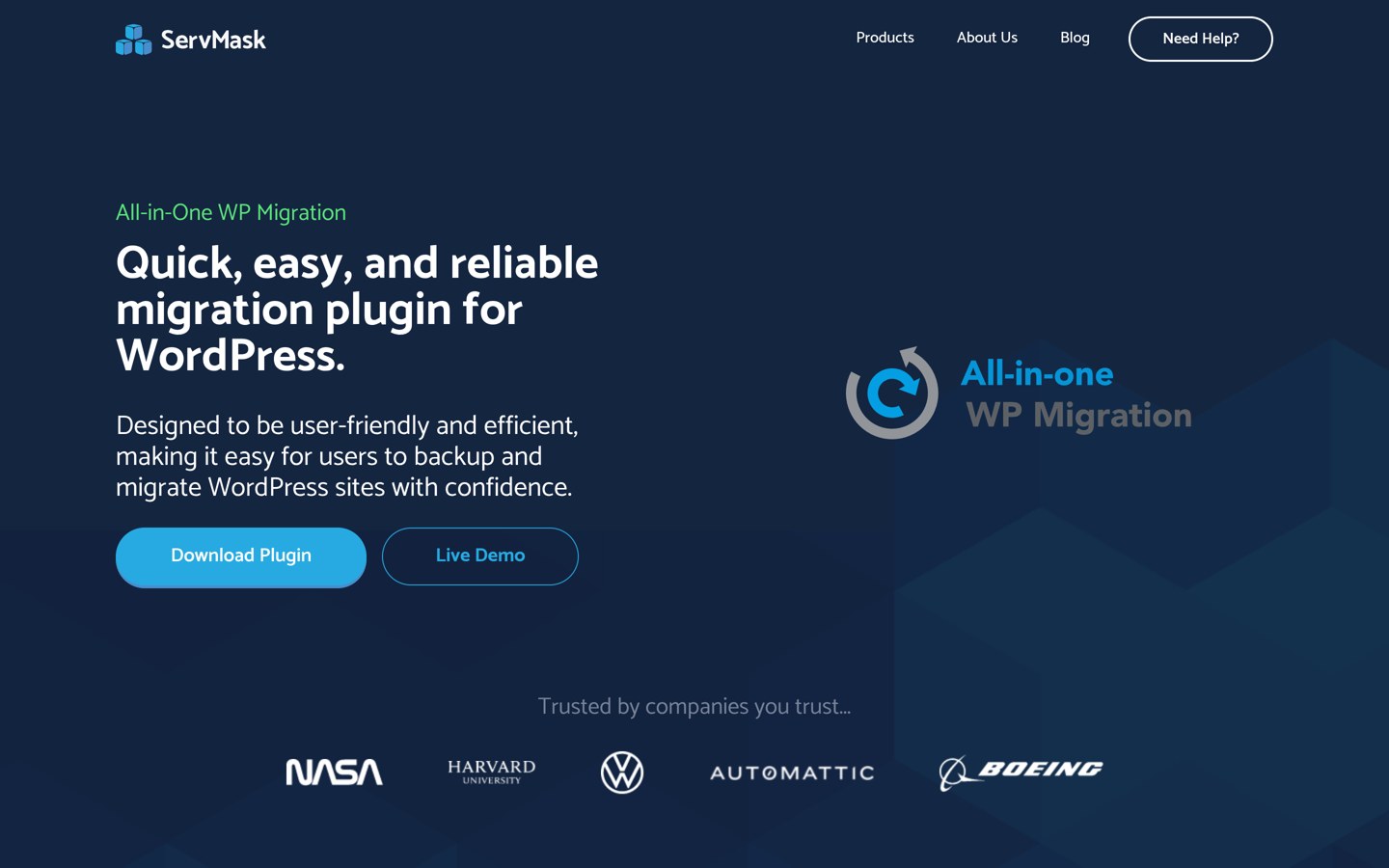
All-in-One WP Migration homepage, captured Nov 2026.
All-in-One WP Migration is a WordPress export, import and backup plugin with more than 5 million active installations and a 4.5/5 rating. Its free version packages website content, database information, themes and plugins for manual export and migration through a straightforward interface.
The trade off is that free imports remain subject to hosting restrictions, while the Unlimited Extension costs $69 per year for up to 50 sites and removes those limits. It suits freelancers and website owners who mainly need portable snapshots and migrations rather than continuous managed backup protection.
What we like
Straightforward website export and import
Very large WordPress installation base
Portable full-site backup packages
Unlimited Extension supports up to 50 sites
Paid extension bypasses common hosting upload limits
Watch out for
Less suitable for frequent automated backups
Free importing can encounter hosting limits
Remote storage automation may require separate extensions
Unlimited Extension removes hosting upload limits and adds server restore and WP-CLI features.Visit servmask.com
07
WP Time Capsule
4/5on WordPress.org (128 reviews, checked Nov 2026)
Starts at$49/yr
Best for incremental backup history
Backup methodIncremental
Restore window30 days on Business
Free access30-day trial
Paid planBusiness, 2 sites
wptimecapsule.com
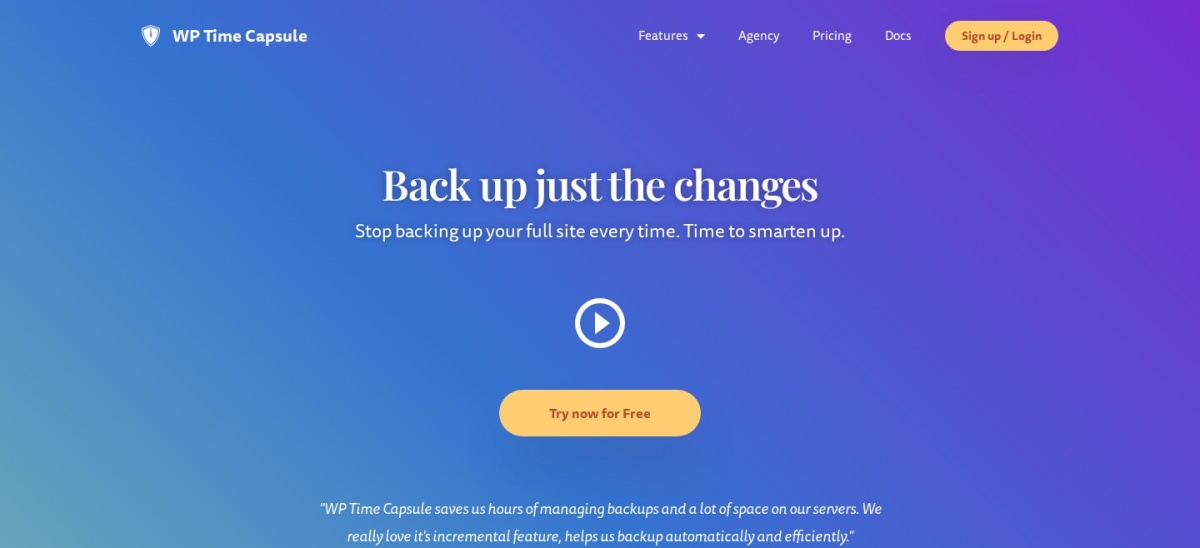
WP Time Capsule homepage, captured Nov 2026.
WP Time Capsule is an incremental WordPress backup and staging service with 10,000+ active installations and a 4/5 rating. It backs up changed files and database entries rather than repeatedly creating complete archives, and its Business plan includes a 30-day restore window for 2 websites.
The trade off is that ongoing protection requires a subscription after the 30-day trial, with Business priced at $49 per year. Its backup system also relies on connected cloud storage. It suits smaller sites that prioritize incremental recovery history and protection around WordPress updates.
What we like
Incremental backup approach
30-day trial available
Backup-before-update features
Paid entry plan covers 2 websites
Restore history for recovering earlier changes
Watch out for
No permanent free subscription
Requires a connected cloud storage account
Smaller installation base than major competitors
Mixed WordPress.org review history
Higher plans expand site allowances and extend the available restore history.Visit wptimecapsule.com
Managed cloud backups vs backups you control
A managed service such as BlogVault stores backups on separate infrastructure and provides recovery tools through its own dashboard. This can be useful when a website is inaccessible or its hosting environment is damaged.
Self-managed plugins such as UpdraftPlus and WPvivid give you more control over backup destinations. You can connect supported storage services, configure schedules and manage retention according to your needs.
The important difference is not simply where the files are stored. Check whether the recovery interface still works when WordPress is broken, and whether you can download usable copies independently from the backup plugin.
How to switch from Jetpack Backup safely
Before replacing Jetpack Backup, confirm that the new tool has completed a full backup of the WordPress database, uploaded media, plugins and themes. Check the destination and available retention settings.
Keep the existing backup service active while configuring the replacement. Create a fresh restore point and confirm that the new plugin can access its archive.
Verify the recovery method using a staging environment or a separate installation before depending entirely on the new setup. Only discontinue the previous service after confirming that the replacement backup and recovery process works.
How we chose
We shortlisted established WordPress backup products offering a meaningful alternative to Jetpack Backup through scheduled backups, cloud storage, website recovery, incremental copies, migration or staging. Selection considered available features, public user feedback, ease of restoration and pricing structure.
Prices and ratings were checked on 22 Nov 2026 using official vendor pricing pages and WordPress.org listings. We used regular USD prices rather than introductory or seasonal promotions, and reviewed installation counts, rating totals and recent plugin update information.
We excluded closed or outdated plugins, products without confirmable regular USD pricing and options without sufficient evidence of an established user base. The comparison is based on publicly available pricing, product documentation and reviews. No vendor paid for a place, and we do not claim testing for this list.
How to choose the right Jetpack Backup alternative
Compare your site's recovery needs, backup frequency, storage arrangements and long-term costs before changing services.
Decide how frequently your site needs backups. A publishing website may be adequately covered by daily scheduled backups. A site receiving frequent orders or content changes should consider more frequent or incremental recovery points. Compare the practical protection offered by each entry plan.
Choose where your backup files will live. Managed services include independent infrastructure, while self-managed plugins can send archives to supported storage providers. Avoid relying exclusively on backup files kept alongside the live WordPress installation.
Check recovery when WordPress is unavailable. Dashboard restoration is convenient when WordPress still loads, but it may not be enough after a serious hosting or database failure. Look for external recovery tools, downloadable archives or a documented manual restoration process.
Compare regular prices and included features. Ignore temporary sale prices when calculating ongoing costs. Check site allowances, cloud storage charges, retention, staging, migration and access to support. Confirm that the cheapest plan actually includes the functions your website requires.
FAQ
What is the best alternative to Jetpack Backup?
UpdraftPlus is our top choice for most WordPress websites because its free version includes scheduled backups, external storage and dashboard restoration. It has a 4.8/5 WordPress.org rating and more than 4 million active installations. BlogVault is a better fit when independent managed recovery is the main priority.
Is there a free alternative to Jetpack Backup?
Yes. UpdraftPlus, WPvivid and BackWPup all provide free backup functionality. UpdraftPlus supports scheduled backups and remote storage, while WPvivid also offers migration and staging tools. Review the free-tier limitations carefully because advanced scheduling, incremental backups and certain storage integrations may require paid upgrades.
Which Jetpack Backup alternative is best for WooCommerce?
BlogVault is worth considering for WooCommerce websites because its dedicated WooCommerce plan includes real-time backup functionality. That plan costs $499 per site annually at the regular price. Stores with frequent orders should prioritize backup frequency and recovery methods that minimize lost transactions.
Can I restore a WordPress website without accessing wp-admin?
Some services support recovery outside the WordPress dashboard. BlogVault provides an independent recovery workflow through its cloud infrastructure, while Duplicator can use portable migration packages and installer-based restoration. Check the exact recovery process before purchasing because installation access, server credentials or other prerequisites may still be necessary.
Which alternative is best for migrating a WordPress website?
Duplicator and WPvivid are good choices for migration. Duplicator creates portable website packages that can be transferred to another installation or server. WPvivid combines migration with free backup and staging functionality. All-in-One WP Migration is another option for straightforward website exports and imports.
Are incremental backups better than full backups?
Incremental backups save changes since an earlier backup, potentially reducing storage use and repeated processing. Full backups provide complete snapshots that can be simpler to manage independently. Neither approach automatically guarantees successful recovery, so retention policies, archive integrity and a verified restore procedure remain important.
How much do Jetpack Backup alternatives cost?
The cheapest regular paid plans in this comparison range from $49 to $99 annually. WPvivid, BackWPup and WP Time Capsule have $49 annual entry plans, while UpdraftPlus costs $70 and BlogVault starts at $99. Prices depend on features and website allowances, and several products also offer free plugins.
Can I use more than one WordPress backup plugin?
You can maintain more than one backup system, but overlapping schedules may increase resource consumption and create unnecessary copies. A useful setup combines a primary automated backup service with an independent recovery option. Avoid storing both sets of backups exclusively on the same server.