Solid Security Alternatives in 2026: 7 Best Tools Compared
WLWPLegible EditorsLast verified 22 Nov 2026How we rank14 min read
★ Short answer
Wordfence is the best Solid Security alternative for websites needing an integrated firewall, malware scanner and login protection. It has 5 million+ active installations and a 4.7/5 WordPress.org rating. All-In-One Security offers approachable hardening controls, while MalCare is better for cloud-based scanning and malware removal options.
How we make this list: we compare pricing pages, product documentation and public user reviews, then re-check every price before each update. No product paid for a place. Disclosure.
Wordfence leads for overall protection, with 5 million+ active installations, a 4.7/5 rating and Premium pricing of $149/year for 1 website.
All-In-One Security has 1 million+ active installations and a 4.7/5 rating. Its Personal plan renews at $89/year for 2 websites.
MalCare provides cloud-based scanning and firewall protection, with 100,000+ active installations and a $99/year Protect plan. Malware cleanup requires the $299/year Repair plan.
Defender Security offers malware scanning, firewall controls and login protection, with 80,000+ active installations and Pro Basic costing $50/year.
Jetpack Protect has 100,000+ active installations and a 4.6/5 rating. Its paid Jetpack Scan upgrade renews at $119.40/year.
CleanTalk Security starts at $12/year, while Sucuri's complete security platform starts at $229/year. They serve different needs for budget protection and managed cleanup.
Why switch from Solid Security?
Solid Security, formerly iThemes Security and now associated with Kadence Security branding, emphasizes WordPress hardening, login protection, authentication and vulnerability management. It can be a suitable choice for site owners concerned about account security and configuration weaknesses.
Alternatives differ in how they protect websites. Wordfence combines an endpoint firewall with malware scanning, while MalCare emphasizes cloud-based scanning. Sucuri offers a cloud firewall and managed malware cleanup through its paid security platform.
Some plugins focus on login security and hardening rather than full malware remediation. Compare whether the free version includes a firewall, vulnerability notifications, two-factor authentication and malware scanning before replacing your current setup.
Pricing also matters. Vendors may charge per website, offer multi-site licenses or place cleanup services in higher plans. A lower entry price does not necessarily mean comparable protection.
Before migrating, review your existing security settings, backup arrangements and hosting-level protection. Replacing security software without checking firewall rules and login access can accidentally weaken protection or lock administrators out.
4.7/5on WordPress.org (5,055 reviews, checked Nov 2026)
Paid from$149/yr
Best overall Solid Security alternative
Active installs5M+
Free protectionFirewall, malware scanner, 2FA
Firewall updatesDelayed free, real-time Premium
Paid upgradePremium, $149/yr for 1 site
wordfence.com
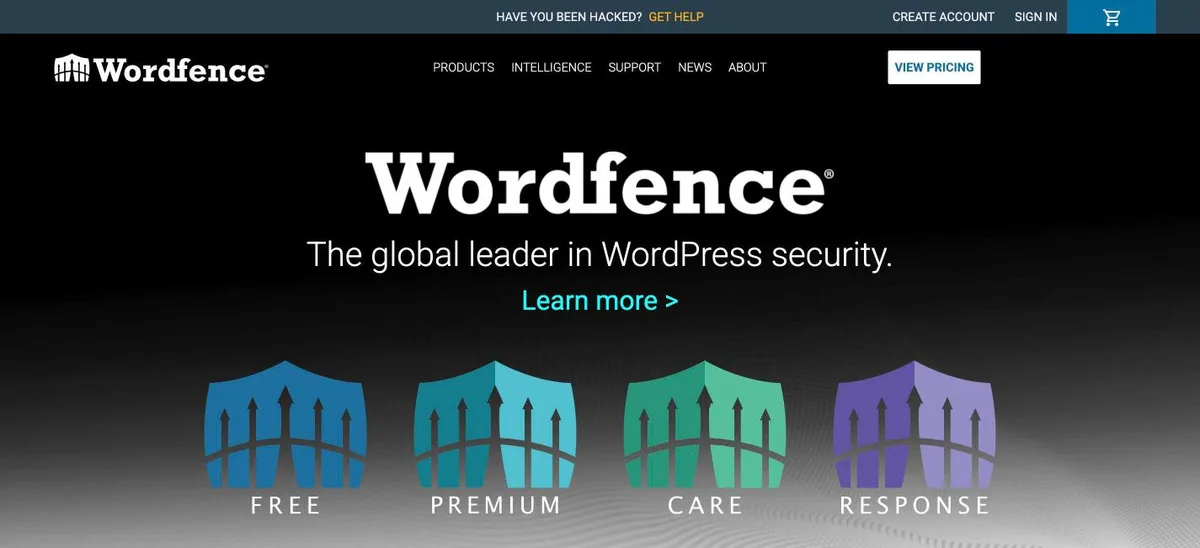
Wordfence homepage, captured Nov 2026.
Wordfence is a WordPress security plugin combining an endpoint firewall, malware scanner, brute-force protection and login security. Its free version includes two-factor authentication, login CAPTCHA and file integrity monitoring. WordPress.org reports 5 million+ active installations and a 4.7/5 rating from 5,055 reviews.
The trade off is that free users receive new firewall rules and malware signatures later than Premium customers, while real-time updates and country blocking require $149/year for 1 website. It suits businesses and publishers that want firewall protection and malware detection in a single plugin.
What we like
Firewall and malware scanning included free
Two-factor authentication and login protection
File integrity monitoring
Large WordPress.org user base
Premium adds real-time threat intelligence
Watch out for
Free firewall rules and signatures are delayed
Scans can consume hosting resources
Premium requires a license for each production installation
Expert malware cleanup is not included in Premium
Premium adds real-time firewall rules, malware signatures, IP blocking and country blocking.Visit wordfence.com
02
All-In-One Security
4.7/5on WordPress.org (1,721 reviews, checked Nov 2026)
Paid from$89/yr
Best for straightforward WordPress hardening
Active installs1M+
Free protectionFirewall, login lockdown, 2FA
Premium scanningWeekly malware scans
Paid upgradePersonal, $89/yr for 2 sites
teamupdraft.com
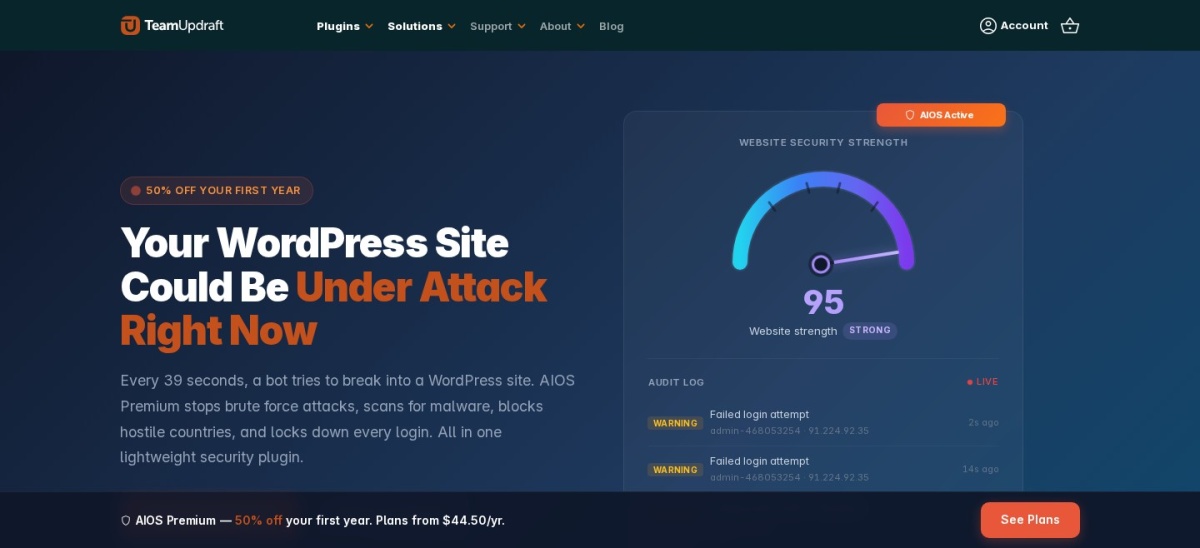
All-In-One Security homepage, captured Nov 2026.
All-In-One Security is a WordPress security and hardening plugin from TeamUpdraft, the developer behind UpdraftPlus. Its free version provides login lockdown, two-factor authentication, firewall rules, file change monitoring and security checks. WordPress.org reports 1 million+ active installations and a 4.7/5 rating from 1,721 reviews.
The trade off is that malware scanning, country blocking and uptime monitoring require the Personal plan at its regular $89/year renewal price after a $44.50 introductory offer. It suits beginners and smaller businesses that want structured security controls without a complicated administration interface.
Some hardening settings require careful configuration
Premium adds malware scanning, country blocking, uptime monitoring and enhanced login protection.Visit teamupdraft.com
03
MalCare
4.4/5on WordPress.org (561 reviews, checked Nov 2026)
Paid from$99/yr
Best for cloud-based malware scanning
Active installs100K+
Scanning methodCloud-based malware scanning
Malware cleanupRepair plan, $299/yr
Paid upgradeProtect, $99/yr for 1 site
malcare.com
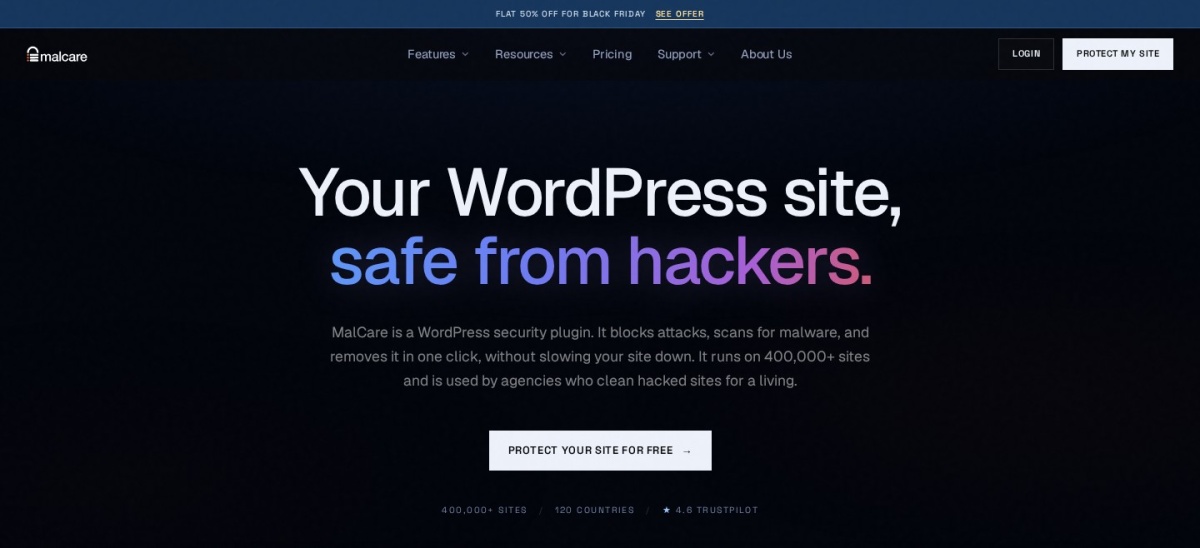
MalCare homepage, captured Nov 2026.
MalCare is a WordPress security service that performs malware scanning through its cloud infrastructure instead of relying entirely on the website's server. Its free plan provides basic scanning, firewall and bot protection features. WordPress.org reports 100,000+ active installations and a 4.4/5 rating from 561 reviews.
The trade off is that Protect costs $99/year and includes daily scanning and advanced firewall protection but not malware cleanup. Automated removal requires the $299/year Repair plan. It suits websites that want to reduce the server resources consumed by security scanning and prefer a cloud-managed approach.
What we like
Cloud scanning reduces work performed on the website server
Free scanning and basic protection available
Paid plans provide advanced firewall rules
Repair plan supports automated malware cleanup
Bot protection and vulnerability monitoring
Watch out for
Protect plan does not include malware cleanup
Repair costs substantially more than Protect
Cloud features depend on an external service
Some infection details and remediation features require payment
4.8/5on WordPress.org (335 reviews, checked Nov 2026)
Paid from$50/yr
Best for security audits and automated reporting
Active installs80K+
Free protectionFirewall, 2FA, security checks
Pro scanningScheduled malware and code scans
Paid upgradePro Basic, $50/yr for 1 site
wpmudev.com
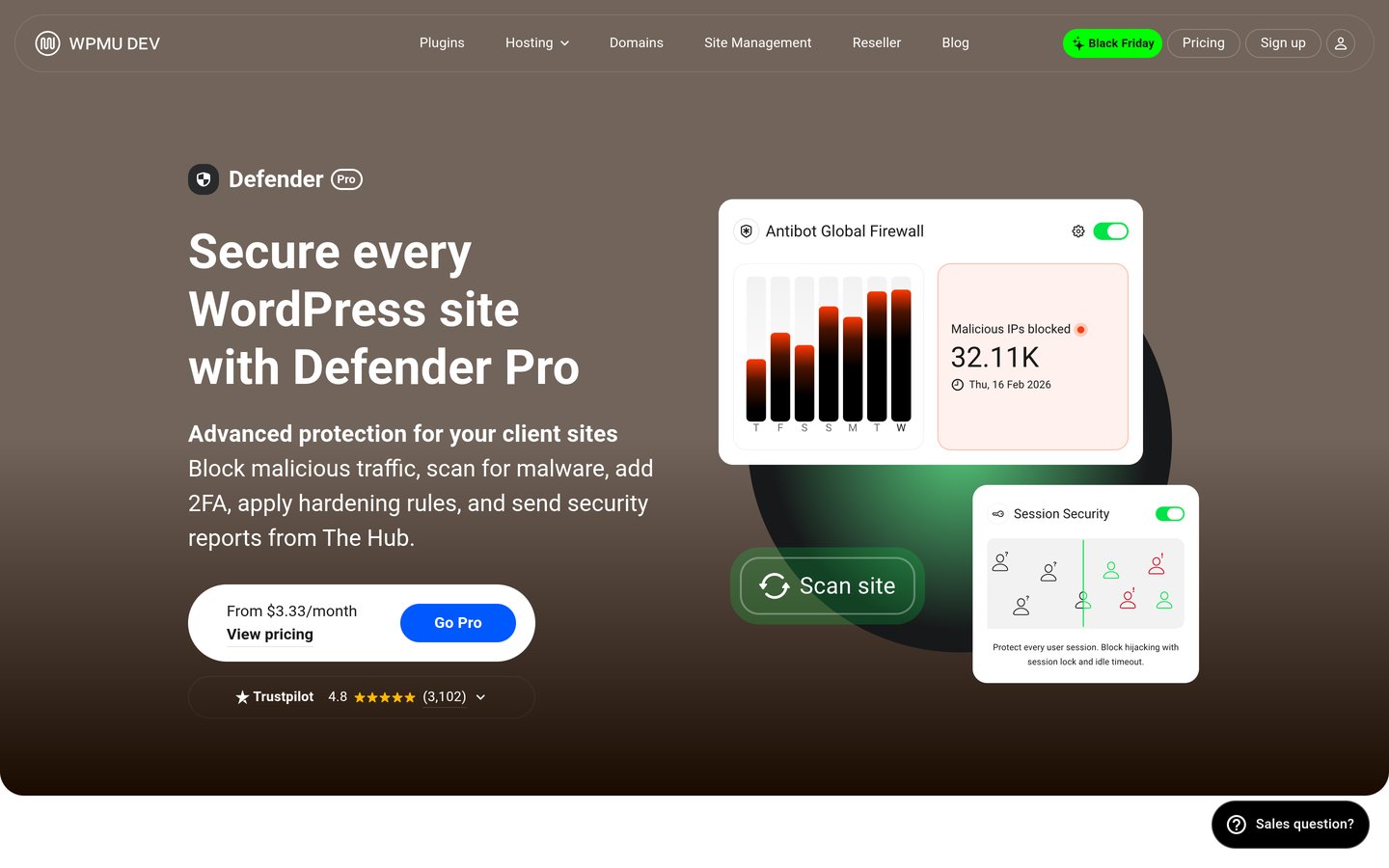
Defender Security homepage, captured Nov 2026.
Defender Security is a WordPress security plugin from WPMU DEV that combines firewall controls, login protection, vulnerability detection and security checks. Its free version provides site hardening, authentication protection and malware scanning tools. WordPress.org reports 80,000+ active installations and a 4.8/5 rating from 335 reviews.
The trade off is that scheduled malware scanning, automated reports and enhanced monitoring require Defender Pro Basic at $50/year for 1 website. It suits freelancers and website administrators who want repeatable security checks and reporting without purchasing a broader managed security platform.
What we like
Firewall and login security features
Two-factor authentication support
Security checks and vulnerability detection
Scheduled scanning available in Pro
Relatively affordable paid entry plan
Watch out for
Automated reporting requires Pro
Advanced monitoring features need payment
Entry license covers 1 website
Not a complete managed malware cleanup service
Pro Basic adds scheduled malware scanning, automated reports and Google blocklist monitoring.Visit wpmudev.com
05
Jetpack Protect
4.6/5on WordPress.org (123 reviews, checked Nov 2026)
Paid from$9.95/mo
Best for vulnerability monitoring
Active installs100K+
Free vulnerability checksDaily scans
Paid scanningDaily malware scans and one-click fixes
Paid upgradeJetpack Scan, $119.40/yr
jetpack.com
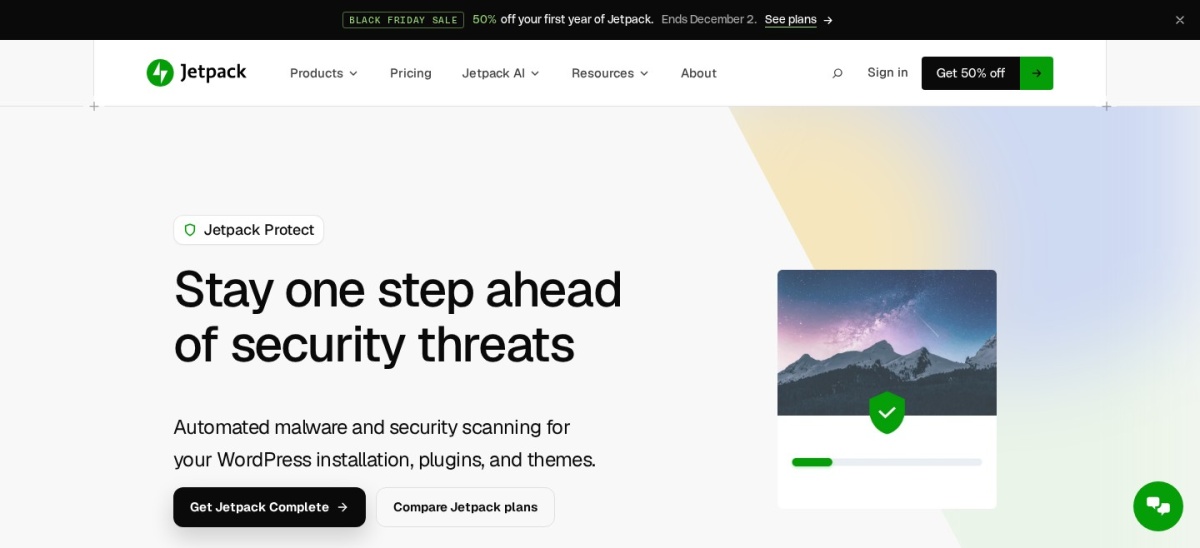
Jetpack Protect homepage, captured Nov 2026.
Jetpack Protect is a WordPress security plugin from Automattic that monitors known vulnerabilities in WordPress core, installed plugins and themes. Its free version includes daily vulnerability checks, brute-force login protection and downtime monitoring. WordPress.org reports 100,000+ active installations and a 4.6/5 rating from 123 reviews.
The trade off is that automated malware scanning, one-click fixes and the managed web application firewall require Jetpack Scan at the regular $9.95/month rate, billed annually, or $119.40/year. It suits website owners who prioritize vulnerability alerts and prefer cloud-connected security tools.
What we like
Free daily vulnerability monitoring
Checks WordPress core, themes and plugins
Brute-force login protection
Downtime monitoring available
Paid scanning runs through Jetpack infrastructure
Watch out for
Advanced malware scanning requires payment
Some functionality requires a WordPress.com connection
Paid Scan does not guarantee cleanup of existing infections
Jetpack Scan does not support WordPress multisite
Jetpack Scan adds malware scanning, a managed firewall, instant alerts and one-click fixes.Visit jetpack.com
06
CleanTalk Security
4.8/5on WordPress.org (398 reviews, checked Nov 2026)
Starts at$12/yr
Best low-cost security alternative
Active installs40K+
Security featuresFirewall, scanner, 2FA
Cloud servicePaid subscription required
Paid upgradeSecurity service, from $12/yr
cleantalk.org
CleanTalk Security homepage, captured Nov 2026.
CleanTalk Security is a WordPress security plugin providing a firewall, malware scanner, login protection, two-factor authentication and vulnerability checks. The plugin is free to install, but its security service requires a paid subscription after the trial period. WordPress.org reports 40,000+ active installations and a 4.8/5 rating from 398 reviews.
The trade off is that continued cloud security protection requires a subscription starting at $12/year rather than a permanent free service. It suits budget-conscious website owners who want firewall controls, malware detection and login security together without paying for a more expensive security suite.
What we like
Low annual subscription entry price
Firewall and brute-force login protection
Malware scanning with cleanup options
Two-factor authentication
Vulnerability scanning and activity monitoring
Watch out for
Cloud service requires payment after the trial
Smaller WordPress.org installation base than leading alternatives
Cloud-dependent functionality needs an active connection
Some cleanup actions may require administrator confirmation
The paid service enables ongoing cloud security protection, scanning and monitoring.Visit cleantalk.org
07
Sucuri Security
4.2/5on WordPress.org (386 reviews, checked Nov 2026)
Sucuri Security is a WordPress plugin offering security activity auditing, file integrity monitoring, remote malware scanning and hardening recommendations. Its free version helps administrators identify suspicious changes and security concerns. WordPress.org reports 600,000+ active installations and a 4.2/5 rating from 386 reviews.
The trade off is that the cloud firewall requires a paid Basic Firewall plan at $9.99/month, while the complete platform with expert malware cleanup starts at $229/year. It suits business websites that need network-level traffic filtering or professional assistance with malware incidents.
What we like
Free activity auditing and integrity monitoring
Cloud firewall available through a paid plan
Managed malware cleanup in the security platform
Monitoring and hardening recommendations
Established WordPress.org installation base
Watch out for
Free plugin does not include the cloud firewall
Firewall-only plan does not include expert cleanup
Complete security platform costs more than budget alternatives
Cloud firewall requires additional configuration
Basic Firewall adds cloud traffic filtering; the $229/year platform includes expert cleanup.Visit sucuri.net
Which Solid Security alternative should you choose?
Choose Wordfence when you want an endpoint firewall, malware scanner and login security in the same plugin. Its free version covers several important protections, while Premium provides faster threat intelligence updates.
Choose All-In-One Security when your main requirements are login protection, configuration hardening and straightforward firewall controls. Its entry paid plan also covers multiple websites.
Choose MalCare if server resource usage is a concern or you want cloud-based scanning. Review the Protect and Repair plans carefully because malware cleanup is not included in the cheapest paid tier.
Choose Defender Security for scheduled security checks and reporting, or Jetpack Protect if vulnerability monitoring is your priority. They differ in how much malware and firewall functionality their free versions provide.
Choose CleanTalk Security for a low-cost cloud-connected security service. Choose Sucuri Security if you need cloud firewall protection or want the option to purchase a complete platform with expert malware cleanup.
How to replace Solid Security safely
Changing WordPress security plugins requires planning because some settings can affect administrator access, firewall behavior and server configuration. Do not assume that security settings transfer automatically between different products.
Create a complete backup before making changes. Record existing two-factor authentication settings, login URL changes, IP restrictions, firewall configurations and any relevant security exclusions.
Review your replacement plugin's setup instructions before disabling the existing security system. Avoid running overlapping firewall or login-lockout features without confirming that they are compatible.
Keep an alternate administrator recovery method available during migration. Test the login page, account access, forms and checkout process after enabling the replacement.
After the switch, verify scheduled scans, security notifications and firewall activity. Confirm that the new plugin is receiving updates and that your website backup and recovery procedures still work.
How we chose
We reviewed established WordPress security plugins offering meaningful alternatives to Solid Security's login protection, hardening and vulnerability management. The shortlist covers endpoint firewalls, cloud scanning, malware detection, authentication, automated monitoring and managed cleanup services.
Prices, WordPress.org ratings, review counts, active installations and update histories were checked on 22 Nov 2026 using official plugin listings and vendor pricing pages. We used the cheapest regular paid plan, distinguished promotional offers from renewal prices and identified important features that require higher subscriptions.
We excluded plugins that were closed, outdated, lacked sufficient public adoption or did not have verifiable official pricing. BulletProof Security was excluded because its WordPress.org listing was closed, while products with inaccessible or dynamically unconfirmed pricing were omitted.
How to choose the best Solid Security alternative
Identify the security controls your website currently uses and the protection gaps you want to address before installing a replacement.
Decide which threats matter most. Review whether your priority is brute-force login protection, vulnerable plugins, malware detection or malicious traffic. Wordfence is suitable for combined firewall and malware protection, while Jetpack Protect focuses more directly on vulnerability monitoring in its free version.
Compare free protection with paid features. Check whether the free plugin actually includes the firewall, scanning frequency and authentication controls you require. MalCare, Sucuri and Jetpack reserve important functionality for paid plans. Avoid assuming that every plugin labeled as a security suite provides the same protections.
Plan the migration and recovery process. Back up the website and record current Solid Security settings before switching. Check login restrictions, administrator access, server-level firewall configurations and security notifications. Test the replacement carefully to avoid conflicting security rules or accidental administrator lockouts.
Evaluate ongoing cost and support. Compare regular subscription costs and website license limits. Decide whether you need automated scanning, expert malware cleanup or managed firewall support. A lower-cost plugin may be sufficient for routine protection, while business-critical websites may benefit from additional response services.
FAQ
What is the best alternative to Solid Security?
Wordfence is our top overall alternative because its free version includes an endpoint firewall, malware scanner, two-factor authentication and brute-force protection. It has more than 5 million active WordPress installations. All-In-One Security is a strong option for straightforward hardening, while MalCare emphasizes cloud-based malware scanning.
Is Wordfence better than Solid Security?
Wordfence may be a better fit when firewall protection and malware detection are your primary concerns. Solid Security emphasizes login security, authentication and WordPress hardening. The better choice depends on your existing hosting protections, required features and whether you need premium threat intelligence updates.
Which Solid Security alternative is best for beginners?
All-In-One Security is a practical starting point because it organizes login protection, firewall controls and hardening features into manageable settings. Its free version includes two-factor authentication and login lockdown. Defender Security is another option for administrators who prefer security checks and monitoring tools.
What is the cheapest Solid Security alternative?
CleanTalk Security has the lowest paid entry price in this comparison, starting at $12/year for its cloud security service. Defender Pro Basic costs $50/year, while All-In-One Security Personal renews at $89/year for 2 websites. Several alternatives also provide permanently free versions.
Which alternative offers the best malware scanning?
Wordfence includes an endpoint malware scanner in its free version, while MalCare emphasizes cloud-based scanning. Jetpack Scan also performs automated checks through external infrastructure. Compare scanning coverage, detection frequency and whether the service includes removal, because identifying malware is not the same as cleaning an infected website.
Does Sucuri offer free firewall protection?
The free Sucuri Security plugin includes auditing, remote scanning and file integrity monitoring, but not its cloud web application firewall. The paid Basic Firewall plan costs $9.99/month. The complete security platform, which includes professional malware cleanup, starts at $229/year.
Can I use Wordfence and Solid Security together?
Running multiple security plugins is possible in some configurations, but overlapping firewalls, login restrictions and authentication rules can cause conflicts. Review each plugin's documentation and disable duplicated features where necessary. For most websites, one properly configured primary security plugin is easier to manage.
Will removing Solid Security make my website vulnerable?
Removing a security plugin can leave protection gaps if its firewall, authentication or login restrictions are not replaced. Prepare a backup, document current settings and configure the replacement before completing the migration. Confirm that login protection, scanning and security alerts remain active afterward.
Do I need a paid WordPress security plugin?
Not always. Free versions of Wordfence, All-In-One Security and Defender provide useful security controls. Paid plans become more relevant when you need immediate firewall updates, scheduled advanced scanning, professional malware cleanup or additional support. Strong passwords, current software and reliable backups remain essential regardless of the plugin.