Patchstack Alternatives in 2026: 7 Best Tools Compared
WLWPLegible EditorsLast verified 22 Nov 2026How we rank12 min read
★ Short answer
Wordfence is our top Patchstack alternative for broader WordPress security, with 5 million+ active installs and Premium at $149/year. MalCare is better for cloud-based scanning and virtual patching, while Defender Security combines vulnerability detection, firewall protection and scheduled scans from $50/year.
How we make this list: we compare pricing pages, product documentation and public user reviews, then re-check every price before each update. No product paid for a place. Disclosure.
Wordfence has 5M+ active installs and a 4.7/5 rating from 5,055 reviews. Premium costs $149/year and delivers real-time firewall rules.
MalCare includes vulnerability scanning and virtual patching in Protect at $99/year. Malware cleanup requires the $299/year Repair plan.
Defender Security has 80K+ active installs and a 4.8/5 rating from 335 reviews. Pro Basic costs $50/year for one site.
Jetpack Protect checks vulnerabilities against a database of 60,000+ records. Jetpack Scan is advertised at $119.40/year.
All-In-One Security has 1M+ active installs and 1,721 reviews. Premium renews at $89/year for two sites.
CleanTalk Security costs $12/year for one website, while Sucuri's Basic Platform costs $229/year and includes managed malware removal.
What to look for in a Patchstack alternative
Patchstack focuses on identifying WordPress plugin and theme vulnerabilities and protecting sites against known exploits. Its vulnerability intelligence and virtual patching make it different from conventional security plugins that emphasize malware scanning, login protection and firewall rules.
The first feature to compare is vulnerability detection. A good replacement should identify known issues in installed plugins, themes and WordPress core, then explain which components need updating or other action.
Next, check whether the product offers virtual patching or broader firewall protection. A vulnerability alert tells you something is wrong, while an appropriate security rule may help block exploitation before the developer releases a fix. Not every firewall provides vulnerability-specific protection.
Malware scanning, login protection and backups are additional considerations. Wordfence, MalCare, Defender and Sucuri cover more general security tasks, but their free plans and paid remediation features differ.
Finally, compare pricing by website and the scope of protection. A low-cost plugin may provide useful alerts without managed cleanup, while premium platforms can include ongoing monitoring, firewall updates and incident response.
4.7/5on WordPress.org (5,055 reviews, checked Nov 2026)
Paid from$149/yr
Best Patchstack alternative overall
Free firewallEndpoint firewall
Malware scannerFree and Premium
Threat rulesReal-time with Premium
Paid license1 installation
wordfence.com
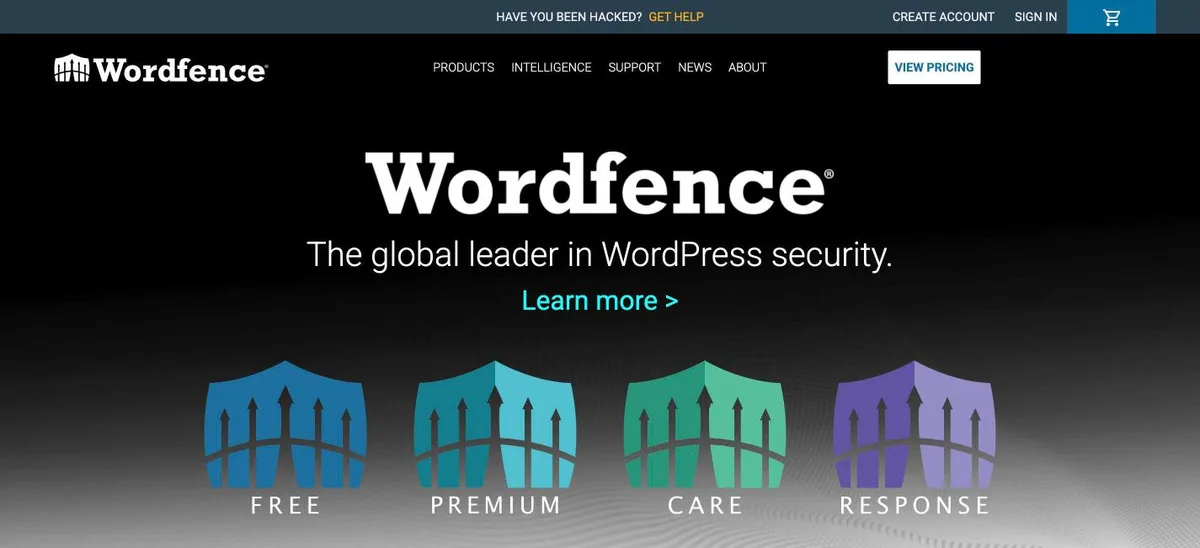
Wordfence homepage, captured Nov 2026.
Wordfence is a WordPress security plugin with more than 5 million active installs and a 4.7/5 rating from 5,055 reviews. Its free version includes an endpoint firewall, malware scanning, vulnerability detection, brute-force protection and two-factor authentication.
The trade off is that free users receive new firewall rules and malware signatures later than Premium subscribers. Premium costs $149/year for one installation and adds real-time threat intelligence, country blocking and an IP blocklist. It suits businesses that want vulnerability monitoring alongside general WordPress security.
What we like
Free firewall and malware scanner
Plugin and theme vulnerability detection
Free two-factor authentication and login protection
Scans can consume resources on smaller hosting plans
Premium requires a separate license per installation
Does not replace Patchstack's complete vulnerability intelligence service
Premium adds real-time firewall rules, malware signatures, IP blocking and priority support.Visit wordfence.com
02
MalCare
4.4/5on WordPress.org (561 reviews, checked Nov 2026)
Paid from$99/yr
Best for virtual patching and cloud scanning
Free scanningCloud-based
Virtual patchingProtect plan
Paid scan frequencyEvery 24 hours
Paid license1 site
malcare.com
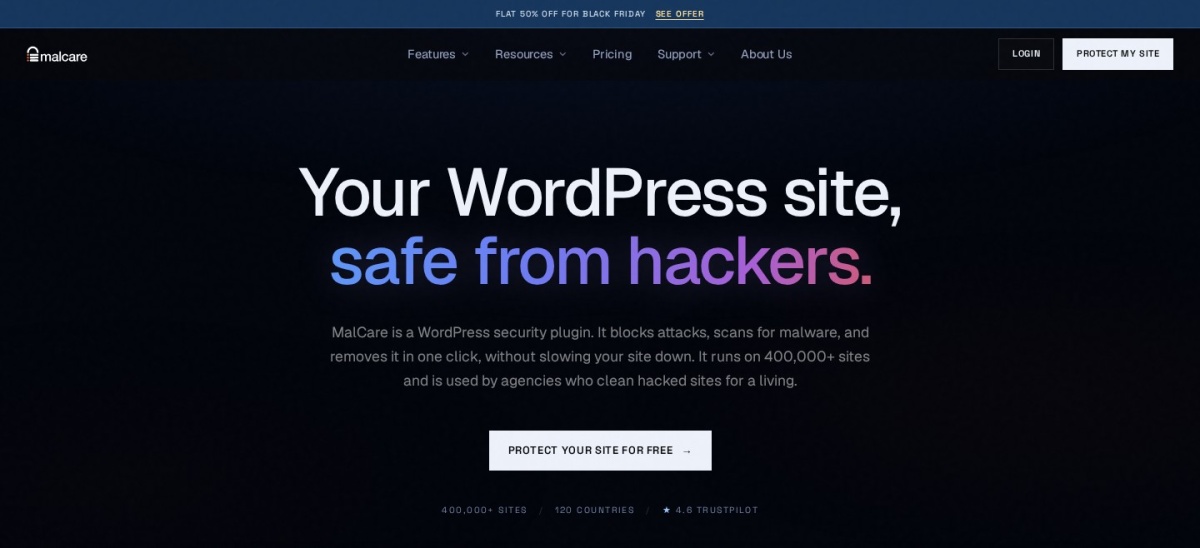
MalCare homepage, captured Nov 2026.
MalCare is a WordPress security platform with 100,000+ active installs and a 4.4/5 WordPress.org rating. Its free plan includes cloud-based malware scanning, a firewall and bot protection, while the paid Protect plan adds vulnerability-focused controls and virtual patching.
The trade off is that Protect costs $99/year without malware cleanup. The Repair plan costs $299/year and adds automated removal, while Protect includes daily scanning, advanced firewall rules and expert response within 48 hours. It suits website owners who prioritize proactive protection without running intensive scans on their hosting server.
What we like
Malware scans run on MalCare's infrastructure
Virtual patching included in Protect
Firewall, bot protection and vulnerability detection
4.8/5on WordPress.org (335 reviews, checked Nov 2026)
Paid from$50/yr
Best for affordable vulnerability protection
Free protectionFirewall and 2FA
Vulnerability detectionAvailable
Pro scanningScheduled
Paid license1 site
wpmudev.com
Defender Security homepage, captured Nov 2026.
Defender Security is a WordPress protection plugin from WPMU DEV with 80,000+ active installs and a 4.8/5 rating from 335 reviews. Its free version includes malware scanning, firewall controls, login security, two-factor authentication, vulnerability checks and security hardening.
The trade off is that automated reports, scheduled scans and additional monitoring features require Defender Pro. Pro Basic costs $50/year for one website and includes vulnerability detection, scheduled malware scanning, suspicious code scanning and blocklist monitoring. It suits smaller businesses wanting affordable security monitoring without a complex management interface.
What we like
Firewall and login protection in the free version
Vulnerability checks for WordPress components
Pro Basic costs $50/year
Scheduled malware scans and reports in Pro
Centralized site management through WPMU DEV
Watch out for
Advanced automation requires Pro
Does not offer Patchstack's specialized vulnerability research workflow
Additional sites require larger paid plans
Malware detection is not equivalent to guaranteed cleanup
Pro Basic adds scheduled malware scanning, automated reports and Google blocklist monitoring.Visit wpmudev.com
04
Jetpack Protect
4.6/5on WordPress.org (123 reviews, checked Nov 2026)
Paid from$119.40/yr
Best for straightforward vulnerability alerts
Threat databaseWPScan
Database records60,000+
Free vulnerability scanDaily
Paid upgradeJetpack Scan
jetpack.com
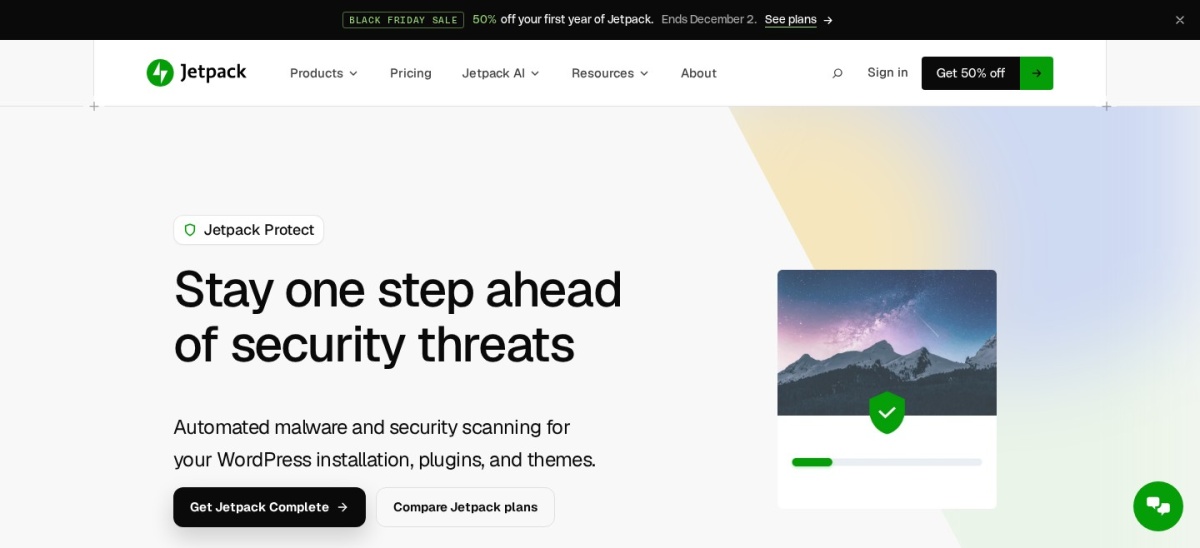
Jetpack Protect homepage, captured Nov 2026.
Jetpack Protect is a WordPress vulnerability monitoring plugin from Automattic with 100,000+ active installs and a 4.6/5 rating from 123 reviews. Its free version checks installed WordPress components against WPScan's database of more than 60,000 vulnerabilities and provides downtime alerts.
The trade off is that free protection focuses on detecting problems rather than resolving every threat. Jetpack Scan is advertised at $119.40/year and adds automated malware scanning, a web application firewall and one-click fixes for supported issues. It suits website owners who want uncomplicated vulnerability notifications and optional malware protection.
What we like
Free daily vulnerability scanning
Uses the WPScan vulnerability database
Downtime alerts included
Paid scanning runs on external infrastructure
Jetpack Scan adds firewall protection and guided fixes
Watch out for
Free version is primarily an alerting tool
Malware scanning and broader protection require payment
Requires a WordPress.com account connection
No full remediation guarantee for previously infected sites
Jetpack Scan adds daily malware scanning, a firewall, threat notifications and one-click fixes.Visit jetpack.com
05
All-In-One Security
4.7/5on WordPress.org (1,721 reviews, checked Nov 2026)
Paid from$89/yr
Best for login protection and security hardening
Free login protection2FA and lockouts
Free firewallRule-based
Premium malware scannerIncluded
Paid license2 sites
teamupdraft.com
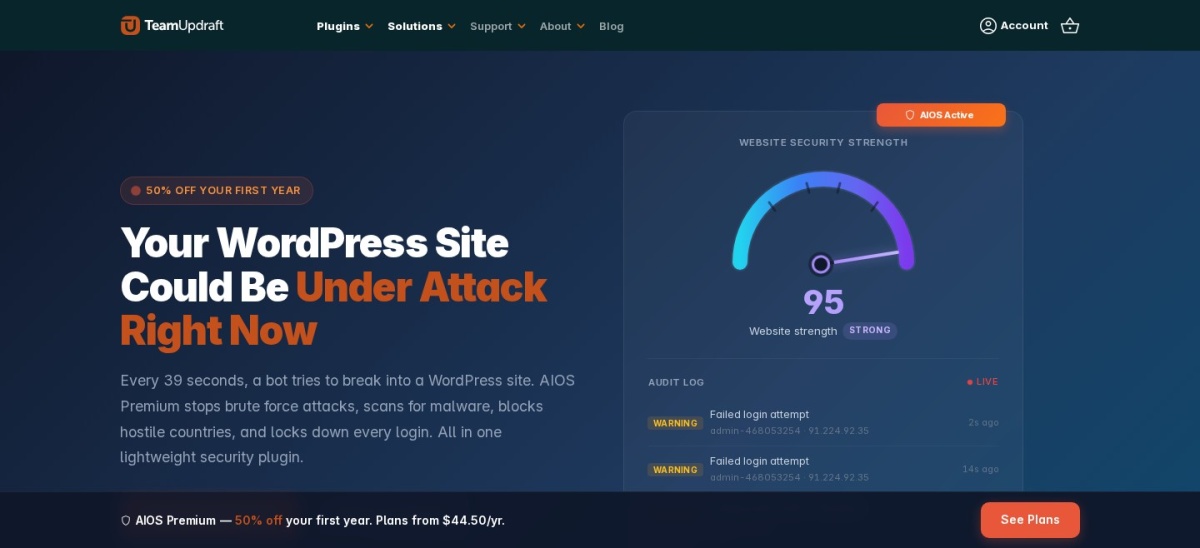
All-In-One Security homepage, captured Nov 2026.
All-In-One Security is a WordPress security plugin from TeamUpdraft with more than 1 million active installs and a 4.7/5 rating from 1,721 reviews. Its free version includes two-factor authentication, login lockouts, firewall rules, user security checks, file change detection and activity logging.
The trade off is that it emphasizes general security hardening rather than Patchstack-style virtual patching. Premium renews at $89/year for two sites, following a $44.50 introductory price, and adds malware scanning, geoblocking and uptime monitoring. It suits bloggers and smaller businesses that want accessible security controls.
4.8/5on WordPress.org (398 reviews, checked Nov 2026)
Paid from$12/yr
Best low-cost security subscription
Cloud securitySubscription-based
Malware scanningDaily
FirewallApplication and IP rules
Paid license1 website
cleantalk.org
CleanTalk Security homepage, captured Nov 2026.
CleanTalk Security is a WordPress security plugin with 40,000+ active installs and a 4.8/5 rating from 398 reviews. Its plugin provides firewall controls, brute-force protection, two-factor authentication, malware scanning and vulnerability checks, with its cloud security service supporting ongoing protection.
The trade off is that the full cloud security service requires a subscription, and professional malware cleanup is billed separately. The service costs $12/year for one website, while expert malware cleaning is listed at $149. It suits budget-conscious site owners wanting broader security tools without a premium-priced subscription.
What we like
Low annual subscription cost
Firewall and brute-force protection
Plugin and theme vulnerability scanning
Daily malware scans
Audit logging and traffic monitoring
Watch out for
Cloud security service requires payment
Expert malware cleanup costs extra
Less specialized in virtual patching than Patchstack
Requires ongoing management of security alerts
The paid cloud service provides ongoing firewall intelligence, malware monitoring and security support.Visit cleantalk.org
07
Sucuri Security
4.2/5on WordPress.org (386 reviews, checked Nov 2026)
Paid from$229/yr
Best for managed malware removal
Free monitoringIntegrity and audit logs
Remote scannerSiteCheck
Premium firewallCloud-based
Paid license1 website
sucuri.net
Sucuri Security homepage, captured Nov 2026.
Sucuri Security is a WordPress security plugin with 600,000+ active installs and a 4.2/5 rating from 386 reviews. Its free version provides security activity auditing, file integrity monitoring, remote malware scanning, blocklist monitoring and security hardening recommendations.
The trade off is that its cloud firewall and managed malware removal belong to the paid Website Security Platform. Basic Platform costs $229/year for one website and includes ongoing security monitoring and cleanup services. It suits businesses that prioritize managed incident response rather than only receiving vulnerability notifications.
Remote scanning cannot inspect every hidden server file
Not primarily a plugin vulnerability research platform
Basic Platform adds cloud firewall protection, monitoring and professional malware removal.Visit sucuri.net
Virtual patching vs. vulnerability scanning: what matters?
Vulnerability scanning identifies known security weaknesses in installed software. A scanner compares WordPress core, plugins and themes against vulnerability intelligence and reports components that need attention.
Virtual patching takes a different approach. It applies protective rules intended to block exploitation of a known vulnerability without changing the vulnerable plugin's original code.
Patchstack specializes in this vulnerability-focused protection model. MalCare also advertises virtual patching in its Protect plan, while Wordfence and other firewall products use security rules to block malicious requests.
A virtual patch is a temporary protective measure, not a substitute for fixing the underlying vulnerability. Install official security updates when available, remove unsupported extensions and maintain recoverable backups.
The right alternative depends on whether your priority is early vulnerability intelligence, exploit prevention, malware detection or professional recovery. These functions overlap but are not interchangeable.
Should you combine Patchstack with another security plugin?
Patchstack can complement security products that focus on other attack surfaces. For example, vulnerability monitoring can work alongside login protection, malware scanning and hosting-level firewall controls.
However, running several WordPress security plugins can cause overlapping firewall rules, duplicate alerts, authentication conflicts and additional server load. More plugins do not automatically mean better protection.
Before combining products, review their documentation and identify which tool handles each responsibility. Avoid enabling duplicate features without confirming compatibility.
Keep WordPress, plugins and themes updated, use strong authentication and maintain independent backups. Even a comprehensive security plugin cannot eliminate every security risk.
How we chose
We selected established WordPress security tools that overlap with Patchstack's vulnerability detection, exploit prevention and website protection features. The shortlist includes vulnerability scanners, endpoint firewalls, cloud-based scanning services and managed cleanup platforms.
We checked WordPress.org ratings, review totals, active installs and maintenance status on 22 Nov 2026. We also opened vendor pricing pages to compare published paid plans and distinguish regular prices from promotional offers, introductory rates and separately charged malware removal services.
We excluded closed or outdated plugins, products with insufficient adoption evidence and services without verifiable published pricing. We also distinguished vulnerability alerts from virtual patching and full incident remediation.
How to choose the best Patchstack alternative
Identify which security responsibilities Patchstack currently handles, then compare the available alternatives based on protection scope and operating costs.
Prioritize vulnerability detection or exploit prevention. Choose a product with clear plugin and theme vulnerability monitoring if identifying outdated components is your main goal. For protection before an official fix, look specifically for virtual patching or suitable real-time firewall rules.
Decide whether you need malware scanning and cleanup. Wordfence and Defender include scanning features, while MalCare and Sucuri offer expanded malware protection services. Check whether each paid plan detects malware, removes it automatically or provides professional cleanup.
Compare the complete annual security budget. Include licenses, additional websites, cleanup services, backups and monitoring. CleanTalk offers an inexpensive security subscription, while premium services charge more for broader protection and response capabilities.
Check compatibility and recovery procedures. Review your hosting firewall, existing security plugins and backup arrangements before installing another product. Configure alerts, test authentication settings and keep a recovery method available in case a security rule blocks legitimate access.
FAQ
What is the best alternative to Patchstack?
Wordfence is our top alternative for users who want comprehensive WordPress security alongside vulnerability detection. Its free version includes a firewall, malware scanner and login protection, while Premium costs $149/year. MalCare is a closer fit when virtual patching and cloud-based scanning are priorities.
Is there a free alternative to Patchstack?
Yes. Wordfence, Defender Security, Jetpack Protect and All-In-One Security offer useful free security features. Jetpack Protect is particularly relevant for vulnerability alerts, while Wordfence provides broader firewall and malware protection. Free plans differ in how quickly they receive threat updates and whether they can block exploitation.
Which Patchstack alternative offers virtual patching?
MalCare explicitly includes virtual patching in its $99/year Protect plan. Wordfence Premium provides real-time firewall rules designed to block known attack patterns, although that is not identical to Patchstack's vulnerability-specific virtual patching. Compare which vulnerabilities are covered and how quickly protections become available.
Is Wordfence better than Patchstack?
Wordfence may be better when you need an endpoint firewall, malware scanning and login security within one plugin. Patchstack is more specialized in vulnerability intelligence and virtual patching. Neither product is universally better because their strongest capabilities address different security needs.
Can Jetpack Protect replace Patchstack?
Jetpack Protect can replace part of Patchstack's vulnerability monitoring functionality by checking WordPress components against the WPScan database. Its free version primarily reports known risks. Broader malware scanning and firewall protection require Jetpack Scan, and its protective approach differs from Patchstack's virtual patching.
What is the cheapest paid Patchstack alternative?
CleanTalk Security is the least expensive paid option in this comparison, at $12/year for one website. It includes cloud-supported firewall protection, malware scanning and vulnerability checks. However, expert malware cleanup costs extra, and its protection model is not identical to Patchstack's.
Does a vulnerability scanner remove malware?
Not necessarily. Vulnerability scanners identify weaknesses in WordPress components, while malware scanners look for suspicious or malicious code. Some security products provide both functions, but malware cleanup may require a separate plan. MalCare, for example, reserves cleanup for Repair and higher tiers.
Can I use Patchstack and Wordfence together?
Potentially, because their vulnerability protection and general security capabilities can complement each other. However, overlapping firewall features may create conflicts or duplicate alerts. Review current compatibility guidance, determine which product controls each security function and test the configuration before relying on it for a production website.
Is virtual patching enough to secure WordPress?
No. Virtual patching can reduce exposure to certain known exploits, but it does not fix vulnerable code or replace routine maintenance. Install official updates, remove abandoned plugins, protect administrator accounts, maintain backups and monitor for malware. Virtual patching should complement these security practices.