Toby is the best of the workona alternatives for most people, with visual collections that replace the new tab page and a free plan for 60 saved tabs. Pick Shift if you want a full workspace browser with unlimited Spaces, or OneTab if you want a free one-click tab saver.
How we make this list: we compare pricing pages, product documentation and public user reviews, then re-check every price before each update. No product paid for a place. Disclosure.
Toby is the closest visual match to Workona, with collections in shared Spaces and a free plan for 60 saved tabs.
Shift is the only full workspace browser here, with unlimited Spaces on Advanced at $199.99 a year.
Rambox has the highest rating in this list at 4.7 out of 5 on G2, and Pro costs $7 a month.
OneTab, Session Buddy, Sidebery, Tablerone and Tab Manager Plus are all free, but only Sidebery gives real workspace panels.
Chrome Web Store ratings for older extensions fell in October 2026 when the store started weighting recent reviews more heavily.
How do you pick the right workona alternatives for your workflow?
Workona is a workspace for tabs, so the first question is what part of it you actually miss. Some people need shared collections, others need crash recovery, and a few just need the tab bar to stop overflowing.
Browser support decides most picks before price does. Sidebery is Firefox only, Tablerone and Tab Manager Plus are Chrome first, and only the workspace browsers run the same setup on every machine.
Free plans differ more than prices do. Toby stops at 60 saved tabs, Shift stops at 5 Spaces, and Wavebox stops at 2 groups, while OneTab and Session Buddy cost nothing at all.
Sync is the quiet dividing line. Toby, Shift, Rambox and Wavebox keep your setup in the cloud, while Session Buddy and Tablerone keep everything on one computer unless you export it yourself.
3.5/5on Chrome Web Store (3,299 reviews, checked Nov 2026)
Paid from$4.50/mo
Best visual tab collections
Free saved tabs60 tabs
Paid planProductivity, $4.50/mo
SyncYes, across browsers
Team sharingYes, shared Spaces
gettoby.com
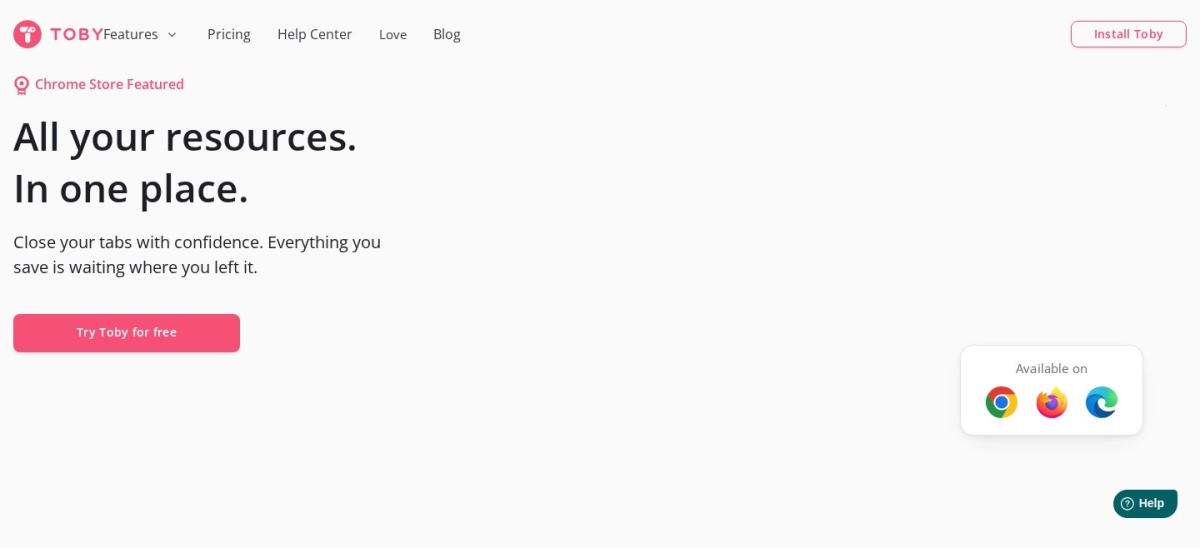
Toby homepage, captured Nov 2026.
Toby is a tab manager that replaces the new tab page with visual collections of saved tabs, grouped into Spaces for each project or team. The free Starter plan covers 60 saved tabs with unlimited members, and a saved collection reopens with one click.
The trade off is the 60-tab ceiling on the free plan, which heavy savers hit fast, and an account is mandatory. Productivity costs $4.50 a member a month billed yearly. It suits people who think in boards and want shared collections.
What we like
Visual collections that mirror Workona Spaces
One-click session restore, with Chrome tab groups kept
Sync across browsers and shared Spaces for teams
Free plan covers unlimited members
Watch out for
Free plan caps at 60 saved tabs
Account is mandatory, collections live in the cloud
Recent reviews complain about the paywall and login
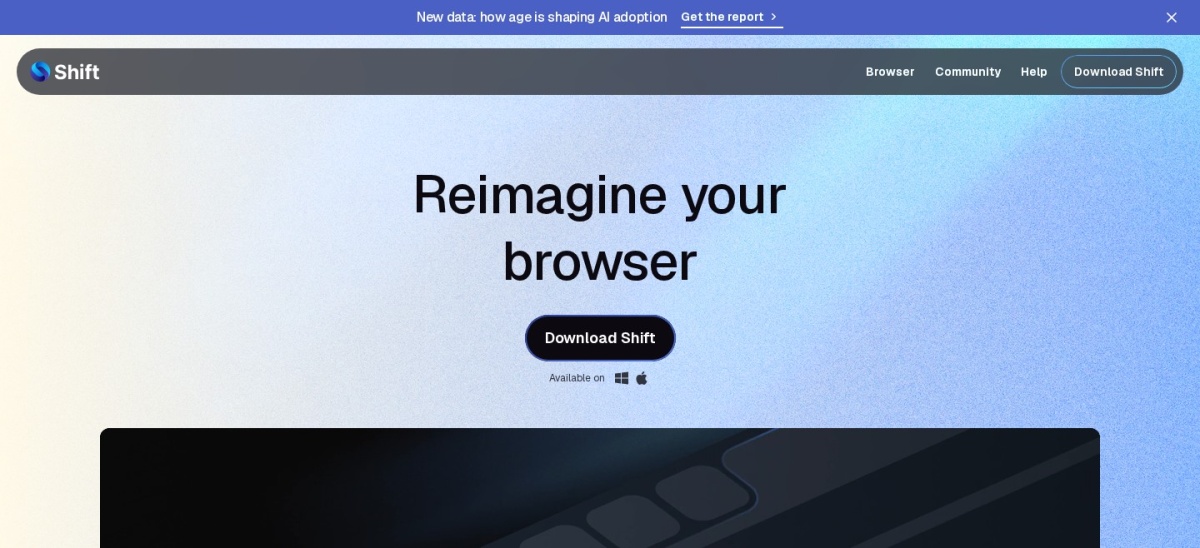
Shift is a desktop browser that pulls Gmail, Outlook, Slack and more than 1,500 web apps into one window, with Spaces that keep each client or project separate. The free plan covers 5 Spaces with 10 apps in each, plus limited Shift AI.
The trade off is price. Advanced costs $199.99 a year for unlimited Spaces and apps, the highest price in this list, and recent reviewers note price rises. It suits freelancers and agencies who manage many client accounts in one window.
What we like
1,500-plus apps in one window
Spaces keep client accounts separate
Multi-login without logging out and back in
Free plan to try before paying
Watch out for
Most expensive plan here at $199.99 a year
Free plan caps at 5 Spaces and 10 apps each
Wraps web apps, so no native mail engine
Windows and Mac only
Advanced adds unlimited Spaces and priority supportVisit shift.com
03
Rambox
4.7/5on G2 (85 reviews, checked Nov 2026)
Paid from$7.00/mo
Best value workspace app
Free planBasic, 700+ apps
Paid planPro, $7.00/mo
WorkspacesPro only
Lifetime Pro$210 one-time
rambox.app
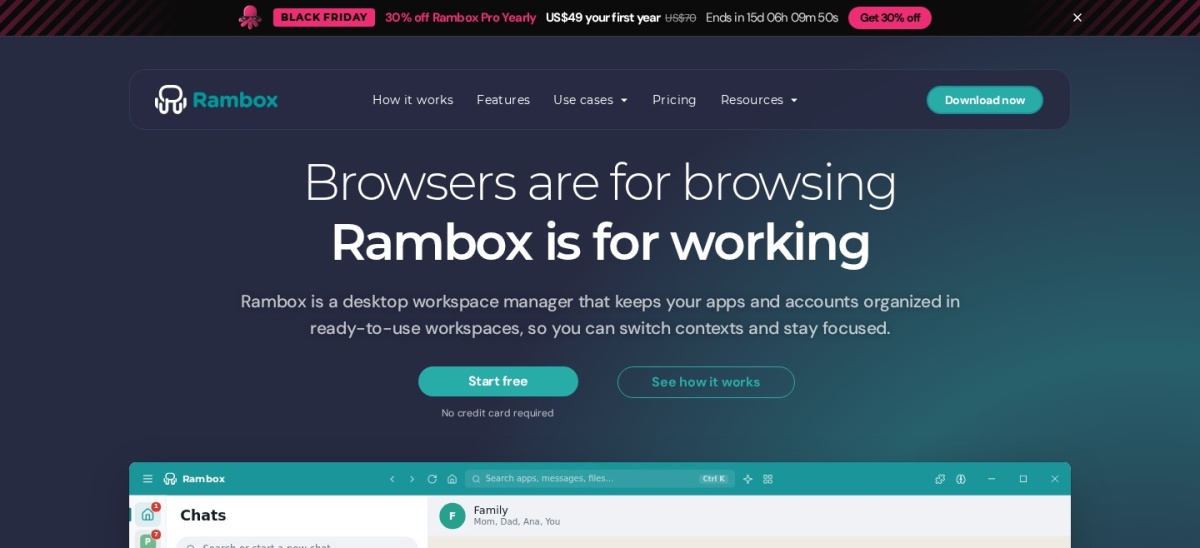
Rambox homepage, captured Nov 2026.
Rambox is a desktop workspace app that runs Gmail, Outlook, Slack and 700-plus other web apps inside one window, with workspaces, sessions and multi-login. It is rated 4.7 out of 5 on G2 from 85 reviews, the highest rating in this list, and Pro costs $7 a month or $70 a year.
The trade off is that Rambox is a wrapper, not a browser. It runs web apps in panels, so it cannot replace Chrome for general browsing, and workspaces need Pro. It suits people who live in web apps and want one window for them all.
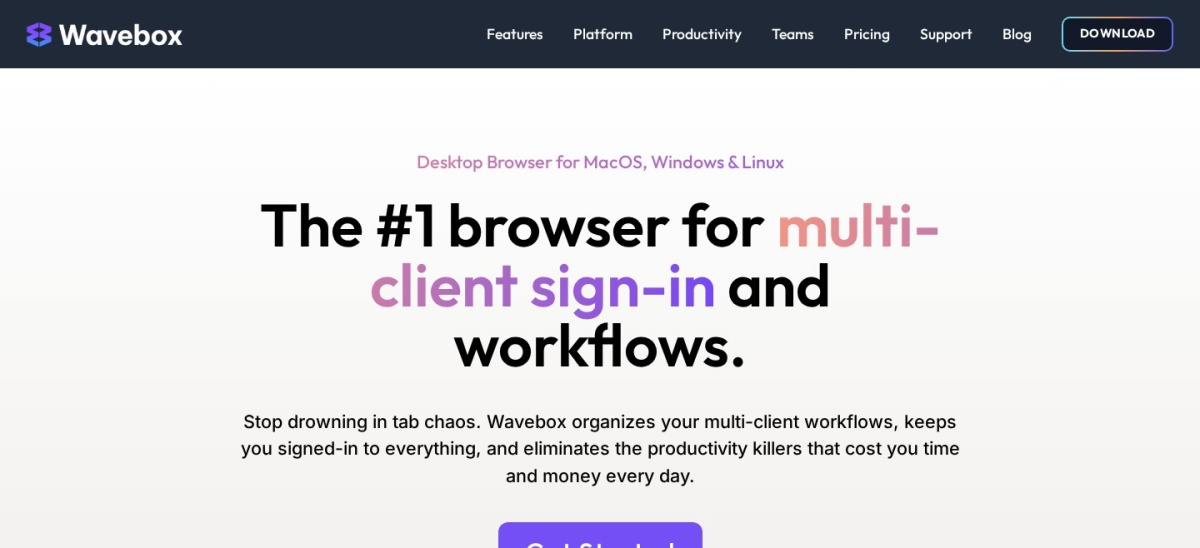
Wavebox is a desktop browser built around web apps, with several Gmail, Slack or Teams accounts signed in side by side, each with its own unread badge. Pro costs $8.33 a month billed annually, and groups keep each client's apps in its own space.
The trade off is the free plan, which covers only 2 groups with 2 apps in each, so most people outgrow it on the first day. It suits multi-client workers who juggle the same apps under different logins.
3.8/5on Chrome Web Store (14,631 reviews, checked Nov 2026)
Paid from$7/yr
Best free one-click tab saver
Free planYes, unlimited tabs
Paid add-onBackup & Sync, $7/yr
Users2,000,000
Memory savingUp to 95%, per vendor
one-tab.com
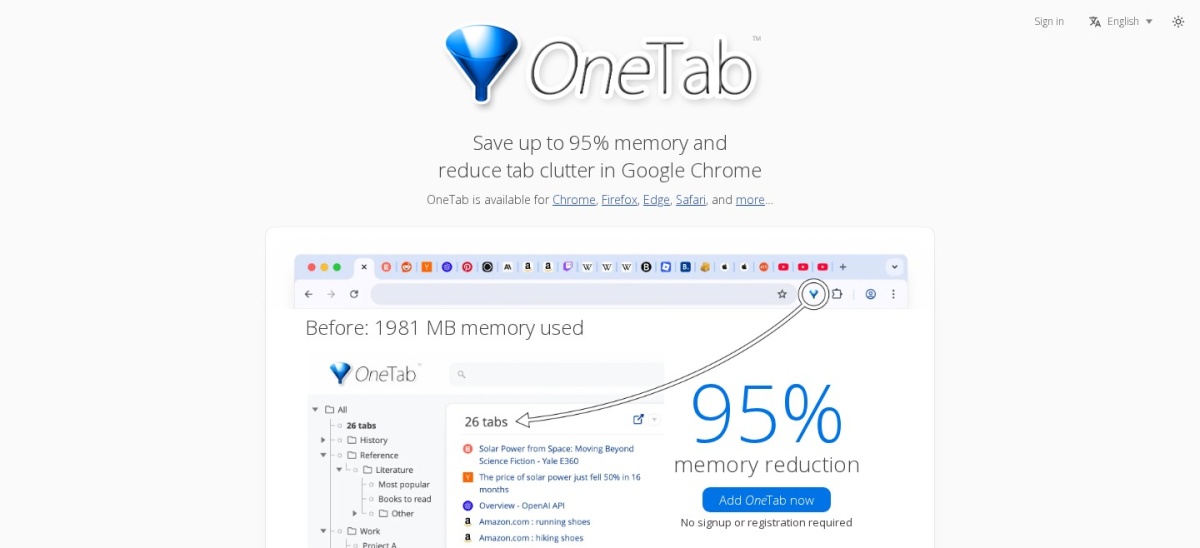
OneTab homepage, captured Nov 2026.
OneTab is the simplest free tab saver: one click sends every open tab into a single list, freeing memory at once, and each list restores with one click. It has 2 million users on the Chrome Web Store, and version 2 added folders, search and a paid encrypted Backup & Sync.
The trade off is scope. OneTab collapses tabs into lists but has no workspaces, no Spaces and no team sharing. It suits anyone who wants a fast, free way to clear a crowded window without learning a new system.
3.3/5on Chrome Web Store (25,138 reviews, checked Nov 2026)
PriceFree
Best free crash recovery
Free planYes, everything free
Automatic backupsYes, scheduled
SyncNo, local only
Users1,000,000
sessionbuddy.com
Session Buddy homepage, captured Nov 2026.
Session Buddy is a free Chrome extension that saves open windows as named sessions and backs them up on a schedule, so a crash or restart never loses open tabs. It has about 1 million users, and every feature is free with no account and no ads.
The trade off is trust and reach. Recent reviews report sessions lost after Chrome updates, the store rating has fallen to 3.3, and everything stays on one computer with no sync. It suits one-computer users who want free session insurance.
4.7/5on Firefox Add-ons (1,079 reviews, checked Nov 2026)
PriceFree
Best workspaces for Firefox
Free planYes, open source
Tab treesYes, nested panels
SnapshotsYes, save windows
BrowsersFirefox only
addons.mozilla.org
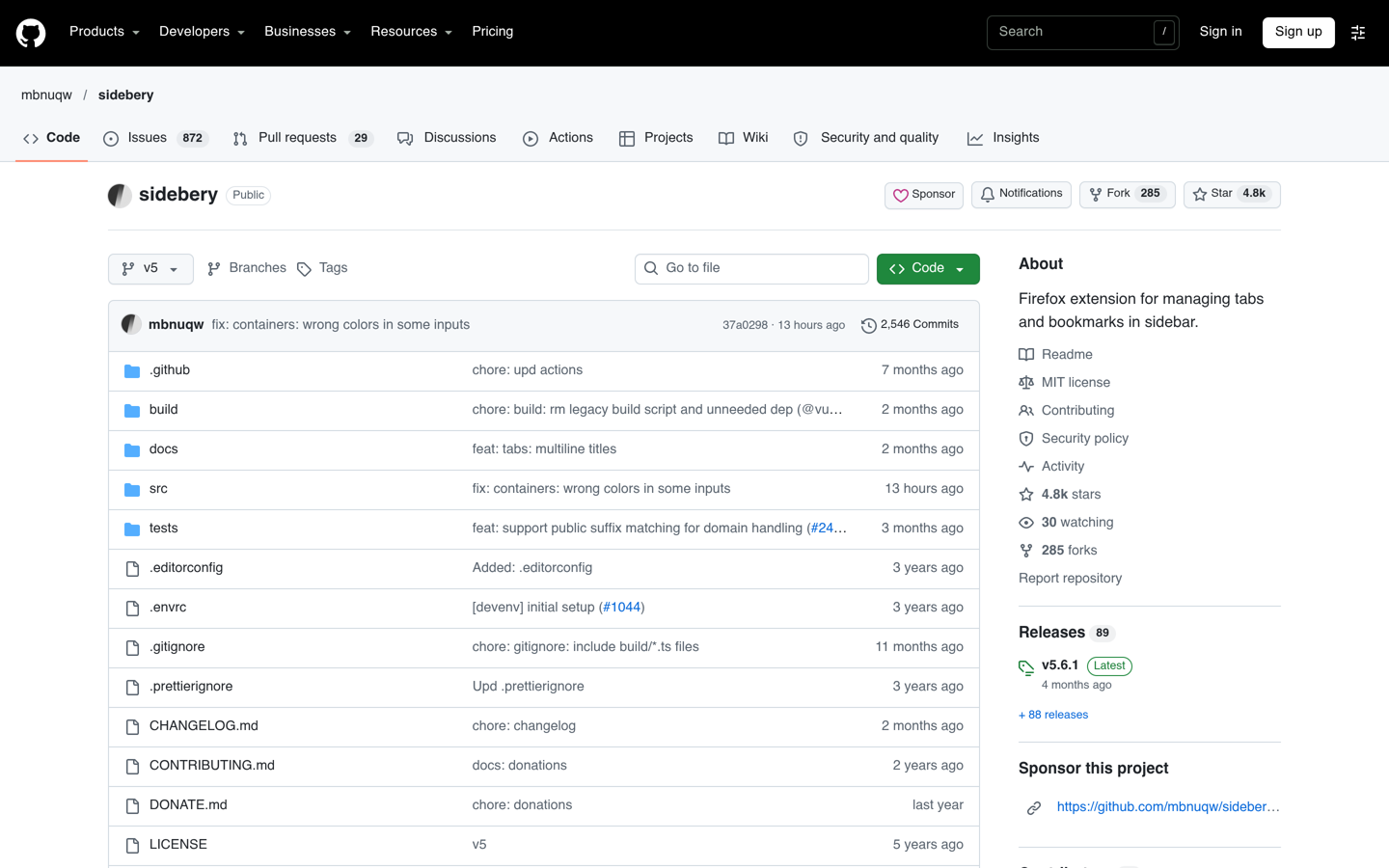
Sidebery homepage, captured Nov 2026.
Sidebery is a free, open-source Firefox add-on that turns tabs into vertical panels with tree-style nesting, bookmarks and history in one sidebar. Panels work like workspaces, and snapshots save windows, panels and tabs for later.
The trade off is reach. Sidebery runs on Firefox only, and hiding the native tab bar takes extra steps. It suits Firefox users who want the closest thing to Workona panels without leaving their browser.
4.2/5on Chrome Web Store (1,074 reviews, checked Nov 2026)
PriceFree
Best free visual sessions
Free planYes, donationware
Screenshot previewsYes
WorkspacesSaved sessions
AccountNone needed
tabler.one
Tablerone homepage, captured Nov 2026.
Tablerone is a free Chrome extension that saves tabs with a screenshot preview, so you find them by how they looked, and lets you add tags and notes. It has about 20,000 users and a 4.2 rating from 1,074 ratings, with no account and no paid tier.
The trade off is polish. Reviewers mention lag, slow opening and occasional crashes, and it runs on Chrome only. It suits Chrome users who want visual saved sessions without signing up for anything.
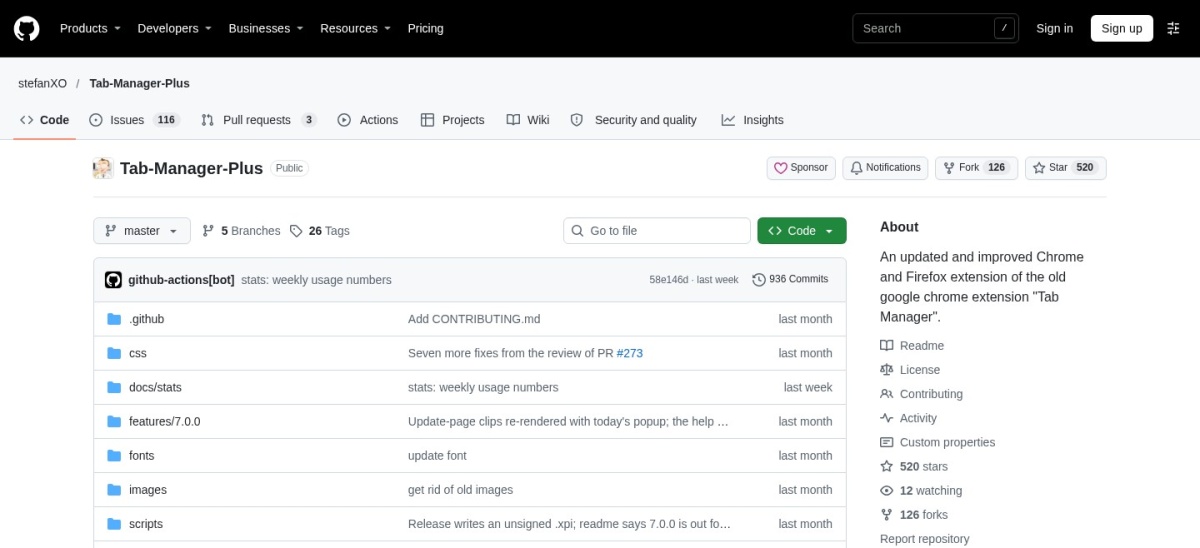
4.5/5on Chrome Web Store (1,100 reviews, checked Nov 2026)
PriceFree
Best keyboard-first tab search
Free planYes, open source
Keyboard searchYes, type to filter
Duplicate finderYes
Saved windowsYes, exportable
stefanxo.com
Tab Manager Plus homepage, captured Nov 2026.
Tab Manager Plus is a free, open-source Chrome extension that shows every window and tab in one view and finds any tab the moment you type. It highlights duplicates, limits tabs per window and saves windows to restore later, with 200,000 users.
The trade off is that it manages open tabs rather than replacing Workona workspaces. It has no Spaces, no sync and no sharing, and version 7.0.0 shipped in October 2026 after a quiet spell. It suits keyboard users with many windows open at once.
What we like
Instant keyboard search across windows
Duplicate highlighting that keeps the last-used tab
Workona keeps workspaces in the cloud, so the same setup follows you to any computer. Most free tools here keep everything on one machine instead.
Workona also plugs into Google Drive, Asana and Slack, which none of the free extensions match. If your projects live in those apps, Toby or Shift cover the gap better than a saver.
The free Workona plan caps at 5 spaces, with Pro from about $7 a month billed annually. That is the number to beat: Toby costs less, Shift costs far more, and the free tools cost nothing but give up the cloud.
How we chose
We started from every tool named in recent Workona comparisons, then kept the nine with a public rating and a live homepage or store listing on 29 November 2026.
Prices come from each vendor's pricing page, checked on 29 November 2026. Ratings and review counts come from G2, the Chrome Web Store or Firefox Add-ons on the same day. Where a vendor shows a sale, the list shows the regular price.
We left out SupaSidebar, which has no public rating, Amazing Tabs, with only 4 store ratings, and Cluster, which Google removed from the Chrome Web Store. No vendor paid for a place, and we do not claim to have used these tools ourselves.
How to choose a Workona alternative
Start with your browser, then match the tool to the job you actually do.
Check your browser first. Firefox users should start with Sidebery, since most of this list is Chrome first. Chrome and Edge users can pick any tool here.
Decide if you need shared workspaces. Toby, Shift, Rambox and Wavebox keep setups in the cloud and share them. The free savers keep everything on one computer.
Set your free-plan limit. Toby stops at 60 saved tabs and Shift at 5 Spaces, while OneTab and Session Buddy cost nothing. Count your open tabs before you commit.
Try the free plan for a week. Save a real project, close the browser, then reopen it. If the tabs come back cleanly, the tool earns the paid plan.
FAQ
What is the best Workona alternative?
Toby is the best Workona alternative for most people. Its visual collections and shared Spaces match Workona most closely, with a free plan for 60 saved tabs and Productivity at $4.50 a member a month billed yearly.
What is the best free alternative to Workona?
OneTab is the best free alternative if you only need to clear tabs fast, and Session Buddy is the best free pick for crash recovery. Neither gives you Workona-style workspaces, so Firefox users should look at Sidebery instead.
How much does a Workona alternative cost?
Five tools here are free, and paid plans run from $7 a year for OneTab sync to $199.99 a year for Shift Advanced. Toby costs $54 a year, Rambox $84 a year, and Wavebox about $100 a year when billed annually.
Which Workona alternative is best for small teams?
Toby is the best pick for small teams, with shared Spaces, unlimited members on the free plan and team billing at $8 a member a month. Shift fits teams that also want a shared workspace browser, but Advanced costs $199.99 a year.
Is there a Workona alternative for Firefox?
Sidebery is the best Workona alternative for Firefox. Its panels work like workspaces with tree-style tabs, snapshots and bookmarks, and it is free and open source. OneTab also runs on Firefox, but only as a tab saver.
Toby vs Shift: which is better?
Toby is better for most people, since it is cheaper at $54 a year and its collections match Workona more closely. Shift is better if you want a full workspace browser that also holds your email and web apps, and can justify $199.99 a year.
SaaS SEO and WordPress specialist with about 8 years of experience. Rakib compares WordPress plugins, themes, hosting and software using public pricing, documentation and user reviews. See how we rank.