Notion is the best Workflowy alternative for most people, with a free plan and Plus at $10 a member a month, plus databases Workflowy lacks. Dynalist is the closest outliner match at $7.99 a month, while Todoist suits daily task lists with Pro at $5 a month.
How we make this list: we compare pricing pages, product documentation and public user reviews, then re-check every price before each update. No product paid for a place. Disclosure.
Notion leads the list at $10 a member a month, with nested pages, databases and team sharing in one workspace.
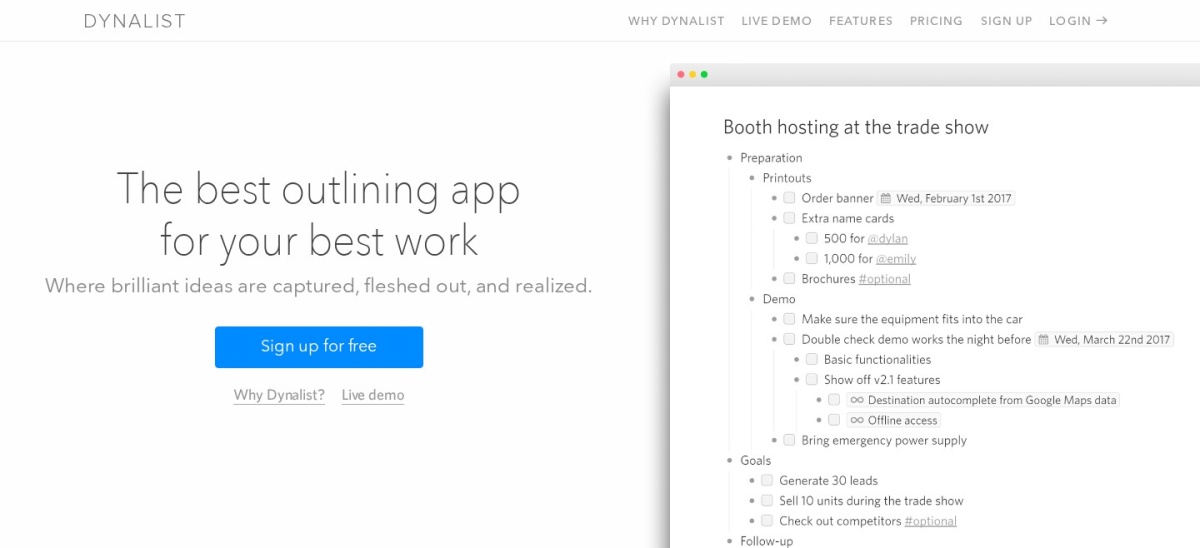
Dynalist is the closest Workflowy match: infinite nested outlines, free unlimited items, Pro at $7.99 a month.
Obsidian is free and local-first, with paid Sync at $4 a month for multi-device use.
Todoist is the fastest task list here, with Pro at $5 a month billed yearly.
Roam costs $19.50 a month after its November 2026 pricing change, the most expensive pick in this list.
How do you choose the best Workflowy alternative?
Workflowy is a simple outliner, so the best replacement depends on what you miss most. People who want richer pages move to Notion, people who want their files local move to Obsidian or Logseq, and people who mostly manage tasks move to Todoist.
Price spreads are wide in this list. Paid plans run from $4 a month for Obsidian Sync to $19.50 a month for Roam, while OneNote costs nothing at all and seven other tools have usable free plans.
Sync and ownership matter more than extra features. Local-first tools keep your notes as files on your device, while cloud tools sync everywhere but lock you into a subscription to reach your own notes.
Teams need sharing and permissions that solo outliners do not. Our guide on collaborating in WordPress shows the same trade-off: a shared workspace helps a team, but it adds setup a solo user never needs.
Notion is an all-in-one workspace where notes, databases, tasks and wikis live in the same pages. The free plan covers solo use with unlimited pages, and Plus at $10 per member a month billed yearly adds unlimited collaborative blocks, 30 days of page history and 5 GB file uploads.
The trade off is structure. Notion is a blank canvas, so building an outliner that behaves like Workflowy takes setup, and large workspaces can feel slow. It suits people who want notes, tasks and team docs in one place rather than a pure list app.
Dynalist is a dedicated outliner built around infinite nested bullets, due dates and tags. The free plan includes unlimited documents and items, with 5 bookmarks, while Pro adds Google Calendar integration, file attachments and version history.
The trade off is thin collaboration and no databases. Pro costs $7.99 a month billed yearly ($9.99 monthly), and sharing is simpler than in Notion. It suits people who think in outlines and want the closest Workflowy feel with more power.
What we like
Closest Workflowy-style outlining in this list
Fast, with keyboard shortcuts throughout
Free plan has unlimited items and documents
Works on web, desktop and mobile
Watch out for
Collaboration is basic
No databases or backlinks graph
Pro is per person with no team tier
Pro adds calendar sync, attachments and version historyVisit dynalist.io
03
Obsidian
4.5/5on G2 (14 reviews, checked Nov 2026)
Paid from$4/mo
Best for local-first linked notes
Free planYes, core app free
Paid planSync, $4/user/mo
File formatLocal Markdown
OfflineYes, fully local
obsidian.md
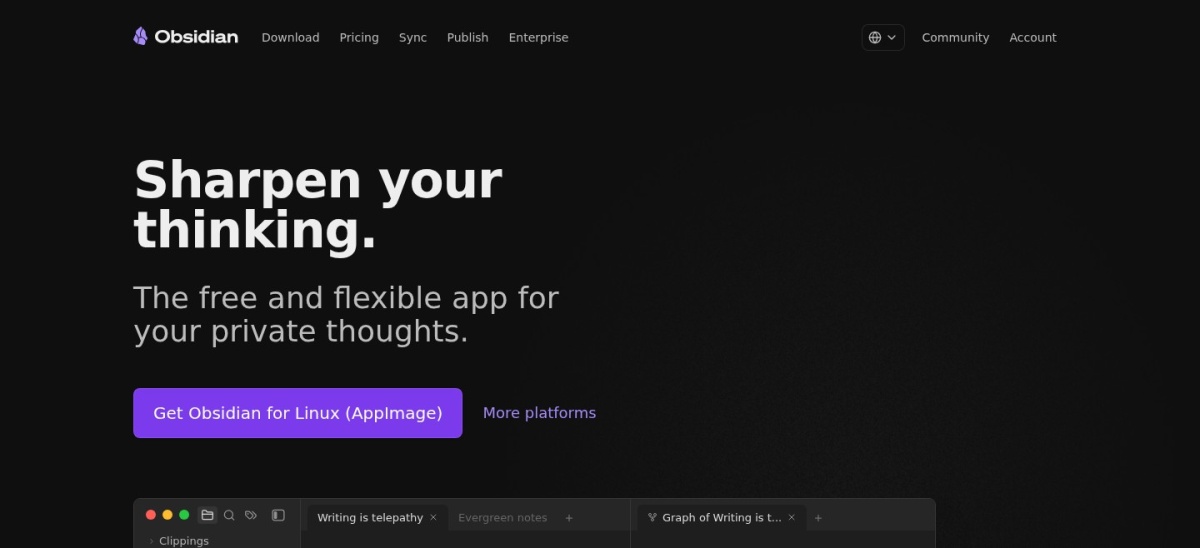
Obsidian homepage, captured Nov 2026.
Obsidian is a local-first notes app that stores every note as a plain Markdown file on your device. The core app is free with no sign-up, and includes links, backlinks, a graph view and a large community plugin library. Obsidian Sync starts at $4 per user a month billed yearly.
The trade off is collaboration. Real-time shared editing is not built in, and Sync is almost required once notes live on two devices. It suits people who want to own their files and build a linked knowledge base over years.
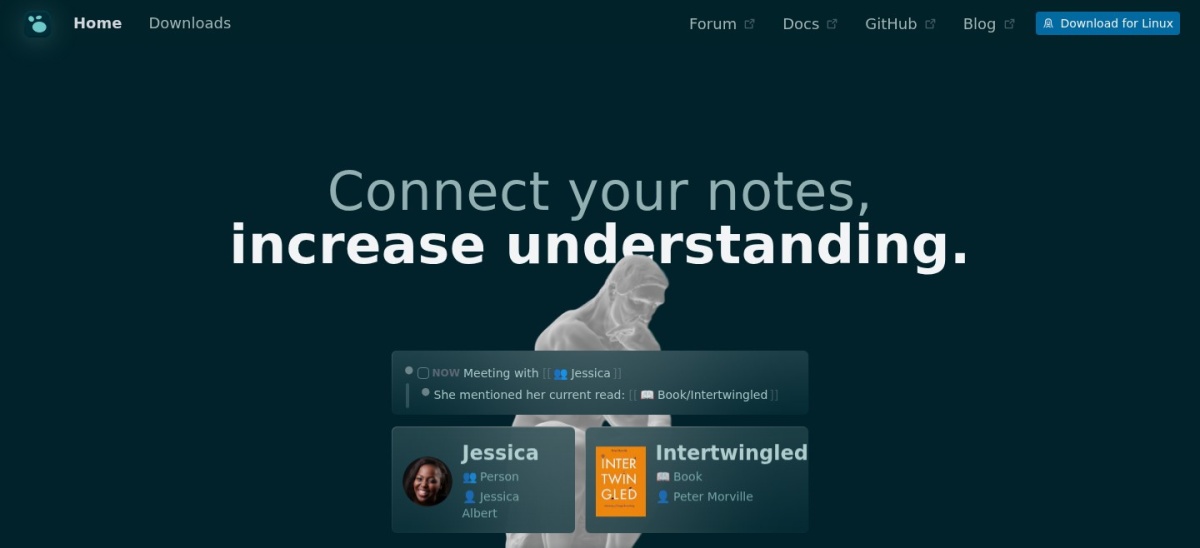
Logseq is a free, open-source outliner that stores notes as plain Markdown files on your device. It works in bullets by default, with daily journal pages, bidirectional links, backlinks and a graph view, and it reads the same files as other Markdown apps.
The trade off is polish. The mobile apps lag behind desktop, Sync costs $5 a month, and the newer database version is still in beta. It suits people who want Workflowy-style outlining with local files they control.
Todoist is a to-do list app built around fast capture and natural language dates, so typing a task with a date creates a dated task. The free Beginner plan covers 5 personal projects, list and board layouts, 3 filter views and reminders.
The trade off is depth. Todoist organises tasks, not long notes, so outlines and research need a second app. Pro costs $5 a month billed yearly ($60 a year). It suits people who plan each day around a task list.
Amplenote is a note app that combines rapid capture, long-form notes, inline tasks and calendar scheduling. Its free Personal plan covers notes and tasks, while Pro adds native desktop apps, a graph view and calendar sync.
The trade off is a small review base and a dated interface. Pro costs $5.84 a month billed yearly, and tasks must live inside notes. It suits people who plan their day from their notes and want tasks beside the text.
Evernote is a note-taking app built for capture, with a web clipper, document scanning and search that reads text inside PDFs and photos. The free plan allows 50 notes, 1 notebook and 1 device, while Starter at $8.25 a month billed yearly lifts that to 1,000 notes, 20 notebooks and 3 devices.
The trade off is the ceiling. Starter stops at 1,000 notes, so a large archive needs Advanced at $249.99 a year, and plan names and prices have changed often. It suits people with years of clipped articles and scanned documents to search.
Microsoft OneNote is a free digital notebook that works on Windows, Mac, iPad, Android and the web. It offers unlimited notebooks and pages, handwriting and ink, audio notes, a web clipper and sync through OneDrive, all for $0 with a free Microsoft account.
The trade off is structure. OneNote is a freeform canvas, not an outliner, so nested lists take manual effort and search is weaker than Evernote. Microsoft 365 Personal at $99.99 a year adds the Office apps and Copilot. It suits people who already live in Microsoft 365.
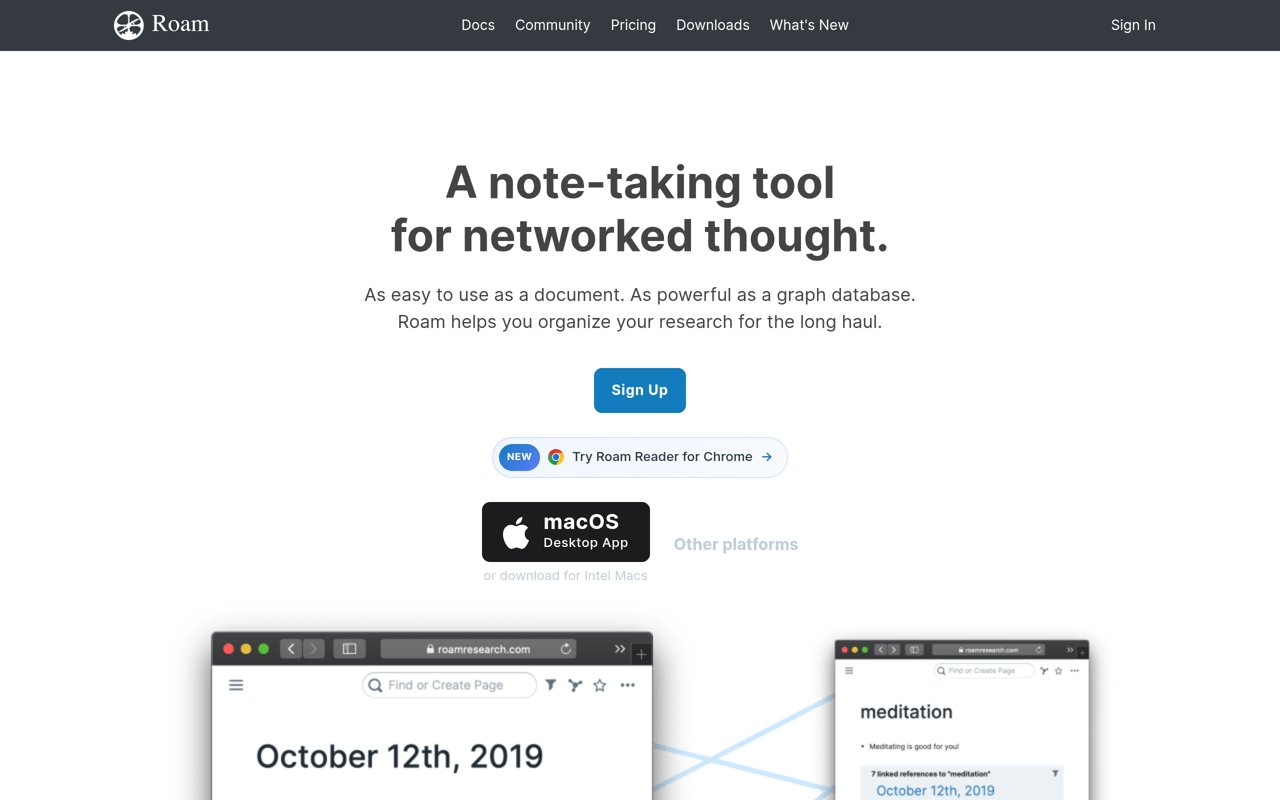
Roam Research is the original networked-thought outliner, where every bullet is a block that can be linked, embedded and referenced from anywhere. Daily notes, bidirectional links and a graph view turn a research log into a web of connected ideas, and it is rated 4.9 out of 5 on G2.
The trade off is price. The old $15 a month Pro plan was removed in November 2026, and the Virtual Office Platform now costs $19.50 per active member a month, with a basic free tier. It suits researchers who already think in linked blocks and daily notes.
Free plans cover the basics well. OneNote costs nothing at all, and Notion, Obsidian, Todoist, Evernote, Logseq and Dynalist all offer a usable free tier.
Paid plans mostly add sync, history and room. Obsidian Sync at $4 a month and Logseq Sync at $5 a month buy multi-device sync, while Notion Plus at $10 a month adds longer history and bigger uploads.
Roam is the exception. Its free tier is basic, and the paid plan at $19.50 a month is the only way into the full platform, so the free tier works as a trial rather than a home.
For most people, the free plan of the right tool is enough for months. Pay only when you hit a limit you can name, such as device sync or a note cap.
How we chose
We started from the tools G2 lists as Workflowy alternatives and the outliners most often named beside it, then kept nine with a public rating, a review count we could verify, and a price we could verify.
Prices come from each vendor's pricing page or a November 2026 pricing check of that page, checked on 29 November 2026. Ratings and review counts come from G2 or Capterra on the same day. Where a vendor shows a sale, the list shows the regular price.
We left out tools with no verifiable rating on G2, Capterra or Trustpilot, including newer outliners with too few public reviews. No vendor paid for a place, and we do not claim to have used these tools ourselves.
How to choose a Workflowy alternative
Start with the job your lists do, then match the tool to it.
Decide what you actually outline. Lists of tasks point to Todoist, long notes point to Obsidian or Logseq, and team docs point to Notion.
Check the free plan first. OneNote costs nothing, Roam's free tier is basic, and Notion, Obsidian and Logseq all have usable free plans.
Work out the real yearly cost. Monthly prices hide the gap: Obsidian Sync is $48 a year while Roam is $234, and per-member prices multiply for teams.
Test the move with one list. Copy a single Workflowy outline into your top pick and live in it for a week before moving the rest.
FAQ
What is the best free alternative to Workflowy?
Logseq is the best free Workflowy alternative for outlining, because it works in bullets by default, stores notes as local Markdown files and costs nothing. Obsidian is the next best free pick for linked notes, and Dynalist suits quick lists with unlimited free items.
How much do Workflowy alternatives cost?
Most cost $0 to $10 a month. Obsidian Sync is $4 a month billed yearly, Todoist Pro and Logseq Sync are $5, and Notion Plus is $10. Roam is the most expensive at $19.50 a month, while OneNote is free.
Is there a Workflowy alternative with a free plan?
Yes, all nine tools in this list have a free plan or tier. OneNote is free with no paid plan needed for notes, while Notion, Obsidian, Todoist, Evernote, Logseq, Dynalist and Amplenote all offer a usable free tier.
Which Workflowy alternative is best for beginners?
Dynalist is the easiest start for pure outlining, because it works like Workflowy with almost no setup. Notion is the next step up for people who want one workspace for notes, tasks and team docs.
Is Notion or Dynalist better than Workflowy?
Notion is better for teams and people who want notes, tasks and databases in one workspace, while Dynalist is better for people who want the closest Workflowy feel with calendar sync and attachments. Both are free to start.
Is Todoist a good Workflowy alternative?
Yes, for task lists. Todoist is G2's top-rated Workflowy alternative at 4.5 out of 5, with fast capture and natural language dates. It is weaker for long notes and research, where Obsidian or Logseq fit better.
SaaS SEO and WordPress specialist with about 8 years of experience. Rakib compares WordPress plugins, themes, hosting and software using public pricing, documentation and user reviews. See how we rank.