Zapier is the best workflow automation software for dental practices for most offices, with a free plan and paid plans from 20 dollars a month. Weave is the best dental-built option for phones, texting and reminders, while Make is the cheapest way to run complex workflows.
How we make this list: we compare pricing pages, product documentation and public user reviews, then re-check every price before each update. No product paid for a place. Disclosure.
Zapier is the best all-round pick: the easiest builder, 9,000+ apps, a free plan, and Professional from $19.99 a month.
Weave is the only dental-built tool here, with phones, texting, reminders and payments from $199 a month per location.
Make is the cheapest way to run complex workflows, with Core at $16 a month for 10,000 credits.
NexHealth has the highest G2 rating here at 4.8, but pricing is by quote from about $350 a month.
Paid plans across the list run from $15 to $350 a month, and the dental-built tools cost far more than the general automation tools.
How do you choose workflow automation software for a dental practice?
A dental front desk runs on repeatable jobs. Appointment reminders, recall messages, new-patient forms and review requests happen hundreds of times a month, and each one is a workflow a tool can run.
Dental-built tools and general tools solve different problems. Weave, NexHealth and Solutionreach connect to the practice management system and handle patient messages, while Zapier, Make and n8n connect everything else.
Price follows volume, not features. Automation tools charge by tasks, credits or executions, so a practice sending 500 reminders a week pays far more than one sending 50.
Patient data stays protected. Any tool touching patient records must sign a HIPAA business associate agreement, and self-hosted options keep the data on the practice's own servers.
The 9 best workflow automation software for dental practices
01
Zapier
4.5/5on G2 (2,088 reviews, checked Nov 2026)
Paid from$19.99/mo
Best workflow automation software for dental practices overall
Free plan100 tasks a month
Cheapest paidProfessional, $19.99/mo
Apps connected9,000+
Dental appsDentrix, Eaglesoft
zapier.com
Zapier homepage, captured Nov 2026.
Zapier is the easiest workflow automation tool for a dental practice with no IT staff. The free plan covers 100 tasks a month, and Professional starts at $19.99 a month billed annually for 750 tasks. It connects to more than 9,000 apps, including Dentrix, Eaglesoft, Google Calendar and Slack, so new-patient forms, reminders and reviews can run without manual work.
The trade off is cost per task. Every successful step uses a task, so a busy practice running several flows a day can outgrow 750 tasks fast. It suits practices that want the widest app library and the simplest builder, and that keep their automations focused.
Weave is the dental-built front-office platform in this list, covering phones, texting, reminders and payments in one system. There is no free plan, and pricing starts at $199 a month per location. It includes Call Pop, missed-call texts, Text to Pay, online scheduling add-ons and review requests, all synced with the practice management system.
The trade off is price and add-ons. The $199 base plan covers phones and texting, while scheduling and review bundles cost $149 a month each, and setup adds about $750. It suits practices that want one system for the whole front desk and can justify the monthly bill.
What we like
Built for dental front offices
Phones, texting, reminders and payments in one bill
Make is the best-value automation builder for a practice that wants complex workflows on a small budget. The free plan covers 1,000 credits a month, and Core starts at $16 a month for 10,000 credits. Its visual builder handles branching, filters and error handling that Zapier reserves for higher tiers, and it connects to more than 1,000 apps.
The trade off is the learning curve. Make's builder is more powerful than Zapier's but takes longer to learn, and credits expire at the end of each term. It suits practices with a tech-savvy team member who can build multi-step flows for recalls, forms and follow-ups.
What we like
Cheapest way to run complex flows
Free plan covers 1,000 credits a month
Branching and error handling included
Watch out for
Steeper learning curve than Zapier
Credits expire each term
Pro adds priority runs and full-text log searchVisit make.com
04
NexHealth
4.8/5on G2 (106 reviews, checked Nov 2026)
Starts at$350/mo
Best for online booking and live schedule sync
Free planNo
Cheapest paidBy quote, from $350/mo
PMS syncReal-time, 2-way
Online bookingYes, live schedule
nexhealth.com
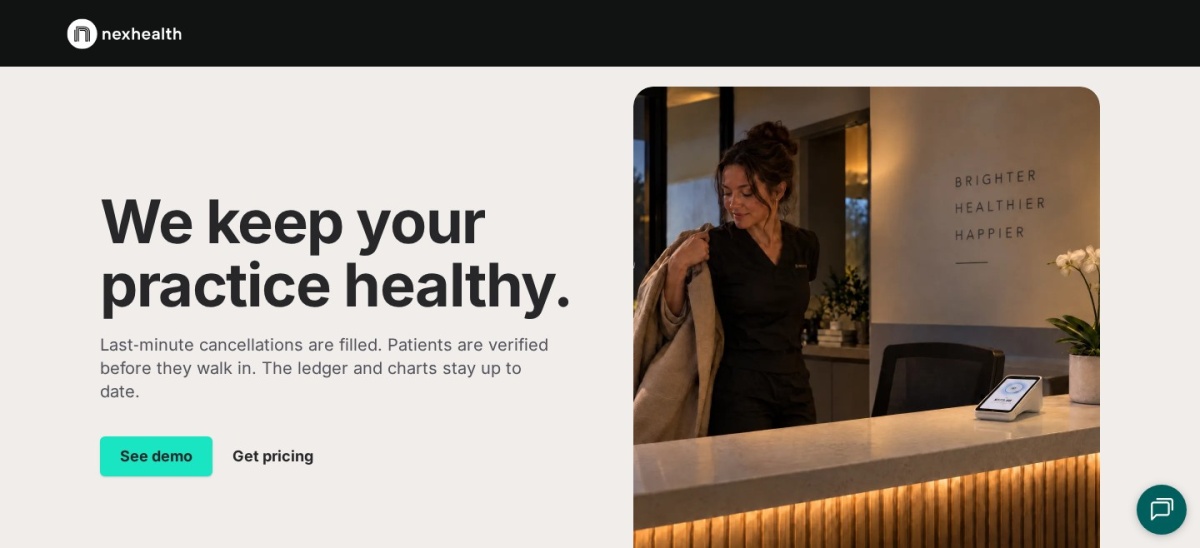
NexHealth homepage, captured Nov 2026.
NexHealth is the patient-experience platform built for online booking and live schedule sync. There is no free plan, and pricing is by quote from about $350 a month. Its Synchronizer reads and writes the practice schedule, chart and ledger in real time, so online bookings, forms, reminders and payments all update the same record.
The trade off is transparency. NexHealth publishes no plan prices, quotes vary by providers and features, and implementation typically adds $500 to $3,000. It suits practices that want patients to book online in real time without double-booking the front desk.
n8n is the open, self-hosted automation option for practices with technical help. The Community edition is free to self-host with unlimited executions, and n8n Cloud Starter costs $20 a month billed annually for 2,500 executions. It offers code nodes, branching and more than 400 integrations, with no per-seat pricing on any plan.
The trade off is skill. n8n expects comfort with APIs and JSON, and paid Cloud support is forum-first even on Starter. It suits practices or dental groups with a developer who wants full control and patient data kept on their own servers.
What we like
Free self-hosted edition, unlimited executions
No per-seat pricing
Full control over patient data
Watch out for
Needs technical skill
Forum-first support on paid plans
Pro adds 10,000 executions and workflow historyVisit n8n.io
06
Microsoft Power Automate
4.4/5on G2 (1,094 reviews, checked Nov 2026)
Starts at$15/mo
Best for practices already on Microsoft 365
Free planTrial only
Cheapest paidPremium, $15/user/mo
Microsoft 365Deep integration
Desktop flowsYes, attended RPA
microsoft.com
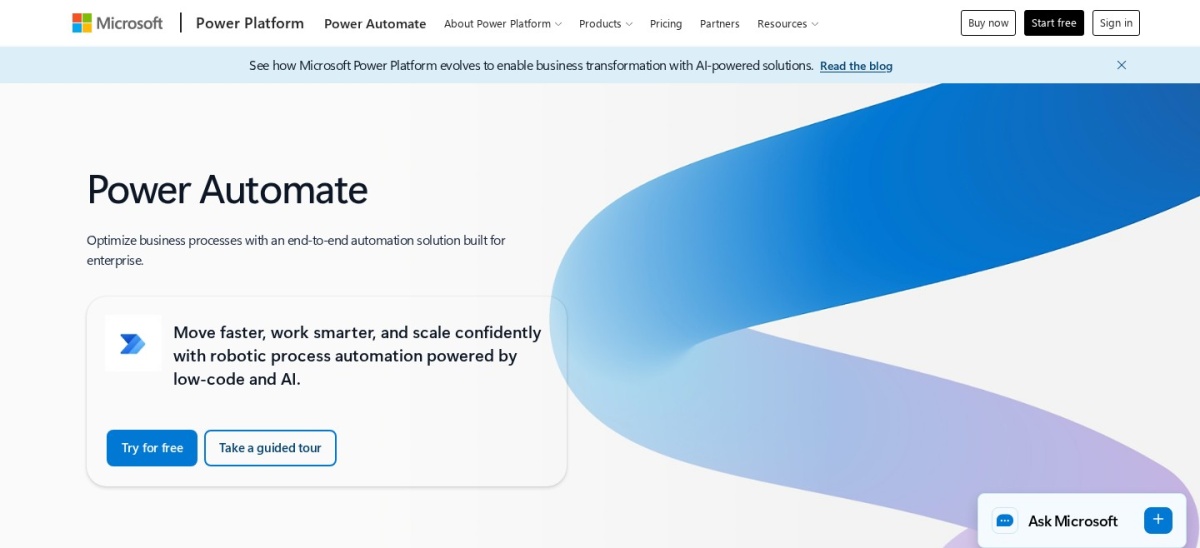
Microsoft Power Automate homepage, captured Nov 2026.
Microsoft Power Automate is the automation tool for practices already running Microsoft 365. There is no free plan beyond a trial, and Premium costs $15 per user a month billed annually. It connects Outlook, Teams, Excel and SharePoint with hundreds of other apps, and includes desktop flows for repetitive back-office work.
The trade off is the Microsoft lock-in. It works best inside a Microsoft 365 practice, and the $15 price is per user, so a ten-person team pays $150 a month. It suits practices that already live in Outlook and Teams and want automation without a new vendor.
Solutionreach is the veteran patient-engagement platform in this list, automating reminders, recall, two-way texting and newsletters from the practice management system. There is no free plan, and pricing is by quote, with Capterra listing a starting price of $329 a month. It serves more than 50,000 practices across dental, eye care and medical.
The trade off is the contract and the rating. Pricing is quote-only with yearly contracts, and its Capterra rating of 3.8 is the lowest in this list. It suits large practices and groups that want a long-established vendor and flat monthly pricing.
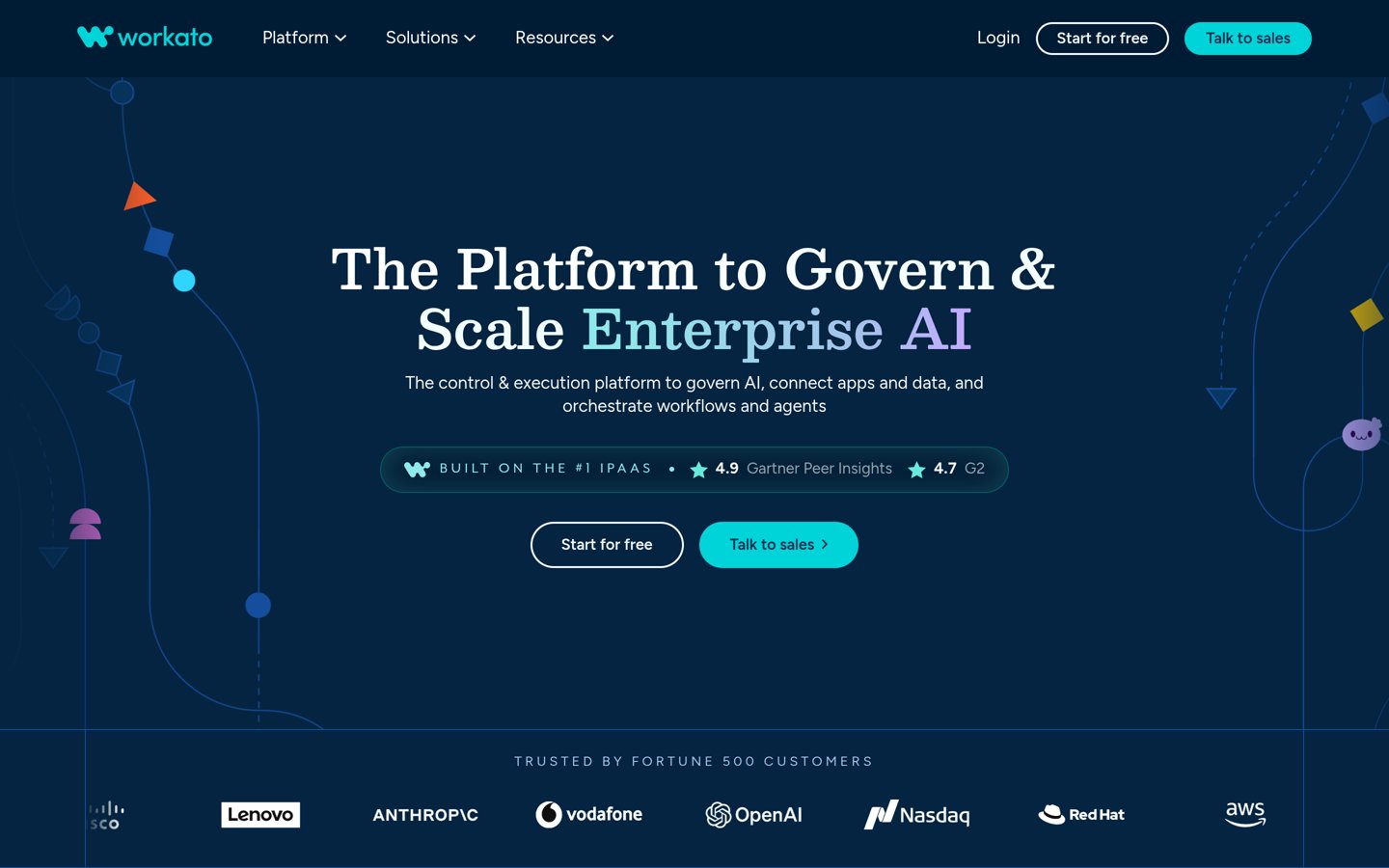
Workato is the enterprise-grade automation platform for dental groups and DSOs. The free plan includes a one-time grant of 50,000 credits, and Pro starts at $75 a month for 2,500 credits. It connects SaaS apps, APIs and on-premise systems with governed, low-code recipes and AI agents.
The trade off is price and complexity. Pro credits expire monthly, enterprise editions are custom-quoted, and Workato is built for teams with integration work to manage. It suits multi-location groups that need governed automation across many systems.
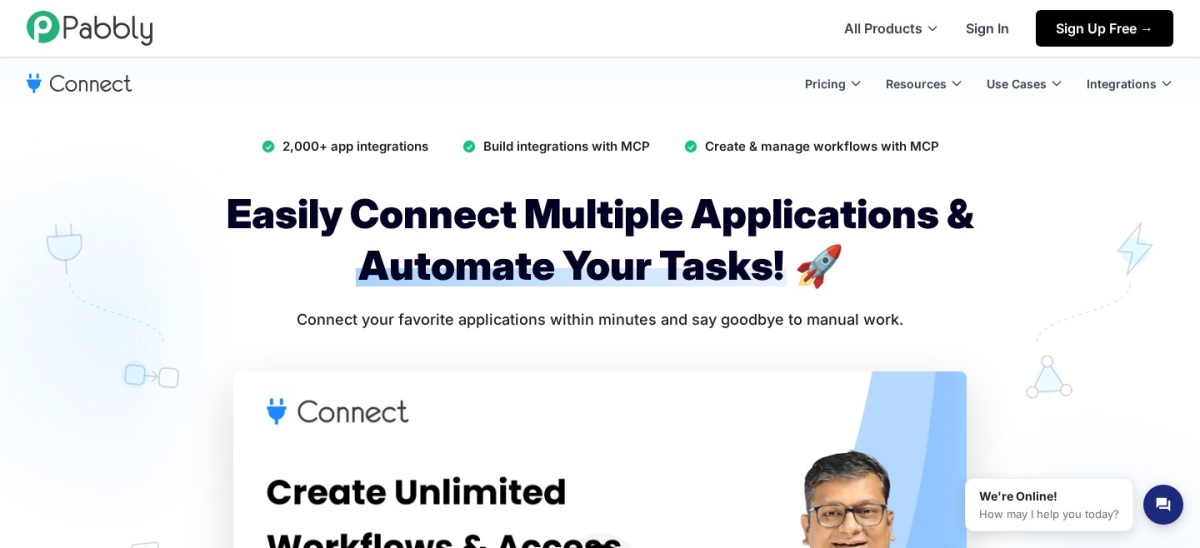
Pabbly Connect is the budget automation tool for a practice that wants simple flows at a flat price. The free plan covers 100 tasks a month, and Standard starts at $19 a month for 10,000 tasks. It connects more than 2,000 apps, includes webhooks, filters and routers, and sells one-time lifetime plans for practices that hate subscriptions.
The trade off is polish. Reviewers praise the value but note an older interface and slower support, and its pricing pages show different figures for the same plan. It suits small practices that run simple automations and want the lowest possible monthly bill.
Dental-built tools start with the patient record. Weave, NexHealth and Solutionreach read the schedule, so reminders, recalls and online bookings update the same record the front desk uses.
General tools start with the app library. Zapier, Make, n8n and Power Automate connect thousands of apps, so they can move data between forms, calendars, email and payment tools that dental software never touches.
Most practices need both. A dental-built tool runs the patient-facing jobs, and a general tool connects the rest, such as review requests to Google, new-patient forms to the CRM, and payment follow-ups to the accountant.
How we chose
We started from the automation tools dental practices actually compare: the general platforms with the largest app libraries, and the dental-built front-office tools with live practice management sync. Every tool here has a public rating on G2 or Capterra and a published or widely reported price.
Prices come from each vendor's pricing page, checked on 30 November 2026. Zapier and Weave prices were read from their own pricing pages on that day; the remaining prices were cross-checked against November 2026 reads of the same vendor pages. Ratings come from G2 or Capterra on the same day.
We left out tools with no public rating and tools that do not serve dental practices. No vendor paid for a place, and we do not claim hands-on testing for this list.
How to choose workflow automation software for your dental practice
Start with the jobs your front desk repeats every day, then check what each tool connects to.
List the jobs you repeat daily. Write down the tasks your front desk does most: reminders, recall, forms, review requests and payment follow-ups. Automate the top three first, not everything at once.
Check the practice management connection. Ask whether the tool reads and writes your schedule in Dentrix, Eaglesoft or Open Dental. A tool that only reads the schedule cannot confirm bookings or update records.
Count the volume, then check the meter. Automation tools charge by tasks, credits or executions. Estimate your monthly reminders and forms, then check the tier that volume falls in before you compare prices.
Confirm the HIPAA agreement before you pay. Any tool touching patient names, phone numbers or appointment details must sign a business associate agreement. Get it in writing during the trial, not after you sign.
FAQ
What is the best workflow automation software for dental practices in 2026?
Zapier is the best pick for most dental practices. Its free plan covers 100 tasks a month, Professional starts at $19.99 a month, and it connects to more than 9,000 apps, including Dentrix and Eaglesoft, so reminders and forms run without manual work.
How much does workflow automation cost for a dental practice?
General automation tools cost $15 to $75 a month at the smallest size, while dental-built tools cost $199 to $350 a month per location. Most single practices pay $20 to $200 a month, depending on whether they need a dental-built front desk or just connected workflows.
Is there a free workflow automation tool for dental practices?
Yes. Zapier, Make, n8n and Workato all offer free plans, and Pabbly Connect has a free tier too. The free plans cover small volumes, so a busy practice will usually need a paid plan, but they are enough to automate reminders and forms for a trial.
Which automation tool is best for a small dental practice?
Make is the best budget pick for a small practice, at $16 a month for 10,000 credits with branching and error handling included. Weave is the better choice if the practice wants phones, texting and reminders in one dental-built system.
Zapier vs Make for a dental practice: which is better?
Zapier is better for a practice with no technical staff, because it is easier to learn and connects to more apps. Make is better for a practice with a tech-savvy team member, because it runs complex branching workflows for about a third of Zapier's price.
Do these tools work with Dentrix or Eaglesoft?
Yes, on the tools in this list. Zapier connects to Dentrix and Eaglesoft, and Weave, NexHealth and Solutionreach sync with major practice management systems. Check your exact system version on the tool's integrations page before you pay, because sync depth varies.
SaaS SEO and WordPress specialist with about 8 years of experience. Rakib compares WordPress plugins, themes, hosting and software using public pricing, documentation and user reviews. See how we rank.