Google Docs is the best Word alternative for most people: it is free with a Google account, edits .docx files in the browser, and is rated 4.7 out of 5 on Capterra. Pick LibreOffice Writer for fully offline desktop writing, or Apple Pages if you work on a Mac and want polished templates for free.
How we make this list: we compare pricing pages, product documentation and public user reviews, then re-check every price before each update. No product paid for a place. Disclosure.
Google Docs is the best free Word alternative for most people: free, browser-based, and rated 4.7 out of 5 on Capterra from 28,719 reviews.
LibreOffice Writer is the best fully offline, free replacement, with no account, no ads and no subscription.
WPS Office looks the most like Word, and its paid Sharing Plan starts at $29.99 per user a year.
Apple Pages is free on Mac, iPad and iPhone, but Windows users can only edit it in a browser through iCloud.
Eight of the nine tools have a free plan; only Scrivener asks you to pay after a 30-day trial.
What should you look for in Word alternatives?
The best Word alternative is the one that opens your .docx files without breaking them. Check that first, because a tool that mangles tracked changes or tables will cost you more time than any feature saves.
Free does not mean weak here. Eight of the nine tools in this list cost nothing to start, and the paid plans mostly add storage, PDF tools or AI features rather than basic writing.
Offline access is the real split in this list. Google Docs and Zoho Writer live in the browser, while LibreOffice Writer, Apple Pages and Apache OpenOffice Writer work fully offline as desktop apps.
Most people share a document as a PDF or a .docx file, not as a link. Every tool here exports to both, so check the export quality on a real file before you switch. Our guide on adding a PDF to WordPress covers the PDF side of sharing.
4.7/5on Capterra (28,719 reviews, checked Nov 2026)
PriceFree
Best Word alternative overall
Offline editingYes, with Chrome
Real-time co-editingYes
.docx supportOpen and export
Free storage15 GB with Google account
docs.google.com
Google Docs homepage, captured Nov 2026.
Google Docs is a free word processor that runs in the browser with a Google account. It opens, edits and saves .docx files, supports real-time co-editing with comments and suggestions, and includes 15 GB of free storage shared across Google Drive.
The trade off is that it needs an internet connection for its best features, and offline editing needs Chrome and a little setup. Paid upgrades come through Google Workspace, which starts at $7 per user a month. It suits teams and students who share documents every day.
LibreOffice Writer is a free, open-source desktop word processor for Windows, Mac and Linux. It opens, edits and saves .docx files, handles styles, tables of contents and mail merge, and needs no account, subscription or internet connection.
The trade off is that collaboration is basic: there is no live co-editing, and files shared with Word users can shift formatting in complex layouts. It suits anyone who wants a private, offline Word replacement that costs nothing.
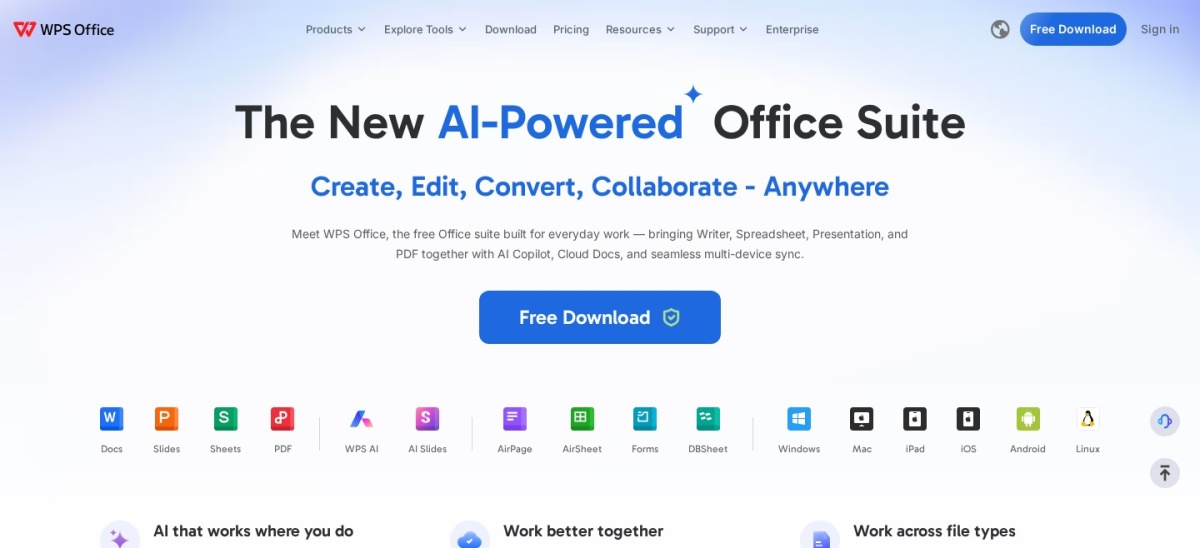
WPS Office is a free office suite whose Writer app looks and feels the most like Microsoft Word. It opens, edits and saves .docx files, includes Writer, Spreadsheet and Presentation in one install, and runs on Windows, Mac, Linux, Android and iOS.
The trade off is the free version shows ads and limits PDF tools, templates and AI features. Solo users pay $69.99 a year for Pro+, while the Sharing Plan costs $29.99 per user a year with a two-user minimum. It suits Word users who want a familiar layout for free.
What we like
Closest look and feel to Word
Free Writer, Spreadsheet and Presentation
Opens and saves .docx files
Runs on desktop and mobile
Watch out for
Free version shows ads
PDF editing needs a paid plan
Sharing Plan needs at least two users
Pro+ adds full PDF tools, 20 GB cloud and no adsVisit wps.com
04
Apple Pages
4.3/5on G2 (376 reviews, checked Nov 2026)
PriceFree
Best free pick for Mac users
CostFree on Apple devices
.docx supportOpen and export
TemplatesBuilt-in Apple templates
Offline editingYes, on Mac and iPad
apple.com
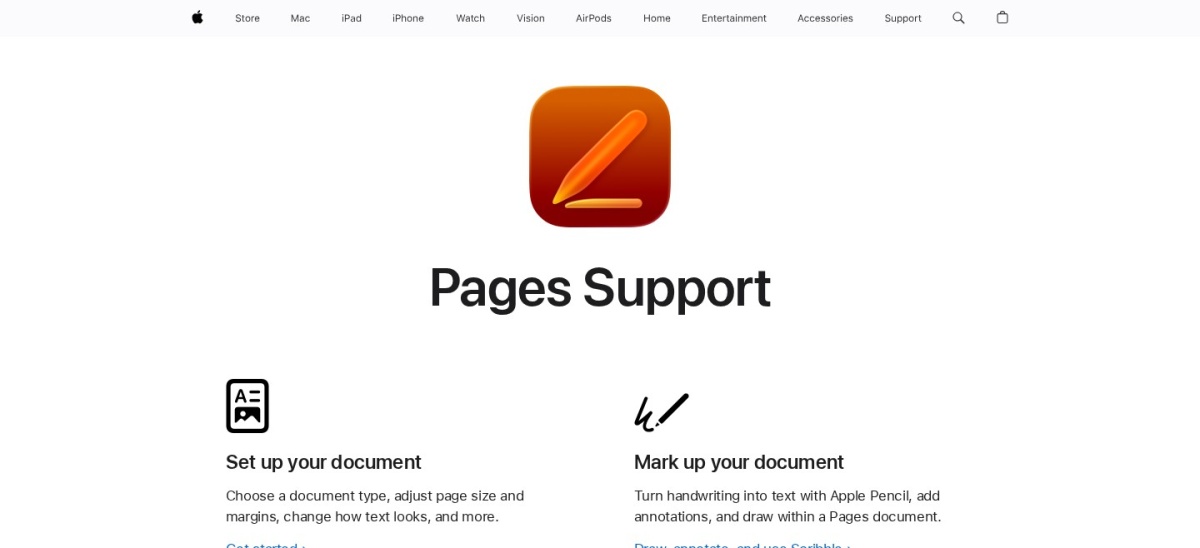
Apple Pages homepage, captured Nov 2026.
Apple Pages is a free word processor built into every Mac, iPad and iPhone. It opens and exports .docx files, includes polished Apple templates for reports, resumes and letters, and syncs documents through iCloud.
The trade off is that it is built for Apple devices first: Windows users can only edit through iCloud in a browser, and tracked changes from Word can shift. It suits Mac and iPad owners who want a clean, free writing app.
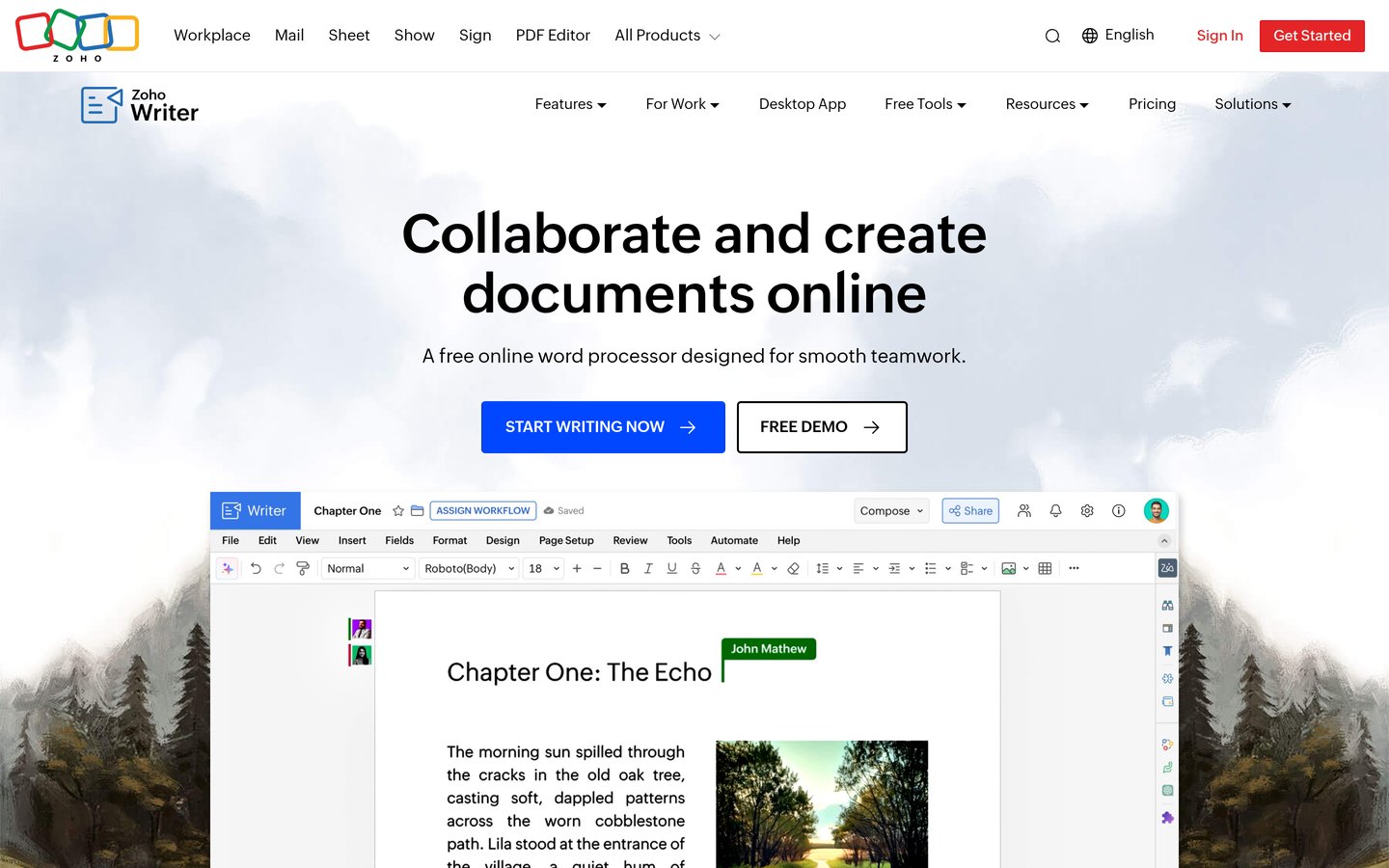
Zoho Writer is a free online word processor from Zoho, free with a Zoho account. It offers real-time co-editing, version history, mail merge, e-signatures and the Zia writing assistant, and it opens and exports .docx files.
The trade off is that it works best inside the Zoho suite, and offline editing is limited next to a desktop app. Paid upgrades mainly add storage and admin controls for teams. It suits small teams already using Zoho apps.
What we like
Free with a Zoho account
Real-time co-editing
Built-in Zia writing assistant
Mail merge and e-signatures included
Watch out for
Best inside the Zoho suite
Limited offline editing
Mobile app can feel slow
Paid Zoho plans add storage and admin controlsVisit zoho.com
06
Notion
4.6/5on G2 (13,769 reviews, checked Nov 2026)
Paid from$10/mo
Best for team docs and wikis
Free planYes, for individuals
Real-time co-editingYes
.docx supportImport and export
Paid planPlus, $10/user/mo
notion.com
Notion homepage, captured Nov 2026.
Notion is a workspace that combines documents, wikis and databases in one place. Its pages support real-time co-editing, comments and templates, and it imports and exports .docx files, so it can hold team docs beside project notes.
The trade off is that it is a workspace first and a word processor second: print layout and .docx export are weaker than in Word or Docs. Plus costs $10 per user a month billed yearly. It suits teams that want docs, wikis and tasks together.
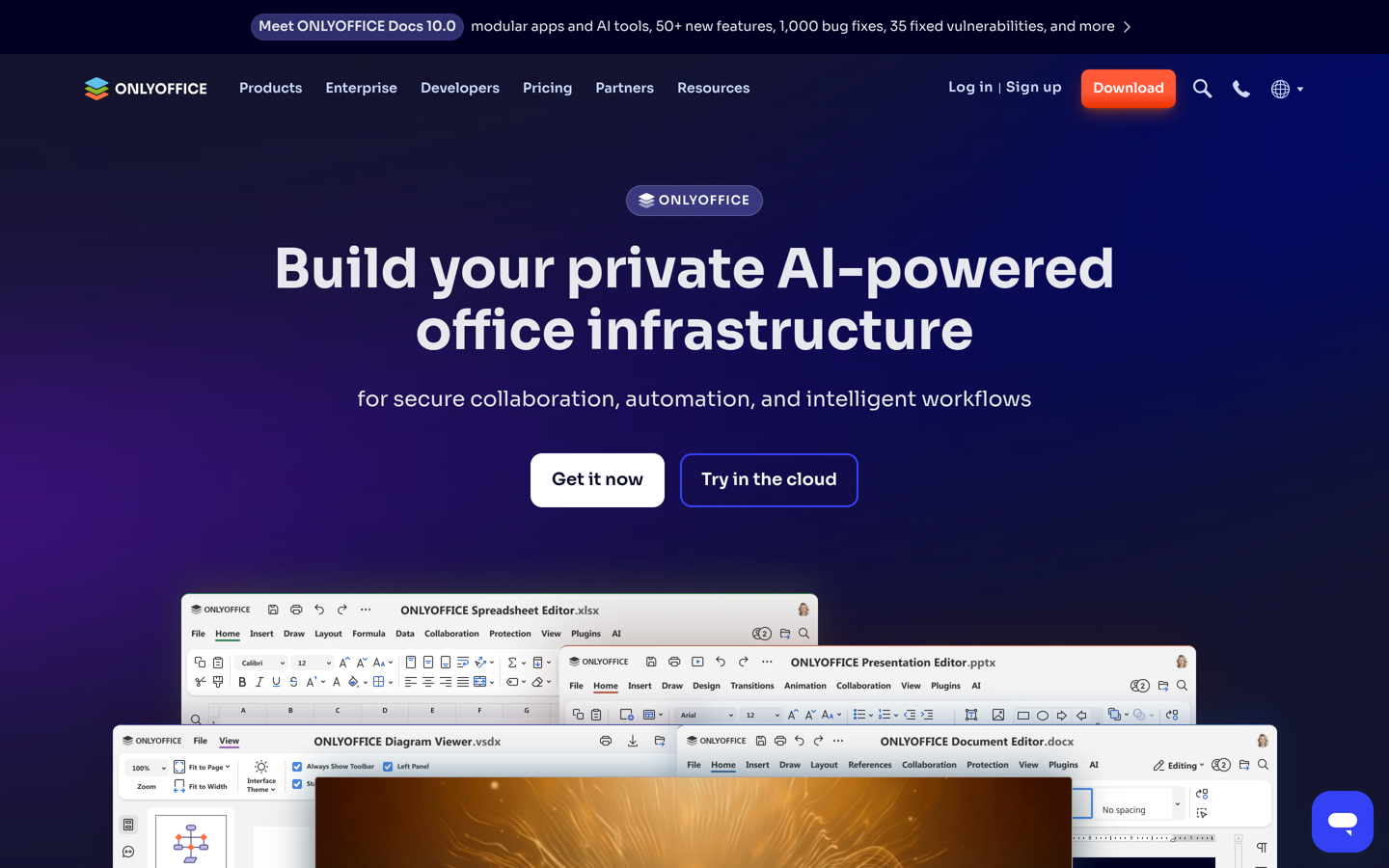
ONLYOFFICE Docs is an open-source office suite that edits .docx files in their native format. The free Community Edition is self-hosted, and the editors support real-time co-editing, comments and tracked changes.
The trade off is setup: the free edition needs a server of your own, and the hosted cloud plan starts at $8 per user a month. A one-time home licence costs $149. It suits teams that want Word-format fidelity on their own infrastructure.
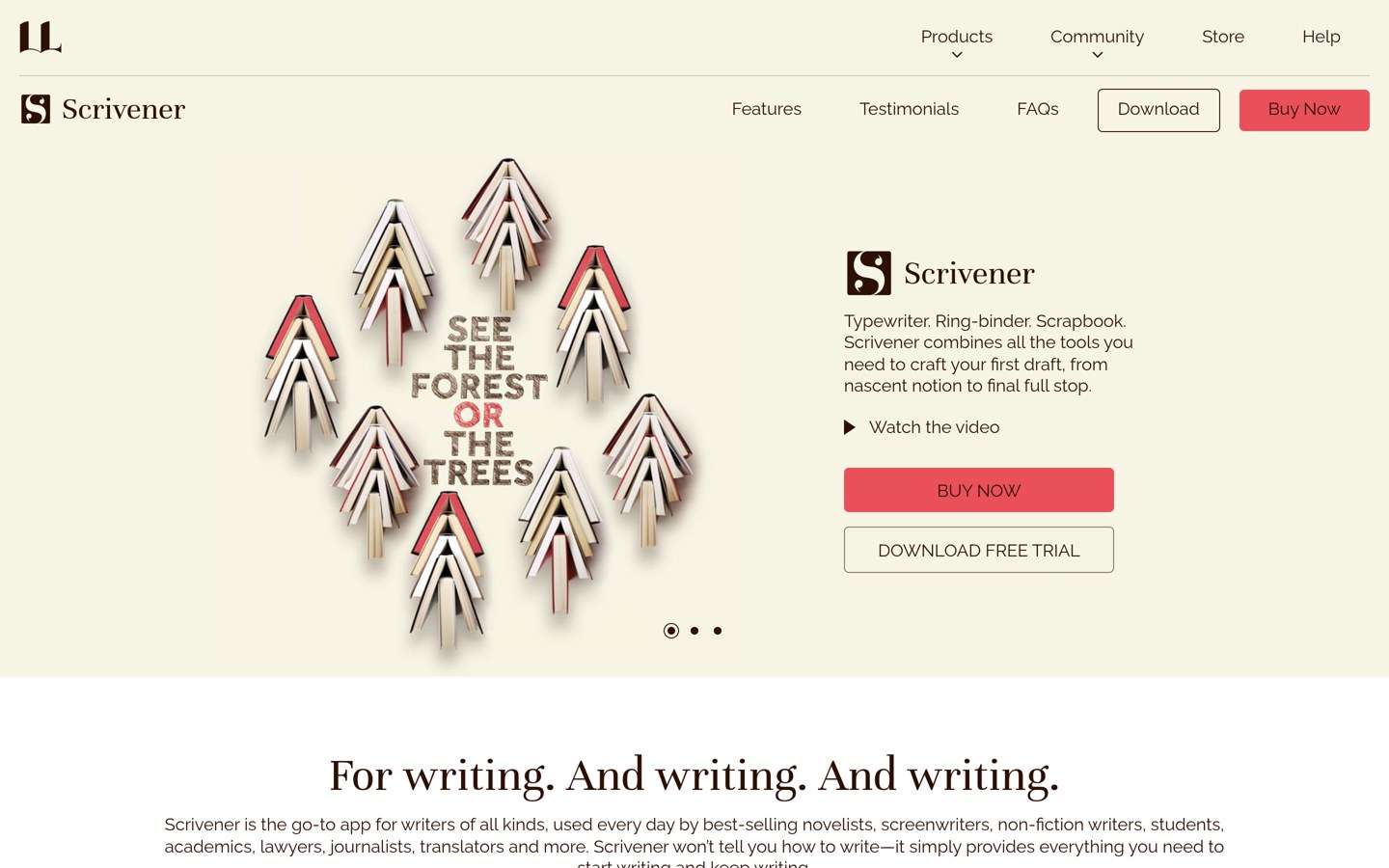
Scrivener is a long-form writing app for books, scripts and theses. It breaks a manuscript into scenes on a corkboard or in an outliner, keeps research beside the draft, and compiles the finished work to .docx, EPUB or PDF.
The trade off is that it is not a Word clone: there is no real-time co-editing, and the licence costs $59.99 once per desktop platform after a 30-day trial. It suits authors drafting long documents, not teams sharing files.
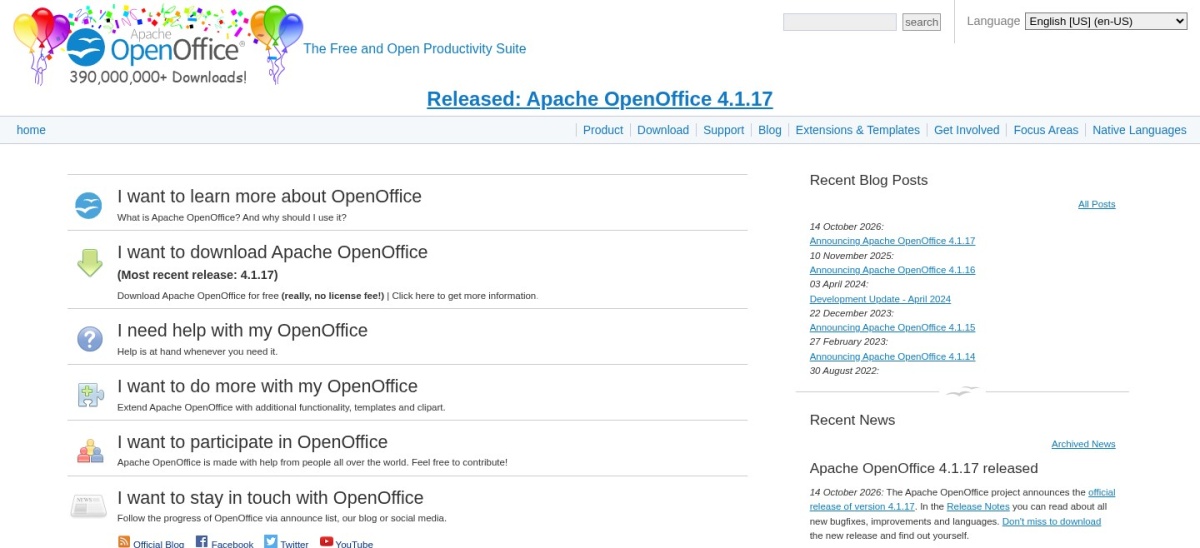
Apache OpenOffice Writer homepage, captured Nov 2026.
Apache OpenOffice Writer is a free, open-source word processor in the Apache OpenOffice suite. It opens, edits and saves .docx files, covers styles, tables and mail merge, and runs offline on Windows, Mac and Linux.
The trade off is age: updates are infrequent, the interface looks dated, and .docx formatting can shift in complex files. It suits anyone who wants a free desktop writer and does not need modern collaboration.
Free plans cover everyday writing well. Eight of the nine tools here cost nothing to start, and the free versions handle .docx files, comments and basic formatting.
Paid plans mostly add storage, PDF tools and AI help. WPS Pro+ adds full PDF editing, Notion Plus adds unlimited uploads, and ONLYOFFICE cloud adds hosted collaboration.
If you only write and share documents, a free plan is usually enough. Pay when you hit a storage limit, need PDF editing, or want your docs hosted for a team.
How we chose
We started from the word processors writers and businesses actually name as Word replacements, then kept only tools with a public rating on G2 or Capterra and a current product page.
Prices come from each vendor's pricing page, checked on 29 November 2026. Ratings and review counts come from G2 and Capterra on the same day. Where a vendor shows a sale, the list shows the regular price.
We left out tools with no public rating, including iA Writer and Dropbox Paper, and we left out Microsoft Word itself because this list is about alternatives to it. No vendor paid for a place, and we do not claim to have used these tools ourselves.
How to choose a Word alternative
Start with the files you already have, then match the tool to how you work.
Check how you share files. If you send .docx files to Word users every day, pick a tool with strong .docx support such as Google Docs, LibreOffice Writer or WPS Office.
Decide whether you need offline access. Browser tools stop working well without internet, while LibreOffice Writer, Apple Pages and Scrivener work fully offline.
Try the free plan with a real document. Open one of your own .docx files, edit it, add a comment and export it again. Formatting shifts show up fast on a real file.
Count the cost per person, not per month. Notion and ONLYOFFICE charge per user, so a small team pays far more than the headline price. If you publish to WordPress, our guide on writing a blog post in WordPress shows how a finished document becomes a post.
FAQ
What are the best Word alternatives in 2026?
Google Docs is the best Word alternative for most people in 2026. It is free, opens and saves .docx files, and supports live co-editing in the browser. LibreOffice Writer is the best free offline pick, and WPS Office is the closest match to Word's layout.
How much do Word alternatives cost?
Most Word alternatives are free to start. Google Docs, LibreOffice Writer, Apple Pages, Zoho Writer, WPS Office and Apache OpenOffice Writer all cost $0, while WPS paid plans start at $29.99 per user a year. The dearest here is Notion Plus at $10 per user a month, or $120 a year.
Is there a completely free alternative to Microsoft Word?
Yes. LibreOffice Writer and Apache OpenOffice Writer are completely free and open source, with no paid tier at all. Google Docs and Apple Pages are also free with a Google or Apple account, and Zoho Writer is free with a Zoho account.
Which Word alternative is best for beginners?
Google Docs is the easiest starting point for beginners. It runs in the browser with nothing to install, saves automatically, and most people already have a Google account. Apple Pages is equally simple if you already use a Mac or iPad.
Google Docs vs LibreOffice Writer: which is better?
Google Docs wins for collaboration, because several people can edit the same document at once from any browser. LibreOffice Writer wins offline, because it is a full desktop app that needs no account and no internet connection. Pick Docs for shared work and Writer for private, offline writing.
Can Word alternatives open and save .docx files?
Yes, all nine tools in this list open .docx files, and all except Scrivener save back to .docx directly. Scrivener imports .docx and exports to it when you compile a project. Formatting in complex documents with tracked changes can shift, so check a copy before sending it on.
SaaS SEO and WordPress specialist with about 8 years of experience. Rakib compares WordPress plugins, themes, hosting and software using public pricing, documentation and user reviews. See how we rank.