Harvest is the best time and billing software for most service firms, turning tracked hours into invoices from $9 a seat a month. Clockify suits tight budgets with a free plan for 5 users, and FreshBooks fits owners who want billing and books in one place.
How we make this list: we compare pricing pages, product documentation and public user reviews, then re-check every price before each update. No product paid for a place. Disclosure.
Harvest leads for billing, turning tracked hours into invoices from $9 a seat a month.
Clockify and TimeCamp are the cheapest paid starts at $3.99 a seat a month.
FreshBooks is the only tool here that pairs time billing with full accounting.
Timely holds the highest G2 rating at 4.8 out of 5, but has no free plan.
Paymo is the only all-in-one here with tasks, time and invoicing together.
How do you choose the top time and billing software?
Time and billing software answers one question: how do tracked hours become money. The best tool is the one that turns hours into an invoice without retyping them.
Billing changes the choice. Harvest, FreshBooks and Paymo create invoices from tracked time, while Toggl Track only exports billable hours to another tool, so check where the invoice is made.
Free plans differ more than prices. Clockify covers 5 users free, Toggl Track covers 5 users, Harvest covers 1 seat, and Timely and Hubstaff have no free plan at all.
Watch for usage fees on top of the seat price. Harvest adds usage fees for extra projects, clients, tasks and invoices, and TimeCamp bills its AI tracker separately by usage.
Harvest is a time tracker built around billable work, with timers, timesheets, expenses and invoicing in one place. The free plan covers 1 seat and 2 projects, and every plan lets you set billable rates and turn approved hours into invoices.
The trade off is the 2026 billing change. Teams costs $9 per seat a month billed annually, and paid plans can add usage fees for extra projects, clients, tasks and invoices, with those rates not published. It suits freelancers and small firms that bill clients by the hour.
What we like
Invoicing built in on every plan, including free
Syncs with QuickBooks, Xero and Stripe
Simple timers and expense tracking
Watch out for
Usage fees can raise the bill beyond the seat price
FreshBooks is accounting software for service businesses with time tracking built in. You log hours against clients and projects, mark them billable, and add them to an invoice in one step, with expenses and payments in the same account.
The trade off is price and scope. Lite costs $23 a month for up to 5 billable clients, and time tracking is basic beside dedicated timers. It suits solo owners who want billing and books together rather than a separate tracker.
4.8/5on Capterra (9,262 reviews, checked Nov 2026)
Paid from$3.99/mo
Best budget time and billing pick
Free planUp to 5 users
Paid planBasic, $3.99/seat/mo
InvoicingFrom Standard
Rating4.8/5 on Capterra
clockify.me
Clockify homepage, captured Nov 2026.
Clockify is a time tracker and timesheet app with a free plan for up to 5 users, unlimited projects and reports. Basic costs $3.99 per seat a month billed annually and adds billable rates, a shared kiosk and bulk editing.
The trade off is that invoicing waits for Standard at $5.49 a month, and GPS tracking waits for Pro at $7.99. It suits small teams that want the cheapest paid start and a generous free plan.
Toggl Track is a simple timer with strong reports and apps for every platform, plus a browser extension and many integrations. The free plan covers up to 5 users, and Starter adds billable rates, project time estimates and scheduled reports.
The trade off is invoicing. Toggl Track does not create invoices, so billable hours must be exported to an invoicing tool. It suits teams that want fast time capture and clear reports without a heavy setup.
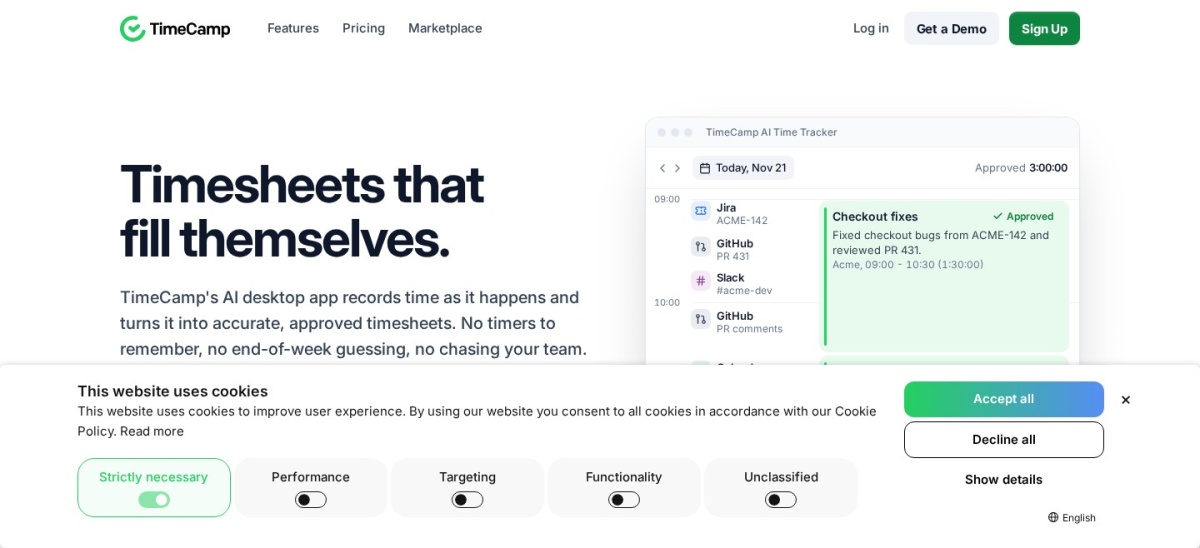
TimeCamp is a time tracker that records activity automatically and turns it into timesheets, attendance records and invoices. Its free plan covers unlimited users and projects, and Starter costs $3.99 per user a month billed annually.
The trade off is the AI time tracker, which is billed separately by usage at about $6 per user a month. It suits teams that forget to start timers and want low-cost automatic capture.
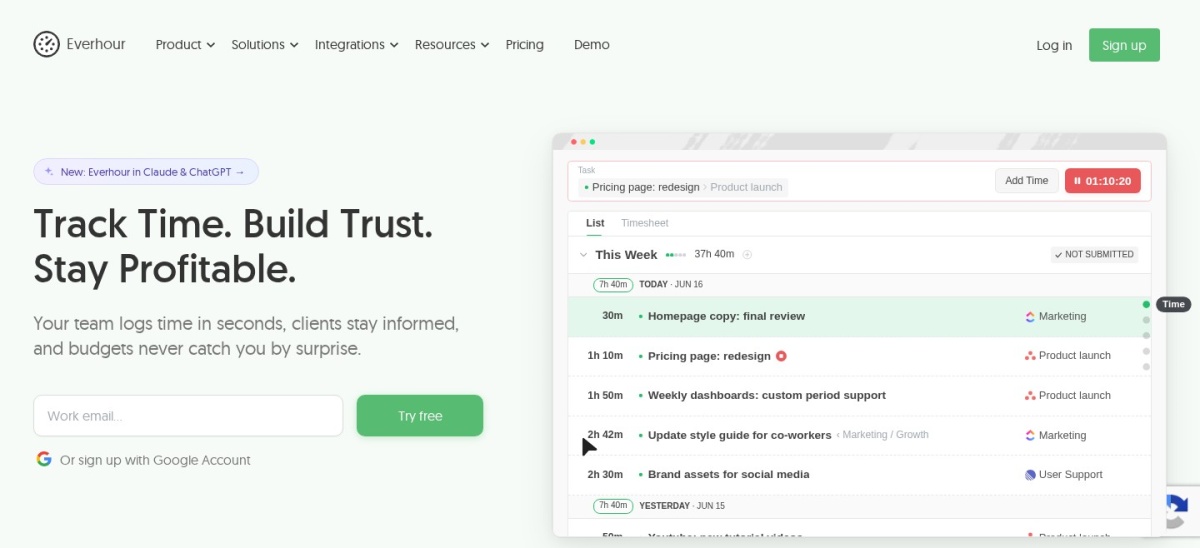
Everhour is a time tracker that lives inside Asana, Jira, ClickUp, Trello and Monday, so hours are logged next to the task. The free plan covers up to 5 seats, and Team adds budgets, invoicing and integrations.
The trade off is the 5-seat minimum on Team, which costs $510 a year even for a smaller team. It suits teams that already run projects in Asana or Jira and want billing without a second app.
Timely is an automatic time tracker that records activity in the background and uses AI to draft each timesheet for review. Starter costs $9 per user a month billed annually for up to 5 users and 20 projects, with invoices sent to QuickBooks Online.
The trade off is the caps and the missing free plan. Starter is limited to 5 users and 20 projects, and accounting integrations need Premium at $16 a month. It suits teams that lose hours to forgotten timers.
What we like
Highest G2 rating in this list
No timer to remember
Invoices flow to QuickBooks Online
Watch out for
No free plan, only a 14-day trial
Starter caps at 5 users and 20 projects
Premium adds accounting integrations and planningVisit timely.ai
08
Hubstaff
4.4/5on G2 (2,297 reviews, checked Nov 2026)
Starts at$4.99/mo
Best for remote teams and payroll
Free planNo, 14-day trial
Paid planStarter, $4.99/seat/mo
InvoicingWith payroll
Rating4.4/5 on G2
hubstaff.com
Hubstaff homepage, captured Nov 2026.
Hubstaff is a time tracker for remote and field teams, with GPS tracking, screenshots, activity levels and payroll links. Starter costs $4.99 per seat a month billed annually, with a 2-seat minimum, and time flows into payroll and invoices.
The trade off is monitoring. Screenshots and activity tracking can feel intrusive, and there is no free plan. It suits distributed teams that need proof of work beside billing.
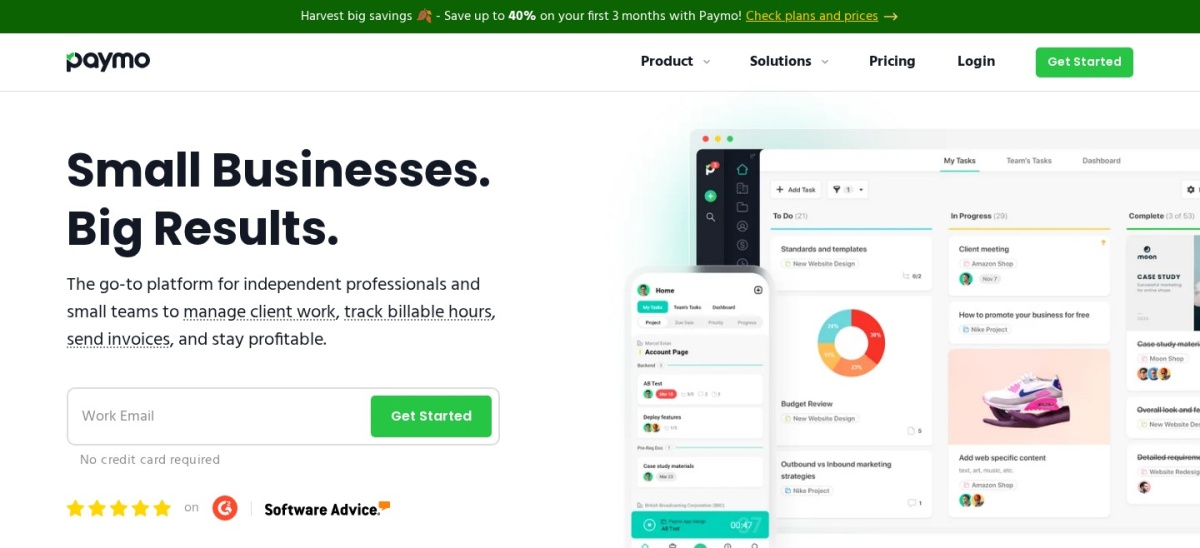
Paymo is a work management tool that mixes time tracking, tasks and invoicing, so a small agency can run client work in one place. The free plan covers 1 user, 1 client and 2 projects, and Solo costs $5.90 per user a month billed annually.
The trade off is that Solo covers a single user, so any team needs Plus at $10.90 a month billed annually, and approvals need Pro. It suits small creative teams that want billing beside project work.
Free plans cover time capture well. Most include timers, timesheets and basic reports, and Harvest and Paymo even include invoicing for free.
Paid plans mostly add billing depth. You get billable rates, approvals, budgets and accounting links, which is where tracked hours turn into money.
If you bill clients, check the invoice step before the price. A cheap tracker that cannot invoice costs more in admin time than a pricier tool that bills directly.
How we chose
We started from the time tracking tools with the largest G2 and Capterra review bases, then kept those that turn tracked hours into invoices or billable reports.
Prices come from each vendor's pricing page, checked on 29 November 2026. Ratings and review counts come from G2 or Capterra on the same day. Where a vendor shows a sale, the list shows the regular price.
We left out pure timers with no billing link and tools with no verifiable rating. No vendor paid for a place, and we do not claim hands-on testing for this list.
How to choose time and billing software
Start with where the invoice is made, then check the price per seat.
Check where invoices are made. Pick a tool that creates invoices from tracked time if you bill clients, or you will pay for a second invoicing tool.
Count the seats you will pay for. Per-seat prices look small, but a 5-seat minimum or a 2-seat minimum changes the real monthly bill.
Test the free plan first. Run a real week of client work on the free plan and check that timers, rates and exports match how you bill.
Read the usage fees. Harvest and TimeCamp add usage charges on top of the seat price, so ask what extra projects, clients or AI tracking will cost.
FAQ
What is the best time and billing software in 2026?
Harvest is the best time and billing software for most service firms, turning tracked hours into invoices from $9 a seat a month. Clockify suits tight budgets with a free plan, and FreshBooks fits owners who want billing and books together.
What is the cheapest time and billing software?
Clockify and TimeCamp are the cheapest paid starts at $3.99 a seat a month billed annually. Clockify has a free plan for up to 5 users, while TimeCamp has a free plan with no user cap, though its AI tracker costs extra.
Does Toggl Track do invoicing?
No. Toggl Track records billable hours and rates, but it does not create invoices, so billable hours must be exported to an invoicing tool. Harvest, FreshBooks, Clockify Standard and Paymo all create invoices from tracked time.
Is Harvest or FreshBooks better for billing?
Harvest is better for pure time billing, with invoicing on every plan from $9 a seat a month. FreshBooks is better when you also need accounting, expenses and payments, though Lite costs $23 a month and caps at 5 billable clients.
Which time and billing software has a free plan?
Harvest, Clockify, Toggl Track, TimeCamp, Everhour and Paymo all have free plans, with limits from 1 seat to unlimited users. Timely, Hubstaff and FreshBooks offer trials instead, so plan for a paid start with those three.
What is the best time and billing software for small teams?
Clockify is the best pick for small teams on a budget, with a free plan for 5 users and paid plans from $3.99 a seat a month. Harvest is the best pick when invoicing matters most, with billing built into every plan.
SaaS SEO and WordPress specialist with about 8 years of experience. Rakib compares WordPress plugins, themes, hosting and software using public pricing, documentation and user reviews. See how we rank.