Harvest is the best time tracking software for accountants, because it turns tracked hours into invoices and syncs with QuickBooks and Xero, starting at $9 per user per month. QuickBooks Time is the natural pick if your books already live in QuickBooks, and Clockify is the budget option at $3.99 per user per month.
How we make this list: we compare pricing pages, product documentation and public user reviews, then re-check every price before each update. No product paid for a place. Disclosure.
Harvest turns tracked hours into invoices and syncs with QuickBooks and Xero, from $9 per user per month.
QuickBooks Time costs $20 a month plus $10 per user, and it also needs a QuickBooks Online subscription.
Clockify and TimeCamp have the cheapest paid plans here, both $3.99 per user per month on annual billing.
Timely has the highest G2 rating in this list at 4.8 out of 5 from 498 reviews, but Starter caps at 5 users and 20 projects.
BigTime is the priciest pick at $20 per user per month, aimed at larger professional services firms.
What accountants should look for in a time tracker
Accountants sell hours, so a time tracker has to do more than count them. It should connect each hour to a client, a project and a billable rate, then carry that hour into an invoice without retyping.
Look for billable rates, client and project structure, timesheet approvals and an audit trail. An approval step matters when hours go to a client invoice, because it stops errors reaching the bill.
The accounting link is the next check. Native QuickBooks or Xero sync saves the most admin time, while a tracker with no accounting link leaves you exporting files every month.
When invoices go out, the payment step has its own costs. Our guide comparing WooCommerce payment gateway fees shows how card fees cut into billed amounts.
Free plans cover basic tracking well, but invoicing, approvals and profit reports usually sit on paid plans. Price the plan that has the billing features you need, not the cheapest plan on the page.
The 9 best time tracking software tools for accountants
01
Harvest
4.3/5on G2 (836 reviews, checked Nov 2026)
Paid from$9/mo
Best time tracker for accountants overall
InvoicingBuilt in, with Stripe and PayPal
QuickBooks syncYes, plus Xero
Free plan1 user, 2 projects
Paid planTeams, $9/user/mo
getharvest.com
Harvest homepage, captured Nov 2026.
Harvest is a time tracker built for billable work, and it is the closest fit in this list to how accountants bill clients. The free plan covers 1 user and 2 projects, with timers, expense tracking and invoicing. Paid plans add unlimited projects, team reporting and integrations with QuickBooks and Xero, so tracked hours flow into invoices without retyping them.
The trade off is the 2026 billing change. Teams starts at $9 per user per month on annual billing, but paid plans can also add usage fees for extra projects, clients, tasks and invoices, and Harvest does not publish those rates. It suits small firms that bill by the hour and want invoicing in the same tool.
What we like
Turns tracked hours into invoices in the same tool
QuickBooks Time is Intuit's time tracker, formerly TSheets, and it is the natural pick for firms already on QuickBooks. Staff clock in from the Workforce mobile app or a shared time kiosk, managers approve timesheets, and approved hours sync to QuickBooks payroll and invoicing. Scheduling and time off management are included on both plans.
The trade off is cost shape. Premium is $20 a month plus $10 per user, so a 10-person team pays $120 a month before the QuickBooks Online subscription it also requires. Intuit lists a discount on the base fee for the first 3 months. It suits firms that already pay for QuickBooks and want hours to reach payroll with no file export step.
What we like
Approved hours flow straight into QuickBooks payroll
Toggl Track is a simple timer that teams adopt fast, with one-click timers on web, desktop, mobile and a browser extension. The free plan covers up to 3 users with unlimited tracking, projects and clients. Starter adds billable rates, project estimates, time rounding and team reports at $9 per user per month on annual billing.
The trade off is invoicing. Toggl Track lists billable rates and reports on its pricing page but does not list invoicing as a plan feature, so firms that invoice from tracked hours need another tool for that step. It suits accountants who want clean, simple time records and handle billing elsewhere.
What we like
Fastest timer to start in this list
Billable rates from the Starter plan
Works across 100+ other tools via browser extension
Clockify is the budget pick in this list, with a free plan for up to 5 users covering unlimited tracking, projects and reports. Basic costs $3.99 per user per month on annual billing and adds admin controls, project templates and time audit. Standard at $5.49 adds invoicing, timesheet approvals and time off.
The trade off is depth. The cheapest plan has no invoicing or approvals, so a firm that bills clients needs Standard at least, and profit and expense tracking sit on Pro at $7.99. It suits small firms that want a low-cost tracker first and will pay for billing features only when they need them.
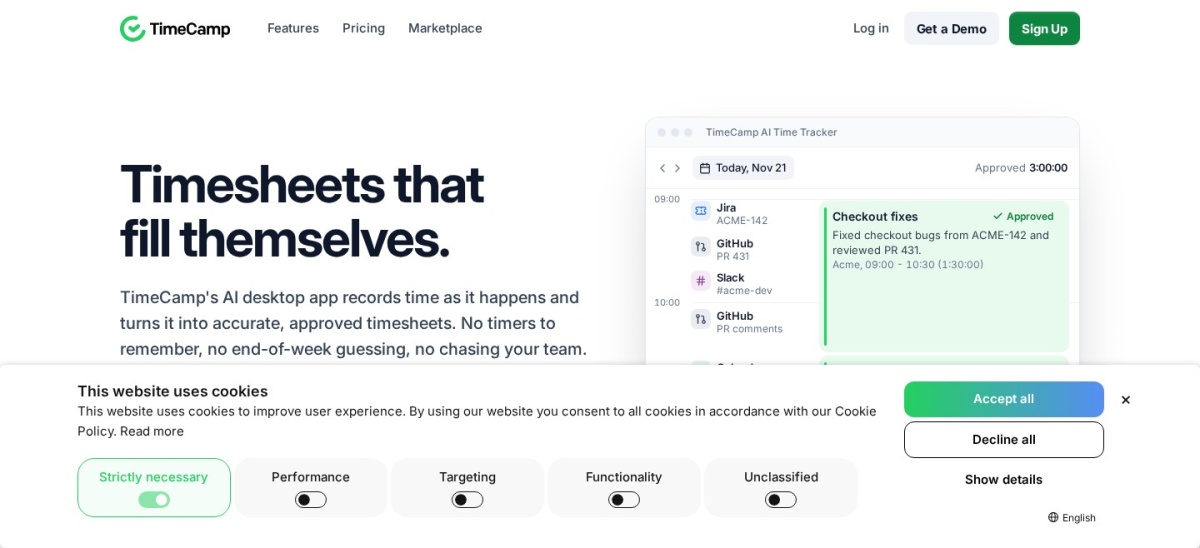
TimeCamp is a time tracker with attendance, invoicing and project profitability, and its free plan covers unlimited users and projects. Starter costs $3.99 per user per month on annual billing and adds invoicing, attendance, time off and overtime tracking. It also syncs with QuickBooks Online, which matters for firms that keep books there.
The trade off is billing depth. Billable rates and labour costs sit on Premium at $6.99 per user per month, and approvals and expense tracking need Ultimate at $9.99. It suits firms that want a free start with room to add billing features as the client list grows.
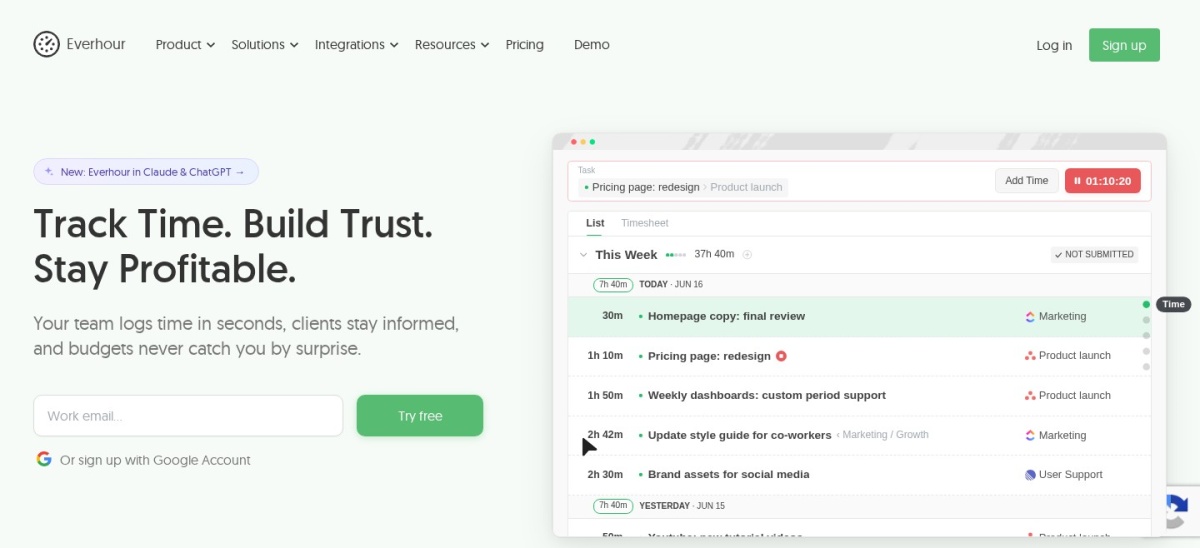
Everhour is a time tracker that puts its timer inside Asana, Jira, Trello, ClickUp and Notion, so staff log time where the work already lives. The free plan covers up to 5 seats with basic tracking, projects and reports. The Team plan holds every feature, including budgets, invoicing and native integrations, at $8.50 per user per month on annual billing.
The trade off is the seat minimum. Team bills at least 5 seats even for a team of 2 or 3, so the smallest paid bill is $42.50 a month on annual billing. It suits firms that already run projects in Asana or Jira and want hours, budgets and invoices tied to those tasks.
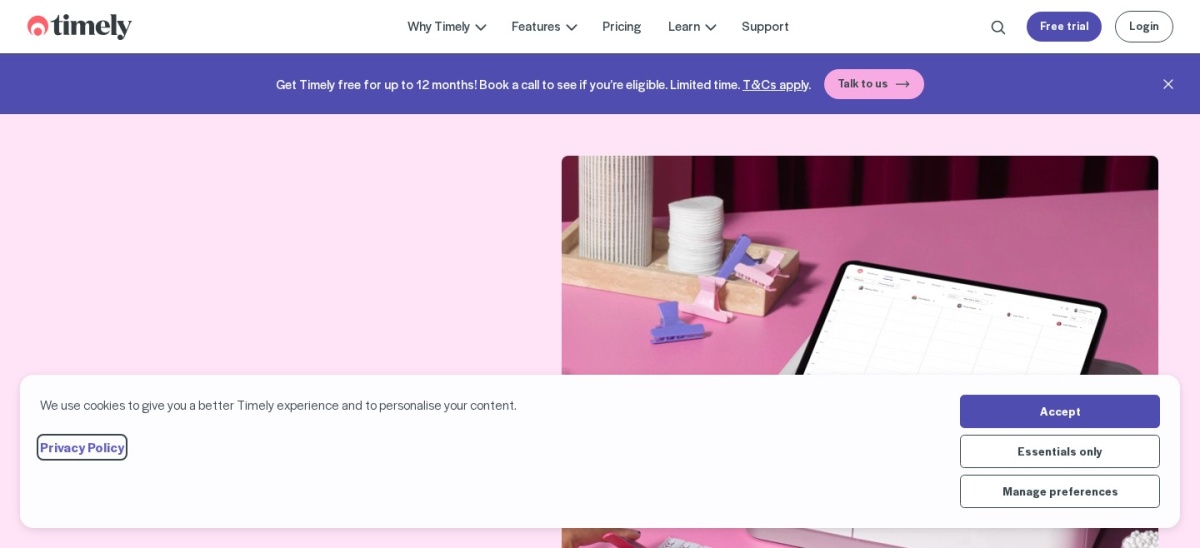
Timely is an automatic time tracker that records app, calendar and document activity in the background, then drafts timesheets with AI for each person to review. Starter costs $9 per user per month on annual billing and covers up to 5 users and 20 projects, with billable rates and basic reporting. There is no free plan, only a 14-day trial.
The trade off is the cap. A firm with more than 5 users or 20 projects must move to Premium at $16 per user per month on annual billing, and task-level timers cost extra. It suits small firms whose staff forget to start timers and lose billable hours that way.
Hubstaff is a time tracker with activity monitoring, built for managers who need proof of work as well as hours. Starter costs $4.99 per seat per month on annual billing and includes time tracking, timesheets, activity levels and client invoicing for up to 5 clients. Screenshots are capped at 500 per seat a month on Starter.
The trade off is fit. Screenshots and activity tracking can feel heavy-handed for accountants and their clients, and Starter has a 2-seat minimum, so a solo user pays for two seats. It suits firms that manage remote staff and need oversight beside the timesheet.
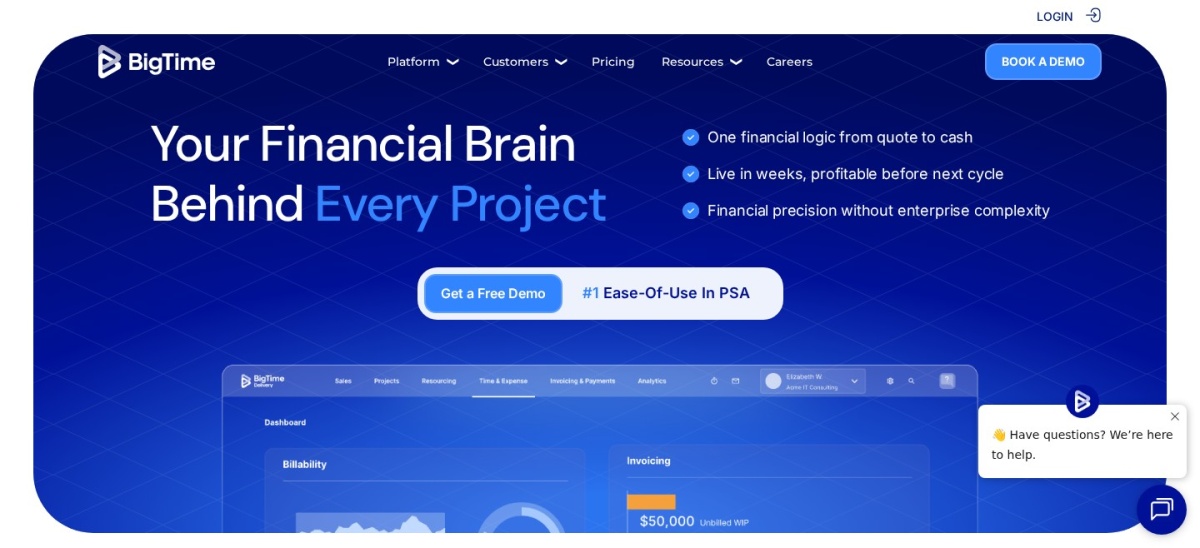
BigTime is professional services software that ties time tracking to project budgets, expenses and invoicing, with a QuickBooks integration. Essentials starts at $20 per user per month and covers time tracking, expense management and project management. It is built for firms that bill clients for project work and need margins, not just hours.
The trade off is price and weight. At $20 per user per month it is the priciest pick here, there is no free plan or free trial, only a demo, and setup takes more effort than a simple timer. It suits larger accounting and consulting firms that want one system for time, billing and project finance.
What we like
Time, budgets, expenses and invoicing in one system
First, count every seat. Everhour bills at least 5 seats, Hubstaff at least 2, and QuickBooks Time adds a $20 monthly base fee before any user charge, so the per-user price alone does not show the real bill.
Second, check where invoicing sits. Harvest, TimeCamp and Everhour include it on their entry paid plans, Clockify needs Standard, and Toggl Track does not list it at all.
Third, watch the caps. Timely Starter stops at 5 users and 20 projects, Clockify free stops at 5 users, and Harvest free stops at 1 user and 2 projects. A firm that outgrows a cap mid-year pays for the next plan up.
How we chose
We started from the time trackers most often named for billable professional work, then kept nine with published prices, accounting or invoicing features, and public ratings.
Prices come from each vendor's pricing page, checked on 26 November 2026, and show the regular price where a sale was running. Ratings and review counts come from G2 on the same day.
We left out tools with no public rating and tools that do not publish prices. No vendor paid for a place, and we do not claim to have used these tools ourselves.
How to choose time tracking software for accountants
Start with where the hours have to end up, then work back to the timer.
List the tools your hours must reach. QuickBooks, Xero, payroll and invoicing decide the shortlist. A native sync beats a monthly file export.
Check whether invoicing is included. If you bill from tracked hours, the tracker should build the invoice. Harvest, TimeCamp and Everhour do this on entry paid plans.
Price the whole team, not one seat. Add base fees and seat minimums. QuickBooks Time, Everhour and Hubstaff all charge more than the per-user rate suggests for small teams.
Run a trial with real client work. Track one real week of client hours, approve them and build an invoice. If the flow takes more steps than your current one, pick another tool.
FAQ
What is the best time tracking software for accountants?
Harvest is the best pick for most accounting firms. It turns tracked hours into invoices, syncs with QuickBooks and Xero, and starts at $9 per user per month. It is rated 4.3 out of 5 from 836 reviews on G2.
Which time tracker works best with QuickBooks?
QuickBooks Time is the closest fit, because it is built by Intuit and approved hours sync straight into QuickBooks payroll and invoicing. Harvest is the best alternative, with a QuickBooks sync plus Xero, from $9 per user per month.
Is there a free time tracking tool for accountants?
Yes. Clockify is free for up to 5 users, TimeCamp is free for unlimited users and projects, and Harvest is free for 1 user and 2 projects. Free plans cover tracking, but invoicing and approvals usually need a paid plan.
How much should an accounting firm pay for time tracking?
Entry paid plans in this list run from $3.99 to $20 per user per month on annual billing. A 10-person team pays about $39.90 a month on Clockify Basic or $90 a month on Harvest Teams, before any base fees or usage charges.
Do accountants need invoicing in their time tracker?
It helps when you bill by the hour. Harvest, TimeCamp and Everhour include invoicing on their entry paid plans, and Clockify adds it on Standard. Toggl Track does not list invoicing, so firms using it need a separate billing tool.
What is the cheapest time tracking software for accountants?
Clockify and TimeCamp are the cheapest here, both at $3.99 per user per month on annual billing. Clockify needs Standard at $5.49 for invoicing, while TimeCamp includes invoicing on Starter, so TimeCamp is the cheaper route to billing.
SaaS SEO and WordPress specialist with about 8 years of experience. Rakib compares WordPress plugins, themes, hosting and software using public pricing, documentation and user reviews. See how we rank.