Toggl Track is the best time recording software for most teams because its one-click timer is the one people actually start. Pick Clockify for the cheapest paid plan and Harvest when tracked time must become client invoices.
How we make this list: we compare pricing pages, product documentation and public user reviews, then re-check every price before each update. No product paid for a place. Disclosure.
Toggl Track at $9 a user a month is the simplest timer teams will actually use, with a free plan for small teams.
Clockify at $3.99 a user a month is the cheapest paid plan here, with a free tier for up to five users.
Harvest at $9 a seat a month billed annually turns tracked time into client invoices and payments in one place.
Hubstaff at $4.99 a user a month is the pick for remote and field teams that need GPS, screenshots and payroll.
Timely records time automatically with AI, so nobody has to remember to start a timer.
What time recording software should do
Time recording software answers one question: where did the hours go. The best tool is the one people actually start, because a timer nobody uses records nothing.
Billing changes the choice. If hours become invoices, Harvest and Everhour close the loop from timer to payment. If hours are only for payroll or capacity, a simple timer like Toggl Track or Clockify is enough.
Monitoring is a culture decision, not just a feature. Hubstaff and Time Doctor take screenshots and score activity, which some teams welcome and others reject. See our HR software guide for the wider people-tool market.
Free tiers differ sharply. Clockify covers five users free, Toggl Track covers three, Harvest covers one seat, and Hubstaff and Time Doctor have no free plan at all.
Toggl Track is a time tracker that wins on the metric that matters most: people actually use it. The one-click timer lives in the menu bar, browser extension and phone, and it embeds inside tools like Asana, Jira and GitHub so tracking happens in the workflow.
The trade off is depth. Starter at $9 a user a month adds billable rates, project estimates and saved reports, while approvals and forecasting need Premium at $16. It suits knowledge-work teams that want tracking without friction or surveillance.
Clockify is the price disruptor. Paid plans undercut Toggl at every tier, starting at $3.99 a user a month for Basic, while offering invoicing, GPS tracking and screenshots that Toggl does not include at any price.
The trade off is polish. The interface is busier than Toggl, and the G2 review base is smaller at 204 reviews. It suits budget teams and shift-based teams that want solid tracking for free or nearly free.
Harvest is the time tracker built for billable work. Start the timer, log hours against clients and projects, then turn those hours into invoices and collect payment through Stripe or PayPal without leaving the app.
The trade off is the 2026 billing change. Teams costs $9 a seat a month billed annually, or $11 monthly, and new Flex usage-based billing can add activity-linked fees. It suits agencies and consultancies that bill clients for time.
Hubstaff is a workforce tool for remote and field teams that need payroll and oversight, with GPS tracking, screenshots, activity scores and payroll integration. Paid plans start at $4.99 a user a month on annual billing, with a 14-day free trial.
The trade off is trust. Screenshots and activity scoring suit managers who need oversight, but they can damage morale in teams that value autonomy. It suits distributed workforces where location and payroll matter.
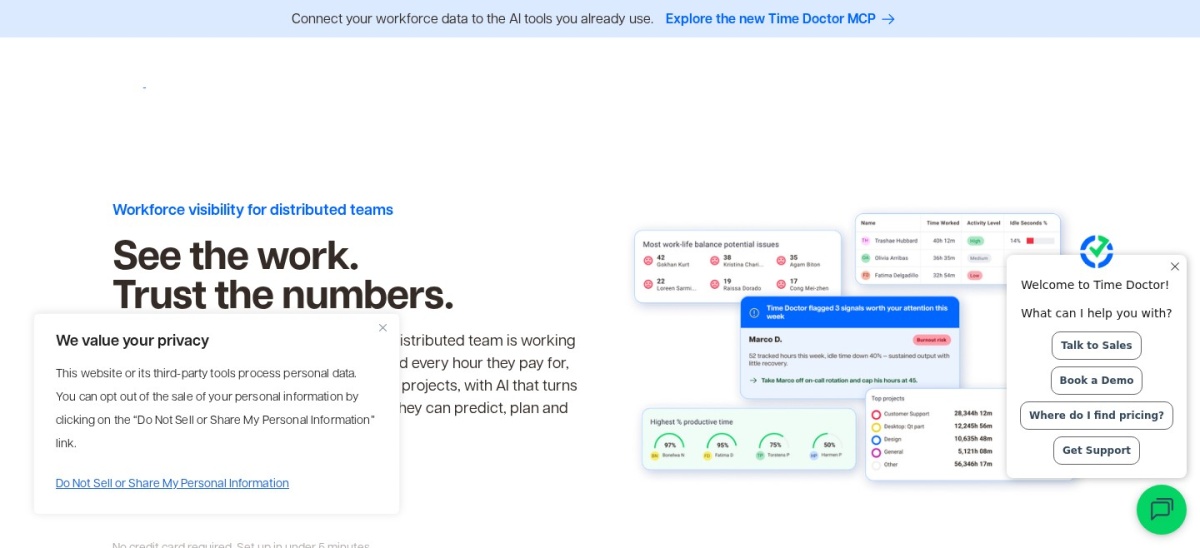
Time Doctor is a productivity analytics tool, with distraction alerts, activity tracking and detailed reports on how time is spent across apps and websites. Paid plans start at $6.67 a user a month on annual billing, with a 14-day free trial.
The trade off is the monitoring. It is honest about being an employee-monitoring tool, and the screenshot and activity features need a culture conversation first. It suits managed outsourcing and BPO operations that need detailed oversight.
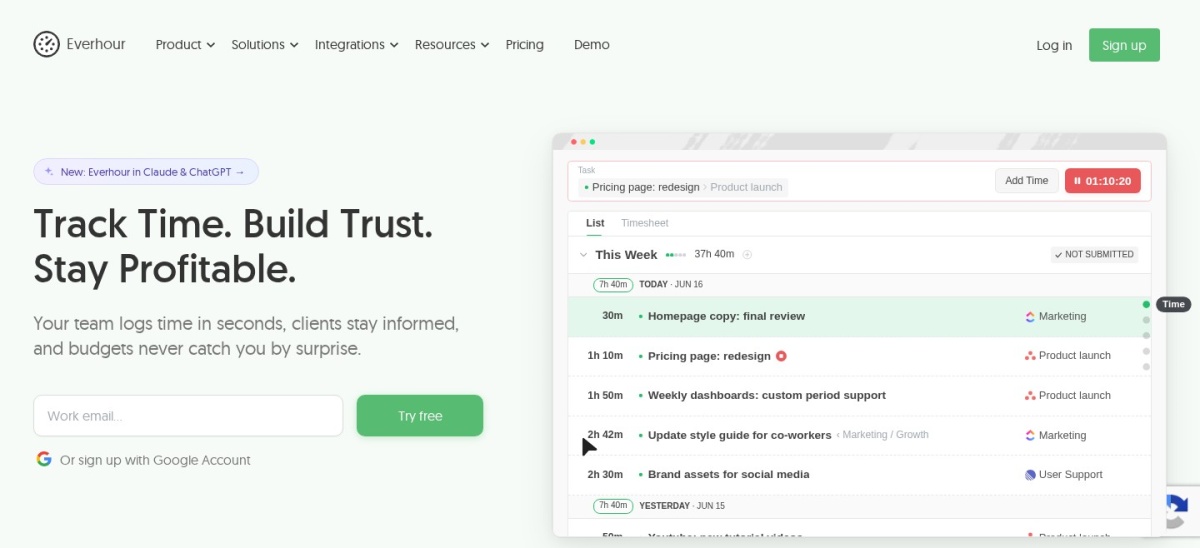
Everhour is a time tracker that embeds its timer inside project tools like Asana, Jira, Trello and Notion, so teams track time without leaving their work. It adds budgets, cost tracking and clean reports, with paid plans starting at $8.50 a user a month on annual billing.
The trade off is dependence. It shines inside a project tool and is less useful alone, and the G2 review count is small at just over 170. It suits teams that already live in Asana or Trello and want time on top.
4.8/5on G2 (Not published reviews, checked Nov 2026)
Starts at$9/user/mo
Best automatic time capture
Free planNo, 14-day trial
Starter$9 a user a month
CaptureAutomatic, AI-categorised
TimesheetsGenerated from captured time
timelyapp.com
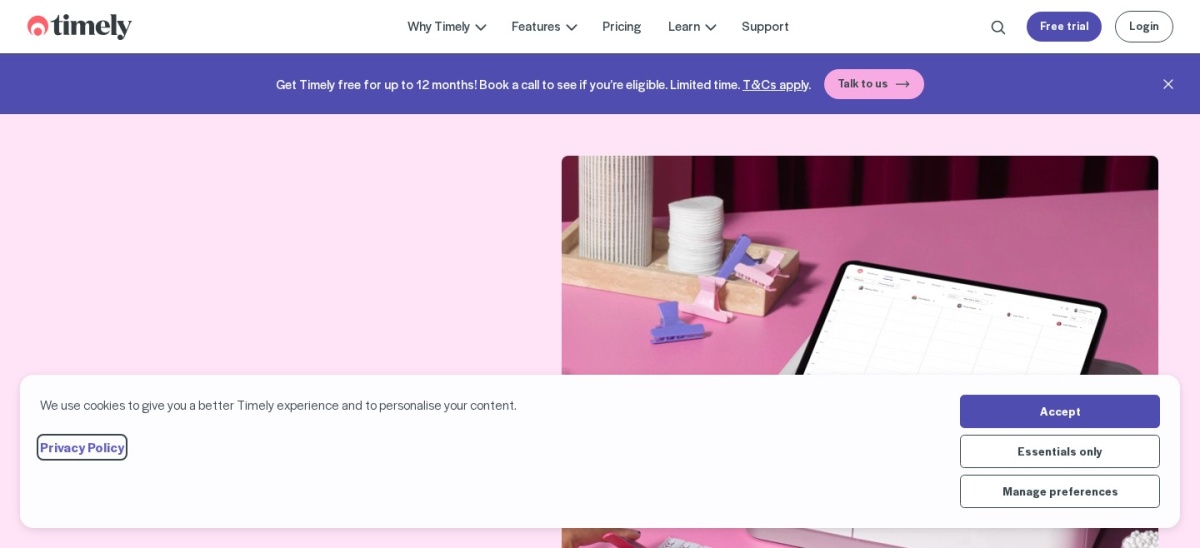
Timely homepage, captured Nov 2026.
Timely is an automatic time tracker that uses AI capture, recording work in the background so users never need to start or stop a timer. Users review and categorise the captured time afterward, which solves the forgetting problem completely.
The trade off is review time. Automatic capture still needs someone to check and categorise the day, and there is no free plan. Starter costs $9 a user a month. It suits teams that hate manual timers and want timesheets without the admin.
4.7/5on G2 (Not published reviews, checked Nov 2026)
Paid from$3.99/user/mo
Best budget alternative with GPS
Free planYes
Starter$3.99 a user a month
GPS trackerReal-time, included
BillingClient billing included
timecamp.com
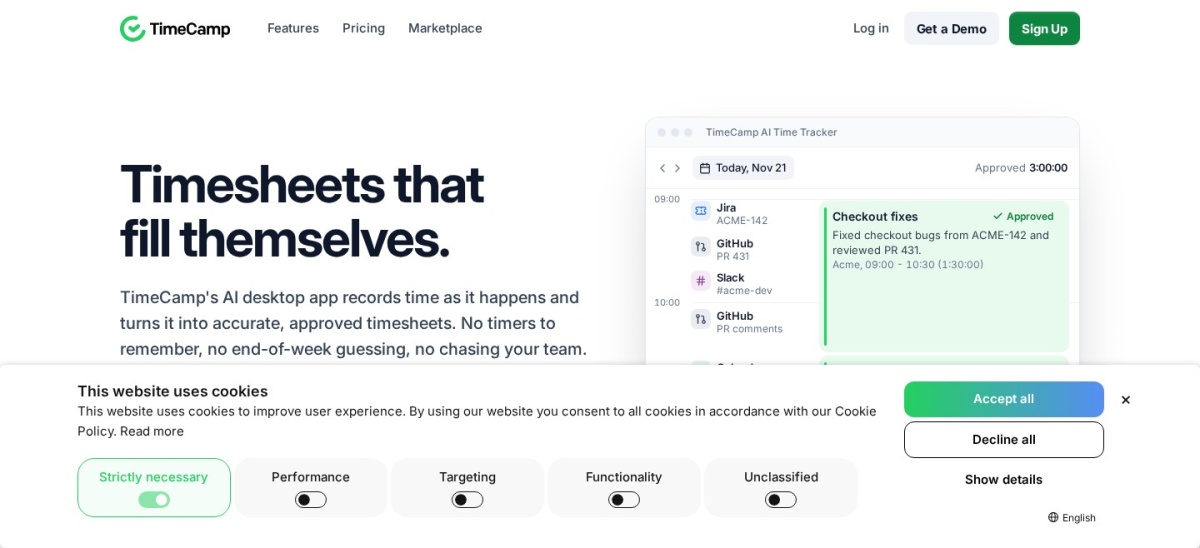
TimeCamp homepage, captured Nov 2026.
TimeCamp is a basic timekeeping app with a real-time GPS tracker for in-field teams, plus payroll management and client billing. Paid plans start at $3.99 a user a month, matching Clockify as the cheapest paid plan in this list.
The trade off is verification. Its G2 rating of 4.7 out of 5 is reported in a competitor comparison, and we could not confirm a review count today. It suits in-field teams that want GPS tracking at a budget price.
We started from the established tools in this category, then kept those with a verifiable rating on G2, Capterra or Trustpilot and a published price or fee schedule.
Prices and fees come from each vendor pricing page or fee schedule, checked on 26 November 2026. Ratings and review counts come from G2, Capterra or Trustpilot on the same day. Where a vendor shows a sale, the list shows the regular price.
We left out tools with no verifiable rating and tools whose pricing is hidden behind a sales call with no published figure. No vendor paid for a place, and we do not claim hands-on testing for this list.
How to choose time recording software
Start with whether hours become money, then pick the timer your team will actually use.
Decide if hours become invoices. If they do, shortlist Harvest and Everhour. If not, a simple timer is enough.
Check the free tier for your team size. Clockify covers five users free, Toggl Track three, Harvest one, and Hubstaff none.
Agree the monitoring rules first. Screenshot and GPS tools need team consent before rollout, or adoption will fail.
Trial it with one real week. Run a full week of real work before paying, and check the reports answer your questions.
FAQ
What is the best time recording software?
Toggl Track is the best pick for most teams. Its one-click timer is the one people actually start, it is rated 4.6 out of 5 on G2, and Starter costs $9 a user a month.
What is the cheapest time tracking software?
Clockify and TimeCamp are the cheapest paid plans here at $3.99 a user a month. Clockify also has a free tier for up to five users with unlimited projects and tracking.
Which time tracker is best for billing clients?
Harvest is the best for billing clients, because tracked time flows straight into invoices and payments through Stripe or PayPal. Everhour is the best alternative inside Asana or Trello.
Is there a free time tracker for small teams?
Yes. Clockify is free for up to five users, Toggl Track for up to three, Harvest for one seat and Everhour for up to five users.
Do time trackers take screenshots of my work?
Some do. Hubstaff and Time Doctor take screenshots and score activity, while Toggl Track and Clockify do not monitor that way. Check the monitoring rules before you choose.
What is automatic time tracking?
Automatic time tracking records work in the background without a manual timer. Timely does this with AI, then lets users review and categorise the captured time into timesheets.
SaaS SEO and WordPress specialist with about 8 years of experience. Rakib compares WordPress plugins, themes, hosting and software using public pricing, documentation and user reviews. See how we rank.