Clockify is our top overall pick because its free tier covers up to 5 users with unlimited projects and its Basic plan starts at $3.99/mo billed annually ($47.88/yr). Choose Toggl Track for rapid one-click timers, Harvest for built-in client invoicing, or Hubstaff when remote teams need GPS and activity monitoring.
How we make this list: we compare pricing pages, product documentation and public user reviews, then re-check every price before each update. No product paid for a place. Disclosure.
Clockify leads on budget with a 5-user free plan and a $3.99/mo Basic annual plan ($47.88/yr per seat).
Toggl Track offers a 5-user free tier and clean calendar sync, with Starter plans at $9/mo billed annually ($108/yr).
Harvest combines timesheets and native invoicing at $9/mo billed annually ($108/yr), though usage-based fees can raise renewals.
Everhour embeds directly inside Asana, Jira, and ClickUp, but its Team plan ($8.50/mo annual) enforces a 5-seat minimum ($510/yr).
Jibble delivers a permanent free plan with unlimited users and biometric kiosk clock-ins for shift and field crews.
Hubstaff ($4.99/mo annual, 2-seat minimum) and Time Doctor ($6.67/mo annual) serve remote teams needing screenshots and activity tracking.
What to look for in online timesheet software
Online timesheet software replaces manual spreadsheets with web, desktop, and mobile timers that feed directly into weekly approval grids. The best platforms capture hours without interrupting daily work, whether employees click a live stopwatch, fill out a weekly matrix, or clock in via GPS on a job site.
Before comparing per-seat rates, separate pure time trackers from workforce monitoring suites. Tools like Toggl Track and My Hours focus on project hours, billable rates, and client reports without desktop surveillance. Platforms such as Hubstaff and Time Doctor add periodic screenshots, idle timeouts, and app or URL tracking for distributed operations.
Pay close attention to free-tier caps, seat minimums, and annual billing discounts. Many vendors advertise monthly rates based on upfront annual commitments, while month-to-month billing adds 15% to 33% to your bill. Check whether approvals, overtime rules, and accounting exports sit on the entry tier or require an upgrade.
4.8/5on Capterra (9,262 reviews, checked Nov 2026)
Paid from$3.99/mo
Best overall value for small teams
Free tierUp to 5 users, unlimited projects
Cheapest paid$3.99/mo annual ($4.99 monthly)
Approvals & invoicingStandard plan ($5.49/mo annual)
PlatformsWeb, desktop, iOS, Android, browser
clockify.me
Clockify homepage, captured Nov 2026.
Clockify is a cloud timesheet and time-tracking platform built for agencies, freelancers, and growing teams. Its permanent free tier covers up to 5 users with unlimited tracking, unlimited projects, PDF report exports, and multi-currency support. Upgrading to Basic at $3.99 per seat per month billed annually ($47.88/yr, or $4.99 billed monthly) unlocks timesheet templates, historical rate edits, and bulk time editing.
The trade off is that key agency features like formal timesheet approvals, invoicing, and time-off tracking require the Standard plan at $5.49/mo annual, while desktop screenshots sit on Pro at $7.99/mo. Some reviewers also note occasional sync lag on mobile devices. It suits cost-conscious small teams that want dependable project timesheets without heavy surveillance.
What we like
Generous free tier for up to 5 users with unlimited projects and reports
Lowest per-seat paid entry price among full-featured project trackers
Supports weekly timesheet grids, live timers, and shared kiosk clock-ins
Available across web, Windows, macOS, Linux, iOS, Android, and browser extensions
Watch out for
Timesheet approvals and client invoicing require the $5.49/mo Standard tier
Mobile app offers fewer options and slower syncing than the web interface
Basic ($3.99/mo annual) adds admin controls, time rounding, and bulk entry edits.Visit clockify.me
02
Toggl Track
4.7/5on Capterra (2,589 reviews, checked Nov 2026)
Paid from$9/mo
Best for fast timer-first workflows
Free tierUp to 5 users, calendar sync
Cheapest paid$9/mo annual ($12 monthly)
Approvals & labor costsPremium plan ($16/mo annual)
Anti-surveillanceNo screenshots or keystroke logs
toggl.com
Toggl Track homepage, captured Nov 2026.
Toggl Track is a timer-focused timesheet app designed for consultants, agencies, and knowledge workers who want minimal friction. Its free plan supports up to 5 users with real-time timers, manual entry, Pomodoro focus mode, and Google or Outlook Calendar integrations. The Starter plan costs $9 per user per month billed annually ($108/yr, or $12 billed monthly) and adds billable rates, project time estimates, and team capacity views.
The trade off is a higher jump for administrative controls, since formal timesheet approvals, labor cost tracking, and Jira or Asana integrations sit on the Premium plan at $16/mo billed annually. It also lacks built-in client invoicing. It suits teams that value rapid adoption and employee privacy over built-in billing.
What we like
Clean, fast interface that requires almost no staff training
Strong Google Calendar and Outlook integrations convert meetings into entries
Explicitly avoids invasive desktop screenshots or keystroke monitoring
Reliable offline tracking across desktop, mobile, and browser extensions
Watch out for
Timesheet approvals and project management integrations require the $16/mo Premium tier
No native invoicing tool for sending client bills directly from tracked hours
Starter ($9/mo annual) adds billable hourly rates, team reports, and project milestones.Visit toggl.com
03
Harvest
4.5/5on Capterra (656 reviews, checked Nov 2026)
Paid from$9/mo
Best for client billing and invoicing
Free tier1 user, up to 2 active projects
Cheapest paid$9/mo annual ($11 monthly)
Accounting syncQuickBooks Online and Xero
Billing modelPer-seat plus usage allowances
getharvest.com
Harvest homepage, captured Nov 2026.
Harvest is an online timesheet and invoicing platform built for service businesses that bill clients by the hour. Its forever-free plan supports 1 user and up to 2 active projects with time tracking, expense logging, and invoice creation. The Teams plan starts at $9 per seat per month billed annually ($108/yr, or $11 billed monthly) and unlocks team reporting, timesheet approvals, and QuickBooks or Xero integrations.
The trade off is its 2026 pricing structure, which pairs base per-seat fees with usage-based charges when teams exceed included allowances for active projects, clients, or invoices. Solo freelancers get great value on the free tier, while multi-client agencies should verify total usage limits before subscribing. It suits consultancies that want time logs and client invoices in one place.
What we like
Turns approved timesheet hours and expenses directly into client invoices
Automated weekly reminders prompt staff to submit missing timesheets
Direct integrations with QuickBooks Online, Xero, Stripe, and PayPal
Free plan caps usage at 1 user and 2 active projects
Usage-based billing fees for extra projects and clients can raise renewal costs
Teams ($9/mo annual) unlocks multi-user timesheets, approvals, and accounting integrations.Visit getharvest.com
04
My Hours
4.8/5on Capterra (986 reviews, checked Nov 2026)
Paid from$4/mo
Best budget project timesheets
Free tierUp to 5 active users
Cheapest paid$4/mo annual ($5 monthly)
Approvals & budgetsPro plan ($8/mo annual)
MonitoringNone (privacy-first tracking)
myhours.com
My Hours homepage, captured Nov 2026.
My Hours is a project time-tracking and timesheet tool aimed at small teams, nonprofits, and consultants. Its free plan covers up to 5 active users with unlimited projects and clients, task-level tracking, and basic reports. The Basic plan costs $4 per user per month billed annually ($48/yr, or $5 billed monthly) and adds basic billable rates and expanded reporting.
The trade off is that monthly project budgets, custom hourly rates, formal approval workflows, and priority support require upgrading to the Pro plan at $8/mo billed annually ($9 monthly). Reviewers also note that bulk retroactive edits and user dropdown searches feel dated on large accounts. It suits small project teams wanting low-cost, privacy-friendly timesheets.
What we like
Very affordable entry pricing at $4/mo per user on annual billing
Free tier covers up to 5 active users with unlimited projects and clients
Clean weekly timesheet layout with detailed task notes and expense logging
No employee surveillance features such as screenshots or activity scoring
Watch out for
Approval workflows and project budget alerts require the $8/mo Pro plan
Lacks a native macOS desktop app and bulk spreadsheet overwrite tools
4.8/5on Capterra (3,118 reviews, checked Nov 2026)
Paid from$4.49/mo
Best for attendance and shift teams
Free tierUnlimited users, GPS & kiosk mode
Cheapest paid$4.49/mo annual ($5.99 monthly)
VerificationFacial recognition, PIN, geofencing
Best industriesRetail, construction, healthcare, field
jibble.io
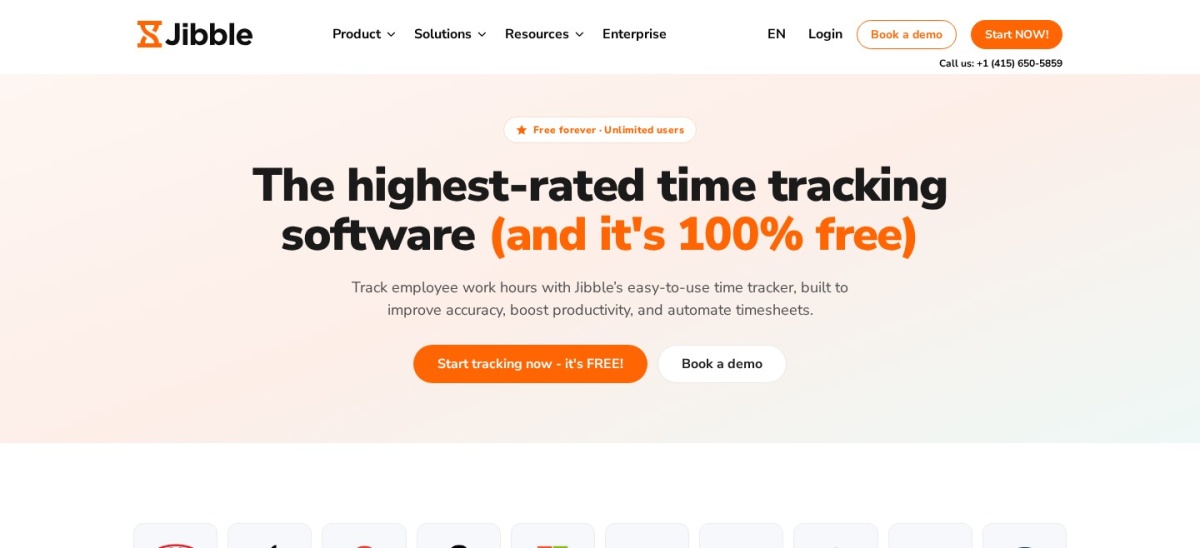
Jibble homepage, captured Nov 2026.
Jibble is an employee attendance and timesheet platform built for shift-based, retail, and field workforces. Its forever-free plan supports unlimited users with automated timesheets, GPS tracking, facial recognition check-ins, and shared kiosk mode, capped at 2 locations and 1 work schedule. Paid Premium plans start around $4.49 per user per month billed annually ($53.88/yr, or $5.99 monthly) for unlimited geofences, leave management, and multi-level approvals.
The trade off is pricing transparency and project billing depth, as Jibble adjusts rates by user region and focuses on attendance rather than client invoicing. Weak mobile signals can also slow down facial verification on remote job sites. It suits hourly, on-site, and field teams that need verified clock-ins without per-user fees on the free tier.
What we like
Permanent free tier supports unlimited users with GPS and biometric clock-ins
Automated overtime rules and payroll-ready timesheet exports
Offline mobile clock-ins sync automatically when connectivity returns
Fast onboarding for non-desk staff via shared tablet kiosks
Watch out for
Paid plan rates are not uniformly published and vary by team location
Lighter on client invoicing and agency project profitability than Toggl or Harvest
Premium ($4.49/mo annual) removes location caps and adds PTO and approval workflows.Visit jibble.io
06
TMetric
4.5/5on Capterra (260 reviews, checked Nov 2026)
Paid from$5.83/mo
Best for browser and dev tool workflows
Free tierUp to 2 users, unlimited projects
Cheapest paid$5.83/mo annual ($7 monthly)
Team timesheetsBusiness plan ($7.50/mo annual)
IntegrationsJira, Asana, Linear, GitLab, Notion
tmetric.com
TMetric homepage, captured Nov 2026.
TMetric is a web and desktop timesheet tracker tailored for software studios, agencies, and remote teams. Its free plan supports up to 2 users with unlimited projects and clients, browser timer extensions, and basic reports. Upgrading to Professional at $5.83 per seat per month billed annually ($69.96/yr, or $7 billed monthly) unlocks billable rates, project budgets with alerts, client invoicing, and calendar sync.
The trade off is that shared team timesheet approvals, time-off management, payroll calculations, and optional app or screenshot tracking require the Business plan at $7.50/mo billed annually ($9 monthly). Reviewers also note that the mobile app feels less complete than the desktop version. It suits small technical teams tracking billable hours directly from Jira, GitLab, or Asana.
Includes project budget alerts and native invoicing on the $5.83/mo Professional tier
Visual daily timeline makes filling in gaps or editing entries straightforward
Supports break tracking and flexible billable rate hierarchies
Watch out for
Free plan is restricted to just 2 seats
Team timesheet locking and PTO tracking require upgrading to the $7.50/mo Business tier
Professional ($5.83/mo annual) unlocks billable rates, project budgets, and invoicing.Visit tmetric.com
07
Everhour
4.7/5on Capterra (432 reviews, checked Nov 2026)
Paid from$8.50/mo
Best for Asana, ClickUp, and Jira teams
Free tierUp to 5 seats (no PM integrations)
Cheapest paid$8.50/mo annual ($10 monthly)
Seat minimum5 seats minimum ($510/yr floor)
Native embedsAsana, ClickUp, Jira, Trello, Monday
everhour.com
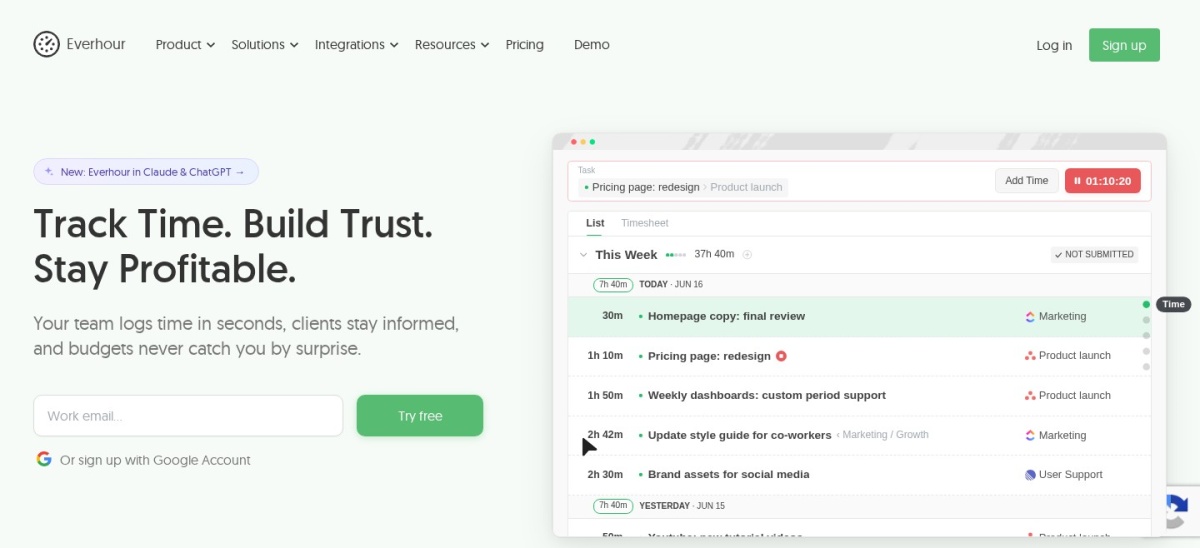
Everhour homepage, captured Nov 2026.
Everhour is a project timesheet tool built to embed directly inside Asana, ClickUp, Jira, Trello, and Monday.com. Its free plan covers up to 5 seats with basic time tracking, reports, and data exports. The Team plan costs $8.50 per seat per month billed annually ($102/yr per seat, or $10 billed monthly) and unlocks all native project-management integrations, billable rates, budgets, invoicing, and timesheet approvals.
The trade off is a strict 5-seat minimum on the Team plan, which sets the smallest paid account at $510 per year upfront even for a 2-person shop, and native integrations are excluded from the free tier. Once upgraded, accounts cannot downgrade back to Free. It suits agencies of 5 or more people running daily delivery inside Asana or Jira.
What we like
Displays live project budgets and timer controls directly inside Asana, Jira, and ClickUp
Single paid tier includes every feature with no paid add-ons
Strong timesheet locking, approval workflows, and QuickBooks or Xero sync
Avoids invasive desktop screenshots or keystroke surveillance
Watch out for
5-seat minimum ($510/yr annual or $50/mo) makes it expensive for teams under 5
Project management integrations are completely locked out of the free plan
Team ($8.50/mo annual, 5-seat minimum) unlocks all PM integrations, budgets, and invoicing.Visit everhour.com
08
Hubstaff
4.5/5on Capterra (1,615 reviews, checked Nov 2026)
Starts at$4.99/mo
Best for remote workforce monitoring
Free tier14-day trial (1-user free option)
Cheapest paid$4.99/mo annual ($7 monthly)
Seat minimum2 seats on paid plans
Monitoring toolsScreenshots, app/URL logs, GPS
hubstaff.com
Hubstaff homepage, captured Nov 2026.
Hubstaff is a remote workforce timesheet and monitoring platform combining automated time logs, activity levels, and contractor payments. Paid plans require a 2-seat minimum and start with Starter at $4.99 per seat per month billed annually ($59.88/yr per seat, or $7 billed monthly), which includes automated timesheets, up to 500 screenshots and app/URL records per user monthly, and client invoicing.
The trade off is that timesheet approvals, shift scheduling, automated payroll, and unlimited integrations require the Team plan at $10/mo billed annually ($12 monthly), while GPS geofencing costs an extra $3.33/mo add-on unless you buy Enterprise. Desktop monitoring can also feel intrusive to salaried staff. It suits distributed operations and BPOs managing hourly remote contractors.
What we like
Combines automated timesheets with optional screenshots, activity scores, and GPS
Direct contractor payouts via Wise, PayPal, Payoneer, and Gusto on higher tiers
Configurable idle-time detection prevents inflated hours when staff step away
Affordable $4.99/mo annual entry rate for small remote teams
Watch out for
Timesheet approvals, scheduling, and payroll require the $10/mo Team tier
2-seat minimum on all paid plans and extra add-on fees for GPS locations
Per-seat headline prices can be misleading because vendors gate timesheet approvals, invoicing, and seat minimums differently. For a 10-person agency paying annually, Clockify Basic costs $478.80/yr, though upgrading to Standard for formal timesheet approvals and invoicing brings the total to $658.80/yr. My Hours Basic runs $480/yr, while unlocking approvals and budgets on Pro costs $960/yr.
Mid-tier project trackers sit closer to $1,000 per year for 10 users. Everhour Team totals $1,020/yr with all integrations included, while Toggl Track Starter and Harvest Teams each start at $1,080/yr before any Harvest usage overages or Toggl approval upgrades. Monitoring platforms like Hubstaff start at $598.80/yr on Starter, rising to $1,200/yr on Team once approvals and automated payroll are added.
How we chose
We evaluated standalone online timesheet and time-tracking platforms widely used by small businesses, agencies, and distributed teams. Priority went to established tools with hundreds or thousands of verified user reviews on Capterra and G2, transparent public pricing, and active product maintenance.
All subscription prices, billing intervals, seat minimums, ratings, and review counts were verified directly against official vendor pricing pages and public review directories on 22 Nov 2026. Where vendors offer both monthly and annual billing, we list the regular annual per-seat equivalent alongside standard month-to-month rates.
We excluded enterprise-only suites without public pricing (such as Replicon), WordPress-specific plugins, and tools lacking standalone web timesheet workflows. No vendor paid for a place, and we do not claim testing for this list.
How to choose online timesheet software
Match your team's billing model and oversight needs to the right tier before committing to annual seats:
Decide between timer-first tracking and weekly matrices. Consultants and developers switching tasks all day benefit from one-click timers and browser extensions in Toggl Track or TMetric, whereas salaried staff logging hours once a week prefer fast grid entry in Clockify or Harvest.
Verify which tier unlocks approvals and payroll exports. Many free plans let staff log hours but lock manager approvals, period locking, and QuickBooks or Gusto exports behind mid-tier subscriptions.
Set clear boundaries on employee monitoring. Choose privacy-first trackers like Toggl Track, Harvest, or My Hours for creative and knowledge teams, and reserve screenshot or GPS tools like Hubstaff and Jibble for hourly remote or field crews.
Calculate total annual cost with seat minimums. Multiply the per-seat rate by every admin, contractor, and approver who needs a login, and check for minimum seat floors like Everhour's 5-seat rule before signing up.
FAQ
What is the best free online timesheet software?
Clockify and Jibble offer the strongest permanent free plans. Clockify supports up to 5 users with unlimited projects and PDF reports, while Jibble covers unlimited users with GPS and kiosk clock-ins.
Which timesheet software is best for billing clients?
Harvest is built specifically for client billing, turning approved hours and expenses directly into invoices with QuickBooks and Xero sync. TMetric and Everhour also include native invoicing on their paid plans.
Do online timesheet apps take screenshots of employees?
Only workforce monitoring tools like Hubstaff, Time Doctor, and TMetric's Business tier capture optional screenshots or app activity. Privacy-focused tools such as Toggl Track, Harvest, and My Hours do not include screen monitoring.
How much does online timesheet software cost per user?
Entry paid plans typically range from $3.99 to $9 per user per month when billed annually, or roughly $48 to $108 per user per year. Month-to-month billing usually adds 15% to 33%.
Can field or shift workers use online timesheets without a computer?
Yes. Jibble, Clockify, and Hubstaff provide iOS and Android apps plus shared tablet kiosk modes with PIN, QR code, or facial recognition check-ins and GPS geofencing.
What is the difference between a time tracker and timesheet software?
A time tracker focuses on live stopwatches and background activity logs, while timesheet software organizes those hours into weekly or biweekly grids with manager approvals, period locking, and payroll exports.
SaaS SEO and WordPress specialist with about 8 years of experience. Rakib compares WordPress plugins, themes, hosting and software using public pricing, documentation and user reviews. See how we rank.