GitHub is the best of the top software for team coding, with pull requests, code review and Actions from $4 per user a month. GitLab suits teams that want hosting and pipelines in one place, while Visual Studio Code is the free editor most teams pair with either.
How we make this list: we compare pricing pages, product documentation and public user reviews, then re-check every price before each update. No product paid for a place. Disclosure.
GitHub Team costs $4 per user a month and has the highest G2 rating here at 4.7 out of 5.
GitLab Premium costs $29 per user a month and bundles hosting with CI and CD pipelines.
Bitbucket Standard costs $2 per user a month and fits teams already using Jira.
Visual Studio Code is free and pairs with Live Share for real-time pair programming.
Replit Core costs $20 a month billed yearly and runs the whole project in a browser tab.
How do you choose the top software for team coding?
Team coding needs three things at once: shared code, review and a way to run the project.
Git hosting is the first split. GitHub, GitLab and Bitbucket all host repositories, but GitLab bundles pipelines while GitHub leans on Actions and integrations.
The editor is the second split. Visual Studio Code is free and extensible, IntelliJ IDEA is the paid pick for Java and Kotlin, and Cursor adds AI to the editor itself.
Cloud IDEs are the third option. Replit runs the whole project in a browser tab, which suits teaching and prototypes more than large production codebases.
GitHub is the default home for team code, with pull requests, code review, issues and Actions in one place. The free plan covers unlimited public and private repositories, while Team costs $4 per user a month and adds repository rules, code owners and draft pull requests.
The trade off is that advanced security and Copilot sit on higher tiers, and Enterprise costs $21 per user a month. It suits most teams, from open source projects to companies that want the largest developer community and integration ecosystem.
GitLab is a DevOps platform that combines Git hosting and CI and CD pipelines in one place, so teams need fewer separate tools. The free plan covers small teams, while Premium costs $29 per user a month and adds advanced pipelines, security scanning and support.
The trade off is price and weight. Premium costs more than seven times GitHub Team, and the platform can feel heavy for a team that only needs hosting. It suits teams that want one DevOps platform instead of several tools.
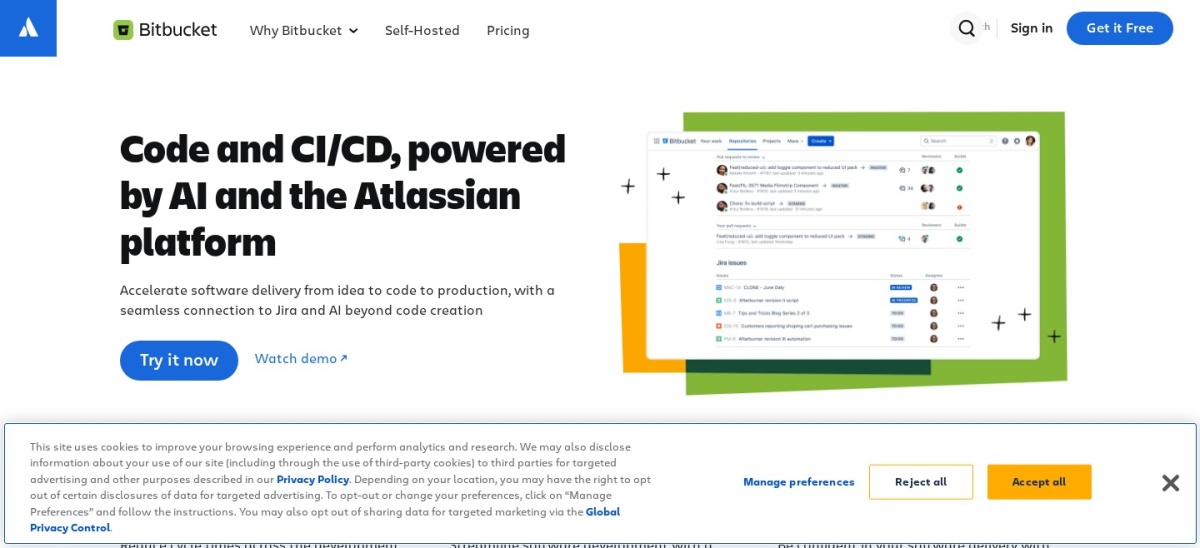
Bitbucket is Atlassian's Git host, built to sit beside Jira and Confluence for teams that already live in that ecosystem. The free tier covers up to 5 users, and Standard costs $2 per user a month with more storage and build minutes.
The trade off is reach. Bitbucket has a smaller community than GitHub, and its free tier caps at 5 users, so larger teams pay from the sixth seat. It suits teams that run Jira and want branches, issues and code in one workflow.
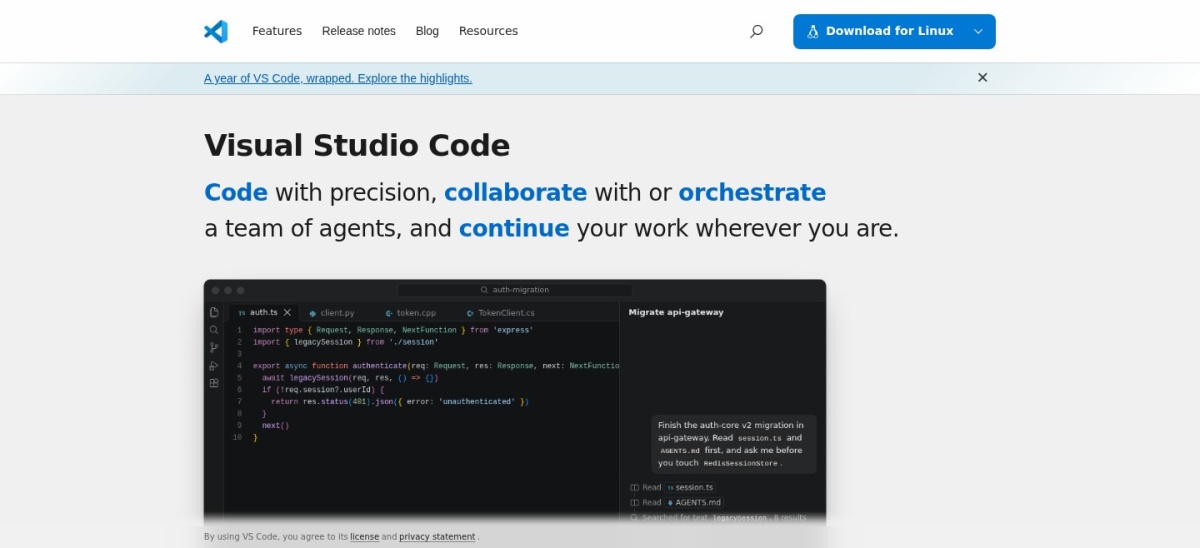
Visual Studio Code is a free, open-source editor that most teams pair with GitHub, GitLab or Bitbucket for hosting. Live Share lets two developers edit the same code in real time, and thousands of extensions cover debugging, testing and language support.
The trade off is that it is an editor, not a host. You still need Git hosting, CI and a review workflow beside it, and the extension quality varies. It suits every team that wants a free editor with pair programming built in.
IntelliJ IDEA is the JetBrains IDE for professional Java and Kotlin development, with refactoring, debugging and database tools built in. A free tier now covers former Ultimate basics, and Ultimate costs $16.58 a month billed yearly with the full toolset.
The trade off is scope and price. It is built for JVM languages, so web and Python teams get less value, and the paid tier costs more than a GitHub Team seat. It suits Java and Kotlin teams that want the deepest IDE support.
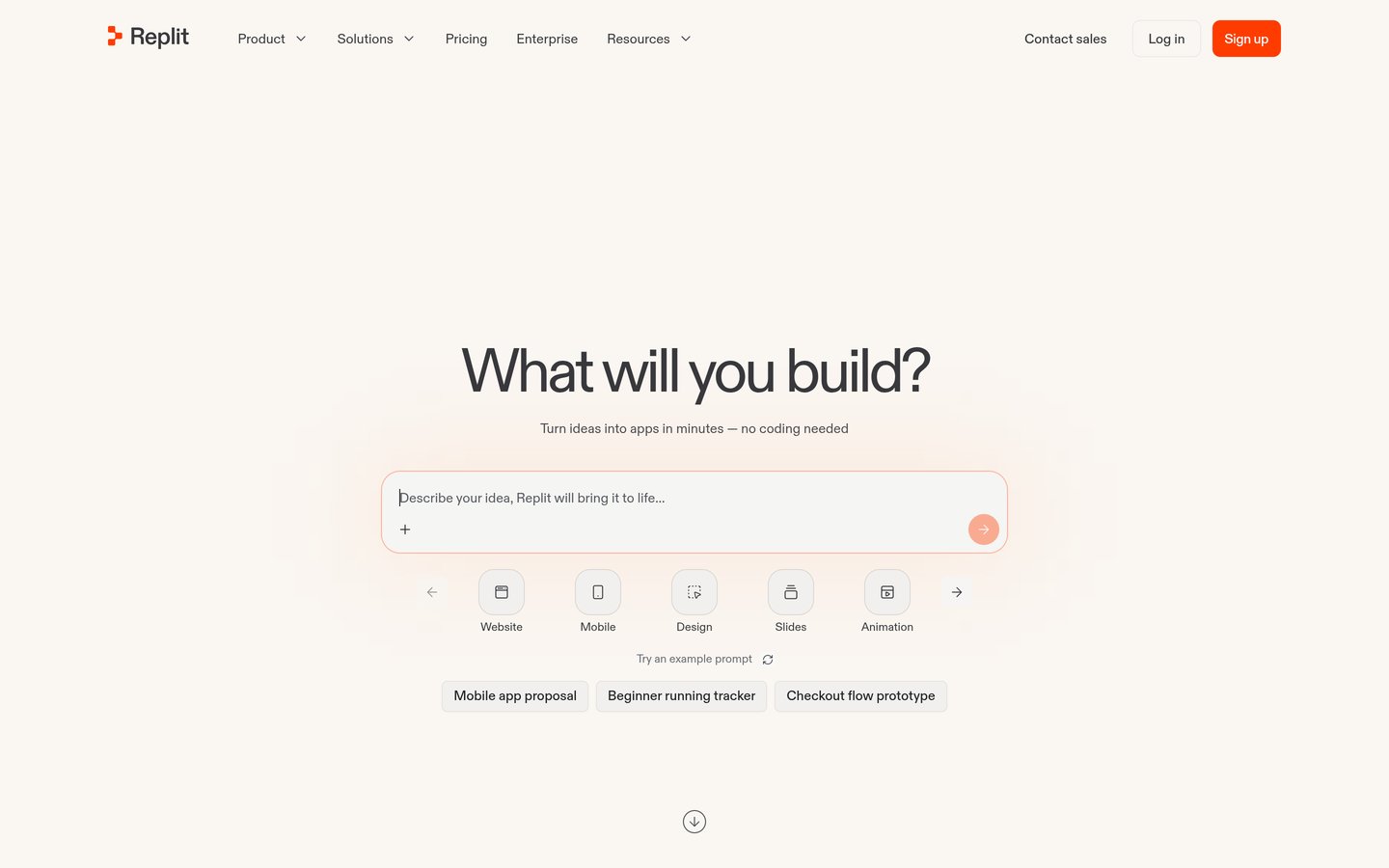
Replit is a browser-based coding platform where a team can write, run and deploy a project from one tab, with AI assistance and hosting built in. Core costs $20 a month billed annually and includes $25 in monthly usage credits, faster machines and always-on deployments.
The trade off is scale. The free tier limits you to 3 Repls with restricted compute, and pricing is usage-based, so heavy Agent work draws on credits. It suits learning, prototypes and small apps more than large production codebases.
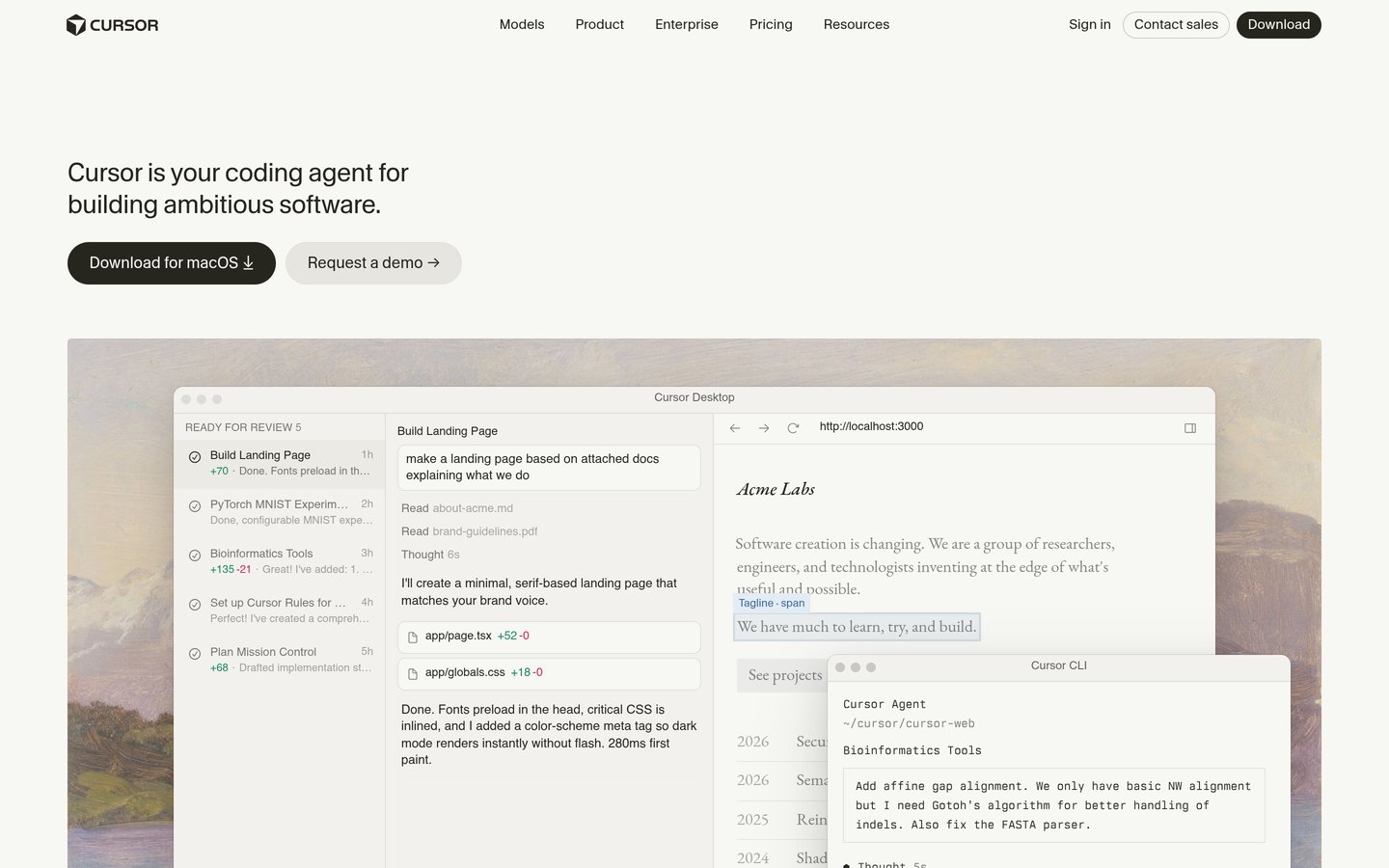
Cursor is an AI-first code editor built on Visual Studio Code, with frontier AI models that read the whole codebase and write, review and refactor code. The free Hobby tier covers basic use, and Pro costs $20 a month with higher limits and faster models.
The trade off is review burden. AI output needs checking, and teams that adopt Cursor need review habits that catch mistakes before merge. It suits teams that want AI help inside the editor they already know.
A Git host and an editor do different jobs. GitHub, GitLab and Bitbucket store the code and run reviews, while Visual Studio Code, IntelliJ IDEA and Cursor are where the code gets written.
Most teams pick one host and one editor. GitHub plus Visual Studio Code is the common default, since both are free to start and Live Share covers pair programming.
Cloud IDEs blur the line. Replit runs the editor and the hosting in a browser tab, which suits teaching and prototypes but not every production workflow.
Match the pair to the language. Java and Kotlin teams get the most from IntelliJ IDEA, while web teams usually stay with Visual Studio Code or Cursor.
How we chose
We started from the Git hosts, editors and cloud IDEs most often named for team coding, then kept seven with a verifiable G2 rating and a published price.
Prices come from each vendor's pricing page, checked on 29 November 2026. Ratings come from G2 on the same day. Where a vendor shows a sale price, the list shows the regular price.
We left out tools with no public rating and single-user editors with no collaboration features. No vendor paid for a place, and we do not claim hands-on testing for this list.
How to choose software for team coding
Start with where the code lives, then pick the editor your team already knows.
Pick the Git host first. GitHub suits most teams, GitLab suits teams that want pipelines built in, and Bitbucket suits Jira shops.
Match the editor to the language. Visual Studio Code covers most languages free, while IntelliJ IDEA suits Java and Kotlin teams.
Check the pair programming story. Live Share in Visual Studio Code and Replit in a browser both let two developers edit together in real time.
Price per seat, not per plan. A $4 seat on GitHub and a $20 seat on Cursor add up fast, so multiply by the team before you commit.
FAQ
What is the best software for team coding in 2026?
GitHub is the best software for team coding for most teams in 2026, with pull requests, code review and Actions from $4 per user a month. GitLab suits teams that want pipelines built in, and Visual Studio Code is the free editor most teams use.
Is GitHub or GitLab better for team coding?
GitHub is better for most teams, with the largest community, the most integrations and Team at $4 per user a month. GitLab is better for teams that want hosting, pipelines and security scanning in one platform, at $29 per user a month.
Can a team code together for free?
Yes. GitHub, GitLab and Bitbucket all have free tiers, and Visual Studio Code is free with Live Share for real-time pair programming. A small team can host code, review pull requests and pair program without paying.
What is the cheapest team coding software?
Bitbucket Standard costs $2 per user a month, the cheapest paid plan here, and Visual Studio Code is free. GitHub Team at $4 per user a month is the cheapest full-featured host for most teams.
GitHub vs Bitbucket: which should a Jira team pick?
Bitbucket is the better pick for a Jira team, since branches, issues and code share one workflow with Jira and Confluence. GitHub is better for teams that value the larger community and the wider integration ecosystem.
Do we need a cloud IDE like Replit?
Only for some jobs. Replit suits teaching, prototypes and small apps that need zero setup, with Core at $20 a month billed yearly. Large production codebases usually stay with a local editor and a Git host.
SaaS SEO and WordPress specialist with about 8 years of experience. Rakib compares WordPress plugins, themes, hosting and software using public pricing, documentation and user reviews. See how we rank.