Adobe Acrobat Pro is the top software for PDF conversion, with the most reliable Word, Excel and image exports plus OCR for scanned pages. iLovePDF Premium costs far less at 60 dollars a year for browser conversions, while Smallpdf suits quick one-off jobs.
How we make this list: we compare pricing pages, product documentation and public user reviews, then re-check every price before each update. No product paid for a place. Disclosure.
Adobe Acrobat Pro is the most complete converter at $19.99 a month, with OCR and batch processing included.
iLovePDF Premium is the cheapest paid plan here at $60 a year, and the free tier needs no account.
Smallpdf Pro costs $108 a year and adds OCR plus a Sign.com Premium subscription.
PDF-XChange Editor costs $62 once, the only one-time licence on this list.
Sejda processes files on your own computer with its $63 a year desktop plan.
How do you choose the top software for PDF conversion?
Start with the direction you convert most. Most buyers turn PDFs into Word or Excel files, so check that the tool exports clean, editable text rather than images of pages.
Batch conversion separates the serious tools from the one-off converters. If you convert whole folders, pick a plan with batch processing and no daily task cap.
OCR decides whether scanned pages convert at all. A converter without OCR leaves scanned PDFs as pictures, so check that OCR is included before you pay.
Price spreads are wide, from free tools to $240 a year. A browser tool at $60 a year covers most needs, while a desktop editor earns its price with offline work and batch jobs.
Adobe Acrobat Pro is the most complete PDF converter on this list, exporting PDFs to Word, Excel and PowerPoint while keeping tables, fonts and layout intact. The Pro plan adds Scan and OCR for paper documents, batch processing through Action Wizard, and 100 GB of cloud storage.
The trade off is price. Pro costs $19.99 a month on an annual plan, or $239.88 a year, which is four times the cheapest converter here, and the month-to-month rate rises to $29.99. It suits professionals who convert scanned and complex files every week.
What we like
Most reliable Word and Excel exports
Built-in OCR for scanned pages
Batch processing with Action Wizard
Works on desktop, web and mobile
Watch out for
Most expensive tool on this list
Annual plan carries a cancellation fee
AI Assistant costs extra on Pro
Pro adds OCR, redaction and batch tools over StandardVisit adobe.com
02
iLovePDF
4.6/5on G2 (586 reviews, checked Nov 2026)
Paid from$5/mo
Best value for browser conversion
PDF to WordYes
PDF to ExcelYes
OCRYes, Premium
Batch conversionYes, Premium
ilovepdf.com
iLovePDF homepage, captured Nov 2026.
iLovePDF is a browser-first PDF toolkit that converts PDFs to Word, Excel and PowerPoint, and Office files back to PDF, without asking for an account. The free tier handles files up to 15 MB for Office conversions, while Premium raises the cap to 4 GB per task and adds desktop and mobile apps.
The trade off is the price rise. Premium cost $48 a year until November 2026, when it rose to $60 a year, or $5 a month billed annually, with monthly billing at $9. It suits anyone who converts in the browser and wants the cheapest paid plan that still covers batch work.
Smallpdf is a web toolkit with more than 30 PDF tools, covering conversion to Word, Excel and PowerPoint, compression, merging and signing in one place. The free tier allows limited downloads each day, while Pro removes the limits, adds OCR and strong compression, and includes a Sign.com Premium subscription.
The trade off is the price. Pro costs $9 a month billed annually, or $108 a year, which is nearly double iLovePDF Premium for similar browser conversion, and the price shown varies by region. It suits people who want one tidy workspace for converting, compressing and signing.
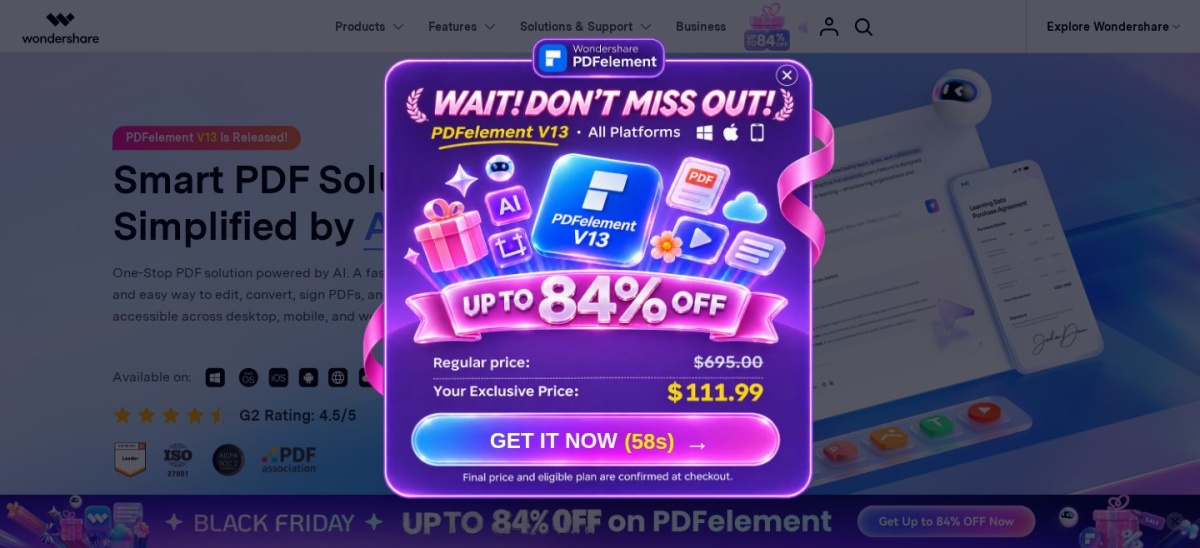
PDFelement is a desktop PDF editor from Wondershare that converts PDFs to Word, Excel and PowerPoint, edits text and images, and runs OCR on scanned pages. The yearly plan costs $79.99 for one platform, or $89.99 across Windows, Mac, mobile and web, with a 2-year plan at $109.99.
The trade off is the pricing maze. The store shows several yearly prices beside struck-through list prices, and AI features cost extra at $3.99 a month after 50 free uses. It suits Windows and Mac users who want a full desktop editor for a third of the Acrobat Pro price.
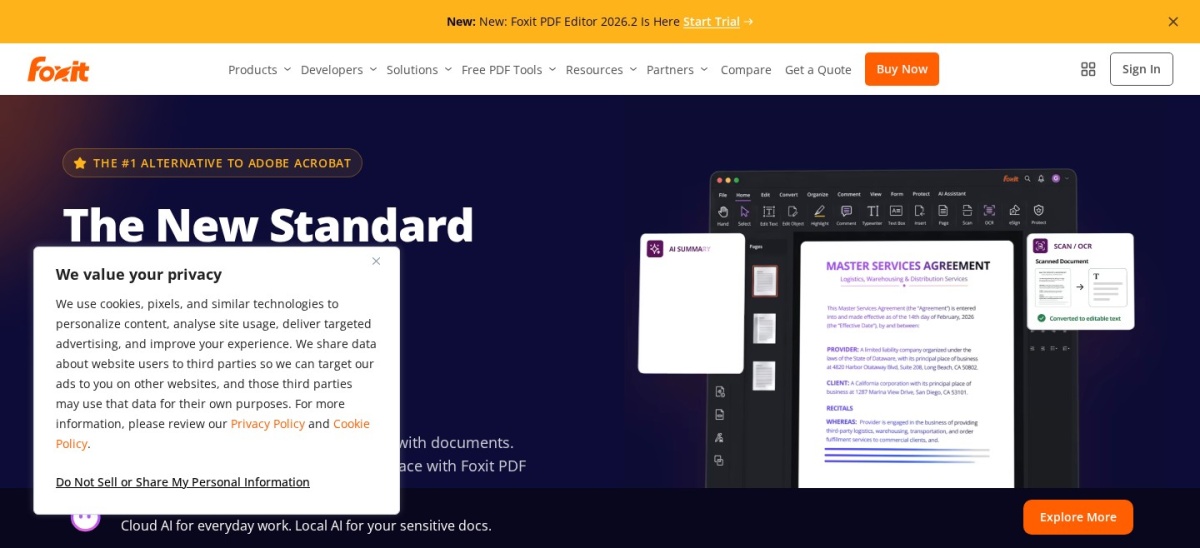
Foxit PDF Editor is a desktop and web PDF editor that converts PDFs to Word, Excel and PowerPoint, edits text, redacts sensitive passages and runs OCR. The Editor plan costs $129.99 a year, or $10.99 a month on the annual plan, with 300 AI credits a month included.
The trade off is the middle price. Foxit costs about half of Acrobat Pro but more than twice iLovePDF, and the mobile apps and e-signing need the $159.99 Editor+ plan. It suits small teams that want a fast desktop editor with redaction and document comparison built in.
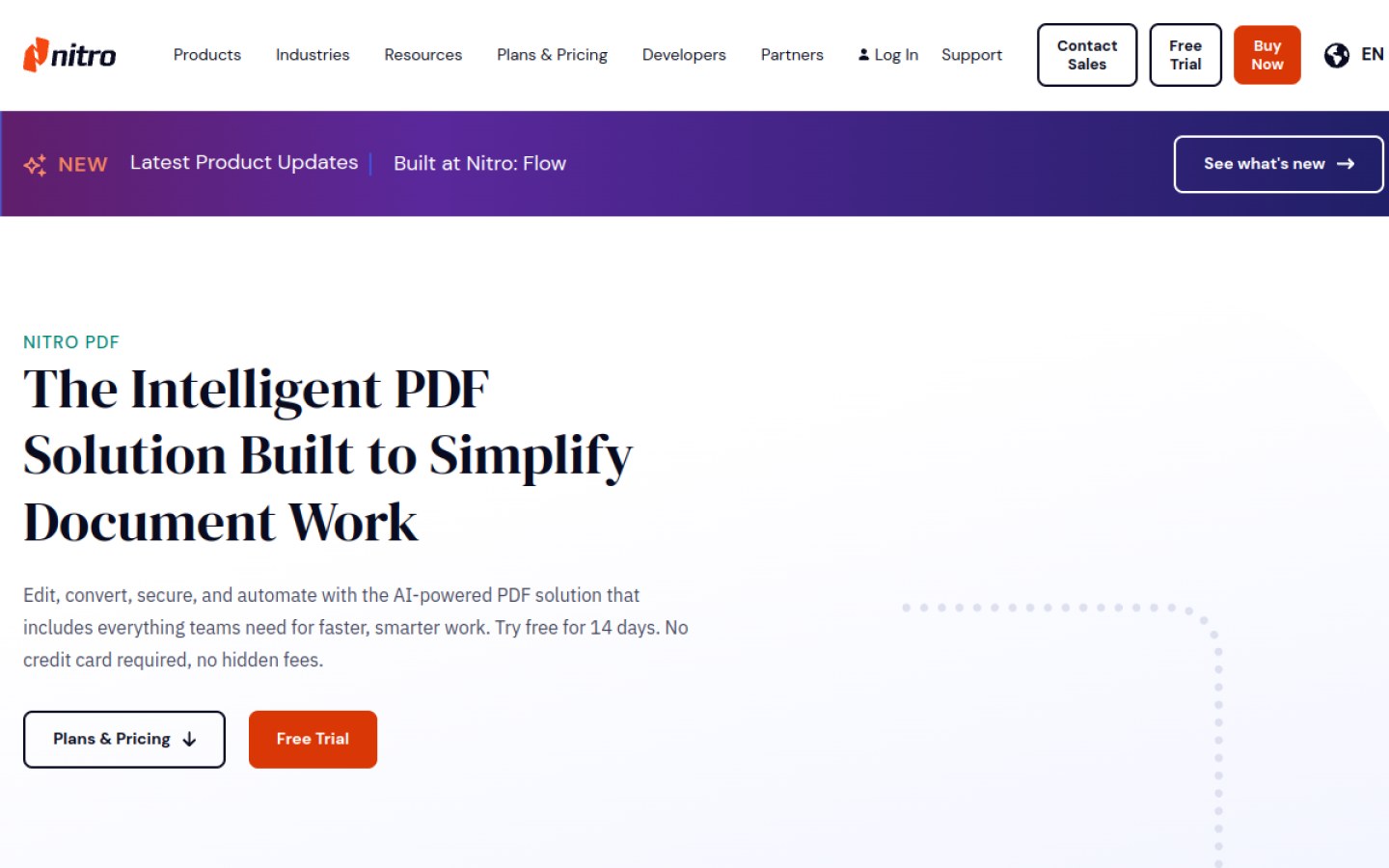
Nitro PDF Pro is a desktop PDF editor with a Microsoft Office-style ribbon that converts PDFs to Word and Excel, edits text, compares files and runs OCR automatically on scanned pages. The Standard plan costs $15 per user a month billed annually, or $180 a year, with a 14-day free trial.
The trade off is the missing one-time licence. The old perpetual Nitro Pro is gone, and the closest option is Classic at $270 once for three years of Windows-only use. It suits Windows-first teams that want an Office-style editor without the Adobe price.
Sejda is a web and desktop PDF toolkit that converts PDFs to Word and Excel, merges and splits files, and runs OCR, with the desktop app processing files on your own computer. The free desktop plan allows three tasks a day on files up to 50 MB, and the annual plan costs $63 a year.
The trade off is the daily limit. Three free tasks a day suits one-off jobs, but regular use needs the $63 annual plan, and the web-only monthly plan at $7.50 excludes the desktop app. It suits anyone handling sensitive files who wants conversion without uploads.
UPDF is a light PDF editor for Windows, Mac, iPhone, Android and the browser that converts PDFs to Word, Excel and images, annotates pages and runs OCR. The Pro yearly plan costs $49.99, with 10 GB of cloud storage, and a lifetime plan is available for $79.99 once.
The trade off is the AI upsell. AI features such as chat with a document cost $69 a year on top of Pro, and the free version watermarks some exports. It suits users who want one cheap licence across every device they own.
What we like
Cheapest yearly desktop plan here
Works on every major platform
Lifetime plan at $79.99 once
Clean, modern interface
Watch out for
AI features cost $69 a year extra
Free version watermarks some exports
Smaller review base than Foxit or Adobe
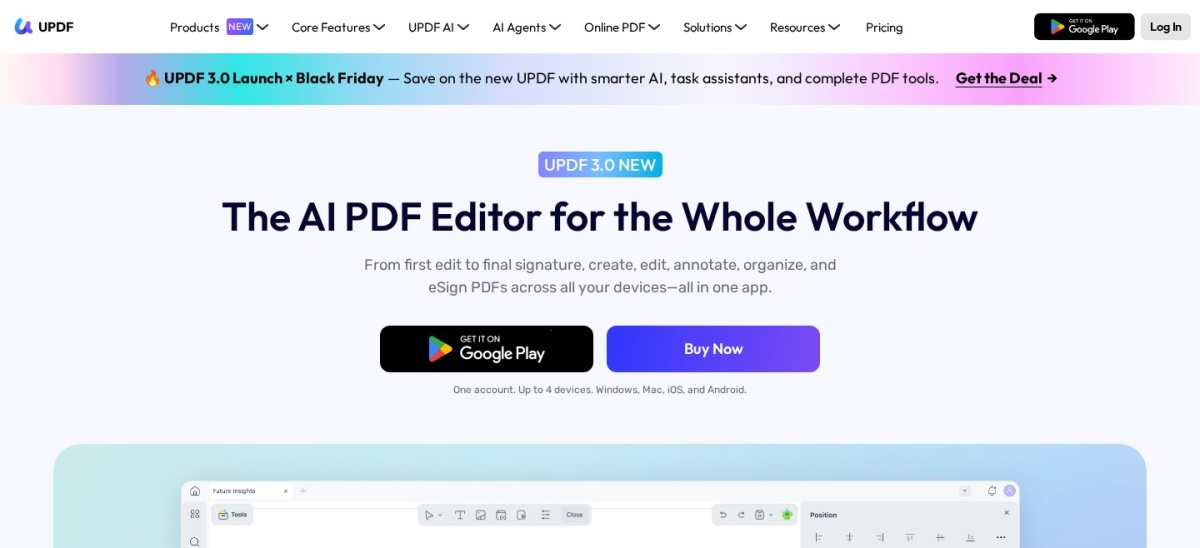
Pro adds OCR, batch conversion and 10 GB cloudVisit updf.com
09
PDF-XChange Editor
4.6/5on G2 (151 reviews, checked Nov 2026)
Paid from$62 (one-time)
Best one-time purchase
PDF to WordYes
PDF to ExcelYes
OCRYes, standard
Batch conversionNo, needs PRO bundle
pdf-xchange.com
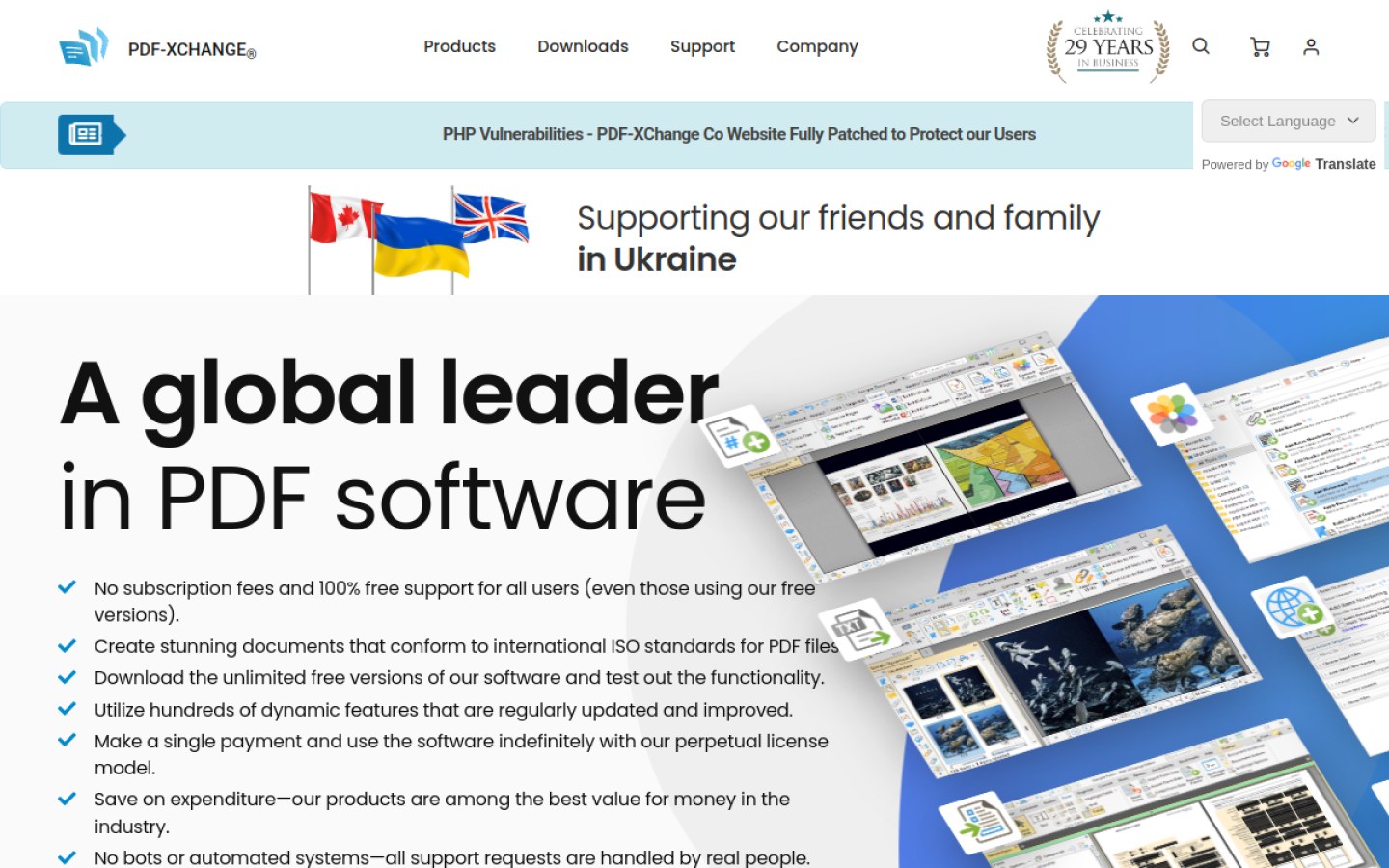
PDF-XChange Editor homepage, captured Nov 2026.
PDF-XChange Editor is a Windows PDF editor that converts PDFs to Word and Excel, edits text, adds stamps and runs OCR, with a free version covering about 70 percent of features. A single-user licence costs $62 once, or $79 for Editor Plus with enhanced OCR and fillable forms.
The trade off is Windows only. There is no Mac version, batch conversion needs the $131 PRO bundle, and the licence includes only one year of maintenance. It suits Windows users who want to pay once and keep converting without a subscription.
Free converters handle one-off files well. iLovePDF converts without an account, Sejda allows three free desktop tasks a day, and Smallpdf covers occasional browser jobs, so a single document rarely needs a paid plan.
Paid plans earn their price on volume and size. Premium tiers lift file caps to 4 GB, add batch conversion and OCR, and remove daily limits, which matters once you convert more than a few files a week.
How we chose
We started from the converters people actually pay for, then checked each price on the vendor pricing page or a November 2026 read of it, and each rating on G2 or Capterra. Only tools with a verifiable rating and a published price made the list.
Prices are regular list prices in US dollars, checked on 29 November 2026. iLovePDF Premium rose from $48 to $60 a year in November 2026, and Smallpdf shows different prices by region, so confirm the figure at checkout.
We left out converters with no verifiable rating, quote-only pricing, or a single-format tool that does not cover Word, Excel and images. No vendor paid for a place, and we do not claim hands-on testing for this list.
How to choose PDF conversion software
Pick the converter that matches the files you actually handle, then check its limits before you pay.
List the formats you convert most. Word, Excel, PowerPoint and images each need a clean export, so confirm your top two formats are covered before anything else.
Test one real file on the free tier. A scanned page and a table-heavy document show whether the export keeps its layout or mangles it.
Check the batch and file-size limits. A daily task cap or a 15 MB ceiling will block a busy week, even on a paid plan that looks cheap.
Match the billing to your volume. A $60 a year browser plan suits occasional use, while a desktop licence pays off if you convert every day.
FAQ
What is the best software for PDF conversion in 2026?
Adobe Acrobat Pro is the best software for PDF conversion in 2026, with the most reliable exports to Word, Excel and PowerPoint plus OCR for scanned pages. iLovePDF Premium is the best value at $60 a year, and Smallpdf suits quick browser conversions at $108 a year.
How much does PDF conversion software cost?
Paid plans on this list run from $60 a year for iLovePDF Premium to $239.88 a year for Adobe Acrobat Pro, with most desktop editors between $50 and $180 a year. PDF-XChange Editor costs $62 once, and every tool here except Adobe, Foxit and Nitro has a free tier.
Is there a free PDF converter that actually works?
Yes, iLovePDF converts Word, Excel and image files free with no account, with a 15 MB cap on Office conversions, and Sejda offers three free desktop tasks a day. Free tiers cap file size and batch work, so regular use needs a paid plan.
Which PDF converter is best for beginners?
iLovePDF is the easiest starting point, because every tool sits on one page, files convert without an account, and Premium costs $60 a year. Smallpdf is nearly as simple, with a cleaner workspace and a mobile app for converting on the go.
Adobe Acrobat Pro vs iLovePDF: which converts better?
Adobe Acrobat Pro converts better for scanned and complex files, with stronger OCR, batch processing and layout preservation. iLovePDF wins on price and speed for everyday Word and Excel conversions, at a quarter of the annual cost.
Do I need OCR in a PDF converter?
You need OCR only if you convert scanned pages or photos of documents, since a converter without it exports scans as images with no editable text. If your files are digital Word or Excel exports, any converter on this list works without OCR.
SaaS SEO and WordPress specialist with about 8 years of experience. Rakib compares WordPress plugins, themes, hosting and software using public pricing, documentation and user reviews. See how we rank.