Monday is the best top workflow management software with analytics for most teams, with visual boards and dashboards from 9 dollars a seat a month. ClickUp packs the most features per dollar, and Asana suits structured cross-team work.
How we make this list: we compare pricing pages, product documentation and public user reviews, then re-check every price before each update. No product paid for a place. Disclosure.
Monday leads with the highest G2 rating here at 4.7 from 17,975 reviews, with Basic at $9 a seat a month.
ClickUp packs the most features per dollar, with Core at $12 a user a month as the regular price.
Asana is the strongest pick for structured cross-team work, with Starter at $10.99 a user a month.
Smartsheet suits spreadsheet-native teams at $9 a member a month, with the largest review base here.
Pipefy and Process Street cover repeatable processes and approvals, at $23 and $25 a user a month.
How do you choose the top workflow management software with analytics?
Workflow software with analytics has to do two jobs: run the work and show whether it is on track. A tool with weak reports forces the team to export data and build charts elsewhere, which defeats the point.
Start with the dashboard. Check whether live charts, workload views and cross-project reports sit on the entry plan or only on a higher tier, because that gap decides the real price.
Then check automations. A good workflow tool moves cards, assigns owners and sends reminders on its own, and the monthly automation allowance is often the first limit a busy team hits.
Finally, count the seats. Most tools here charge 9 to 12 dollars a user a month on annual billing, so a 10-person team pays about 1,100 to 1,400 dollars a year before add-ons.
The 9 best workflow management software tools with analytics
01
monday.com
4.7/5on G2 (17,975 reviews, checked Nov 2026)
Paid from$9/seat/mo
Best workflow software with analytics overall
Cheapest planBasic, $9/seat/mo
DashboardsOn Standard, $12
Automations250/mo on Standard
Free planUp to 2 seats
monday.com
monday.com homepage, captured Nov 2026.
monday.com is a board-based work platform that marketing and product teams use to plan campaigns, track content and manage launches in one view. The Basic plan costs $9 per seat a month billed annually, with a 3-seat minimum, unlimited items and boards, 200-plus templates and AI credits on every paid tier.
The trade off is tiering. Basic has no automations, integrations, timeline or Gantt views, and dashboards start on Standard at $12 a seat a month, while Pro at $19 adds time tracking. It suits visual teams that want fast setup and clear status boards.
ClickUp is an all-in-one workspace that joins tasks, docs, goals, chat and time tracking under one roof. The Core plan lists at $12 per user a month billed annually as the regular price, with unlimited tasks, docs, goals, Gantt charts, dashboards and 1,000 automation actions a month.
The trade off is the sale price and AI. Core currently shows $9 on sale, and Brain AI costs extra on top of the plan price, while advanced dashboards need Business at $17 a user a month. It suits teams that want the most features for the money.
Asana is a work management platform built around tasks, owners and dates, which fits tracking work across marketing, design and sales. The Starter plan costs $10.99 per user a month billed annually and includes timeline and Gantt views, dashboards, forms, custom fields and unlimited automations.
The trade off is portfolios and seat rules. Goals and portfolios need Advanced at $24.99 per user a month, and above 5 users seats are sold in groups of five up to 30. It suits cross-functional teams that need structure and clear ownership.
Smartsheet is a spreadsheet-style work platform for plans, schedules and reports, built for teams that live in rows and columns. The Pro plan costs $9 per member a month billed annually and includes unlimited sheets, Gantt charts, reports, dashboards, forms and 250 automation actions a month.
The trade off is the member cap and the missing free plan. Pro stops at 10 members, there is no free plan, only a 30-day trial, and Business at $19 a member adds more capacity. It suits spreadsheet-native teams that want reports built from grid data.
Wrike is a collaborative work management platform built for custom workflows, project tracking and team execution. The Team plan costs $9.80 per user a month billed annually for 2 to 15 users, with board, table and Gantt views, shareable dashboards and proofing tools.
The trade off is the ceiling and the rating. Custom workflows and templates need Business at $25 per user a month, and its 4.2 G2 rating is the lowest in this list. It suits marketing and creative teams that need approvals and request intake.
Notion is an all-in-one workspace where teams build editorial calendars, content briefs, publishing schedules and strategy docs side by side. The Plus plan costs $10 per user a month billed annually and includes unlimited pages and databases, collaborative docs, charts and dashboards.
The trade off is depth. Notion has no native time tracking despite a 4.6 G2 rating, and its analytics are lighter than Monday or ClickUp, while Business at $20 adds more controls. It suits docs-first teams that track work inside wikis and databases.
Airtable is a spreadsheet-database hybrid that teams use to run data-rich workflows in a table interface. The Team plan costs $20 per seat a month billed annually and includes 50,000 records per base, Interface Designer, dashboards and 25,000 automation runs a month.
The trade off is price. At $20 a seat it costs double the cheapest rivals, and Business at $45 a seat adds more records and SAML SSO. It suits data-driven teams that need relational bases and rich analytics.
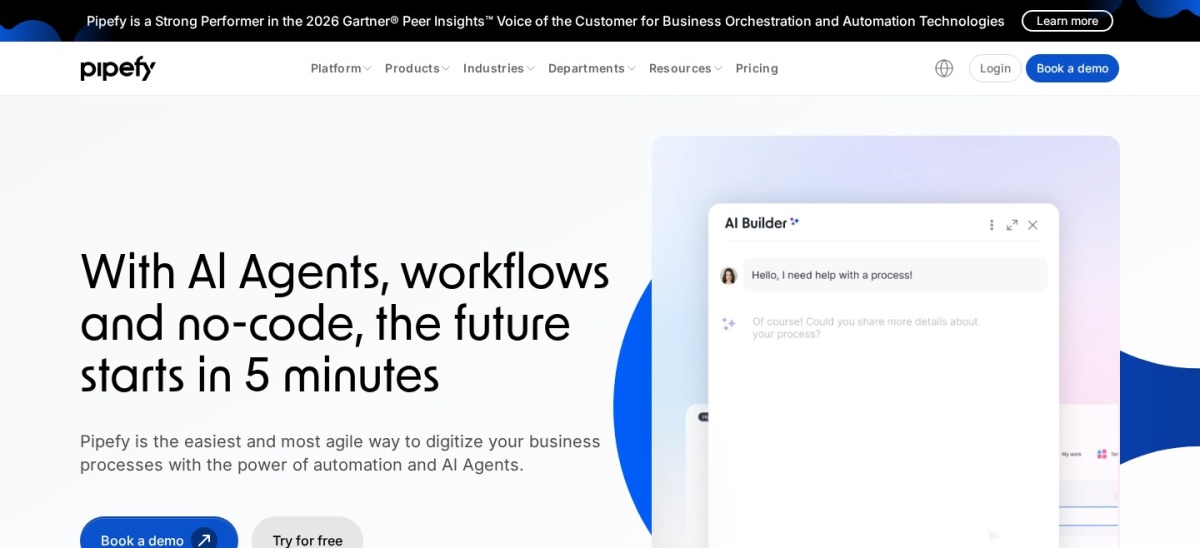
Pipefy is a no-code business process platform that teams use for intake forms, approvals and operational workflows. The free Starter plan covers up to 5 processes and 10 users, and the Business plan costs $23 per user a month with conditional forms, SLAs, email templates and AI Agents 2.0.
The trade off is pricing clarity and review depth. Some reads say paid tiers are quoted by sales, and its 231 G2 reviews are the smallest base in this list. It suits HR, procurement and ops teams that route requests through approvals.
Process Street is a checklist platform that turns SOPs into runnable workflows with approvals and audit trails. It costs $25 per user a month and covers conditional logic, form fields, task assignments, Slack integration and AI workflow generation for recurring processes.
The trade off is pricing clarity. Some reads list Process Street as quote-only, and its price grows quickly as the team grows. It suits operations teams that run the same process every week and need proof each step happened.
Free plans cover the basics well. Monday, ClickUp, Asana, Notion and Airtable all let a small team track work without paying, which is enough for a handful of projects.
Paid plans mostly add views and reports. Timelines, Gantt charts, dashboards and workload views are the features that push most teams onto a paid plan.
If reporting matters, budget for the plan with dashboards, not the cheapest plan on the page. Monday hides dashboards on Standard at 12 dollars a seat, and ClickUp hides advanced dashboards on Business.
For a team that only needs lists and boards, the free plan is often enough. For a team that reports progress every week, a paid plan pays for itself in saved hours.
How we chose
We started from the workflow management tools most often named in 2026 comparisons, then kept 9 established products with published prices, a public G2 rating and real analytics features.
Prices come from each vendor's pricing page, checked on 29 November 2026, with ClickUp confirmed on its official pricing page today. Ratings and review counts come from G2 on the same day. Where a vendor shows a sale, the list shows the regular price.
We left out tools with no verifiable rating or no published price. No vendor paid for a place, and we do not claim hands-on testing for this list.
How to choose workflow management software with analytics
Check the dashboard tier first, then automations, then the seat math.
List the reports you need every week. Dashboards, workload views and cross-project reports decide the plan, so write them down before you compare prices.
Check which plan includes them. Monday hides dashboards on Standard, ClickUp hides advanced dashboards on Business, and Smartsheet includes reports on Pro.
Count seats and automation limits. A 10-person team pays about 1,100 to 1,400 dollars a year at these rates, and the automation allowance is often the first limit hit.
Trial the top two with a real project. Run one live project for two weeks and check whether the dashboard answers the questions your manager actually asks.
FAQ
What is the best workflow management software with analytics in 2026?
Monday is the best workflow management software with analytics for most teams. Its Basic plan costs $9 per seat a month on annual billing, with visual boards and dashboards, and it is rated 4.7 out of 5 on G2 from 17,975 reviews.
What is the cheapest workflow management software with analytics?
Monday and Smartsheet tie at $9 per seat a month on annual billing, with ClickUp Core at $12 as the regular price. All three include dashboards, though Monday and ClickUp keep the advanced charts on higher plans.
Is there a free workflow management software with analytics?
Yes. Monday, ClickUp, Asana, Notion, Airtable, Wrike and Pipefy all offer a free plan. The free plans cover tasks and boards, but dashboards and advanced reports usually need a paid plan.
Which workflow management software is best for small teams?
ClickUp suits small teams best, with unlimited tasks and members on its free plan and Core at $12 a user a month as the regular price. Notion is the better pick if the team lives in docs and wikis.
Monday or ClickUp: which is better?
Monday is better for visual boards and fast setup, with the highest G2 rating here at 4.7. ClickUp packs more features per dollar, with docs, goals, time tracking and dashboards from Core, but its setup takes longer and its Brain AI costs extra.
Which tool has the best analytics and dashboards?
ClickUp has the deepest dashboards on its Business plan, with advanced charts, timesheets and time-in-status reports. Monday has the clearest visual dashboards, while Smartsheet suits teams that want reports built from spreadsheet data.
SaaS SEO and WordPress specialist with about 8 years of experience. Rakib compares WordPress plugins, themes, hosting and software using public pricing, documentation and user reviews. See how we rank.