SignWell is the best PDF signing software for small teams, with a free plan and paid plans from $10 a month. PandaDoc adds proposals and quotes, while Dropbox Sign is the simplest way to send a PDF for signature.
How we make this list: we compare pricing pages, product documentation and public user reviews, then re-check every price before each update. No product paid for a place. Disclosure.
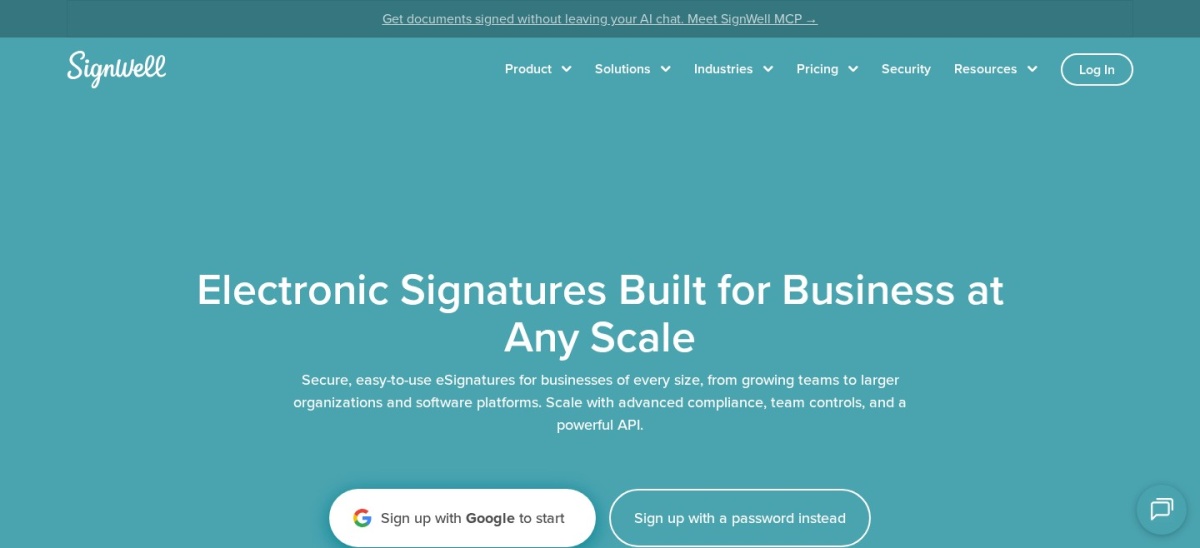
SignWell leads with a 4.8 G2 rating, a free plan and paid plans from $10 a month.
PandaDoc is the best choice if you also send proposals and quotes, from $19 a seat a month.
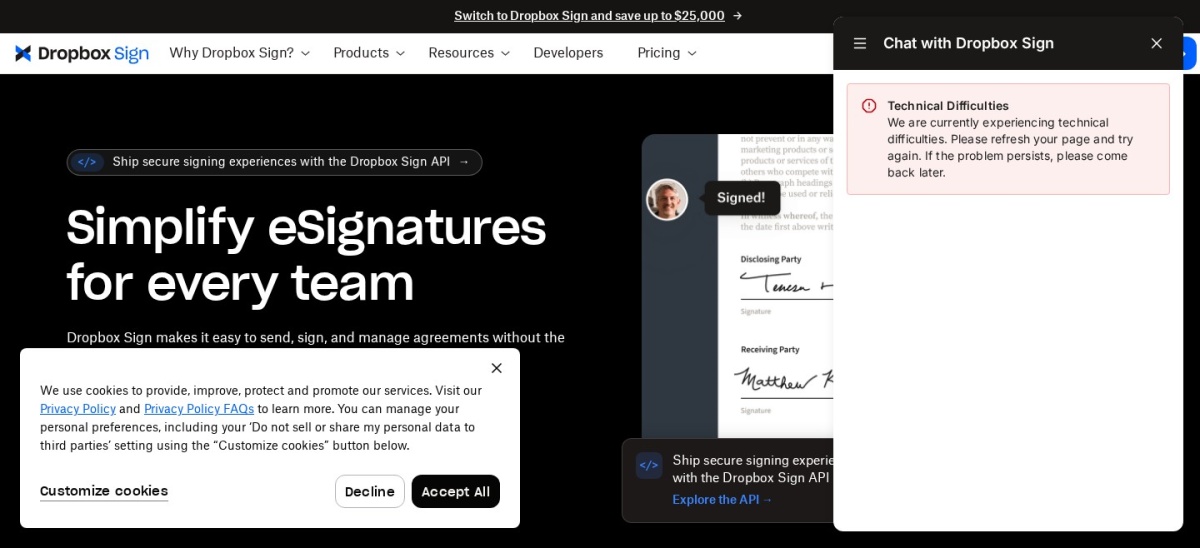
Dropbox Sign is the simplest tool here, with a free plan for three signature requests a month.
signNow is the cheapest paid plan at $8 a user a month, with bulk sending included.
DocuSign and Adobe Acrobat Sign offer the most compliance options for high-value contracts.
How do you choose the top PDF signing software?
A PDF signing tool is not the same as a PDF editor. These tools send a document for signature, track who opened it and store the signed copy, which is what a contract needs.
Legality is rarely the problem. Signatures made with these tools are legally binding under the US ESIGN Act and the EU eIDAS rules, so check the audit trail instead of the legality claim.
The free plan limit is usually the number of documents. SignWell gives three a month free, Dropbox Sign gives three requests, and Zoho Sign gives five envelopes, which is enough for occasional use.
Price per signer is the hidden cost. Most tools charge per user, so a three-person team pays three times the headline price. Check the seat count before you compare.
SignWell is an e-signature tool built for small teams, with a free plan for one sender and three documents a month. Its Light plan costs $10 a month and adds unlimited templates, reminders and an audit trail, with no per-document fees.
The trade off is scale. SignWell lacks the advanced compliance and bulk sending of DocuSign, and its review base is smaller at 578 G2 reviews. It suits small teams that sign a few PDFs a month and want a simple price.
PandaDoc is a document platform that combines proposals, quotes and e-signatures in one tool. Its free plan covers five documents a month, and Starter costs $19 a seat a month with unlimited e-signatures, templates and a CRM integration.
The trade off is price. PandaDoc is the most expensive tool here per seat, and its full value only shows when you also send proposals. It suits sales teams that want the whole document workflow in one place.
Dropbox Sign is a simple e-signature tool from Dropbox, built for teams that want to send a PDF and get it signed fast. Its free plan covers three signature requests a month, and Essentials costs $15 a month with unlimited templates and signing links.
The trade off is depth. Dropbox Sign has fewer workflow and compliance features than DocuSign, and the free plan is the smallest here. It suits teams that sign occasionally and want the simplest possible flow.
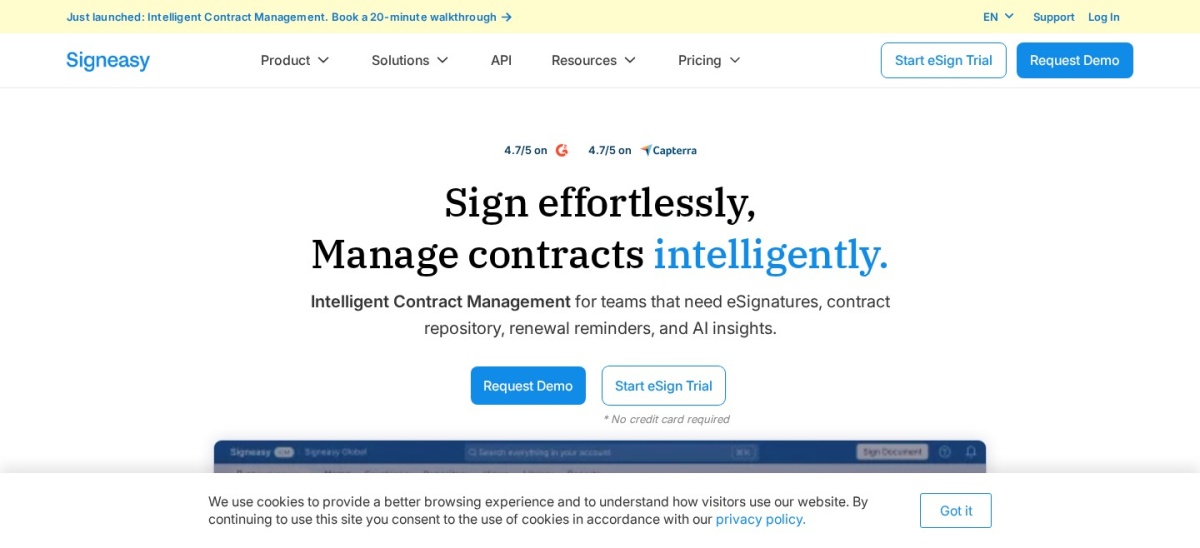
Signeasy is a mobile-first e-signature tool with apps for iOS and Android, so contracts can be signed from a phone. Its Personal plan costs $10 a month and covers templates, in-person signing and reminders, with no free plan beyond a 14-day trial.
The trade off is the lack of a free plan. Occasional signers pay $10 a month for a tool they may use twice. It suits field teams and anyone who signs documents away from a desk.
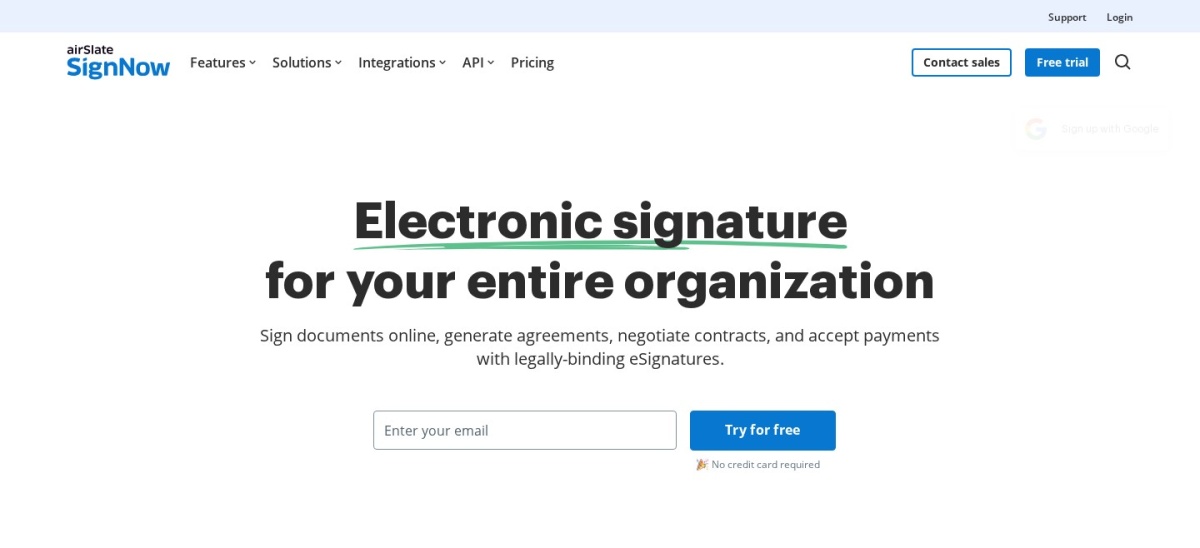
signNow is a budget e-signature tool with bulk sending, templates and team folders. Its Business plan costs $8 a user a month billed annually, which is the cheapest paid plan in this list, and it covers unlimited templates and signing links.
The trade off is the interface. signNow is less polished than Dropbox Sign or DocuSign, and there is no free plan. It suits teams that send many documents and want the lowest per-user price.
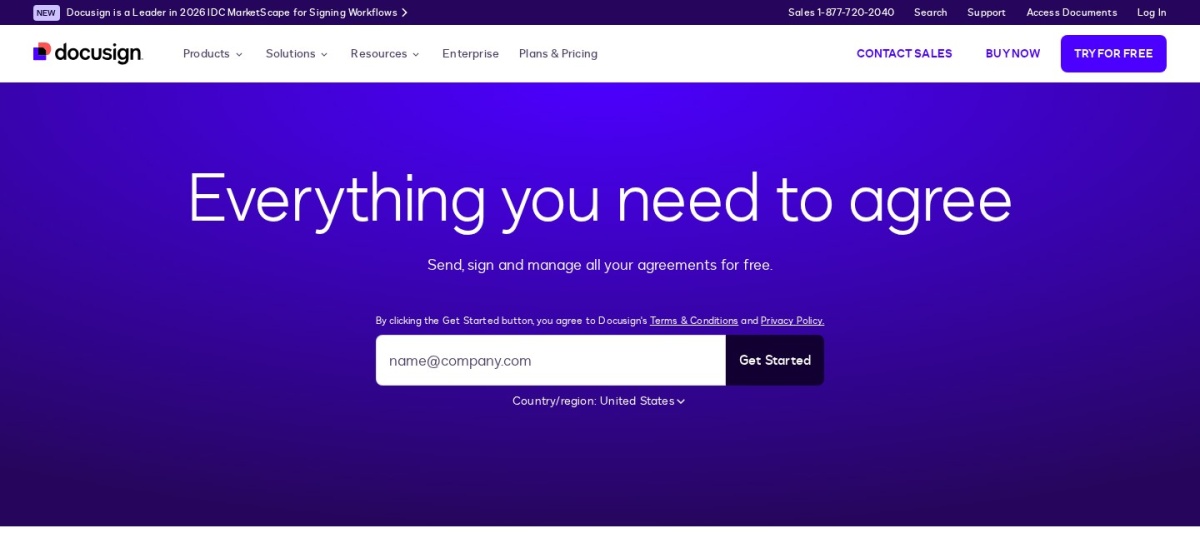
DocuSign is the best-known e-signature platform, with the widest integrations and the most compliance options. Its Personal plan costs $10 a month and covers 100 envelopes a year, with templates, reminders and an audit trail on every document.
The trade off is that the Personal plan is limited to 100 envelopes a year, and the price rises fast on team plans. It suits larger teams and regulated industries that need the most trusted name in signing.
Adobe Acrobat Sign is part of Adobe Acrobat Standard, so you get full PDF editing, conversion and form tools beside the signatures. Standard costs $14.99 a month on the annual plan billed monthly, with 150 transactions per user a year.
The trade off is the transaction cap. 150 signatures a year per user is enough for most teams, but heavy senders hit the limit. It suits teams that already edit PDFs daily and want signing in the same app.
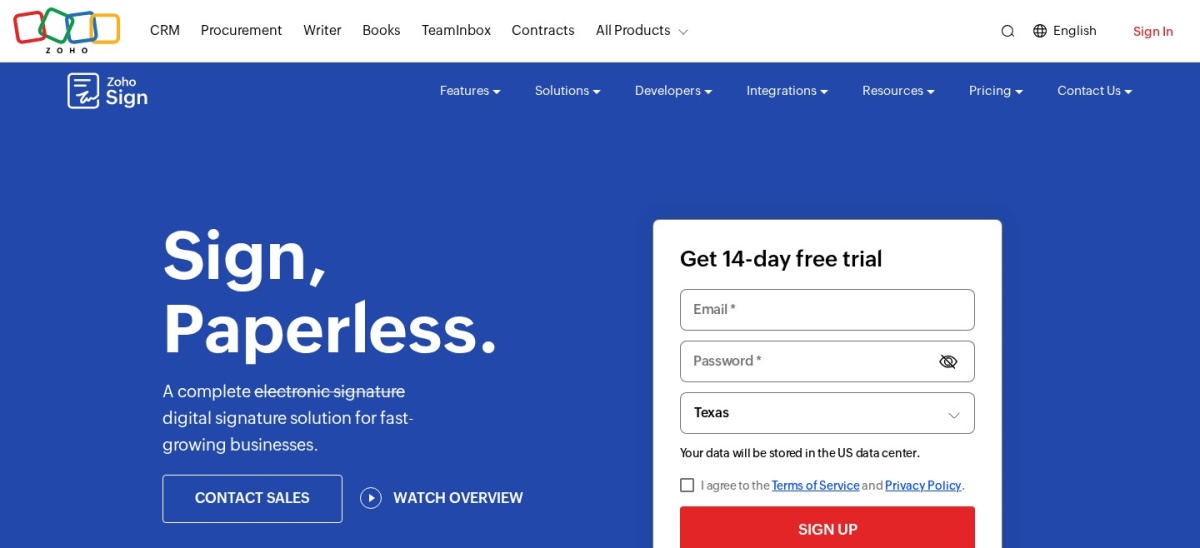
Zoho Sign is an e-signature tool from Zoho with a free plan for one user and five envelopes a month. Its Standard plan costs $10 a user a month and adds templates, reminders and bulk sending, with no per-document fees.
The trade off is the thin review base. Zoho Sign holds 4.3 out of 5 on G2 from only 94 reviews, the smallest base here. It suits Zoho users and occasional signers who want a free plan.
Yes, in most cases. Electronic signatures are legally binding in the US under the ESIGN Act and in the EU under eIDAS, and every tool here produces an audit trail with timestamps and IP addresses.
The audit trail is what matters in a dispute. A signed PDF with a certificate of completion is far stronger evidence than a scanned image of a signature pasted into a document.
For the highest-value contracts, look for tools that support advanced or qualified electronic signatures. DocuSign and Adobe Acrobat Sign offer the most compliance options in this list.
How we chose
We started from the established e-signature tools with public G2 ratings, then kept the eight that handle PDF signing as a core job. Tools that only edit PDFs or only build forms were left out.
Prices come from each vendor's pricing page, checked on 29 November 2026. Ratings and review counts come from G2 on the same day. PandaDoc and Dropbox Sign prices are corroborated by multiple pricing guides, since their pages render with JavaScript.
We left out tools with no public rating and free-only tools with no paid plan. No vendor paid for a place, and we do not claim hands-on testing for this list.
How to choose PDF signing software
Count your signers and your monthly documents first, then check the audit trail.
Count your monthly documents. Free plans cover three to five documents a month. If you sign more than that, you need a paid plan.
Count your signers. Most tools charge per user, so multiply the headline price by the number of people who send documents.
Check the audit trail. Make sure the tool stores a certificate of completion with timestamps. That is the evidence a signature needs in a dispute.
Test the signing experience. Send yourself a document and sign it on a phone. If the flow is awkward for you, it will be awkward for your clients too.
FAQ
What is the top PDF signing software in 2026?
SignWell is the top PDF signing software for small teams in 2026. It holds 4.8 out of 5 on G2, offers a free plan for one sender, and paid plans start at $10 a month, with templates and an audit trail included.
How much does PDF signing software cost?
Paid plans here run from $8 a user a month for signNow Business to $19 a seat a month for PandaDoc Starter. SignWell, Signeasy, DocuSign and Zoho Sign all start at $10 a month, while Adobe Acrobat Standard costs $14.99 a month.
Is there free PDF signing software?
Yes. SignWell, PandaDoc, Dropbox Sign and Zoho Sign all offer free plans, with limits of three to five documents a month. Signeasy, signNow, DocuSign and Adobe Acrobat Sign offer free trials instead of free plans.
Are PDF signatures legally binding?
Yes. Electronic signatures are legally binding in the US under the ESIGN Act and in the EU under eIDAS. Every tool in this list produces an audit trail with timestamps, which is the evidence that matters if a signature is ever disputed.
SignWell vs DocuSign: which is better for a small team?
SignWell is better for a small team on price and simplicity, with a free plan and a 4.8 G2 rating. DocuSign is better for larger teams that need advanced compliance, integrations and a 100-envelope yearly allowance on its Personal plan.
Which PDF signing software is best for real estate?
DocuSign and signNow are the most common picks for real estate, thanks to their templates, bulk sending and integrations with property tools. SignWell is the cheaper option if you sign a few contracts a month.
SaaS SEO and WordPress specialist with about 8 years of experience. Rakib compares WordPress plugins, themes, hosting and software using public pricing, documentation and user reviews. See how we rank.