VEED is the best subtitle editing software for content creators who publish captioned video every week, combining automatic captions in more than 125 languages with a simple editor and a free plan for short clips. Rev suits creators who need human-checked accuracy, while Descript fits editors who work from transcripts.
How we make this list: we compare pricing pages, product documentation and public user reviews, then re-check every price before each update. No product paid for a place. Disclosure.
VEED leads for creators who caption video every week, from $25 a month.
Rev offers the most accurate captions, with human captions at 99% accuracy.
Descript lets you edit video by editing the transcript, from $24 a month.
Happy Scribe covers more than 150 languages from $17 a month.
Otter.ai is the best free starting point for meeting notes, with 300 minutes a month.
What should content creators look for in subtitle editing software?
Captions are now expected, not optional. Most social video plays muted, so creators who skip subtitles lose viewers before the first line.
Speed and accuracy pull in opposite directions. AI captions are fast and cheap, while human captions cost more but rarely need checking, so the right tool depends on how much you publish.
Free plans are useful but limited. Most cover only a few minutes a month and watermark exports, so a creator publishing weekly will need a paid plan. Our guide on video editing software covers the editing side of the same workflow.
The 8 best subtitle editing software tools for content creators
01
VEED
4.6/5on G2 (2,175 reviews, checked Nov 2026)
Paid from$25/mo
Best overall
Starting price$25/mo, Creator
AI credits500 per month on Creator
Languages125+ for subtitles
Free planYes, 720p, watermarked
veed.io
VEED homepage, captured Nov 2026.
VEED is an online video editor with automatic subtitles in more than 125 languages, which makes it the best subtitle editing software for content creators who publish captioned video every week. The Creator plan costs $25 a month and includes 500 AI credits, 1080p exports and unlimited auto subtitles under a fair-use limit.
The trade off is the free plan. Free exports are watermarked at 720p with only 10 minutes of auto subtitles a month, so regular creators need to pay. It suits creators who want fast captions without learning a desktop editor.
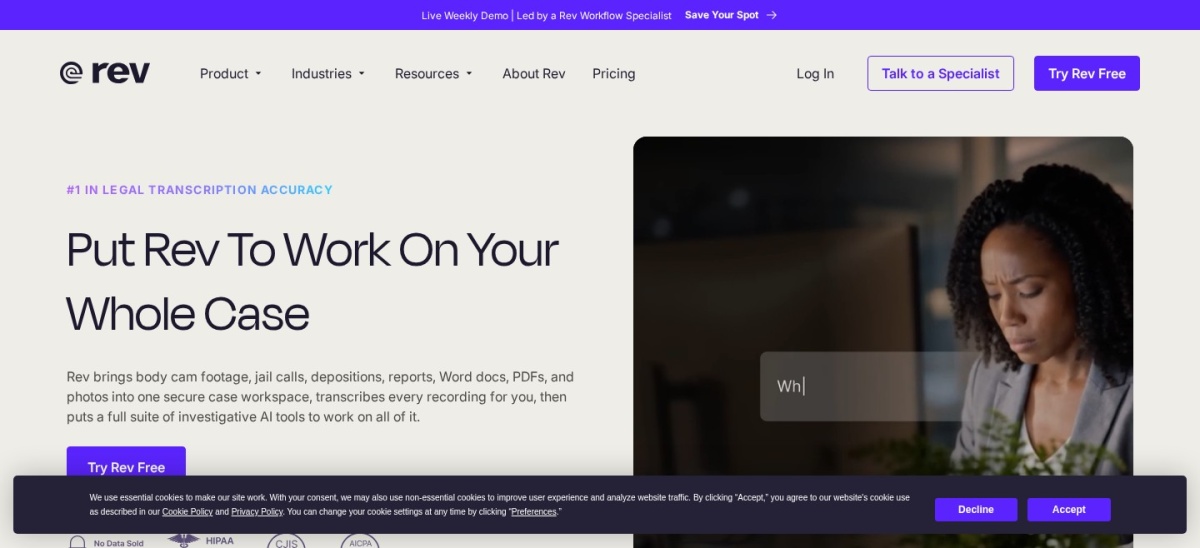
Rev is a caption and transcription service that offers human captions at 99% accuracy, which makes it the most accurate option on this list. The Essentials plan costs $29.99 per seat a month, and AI captions cost 25 cents a minute for quick drafts.
The trade off is the cost of human accuracy. Human captions cost $1.99 a minute, which adds up on long videos, and the annual price is lower than the monthly one. It suits creators who need captions they can trust without checking every line.
Descript is an audio and video editor that lets you edit a video by editing its transcript, which makes caption work feel like word processing. The Hobbyist plan costs $24 a month and includes 10 media hours, 400 AI credits and 1080p exports.
The trade off is learning the workflow. Transcript editing is fast once learned, but creators used to a timeline may need time to adjust, and the free plan covers only 60 media minutes a month. It suits creators who edit talking-head video and podcasts.
Kapwing is a browser-based video editor with automatic captions that suits content creators publishing short social video. The Pro plan costs $24 per member a month and includes 1,000 credits a month, with subtitles costing one credit per minute.
The trade off is the free plan and the rating. Free exports are watermarked at 720p and limited to four minutes, and Kapwing has the lowest G2 rating on this list at 3.9. It suits creators who need quick captions for short social clips.
Happy Scribe is a transcription and subtitling service with support for more than 150 languages, which suits creators publishing for audiences in many countries. The Basic plan costs $17 a month and includes a subtitle editor with waveform timing for precise captions.
The trade off is the editor depth. Happy Scribe is focused on transcription and subtitles rather than full video editing, so creators who also cut video will need another tool. It suits creators who mainly need accurate captions in many languages.
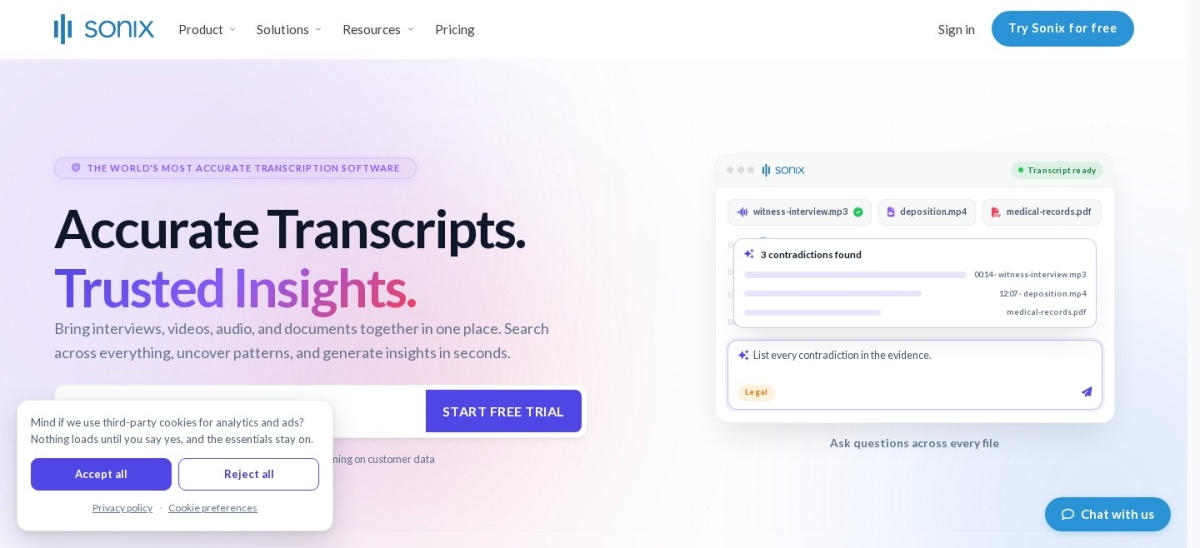
Sonix is an automated transcription service that turns audio and video into text quickly, with subtitle export for creators who caption from transcripts. The Core plan costs $25 a month and includes five hours of transcription.
The trade off is the missing free plan. Sonix offers only a 30-minute trial, and its pricing changed in November 2026, so older price lists showing a $22 Premium plan no longer apply. It suits creators who transcribe regularly and want speed.
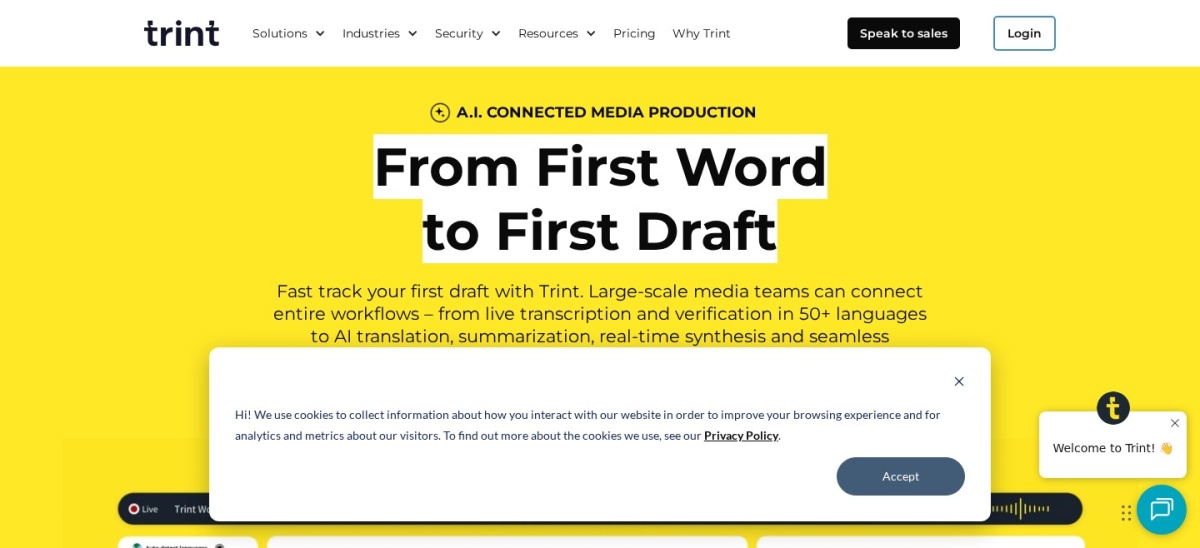
Trint is a transcription platform built for teams and newsrooms, with collaborative transcripts and a caption editor. The Pro plan costs $79 per seat a month billed annually and includes unlimited transcriptions in more than 50 languages.
The trade off is price. At $79 per seat a month, Trint is the priciest tool on this list, and there is no free plan. It suits teams that transcribe interviews and meetings together and need shared workflows.
What we like
Unlimited transcriptions
Built for team workflows
50+ languages
Watch out for
$79/seat/mo, priciest here
No free plan
Monthly billing $100/seat/mo; Team $69/seat/mo annualVisit trint.com
08
Otter.ai
4.4/5on G2 (503 reviews, checked Nov 2026)
Paid from$16.99/mo
Best for meetings and notes
Starting price$16.99/user/mo, Pro
Free planYes, 300 minutes/mo
Live transcriptionYes, in meetings
AI summariesIncluded on Pro
otter.ai
Otter.ai homepage, captured Nov 2026.
Otter.ai is a meeting transcription service that captures live captions and notes, which suits creators who record interviews, calls and meetings. The free plan covers 300 minutes a month, and Pro costs $16.99 per user a month.
The trade off is focus. Otter is built for meetings rather than video captions, so creators who need styled subtitles for social video will need another tool. It suits creators who interview people and want searchable notes.
AI captions are fast and cheap. Most tools here generate captions in minutes for a few cents a minute, which suits creators publishing several videos a week.
Human captions are slower and costlier but far more accurate. Rev charges $1.99 a minute for human captions at 99% accuracy, which suits creators who cannot afford mistakes. Our guide on video editing software covers the editing tools that pair with these caption services.
A good middle ground is AI first, human check second. Generate captions with AI, then fix the names, terms and numbers by hand before publishing.
How we chose
We started from the caption and transcription tools with the strongest G2 ratings for creators, then kept those that edit subtitles in the browser or from a transcript.
Prices come from each vendor's pricing page, checked on 30 November 2026. Where a vendor changed its plans in November 2026, we used the new plans and flagged the change. Ratings and review counts come from G2 on the same day.
We left out tools with no G2 rating and desktop-only editors with no caption workflow. No vendor paid for a place, and we do not claim hands-on testing for this list.
How to choose subtitle editing software for content creators
Four checks before you pick a caption tool for your videos.
Count how many minutes you caption each month. A creator publishing two videos a week needs far more minutes than a free plan covers, so check the included minutes before choosing.
Decide how accurate captions must be. AI captions are fast and cheap, while human captions cost $1.99 a minute at Rev but rarely need checking.
Check the languages you need. VEED covers more than 125 languages and Happy Scribe more than 150, so match the tool to your audience. See our guide on video editing software for the editing side.
Watch the export limits. Free plans watermark exports and cap resolution, so check the export rules before you publish.
FAQ
What is the best subtitle editing software for content creators?
VEED is the best subtitle editing software for content creators who publish captioned video every week. It offers automatic captions in more than 125 languages, a simple editor and a free plan for short clips.
How much does subtitle editing software cost?
Prices range from $17 a month for Happy Scribe to $79 a seat a month for Trint, with VEED at $25, Descript and Kapwing at $24 and Rev at $29.99 a month. Most tools also offer a free plan with limits.
Is there free subtitle editing software?
Yes, VEED, Rev, Descript, Kapwing, Happy Scribe and Otter.ai all offer free plans, though most limit minutes and watermark exports. VEED covers 10 minutes of auto subtitles a month free, while Otter.ai covers 300 minutes.
Which subtitle software is most accurate?
Rev offers the most accurate captions, with human captions at 99% accuracy for $1.99 a minute. Sonix and Descript are strong AI alternatives, though AI captions usually need a quick check before publishing.
VEED vs Descript: which is better for creators?
VEED is better for fast captions and simple editing in the browser, while Descript is better for creators who edit video by editing the transcript. Both cost about $24 to $25 a month and offer free plans.
Can I edit subtitles on my phone?
Most of these tools run in the browser, so they work on a phone, though editing captions is easier on a desktop. VEED and Kapwing are the most mobile-friendly options on this list for quick caption work.
SaaS SEO and WordPress specialist with about 8 years of experience. Rakib compares WordPress plugins, themes, hosting and software using public pricing, documentation and user reviews. See how we rank.