Rev is the best closed captioning software for most buyers, with AI captions from $0.25 a minute and human-verified captions at $1.99 a minute, rated 4.7 out of 5 on G2. Pick 3Play Media for compliance-grade captioning at scale, or Descript when captions come with video editing.
How we make this list: we compare pricing pages, product documentation and public user reviews, then re-check every price before each update. No product paid for a place. Disclosure.
Rev is the fastest route to accurate captions for one-off videos: AI captions from $0.25 a minute, human-verified at $1.99 a minute with 99%+ accuracy.
3Play Media and Verbit are the compliance picks, with human review, live captioning and ADA, Section 508 and WCAG coverage, but both are quote-only.
Descript, Kapwing and VEED bundle captions into editors, with free plans and paid plans from $24 to $25 a month.
Happy Scribe covers the most languages at 150+, and Sonix is the cheapest pay-as-you-go route at $10 per audio hour.
Amara is the only fully free editor here, but it has no AI transcription, so every caption is typed by hand.
What closed captioning software should do
Closed captions are a text file, usually SRT or VTT, that a video player shows on top of the video and the viewer can switch off. They are different from burned-in captions, which are part of the picture and always visible.
Accuracy splits this market in two. If captions must meet legal standards such as ADA or FCC rules, you need a human-reviewed service. If captions are for YouTube engagement and general accessibility, AI drafts reviewed by a person before publishing cost far less.
Check the format and the turnaround before you pay. Some tools only export burned-in video, while others hand you an SRT file for YouTube or Vimeo. Human services take hours; AI tools return captions in minutes. Our guide on making WordPress accessible explains where captions fit in a wider accessibility plan.
Volume decides the cheapest route. Per-minute services win for a few videos a month, while a subscription wins once you caption every week.
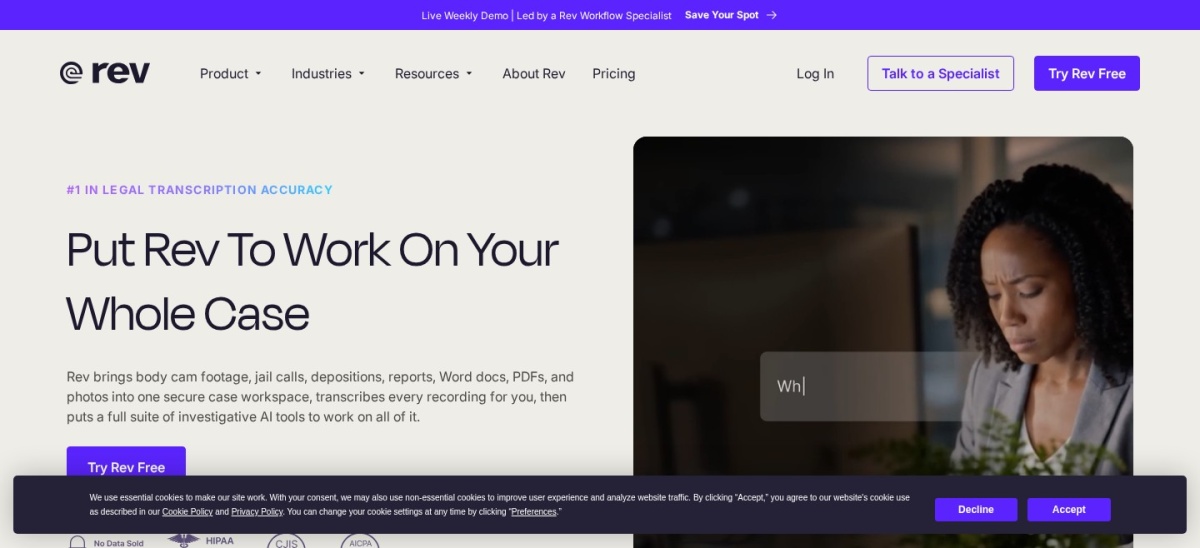
Rev is a speech-to-text service with AI captions from $0.25 a minute and human-verified captions at $1.99 a minute. The free plan includes 45 AI transcription and caption minutes a month for one user. Human captions are rated 99%+ accurate, delivered in 12 hours or less, and meet FCC and ADA rules.
The trade off is that the per-minute bill grows fast with volume, and the cheapest subscription, Essentials at $29.99 a month, only discounts human work by 3% on monthly billing. It suits teams that caption one-off videos where an error is costly, such as training, legal or course video.
What we like
AI and human captions in one place
Human captions at 99%+ accuracy in 12 hours
Translated subtitles in 17 languages
Free plan with 45 AI minutes a month
Watch out for
Per-minute costs add up at high volume
Human captions cover English and Spanish only
Subscription discounts on human work are small
Essentials adds 5,000 AI minutes a month and a human-work discountVisit rev.com
02
3Play Media
4.6/5on G2 (202 reviews, checked Nov 2026)
PricingCustom/yr
Best for compliance-grade captioning at scale
Accuracy99%+ with human review
Live captioningYes
Cheapest paid planQuote only
Free planNo
3playmedia.com
3Play Media homepage, captured Nov 2026.
3Play Media is an enterprise accessibility platform that pairs AI drafts with expert human review for 99%+ accurate captions. The same account covers live captioning, audio description, translation into 20+ languages and dubbing. Integrations push finished captions to YouTube, Vimeo, Kaltura and other video platforms.
The trade off is price and process. Pricing is quote-based with no self-serve plan or free trial, and G2 reviewers call it costly for small teams. It suits universities, government agencies and media companies captioning large libraries under ADA, Section 508 or WCAG rules.
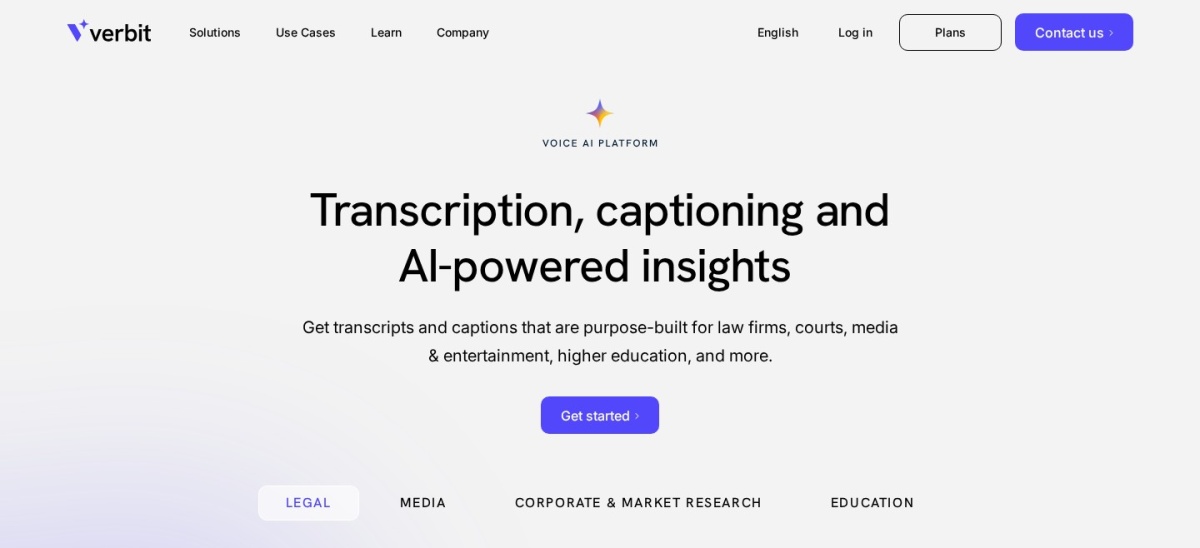
Verbit is a voice AI platform for education, legal and media teams that need captions with human review. It offers live captioning through Captivate, transcription, audio description and translation into 50+ languages. Compliance coverage spans ADA, FCC and WCAG, with integrations for learning platforms such as Kaltura.
The trade off is that there is no public price or self-serve signup; every deal goes through sales, and G2 reviewers note the platform can feel broad for a team that only needs captions. It suits institutions standardising captioning across departments, lectures or court work.
Descript is a video and podcast editor that transcribes everything so you can cut video by editing the text, with captions as part of that workflow. The free plan includes 60 media minutes a month at 720p with a watermark. Captions export as SRT, and Business adds translation and dubbing in 30+ languages.
The trade off is that captions are a by-product of an editor, not a dedicated captioning service, so there is no human-reviewed tier for compliance work. Hobbyist costs $24 a month, or $16 billed yearly, for 10 media hours. It suits podcasters and YouTubers who edit talking-head video every week.
Kapwing is a browser video editor with auto-subtitles in more than 100 caption styles, plus SRT and VTT download. The free plan covers up to 10 minutes of auto-subtitling with watermarked 720p exports. Pro adds up to 1,000 auto-subtitle minutes a month, translation into 60+ languages and 4K exports.
The trade off is the credit meter. Pro costs $24 a month, or $16 billed yearly, and heavy months burn through the 1,000-credit allowance. It suits social teams that caption short videos daily and want styled captions without installing software.
What we like
More than 100 caption styles
SRT and VTT download
Translation into 60+ languages
Nothing to install, runs in the browser
Watch out for
Free plan caps auto-subtitles at 10 minutes
Credits run out fast in heavy months
Lowest G2 rating in this list at 3.9
Pro adds 1,000 auto-subtitle minutes a month and 4K exportsVisit kapwing.com
06
VEED
4.6/5on G2 (2,175 reviews, checked Nov 2026)
Paid from$25/mo
Best browser editor for steady caption volume
Free planYes, watermarked
Cheapest paid planCreator, $25/mo
Auto subtitlesUnlimited, 50 h fair use
Languages125+
veed.io
VEED homepage, captured Nov 2026.
VEED is a browser video editor built around auto subtitles, with no install and no desktop app to maintain. The free plan includes watermarked 720p exports, and paid plans include unlimited auto subtitles under a 50-hour monthly fair-use limit in 125+ languages. Creator adds 1080p exports and 500 AI credits a month.
The trade off is per-seat pricing. Creator costs $25 a seat a month, or $147 a year, so every extra editor multiplies the bill. It suits marketing and social teams that caption a steady stream of short videos in the browser.
What we like
Unlimited auto subtitles on paid plans
Covers 125+ languages for subtitles
Full browser editor, nothing to install
Highest review count in this list on G2
Watch out for
Per-seat pricing adds up for teams
Free exports carry a watermark and a 720p cap
Pricing page shows different prices to different visitors
Creator adds 1080p exports, 500 AI credits and no watermarkVisit veed.io
07
Happy Scribe
4.6/5on G2 (118 reviews, checked Nov 2026)
Paid from$17/mo
Best for multilingual teams in 150+ languages
Languages150+
Free minutes10, one-time
Cheapest paid planBasic, $17/mo
Extra credits$0.20/min
happyscribe.com
Happy Scribe homepage, captured Nov 2026.
Happy Scribe is a transcription and subtitling workspace with AI subtitles in 150+ languages and translation into 80+. The free plan gives 10 minutes for uploaded files, one time. Basic costs $17 a month and includes 1,440 minutes a year, with extra credits at $0.20 a minute.
The trade off is that the free allowance is small and human proofreading costs from $2.00 a minute on top. It suits multilingual teams that subtitle interviews, courses or meetings and want one workspace for transcription, subtitles and translation.
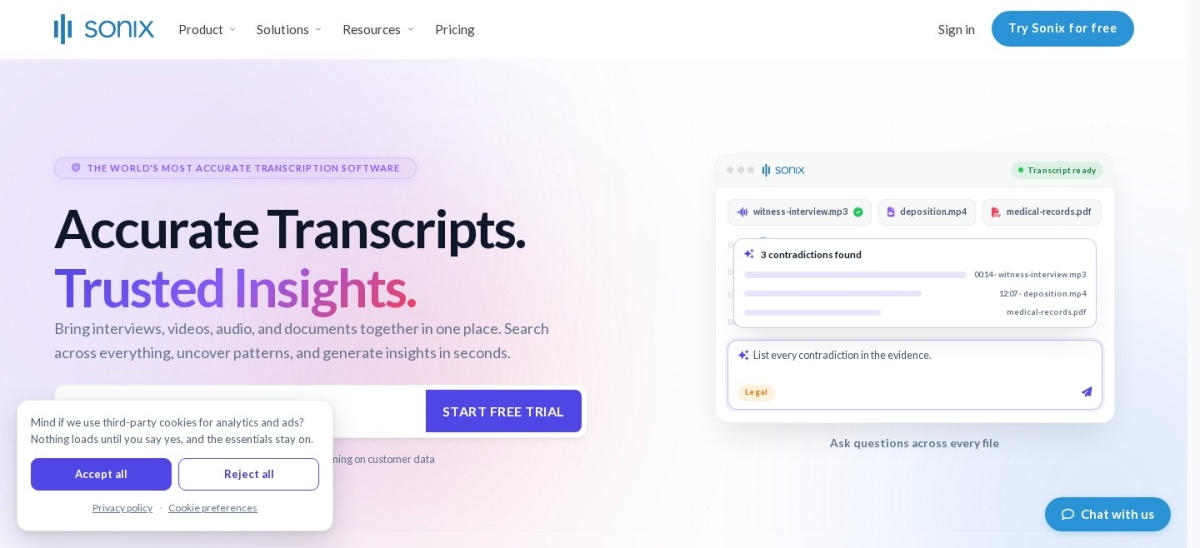
Sonix is an in-house transcription platform with automated subtitles and captions in 54+ languages. Pay as you go costs $10 per audio hour, and every new account gets 30 free minutes. The browser editor adds speaker labels, search and SRT or VTT export.
The trade off is accuracy. AI drafts still mishear names and jargon, so compliance-grade captions need a human pass elsewhere. Core costs $25 a month for 5 hours a month. It suits journalists and media teams captioning large libraries for internal or YouTube use.
What we like
AI transcription at $10 per audio hour
54+ languages
In-browser editor with speaker labels and search
30 free minutes with no card required
Watch out for
AI accuracy needs human review for compliance-grade work
Only 27 G2 reviews, the fewest in this list
Pay-as-you-go adds up at high volume
Core adds 5 hours a month and multi-user workspacesVisit sonix.ai
09
Amara
3.4/5on Trustpilot (4 reviews, checked Nov 2026)
Paid from$24/mo
Best free DIY caption editor
Free editorYes
Paid plansFrom $24/mo
On Demand languages50+
ExportsSRT, VTT and more
amara.org
Amara homepage, captured Nov 2026.
Amara is a free online subtitle editor from the nonprofit Participatory Culture Foundation, with waveforms, keyboard shortcuts and team workflows. It imports from YouTube and Vimeo and exports SRT, VTT and other standard formats. Amara On Demand orders professional subtitles in 50+ languages from the same organisation.
The trade off is that there is no AI transcription inside the editor, so you type or paste text yourself, which takes real time. Paid team plans start at $24 a month. It suits nonprofits, educators and community projects captioning on a zero budget.
What we like
Free online subtitle editor
Team and volunteer workflows
Nonprofit mission with FCC recognition
YouTube and Vimeo import and export
Watch out for
No AI auto-captioning built in
Manual work takes time
Thin public review record: 3.4 on Trustpilot from 4 reviews
Paid plans add private workspaces and team managementVisit amara.org
AI captions vs human-reviewed captions
AI captions are fast and cheap. Rev charges $0.25 a minute, Sonix $10 an hour, and most editors include auto-subtitles in the subscription.
Human-reviewed captions cost more because a person checks every line. Rev charges $1.99 a minute for 99%+ accuracy, and 3Play Media and Verbit build their whole service around that review step.
The middle path is common: generate an AI draft, then fix names, terms and timing in the editor before publishing. That works for YouTube and internal training, but not where a regulator can ask for an accuracy guarantee.
If your captions must meet ADA, Section 508 or WCAG rules, ask the vendor for the accuracy guarantee in writing before you order.
How we chose
We started from the captioning tools with the largest review counts on G2, plus the enterprise services universities and media companies use for compliance work, then kept nine with a clear captioning product.
Prices come from each vendor's pricing page, checked on 24 November 2026. Ratings and review counts come from G2 on the same day, except Amara, whose rating comes from Trustpilot. Where a vendor shows a sale, the list shows the regular price.
We left out Trint: its pricing page returned a 404 and third-party figures for the same plan conflicted, so we could not verify a price. No vendor paid for a place, and we do not claim hands-on testing for this list.
How to choose closed captioning software
Match the tool to the accuracy your videos need, then check the format and the volume.
Decide whether a human must check the captions. If the video must meet ADA or FCC rules, shortlist Rev, 3Play Media or Verbit. If it is for YouTube or internal use, an AI draft with a review pass is enough.
Check the export format. You need an SRT or VTT file for YouTube, Vimeo and most players. Burned-in captions suit social clips but cannot be switched off.
Count your minutes per month. Per-minute services are cheapest for a few videos, while a subscription wins for weekly output. See how to embed a video in WordPress once the captions are ready.
Try the free allowance first. Upload a hard clip with names and jargon and read the draft. If the AI mangles your terms, a custom glossary or a human pass matters more than the headline price.
FAQ
What is the best closed captioning software?
Rev is the best pick for most buyers. Its AI captions start at $0.25 a minute, human-verified captions cost $1.99 a minute, and it is rated 4.7 out of 5 on G2 from 621 reviews. Pick 3Play Media when compliance-grade captioning at scale matters more than price.
How much does closed captioning cost per minute?
AI captions cost $0.25 a minute at Rev, or $10 an hour at Sonix. Human-verified captions start at $1.99 a minute at Rev with 99%+ accuracy, and translated subtitles run $6.49 to $15.99 a minute depending on the language. Enterprise services such as 3Play Media quote per account.
What is the difference between closed captions and subtitles?
Closed captions are a file, usually SRT or VTT, that the viewer can switch on or off, and they include sound cues such as [music]. Subtitles usually carry only dialogue, often translated. Burned-in captions are part of the video picture and cannot be switched off.
Can I get closed captions for free?
Yes, with limits. Amara offers a free online editor, and Descript, Kapwing, VEED and Happy Scribe all have free plans with a small allowance. Free plans usually cap minutes, add a watermark or limit exports, so check the limits before you plan a series.
Do I need human-reviewed captions for ADA compliance?
Usually yes. Automated captions still mishear names, jargon and crosstalk, so a regulator or a court is unlikely to accept an unchecked AI draft. Services such as Rev, 3Play Media and Verbit guarantee 99%+ accuracy with human review and cite ADA, FCC and WCAG compliance.
Which closed captioning software supports the most languages?
Happy Scribe leads with AI transcription in 150+ languages and translation into 80+. Rev covers 37+ languages for AI captions and 17 for translated subtitles, while Sonix supports 54+ languages. Check your exact languages, since coverage varies by plan.
SaaS SEO and WordPress specialist with about 8 years of experience. Rakib compares WordPress plugins, themes, hosting and software using public pricing, documentation and user reviews. See how we rank.