WLWPLegible EditorsLast verified 24 Nov 2026How we rank14 min read
★ Short answer
VEED is the best subtitle software for most creators, with unlimited auto subtitles in 125+ languages on paid plans and more G2 reviews than any other tool here. Pick Rev when captions must be human-verified, and Clipchamp when you want free auto captions on Windows.
How we make this list: we compare pricing pages, product documentation and public user reviews, then re-check every price before each update. No product paid for a place. Disclosure.
VEED includes unlimited auto subtitles on paid plans, in 125+ languages, with a 4.6 out of 5 G2 rating from 2,175 reviews.
Rev is the only pick with human-verified captions, at $1.99 a minute and 99%+ accuracy, delivered in 12 hours or less.
Kapwing, Descript and VEED all charge by minutes, hours or credits, so long videos cost more than the sticker price suggests.
Clipchamp gives free auto captions in 30+ languages with SRT download and watermark-free 1080p exports.
Trint is the priciest seat here at $80 a month, and its Starter plan caps you at 7 files a month.
What to look for in subtitle software
Subtitles do two jobs: they make video watchable with the sound off, and they make it accessible to viewers who are deaf or hard of hearing. A good tool handles both without a second app.
Auto captions are the starting point. Check how many languages the tool covers, whether you can edit timing and text, and whether you can download an SRT or VTT file for YouTube and other players.
Pricing is where these tools differ most. Some charge per minute of video, some per month, and some per seat, so compare the cost for your usual video length before you commit. Our guide on making a WordPress site accessible explains why captions matter beyond convenience.
Human captions cost more but catch errors that auto captions miss, which matters for training, legal and broadcast video. For casual social clips, auto captions with a quick proofread are usually enough.
VEED is a browser video editor built around auto subtitles, with no install and no desktop app to maintain. The free plan includes 10 minutes of auto subtitles a month with watermarked 720p exports. Paid plans include unlimited auto subtitles under a 50-hour monthly fair-use limit, in 125+ languages.
The trade off is that downloading SRT, VTT or TXT subtitle files needs the Pro plan at $45 a month, or $265 a year. Pricing is also per editor seat, so every extra editor multiplies the bill. It suits marketing and social teams that caption a steady stream of short videos.
What we like
Unlimited auto subtitles on paid plans
Covers 125+ languages for subtitles
Full browser editor, nothing to install
Subtitle translation into 50+ languages on Pro
Watch out for
Subtitle file downloads need the Pro plan
Per-seat pricing adds up for teams
Free exports carry a watermark and a 720p cap
Pro adds SRT downloads, 4K export and translation in volumeVisit veed.io
02
Rev
4.7/5on G2 (621 reviews, checked Nov 2026)
Paid from$29.99/mo
Best for human-verified captions
Human captions$1.99/video min
AI captions$0.25/min
Free AI minutes45/mo
Global subtitlesFrom $6.49/min
rev.com
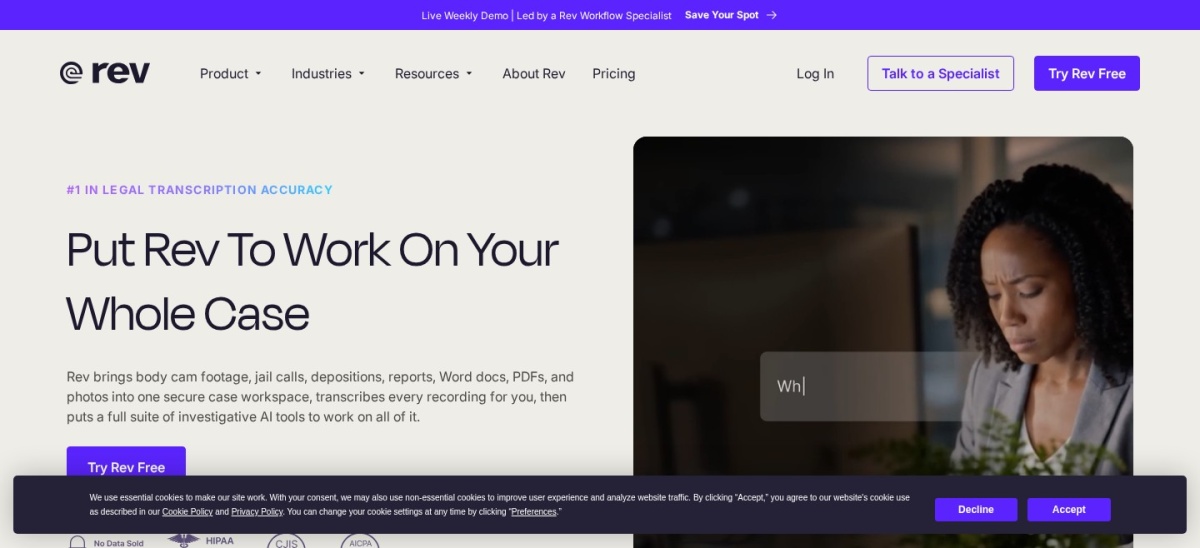
Rev homepage, captured Nov 2026.
Rev is a transcription and captioning service that pairs AI captions with human-verified captions in the same account. The free plan includes 45 AI caption minutes a month. AI captions cost $0.25 a minute, while human captions cost $1.99 a minute and are rated for 99%+ accuracy.
The trade off is that human captions are billed per minute, so a long course or conference recording gets expensive fast. The Essentials subscription costs $29.99 a month and adds 5,000 AI minutes plus a discount on human work. It suits training, legal and broadcast video where a caption error is not acceptable.
What we like
Human captions at 99%+ accuracy
FCC and ADA compliant caption files
Translated subtitles from $6.49 a minute
Free plan includes 45 AI minutes a month
Watch out for
Human caption costs add up per minute
No unlimited plan for human work
AI captions need a paid plan past 45 free minutes
Essentials adds 5,000 AI minutes and discounts on human captionsVisit rev.com
03
Kapwing
3.9/5on G2 (40 reviews, checked Nov 2026)
Paid from$24/mo
Best for teams captioning social video
Auto subtitles1 credit/min
Subtitle translation50+ languages
Free plan720p, watermark
Pro credits1,000/mo
kapwing.com
Kapwing homepage, captured Nov 2026.
Kapwing is a browser video editor with a Subtitler that generates, styles and translates captions inside the project. The free plan exports at 720p with a watermark. Pro costs $24 a month, or $16 billed yearly, and includes 1,000 AI credits a month, with subtitles costing 1 credit a minute.
The trade off is the credit pool. Dubbing, translation and other AI tools draw on the same 1,000 credits, and paid plans are billed per member with no trial or refunds. It suits small teams that subtitle, translate and resize social video together every week.
What we like
Subtitles, translation and dubbing in one editor
No watermark and 4K export on Pro
Shared workspaces for team editing
Watch out for
Paid plans are billed per member
AI tools draw on a monthly credit pool
No trial or refunds on paid plans
Pro adds 1,000 credits a month, 4K export and no watermarkVisit kapwing.com
04
Descript
4.6/5on G2 (928 reviews, checked Nov 2026)
Paid from$24/mo
Best for editing video via the transcript
Subtitle languages22+
SRT/VTT exportYes
Media hours10/mo on Hobbyist
Free plan1 hour/mo
descript.com
Descript homepage, captured Nov 2026.
Descript is a video and podcast editor where you edit by editing the transcript, so fixing a caption is as simple as fixing a word. It generates subtitles in 22+ languages and exports SRT or VTT files, or video with captions burned in. Hobbyist costs $24 a month, or $16 billed yearly, with 10 media hours.
The trade off is metering. Media hours and AI credits both run down as you work, so long interviews eat the allowance, and Hobbyist exports cap at 1080p. It suits podcasters and YouTubers who cut speech by editing text and want captions as part of that workflow.
Happy Scribe is a transcription and subtitling platform that works in 150+ languages, with a subtitle editor that shows timing on a waveform. You can export SRT, VTT or STL files, burn subtitles into an MP4, or push captions to YouTube and Vimeo. The free plan includes 10 minutes, and Basic costs $17 a month with 120 minutes.
The trade off is exports. All 15+ export formats, including Premiere XML and FCPXML, start on the Pro plan at $29 a month, and extra minutes cost $0.20 each past your allowance. It suits multilingual creators who need subtitle files and transcripts from the same upload.
Clipchamp is Microsoft's browser video editor, built into Windows 11, and its auto captions are free for every user. It generates captions in 30+ languages, lets you edit the text and download an SRT file, and exports up to 1080p with no watermark. Premium costs $11.99 a month and adds 4K export.
The trade off is depth. There is no Mac app, and its colour, audio and effects tools are lighter than pro editors. Premium stock clips can also block a free export until you upgrade. It suits Windows users who want captioned tutorials and social clips without paying anything.
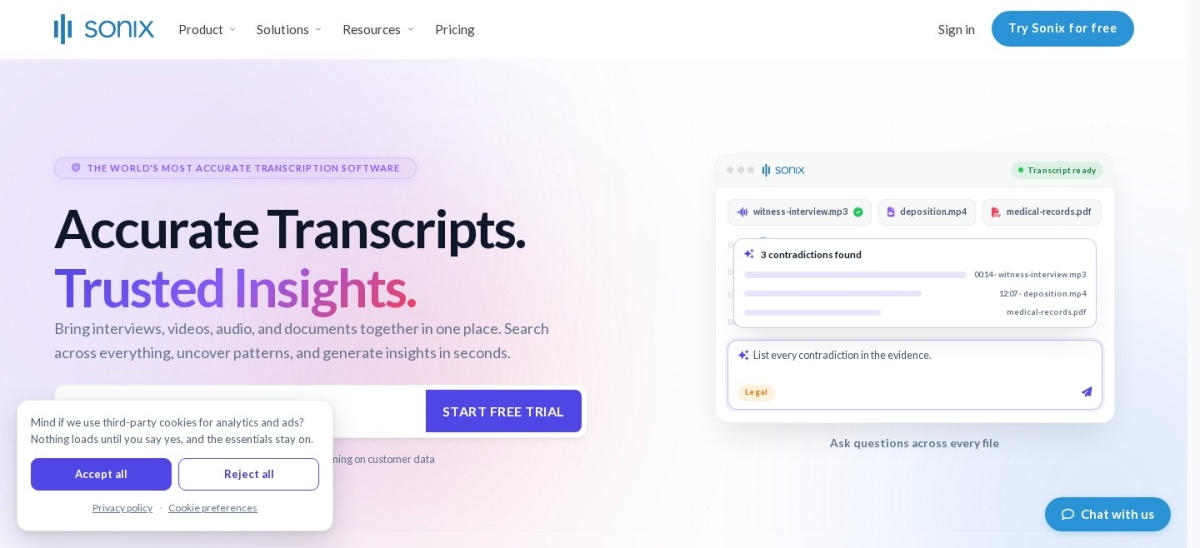
Sonix is an automated transcription platform that turns audio and video into transcripts and subtitles in 53+ languages. Premium adds subtitle styling with font, size, colour and position controls. Standard is pay-as-you-go at $10 per audio hour with no monthly fee, and every new account gets a 30-minute free trial.
The trade off is that every hour costs extra, even on Premium, where the rate drops to $5 an hour plus a $22 monthly seat fee. There is no free plan beyond the trial. It suits people who transcribe in bursts and want a quiet month to cost nothing.
What we like
No monthly fee on the Standard plan
Transcripts and subtitles in 53+ languages
Subtitle styling controls on Premium
Watch out for
Every hour costs extra, even on Premium
No free plan beyond the 30-minute trial
Collaboration and API access need Premium
Premium cuts the hourly rate to $5 and adds the APIVisit sonix.ai
08
Trint
4.4/5on G2 (66 reviews, checked Nov 2026)
Starts at$80/mo
Best for newsrooms and media teams
Starter files7 files/mo
Languages40+
SRT/VTT exportYes
Free trial7 days
trint.com
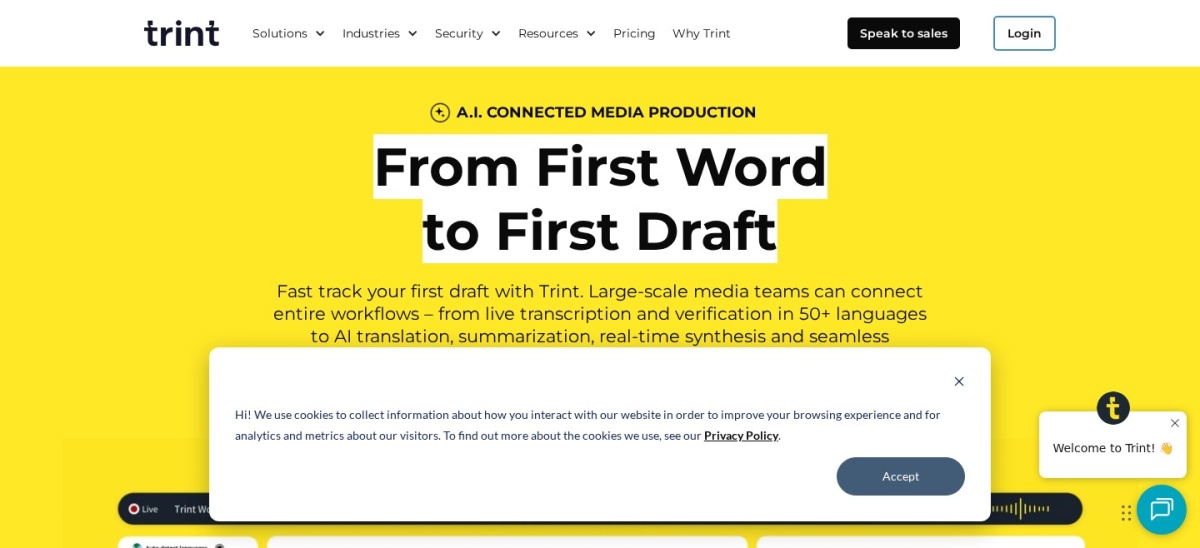
Trint homepage, captured Nov 2026.
Trint is a transcription platform built for newsrooms and media teams, with an editor that stitches the text to the audio so you can search, verify and correct it. It transcribes in 40+ languages and exports SRT and VTT files. Starter costs $80 a seat a month, or $52 billed annually, with 7 files a month.
The trade off is price. Trint has the highest per-seat cost in this list, every editor needs a seat, and there is no free plan beyond a 7-day trial. It suits desks that build stories from interview tape and need a shared, searchable transcript archive.
Otter.ai is an AI meeting agent that transcribes Zoom, Microsoft Teams and Google Meet calls live, with captions you can follow as people speak. Transcripts stay searchable, and Pro exports SRT files. The free Basic plan includes 300 minutes a month, and Pro costs $16.99 a user a month with 1,200 minutes.
The trade off is that Otter.ai is built for meetings, not video editing, so there is no timeline and no caption styling. Pro also caps each conversation at 90 minutes. It suits interviewers and teams who need live captions and a searchable record of every call.
What we like
Live captions in major meeting apps
Searchable transcripts with AI chat
Free plan covers 300 minutes a month
Watch out for
No video editor or caption styling
Pro caps meetings at 90 minutes
Per-user pricing adds up for teams
Business adds unlimited live meetings and 6,000 import minutesVisit otter.ai
Auto captions vs human captions: what you give up
Auto captions are fast and cheap. Most tools in this list generate them in minutes, and several include them free.
Human captions cost $1.99 a minute or more, but they catch names, jargon and crosstalk that auto captions miss. Rev is the only tool here that sells them directly.
A middle path works for most creators: generate auto captions, then proofread the track before upload. Descript makes that edit easy, since you fix the transcript and the captions follow.
For training, legal or broadcast video, pay for human captions. A wrong word in a compliance video costs more than the caption did.
How we chose
We started from the subtitle tools that show up most in creator and transcription round-ups, then kept nine with a real caption workflow, published pricing and public G2 ratings.
Prices come from each vendor's pricing page, checked on 24 November 2026. Ratings and review counts come from G2, checked in October and November 2026. Where a vendor shows a sale, the list shows the regular price.
We left out tools with no subtitle export and tools that hide pricing behind a sales call. No vendor paid for a place, and we do not claim hands-on testing for this list.
How to choose subtitle software
Start with where your captions will live, then match the tool to that destination.
Decide whether you need a file or burned-in captions. YouTube and course platforms take SRT or VTT files, while TikTok and Reels usually need captions burned into the video. Pick a tool that exports the format your platform wants.
Count your minutes before you compare prices. Per-minute and per-hour tools punish long videos, while flat subscriptions punish light months. Work out your usual monthly minutes first, then price that volume on each plan.
Check the languages you actually publish in. A tool that covers 125 languages is no help if it misses the one your audience speaks. Confirm your languages are covered before you pay.
Proofread the first captions you generate. Auto captions still miss names and jargon. Read the first track end to end, fix the mistakes, and only then trust the tool with a full batch.
FAQ
What is the best subtitle software?
VEED is the best subtitle software for most creators. Its paid plans include unlimited auto subtitles in 125+ languages, it exports SRT, VTT and TXT files on Pro, and it is rated 4.6 out of 5 on G2 from 2,175 reviews.
Can I add subtitles to a video for free?
Yes. Clipchamp adds free auto captions in 30+ languages with SRT download and watermark-free 1080p exports. VEED, Kapwing, Descript and Happy Scribe also have free plans, though exports carry watermarks or minute limits.
What is the difference between captions and subtitles?
Captions cover all audio, including sound effects and speaker labels, while subtitles usually cover spoken words only, often translated. Most tools in this list call both features subtitles, and the same SRT file works for either use.
How accurate are auto captions?
Auto captions are usually good on clear, single-speaker audio and weaker on crosstalk, accents and jargon. Rev states 99%+ accuracy for its human captions, while its AI captions are faster and cheaper. Proofread every track before you publish.
Which subtitle software exports SRT files?
Descript, Happy Scribe, Clipchamp, Sonix, Trint and Otter.ai all export SRT files, though some need a paid plan. VEED downloads SRT, VTT and TXT files on its Pro plan. Kapwing exports SRT and VTT files from its editor.
Do I need human captions?
You need them when errors carry a cost, such as training, legal or broadcast video. For social clips, auto captions with a quick proofread are usually enough. Rev sells human captions from $1.99 a minute when accuracy matters most.