Kling AI is the best of the free Sora alternatives, with daily free credits, a 4.7 out of 5 G2 rating and a Standard plan at $10 a month. Runway gives sharper clips but only 125 one-time free credits, while InVideo turns one prompt into a full narrated video on its free plan.
How we make this list: we compare pricing pages, product documentation and public user reviews, then re-check every price before each update. No product paid for a place. Disclosure.
Kling AI leads with daily free credits that refresh, a 4.7 out of 5 G2 rating and a Standard plan at $10 a month.
Runway's free plan is only 125 one-time credits, and its Gen-4.5 model needs a paid plan from $15 a month.
Hailuo's free welcome credits expire 3 days after signup, and it holds 1.4 out of 5 on Trustpilot from 96 reviews.
CapCut is the only pick here whose basic free exports carry no watermark.
Paid plans run from $10 a month for Kling to $28 a month for Fliki, while Canva Pro costs $120 a year.
Luma Dream Machine no longer lists a standing free plan on its pricing page, so it is not in this list.
How do you choose the best free Sora alternative?
Free means credits, not unlimited video. Every tool here rations generation with credits: Kling refreshes a small daily allowance, Runway hands out 125 credits once and never tops them up, and Hailuo's welcome credits expire 3 days after signup.
A watermark is the real price of free. Most free plans stamp exports or cap them at 720p, and CapCut is the exception, with no watermark on basic free exports.
Cinematic generators and editors solve different jobs. Kling, Runway and Hailuo create new footage from a text prompt, while InVideo, VEED, CapCut, Canva, Descript and Fliki assemble, narrate or finish that footage into a publishable video. Our guide on embedding a video in WordPress shows how to publish the finished clip on your site.
Check the paid price before you fall in love with a free tier. Kling Standard is $10 a month, Fliki Standard is $28, and annual billing cuts several plans by a fifth or more, so the upgrade cost matters once free credits run out.
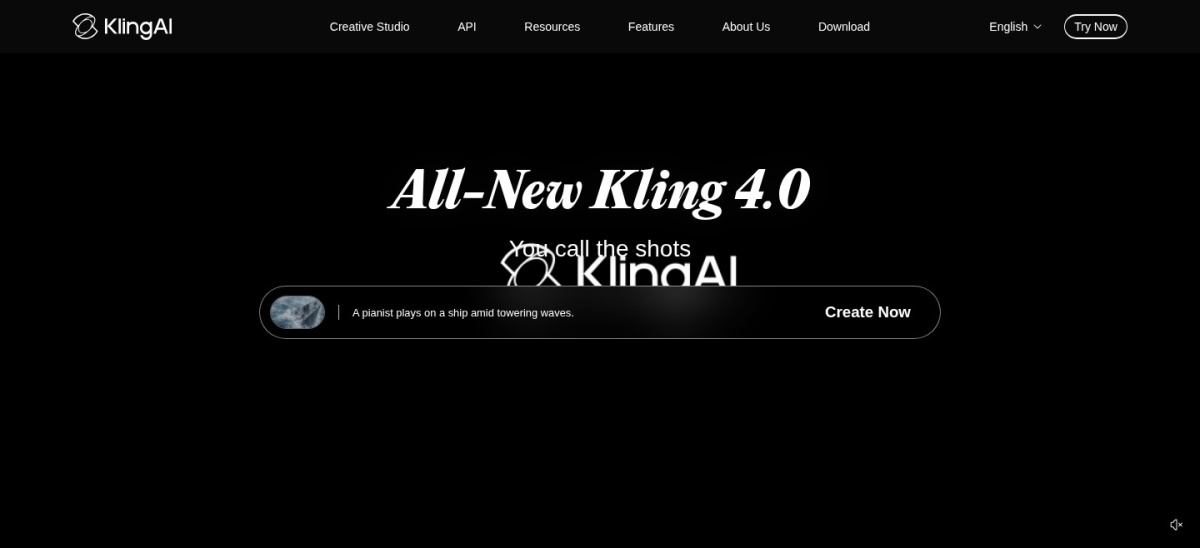
Kling AI is a cinematic video generator from Kuaishou that turns text and images into realistic short clips. Its free plan gives daily login credits, and the Kling 4.0 model makes clips up to 30 seconds long with native audio, camera control and up to 4K resolution. The Standard plan costs $10 a month for 660 credits.
The trade off is a thin review base and a strict free tier. Kling holds 4.7 out of 5 on G2 from only 5 reviews, free exports carry a watermark and bar commercial use, and monthly credits expire after 31 days. It suits creators who want the most free cinematic clips per day at the lowest paid price.
What we like
Daily free credits that refresh
Clips up to 30 seconds with native audio
Cheapest paid plan in this list at $10 a month
Strong motion and realistic physics
Watch out for
G2 rating rests on only 5 reviews
Free exports are watermarked with no commercial use
Monthly credits expire after 31 days
Standard adds commercial rights, 1080p and faster queuesVisit kling.ai
02
Runway
4.1/5on G2 (125 reviews, checked Nov 2026)
Paid from$15/mo
Best for quality and creative control
Free plan125 one-time credits
Cheapest paidStandard, $15/mo
Longest clip10 seconds
Free watermarkYes
runway.com
Runway homepage, captured Nov 2026.
Runway is a generative video platform built around its Gen-4.5 model, which turns a text prompt or a reference image into short clips with fine control over camera and timing. The free plan includes 125 one-time credits, a selection of models and 5 GB of storage. Standard costs $15 a month for 625 credits.
The trade off is that the free plan runs out fast. The 125 credits never renew, exports carry a watermark with no commercial licence, and Gen-4.5 needs a paid plan. At 12 credits a second, Standard covers about 52 seconds of Gen-4.5 video a month. It suits creators who want the sharpest clips and can pay for retakes.
InVideo is a prompt-to-video tool that turns one written brief into a complete video with script, voiceover, stock footage and music. Its free plan gives limited weekly credits with watermarked 720p exports. Plus costs $20 a month and includes access to Sora 2 and Veo 3.1.
The trade off is the credit system. Premium-quality generations burn credits faster than the plan suggests, credits do not roll over, and several G2 reviewers report paying for Max and getting only a few minutes of top-quality video. It suits marketers who need a finished video fast without opening a timeline editor.
CapCut is a free video editor from ByteDance with AI captions, background removal, auto-cut tools and a script-to-video maker that builds a short clip from text. The free plan covers basic editing and templates, and basic exports carry no watermark, which is rare in this list. Pro costs $19.99 a month.
The trade off is that the best AI features sit behind Pro. Pro adds 1,200 monthly AI credits, premium templates, 1 TB of storage and 4K export, while some free exports carry watermarks when premium effects are used. It suits social creators who want the strongest free editor for TikTok, Reels and Shorts.
VEED is a browser-based video editor with AI tools for captions, translation, avatars and text-to-video generation. The free plan exports at 720p with a VEED watermark and limited AI credits, and no credit card is needed to try it. Creator costs $25 a month for 500 AI credits.
The trade off is the watermark and the price jump. Free exports are watermarked and capped at 10 minutes, and removing the mark costs $25 a month, or $120 a year, for Creator. It suits creators who want captions, editing and AI generation in one browser tab.
What we like
Full editor plus AI generation in the browser
Automatic captions in 50+ languages on Pro
Free plan needs no credit card
Rated 4.6 out of 5 on G2
Watch out for
Free exports are watermarked at 720p
Creator is $25 a month, pricier than rivals
AI credits cap monthly generation
Creator removes the watermark and adds 1080p exportsVisit veed.io
06
Canva
4.7/5on G2 (7,945 reviews, checked Nov 2026)
Paid from$120/yr
Best free design tool with video
Free planTemplates, 5 GB storage
Cheapest paidPro, $120/yr
Video templatesThousands
Brand KitPro only
canva.com
Canva homepage, captured Nov 2026.
Canva is a browser design tool with thousands of video templates, stock photos and Magic Studio AI tools that resize and restyle a design in a few clicks. The free plan covers templates and basic editing with 5 GB of storage. Pro costs $120 a year, or $15 a month billed monthly.
The trade off is that Canva generates little original footage. It is a design and assembly tool, not a text-to-video generator like Sora, and the best templates, stock and background removal sit behind Pro. It suits creators who need polished social videos built from templates rather than generated clips.
What we like
Largest template library in this list
Free plan with no time limit
Rated 4.7 out of 5 on G2 from 7,945 reviews
Works on web, iOS and Android
Watch out for
Not a true text-to-video generator
Premium templates locked on the free plan
Background removal needs Pro
Pro adds Brand Kit, 1 TB storage and premium templatesVisit canva.com
07
Descript
4.6/5on G2 (934 reviews, checked Nov 2026)
Paid from$24/mo
Best for editing video like a document
Free plan1 hour a month
Cheapest paidHobbyist, $24/mo
AI credits100, one-time
Export720p, watermarked
descript.com
Descript homepage, captured Nov 2026.
Descript is a video and podcast editor that works through the transcript: delete a sentence and it leaves the timeline. The free plan includes 1 media hour a month, 100 one-time AI credits and 720p exports with a watermark. Hobbyist costs $24 a month billed monthly, or $16 billed yearly.
The trade off is that Descript generates little new footage. Its AI video generation is a Creator feature, and the free plan's 1 hour and 100 one-time credits cover only a small test project. It suits podcasters and YouTubers who edit speech-heavy video by editing text.
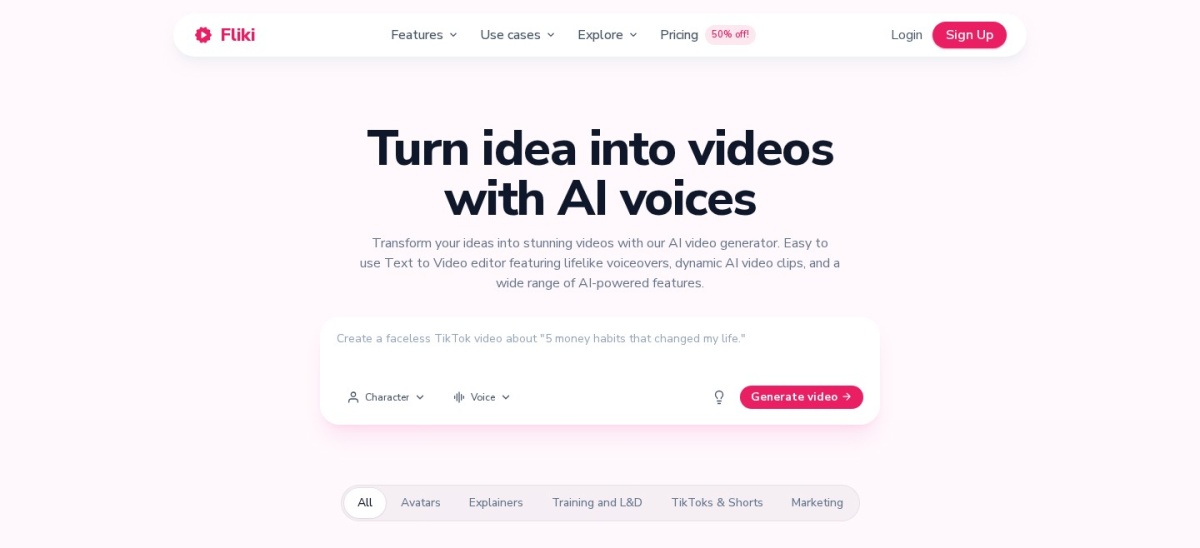
Fliki is a script-to-video tool that turns scripts, blog posts and prompts into narrated video with AI voices, stock footage and subtitles. The free plan gives 3 credits a month, exports up to 5 minutes at 720p with a watermark, and includes 300 voices. Standard costs $28 a month for 180 credits.
The trade off is the size of the free allowance. Three credits a month covers only a few short videos, commercial rights start on Standard, and G2 reviewers flag the credit system as hard to predict. It suits creators who need quick narrated explainers with realistic voices.
What we like
1,000+ AI voices on Standard
Script to video in minutes
Rated 4.7 out of 5 on G2
Stock media library included
Watch out for
Free plan gives only 3 credits a month
No commercial rights on the free plan
Credit use is hard to predict
Standard adds commercial rights and 1080p exportVisit fliki.ai
09
Hailuo AI
1.4/5on Trustpilot (96 reviews, checked Nov 2026)
Paid from$14.99/mo
Best budget cinematic clips
Free planWelcome credits only
Cheapest paidStandard, $14.99/mo
Longest clip15 seconds
Free watermarkYes
hailuoai.video
Hailuo AI homepage, captured Nov 2026.
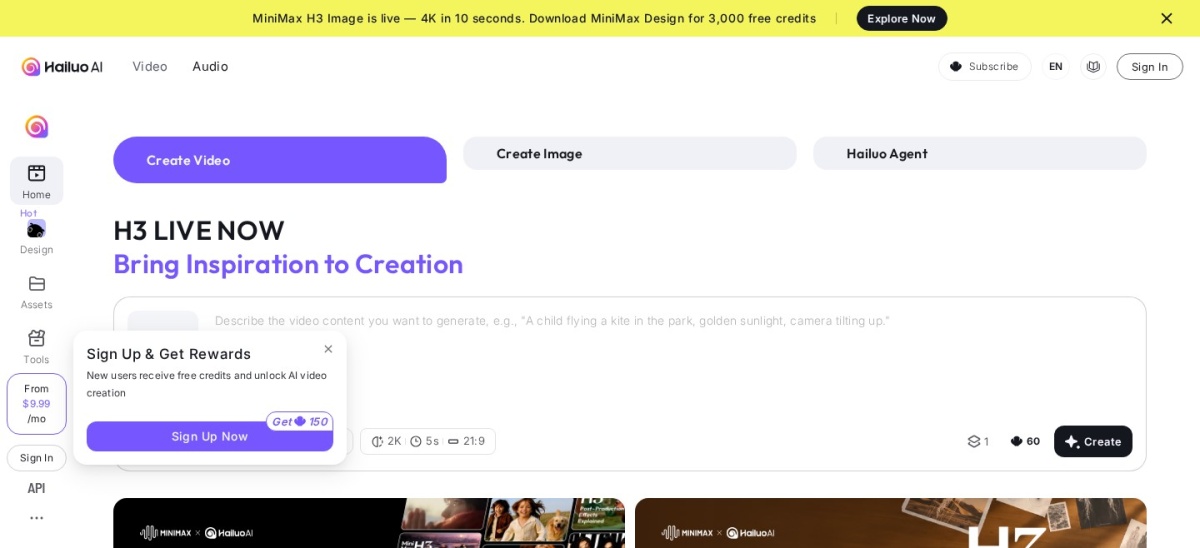
Hailuo AI is MiniMax's video generator, built around the H3 model with native sound, clips up to 15 seconds and 2K output. The free plan gives one-time welcome credits for new users, with watermarked downloads. Standard lists at $14.99 a month for 1,000 credits.
The trade off is trust and the free clock. Hailuo holds 1.4 out of 5 on Trustpilot from 96 reviews, mostly over billing and refunds, and the welcome credits expire 3 days after they are granted. It suits creators who want cheap physics-first clips and pay monthly, keeping the cancellation confirmation.
Free tiers withhold commercial rights first. Kling, Hailuo and Fliki all bar commercial use on their free plans, so client work needs a paid plan even when the clips themselves cost nothing.
Watermarks and resolution caps come next. Free exports are usually watermarked and capped at 720p, while paid plans remove the mark and unlock 1080p or 4K.
Paid plans mostly buy credits, not new tools. The jump from free to Standard buys a monthly credit pool, faster queues and no watermark, while the core generator stays the same.
How we chose
We started from the video generators most often named as Sora alternatives, then kept the nine with a genuine free plan and a public rating on G2 or Trustpilot.
Prices come from each vendor's pricing page, checked on 29 November 2026. Ratings and review counts come from G2 or Trustpilot on the same day. Where a vendor shows a sale, the list shows the regular price.
We left out tools with no usable free tier: Pika's free plan ships zero credits, Haiper's consumer app is discontinued, and Luma no longer lists a standing free plan. No vendor paid for a place, and we do not claim to have used these tools ourselves.
How to choose a free Sora alternative
Start with how often you will generate, then check the free allowance against it.
Count how many clips you need a week. Kling's daily credits suit a clip a day, while Runway's 125 one-time credits cover about two test clips and then stop.
Decide whether the watermark matters. CapCut exports basic edits without a watermark, while Kling, Runway, VEED and Fliki watermark free exports.
Check commercial rights before client work. Free plans on Kling, Hailuo and Fliki bar commercial use, so paid plans are the entry point for anything you sell or publish for a client.
Plan where the video will live. A finished clip still needs a home, and our guide on embedding a video in WordPress walks through the WordPress route.
FAQ
What is the best free Sora alternative?
Kling AI is the best free Sora alternative for most people. Its free plan refreshes credits daily, it holds 4.7 out of 5 on G2, and its Standard plan costs $10 a month when the free credits run out.
Is there a completely free alternative to Sora?
Yes, all nine tools in this list have a free plan, but free means limited credits and usually a watermark. CapCut is the exception, with no watermark on basic free exports, while Kling's daily credits are the most generous for generating new footage.
How much does Kling AI cost?
Kling AI's Standard plan lists at $10 a month for 660 credits, with a $6.99 first month and an $8.80 renewal shown on its membership page. The free plan gives daily login credits with watermarked 720p exports and no commercial use.
Is Luma Dream Machine free?
No, Luma no longer lists a standing free plan. Its pricing page shows Plus at $30 a month, or $25 a month billed yearly, and new accounts may only get limited trial credits. The older Dream Machine free tier still appears in its help centre, but it is not on the pricing page.
Which free Sora alternative is best for beginners?
CapCut is the easiest start, with templates, auto-captions and free exports without a watermark on basic edits. InVideo is the best choice if you want one prompt to become a finished video with voiceover and music.
Kling AI vs Runway: which free plan is better?
Kling's free plan is better for regular use because its credits refresh daily, while Runway's 125 credits are one-time and never renew. Runway wins on output quality, so pick it for a few polished test clips and Kling for steady free generation.
Can I use free Sora alternatives for commercial work?
Mostly no. The free plans on Kling, Hailuo and Fliki bar commercial use, and free exports are usually watermarked. If a video is for a client or an ad, a paid plan is the entry point, starting at $10 a month for Kling.
SaaS SEO and WordPress specialist with about 8 years of experience. Rakib compares WordPress plugins, themes, hosting and software using public pricing, documentation and user reviews. See how we rank.