Eklipse is the best of these StreamLadder alternatives for streamers, because it detects kills, wins and other game moments and turns them into vertical clips from $24.99 a month. Pick Vizard for the most source minutes per dollar, or Cross Clip if you only need to reformat clips you already picked.
How we make this list: we compare pricing pages, product documentation and public user reviews, then re-check every price before each update. No product paid for a place. Disclosure.
Eklipse is the only pick built around game events, detecting kills, wins and achievements across 3,000+ games.
Vizard gives the most source minutes per dollar: 600 a month on Creator at $29, with 4K export and no watermark.
OpusClip Starter costs $15 a month and ranks every clip with a virality score, but Twitch import needs Pro at $29.
Cross Clip Pro is the cheapest clean export here at $4.99 a month, but it only reformats clips you pick yourself.
Medal is free to capture with, and Premium at $9.99 a month adds 4K uploads, auto-subtitles and no watermark.
What should streamers look for in a StreamLadder alternative?
The best alternative depends on where your clips come from. If your best moments are kills, wins and comebacks, you need a tool that watches the game. If your best moments are things you said, a general clipper that reads the transcript works better.
Free plans rarely include clean AI clipping. Eklipse has no free clipping plan at all, and the free plans at OpusClip and Vizard give 60 minutes a month with a watermark. Treat a free plan as a test, not a posting workflow.
Minutes, clips and uploads are three different meters. OpusClip and Vizard bill by minutes of source video, Klap bills by finished clips, and Medal and Cross Clip do not meter AI minutes at all because they do not scan a VOD. Check which meter fits your stream length before you compare prices.
Check the export before you pay. Watermarks, 720p caps and clips that expire after 3 days are the usual free-plan catches, and a 3-hour source cap can force you to split a long stream. Our guide to embedding videos in WordPress shows how to put finished clips on your own site.
The 8 best StreamLadder alternatives for streamers
01
Eklipse
4.8/5on Trustpilot (973 reviews, checked Nov 2026)
Starts at$24.99/mo
Best for gaming streamers
Entry planPremium, $24.99/mo
Game detection3,000+ games
PlatformsTwitch, Kick, YouTube
Free planPreview only
eklipse.gg
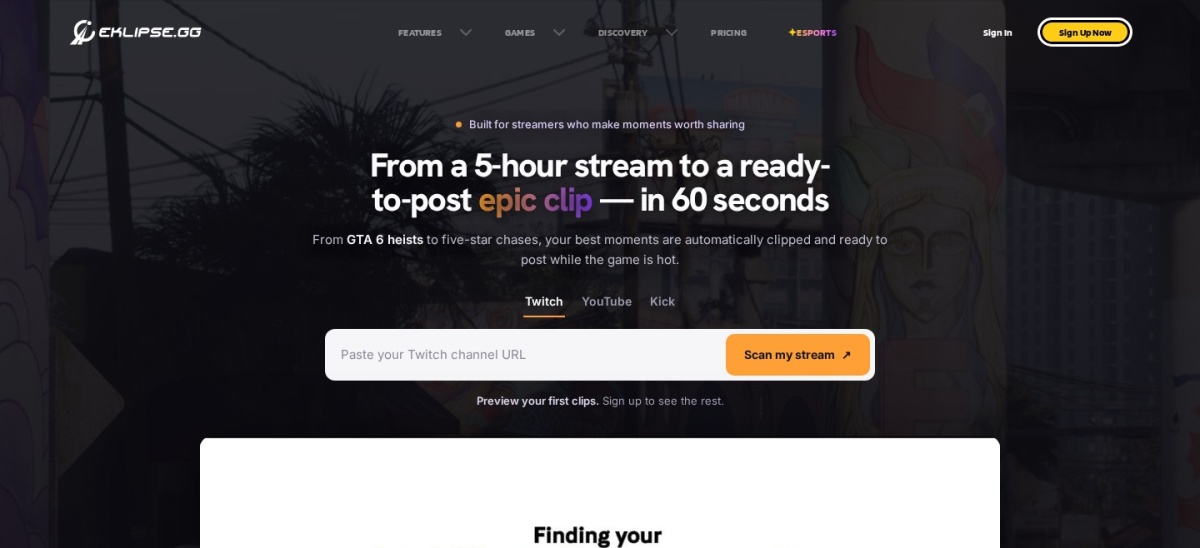
Eklipse homepage, captured Nov 2026.
Eklipse is an AI clip maker built for streamers that watches a full Twitch, Kick or YouTube stream and cuts the best moments into vertical 9:16 clips with captions. It detects game events such as kills, wins and achievements, plus audio spikes and chat activity, and posts to TikTok, Shorts, Reels and Facebook.
The trade off is price and the lack of a free clipping plan. AI clipping needs Premium at $24.99 a month, and streams must run between 15 minutes and 5 hours. It suits gaming streamers who want ranked highlights waiting after each session.
What we like
Game-event detection tuned per game category
Connects Twitch, Kick, YouTube and Facebook
Mobile app for reviewing and posting clips
Content planner schedules approved clips
Watch out for
No free clipping plan
Streams capped at 5 hours
Live clipping needs Premium Pro at $39.99 a month
Premium Pro adds live clipping and custom highlightsVisit eklipse.gg
02
Vizard
4.7/5on G2 (434 reviews, checked Nov 2026)
Paid from$29/mo
Best value for long streams
Entry planCreator, $29/mo
Source minutes600/mo
Export4K, no watermark
Free plan60 credits/mo
vizard.ai
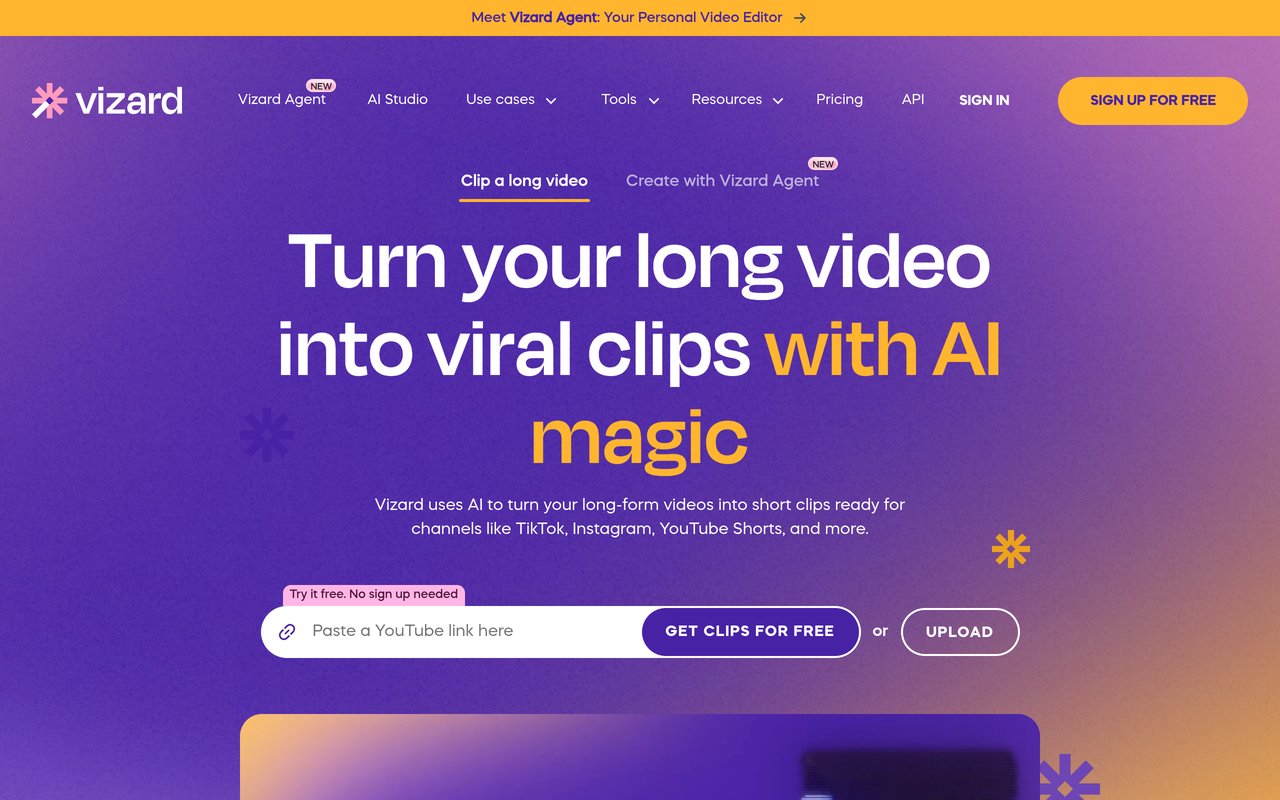
Vizard homepage, captured Nov 2026.
Vizard is an AI repurposing tool that turns long videos into vertical clips with captions, speaker detection and reframing. Creator includes 600 source minutes a month, 4K export with no watermark, no export length limit and scheduling to six social accounts.
The trade off is that it is a general clipper, not a gaming tool. It does not detect in-game events, and the free plan caps exports at 720p with a watermark and keeps clips for only 3 days. It suits streamers and podcasters who clip hours of talk-heavy video each week.
What we like
600 source minutes a month on Creator
4K export with no watermark or length limit
Built-in scheduling to six social accounts
API included on the Creator plan
Watch out for
No game-event detection
Free plan is 720p with a watermark
One credit equals one minute of uploaded video
Business adds a shared workspace and 20 social accountsVisit vizard.ai
03
OpusClip
4.6/5on G2 (124 reviews, checked Nov 2026)
Paid from$15/mo
Best for scored clips and auto-posting
Entry planStarter, $15/mo
Source minutes150/mo
Virality scoreYes, on Starter
Free plan60 minutes/mo
opus.pro
OpusClip homepage, captured Nov 2026.
OpusClip is the best-known AI clipper for turning long videos into vertical clips, each ranked with a virality score so you know which to post first. Starter at $15 a month covers 150 minutes of source video and auto-posts to Shorts, TikTok and Reels.
The trade off is the credit meter. One credit equals one minute of source video, credits expire after 60 days, and Twitch import and the social scheduler need Pro at $29 a month. It suits podcasters and talking-head streamers who want ranked clips with little setup.
What we like
Virality score ranks every clip before posting
Auto-posts to Shorts, TikTok and Reels
Exports to Premiere Pro and DaVinci Resolve on Pro
Filler-word removal and AI B-roll on Pro
Watch out for
Credits expire after 60 days
Twitch import is listed for Pro only
Social scheduler starts on Pro
Pro adds the scheduler, 300 minutes and B-rollVisit opus.pro
04
Medal
3.5/5on Trustpilot (321 reviews, checked Nov 2026)
Paid from$9.99/mo
Best for capturing clips while you play
Entry planPremium, $9.99/mo
CaptureHotkey and auto-clipping
Free planUnlimited capture, 1080p
PlatformsWindows, iOS, Android
medal.tv
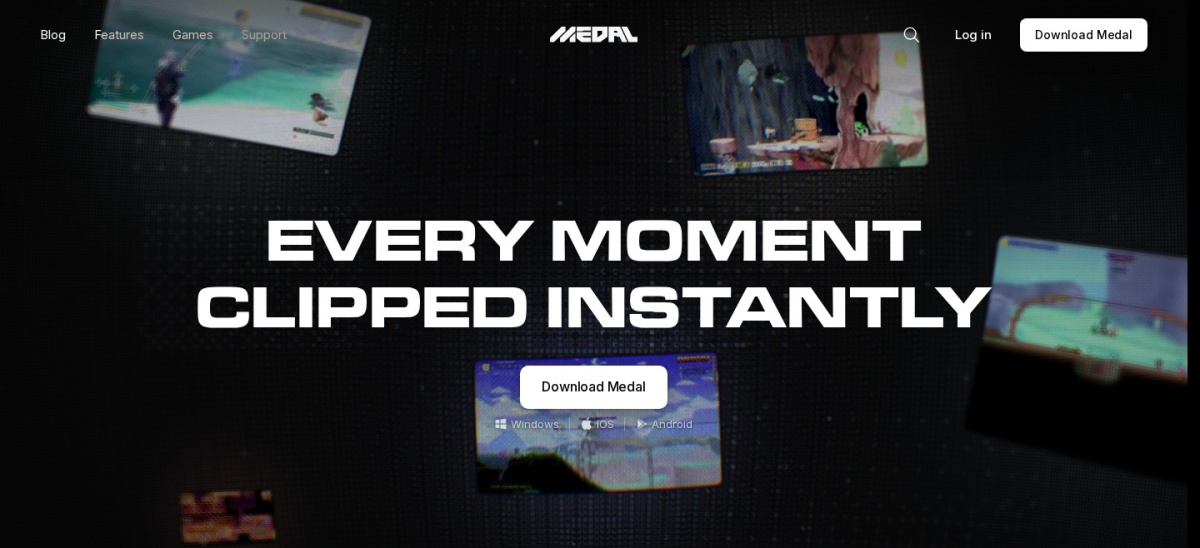
Medal homepage, captured Nov 2026.
Medal is a PC and mobile clipping app for gamers that records with a hotkey or automatic event detection across supported games. The free plan lets you capture and share clips, while Premium at $9.99 a month adds 4K uploads, auto-subtitles and no watermark.
The trade off is that Medal records what happens on your PC rather than scanning a finished VOD. Free uploads cap at 20 minutes and 1080p, carry a watermark and show ads. It suits PC gamers who want instant replays and quick shares.
What we like
Free plan covers unlimited capture
Auto event detection across supported games
Used by more than 12 million gamers
Mobile app for sharing clips on the go
Watch out for
Windows only on desktop, no macOS app
Free exports carry a watermark and ads
Lowest Trustpilot rating in this list at 3.5/5
Premium adds 4K, subtitles and unlimited cloud backupVisit medal.tv
05
Cross Clip
4.3/5on Trustpilot (1,557 reviews, checked Nov 2026)
Paid from$4.99/mo
Best for turning one clip vertical
Entry planPro, $4.99/mo
AI highlight detectionNo, manual
InputTwitch, Kick, YouTube clip URL
Free planWatermark and outro
streamlabs.com
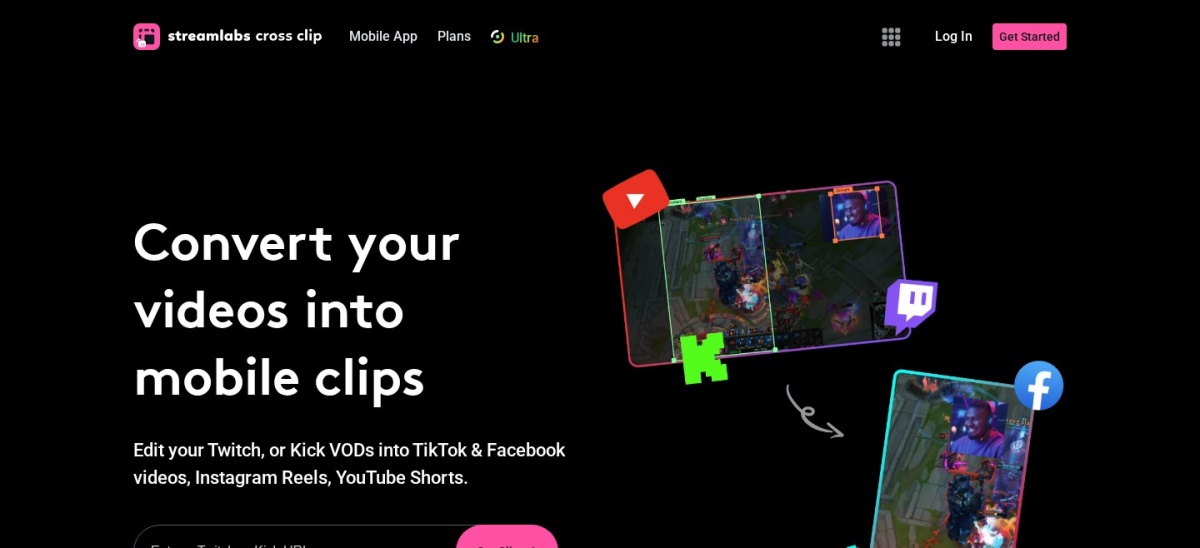
Cross Clip homepage, captured Nov 2026.
Cross Clip, from Streamlabs, turns a clip you already picked into a vertical video for TikTok, Reels and Shorts. Paste a Twitch, Kick or YouTube clip URL or upload a file, then arrange facecam and gameplay layers and export at 1080p and 60fps on Pro.
The trade off is that it finds nothing for you. There is no AI highlight detection, so you must spot the moment yourself, and the free plan adds a watermark and an outro. It suits streamers who already know the clip and want the cheapest clean export.
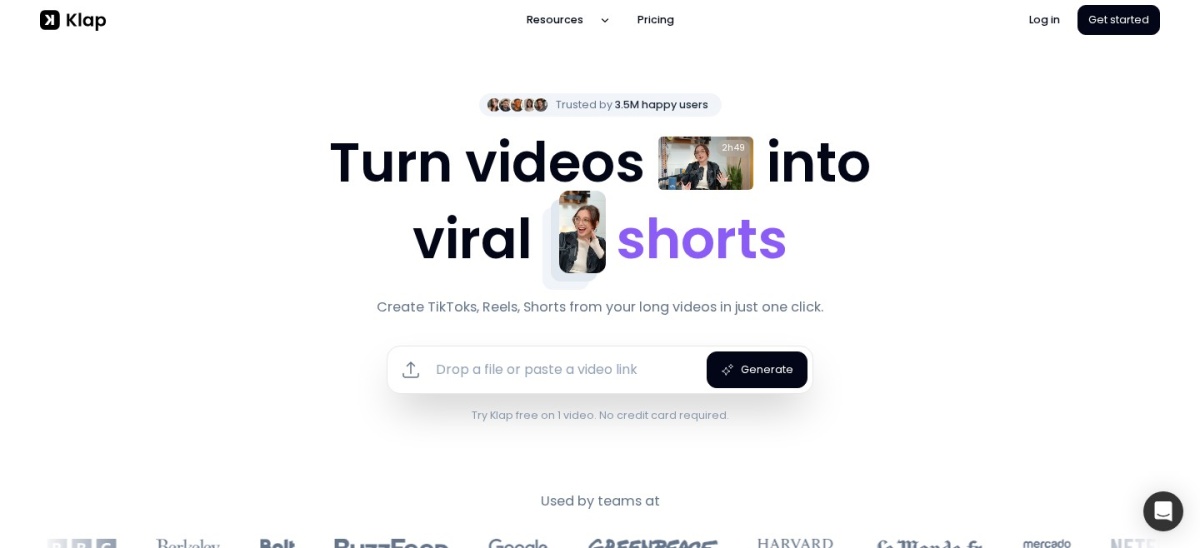
Klap is an AI clipping tool that turns long videos into vertical shorts with captions, reframing and a virality score, priced by finished clips instead of minutes. Basic at $29 a month covers 100 clips, and the length of the source video does not use up the plan.
The trade off is the source limit and the thin free offer. Videos can be at most 3 hours, so long streams need splitting first, and there is no free plan beyond previewing one video. It suits podcasters and talk-heavy creators who post a set number of clips each month.
Descript is an editor first and a clipper second, built for podcasters who want control over every cut. You edit video by editing the transcript, so highlighting a quote cuts it into a clip, and Studio Sound and filler removal clean the audio in the same project.
The trade off is speed and price. Clipping takes more manual work than a one-click tool, and Hobbyist at $24 a month covers only 10 media hours. It suits streamers who already edit in Descript and want clips from the same project.
VEED is a browser editor whose strength is automatic subtitles, with translation into more than 50 languages on Pro and tools such as Eye Contact AI and Clean Audio. Lite at $24 a month includes 120 subtitling minutes a year and stock audio and video.
The trade off is the subtitling meter. The yearly cap runs out fast for weekly publishers, monthly billing doubles the price against the $12 annual rate, and 4K waits for Pro. It suits creators whose clips live or die on accurate subtitles.
What we like
Automatic subtitles are the core strength
Translation in 50-plus languages on Pro
Runs in the browser with no install
Stock audio and video included on paid plans
Watch out for
120-minute yearly subtitling cap on Lite
4K export waits for the Pro plan
Free exports are watermarked at 720p
Pro adds translation, 4K and more subtitling minutesVisit veed.io
Free vs paid: what you give up
Free plans in this niche are mostly a test bench. OpusClip and Vizard give 60 minutes a month with a watermark, Cross Clip reformats one clip at a time with a watermark and outro, and Medal lets you capture for free but watermarks the export.
Paid plans mostly buy clean exports and a bigger meter. The watermark goes away, exports rise to 1080p or 4K, and you get more source minutes, more clips or more storage.
The cheapest clean export is Cross Clip Pro at $4.99 a month, but it finds no moments for you. The cheapest AI clipping with a free plan is OpusClip Starter at $15 a month, and Vizard Creator at $29 a month gives four times the minutes.
How we chose
We started from the tools StreamLadder itself compares and the clipping tools ranked for Twitch streamers in November 2026, then kept those with a published price and a public rating.
Prices come from each vendor's pricing page, checked on 29 November 2026. Ratings and review counts come from G2 or Trustpilot on the same day. Where a vendor shows a sale, the list shows the regular price.
We left out tools that shut down, such as Powder, and tools with no public rating. Cross Clip has no separate review listing, so its rating is Streamlabs' Trustpilot profile. No vendor paid for a place, and we do not claim to have used these tools ourselves.
How to choose a StreamLadder alternative
Start with the stream you already make, then match the tool to how you clip.
Count your stream hours first. A weekly four-hour stream is about 960 minutes a month, more than OpusClip Pro or Vizard Creator allow, so check the meter before the price.
Decide whether the game is the signal. If kills and wins are the clips, pick a game-aware tool such as Eklipse or a recorder such as Medal. If the talk is the clip, a general clipper works.
Test the free plan on a real VOD. OpusClip and Vizard give 60 free minutes a month, so run one full stream through before paying.
Check the export, not the demo. Watermarks, 720p caps and 3-day storage are the usual free-plan catches. See how to embed a video in WordPress before you post clips to your site.
FAQ
What is the best StreamLadder alternative for streamers?
Eklipse is the best StreamLadder alternative for streamers whose content is gameplay. It detects kills, wins and other game moments across 3,000+ games and turns them into vertical clips, and it is rated 4.8 out of 5 on Trustpilot from 973 reviews.
Is there a free StreamLadder alternative?
No tool here offers free AI clipping with clean exports. OpusClip and Vizard give 60 free minutes a month with a watermark, Cross Clip reformats clips for free with a watermark and outro, and Medal lets you capture clips for free.
How much does a StreamLadder alternative cost?
Paid plans run from $4.99 a month for Cross Clip Pro to $29 a month for Vizard Creator or Klap Basic. Eklipse Premium costs $24.99 a month, and annual billing halves the Vizard and Klap monthly rates.
Which StreamLadder alternative is best for gaming streamers?
Eklipse is the best fit for gaming streamers, because it detects game events such as kills and wins instead of guessing from the transcript. Medal is the best free companion for PC gamers who want to capture moments live with a hotkey.
Which StreamLadder alternative is best for beginners?
OpusClip Starter is the easiest start at $15 a month: upload a video, get ranked clips with a virality score, and auto-post them. Cross Clip is simpler still if you pick the moment yourself and only need it made vertical.
Eklipse or Vizard: which should I pick?
Pick Eklipse if your clips come from gameplay moments, since it detects kills, wins and chat spikes. Pick Vizard if you clip talk-heavy streams or podcasts, since Creator gives 600 source minutes a month with 4K export for $29.
SaaS SEO and WordPress specialist with about 8 years of experience. Rakib compares WordPress plugins, themes, hosting and software using public pricing, documentation and user reviews. See how we rank.