Autodesk Fusion is the best top CAD CAM software for most teams, packing design, machining and simulation into one subscription for 680 dollars a year. SOLIDWORKS suits mechanical product teams, while FreeCAD is the free option for makers.
How we make this list: we compare pricing pages, product documentation and public user reviews, then re-check every price before each update. No product paid for a place. Disclosure.
Autodesk Fusion is the only tool here with a free personal tier, and its $680 a year subscription includes CAD, CAM, simulation and PCB design.
Mastercam is the most widely used CNC programming package, with the largest post-processor library in the industry.
SOLIDWORKS owns mechanical design at $2,820 a year, with parametric parts, assemblies and drawings that update together.
Four of the nine tools publish no price, so expect a quote and a reseller conversation for Mastercam, NX CAM, SolidCAM and CAMWorks.
FreeCAD is the only fully free option, with CAM in its Path workbench, rated 4.1 out of 5 on G2.
What should top CAD CAM software cover?
CAD and CAM are two halves of one job. Design software draws the part, CAM software turns it into toolpaths, and the best tools keep both in one model so a dimension change flows through to the machine.
Your machine decides most purchases. Routers cutting signs need 2.5D and 3D carving tools, while mills making metal parts need full 3- and 5-axis CAM such as Mastercam or Fusion.
Pricing runs from free to five figures. Only Fusion, SOLIDWORKS, Onshape and AutoCAD publish a price, so expect a quote and a reseller conversation for Mastercam, NX CAM, SolidCAM and CAMWorks.
Post-processors matter as much as toolpaths. A CAD/CAM package is only useful if it posts clean G-code for your machine's control, and Mastercam has the largest library in the industry.
Autodesk Fusion is a cloud workspace that packs CAD, CAM, simulation and PCB design into one subscription. It costs $85 a month or $680 a year, and hobbyists get a free personal-use plan while students and qualifying startups pay nothing, with 3-axis CAM included in the base price.
The trade off is the cloud and the extension. Files live in Autodesk's cloud, the free personal licence only lets you edit 10 documents at a time, and 5-axis work needs the Manufacturing Extension at extra cost. It suits startups and small shops that want CAD, CAM and simulation in one subscription.
SOLIDWORKS is the mechanical CAD standard for product teams. Design Standard with Cloud Services costs $2,820 a year, and it covers parametric parts, assemblies and drawings with weldments, sheet metal and mold tools, plus drawings that update when a dimension changes.
The trade off is price and platform. SOLIDWORKS costs $2,820 a year per user before training, runs on Windows only, and CAM comes from add-ins such as SolidCAM or CAMWorks rather than the base product. It suits product teams that design mechanical parts for manufacture every day.
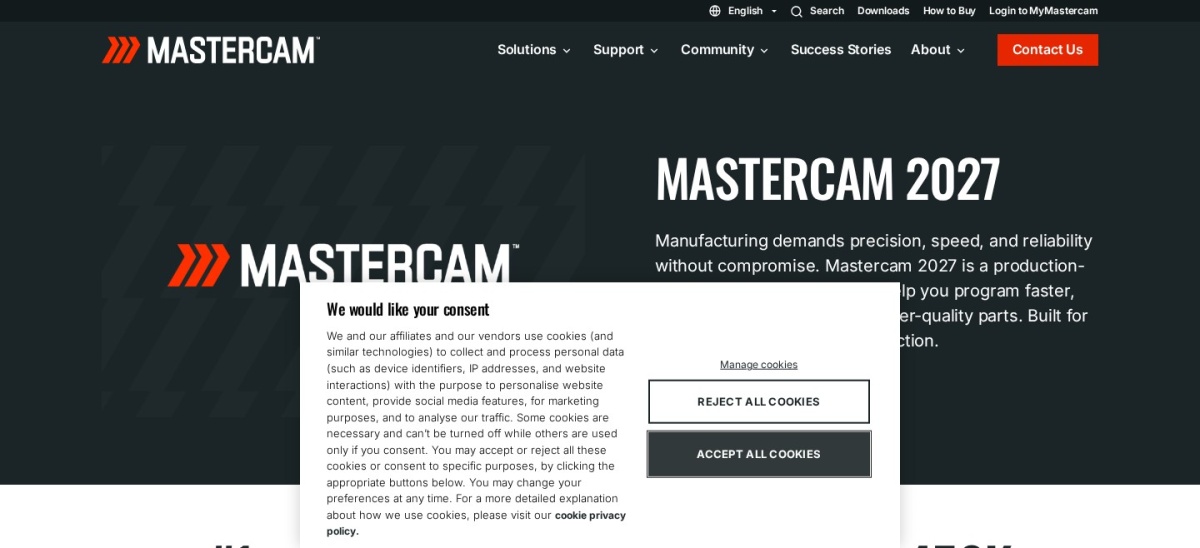
Mastercam is the default answer in CNC programming, developed since 1983 and now part of the Sandvik Group. It covers milling, turning, mill-turn, Swiss machining, wire EDM, routers, plasma and lasers in one package, with the largest post-processor library in the industry.
The trade off is price and buying. Mastercam is quote-based through a reseller network, with third-party estimates of $6,000 to $15,000 for milling modules, and serious shops add a maintenance plan for updates and support. It suits job shops that want the largest ecosystem and the deepest talent pool.
Onshape is the only professional CAD here that runs entirely in a browser. Standard costs $1,500 a user a year and covers parametric modeling, surfacing, sheet metal and drawings, with built-in data management and version control, and CAM Studio adds browser-based machining.
The trade off is the CAM add-on and the subscription. CAM Studio is a separate add-on, and the Professional plan costs $2,500 a user a year with it, so the full CAD/CAM price is higher than the headline. It suits distributed teams that design together in real time.
AutoCAD is the drafting tool most of the industry already runs on. The subscription costs $260 a month or $2,095 a year, and it includes seven industry-specific toolsets for architecture, mechanical, electrical, plant, MEP, mapping and raster work, plus web and mobile versions.
The trade off is price and CAD/CAM depth. AutoCAD is a drafting tool first, so machining toolpaths need a separate CAM package, and $2,095 a year per seat is dear for occasional users. It suits firms that need DWG compatibility above all else.
What we like
DWG files open everywhere
Seven industry toolsets included
Web and mobile versions included
Watch out for
No CAM toolpaths in the base product
$2,095 a year per seat is dear for occasional users
NX CAM is Siemens' CAM system for enterprise digital manufacturing. It runs inside the NX platform, so design, manufacturing and simulation share one model, and it covers 2.5D milling through simultaneous 5-axis, turning and mill-turn with machining automation built in.
The trade off is cost and scale. NX CAM is custom-quoted, G2 reviewers say licensing cost is high, and it only makes sense inside Siemens NX, so small shops will find Fusion or FreeCAD a better fit. It suits large manufacturers that already run NX and want CAM in the same system.
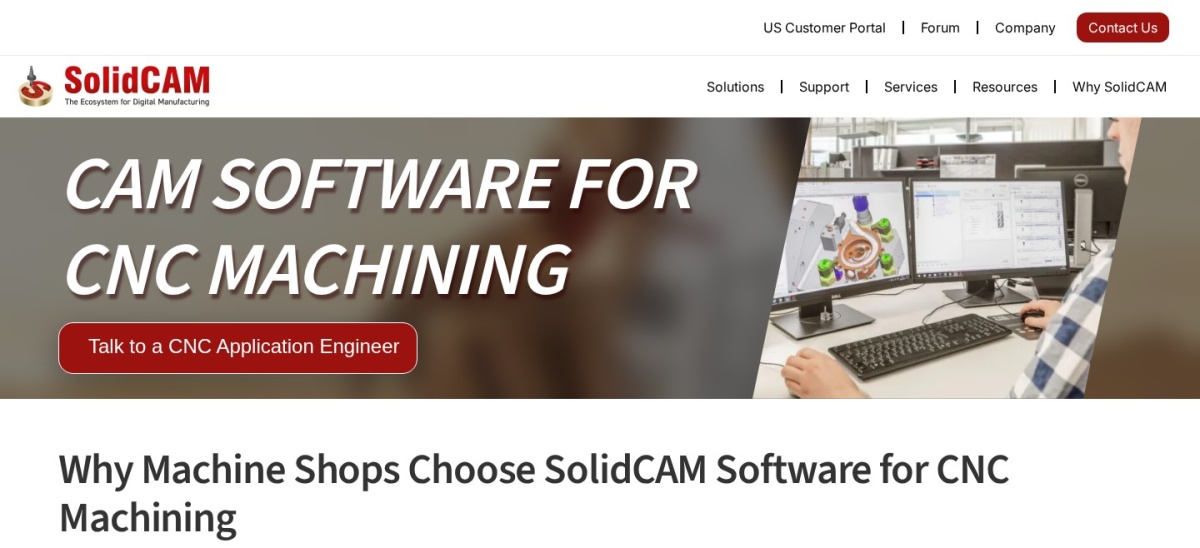
SolidCAM is a fully integrated CAM solution embedded directly inside SOLIDWORKS, and it also runs in Solid Edge and Autodesk Inventor. It covers 2.5D milling, 3D machining, simultaneous 5-axis, turning, mill-turn and Swiss-type work in a single window, so operations update when the model changes.
The trade off is price and reach. SolidCAM publishes no price, sells through resellers, and only makes sense if you already design in SOLIDWORKS or Inventor. It suits production manufacturers that want CAM inside their CAD, with its patented iMachining toolpaths cutting roughing cycle times.
What we like
Runs inside SOLIDWORKS as one workflow
iMachining cuts roughing cycle times
2.5D to simultaneous 5-axis in one package
Rated 4.3 out of 5 on G2 from 38 reviews
Watch out for
No published price, quote only
Only useful inside SOLIDWORKS, Inventor or Solid Edge
CAMWorks is an intuitive, feature-based CAM package that runs inside SOLIDWORKS and Solid Edge. It reads the features of a part, generates toolpaths automatically, and keeps those toolpaths associative, so they update when the model changes instead of needing to be rebuilt.
The trade off is price and reach. CAMWorks publishes no price, sells through resellers, and only makes sense inside SOLIDWORKS or Solid Edge. It suits SOLIDWORKS shops that want feature recognition and automatic toolpaths without leaving their CAD.
FreeCAD is a free, open-source parametric 3D modeller with a CAM workbench, called Path, that generates toolpaths for milling. It costs nothing, runs on Windows, macOS and Linux, and covers CAD design and CAM in one program for hobbyists and small shops.
The trade off is polish and support. The Path workbench is less refined than paid CAM, there is no official support line, and the learning curve is steep for beginners. It suits makers and hobbyists who want free CNC software and are happy to learn from the community.
Most CAD/CAM software here is sold by subscription, and the licence model varies. Mastercam, SolidCAM, CAMWorks and NX CAM are traditionally perpetual licences with an annual maintenance plan, while Fusion is subscription-only at $680 a year.
Free tiers have limits that matter. Fusion for personal use is free for hobbyists and non-commercial work, with 10 editable documents at a time, and FreeCAD is free with no paid tier at all.
If you machine for clients, budget training with the licence. A CAM package is only as good as the programmer driving it, and the cheapest licence can cost the most in learning time.
How we chose
We started from the CAD/CAM tools that appear most often in current engineering and machine-shop roundups, then kept the nine with a verified G2 rating and a clear CAD or CAM focus.
Prices come from each vendor's pricing page, checked on 29 November 2026. Ratings and review counts come from G2 on the same day. Where a vendor shows a sale, the list shows the regular price.
We left out tools with no verifiable rating on G2, Capterra or Trustpilot. No vendor paid for a place, and we do not claim hands-on testing for this list.
How to choose top CAD CAM software
Start with the machine you run, then match the software to it.
Name the machine you run. A router cutting signs needs 2.5D and 3D carving tools, while a mill making metal parts needs full 3- and 5-axis CAM such as Mastercam or Fusion.
Check your CAD first. If you design in SOLIDWORKS, SolidCAM or CAMWorks keep the work in one window. If you receive STEP files from clients, a standalone package such as Mastercam or Fusion fits better.
Confirm the post-processor for your machine. Ask the vendor or reseller for a post for your exact machine and control before you buy, since a missing post is the most common reason a CAD/CAM purchase stalls.
Budget the quote, not the list price. Only Fusion, SOLIDWORKS, Onshape and AutoCAD publish prices, so get a written quote that includes maintenance and the training your programmers will need.
FAQ
What is the best top CAD CAM software in 2026?
Autodesk Fusion is the best pick for most teams. It packs CAD, CAM, simulation and PCB design into one subscription at $680 a year, and it is rated 4.5 out of 5 on G2 from 519 reviews.
How much does top CAD CAM software cost?
Fusion costs $680 a year, SOLIDWORKS costs $2,820 a year, Onshape Standard costs $1,500 a year and AutoCAD costs $2,095 a year. Mastercam, NX CAM, SolidCAM and CAMWorks are all quote-based, and FreeCAD is free.
Is there free top CAD CAM software?
Yes. FreeCAD is completely free and open source, with CAM in its Path workbench. Autodesk Fusion also has a free personal-use plan for hobbyists and non-commercial work, and Onshape has a free plan for public projects.
Which top CAD CAM software works with SOLIDWORKS?
SolidCAM and CAMWorks both run inside SOLIDWORKS as a single-window workflow, so machining operations update when the model changes. Mastercam and Fusion import SOLIDWORKS files instead of running inside it.
Do I need 5-axis top CAD CAM software?
Only if you machine complex shapes, molds or aerospace parts. Most job shops work in 2.5D and 3-axis, which Fusion, Mastercam, SolidCAM and CAMWorks all cover without an extension.
SOLIDWORKS or Autodesk Fusion: which is better for CAD CAM?
Fusion wins on value and integration, with CAD, CAM and simulation in one $680 a year subscription. SOLIDWORKS wins on mechanical design depth, but costs $2,820 a year and needs a CAM add-in for toolpaths.
SaaS SEO and WordPress specialist with about 8 years of experience. Rakib compares WordPress plugins, themes, hosting and software using public pricing, documentation and user reviews. See how we rank.