Autodesk Fusion is the best CNC software for most shops, pairing CAD, CAM, simulation and PCB design in one subscription at $680 a year, rated 4.5 out of 5 on G2 from 519 reviews. Pick Mastercam for the deepest CNC programming, or Vectric Aspire at $1,995 once if you carve 3D reliefs on a router.
How we make this list: we compare pricing pages, product documentation and public user reviews, then re-check every price before each update. No product paid for a place. Disclosure.
Autodesk Fusion is the only tool here with a free personal tier, and its $680 a year subscription includes CAD, CAM, simulation and PCB design.
Mastercam is the most widely used CNC programming package, with the largest post-processor library in the industry.
Vectric Aspire is the pick for 3D relief carving on routers, at $1,995 once, with a cheaper sibling, VCarve Pro, at $699 once.
Five of the nine tools publish no price; expect a quote and a reseller conversation for Mastercam, NX CAM, SolidCAM, CAMWorks and hyperMILL.
FreeCAD is the only fully free option, with CAM in its Path workbench, rated 4.1 out of 5 on G2.
What CNC software should cover
CNC software turns a design into the toolpaths a machine follows. This list covers the software that designs parts and generates those toolpaths, from full CAD/CAM systems to router-focused carving tools.
Your machine decides most purchases. Routers cutting signs and reliefs need 2.5D and 3D carving tools such as Aspire, while mills making metal parts need full 3- and 5-axis CAM such as Mastercam or Fusion.
Pricing runs from free to five figures. Only Fusion, BobCAD-CAM and Aspire publish a price, so expect a quote and a reseller conversation for everything else.
Post-processors matter as much as toolpaths. A CNC package is only useful if it posts clean G-code for your machine's control, and Mastercam has the largest library in the industry.
Autodesk Fusion is a cloud workspace that packs CAD, CAM, simulation and PCB design into one subscription. It costs $85 a month or $680 a year, and hobbyists get a free personal-use plan while students and qualifying startups pay nothing, with 3-axis CAM included in the base price.
The trade off is the cloud and the extension. Files live in Autodesk's cloud, the free personal licence only lets you edit 10 documents at a time, and 5-axis work needs the Manufacturing Extension at extra cost. It suits startups and small shops that want CAD, CAM and simulation in one subscription.
Mastercam is the default answer in CNC programming, developed since 1983 and now part of the Sandvik Group. It covers milling, turning, mill-turn, Swiss machining, wire EDM, routers, plasma and lasers in one package, with the largest post-processor library in the industry.
The trade off is price and buying. Mastercam is quote-based through a reseller network, with third-party estimates of $6,000 to $15,000 for milling modules, and serious shops add a maintenance plan for updates and support. It suits job shops that want the largest ecosystem and the deepest talent pool.
Vectric Aspire is the flagship CNC software for routers that carve 3D reliefs, signs and decorative panels. It includes every 2D and 2.5D tool from VCarve Pro, plus full 3D design and sculpting for reliefs, and it costs $1,995 as a one-time licence with a free trial.
The trade off is the price and the platform. Aspire costs $1,995 once against $699 for its sibling VCarve Pro, and it runs on Windows only, so Mac shops need a workaround. It suits router shops that carve 3D reliefs and want to own the licence outright.
NX CAM is Siemens' CAM system for enterprise digital manufacturing. It runs inside the NX platform, so design, manufacturing and simulation share one model, and it covers 2.5D milling through simultaneous 5-axis, turning and mill-turn with machining automation built in.
The trade off is cost and scale. NX CAM is custom-quoted, G2 reviewers say licensing cost is high, and it only makes sense inside Siemens NX, so small shops will find Fusion or BobCAD-CAM a better fit. It suits large manufacturers that already run NX and want CAM in the same system.
SolidCAM is a fully integrated CAM solution embedded directly inside SOLIDWORKS, and it also runs in Solid Edge and Autodesk Inventor. It covers 2.5D milling, 3D machining, simultaneous 5-axis, turning, mill-turn and Swiss-type work in a single window, so operations update when the model changes.
The trade off is price and reach. SolidCAM publishes no price, sells through resellers, and only makes sense if you already design in SOLIDWORKS or Inventor. It suits production manufacturers that want CAM inside their CAD, with its patented iMachining toolpaths cutting roughing cycle times.
What we like
Runs inside SOLIDWORKS as one workflow
iMachining cuts roughing cycle times
2.5D to simultaneous 5-axis in one package
Rated 4.3 out of 5 on G2 from 38 reviews
Watch out for
No published price, quote only
Only useful inside SOLIDWORKS, Inventor or Solid Edge
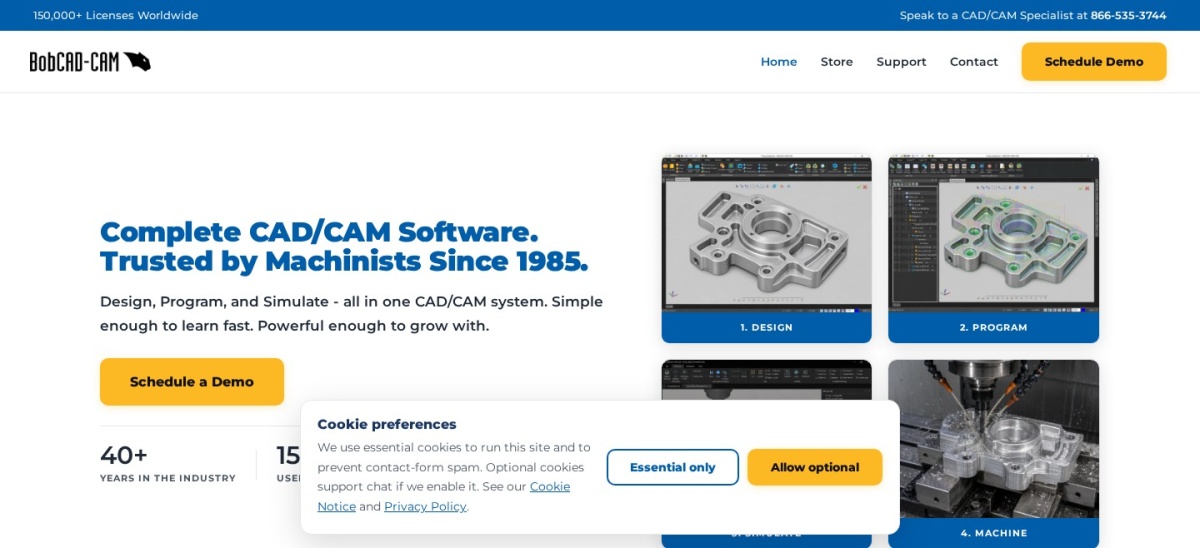
BobCAD-CAM is a CAD/CAM package that has spent 40 years serving the shops the big vendors overlook. Based in Clearwater, Florida, it covers mill, mill-turn, lathe, router, plasma, laser, waterjet and wire EDM, with Essentials listed at $500 a year, Advanced at $800 and Ultimate at $1,200.
The trade off is polish and depth. The user experience is less refined than Mastercam or Fusion, complex 5-axis work belongs elsewhere, and some pages still show no price at all. It suits small shops buying their first real CAM system at a price a five-person shop can justify.
CAMWorks is an intuitive, feature-based CAM package that runs inside SOLIDWORKS and Solid Edge. It reads the features of a part, generates toolpaths automatically, and keeps those toolpaths associative, so they update when the model changes instead of needing to be rebuilt.
The trade off is price and reach. CAMWorks publishes no price, sells through resellers, and only makes sense inside SOLIDWORKS or Solid Edge. It suits SOLIDWORKS shops that want feature recognition and automatic toolpaths without leaving their CAD.
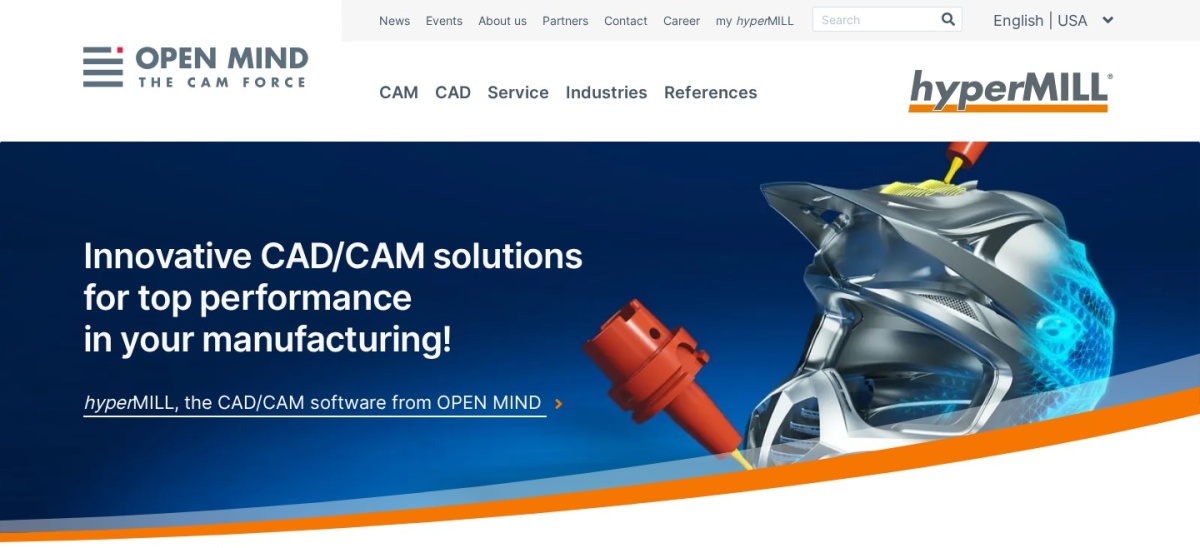
hyperMILL is the advanced 5-axis choice for aerospace and mold shops, from OPEN MIND. It covers high-performance roughing, 5-axis simultaneous machining and mill-turn in one package, with a dedicated module for turbine blades, impellers and other complex parts.
The trade off is price and review depth. hyperMILL publishes no price, sells through resellers, and holds only 10 G2 reviews, so buyers judge it on demos and references. It suits aerospace and mold shops that need the most precise 5-axis control available.
FreeCAD is a free, open-source parametric 3D modeller with a CAM workbench, called Path, that generates toolpaths for milling. It costs nothing, runs on Windows, macOS and Linux, and covers CAD design and CAM in one program for hobbyists and small shops.
The trade off is polish and support. The Path workbench is less refined than paid CAM, there is no official support line, and the learning curve is steep for beginners. It suits makers and hobbyists who want free CNC software and are happy to learn from the community.
Most CNC software here is sold by quote through resellers, and the licence model varies. Mastercam, SolidCAM, CAMWorks and hyperMILL are traditionally perpetual licences with an annual maintenance plan, while Fusion is subscription-only at $680 a year.
Aspire is the clearest one-time buy: $1,995 once, with no subscription, and BobCAD-CAM sells perpetual licences alongside its $500, $800 and $1,200 yearly tiers.
Free tiers have limits that matter. Fusion for personal use is free for hobbyists and non-commercial work, with 10 editable documents at a time, and FreeCAD is free with no paid tier at all.
How we chose
We started from the CNC tools that appear most often in current machine-shop and router roundups, then kept the nine with the strongest review record on G2 and a clear machining focus.
Prices come from each vendor's pricing page, checked on 24 November 2026. Fusion's $680 a year was read on Autodesk's own subscribe page, and Aspire's $1,995 was read on Vectric's Aspire page. Ratings come from G2 on the same day. Where a vendor publishes no price, the list says so.
We left out router tools such as VCarve Pro, Carbide Create and Easel because no G2, Capterra or Trustpilot rating could be verified for them. No vendor paid for a place, and we do not claim hands-on testing for this list.
How to choose CNC software
Start with the machine you run, since a router, a mill and a 5-axis machining centre need different software.
Name the machine you run. A router cutting signs needs 2.5D and 3D relief tools such as Aspire, while a mill making metal parts needs full 3- and 5-axis CAM such as Mastercam or Fusion.
Check your CAD first. If you design in SOLIDWORKS, SolidCAM or CAMWorks keep the work in one window. If you receive STEP files from clients, a standalone package such as Mastercam or Fusion fits better.
Confirm the post-processor for your machine. Ask the vendor or reseller for a post for your exact machine and control before you buy, since a missing post is the most common reason a CNC purchase stalls.
Budget the quote, not the list price. Only Fusion, BobCAD-CAM and Aspire publish prices, so get a written quote that includes maintenance and the training your programmers will need.
FAQ
What is the best CNC software?
Autodesk Fusion is the best pick for most shops. It packs CAD, CAM, simulation and PCB design into one subscription at $680 a year, and it is rated 4.5 out of 5 on G2 from 519 reviews.
How much does CNC software cost?
Fusion costs $680 a year, BobCAD-CAM lists $500 a year for Essentials, and Aspire costs $1,995 once. Mastercam, NX CAM, SolidCAM, CAMWorks and hyperMILL are all quote-based, and FreeCAD is free.
Is there free CNC software?
Yes. FreeCAD is completely free and open source, with CAM in its Path workbench. Autodesk Fusion also has a free personal-use plan for hobbyists and non-commercial work.
What CNC software is best for routers?
Vectric Aspire is the best pick for routers that carve 3D reliefs, at $1,995 once. Its cheaper sibling VCarve Pro costs $699 once for 2D and 2.5D work, and FreeCAD is the free option.
Which CNC software works with SOLIDWORKS?
SolidCAM and CAMWorks both run inside SOLIDWORKS as a single-window workflow, so machining operations update when the model changes. Mastercam and Fusion import SOLIDWORKS files instead.
Do I need 5-axis CNC software?
Only if you machine complex shapes, molds or aerospace parts. Most job shops work in 2.5D and 3-axis, which Fusion, Mastercam, SolidCAM and CAMWorks all cover without an extension.
SaaS SEO and WordPress specialist with about 8 years of experience. Rakib compares WordPress plugins, themes, hosting and software using public pricing, documentation and user reviews. See how we rank.