ShareX is the best Snagit alternative for most people: it is free, captures scrolling pages, annotates and records video, and is rated 4.8 out of 5 on G2. Greenshot and Lightshot are the lightest free picks, while CleanShot X is the best paid option for Mac users at a $35 one-time price.
How we make this list: we compare pricing pages, product documentation and public user reviews, then re-check every price before each update. No product paid for a place. Disclosure.
ShareX is the best free Snagit alternative: full capture, annotation, recording and GIFs for $0, rated 4.8/5 on G2.
Greenshot and Lightshot are the lightest free picks: Greenshot for annotation on Windows, Lightshot for fast captures on Windows and Mac.
CleanShot X is the only one-time purchase here at $35, but it is Mac only and its 4.9 G2 rating rests on 5 reviews.
Camtasia Starter costs the same $39 a year as Snagit, so it only makes sense if you want the full recorder and editor.
Paid plans run from $30 a year (Monosnap) to $119.40 (Zight); three tools in this list cost nothing at all.
What should you look for in Snagit alternatives?
Start with how you share captures. Some people need a still image with arrows and text, others need a short video with a link they can send, and the best alternative matches that habit.
Scrolling capture is the feature most free tools skip. Snagit captures long pages in one image, and only ShareX, CleanShot X and Awesome Screenshot in this list do the same, so check it before you switch.
Price shapes the choice more than features do. Free plans usually cap recording length, add a watermark or limit hosting, so check those limits before you build a workflow around one. Our guide on optimizing images for WordPress shows where those captures end up once they are on a site.
Platform is the quiet deal-breaker. ShareX and Greenshot are Windows only, CleanShot X is Mac only, so match the tool to every machine on your team.
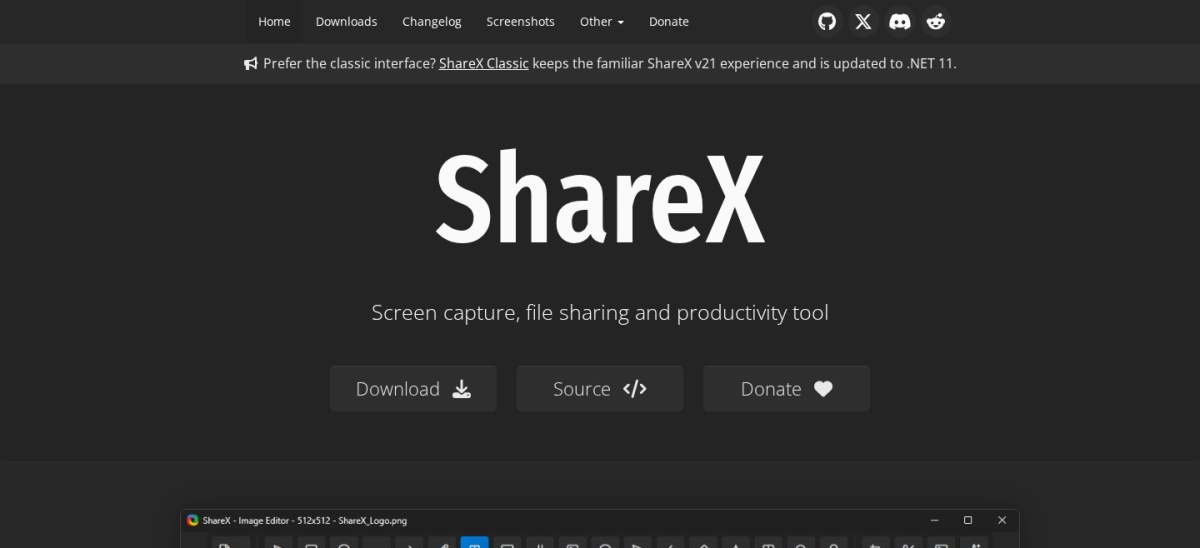
ShareX is a free, open-source capture tool for Windows that covers region, window, full-screen and scrolling captures, annotation, screen recording and GIFs, with uploads to more than 80 destinations.
The trade off is the learning curve. The settings run deep and the interface looks dated, so first-time users need time to set up hotkeys and workflows. It suits Windows users who want every capture option free.
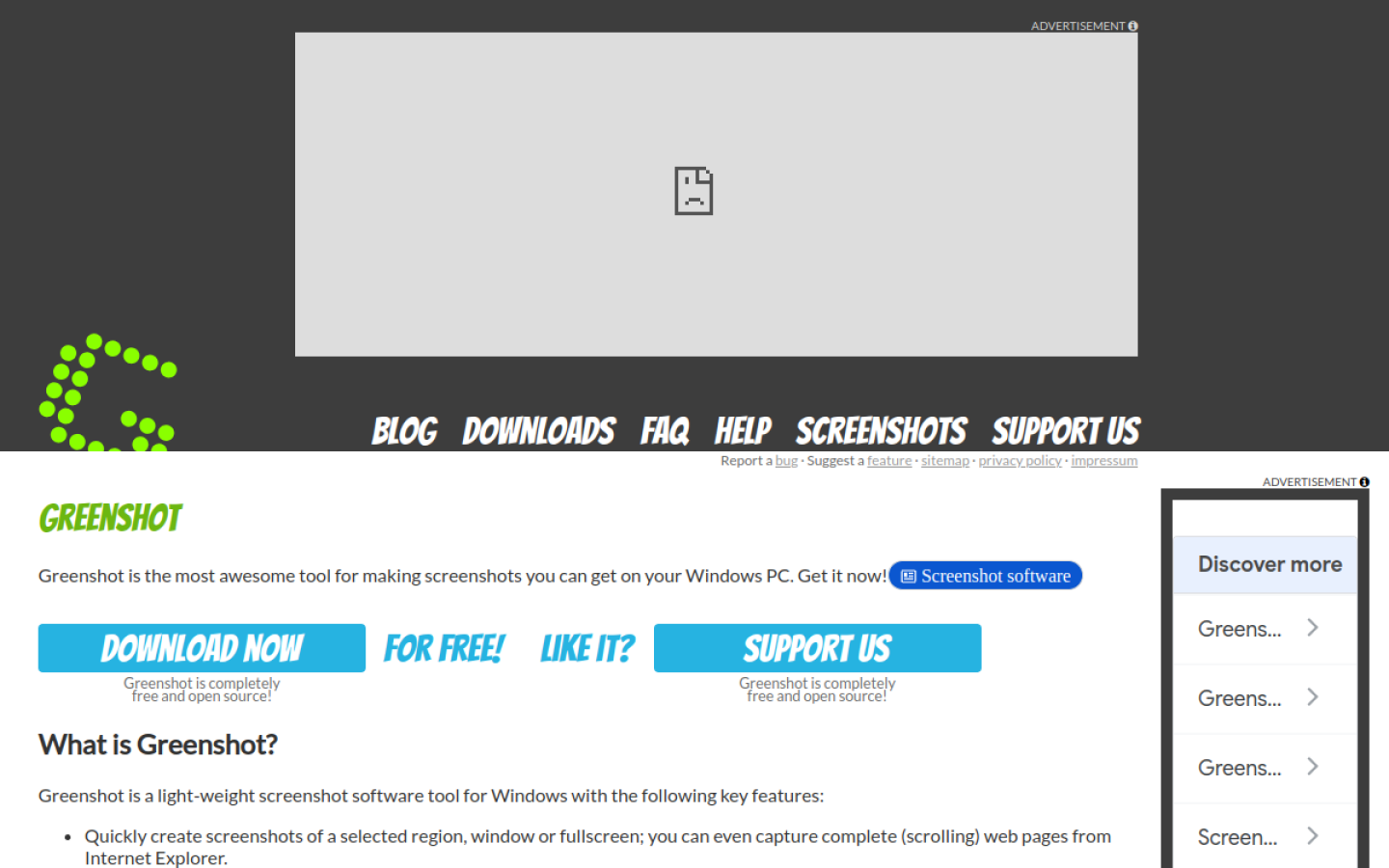
Greenshot is a free, open-source capture tool for Windows with a small footprint. It captures a region, a window or the full screen, then opens a clear editor for arrows, text, highlights and blur, and exports to a file, the clipboard, a printer, email, Office or Jira.
The trade off is scope. There is no screen recording, scrolling capture is limited, and the Mac app is a separate $1.99 purchase that has not been updated since 2020. It suits Windows users who annotate screenshots all day and want nothing else.
Lightshot is a free capture tool for Windows and Mac that starts with one Print Screen press. It captures a region, then offers arrows, text, highlights and a blur tool in a small editor, and can upload the result to prnt.sc for a share link.
The trade off is depth. There is no scrolling capture, no screen recording and no cloud library, and uploads use short public links, so save sensitive shots locally. It suits anyone who wants the fastest free capture and nothing more.
CleanShot X is a Mac-only capture toolkit with scrolling capture, annotation, text recognition in 30 languages, MP4 and GIF recording, and a video editor for zooms and cursor tidy-ups. The Basic licence costs $35 once and covers one year of updates and 1 GB of cloud storage.
The trade off is platform and proof. It runs only on Mac, and its 4.9 G2 rating rests on just 5 reviews, so treat the score as thin. It suits Mac users who want the closest Snagit feel without a subscription.
Camtasia is TechSmith's screen recorder and video editor, from the same company that makes Snagit. Starter costs $39 a year and covers recording, templates and editable layouts, with a free trial that exports with a watermark.
The trade off is the ceiling. The full editor with Audiate text-based editing and stock assets sits on Essentials at $179.88 a year, so Starter buyers should check what is included before paying. It suits tutorial makers who want Snagit's sibling recorder and editor in one account.
ScreenPal is a screen recorder, video editor and video host in one app, built for teachers and small teams. The free plan covers screen, webcam and audio recording in clips of up to 15 minutes, with a watermark on exports, plus basic editing and unlimited hosting.
The trade off is polish. Solo Deluxe costs $4 a month billed yearly, which is $48 a year, and the interface looks dated next to Loom or Zight. A holiday sale cuts Deluxe to $3 a month through 5 December, but the list shows the regular $4 price. It suits budget buyers who want recording plus a full editor for the lowest price here.
Zight, formerly CloudApp, is a visual communication tool for quick screen recordings, GIFs and annotated screenshots shared by link. The free Share plan covers recording and screenshots with 15-second GIFs, and Create adds unlimited uploads and recording time.
The trade off is price per seat. Create costs $9.95 per user a month billed yearly, or $119.40 a year, which adds up fast for a team. It suits support and product teams who share captures by link all day.
Awesome Screenshot is a browser-first capture tool for Chrome, Edge and Firefox, with a desktop app beside it. It captures full pages, a region or the visible screen, annotates in the browser, records video, and shares to Slack, Trello and Asana.
The trade off is the browser focus. The strongest features live in the extension, and the paid Basic plan costs $6 a user a month, or $72 a year. It suits teams who capture web pages and send feedback to clients.
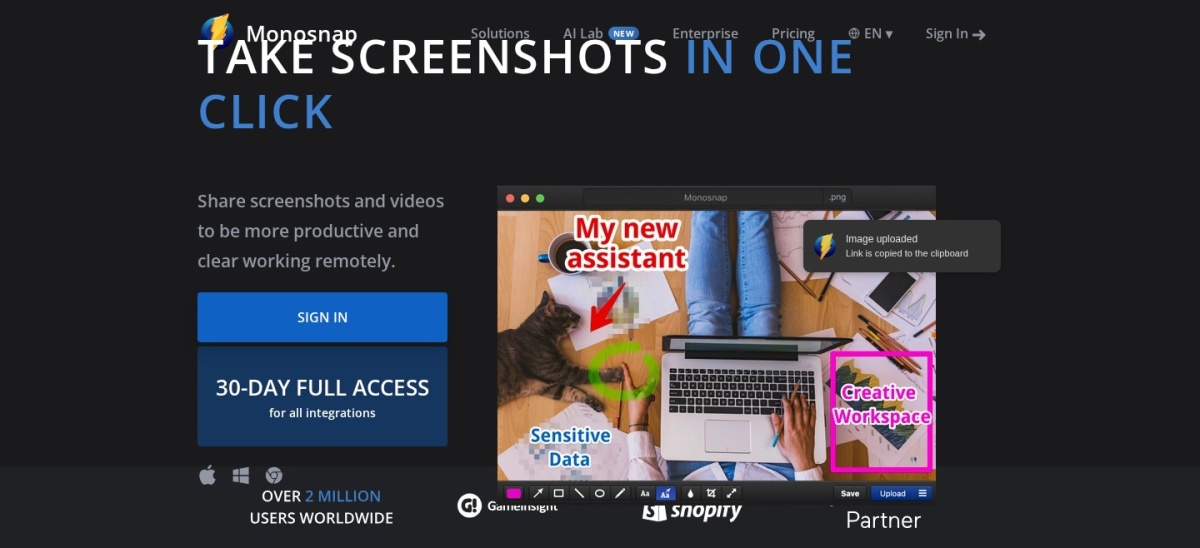
Monosnap is a capture and recording tool for Windows, Mac and Chrome with its own cloud storage. The free plan covers screenshots, annotation, video up to 5 minutes and 2 GB of storage, and uploads each capture for sharing by link.
The trade off is commercial use. The free plan is for personal use only, uploads stop at 100 MB, and work use needs Commercial at $60 a year. It suits personal users who want captures and short recordings in one cloud library.
Free plans cover the basics well. Most include screenshots, basic annotation and short recordings with a share link.
Paid plans mostly remove limits. You get longer recordings, no watermark, more cloud storage and a fuller editor.
If you capture for work every day, the free caps bite fast. Monosnap stops free video at 5 minutes and ScreenPal at 15 minutes, so a $30 to $50 yearly plan often pays for itself in a week.
We started from the best-known Snagit alternatives on G2 and Capterra, then kept nine with a public rating, a public price and a current product page.
Prices come from each vendor's pricing page or vendor-supplied G2 pricing, checked on 29 November 2026. Ratings and review counts come from G2 and Capterra on the same day. Where a vendor shows a sale, the list shows the regular price.
We left out tools with no public rating, including PicPick and Shottr. No vendor paid for a place, and we do not claim hands-on testing for this list.
How to choose a Snagit alternative
Start with what you capture most, then check the free limits before you pay.
Match the tool to your platform. ShareX and Greenshot are Windows only, CleanShot X is Mac only. Pick a tool that runs on every machine you use.
Check scrolling capture first. If you document long pages, only ShareX, CleanShot X and Awesome Screenshot in this list capture a full scrolling page.
Test the free plan on a real task. Capture, annotate and share one screenshot the way you would at work, and see where the free limits bite.
Compare the yearly price, not the monthly one. Monthly prices hide the annual bill: Zight is $9.95 a month but $119.40 a year, while Monosnap is $30 a year flat.
FAQ
What is the best Snagit alternative in 2026?
ShareX is the best Snagit alternative for most people. It is free, covers scrolling capture, annotation, screen recording and GIFs, and is rated 4.8 out of 5 from 80 G2 reviews.
What is the best free alternative to Snagit?
ShareX is the best free alternative, with the fullest feature set at no cost. Greenshot is the lightest free pick for Windows annotation, and Lightshot is the fastest for quick captures on Windows and Mac.
Is there a Snagit alternative with a one-time price?
Yes. CleanShot X costs $35 once for Mac users, with one year of updates and 1 GB of cloud storage. It is Mac only, and its 4.9 G2 rating rests on just 5 reviews.
Which Snagit alternative is best for Mac?
CleanShot X is the best Mac-only pick, with scrolling capture, OCR and a video editor for $35 once. ScreenPal, Zight and Monosnap also run on Mac if you want a subscription with cloud sharing.
ShareX vs Greenshot: which is better?
ShareX is better if you want recording, GIFs and scrolling capture as well as screenshots. Greenshot is better if you want a lighter tool that opens a simple editor and exports straight to Office or Jira.
How much does Snagit cost?
Snagit costs $39 a year for an individual plan. Every paid tool in this list except Zight costs the same or less, and three tools cost nothing at all.
SaaS SEO and WordPress specialist with about 8 years of experience. Rakib compares WordPress plugins, themes, hosting and software using public pricing, documentation and user reviews. See how we rank.