Lucidchart is the best SmartDraw alternative, with a free plan for 3 documents and an Individual plan at $9 a month, rated 4.5 out of 5 on G2. For a fully free tool pick diagrams.net, and for Microsoft 365 teams pick Visio from $5 a user a month.
How we make this list: we compare pricing pages, product documentation and public user reviews, then re-check every price before each update. No product paid for a place. Disclosure.
Lucidchart leads with a free plan, unlimited documents on Individual at $9 a month, and a 4.5/5 G2 rating from 9,107 reviews.
diagrams.net is completely free, needs no account, and is rated 4.4/5 on G2 from 445 reviews.
Visio Plan 1 costs $5 a user a month paid yearly, the lowest paid entry here for formal business diagrams.
FigJam costs $3 a month for a Professional Collab seat, the cheapest paid seat in this list.
Paid entry prices run from $0 to $10 a month, while SmartDraw Individual lists at $10.95 a month billed yearly.
What should you look for in SmartDraw alternatives?
A good SmartDraw alternative covers the same diagram types first. Flowcharts, org charts, floor plans and network diagrams are the core, so check the shape libraries before the price.
Free plans differ more than paid plans do. Some cap documents or shapes, while diagrams.net stays free with no document limit and no account.
Collaboration decides the pick for teams. Real-time editing, comments and shared folders matter more than extra templates once three or more people edit the same diagrams.
Visio file support matters if you already have SmartDraw or Visio files. Lucidchart and EdrawMax both import Visio files, which makes switching far less painful.
Price should be judged per year, not per month. A $5 monthly plan costs $60 a year, and a $10 monthly plan costs $120 a year, so the gap grows fast across a team.
Lucidchart is an online diagramming platform for flowcharts, process maps, org charts and technical diagrams. Its free plan covers 3 editable documents with about 60 shapes each and 100 templates, while Individual costs $9 a month billed yearly and adds unlimited documents, shapes and premium templates.
The trade off is team pricing. Individual suits one person, while Team starts at $10 a user a month with a 3-user minimum and adds admin controls. It suits professionals and teams that want polished, reusable diagrams with Visio import and export.
What we like
Largest review base in this list, 4.5/5 on G2
Unlimited documents and shapes on Individual
Visio import and export support
Real-time collaboration and a large template library
Watch out for
Free plan caps documents at 3 and shapes at about 60 each
Team plan has a 3-user minimum
Advanced admin controls need higher plans
Team adds admin controls at $10 a user a monthVisit lucid.co
02
diagrams.net
4.4/5on G2 (445 reviews, checked Nov 2026)
PriceFree
Best free SmartDraw alternative
Free planYes, fully free
Paid planNone for the core editor
Account neededNo
G2 rating4.4/5, 445 reviews
diagrams.net
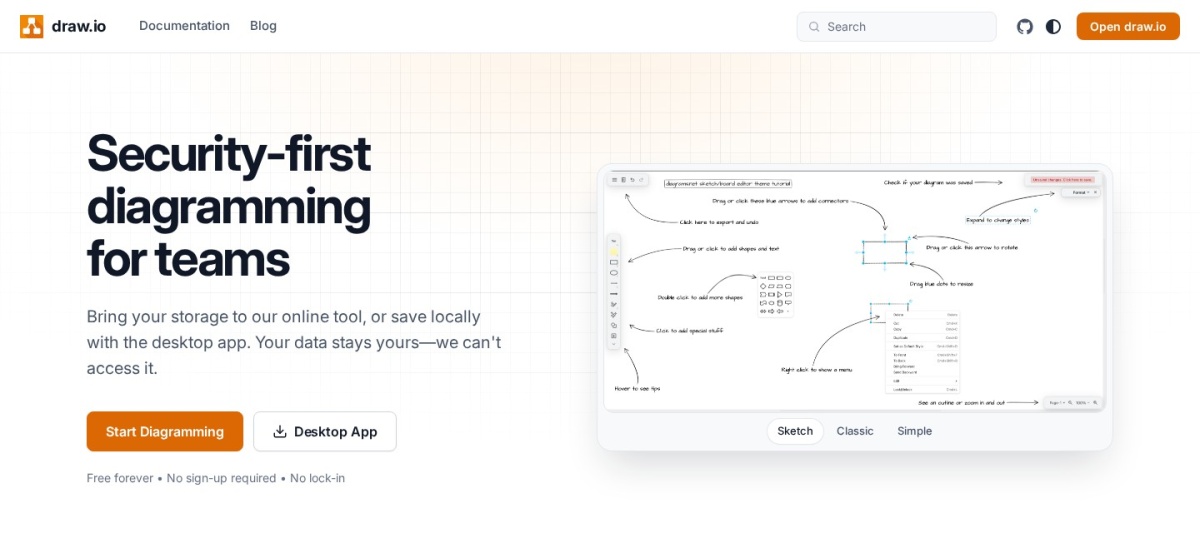
diagrams.net homepage, captured Nov 2026.
diagrams.net is a free, open-source diagram editor, also known as draw.io, for flowcharts, network diagrams, UML, BPMN and org charts. It runs in the browser or as a desktop app, needs no account, and stores files in Google Drive, OneDrive, GitHub or locally.
The trade off is collaboration. Live team editing depends on where files are saved, and there is no built-in real-time co-editing like Lucidchart or Miro. It suits individuals and small teams that want full diagramming at no cost and control over where files live.
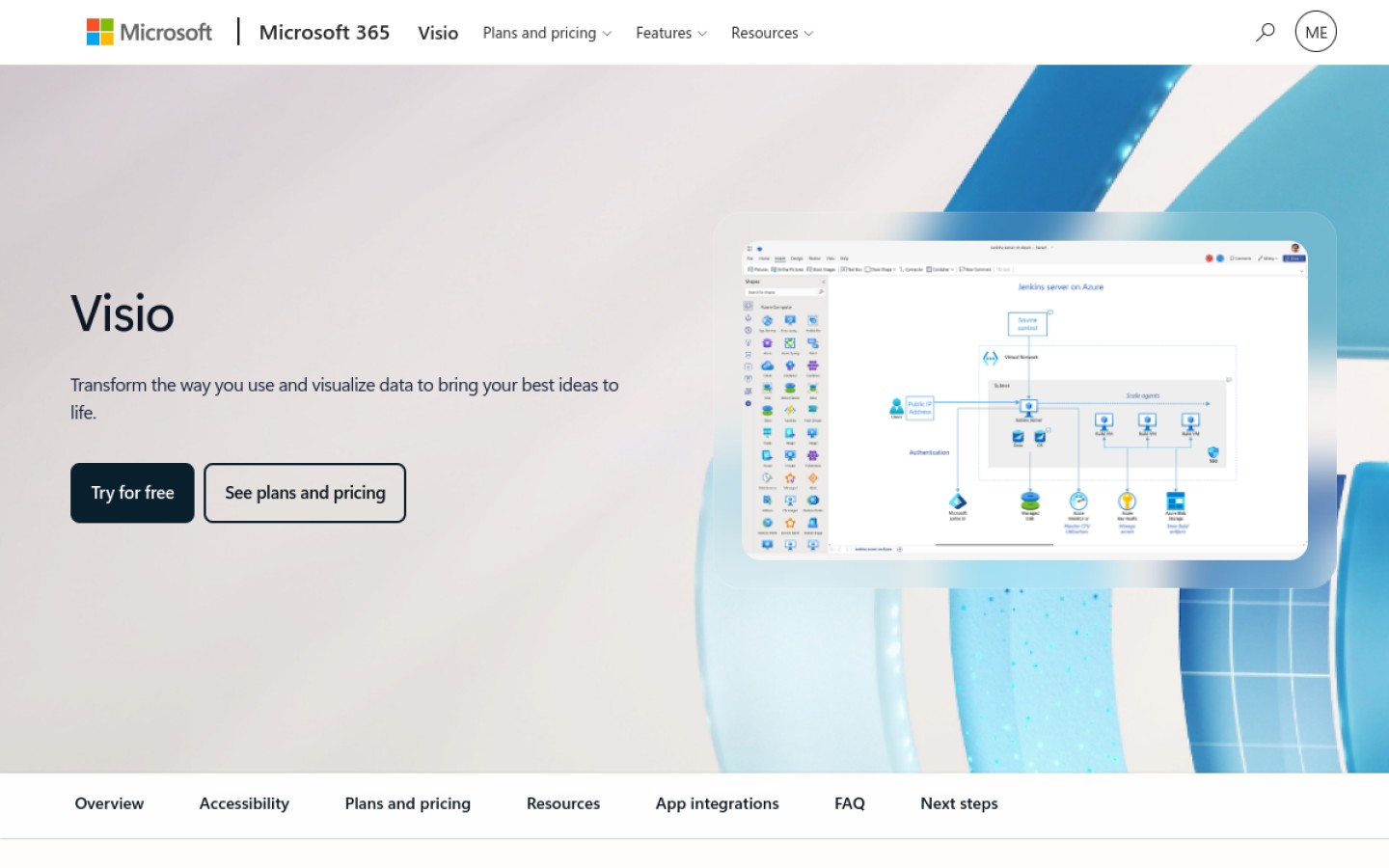
Microsoft Visio is diagramming software for business processes, org charts, network diagrams and technical documentation. Plan 1 costs $5 a user a month paid yearly and includes web-based diagramming, cross-functional flowcharts, mind maps and cloud architecture diagrams.
The trade off is the desktop app. Plan 1 is web-based, and the full desktop application and advanced engineering tools need Plan 2 at $15 a user a month paid yearly. It suits organisations already on Microsoft 365 that need standardised diagrams.
Miro is a collaborative visual workspace for flowcharts, brainstorming, workshops and process mapping. Its free plan keeps the 3 most recent boards editable, while Starter costs $8 a member a month billed yearly and adds unlimited private boards, visitor editing and high-resolution exports.
The trade off is structure. Miro is a flexible whiteboard first, so it lacks the strict diagram rules of a dedicated tool like Lucidchart or Visio. It suits teams that build flowcharts during planning sessions, workshops and collaborative discussions.
What we like
Real-time collaborative whiteboards
Large template collection of 7,000+ templates
Unlimited private boards on Starter
250+ integrations with workplace tools
Watch out for
Free plan limits editable boards to 3
Less suited to formal engineering diagrams
Advanced admin controls need higher tiers
Business adds advanced controls at $20 a member a monthVisit miro.com
05
Creately
4.4/5on G2 (1,394 reviews, checked Nov 2026)
Paid from$5/mo
Best budget pick for solo diagramming
Free planYes, 45 items per canvas
Paid planPersonal, $5/mo
Business plan$89/mo, unlimited users
G2 rating4.4/5, 1,394 reviews
creately.com
Creately homepage, captured Nov 2026.
Creately is a diagramming and visual collaboration tool for flowcharts, mind maps, org charts and wireframes. Its free plan allows unlimited canvases with up to 45 items each, while Personal costs $5 a month and adds unlimited items, 20 folders, 30-day version history and all export formats.
The trade off is the free plan cap. The 45-item limit per canvas frustrates users who build large diagrams, and team features need Business at $89 a month. It suits freelancers and solo users who want a cheap paid plan with full diagramming.
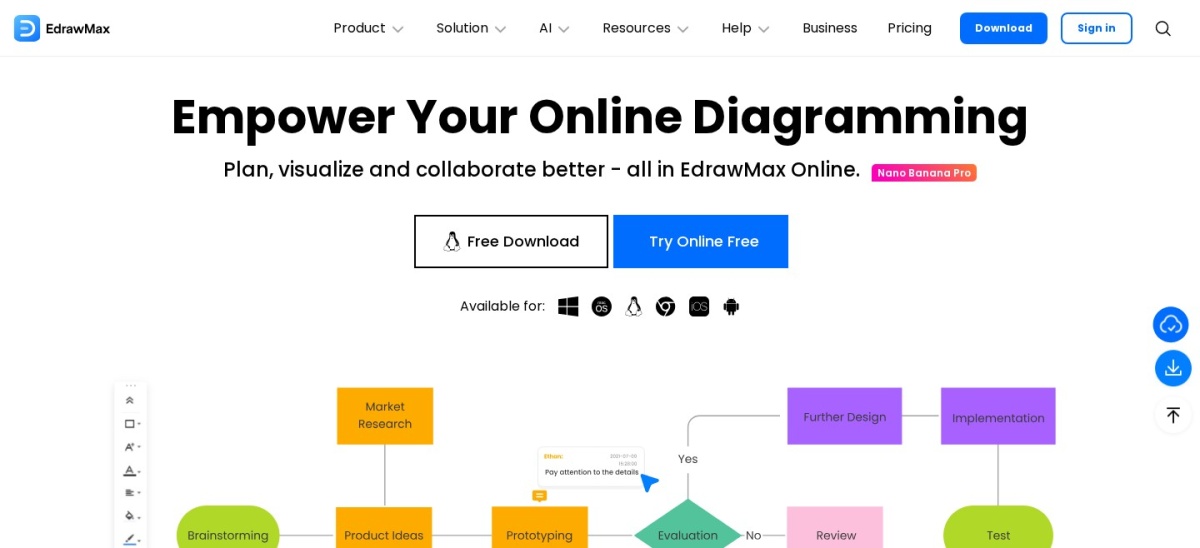
EdrawMax is a diagramming application for flowcharts, mind maps, org charts, floor plans and technical drawings. Its Annual plan costs $99 a year and includes expanded templates, more export formats and Visio import, with desktop and online diagramming options.
The trade off is the free option. There is no permanent free plan, only a trial, so occasional users pay the full $99 a year. It suits users who need many diagram types in one app and want a desktop tool as well as a web editor.
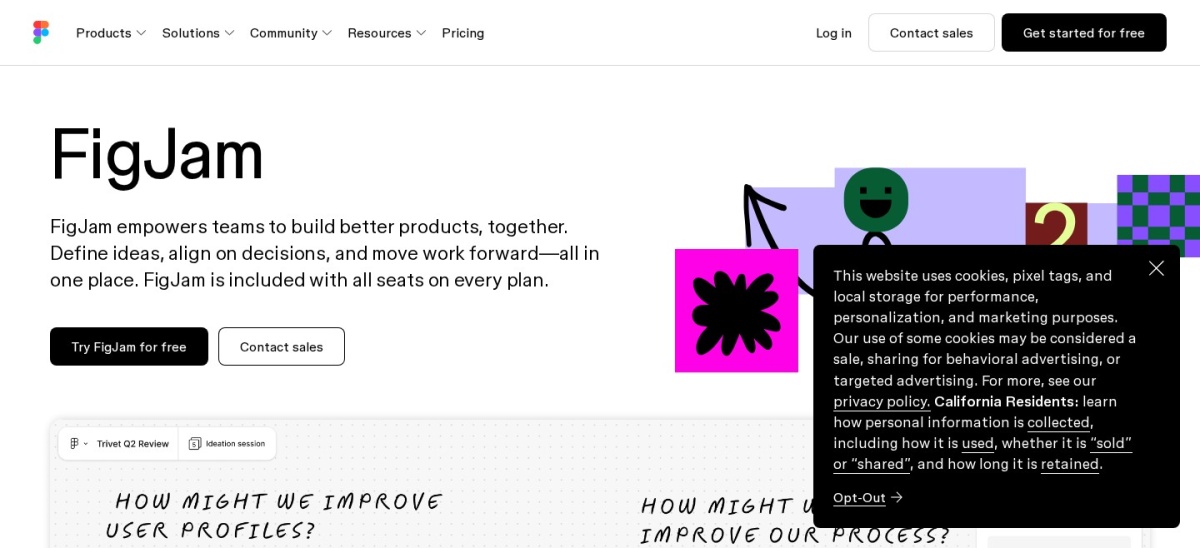
FigJam is a collaborative whiteboard from Figma for flowcharts, user journeys, brainstorming boards and visual plans. Its Starter plan gives free limited access, while a Professional Collab seat costs $3 a month and includes full FigJam access with shapes, connectors and shared boards.
The trade off is scope. FigJam focuses on collaborative planning rather than detailed engineering or standardised business process documentation. It suits UX designers, product managers and teams mapping user flows before building interfaces.
What we like
Cheapest paid seat in this list at $3 a month
Free starting option
Real-time team collaboration
Works inside the Figma ecosystem
Watch out for
Less suited to formal technical documentation
Collab seats do not include full Figma Design editing
Whimsical is a visual planning platform for flowcharts, mind maps, wireframes and collaborative documents. Its free plan allows up to 50 new board objects and 50 document blocks a month, while Pro costs $10 an editor a month billed annually and adds unlimited objects and watermark-free exports.
The trade off is the free cap. The monthly object limit and watermarked exports push regular users to Pro, and business security features need a higher plan. It suits product teams and consultants who want clear flowcharts fast without a complex interface.
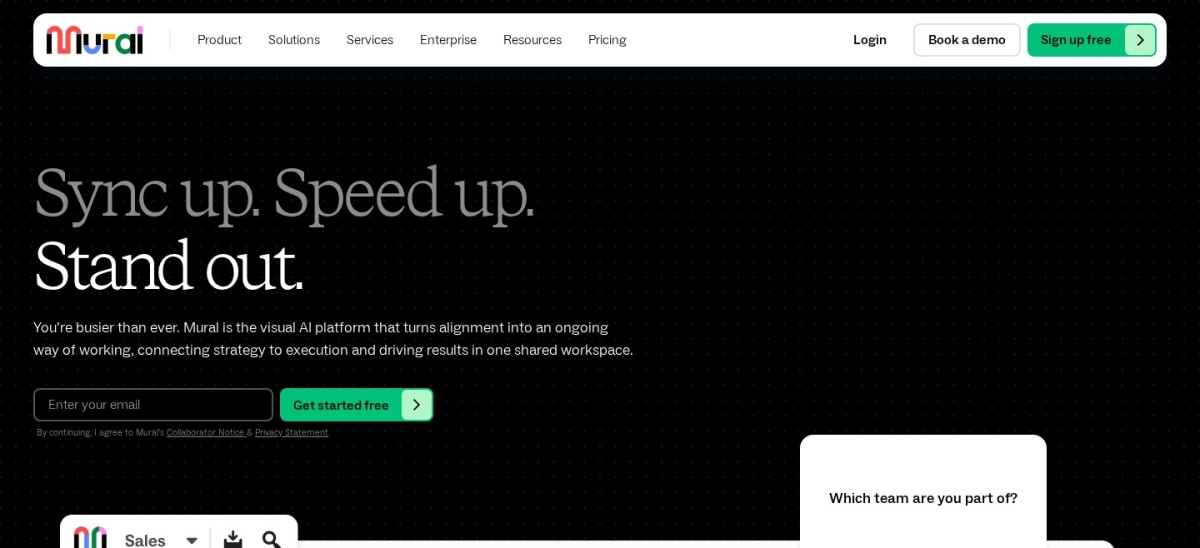
Mural is a digital whiteboard for workshops, brainstorming, design thinking and agile ceremonies. Its free plan allows unlimited members but caps use at 3 murals, while Team+ starts at $9.99 a member a month and adds unlimited murals, privacy controls and facilitation tools.
The trade off is price for occasional use. Teams that run workshops only now and then may find $9.99 a member a month hard to justify, and Business costs $17.99 a member a month. It suits consultants and remote teams that run structured workshops with many outside participants.
What we like
Built for facilitated workshops and voting
Unlimited guests on paid plans
Large template library for agile ceremonies
Rated 4.6/5 on G2 from 1,473 reviews
Watch out for
Free plan caps use at 3 murals
Priced for frequent workshop use
Less suited to formal technical diagrams
Team+ adds unlimited murals and privacy controlsVisit mural.co
Free vs paid: what you give up
Free plans cover simple diagrams well. diagrams.net is fully free, while Lucidchart, Miro, FigJam, Whimsical, Creately and Mural all offer a free plan with limits.
Paid plans mostly add room and control. You get unlimited documents or boards, more exports, longer version history and admin tools.
If you draw diagrams every week, a paid plan pays for itself in time saved. If you draw one diagram a month, diagrams.net or a free plan is enough.
How we chose
We started from established diagramming and whiteboard tools that cover SmartDraw's core work: flowcharts, org charts, floor plans and technical diagrams, then kept 9 with a free plan, a trial or a clear paid entry price.
Prices come from each vendor's pricing page and G2 rating pages, checked on 29 November 2026, with cross-checks against the WPLegible flowchart guide checked in November 2026. Ratings and review counts come from G2 on the same day. Where a vendor shows a sale, the list shows the regular price.
We left out SmartDraw itself, since this list covers its alternatives, and tools with no public rating. No vendor paid for a place, and we do not claim to have used these tools ourselves.
How to choose a SmartDraw alternative
Start with the diagrams you draw most, then match the tool to that work.
List the diagram types you need. Flowcharts and org charts suit almost every tool here, while floor plans and engineering diagrams narrow the choice to Lucidchart, Visio or EdrawMax.
Check the free plan limits first. Count how many diagrams you make each month. diagrams.net has no limit, while Lucidchart caps free documents at 3 and Whimsical caps free objects at 50 a month.
Test Visio file import if you switch. If you have existing SmartDraw or Visio files, pick a tool that imports them, such as Lucidchart or EdrawMax, before you commit.
Price it per year for the whole team. A $5 monthly plan costs $60 a year per person, so multiply by seats before you compare two tools that look close per month.
FAQ
What is the best SmartDraw alternative in 2026?
Lucidchart is the best SmartDraw alternative for most users. It covers flowcharts, org charts and technical diagrams, has a free plan, costs $9 a month for Individual, and is rated 4.5 out of 5 on G2 from 9,107 reviews.
What is the best free alternative to SmartDraw?
diagrams.net, also known as draw.io, is the best free alternative. The core editor is completely free, needs no account, has no document limit, and is rated 4.4 out of 5 on G2 from 445 reviews.
How much do SmartDraw alternatives cost?
Paid entry prices run from $3 a month for FigJam to $10 a month for Lucidchart Team and Whimsical Pro, or $99 a year for EdrawMax. SmartDraw Individual itself lists at $10.95 a month billed yearly, so most alternatives cost less.
Which SmartDraw alternative is best for beginners or small teams?
Lucidchart is the easiest safe pick for a small team, with templates and real-time collaboration. For a single beginner on a tight budget, diagrams.net costs nothing, and Creately Personal costs $5 a month.
Lucidchart vs diagrams.net: which should I pick?
Pick Lucidchart if you work in a team, need real-time collaboration, premium templates or Visio export. Pick diagrams.net if you work alone, want a free tool with no limits, and are happy to store files in Google Drive or locally.
Is Microsoft Visio a good SmartDraw alternative?
Yes, for Microsoft 365 teams. Visio Plan 1 costs $5 a user a month paid yearly and covers formal business diagrams, but it has no permanent free plan and Plan 1 is web-based only.
Can I import my SmartDraw or Visio files into an alternative?
Yes, with the right tool. Lucidchart imports and exports Visio files, and EdrawMax imports Visio files, so check import support on the pricing or features page before you switch.
SaaS SEO and WordPress specialist with about 8 years of experience. Rakib compares WordPress plugins, themes, hosting and software using public pricing, documentation and user reviews. See how we rank.