ShareX is the best free clipping software for most people, free and open source, rated 4.8 out of 5 on G2 from 80 reviews, with region, scrolling and window capture plus screen recording. Pick Greenshot for a lighter free tool and Snagit for polished guides.
How we make this list: we compare pricing pages, product documentation and public user reviews, then re-check every price before each update. No product paid for a place. Disclosure.
ShareX is the only tool here that is fully free and covers scrolling capture, recording, OCR and custom uploaders.
Greenshot and Lightshot are the lightest free picks: Greenshot for annotation on Windows, Lightshot for fast captures on Windows and Mac.
Snagit is the best paid option at $39 a year, with templates and scrolling capture for guides and docs.
ScreenRec, Zight and Awesome Screenshot add video recording to free clipping, but free video is capped at 720p or 5 minutes.
All 9 tools have a free plan, and 4 of them — ShareX, Greenshot, Lightshot and Flameshot — have no paid plan at all.
Flameshot is the best free pick for Linux, since ShareX and Greenshot are Windows-only.
What free clipping software should do
Clipping software captures part of your screen — a region, a window or a full page — and lets you mark it up before you save or share it. People use it for bug reports, how-to guides, support replies and social posts.
The capture modes matter most. Region capture handles most jobs, window capture keeps edges tidy, and scrolling capture grabs a full web page in one image. Scrolling capture is the rarest free feature here: ShareX includes it, and Zight adds it through its Chrome extension.
Annotation is the second thing to check. Arrows, text, highlights and blur turn a raw grab into an answer, and every tool in this list has at least basic markup. Our guide on cropping an image in WordPress shows how a tight crop helps a capture read well once it is on a page.
Sharing decides the workflow. Some tools save locally and stop there, while others upload each capture and hand you a link. Links are fast for support chats, but the image then lives on someone else's server, so keep sensitive captures local.
Price is simple here: every tool has a free plan, and paid plans run from $30 to $119.40 a year. Pay only when a free limit — video length, storage or commercial use — starts to bite.
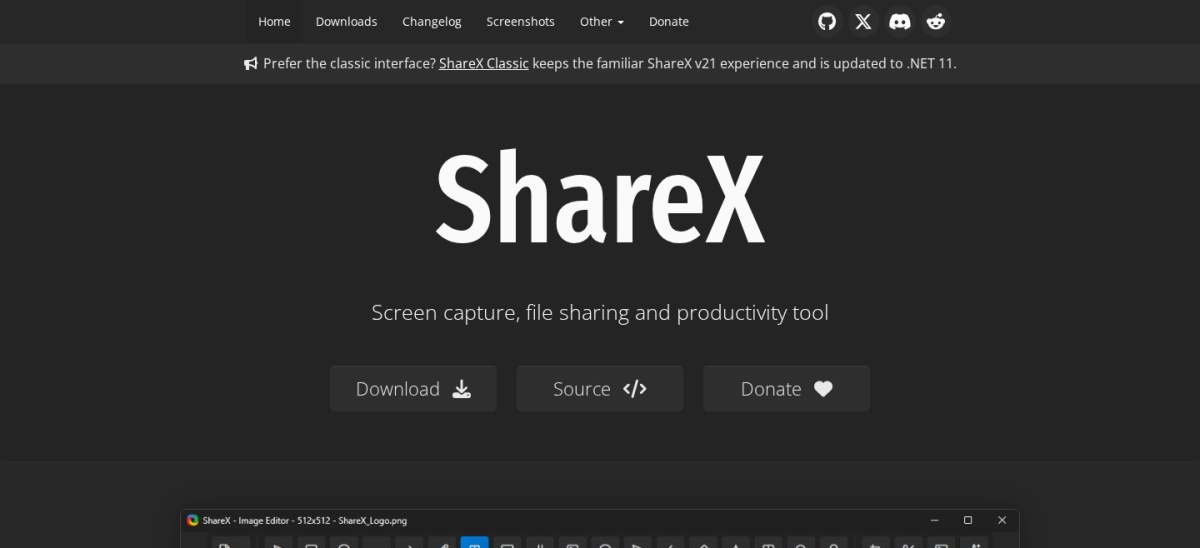
ShareX is a free, open-source capture tool for Windows that needs no account. It captures a region, a window, the full screen or a scrolling page, records video and GIFs, extracts text with OCR, and can run actions after each capture, such as adding a watermark or uploading to a service of your choice.
The trade off is setup. The settings cover hotkeys, after-capture tasks and more than 80 upload destinations, so the first hour takes more patience than a one-button tool. It suits Windows users who clip all day and want every capture to land in the same place without paying.
What we like
Fully free with no paid tier or account
Scrolling capture, recording, GIFs and OCR
After-capture tasks and 80+ upload destinations
Watch out for
Windows only, with no Mac or Linux version
Deep settings can overwhelm beginners
Screen recording is weaker than dedicated recorders
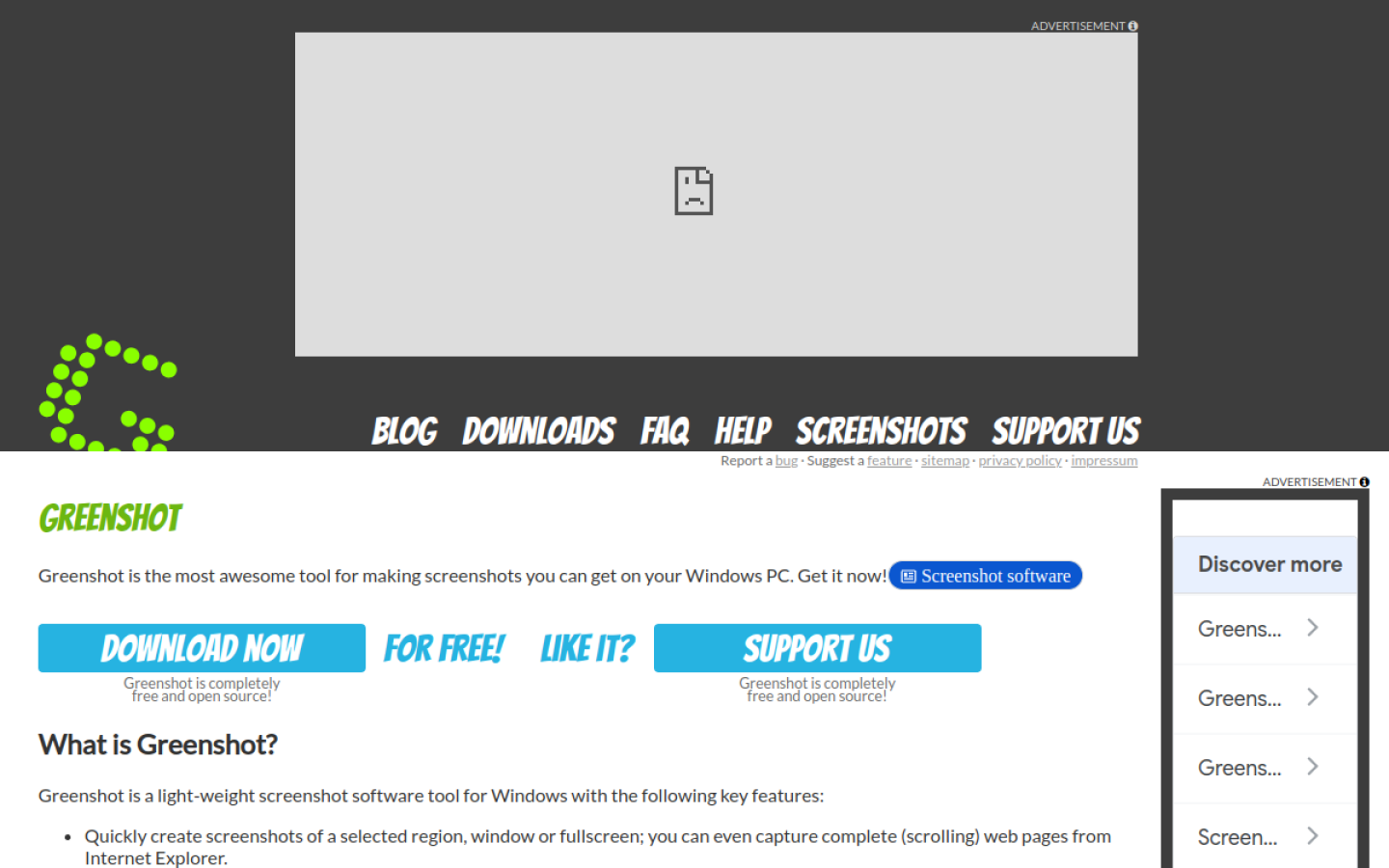
Greenshot is a free, open-source capture tool for Windows with a small footprint. It captures a region, a window or the full screen, then opens a clear editor for arrows, text, highlights and blur, and exports to a file, the clipboard, a printer, email, Office or Jira.
The trade off is scope. There is no screen recording, scrolling capture is limited, and the Mac app is a separate $1.99 purchase that has not been updated since 2020. It suits Windows users who want quick annotated captures without learning a large app.
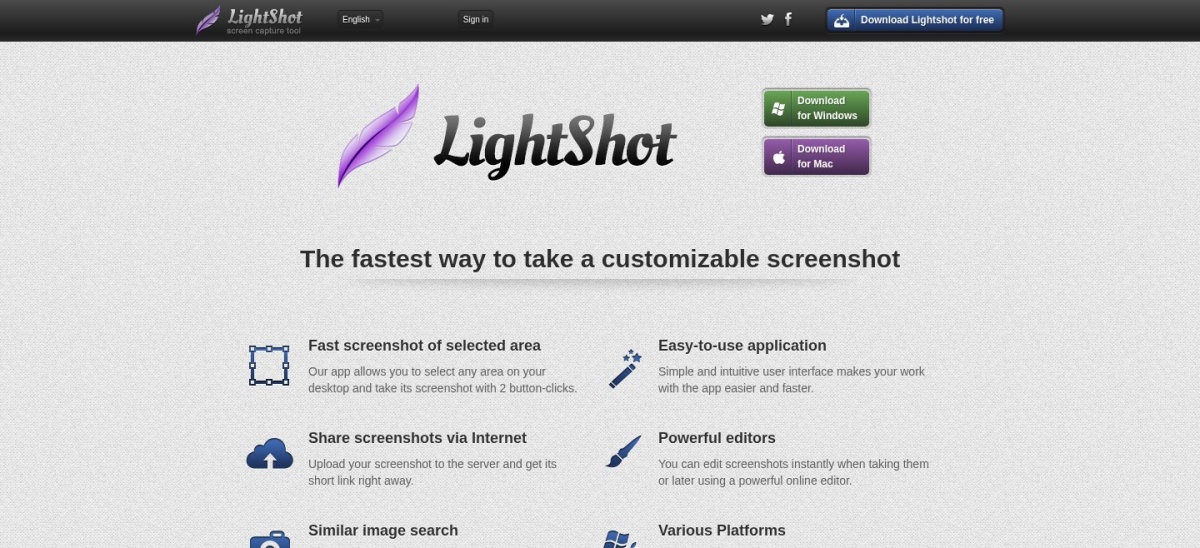
Lightshot is a free capture tool for Windows, Mac and browsers that replaces the Print Screen key. Press the key, drag an area, add a quick arrow or highlight, then save, copy or upload the image for a short share link.
The trade off is depth. There is no scrolling capture, no screen recording and no image library, and shared links are public to anyone with the address. It suits anyone who wants the fastest route from a screen region to a link.
Snagit is TechSmith's capture and editing tool for Windows and Mac, renamed Camtasia Snagit in January 2026. It captures regions, windows and scrolling pages, adds annotations, stamps and templates, and records short videos and GIFs for guides and support replies.
The trade off is price. There is no free plan, only a 15-day trial, and Individual costs $39 a year while Business seats cost $48 a year. It suits people who write documentation or training material and want polished captures every day.
What we like
Templates and stamps speed up guides
Scrolling capture and short video built in
Large user base, so help is easy to find
Watch out for
No free plan, only a 15-day trial
Subscription only; access ends if you stop paying
More than occasional users need
Individual adds the full editor; Business adds transferable seatsVisit techsmith.com
05
ScreenRec
4.8/5on G2 (12 reviews, checked Nov 2026)
Paid from$8.32/mo
Best free tool for short videos
Free storage2 GB
Free video720p, no watermark
Screen recordingYes
Paid planPro, $8.32/mo
screenrec.com
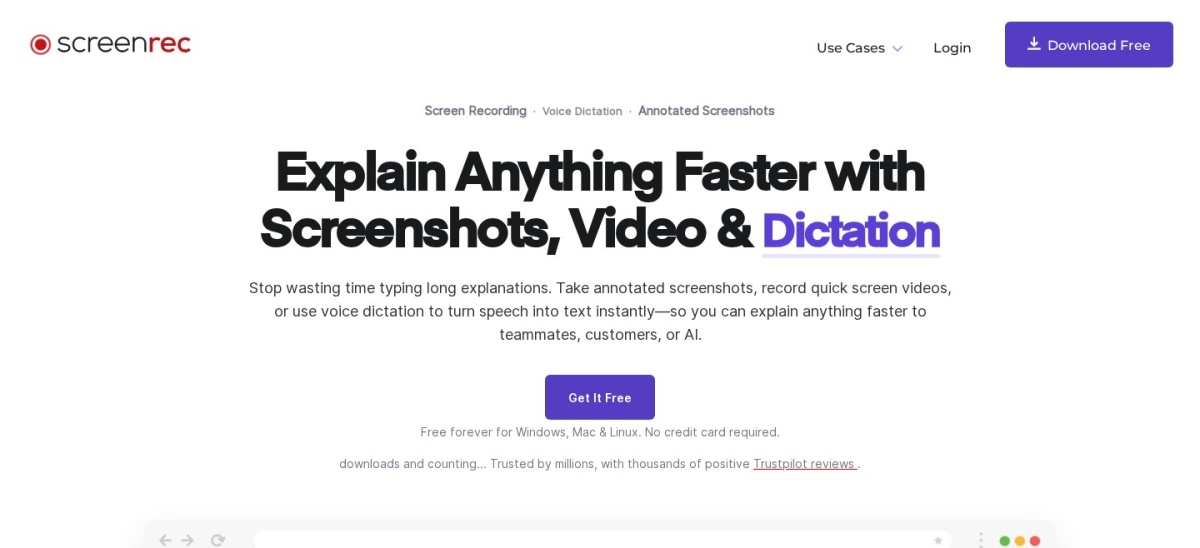
ScreenRec homepage, captured Nov 2026.
ScreenRec is a capture and recording tool for Windows, Mac and Linux. The Free Forever plan includes unlimited recordings, annotated screenshots, 2 GB of cloud storage and 720p video with no watermark, for personal use only.
The trade off is quality and use. Free video stops at 720p, storage is 2 GB, and commercial use needs Pro at $8.32 a month. It suits people who explain things with short screen videos and want a free start.
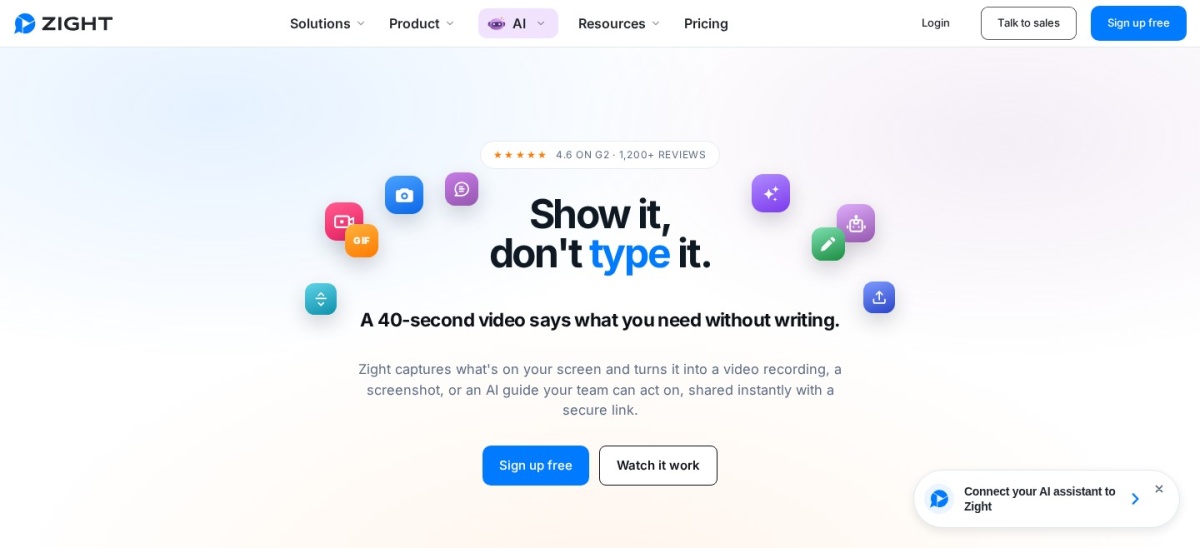
Zight is a capture and sharing tool for Windows, Mac and browsers, formerly known as CloudApp. The free Share plan covers screenshots, annotation and videos up to 5 minutes at 720p with 1 GB of storage, and each capture gets a share link.
The trade off is price. Longer videos, 4K quality and team features need Create from $9.95 a month, and reviewers note a steep Team plan price rise in 2026. It suits teams that share captures and short videos with clients all day.
What we like
Fast capture-to-link workflow
Screenshots, video, GIFs and annotation in one app
4.6/5on Chrome Web Store (24,000+ reviews, checked Nov 2026)
Paid from$6/mo
Best for capturing web pages
Free screenshots100
Full-page captureYes
Screen recordingYes, 720p free
Paid planBasic, $6/mo
awesomescreenshot.com
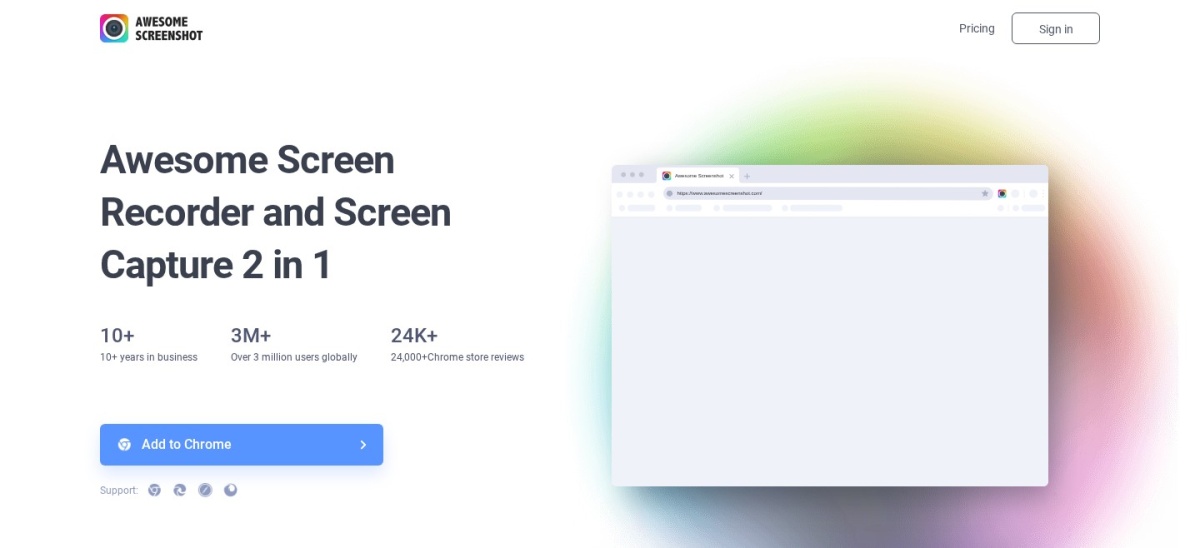
Awesome Screenshot homepage, captured Nov 2026.
Awesome Screenshot is a browser extension and desktop app for capturing web pages and screens. The free plan covers full-page, visible-area and region screenshots with annotation, plus 20 video recordings up to 6 hours each at 720p, and exports to PNG, JPG or PDF.
The trade off is the browser focus. The desktop app is thinner than the extension, free screenshots stop at 100, and 4K recording needs Professional. It suits support and product teams who capture web pages in the browser all day.
4.3/5on AlternativeTo (47 reviews, checked Nov 2026)
PriceFree
Best free clipping tool for Linux
PlatformsWindows, Mac, Linux
Scrolling captureNo
Screen recordingNo
Paid planNone
flameshot.org
Flameshot homepage, captured Nov 2026.
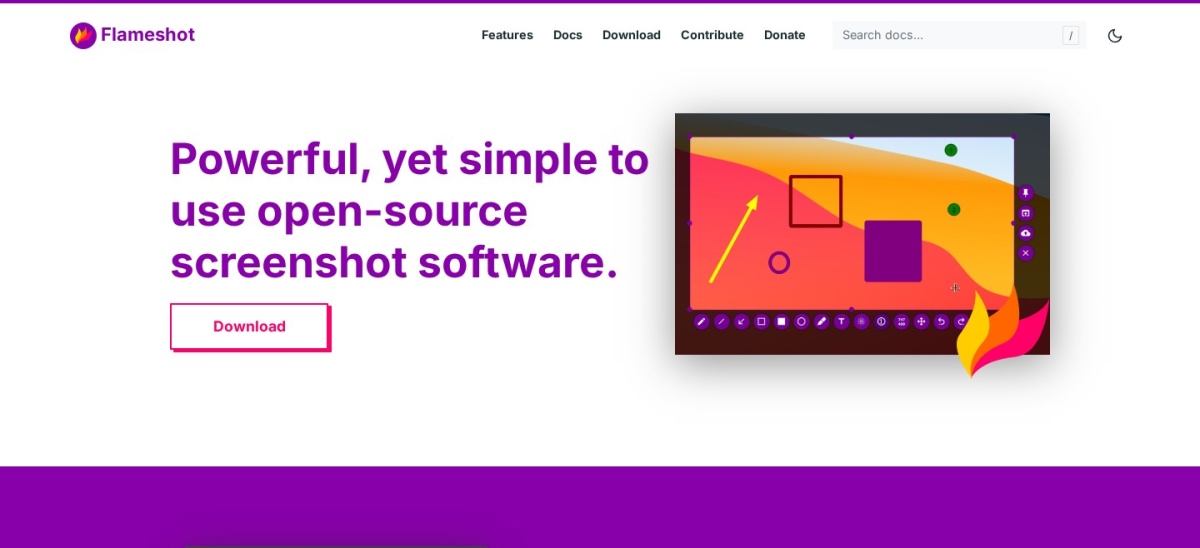
Flameshot is a free, open-source capture tool for Windows, Mac and Linux with no account and no paid tier. Drag a box, then annotate inside the capture with arrows, text, shapes, highlights, a counter and blur, and copy or save the result.
The trade off is missing capture types. There is no scrolling capture, no OCR and no screen recording, and multi-monitor and Wayland setups have reported issues. It suits Linux users and mixed-OS teams who want the same free annotator everywhere.
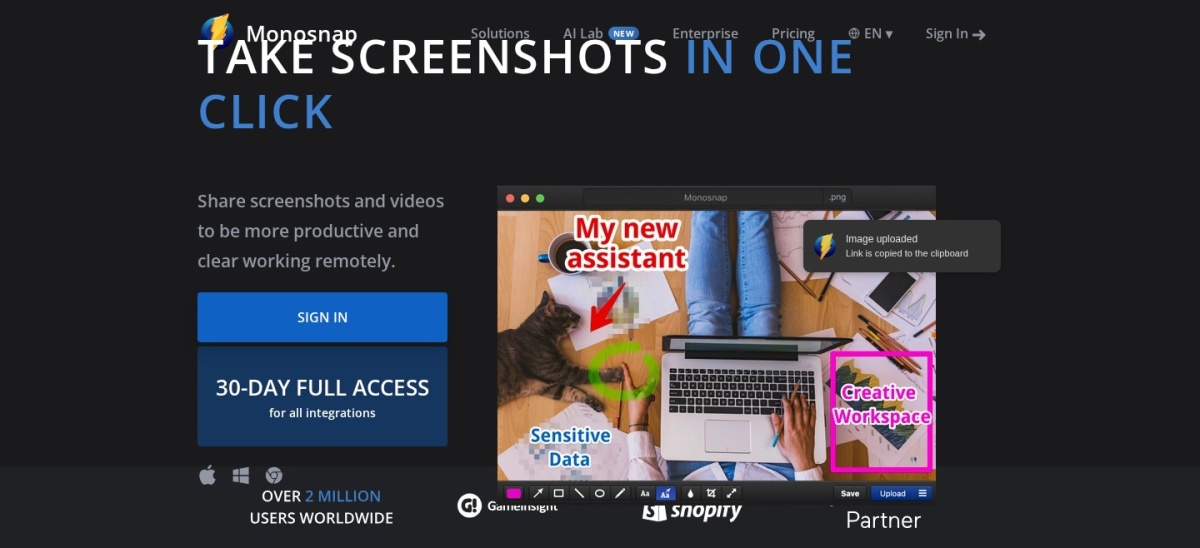
Monosnap is a capture and recording tool for Windows, Mac and Chrome with its own cloud storage. The free plan covers screenshots, annotation, video up to 5 minutes and 2 GB of storage, and uploads each capture for sharing by link.
The trade off is commercial use. The free plan is for personal use only, uploads stop at 100 MB, and work use needs Commercial at $60 a year. It suits personal users who want captures and short recordings in one cloud library.
Free plans cover the core job well. Every tool here captures a region and marks it up without paying, and most add recording or sharing on top.
Paid plans mostly remove limits. You get longer videos, more storage, higher resolution and commercial use, plus support when something breaks.
If you clip for work, check the licence first. Monosnap and ScreenRec limit their free plans to personal use, while ShareX and Greenshot are free for commercial use too.
For most people, the free plan is enough. Our guide on optimizing images for WordPress shows how to keep captures small once they are on a page.
How we chose
We started from the capture tools with the most reviews on G2 and other review sites, then kept those with a usable free plan for clipping screenshots.
Prices come from each vendor's pricing page or vendor-supplied G2 pricing, checked on 25 November 2026. Ratings and review counts come from G2, Capterra, the Chrome Web Store or AlternativeTo on the same day. Where a vendor shows a sale, the list shows the regular price.
We left out tools with no free plan and tools whose free plan hides older captures behind a paywall. No vendor paid for a place, and we do not claim hands-on testing for this list.
How to choose free clipping software
Start with your operating system, then match the tool to how you share captures.
Check your platform first. ShareX and Greenshot run on Windows only, while Flameshot and ScreenRec cover Windows, Mac and Linux. Pick a tool that runs where you work.
Decide how you share. If you send captures in chat, pick a tool with share links such as Lightshot, Zight or Monosnap. If you keep captures local, ShareX or Greenshot is enough.
List the capture modes you need. Region capture covers most jobs. Add scrolling capture with ShareX or Zight's extension if you clip full web pages, and recording with ScreenRec or Awesome Screenshot if you explain with video.
Check the free plan limits. Video length, storage and commercial use are the usual caps. Pay only when a limit you hit every week is the thing stopping you.
FAQ
What is the best free clipping software?
ShareX is the best free clipping software for most people. It is free and open source, rated 4.8 out of 5 on G2 from 80 reviews, and covers region, window and scrolling capture plus screen recording and OCR.
Is clipping software the same as a screenshot tool?
Mostly, yes. Clipping usually means capturing a selected region of the screen rather than the whole display. Every tool in this list does region capture, and most add window, full-page or scrolling capture on top.
Which free clipping tool works on Mac?
Lightshot, ScreenRec, Flameshot, Zight, Awesome Screenshot and Monosnap all run on Mac. Greenshot's Mac app is a separate $1.99 purchase that has not been updated since 2020, and ShareX is Windows-only.
Can I use free clipping software for work?
It depends on the licence. ShareX and Greenshot are free for commercial use, but Monosnap and ScreenRec limit their free plans to personal use. Check the licence on the vendor's site before you clip for a client.
Do free clipping tools include screen recording?
Some do. ShareX, ScreenRec, Zight, Awesome Screenshot and Monosnap record video on their free plans, with limits such as 720p quality or 5-minute clips. Greenshot, Lightshot and Flameshot capture still images only.
Is Snagit worth paying for?
It is if you write guides or training material every day. Snagit costs $39 a year for one person and adds templates, scrolling capture and a polished editor. Occasional users get everything they need from ShareX or Greenshot for free.
SaaS SEO and WordPress specialist with about 8 years of experience. Rakib compares WordPress plugins, themes, hosting and software using public pricing, documentation and user reviews. See how we rank.