ServiceTitan is the strongest software for plumbing code compliance work, because it keeps job records, permits and inspection history in one system for large crews. Jobber suits small crews from 29 dollars a month, and Housecall Pro suits residential teams from 59 dollars a month.
How we make this list: we compare pricing pages, product documentation and public user reviews, then re-check every price before each update. No product paid for a place. Disclosure.
ServiceTitan is the deepest pick, tying service visits and construction projects into one compliance record.
Jobber is the cheapest published start at $29 a month, and Housecall Pro follows at $59 a month.
Only Jobber and Housecall Pro publish prices; the other five tools price by quote.
FieldPulse matches Housecall Pro at 4.7 on G2, the highest rating in this list.
Code lookup apps such as Code Snap cover the code book itself, while these tools cover the job record.
How do you pick software for plumbing code compliance?
Plumbing code compliance rests on the job record, not the code book alone. Permits, inspection history, photos and sign-offs must sit with the job, or a failed inspection means digging through paper and inboxes.
Field service platforms do that job. ServiceTitan, simPRO and FieldEdge keep job, project and asset records together, which is why they lead a list about compliance even though none of them prints the code.
Small crews should start with published prices. Jobber Core at $29 a month and Housecall Pro Basic at $59 a month let a one-truck shop run quotes, scheduling and invoicing without a sales call.
For the code itself, pair the platform with a code reference app. Code Snap gives searchable access to the Uniform Plumbing Code and International Plumbing Code on site.
The 7 best software for plumbing code compliance tools
01
ServiceTitan
4.4/5on G2 (375 reviews, checked Nov 2026)
PricingCustom/yr
Best for large plumbing operations
Dispatch boardDrag-and-drop
PricebookYes, with controls
QuickBooks syncOnline and Desktop
Free trialDemo only
servicetitan.com
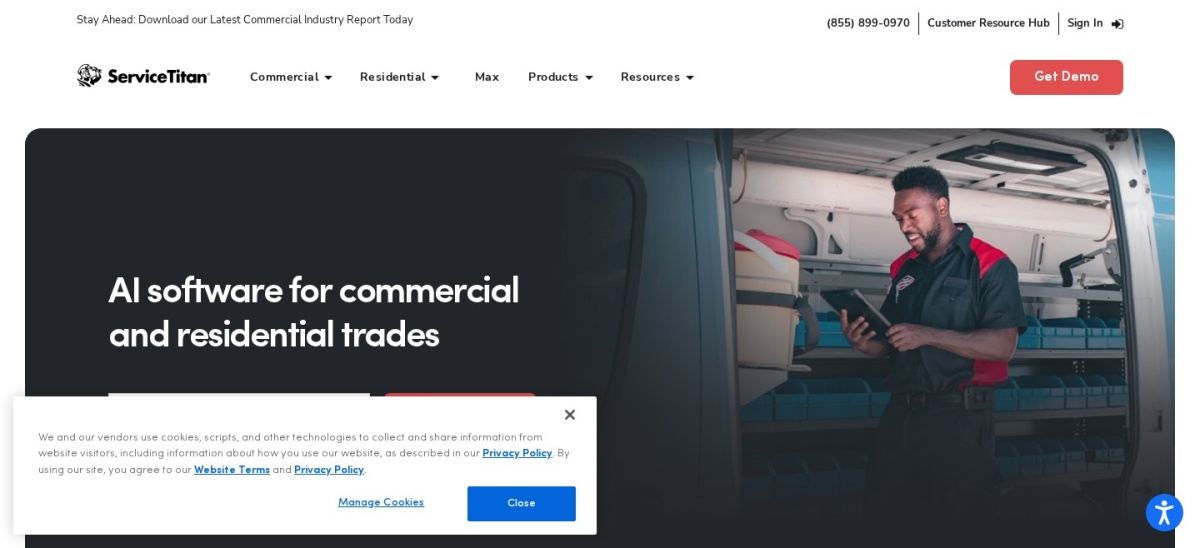
ServiceTitan homepage, captured Nov 2026.
ServiceTitan is an all-in-one platform for home and commercial contractors, built for plumbing, HVAC and electrical teams that need dispatch, call tracking, pricebook controls and enterprise reporting in one system. It ties service visits and construction projects together, so job records, permits and inspection history sit in one place.
The trade off is price and setup. Pricing comes by quote only, and third-party reports put all-in costs far above the lighter tools here, with a full implementation team behind it. It suits multi-truck shops that can staff a dispatcher.
4.6/5on Capterra (1,463 reviews, checked Nov 2026)
Starts at$29/mo
Best for small plumbing crews
Core users1
Core price$29/mo annual
QuickBooks syncQuickBooks Online
Free trial14 days
getjobber.com
Jobber homepage, captured Nov 2026.
Jobber is a cloud field service suite for small and growing service businesses, covering quoting, scheduling, invoicing and payments in one clean interface. Core starts at $29 a month billed yearly for 1 user, with online booking, quotes, invoicing and payments included.
The trade off is depth. Jobber does not go as deep into asset management, complex project workflows or commercial maintenance as ServiceTitan or simPRO, and QuickBooks sync needs Connect at $99 a month. It suits one to few-person crews.
4.7/5on Capterra (2,749 reviews, checked Nov 2026)
Starts at$59/mo
Best for residential plumbing teams
Basic users1
Basic price$59/mo annual
QuickBooks syncOnline and Desktop
Free trial14 days
housecallpro.com
Housecall Pro homepage, captured Nov 2026.
Housecall Pro is home service business software for residential plumbing teams, covering scheduling, dispatch, quoting, invoicing and customer messaging in one place. Basic starts at $59 a month billed yearly for 1 user, with online booking and payments included.
The trade off is the mid-tier jump. Essentials at $149 a month adds QuickBooks sync for both Online and Desktop, flat-rate pricing and GPS tracking. It suits residential teams that want a polished booking experience.
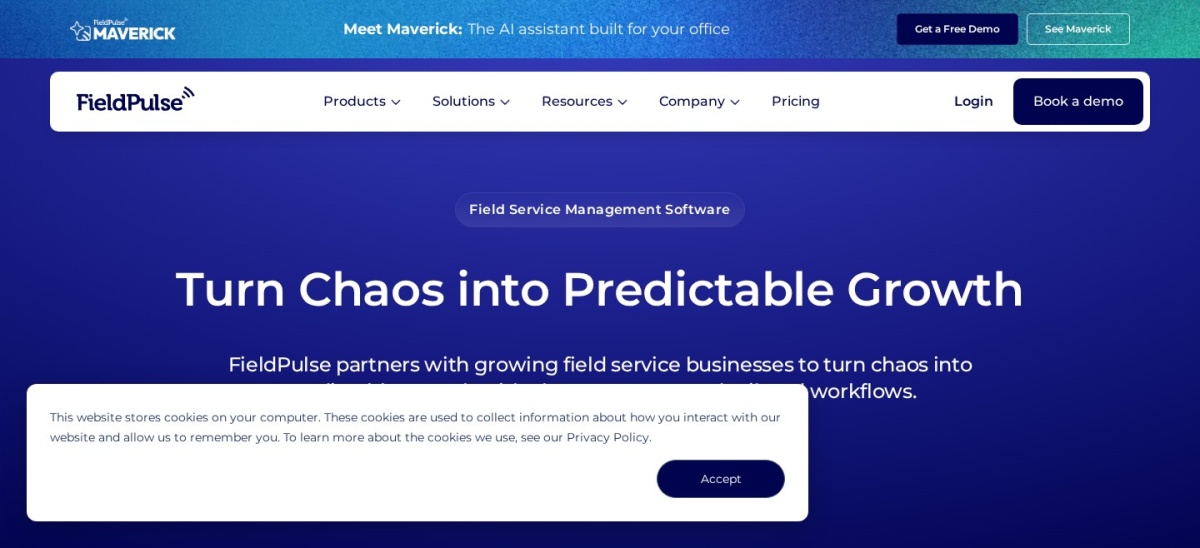
FieldPulse is a field service platform for mid-market multi-trade teams, with scheduling, dispatch, invoicing and customer management in one system. It holds a 4.7 rating on G2 from 358 reviews, the joint highest in this list, and offers a free trial.
The trade off is price transparency. FieldPulse publishes no prices, so a small plumbing crew must request a quote before it can compare costs with Jobber or Housecall Pro. It suits growing teams that want a trial first.
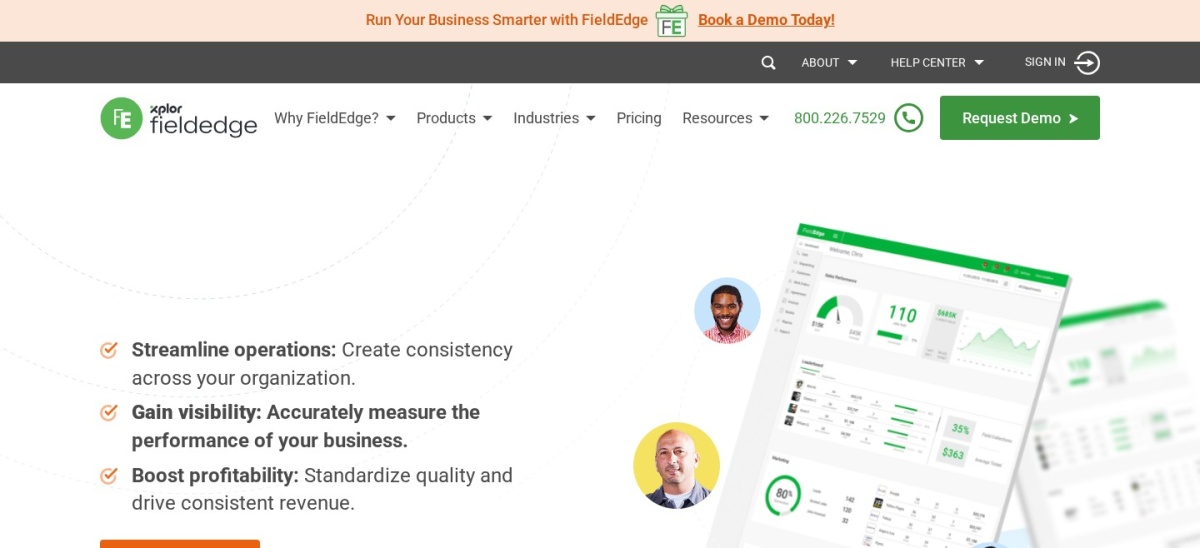
FieldEdge is field service software for HVAC, plumbing and electrical contractors with 5 to 100 technicians, with an intelligent dispatch board, pricebook and offline-capable mobile apps. Plans run Select, Premier and Elite with 2, 4 and 6 mobile app licenses.
The trade off is price transparency. FieldEdge lists no prices, and older reports put pricing around $100 to $125 a month, so confirm the current quote before comparing. It suits established shops already running QuickBooks.
simPRO is a field service and project platform for electrical, plumbing, HVAC, security and construction service companies, covering leads, estimating, job delivery, compliance, invoicing and reporting. It connects the field to the office through job, project, asset and job costing tools.
The trade off is complexity and price. simPRO does not list prices, Capterra describes per-user pricing tailored to team size, and reviewers cite a hard setup. It suits commercial plumbing work with multi-stage projects.
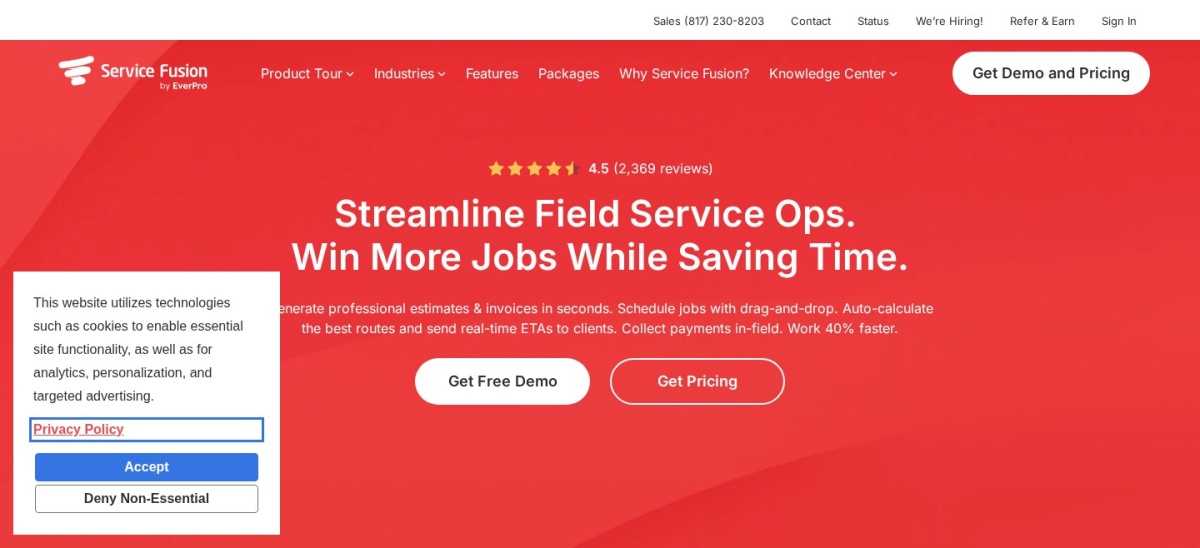
Service Fusion is an all-in-one field service app for scheduling, dispatching, invoicing and payment processing, with no per-user fees and strong customer support. It suits plumbing teams that want predictable billing as the crew grows.
The trade off is price transparency and scale. Service Fusion lists no public prices, and its review base of 120 G2 reviews is smaller than Jobber or Housecall Pro. It suits teams that hate per-seat pricing.
A code book answers what the rule is. Code Snap and similar apps put the Uniform Plumbing Code and International Plumbing Code in a pocket, searchable on site.
Field software proves you followed it. Job records, permits, photos and inspection sign-offs are what an inspector asks for, and that is the gap these seven tools fill.
Budget for both. A code app costs a few dollars, while the field platform runs $29 a month and up, so the platform choice drives the budget.
How we chose
We started from field service platforms used by plumbing contractors, then kept the seven with the clearest compliance record keeping, pricing and review record.
Prices come from each vendor pricing page, checked on 30 November 2026. Ratings and review counts come from G2 and Capterra on the same day. Tools that publish no price are shown as Custom.
We left out pure code book apps, which do not manage jobs, and tools with no public rating. No vendor paid for a place, and we do not claim hands-on testing for this list.
How to choose software for plumbing code compliance
Start with crew size, then check what the quote hides.
Count trucks and office staff. Jobber Core fits 1 user at $29 a month, while ServiceTitan and FieldEdge suit 5 to 100 technicians, so size decides the shortlist fast.
Ask what the quote includes. Five tools here price by quote, so ask for the monthly per-technician fee, onboarding and any module fees in writing before signing.
Check QuickBooks sync. Housecall Pro and FieldEdge sync both QuickBooks Online and Desktop, while Jobber syncs Online only and needs Connect at $99 a month.
Keep the code book beside it. Pair the platform with a code reference app so technicians can confirm a requirement on site before the inspector arrives.
FAQ
What is the best software for plumbing code compliance in 2026?
ServiceTitan is the best pick for large plumbing operations, because it keeps job records, permits and inspection history in one system. Jobber suits small crews from $29 a month.
How much does plumbing compliance software cost?
Jobber starts at $29 a month and Housecall Pro at $59 a month on annual billing, both for 1 user. ServiceTitan, FieldEdge, simPRO and Service Fusion price by quote only.
Is there a free option for small plumbing crews?
No tool here has a free plan, but Jobber, Housecall Pro and FieldPulse offer free trials, and Jobber Core at $29 a month is the cheapest published start.
Does Jobber work for plumbing code compliance?
Yes, Jobber keeps quotes, schedules, invoices and customer records organized, which supports permit and inspection documentation. It lacks the asset and project depth of simPRO.
ServiceTitan or Housecall Pro: which fits a residential plumber?
Housecall Pro fits residential plumbers better, starting at $59 a month with booking and payments built in. ServiceTitan fits larger shops that need enterprise reporting and pricebook controls.
What covers the plumbing code itself?
Code Snap gives searchable access to the Uniform Plumbing Code and International Plumbing Code on site, usually for a small one-time fee. Pair it with a field platform for job records.
SaaS SEO and WordPress specialist with about 8 years of experience. Rakib compares WordPress plugins, themes, hosting and software using public pricing, documentation and user reviews. See how we rank.