Action1 is the best SolarWinds Patch Manager alternative for most teams. It is free for your first 200 endpoints with no feature limits and rated 4.9 out of 5 on G2. Pick ManageEngine Patch Manager Plus for on-premises control, or Automox for cloud patching from $1 per endpoint a month.
How we make this list: we compare pricing pages, product documentation and public user reviews, then re-check every price before each update. No product paid for a place. Disclosure.
Action1 is free for 200 endpoints with no feature limits, the most generous free tier in this list.
ManageEngine Patch Manager Plus is the closest direct replacement, with on-premises and cloud plans from $245 a year for 50 computers.
Automox starts at $1 per endpoint a month for OS patching, the cheapest paid per-endpoint price here.
PDQ Deploy charges $1,950 per admin a year with unlimited endpoints, so it wins on large Windows fleets.
NinjaOne, Atera and Intune bundle patching into wider platforms, so compare the whole platform price, not just patching.
How do you choose the best SolarWinds Patch Manager alternative?
SolarWinds Patch Manager is a dedicated patching tool, so the closest alternatives are dedicated patch managers, not full RMM suites. Start with how much of your fleet is Windows, and whether you need an on-premises server.
Price is hard to compare because vendors charge in different units. Some charge per endpoint, some per admin, some per technician and some per user, so work out the yearly cost for your own endpoint count before you rank them.
Third-party patching is the feature that separates the dedicated tools from the rest. Our guide on how to enable automatic updates for plugins shows why keeping third-party software current matters as much as the operating system.
Free tiers change the maths for small teams. Action1 covers 200 endpoints free, ManageEngine covers 20 workstations free, and JumpCloud is free for up to 10 users, so a small fleet may pay nothing at all.
Check the operating systems each tool patches before you shortlist it. Several tools here are Windows-first, and macOS and Linux coverage varies a lot between them.
Action1 is a cloud-native patch management platform that is free for your first 200 endpoints with no feature limits. It covers operating system and third-party patching, remote access and asset inventory from one console, and it holds a 4.9 out of 5 rating on G2 from 1,277 reviews.
The trade off is that fleets above 200 endpoints need a custom quote, so larger teams cannot budget from a price list. It suits small and mid-size IT teams that want full patching at no cost.
What we like
Free tier covers 200 endpoints with no feature limits
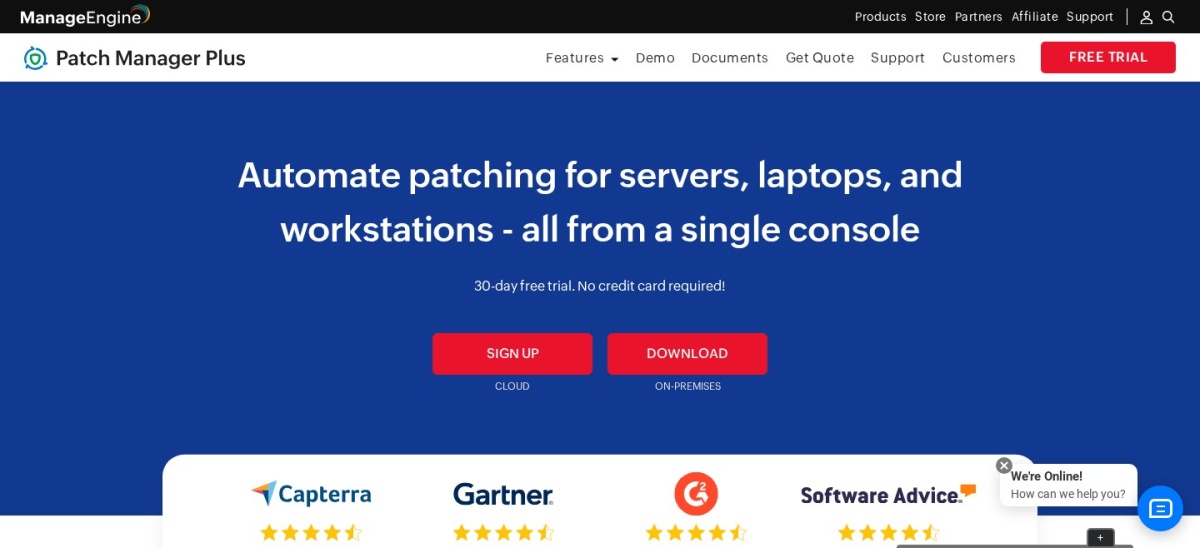
ManageEngine Patch Manager Plus homepage, captured Nov 2026.
ManageEngine Patch Manager Plus is a dedicated patch manager for Windows, macOS and Linux, with 1,100+ third-party apps in its catalog. The free edition covers 20 workstations and 5 servers, and Professional starts at $245 a year for 50 computers on premises, or $345 a year in the cloud.
The trade off is the price structure. Servers are licensed separately from workstations, and extra technicians cost $195 a year, so the headline price is not the whole bill. It suits Windows-heavy teams that want on-premises control or a low per-endpoint price.
What we like
Closest direct replacement for SolarWinds Patch Manager
On-premises and cloud versions with published prices
Largest third-party catalog in this list at 1,100+ apps
Free edition for up to 20 workstations
Watch out for
Servers and extra technicians cost extra
On-premises setup takes more work than a cloud tool
Automox is a cloud-native endpoint management platform that patches Windows, macOS and Linux without a VPN or an on-premises server. Its Patch OS tier costs $1 per endpoint a month billed annually, and it holds a 4.5 out of 5 rating on G2 from 332 reviews.
The trade off is that Patch OS covers operating system patching only. Third-party patching, software deployment and automation policies need the Automate tiers, which are quote-only. It suits distributed teams that want simple cloud patching at a low per-endpoint price.
What we like
Cheapest paid per-endpoint price in this list
Cloud-native, so remote endpoints patch without a VPN
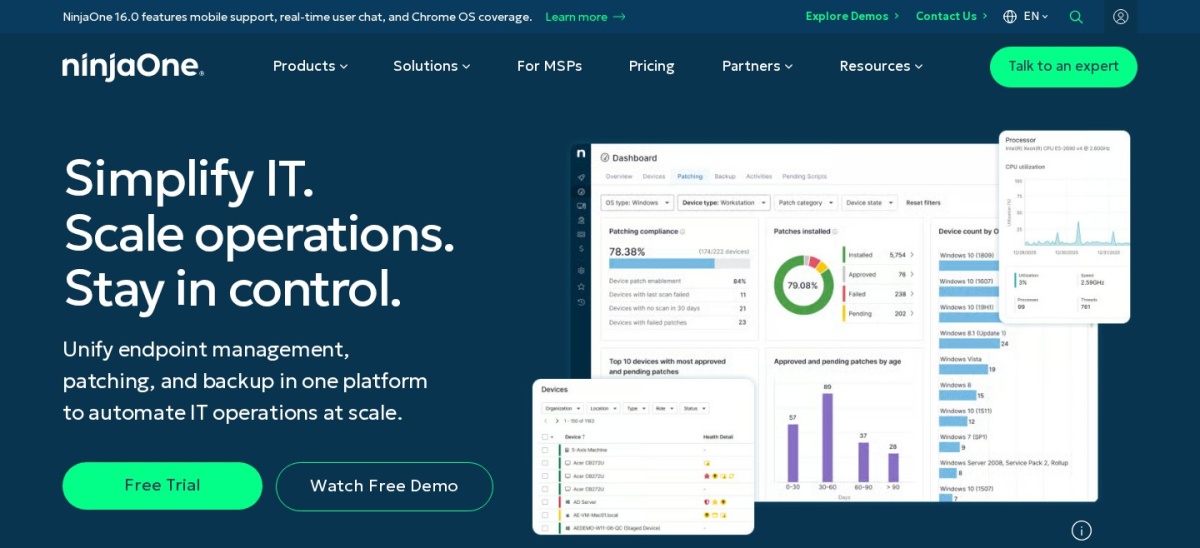
NinjaOne is a unified IT platform that combines patching with monitoring, remote access, backup and IT documentation. Its published pricing runs from $3.75 per device a month at 50 or fewer endpoints down to $1.50 at 10,000 endpoints, and it is rated 4.7 out of 5 on G2 from 5,866 reviews.
The trade off is that only the two ends of the price range are published, so a mid-size fleet needs a quote to know its exact rate. It suits MSPs and IT teams that want patching inside a wider endpoint platform rather than a patching-only tool.
What we like
Highest review count in this list at 5,866 G2 reviews
Patching, monitoring and remote access in one console
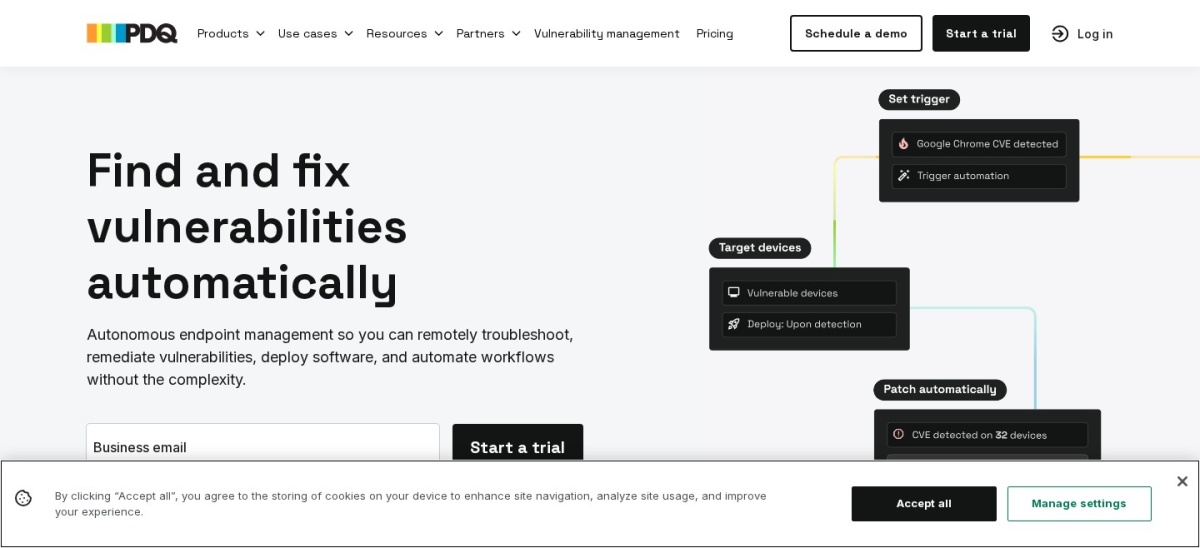
PDQ Deploy is a Windows deployment tool that pushes software, patches and scripts to PCs on the local network from one console, with no agent on each PC. The paid license costs $1,950 per admin a year and covers unlimited endpoints, and it is rated 4.8 out of 5 on G2 from 274 reviews.
The trade off is scope. It is Windows-only and on-premises, so remote laptops off the network need PDQ Connect instead. It suits Windows shops whose PCs stay on the office network or a VPN and want one flat fee per admin.
What we like
One licence covers unlimited endpoints
Free mode with no time limit
Agentless, so nothing to install on each PC
Rated 4.8 out of 5 on G2 from 274 reviews
Watch out for
Windows-only and on-premises
Remote endpoints need the separate Connect product
Paid licence adds PDQ Inventory and schedulingVisit pdq.com
06
Microsoft Intune
4.5/5on G2 (272 reviews, checked Nov 2026)
Starts at$8/user/mo
Best for Microsoft 365 estates
Cheapest planPlan 1, $8/mo
OS coverageWindows, macOS, more
Third-party patchingEnterprise App Mgmt
Paid planPlan 1, $8/mo
microsoft.com
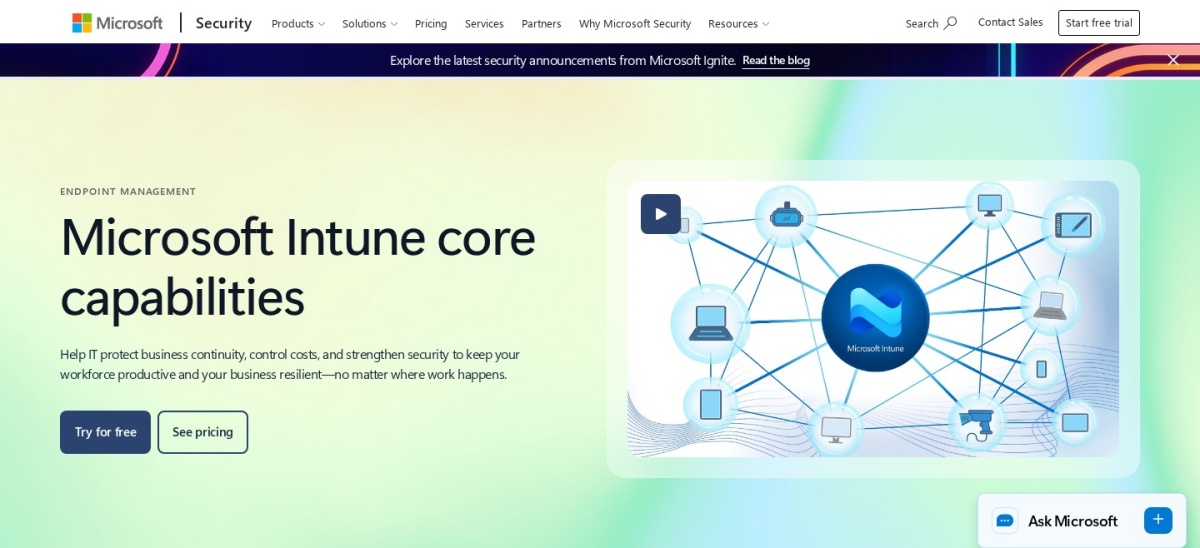
Microsoft Intune homepage, captured Nov 2026.
Microsoft Intune is the device layer of the Microsoft world, managing Windows, macOS, iOS, Android and Linux devices from the cloud. Plan 1 costs $8 a user a month standalone and is included in Microsoft 365 E3, E5 and Business Premium, and it is rated 4.5 out of 5 on G2 from 272 reviews.
The trade off is that the price is per user, not per device, so the bill grows with headcount rather than fleet size. It suits teams already on Microsoft 365, where many already pay for Intune inside their existing licence.
What we like
Already included in Microsoft 365 E3, E5 and Business Premium
Strong compliance and conditional access with Entra ID
Covers Windows, macOS, mobile and Linux
Published $8 a user a month starting price
Watch out for
Setup and licensing are complex
Per-user pricing suits headcount, not device count
Atera is an all-in-one IT platform that combines RMM, patching, remote access, ticketing and automation, priced per technician with unlimited endpoints. The MSP Pro plan costs $129 per technician a month billed annually, and it is rated 4.6 out of 5 on G2 from 1,291 reviews.
The trade off is the entry price. The IT-department Professional plan is $149 per technician a month, so a one-person shop pays the full seat price. It suits small teams with dense fleets, where adding devices costs nothing extra until you hire.
What we like
Per-technician price with unlimited endpoints
Patching, ticketing and remote access in one subscription
Published prices with no quote needed
30-day free trial
Watch out for
Full seat price for a one-person team
More platform than a patching-only buyer needs
Growth and Power plans add AI and advanced automationVisit atera.com
08
JumpCloud
4.5/5on G2 (3,973 reviews, checked Nov 2026)
Paid from$9/user/mo
Best directory, SSO and patching in one place
Free tierUp to 10 users
OS coverageWindows, macOS, Linux
Patch add-on$3/user/mo
Paid planDevice Mgmt, $9/mo
jumpcloud.com
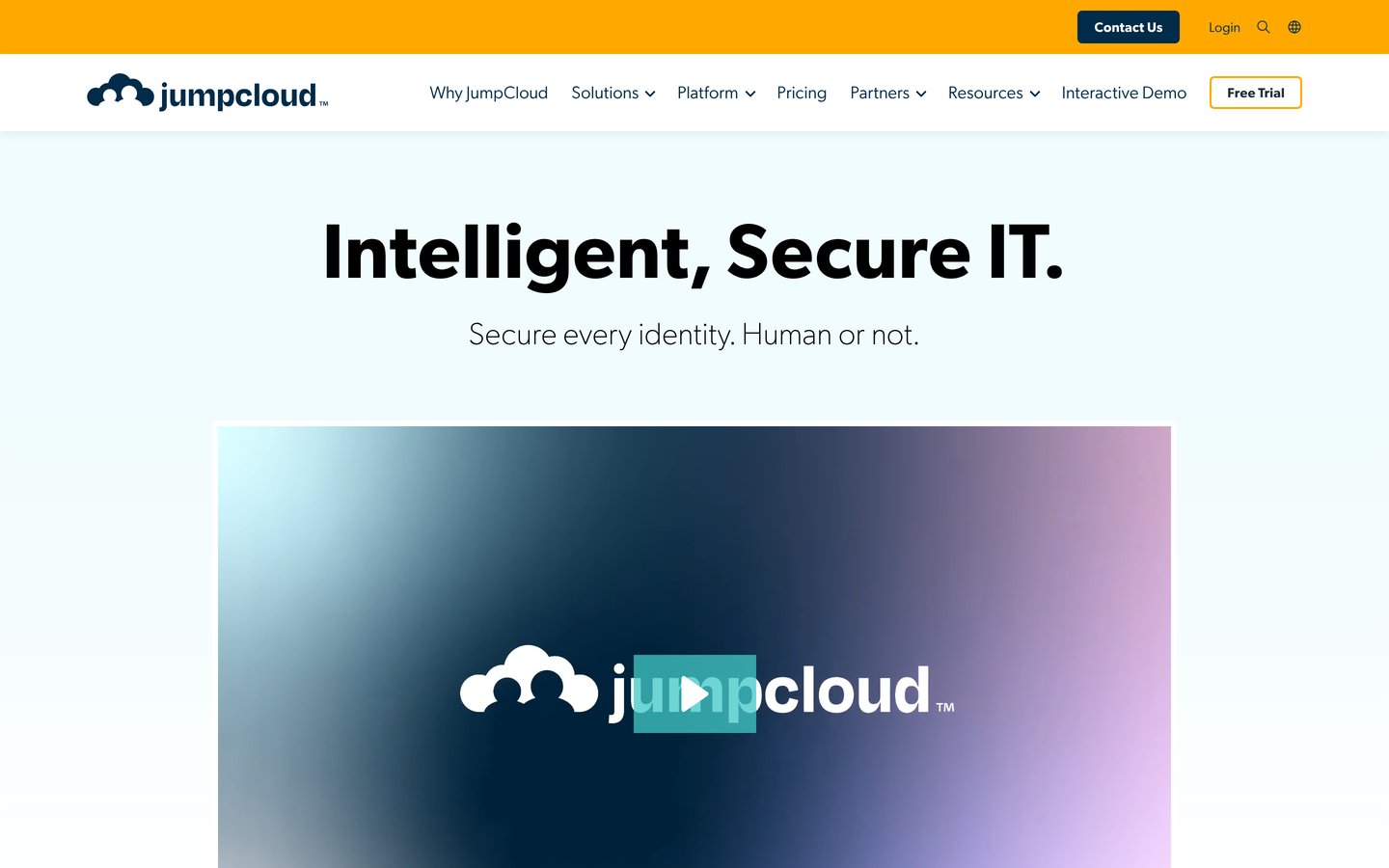
JumpCloud homepage, captured Nov 2026.
JumpCloud is a cloud directory platform that combines identity, single sign-on and device management, with patching as part of its endpoint tools. Device Management costs $9 a user a month billed annually, it is free for up to 10 users, and it is rated 4.5 out of 5 on G2 from 3,973 reviews.
The trade off is that dedicated patch management is a $3 a user a month add-on on top of Device Management. It suits small teams that want directory, SSO and patching from one vendor instead of three separate tools.
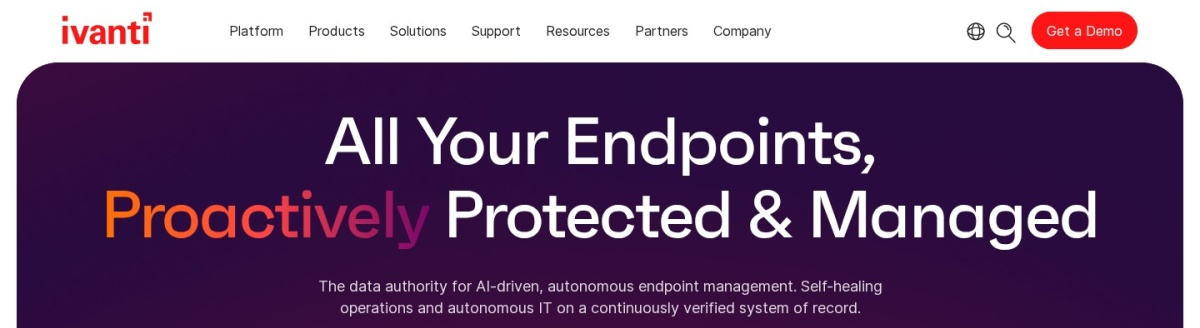
Ivanti Neurons for Patch Management homepage, captured Nov 2026.
Ivanti Neurons for Patch Management is a cloud-native tool that finds missing patches, ranks them by real-world risk and deploys them by policy across endpoints. It is rated 4.5 out of 5 on G2 from 47 reviews, with users praising its automation and visibility into patch status.
The trade off is price. Ivanti publishes no price for this product, so every buyer needs a custom quote, and setup has a learning curve. It suits large IT teams that want risk-ranked patching and self-healing automation rather than a simple schedule.
What we like
Risk-based ranking focuses on patches that matter most
Free plans cover the basics well. Action1 patches 200 endpoints free, ManageEngine covers 20 workstations free, and JumpCloud is free for up to 10 users.
Paid plans mostly add scale and depth. You get more endpoints, third-party catalogues, automation policies and dedicated support, as in our how to update WordPress safely guide, where regular updates are the habit that matters most.
If your fleet is under 200 endpoints, a free tier may be the whole answer. Move to a paid plan when you outgrow the free cap or need third-party patching on every machine.
For a fleet that earns money every day, the cheapest paid plan here starts at $1 per endpoint a month, so the cost of patching is small next to the cost of one unpatched breach.
How we chose
We started from the established patch management tools that compete directly with SolarWinds Patch Manager, then kept nine with a public G2 rating and a verifiable price, free tier or quote-only status.
Prices come from each vendor's pricing page or its published pricing summary, checked on 29 November 2026. Ratings and review counts come from G2 on the same day. Where a vendor shows a sale, the list shows the regular price.
We left out tools with no public rating and quote-only tools with no verifiable rating count. No vendor paid for a place, and we do not claim to have used these tools ourselves.
How to choose a SolarWinds Patch Manager alternative
Start with your fleet size and operating systems, then match the price unit to your team.
Count your endpoints and operating systems. A Windows-only fleet has cheaper options than a mixed Windows, macOS and Linux fleet, so count each before you compare prices.
Work out the yearly cost for your fleet. Per-endpoint, per-admin, per-technician and per-user prices are not comparable until you run them against your own numbers.
Check third-party patching depth. Operating system patches are table stakes. Ask which third-party apps each tool patches, and whether that is in the cheapest plan.
Trial the top two on a small group first. Patch a test group for two weeks, check the compliance report, and confirm rollbacks work before you move the whole fleet.
FAQ
What is the best SolarWinds Patch Manager alternative?
Action1 is the best SolarWinds Patch Manager alternative for most teams. It is free for your first 200 endpoints with no feature limits, covers OS and third-party patching, and is rated 4.9 out of 5 on G2 from 1,277 reviews.
Is there a free SolarWinds Patch Manager alternative?
Yes. Action1 is free for up to 200 endpoints with no feature limits. ManageEngine Patch Manager Plus is free for up to 20 workstations, and JumpCloud is free for up to 10 users.
How much does a SolarWinds Patch Manager alternative cost?
Prices start at $1 per endpoint a month for Automox Patch OS, or $245 a year for 50 computers on ManageEngine Patch Manager Plus. Per-admin and per-technician tools cost more up front but cover unlimited endpoints.
Which SolarWinds Patch Manager alternative is best for small teams?
Action1 is the best pick for small teams, because 200 endpoints free covers most small fleets outright. ManageEngine Patch Manager Plus is the best pick if you want an on-premises server for a small Windows fleet.
Action1 vs ManageEngine Patch Manager Plus: which is better?
Action1 wins on price and simplicity, with 200 endpoints free and a cloud console rated 4.9 out of 5. ManageEngine Patch Manager Plus wins for on-premises control and the largest third-party catalog at 1,100+ apps, from $245 a year.
Can I patch macOS and Linux with these alternatives?
Yes, most tools here patch Windows, macOS and Linux, including Action1, Automox, NinjaOne and ManageEngine. PDQ Deploy is the exception: it is Windows-only, so mixed fleets need a different tool.
SaaS SEO and WordPress specialist with about 8 years of experience. Rakib compares WordPress plugins, themes, hosting and software using public pricing, documentation and user reviews. See how we rank.