Ramp is the best software for organizing business expenses because it pairs free expense management with corporate cards and real-time approvals. Its free plan covers unlimited cards, expenses and bill pay, while the Plus plan adds advanced controls at 15 dollars per user each month.
How we make this list: we compare pricing pages, product documentation and public user reviews, then re-check every price before each update. No product paid for a place. Disclosure.
Ramp leads with a 4.8 out of 5 G2 rating and a free plan that covers unlimited cards, expenses and bill pay.
Brex pairs free Essentials with Premium at $12 a user a month and dynamic card limits tied to budgets.
Navan is free for the first 5 monthly expensing users, then $15 a user a month, with travel booking built in.
Expensify Collect costs $5 a user a month, but its Control tier lists at $18 a member a month on the vendor site.
SAP Concur is the enterprise standard at about $7 per report, while Rydoo covers international per diems at $9 a user a month.
How do you pick software for organizing business expenses?
Organizing business expenses starts with capture. The best tools in this list scan receipts on a phone, pull card transactions in automatically and sort each charge into the right category before anyone touches a spreadsheet.
Approvals decide whether a tool survives contact with a real team. Look for multi-level approvals, policy rules that flag out-of-policy spending and reimbursements that pay out in days, not weeks.
Accounting sync is the hidden test. A tool that posts approved expenses to QuickBooks, Xero or NetSuite without retyping saves finance hours every month and keeps the books clean at year end.
Pricing models vary more than the features do. Free plans cover cards and expenses, per-user plans suit small teams, and usage-based pricing like SAP Concur at $7 a report suits large firms that file in bursts.
The 9 best software tools for organizing business expenses
01
Ramp
4.8/5on G2 (2,540 reviews, checked Nov 2026)
PriceFree
Best software for organizing business expenses overall
Free planYes, unlimited cards and expenses
Plus$15/user/mo + platform fee
Cash back1.5% on card spend
G2 rating4.8/5 (2,540 reviews)
ramp.com
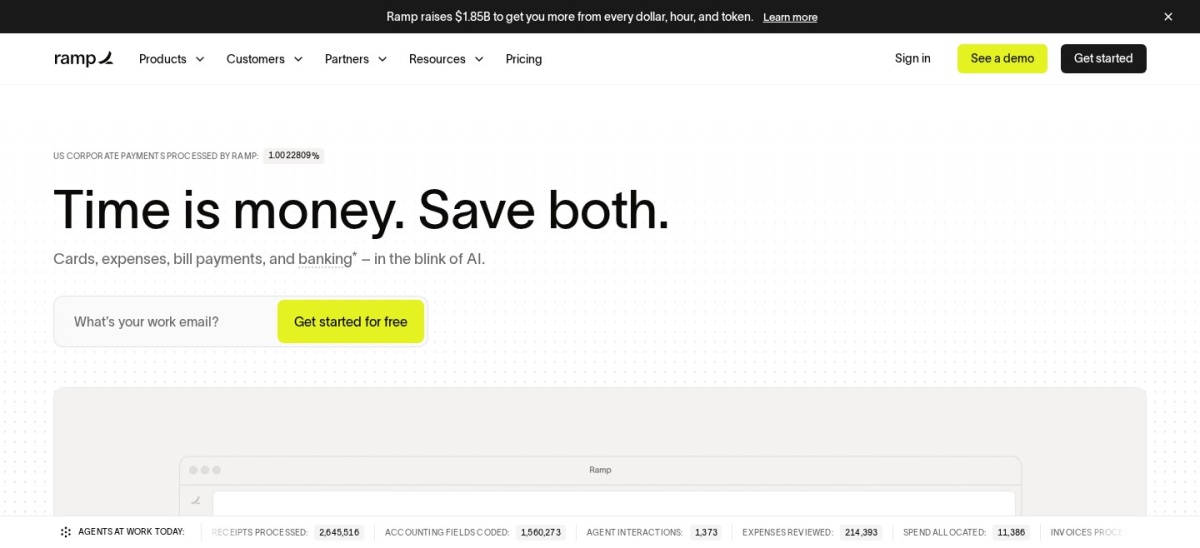
Ramp homepage, captured Nov 2026.
Ramp is an AI-powered finance platform that pairs free expense management with corporate cards, bill pay and accounting sync. Its free plan covers unlimited cards, expenses and bill pay, with real-time approvals, receipt capture and automatic categorization built in.
The trade off is the Plus tier. Advanced controls, procurement and deeper automation sit behind Plus at $15 per user a month plus an unpublished platform fee, so the free plan is not the whole product. It suits small and mid-size teams that want automation without a per-user bill to start.
What we like
Free plan covers cards, expenses and bill pay
1.5% cash back on card spend
Real-time approvals and automatic categorization
Syncs with QuickBooks, Xero and NetSuite
Watch out for
Plus platform fee is unpublished
Cash back and cards are US-focused
Plus at $15 a user a month adds advanced controls and procurementVisit ramp.com
02
Brex
4.8/5on G2 (1,643 reviews, checked Nov 2026)
Paid from$12/user/mo
Best for startups and scaling teams
EssentialsFree
Premium$12/user/mo
Card limitsDynamic, tied to budgets
G2 rating4.8/5 (1,643 reviews)
brex.com
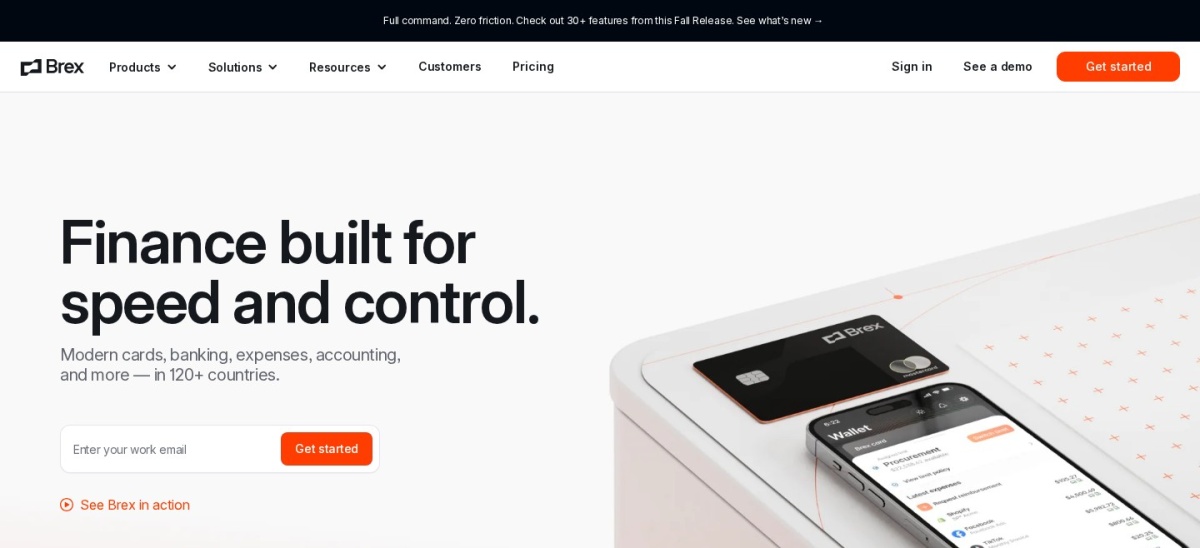
Brex homepage, captured Nov 2026.
Brex is a spend platform built around corporate cards with dynamic limits tied to budgets, plus expense management, bill pay and travel. Its Essentials plan is free and covers cards, expenses and reimbursements, while Premium adds advanced controls and rewards.
The trade off is the jump to Premium. At $12 per user a month, larger teams pay a real per-head cost for the deeper controls, and some G2 reviewers say support can be slow. It suits startups and scaling teams that want cards and expenses in one place.
What we like
Essentials plan is free
Dynamic card limits tied to budgets
Cards, expenses, travel and bill pay in one place
Watch out for
Premium costs $12 per user a month
Some reviewers report slow support
Premium at $12 a user a month adds advanced controls and rewardsVisit brex.com
03
Navan
4.7/5on G2 (9,297 reviews, checked Nov 2026)
Paid from$15/user/mo
Best for travel plus expense reports
ExpenseFree for first 5 users
Paid plan$15/user/mo
Travel bookingBuilt in
G2 rating4.7/5 (9,297 reviews)
navan.com
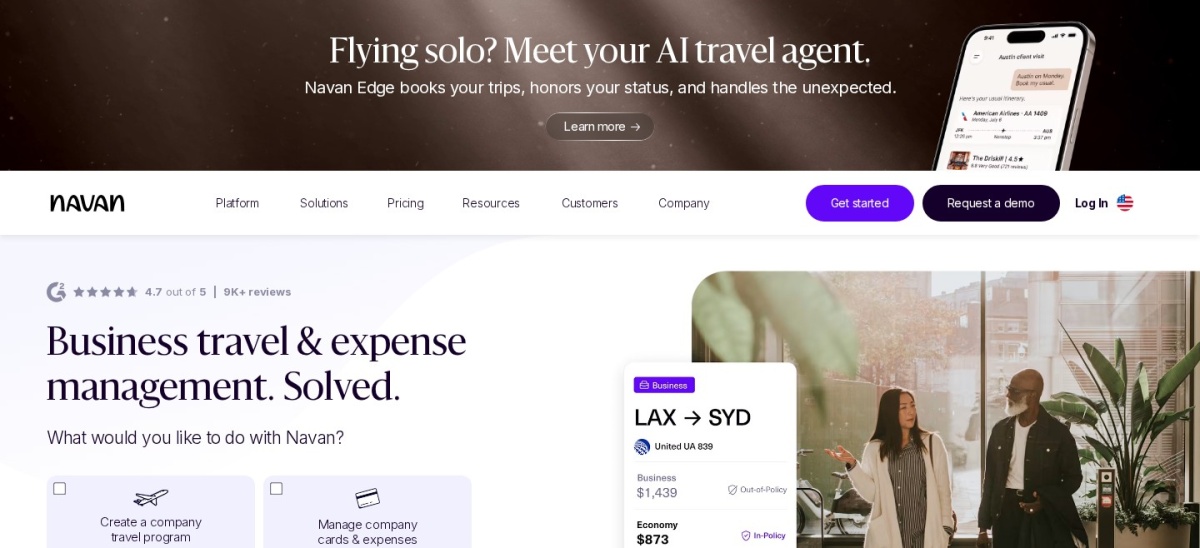
Navan homepage, captured Nov 2026.
Navan is an all-in-one travel and expense platform, so trips, corporate cards and expense reports live in one app. Navan Expense is free for the first 5 monthly expensing users, then $15 per user a month, with AI expense audit and 24/7 support.
The trade off is that the free tier ends quickly. A team of 20 pays $225 a month once the free seats run out, and G2 reviewers note hotel rebooking fees can sting. It suits companies that book travel often and want expenses handled in the same place.
What we like
Travel booking and expenses in one app
Largest review base in this list at 9,297 G2 reviews
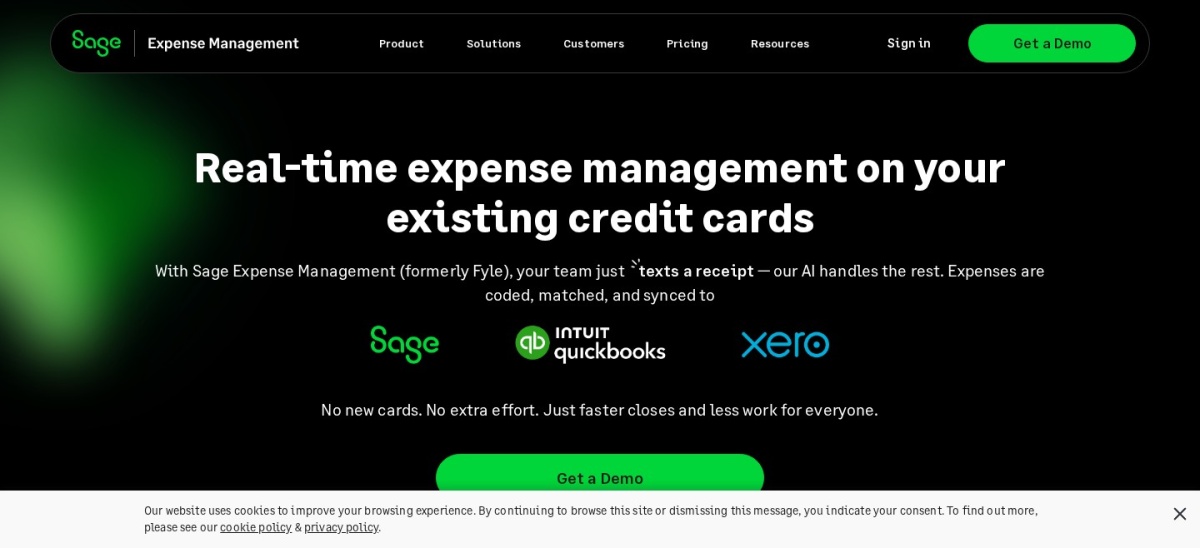
Fyle is an expense tool, now sold as Sage Expense Management, that captures expenses from Gmail and Outlook, card feeds and receipts in real time. Its Growth plan costs $11.99 per active user a month billed annually, with a 5-user minimum, and syncs with QuickBooks, Xero, NetSuite and Sage.
The trade off is the annual contract and the active-user model. Teams that expense rarely still pay for every active user, and the Sage rebrand means the product name on invoices may differ from the Fyle name. It suits finance teams that want expenses captured the moment a card is swiped.
What we like
Captures expenses from Gmail and Outlook automatically
Real-time card feeds with automatic matching
Syncs with Sage, QuickBooks, Xero and NetSuite
Watch out for
Annual billing with a 5-user minimum
No free plan
Growth at $11.99 an active user a month, billed annuallyVisit fylehq.com
05
Expensify
4.5/5on G2 (5,685 reviews, checked Nov 2026)
Paid from$5/user/mo
Best for receipt-heavy teams
Collect$5/user/mo
Control$18/member/mo annual
Free planSubmit, for individuals
G2 rating4.5/5 (5,685 reviews)
expensify.com
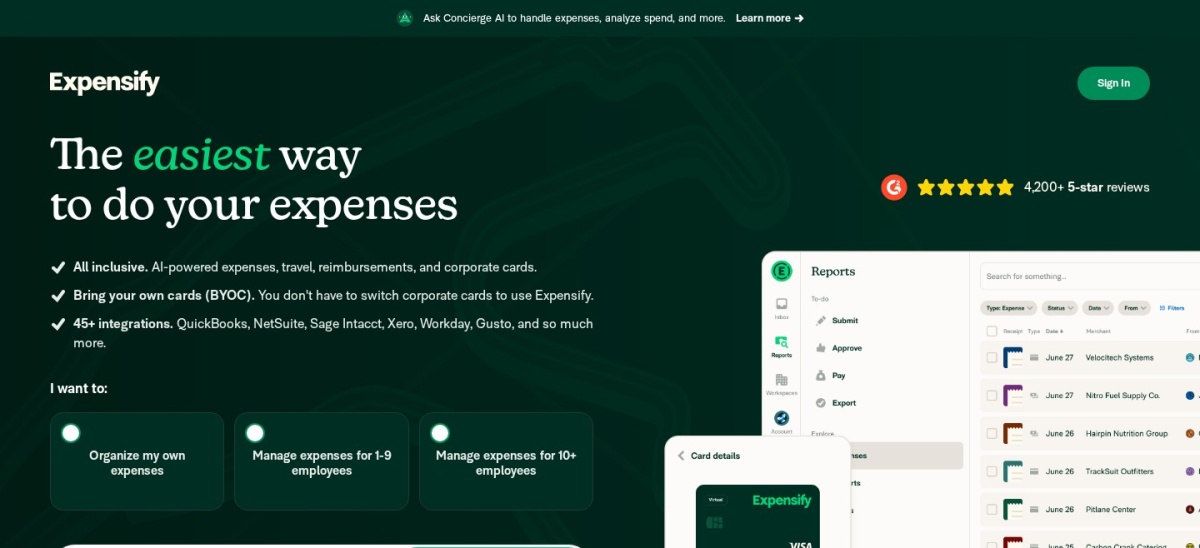
Expensify homepage, captured Nov 2026.
Expensify is the classic expense tool, built around SmartScan receipt capture, one-click approvals and fast reimbursements. Its Collect plan costs $5 per user a month, with a free Submit plan for individuals, and it integrates with QuickBooks, Xero and NetSuite.
The trade off is Control pricing. G2 lists Control at $9 a user a month, but the vendor site lists $18 a member a month on annual billing, or $36 pay-per-use, dropping to $9 with the Expensify Card. It suits receipt-heavy teams that want the most established scanning workflow.
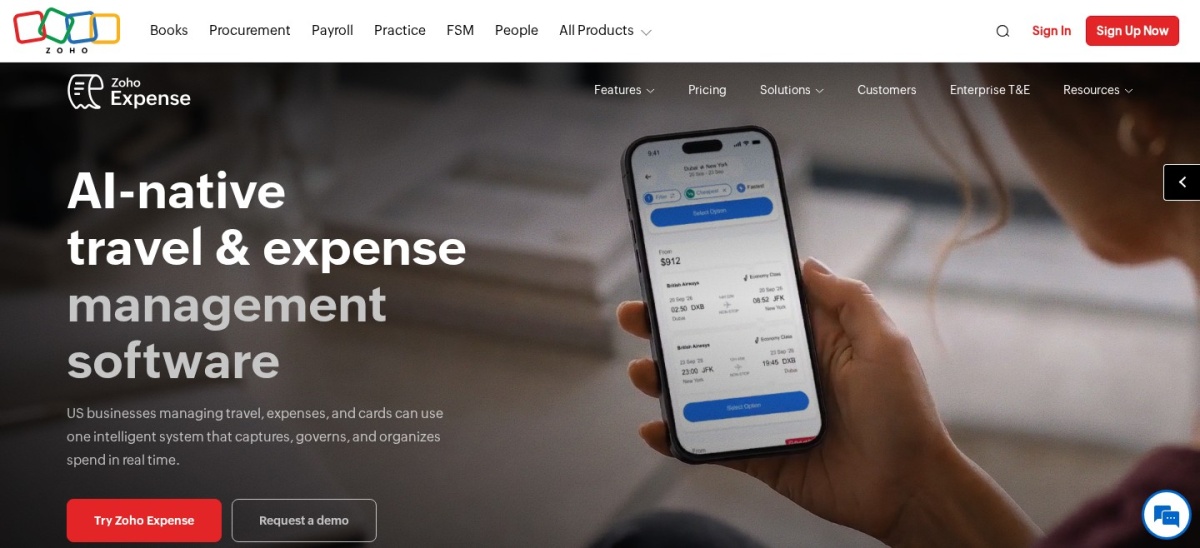
Zoho Expense is the budget pick in this list, with receipt scanning, per diem, mileage tracking and multi-level approvals. Its free plan covers up to 3 users, Standard costs $3 per user a month on annual billing, and it plugs straight into Zoho Books and the rest of the Zoho suite.
The trade off is depth outside the Zoho ecosystem. Integrations with non-Zoho accounting tools are thinner than Ramp or Expensify, and the $3 rate needs annual billing, with monthly billing at $4. It suits small teams already running Zoho apps that want the cheapest paid plan here.
What we like
Cheapest paid plan in this list at $3 a user a month
Free plan for up to 3 users
Deep integration with Zoho Books and CRM
Watch out for
Thinner integrations outside the Zoho suite
$3 rate needs annual billing
Premium at $5 a user a month adds advanced approvalsVisit zoho.com
07
BILL Spend & Expense
4.5/5on G2 (2,241 reviews, checked Nov 2026)
PriceFree
Best free budget controls
Spend & ExpenseFree
Virtual cardsUnlimited, by budget
RewardsOn card spend
G2 rating4.5/5 (2,241 reviews)
bill.com
BILL Spend & Expense homepage, captured Nov 2026.
BILL Spend & Expense is a free spend platform, formerly Divvy, built around budgets and unlimited virtual cards. Teams set a budget, issue cards against it and watch spending in real time, with expense management, approvals and accounting sync included at no charge.
The trade off is the wider platform. BILL charges for its AP and AR products, so teams that outgrow free spend controls land in paid BILL plans, and the card rewards are modest next to Ramp. It suits small teams that want free, budget-based control over card spend.
What we like
Free, with unlimited virtual cards
Budget-based controls stop overspending early
Part of the BILL finance platform
Watch out for
AP and AR products are paid separately
Card rewards are modest
Spend & Expense is free; AP and AR plans are paidVisit bill.com
08
Rydoo
4.4/5on G2 (743 reviews, checked Nov 2026)
Starts at$9/user/mo
Best for international expense reports
Essentials$9/user/mo
Currency€8 in EUR billing
Per diemGlobal database
G2 rating4.4/5 (743 reviews)
rydoo.com
Rydoo homepage, captured Nov 2026.
Rydoo is a travel and expense tool built for international teams, with a global per-diem database, mileage tracking and OCR receipt capture. Its Essentials plan lists at $9 per user a month in US dollars, or 8 euros in euro billing, with multi-currency expenses and approvals.
The trade off is the smaller footprint. Rydoo has 743 G2 reviews against thousands for the leaders, and there is no free plan, so small teams pay from the first user. It suits companies with staff travelling across borders and claiming per diems in several currencies.
What we like
Global per-diem database
Multi-currency expenses and mileage tracking
OCR receipt capture with mobile-first design
Watch out for
No free plan
Smallest review base in this list
Essentials at $9 a user a month; Pro adds more controlsVisit rydoo.com
09
SAP Concur
4/5on G2 (7,226 reviews, checked Nov 2026)
Starts at$7/mo
Best enterprise expense standard
BaseAbout $7 per report
PricingUsage-based, quote on request
ModulesExpense, Travel, Invoice
G2 rating4.0/5 (7,226 reviews)
concur.com
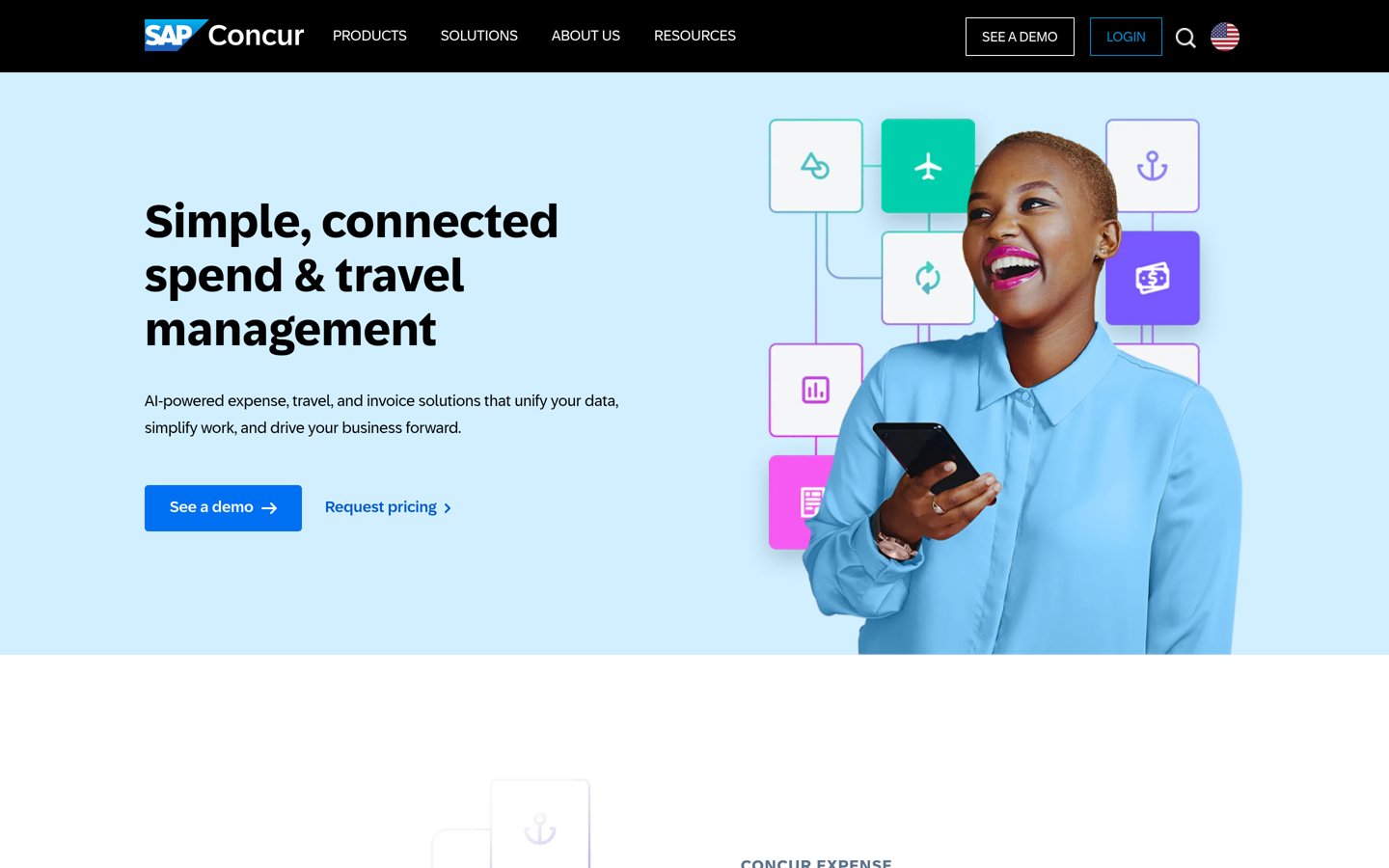
SAP Concur homepage, captured Nov 2026.
SAP Concur is the enterprise standard for expense, travel and invoice management, with deep SAP and ERP hooks, audit tools and policy enforcement. Its Base plan runs about $7 per report on usage-based billing, and full pricing comes by quote after a demo.
The trade off is cost and complexity. Concur needs a sales conversation and a longer rollout than the self-serve tools here, and its 4.0 G2 rating is the lowest in this list. It suits large firms that need audit-grade controls and already run SAP.
Start with the receipt flow. Snap a receipt, watch it categorize itself and confirm the approval chain pays out in days, because a slow flow is the top reason teams abandon these tools.
Check the card model. Free virtual cards with budget limits suit most teams, while physical cards and travel booking matter more for road warriors.
Price the whole stack before you compare. Platform fees, per-report charges and paid AP modules can turn a free headline into a monthly bill, so ask for the full total.
How we chose
We started from the expense tools with the most G2 reviews and the clearest organizing features, then kept the nine with published prices or vendor-supplied rates and a real expense product.
Prices come from each vendor's pricing page or vendor-supplied G2 data, checked on 30 November 2026. Ratings and review counts come from G2 on the same day. Where a vendor shows a sale, the list shows the regular price.
We left out tools with no aggregator rating and tools that only sell invoicing without expenses. No vendor paid for a place, and we do not claim hands-on testing for this list.
How to choose software for organizing business expenses
Start with how receipts arrive, then match the pricing model to your team size.
Count who expenses. A team of 5 can live on free plans from Ramp, Brex or Navan, while a team of 50 should price per-user plans against usage-based billing like SAP Concur.
Test the receipt flow. Snap a receipt on the mobile app, check the OCR result and confirm the approval chain before you commit to a paid plan.
Check the accounting sync. Confirm approved expenses post to QuickBooks, Xero or NetSuite without retyping, and ask whether the sync is two-way.
Price the whole stack. Add platform fees, per-report charges and paid AP modules before you compare. A free headline can hide a monthly bill.
FAQ
What is the best software for organizing business expenses?
Ramp is the best software for organizing business expenses for most teams. Its free plan covers unlimited cards, expenses and bill pay with real-time approvals, and it holds a 4.8 out of 5 G2 rating across 2,540 reviews.
How much does expense software cost?
Entry prices in this list run from free on Ramp, Brex and BILL to $3 a user a month for Zoho Expense and $15 a user a month for Navan. SAP Concur charges about $7 per report on usage-based billing, so always price the full stack.
Is there a free tool for organizing business expenses?
Yes. Ramp, Brex and BILL Spend & Expense all offer free expense management with corporate cards. Navan is free for the first 5 monthly expensing users, and Zoho Expense is free for up to 3 users.
Which expense tool is best for travel?
Navan is the best pick for travel because booking, corporate cards and expense reports live in one app. Rydoo is the best for international teams, with a global per-diem database and multi-currency expenses.
Ramp vs Brex: which is better for organizing expenses?
Ramp is better for teams that want free expense management with 1.5% cash back and AI automation. Brex is better for startups that want dynamic card limits tied to budgets and a free Essentials plan.
Do these tools sync with QuickBooks or Xero?
Yes. Ramp, Brex, Expensify, Fyle, Zoho Expense and BILL all sync approved expenses to QuickBooks, Xero or NetSuite. Check whether the sync is two-way and which fields transfer before you buy.
SaaS SEO and WordPress specialist with about 8 years of experience. Rakib compares WordPress plugins, themes, hosting and software using public pricing, documentation and user reviews. See how we rank.