Best Expense Management Software for Small Business in 2026: 9 Tools Compared
WLWPLegible EditorsLast verified 23 Nov 2026How we rank8 min read
★ Short answer
Ramp is the best expense management software for most small businesses: its free plan includes unlimited corporate cards, receipt matching and bill pay, and it is rated 4.8 out of 5 on G2. Pick Brex for a free startup stack with banking, or Expensify at $5 per member a month if you want to keep your own cards.
How we make this list: we compare pricing pages, product documentation and public user reviews, then re-check every price before each update. No product paid for a place. Disclosure.
Ramp and Brex both run a full spend platform free: unlimited cards, expenses and bill pay for $0 per user.
Expensify Collect at $5 per member a month is the cheapest way to automate receipts without switching cards.
Zoho Expense is the lowest paid price at $3 per user a month billed annually, with a free plan for up to 3 users.
BILL Spend & Expense is free too, but only with BILL cards and credit approval.
Navan is free for travel and the first 5 expense users, then $15 per user a month, so it fits travel-heavy teams best.
What small businesses should look for
Small businesses usually pay for expenses twice: once in staff time chasing receipts, and once in software fees. The tools in this list cut the first cost, and several cut the second to zero by earning on card use instead of subscriptions.
The split that matters is card-first versus report-first. Ramp, Brex, BILL and Pleo issue corporate cards and control spend before it happens. Expensify, Zoho Expense, Sage Expense Management and Emburse Spend capture and reimburse spending after the fact, and work with the cards you already have.
Watch the minimums, not just the per-user price. Emburse Spend bills at least 15 users a month, Sage Expense Management at least 5, and Ramp Plus adds a platform fee it does not publish. Set the budget first: our guide to budgeting for a WordPress website shows how to weigh fixed software costs before you commit.
Free plans are real here, but they are not all the same. Ramp and Brex include cards and bill pay free, while Zoho Expense and Pleo cap their free tiers at 3 users. Check what the free plan leaves out before you move the team onto it.
The 9 best expense management software for small business
01
Ramp
4.8/5on G2 (2,578 reviews, checked Nov 2026)
Paid from$15/mo
Best free spend platform overall
Free planYes, $0/user/mo
Cheapest paid planPlus, $15/user/mo
Corporate cardsUnlimited, virtual + physical
Accounting syncQuickBooks Online, Xero
ramp.com
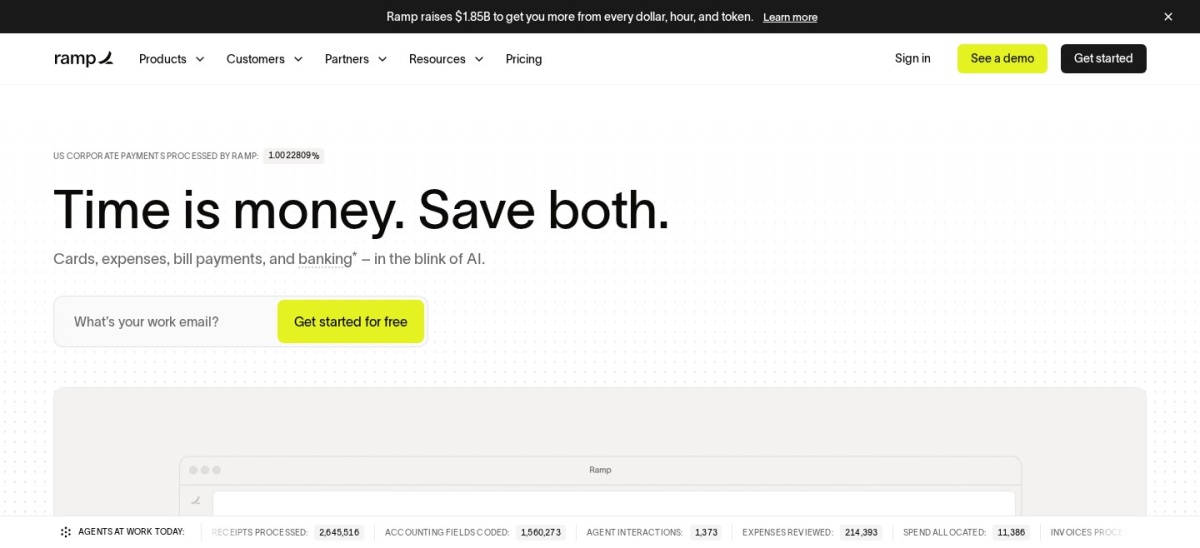
Ramp homepage, captured Nov 2026.
Ramp is a spend platform built around corporate cards, expense management, bill pay and travel in one place. The free plan includes unlimited physical and virtual cards, automatic receipt collection and matching, and sync with QuickBooks Online and Xero at $0 per user per month.
The trade off is the paid tier. Plus costs $15 per user per month and adds a platform fee based on team size that Ramp does not publish, so the real cost is higher than the headline rate. It suits small teams that want cards and expenses free and can live with QuickBooks or Xero.
What we like
Full spend platform free, including unlimited cards
Automatic receipt matching and policy checks
Syncs with QuickBooks Online and Xero at no cost
Expenses can be filed by SMS or Slack
Watch out for
Plus adds an unpublished platform fee on top of $15/user/mo
NetSuite and Sage Intacct need the Plus plan
You must switch to Ramp cards to get the value
Plus adds NetSuite, Sage Intacct and multi-entity supportVisit ramp.com
02
Brex
4.8/5on G2 (1,637 reviews, checked Nov 2026)
Paid from$12/mo
Best for startups wanting cards and banking
Free planYes, Essentials $0
Cheapest paid planPremium, $12/user/mo
Corporate cardsAccepted in 210+ countries
Accounting syncQuickBooks, Xero, NetSuite
brex.com
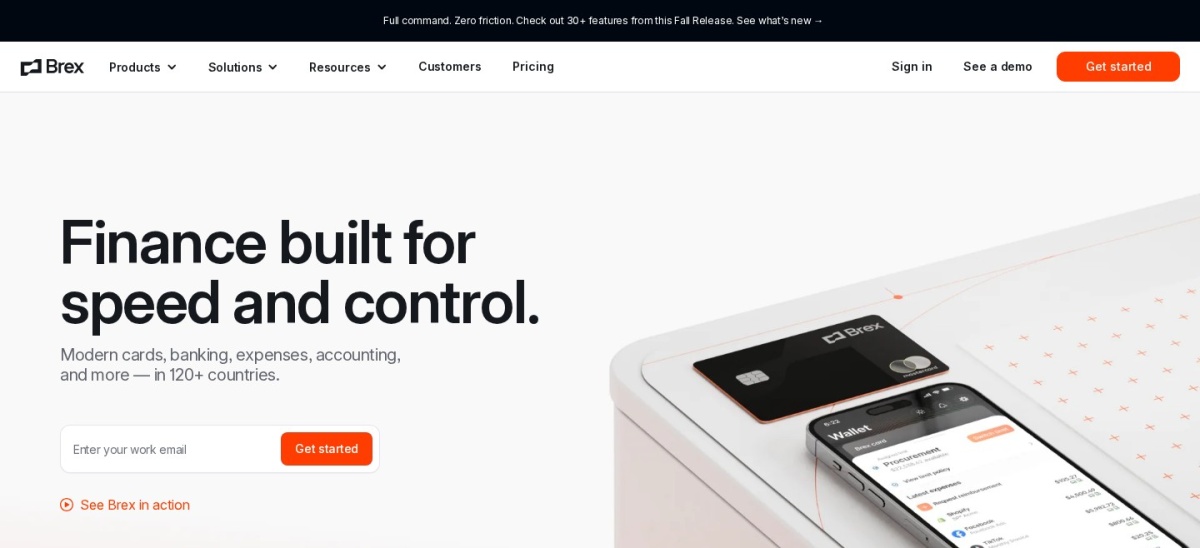
Brex homepage, captured Nov 2026.
Brex is a corporate card and spend platform that combines cards, business banking, expense management, bill pay and travel booking. The free Essentials plan includes global cards, reimbursements, accounting integrations and travel booking, with support for up to two entities.
The trade off is approval. Brex underwrites accounts on cash balance, and some small businesses report difficulty getting approved or keeping an account open. Premium costs $12 per user per month and adds multi-entity support and live budgets. It suits startups that qualify and want cards, banking and expenses in one place.
What we like
Free Essentials plan covers cards, bill pay and travel
Cards work in 210+ countries with local currency
AI rules check spend before it happens
Watch out for
Account approval can be hard for small businesses
Premium is $12 per user per month for multi-entity controls
Now owned by Capital One, so the roadmap may change
Premium adds multiple policies, live budgets and ERP integrationsVisit brex.com
03
Expensify
4.5/5on G2 (5,664 reviews, checked Nov 2026)
Paid from$5/mo
Best for classic expense reports
Free planYes, Submit
Cheapest paid planCollect, $5/member/mo
Receipt captureUnlimited SmartScan
Accounting syncQuickBooks Online, Xero
expensify.com
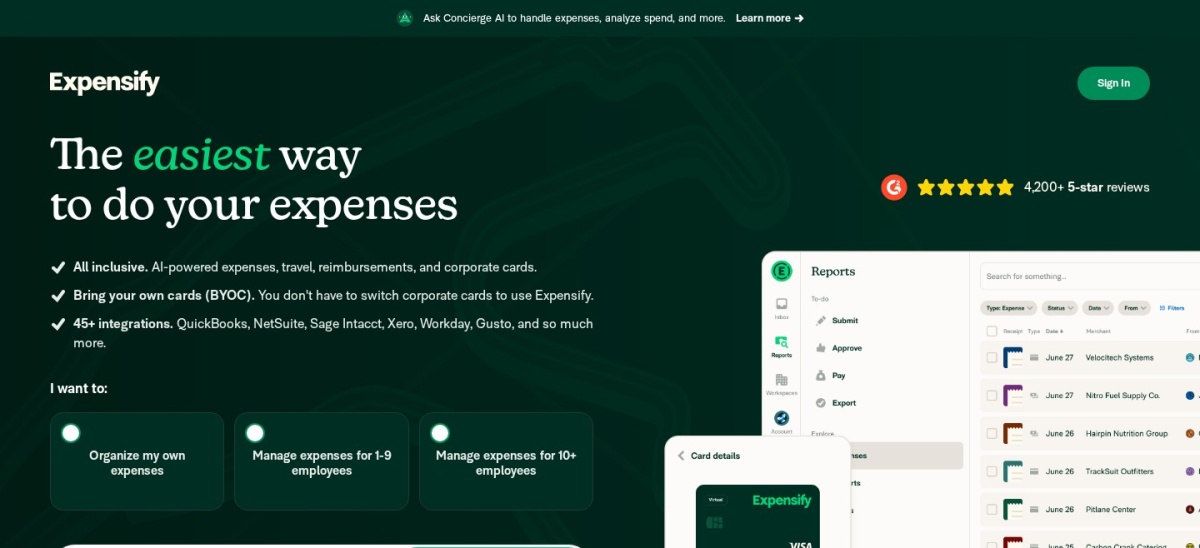
Expensify homepage, captured Nov 2026.
Expensify is the classic expense report tool: employees scan receipts with SmartScan, the data is extracted, and reports route for approval. Collect costs $5 per unique member per month on pay-per-use billing and adds ACH reimbursements, corporate card management and sync with QuickBooks Online and Xero.
The trade off is the billing model. Collect bills per unique member while Control bills per active member, and Control costs $18 per member per month on an annual plan, so costs rise fast as the team grows. It suits teams that keep their own bank cards and want simple receipt-first expense reports.
What we like
SmartScan receipt capture is fast and reliable
Collect bills per unique member, not per seat
Works with the cards you already have
Large user base, so help is easy to find
Watch out for
Control pricing is complex and partly quote-based
Per-member costs add up on larger teams
No card requirement, so pre-spend control is weaker
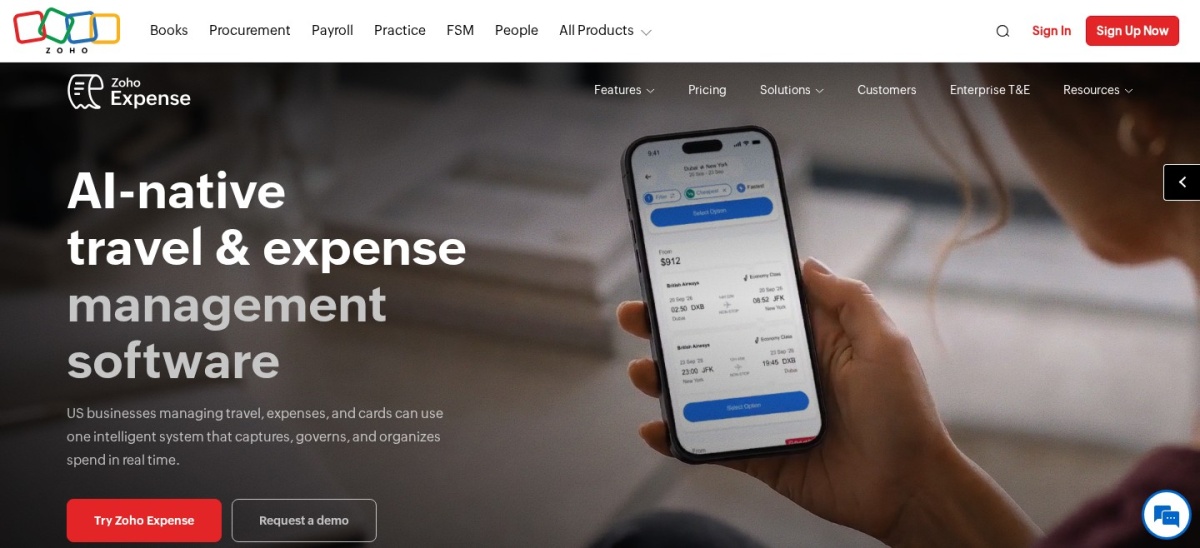
Zoho Expense is a standalone expense and travel tool that works without a card switch. The free plan covers up to 3 users with receipt capture, GPS mileage, multi-currency expenses and 5 GB of receipt storage. Standard costs $3 per user per month billed annually and adds corporate card reconciliation and multi-level approvals.
The trade off is metering. AI receipt scans are capped per user per month, and extra users who file expenses are billed at the monthly rate rather than the annual rate. It suits very small teams and Zoho users who want the lowest paid price in this list.
What we like
Lowest paid price in this list at $3 per user per month
Free plan for up to 3 users
Multi-currency expenses and GPS mileage included
Works with the cards you already have
Watch out for
Receipt scans are capped per user per month
It issues no cards, so policy checks happen after spending
Monthly-billed rate is $4, not $3
Premium adds travel booking and per diem automationVisit zoho.com
05
BILL Spend & Expense
4.5/5on G2 (2,261 reviews, checked Nov 2026)
PriceFree
Best free card-based budgeting
Free planYes, $0/user/mo
Cheapest paid planSpend & Expense, $0
Corporate cardsBILL Divvy Card
Accounting syncQuickBooks, NetSuite, Xero
bill.com
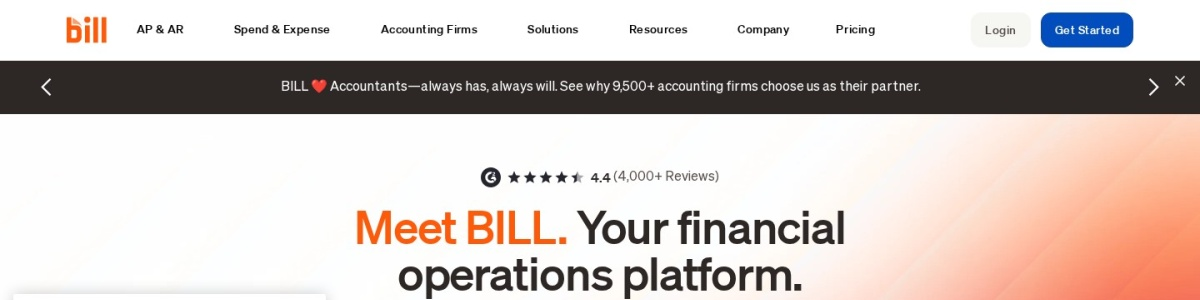
BILL Spend & Expense homepage, captured Nov 2026.
BILL Spend & Expense is the free expense platform built around the BILL Divvy Card. It gives teams corporate cards with budgets, real-time tracking, AI receipt matching and reimbursements for $0 per user per month, with credit lines from $1,000 to $5 million subject to approval.
The trade off is the card. You must use BILL cards and pay balances under the card terms to keep the software free, and reimbursement and support limits show up in reviews. It suits small businesses that want budget control on every card before money is spent.
What we like
Free software with no per-user fee
Budgets with spend controls on every card
AI receipt matching and real-time tracking
Deep sync with QuickBooks, NetSuite and Xero
Watch out for
Requires BILL cards and credit approval
Reimbursement workflows are thinner than Expensify
Support quality is a common complaint in reviews
Paid BILL products for AP and AR are separate subscriptionsVisit bill.com
06
Navan
4.7/5on G2 (9,298 reviews, checked Nov 2026)
Paid from$15/mo
Best for travel plus expenses
Free planYes, travel + 5 expense users
Cheapest paid planExpense, $15/user/mo
Travel bookingFree, up to 300 employees
Accounting syncNetSuite, QuickBooks, Xero
navan.com
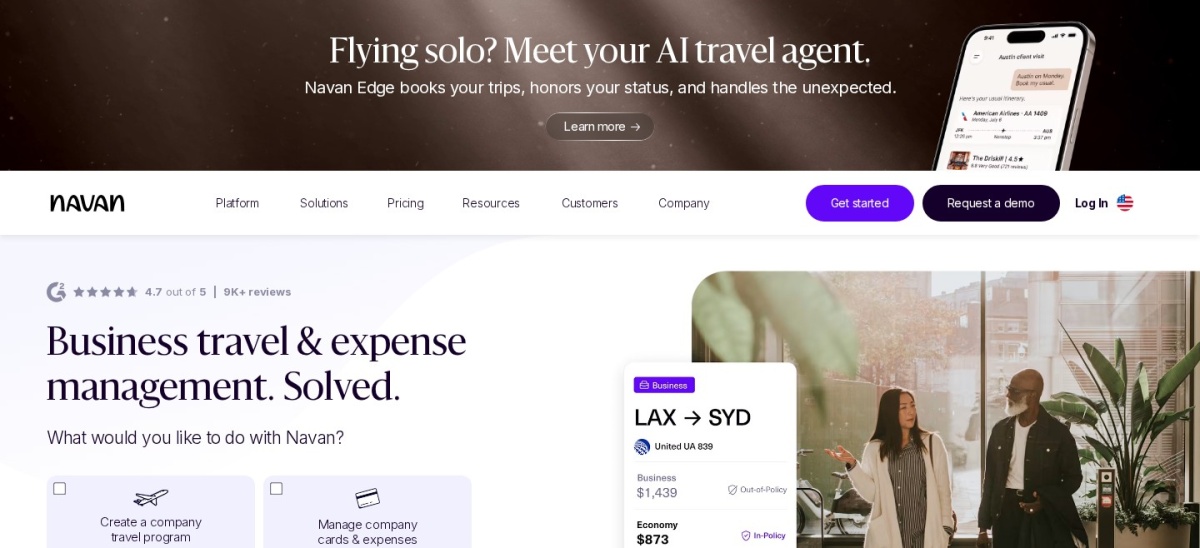
Navan homepage, captured Nov 2026.
Navan is a travel and expense platform that books flights, hotels and cars inside the same system that expenses them. Travel booking is free for companies with up to 300 employees, and expense management is free for the first 5 monthly expensing users, then $15 per user per month.
The trade off is focus. The $15 expense rate only makes sense if the team travels often, and larger companies over 300 employees get a quote instead of a published price. It suits travel-heavy small businesses that want booking, cards and expenses in one app.
What we like
Travel booking free for companies up to 300 employees
Trips and expenses stay linked in one app
Works with existing Visa, Mastercard and Amex cards
Reimbursements in 45 countries and 25 currencies
Watch out for
Expense costs $15 per user after the first 5 free users
No published price for companies over 300 employees
Weak value for teams that rarely travel
Enterprise adds unlimited users and a named account managerVisit navan.com
07
Sage Expense Management
4.6/5on G2 (1,823 reviews, checked Nov 2026)
Starts at$11.99/mo
Best for keeping your current cards
Free planNo
Cheapest paid planGrowth, $11.99/user/mo
Card switch neededNo, uses existing cards
Accounting syncQuickBooks, Xero, NetSuite
fylehq.com
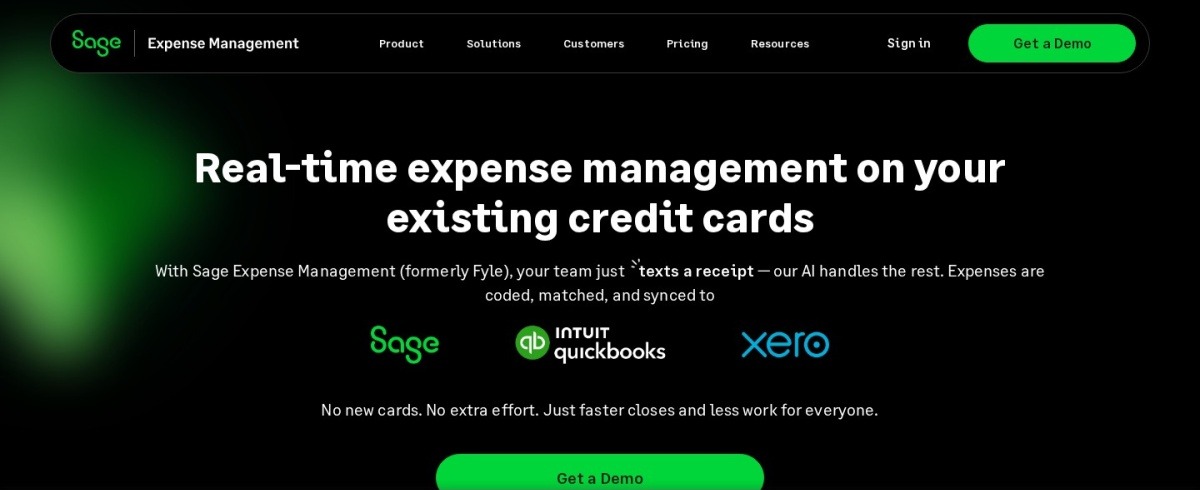
Sage Expense Management homepage, captured Nov 2026.
Sage Expense Management is the expense tool for teams that want to keep their bank cards. It pulls in real-time card feeds, lets staff text a receipt, and codes, matches and syncs each expense to QuickBooks, Xero or Sage. Growth costs $11.99 per active user per month billed annually, with a 5-user minimum.
The trade off is the floor. A 5-person team pays for 5 users even if only 3 people file expenses, and ACH reimbursements and multi-entity support need the $14.99 Business plan. It suits small businesses that like their cards and want clean accounting sync.
What we like
No card switch: works with cards you already have
Bills only for active users each month
Real-time card feeds with AI coding
Strong sync with QuickBooks, Xero and Sage
Watch out for
5-user minimum means small teams overpay
No free plan
Business plan needed for ACH and multi-entity
Business adds ACH reimbursements and multi-entity supportVisit fylehq.com
08
Emburse Spend
4.5/5on G2 (1,129 reviews, checked Nov 2026)
Starts at$7/mo
Best for card expenses without switching
Free planNo, 30-day trial
Cheapest paid planBasic, $7/user/mo annual
Receipt captureYes, with approvals
Accounting syncQuickBooks Online, Xero
emburse.com
Emburse Spend homepage, captured Nov 2026.
Emburse Spend is the small-business expense tool from Emburse, built for card expenses and employee reimbursements. Basic costs $7 per user per month billed annually and includes corporate cards, receipt capture, approvals and 50 ACH reimbursements a month. It works with the cards a team already has.
The trade off is the minimum. Monthly billing charges for at least 15 users at $8 each, and annual billing needs 20 users, so a 5-person team pays $120 a month at minimum. It suits small teams of 15 or more that want policy control without changing cards.
What we like
Clear published pricing with no quote needed
Works with existing cards, including Amex virtual cards
Pleo is a spend platform that issues smart Mastercard company cards with limits, receipt capture and reimbursements in one app. The free Starter tier covers up to 3 users, and Build costs $14 per user per month billed annually with a 3-user minimum. It serves more than 40,000 companies.
The trade off is pricing by market. Pleo lists prices in pounds on its UK page and in dollars on its US page, and extra fees apply to payments, foreign exchange and some reimbursements. It suits small teams that want simple cards and spend controls with multi-currency support.
What we like
Free Starter tier for up to 3 users
Smart cards with limits and instant receipt capture
Multi-currency cards and spending
High ease-of-use scores in reviews
Watch out for
Paid plans need at least 3 users
Extra fees for payments, FX and some reimbursements
US coverage is thinner than its European base
Optimise adds budgets, HRIS sync and AI expense reviewVisit pleo.io
Free vs paid: what you give up
Free plans in this list cover the core job: cards, receipt capture, approvals and accounting sync.
Paid plans mostly add depth. You get NetSuite and Sage Intacct sync, multi-entity support, live budgets and advanced approvals.
The exception is the report-first tools. Expensify Collect at $5 and Zoho Standard at $3 are cheap because they skip the card, so a team that wants pre-spend control still needs a card platform.
If the team is under 10 people, start free. Ramp, Brex or BILL cover the basics at $0, and only Zoho Expense or Expensify charge a small per-user fee without a card switch.
How we chose
We started from the expense tools most often recommended for small businesses, then kept 9 with a published price and a real free or low-cost entry point. Enterprise-only tools with quote-only pricing were left out.
Prices come from each vendor's pricing page, checked on 23 November 2026. Ratings and review counts come from G2 on the same day. Where a vendor shows a sale or a card discount, the list shows the regular price.
We left out tools that only publish prices in other currencies without a US dollar price, and tools aimed at large enterprises. No vendor paid for a place, and we do not claim hands-on testing for this list.
How to choose expense management software for a small business
Start with how your team pays today, then match the tool to that habit.
Decide card-first or report-first. If you want to stop out-of-policy spend before it happens, pick a card issuer such as Ramp, Brex or BILL. If you want to keep your bank cards, pick Expensify, Zoho Expense, Sage Expense Management or Emburse Spend.
Count the people who file expenses, not the payroll. Most tools bill per active user, and several set minimums. Emburse Spend bills at least 15 users, so a 5-person team pays $120 a month before anyone files a claim.
Check the accounting sync you need. QuickBooks Online and Xero work on free plans almost everywhere. NetSuite and Sage Intacct usually need a paid tier, such as Ramp Plus or Emburse Spend Plus.
Run the free plan with real expenses first. Put one month of real receipts through the free tier and check the close. If approvals, coding and sync work, the paid tier is an easy call.
FAQ
What is the best expense management software for a small business?
Ramp is the best pick for most small businesses. Its free plan includes unlimited corporate cards, expense management, bill pay and receipt matching, and it is rated 4.8 out of 5 from more than 2,500 G2 reviews.
Is there really free expense management software?
Yes. Ramp, Brex and BILL Spend & Expense all run full expense platforms for $0 per user, funded by card use. Zoho Expense and Pleo also have free tiers, but Zoho Expense caps its free plan at 3 users.
How much does expense management software cost?
Paid plans in this list run from $3 per user a month for Zoho Expense Standard to $15 for Ramp Plus and Navan Expense. Free plans cover the basics for Ramp, Brex and BILL, so many small teams pay nothing for the software itself.
Do I need to switch corporate cards?
Not always. Expensify, Zoho Expense, Sage Expense Management and Emburse Spend work with the cards you already have. Ramp, Brex, BILL and Pleo issue their own cards, and most of their value comes from using them.
What is the cheapest expense software for a small team?
Zoho Expense is the cheapest paid option at $3 per user a month billed annually, and its free plan covers up to 3 users. For a team that wants cards too, Ramp and Brex cost $0 per user on their free plans.
Does expense software work with QuickBooks?
Yes. Every tool in this list syncs with QuickBooks Online, and most also sync with Xero. NetSuite and Sage Intacct usually need a paid plan, so check the tier before you buy.