Best Expense Software for Small Business in 2026: 8 Tools Compared
WLWPLegible EditorsLast verified 23 Nov 2026How we rank7 min read
★ Short answer
Ramp is the best expense software for most small businesses: its free plan covers corporate cards, receipt matching and bill pay, and it holds a 4.8 out of 5 G2 rating. Pick Zoho Expense for the cheapest paid plan at $3 a user a month, or Expensify for fast receipt scanning.
How we make this list: we compare pricing pages, product documentation and public user reviews, then re-check every price before each update. No product paid for a place. Disclosure.
Ramp and Brex both start free, and Ramp's free plan already covers cards, expenses and bill pay.
Zoho Expense is the cheapest paid plan in this list at $3 a user a month billed annually.
Expensify's Collect plan costs $5 a member a month and includes unlimited SmartScan receipt capture.
BILL Spend & Expense charges $0 a user a month for cards, budgets and expense tracking.
SAP Concur is the only tool here built mainly for large companies, with usage-based pricing from $7 a month.
What small business expense software should cover
Small teams lose hours to receipts in drawers and spreadsheets that never match the bank statement. Expense software closes that gap by capturing receipts, matching them to card charges and sending each claim through approvals.
The core features are receipt capture, approval rules, reimbursements and a sync to your accounting software. If the export to your books needs manual fixes every month, the tool is not saving time.
Card-led tools such as Ramp, Brex and BILL bundle the card with the software, so the software fee is often $0. If you only need claims and reimbursements, a per-user tool such as Zoho Expense or Expensify costs less and skips the card application.
Watch the billing unit. Some tools charge per user, some per active user who submits an expense, and Concur charges by usage. A $5 headline price can cost more than a $12 one once every seat is counted.
The 8 best expense software tools for small business
01
Ramp
4.8/5on G2 (2,495 reviews, checked Nov 2026)
Paid from$15/mo
Best expense software overall
Free planYes, $0/user/mo
Cheapest paid planPlus, $15/user/mo
Receipt captureAuto-match + SMS
Accounting syncQuickBooks, Xero
ramp.com
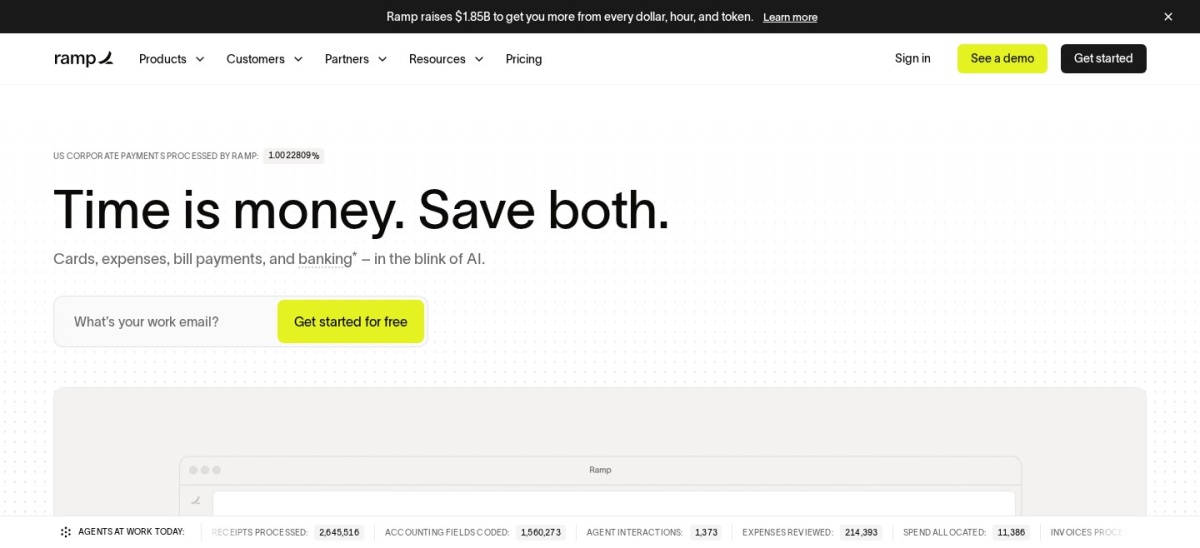
Ramp homepage, captured Nov 2026.
Ramp is a spend platform built around a corporate charge card, with expense management, bill pay and travel booking in one place. The free plan includes unlimited physical and virtual cards, automatic receipt collection and matching, approvals and integrations with QuickBooks Online and Xero.
The trade off is the Plus price. Plus costs $15 a user a month, plus a platform fee based on team size that Ramp does not publish, so the $180 a year seat cost is a floor, not a quote. It suits small teams on QuickBooks or Xero that want cards and expenses free, and larger teams that need NetSuite or Sage Intacct.
What we like
Free plan covers cards, expenses and bill pay
Rated 4.8 out of 5 on G2 from 2,495 reviews
Unlimited virtual and physical cards
30-day free trial of Plus
Watch out for
Plus platform fee is not published
NetSuite and Sage Intacct need the paid plan
Bill pay carries per-payment fees unless paid from a Ramp account
Plus adds AI expense review, multi-entity support and NetSuiteVisit ramp.com
02
Brex
4.8/5on G2 (1,637 reviews, checked Nov 2026)
Paid from$12/mo
Best free plan for growing teams
Free planEssentials, $0/user/mo
Cheapest paid planPremium, $12/user/mo
Card acceptance210+ countries
Accounting syncQuickBooks, Xero
brex.com
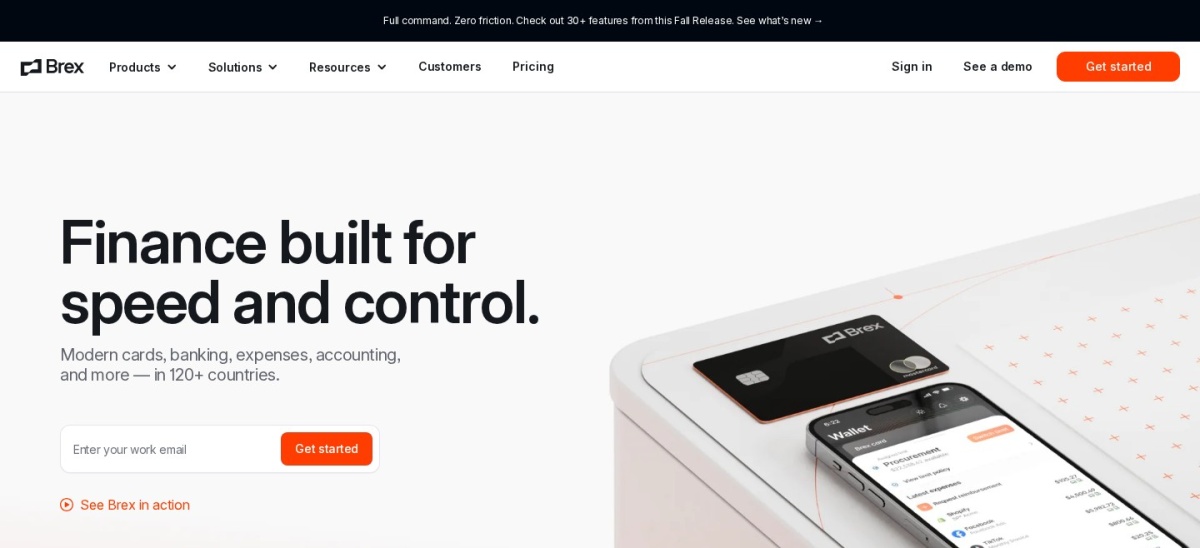
Brex homepage, captured Nov 2026.
Brex is a corporate card and spend platform whose free Essentials plan covers global cards, bill pay, reimbursements, travel booking and accounting integrations. Cards work in more than 210 countries and territories, and Essentials already includes AI-powered custom spend rules and up to two entities.
The trade off is control depth. Multiple expense policies, live budgets, multi-entity support and ERP integrations sit in Premium at $12 a user a month, so a team that outgrows two entities pays per seat. It suits startups and growing teams that want a free global card with room to scale.
What we like
Essentials is free with global cards and bill pay
Rated 4.8 out of 5 on G2 from 1,637 reviews
Cards accepted in 210+ countries
AI spend rules on the free plan
Watch out for
Premium is billed per active user
No published price for Enterprise
Some products carry fees that Brex does not list
Premium adds multi-entity support, ERP integrations and live budgetsVisit brex.com
03
Zoho Expense
4.5/5on G2 (1,609 reviews, checked Nov 2026)
Paid from$3/mo
Best value for small teams
Free planYes, up to 3 users
Cheapest paid planStandard, $3/user/mo
Receipt scans20 per user/mo free
Accounting syncZoho Books, QuickBooks, Xero
zoho.com
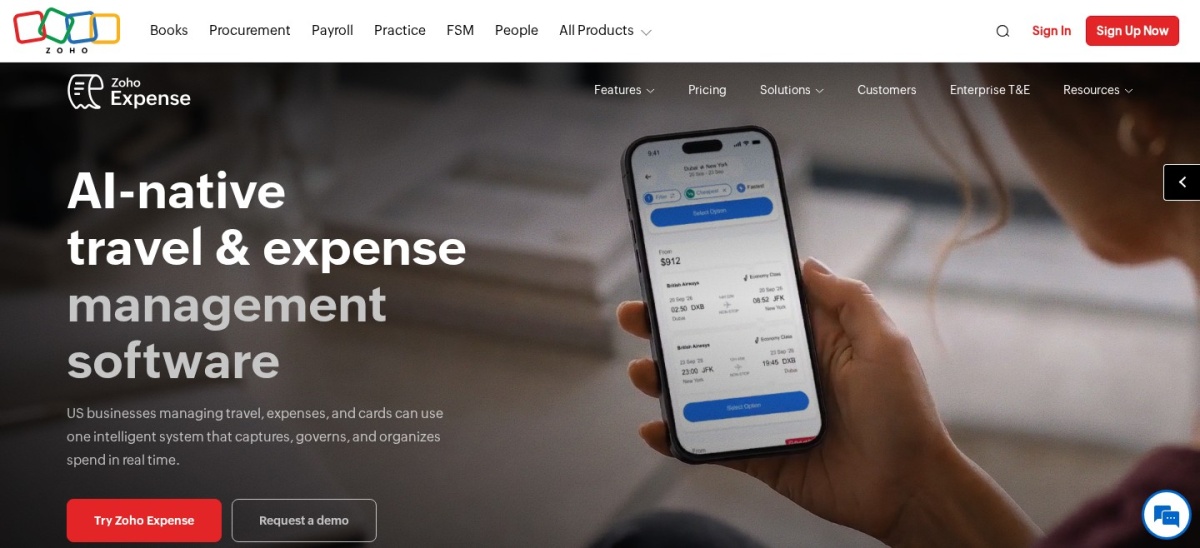
Zoho Expense homepage, captured Nov 2026.
Zoho Expense is a low-cost expense tool with a free plan for up to 3 users, 20 AI receipt scans per user a month and 5 GB of receipt storage. Paid plans start at $3 a user a month billed annually, and only users who create expenses are billed, which keeps the cost low for small teams.
The trade off is scale. The free plan caps at 3 users, and travel requests, per diem automation and advanced approvals need Premium at $5 a user a month billed annually. It suits small businesses that want simple expense tracking at the lowest paid price in this list.
What we like
Lowest paid price in this list
Free plan for up to 3 users
Only expense creators are billed
Mileage tracking and multicurrency expenses
Watch out for
Free plan limited to 3 users
Travel features need the Premium plan
Free autoscan limit pushes heavy users to paid
Premium adds travel requests, per diem and advanced approvalsVisit zoho.com
04
Expensify
4.5/5on G2 (5,700 reviews, checked Nov 2026)
Paid from$5/mo
Best for fast receipt scanning
Free planSubmit, free
Cheapest paid planCollect, $5/member/mo
Receipt scansUnlimited SmartScan
Accounting syncQuickBooks Online, Xero
expensify.com
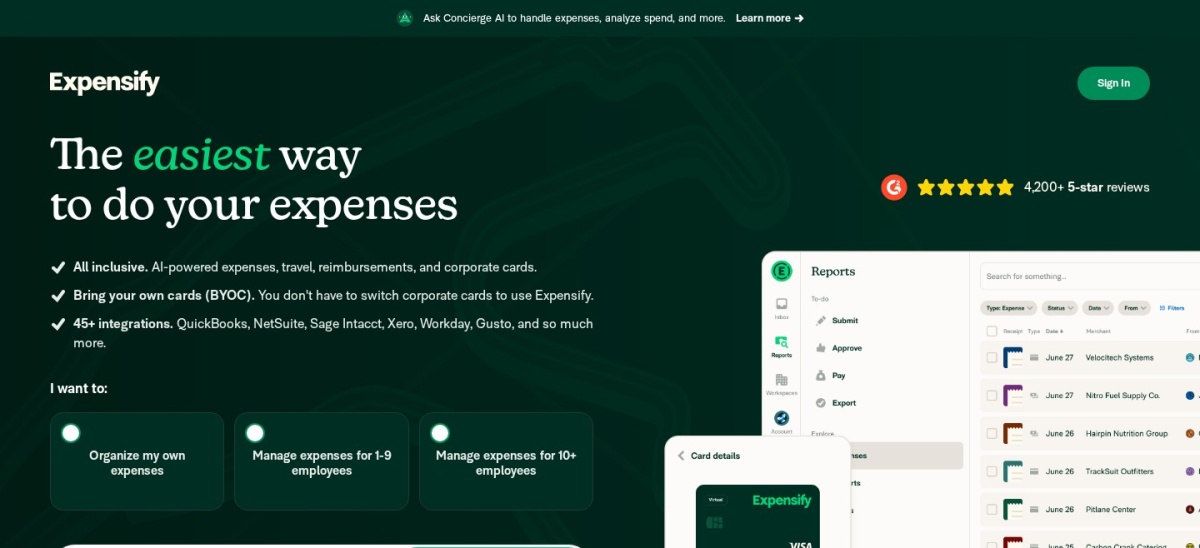
Expensify homepage, captured Nov 2026.
Expensify is a receipt-first expense tool built around SmartScan, which reads merchant, date, amount and category from a photo of a receipt. The Collect plan costs $5 a member a month, includes unlimited SmartScans, ACH reimbursement and Expensify Cards, and syncs with QuickBooks Online and Xero.
The trade off is the Control tier. Control starts at $9 an active member a month with the Expensify Card discount, and $18 without it, so the headline $9 is a floor, not the standard rate. It suits small teams that submit lots of receipts and want to pay only for members who expense.
What we like
Largest review base in this list, 5,700 G2 reviews
Unlimited SmartScans on Collect
Only active members are billed
Free Submit plan for light use
Watch out for
Control pricing depends on card use
G2 currently shows a 50% off 6 months offer, not the regular price
NetSuite and Sage Intacct need Control
Control adds NetSuite, Sage Intacct and multi-approver workflowsVisit expensify.com
05
BILL Spend & Expense
4.5/5on G2 (2,261 reviews, checked Nov 2026)
PriceFree
Best free cards and budgets
Free planYes, $0/user/mo
Cheapest paid planSpend & Expense, $0
RewardsYes, on card spend
Accounting syncQuickBooks, NetSuite, Xero
bill.com
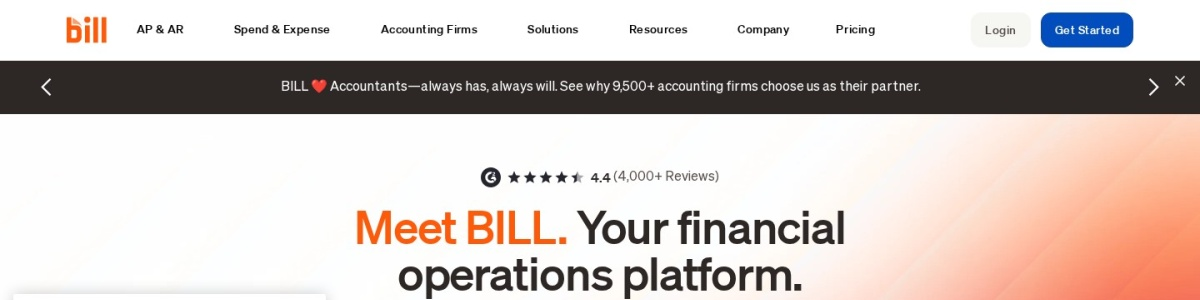
BILL Spend & Expense homepage, captured Nov 2026.
BILL Spend & Expense is the free card and expense tool from BILL, formerly Divvy. It combines corporate cards, budgets, expense tracking, reimbursements and rewards at $0 a user a month, and syncs with QuickBooks Online, QuickBooks Desktop, NetSuite, Xero and Sage Intacct.
The trade off is flexibility. Balances are paid in full each month, and reviewers report limits on integrations, approval rules and support. It suits small businesses that want cards and budget controls with no software subscription at all.
What we like
$0 a user a month, no subscription
Cards, budgets and reimbursements in one place
Syncs with five major accounting tools
Rewards on card spend
Watch out for
Balances must be paid in full each month
Reviewers cite integration and support issues
Fewer approval controls than paid rivals
BILL AP/AR is a separate paid product for invoicesVisit bill.com
06
Navan
4.7/5on G2 (9,298 reviews, checked Nov 2026)
Paid from$15/mo
Best for travel-heavy teams
Free planBusiness, up to 300 staff
Expense price$15/user/mo after 5 users
Travel bookingFree, no trip limit
Support24/7 travel support
navan.com
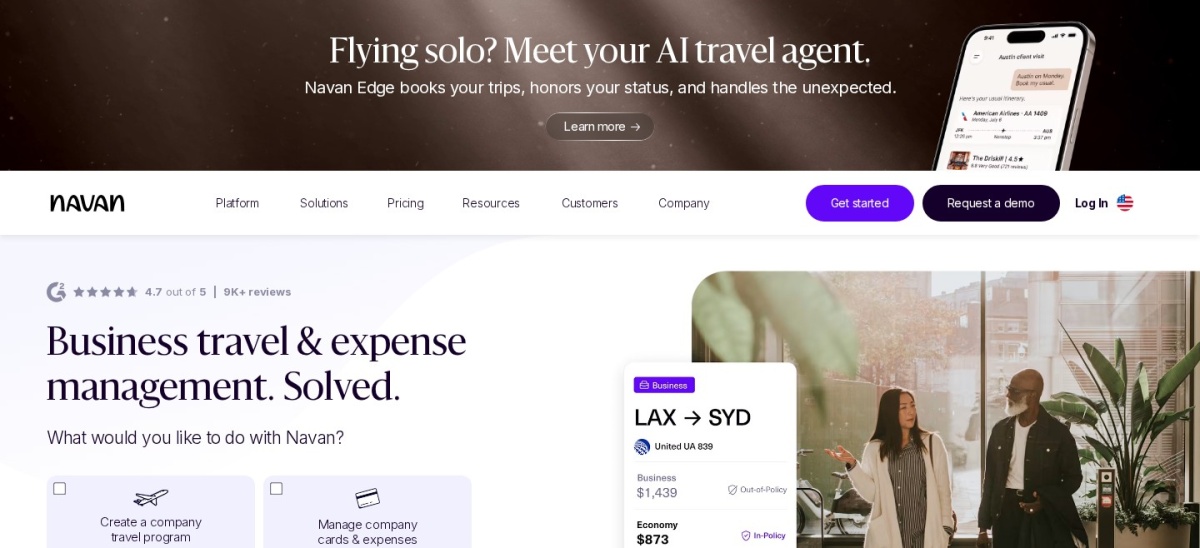
Navan homepage, captured Nov 2026.
Navan is a travel and expense platform that pairs free travel booking with cards, expense management and reimbursements. Navan Business is free for companies of up to 300 employees, and expense management is free for the first 5 monthly expensing users, then $15 a user a month.
The trade off is focus. Travel is the core product, so teams that rarely travel pay for an expense tool wrapped in a travel platform, and Enterprise pricing is by quote. It suits small teams whose largest spend is travel and who want booking and expenses in one place.
What we like
Travel booking free for up to 300 employees
Expense free for the first 5 users
Rated 4.7 out of 5 on G2 from 9,298 reviews
24/7 travel support agents
Watch out for
Expense costs $15 a user a month after 5 users
Travel-first, so light travellers get less value
Enterprise pricing is by quote only
Enterprise adds unlimited travellers and a dedicated account teamVisit navan.com
07
Fyle
4.6/5on G2 (1,821 reviews, checked Nov 2026)
Starts at$11.99/mo
Best for keeping your own cards
Free planNo
Cheapest paid planGrowth, $11.99/user/mo
Card feedsVisa, Mastercard, Amex
Minimum users5 on Growth
fylehq.com
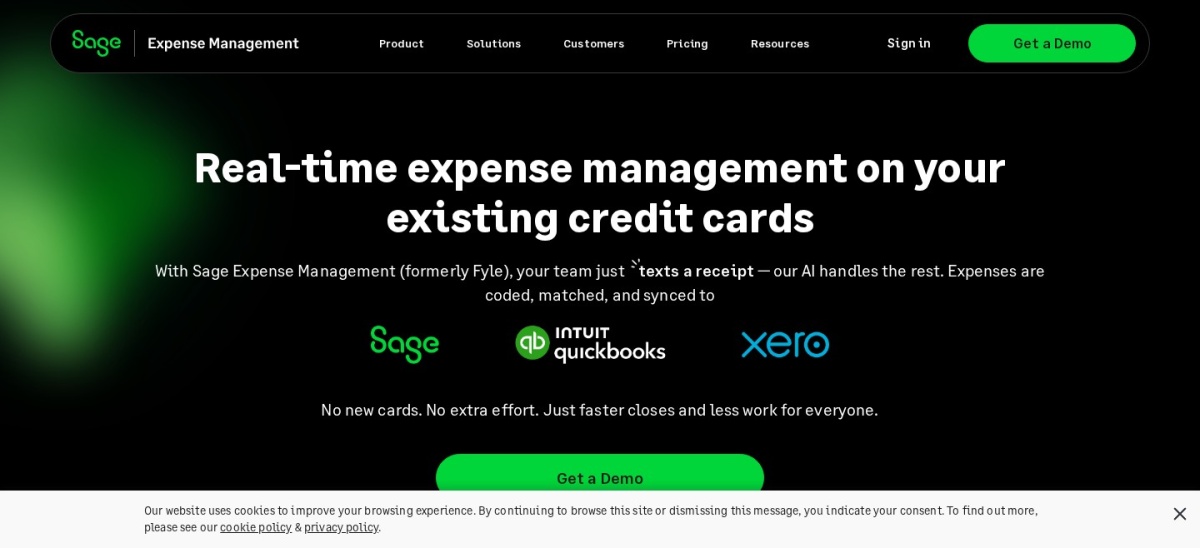
Fyle homepage, captured Nov 2026.
Fyle is an expense platform, now sold as Sage Expense Management, that works with the Visa, Mastercard and Amex cards a team already has, so no card switch is needed. Real-time card feeds capture transactions as they happen, and staff can submit a receipt by texting a photo, with AI extracting the details.
The trade off is the entry cost. Growth costs $11.99 an active user a month billed annually, with a 5-user minimum, so the smallest teams pay for seats they may not use. It suits teams that like their current cards and want expense automation without changing banks.
What we like
No card switch needed
Only active users are billed
Rated 4.6 out of 5 on G2 from 1,821 reviews
Receipts by text photo with AI extraction
Watch out for
No free plan
5-user minimum on Growth
Business plan needs 10 users minimum
Business adds advanced approvals at $14.99 a user a monthVisit fylehq.com
08
SAP Concur
4/5on G2 (7,183 reviews, checked Nov 2026)
Starts at$7/mo
Best for large-company controls
Free planNo
Cheapest paid planBase, $7 usage-based/mo
Travel bookingYes, built in
ERP integrationsSAP, NetSuite, others
concur.com
SAP Concur homepage, captured Nov 2026.
SAP Concur is the long-established travel and expense system from SAP, combining expense reports, travel booking and invoice tools in one platform. The Base plan costs $7 usage-based a month, aimed at smaller businesses with basic expense reporting needs, and it holds the largest review base in this list at 7,183 G2 reviews.
The trade off is weight. Concur is built for enterprise rollouts, so small teams face a longer setup, a dated interface and extra fees for advanced features, and its 4.0 G2 rating is the lowest in this list. It suits growing companies that already run SAP and want one system for travel, expenses and invoices.
Five tools in this list start free, and three of them — Ramp, Brex and BILL — give away the card platform itself. Free plans cover cards, receipt capture, approvals and basic accounting syncs.
Paid plans mostly add control: more entities, ERP integrations, live budgets and advanced approvals. Ramp Plus, Brex Premium and Navan all charge $12 to $15 a user a month for that layer.
Before you compare prices, put the tool in a monthly budget like any other running cost. Our guide on budgeting for a WordPress website shows the same line-item habit applied to site costs.
If your team files fewer than 20 expenses a month, a free plan or a pay-per-active-user plan usually wins. Pay per seat only when every user expenses every month.
How we chose
We started from the expense tools with the largest G2 review bases in the small-business segment, then kept the eight with published prices and a plan a small team can buy without a sales call.
Prices come from each vendor's pricing page and G2 pricing listings, checked on 23 November 2026. Ratings and review counts come from G2 on the same day. Where a vendor shows a sale, the list shows the regular price.
We left out tools with no published US dollar price, such as Spendesk, and tools priced only in other currencies. No vendor paid for a place, and we do not claim hands-on testing for this list.
How to choose expense software for a small business
Start with how your team already spends, then match the billing model to that pattern.
Count who actually expenses. If only a few people file claims, a pay-per-active-user tool such as Expensify or Fyle costs less than a per-seat plan.
Decide if you want a new card. Card-led tools such as Ramp, Brex and BILL are free but need a card application. If you like your current cards, pick Fyle instead.
Check the accounting sync. Every tool here syncs with QuickBooks Online or Xero, but NetSuite and Sage Intacct usually need a paid plan. Confirm your ledger is covered before you sign up.
Run one month on the free plan. Submit real receipts, approve a real report and export it to your books. If the export needs manual fixes, the tool is not saving time.
FAQ
What is the best expense software for a small business?
Ramp is the best pick for most small businesses. Its free plan covers corporate cards, receipt matching, approvals and bill pay, and it holds a 4.8 out of 5 G2 rating from 2,495 reviews. Zoho Expense is the cheapest paid option at $3 a user a month.
Is there free expense software for small business?
Yes. Ramp, Brex and BILL Spend & Expense all offer free plans that cover cards and expense tracking, and Zoho Expense is free for up to 3 users. Free plans usually limit entities, ERP integrations and advanced approvals.
How much does expense software cost per user?
Paid plans in this list run from $3 a user a month for Zoho Expense to $15 for Ramp Plus and Navan. Card-led tools are often free, while per-user tools charge only for users who submit expenses.
Do I need a corporate card to use expense software?
No. Expensify, Zoho Expense and Fyle work without a new card, and Fyle connects to the cards you already have. Ramp, Brex and BILL bundle the card with the software, which is how they offer free plans.
What is the cheapest expense software?
BILL Spend & Expense charges $0 a user a month, and Zoho Expense is the cheapest paid plan at $3 a user a month billed annually. Ramp and Brex are also free on their entry plans, with paid tiers from $12 a user a month.
Does expense software work with QuickBooks?
Yes. Every tool in this list syncs with QuickBooks Online, and most also cover Xero. NetSuite and Sage Intacct usually need a paid plan, so check the plan details if you run an ERP.